1993 CHEVROLET BLAZER set clock
[x] Cancel search: set clockPage 158 of 386
AM Stereo
This means the Deleo@ system can receive C-QUAM@ stereo broadcasts.
Many
AM stations around the country use C-QUAM@ to produce stereo,
though some do not. (C-QUAM@
is a registered trademark of Motorola, Inc.).
If your Deleo@ system can get C-QUAM@, your “STEREO” light will come on
when you’re receiving it.
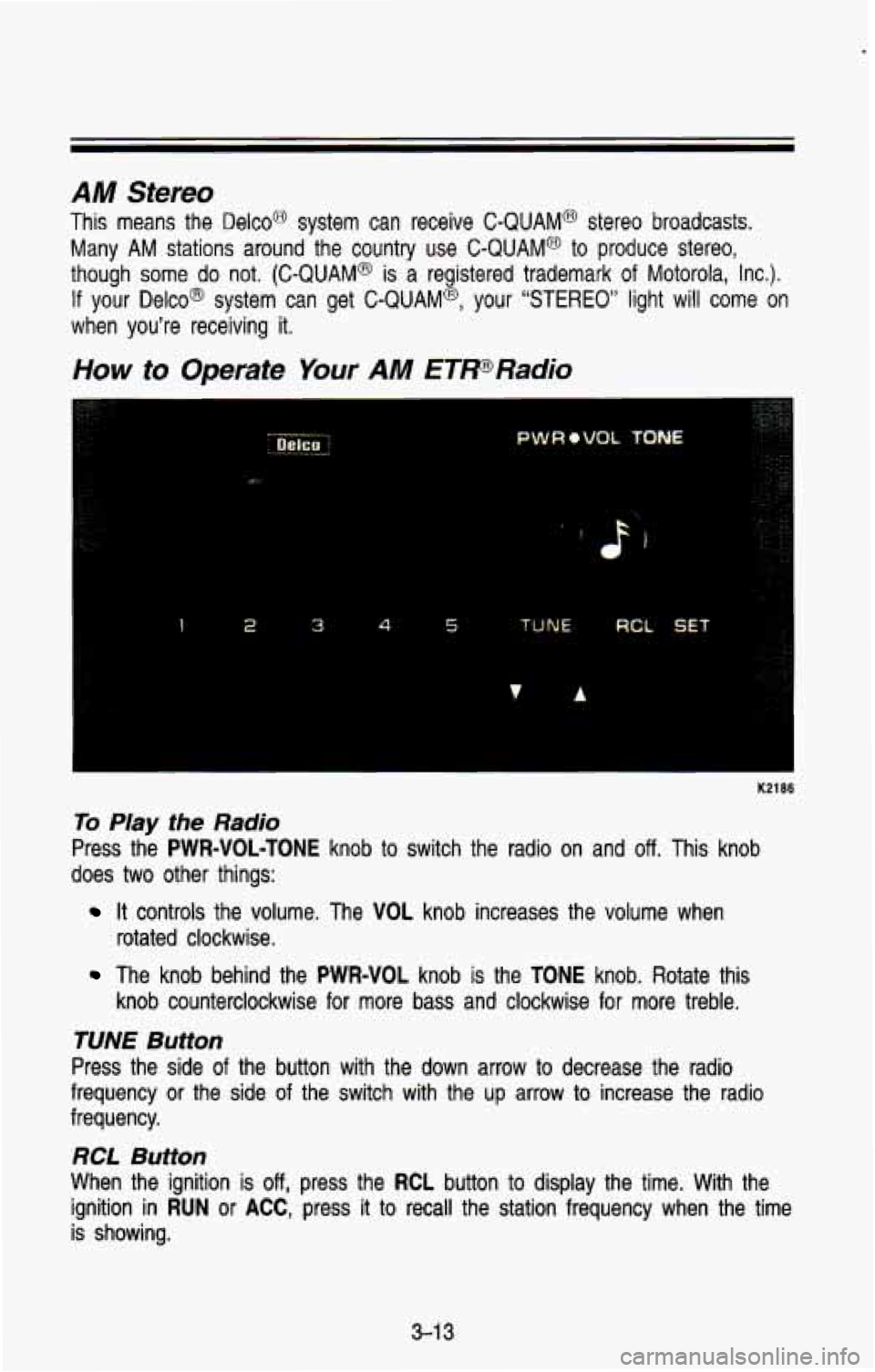
How to Operate Your AM ETPRadio
1 2 3 4 5 TUNE RCL SET
K2186
To Play the Radio
Press the PWR=VOL-TONE knob to switch the radio on and off. This knob
does
two other things:
rotated clockwise.
It controls the volume. The VOL knob increases the volume when
The knob behind the PWR-VOL knob is the TONE knob. Rotate this
knob counterclockwise for more bass and clockwise for more treb\
le.
RCL Button
When the ignition is off, press the RCL button to display the time. With the
ignition in
RUN or ACC, press it to recall the station frequency when the time
is showing.
3-1 3
Page 160 of 386
and bottom buttons adjusts the front and rear speaker volume, or fade. The
relative balance and fade adjustments are shown on the
VF display.
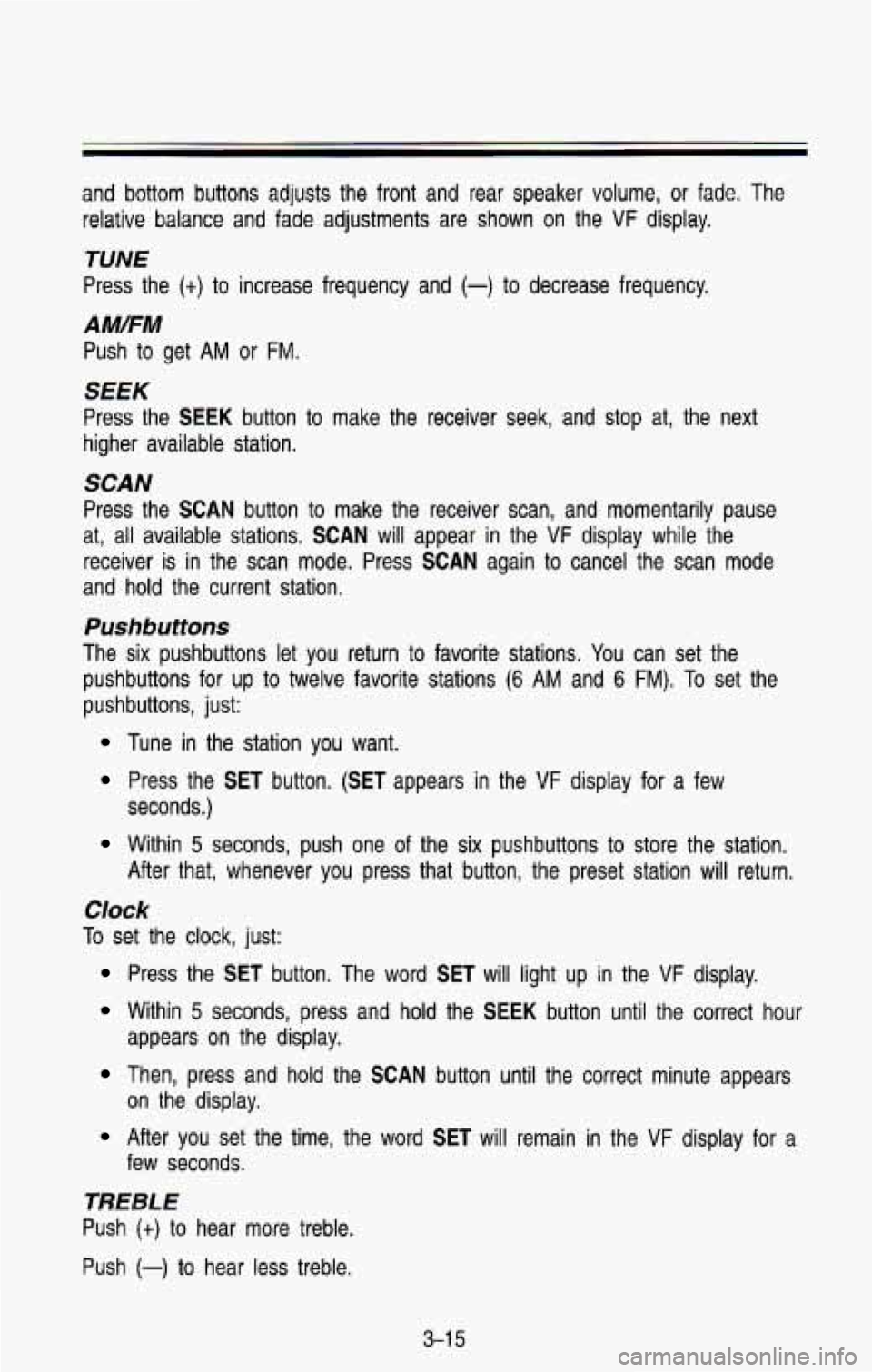
TUNE
Press the (t) to increase frequency and (-) to decrease frequency.
AMFM
Push to get AM or FM.
SEEK
Press the SEEK button to make the receiver seek, and stop at, the next
higher available station.
SCAN
Press the SCAN button to make the receiver scan, and momentarily pause
at, all available stations.
SCAN will appear in the VF display while the
receiver is in the scan mode. Press
SCAN again to cancel the scan mode
and hold the current station,
Pushbuttons
The six pushbuttons let you return to favorite stations. You can set the
pushbuttons for up to twelve favorite stations
(6 AM and 6 FM). To set the
pushbuttons, just:
Tune in the station you want.
Press the SET button. (SET appears in the VF display for a few
seconds.)
Within 5 seconds, push one of the six pushbuttons to store the station.
After that, whenever you press that button, the preset station \
will return.
Clock
To set the clock, just:
Press the SET button. The word SET will light up in the VF display.
Within 5 seconds, press and hold the SEEK button until the correct hour
appears on the display.
Then, press and hold the SCAN button until the correct minute appears
After you set the time, the word SET will remain in the VF display for a
on the display.
few seconds.
TREBLE
Push (t) to hear more treble.
Push
(-) to hear less treble.
3-1 5
Page 163 of 386
Comfort Controls & Audio Systems
TUNE
TO tune in radio stations, push the (t) to increase frequency and (-) to
decrease frequency.
AM/FM
Push to get AM or FM.
SEEK
Press the SEEK button to make the receiver seek, and stop at, the next
higher available station.
SCAN
Press the SCAN button to make the receiver scan, and momentarily pause
at, all available stations.
SCAN will appear in the VF display while the
receiver is in the scan mode. Press
SCAN again to cancel the scan mode
and hold the current station.
Pushbuttons
The six pushbuttons let you return to favorite stations. You can set the
pushbuttons for up to twelve favorite stations
(6 AM and 6 FM). To set the
pushbuttons, just:
Tune in the station you want.
Press the SET button. (SET appears in the VF display for a few
seconds.)
Within 5 seconds, push one of the six pushbuttons to store the station.
After that, whenever you press that button, the preset station \
will return.
Clock
To set the clock, just:
Press the SET button. The word SET will light up in the VF display.
Within 5 seconds, press and hold the SEEK button until the correct hour
appears on the display.
Then, press and hold the SCAN button until the correct minute appears
After you set the time, the word SET will remain in the VF display for a
on
the display.
few seconds.
Tone
To adjust the tone of this radio combination, see the instructions for the
graphic equalizer tape deck.
3-1 8
Page 377 of 386
INDEX
C
Capacities and Specification Charts
......................................... 6-68
Carbon Monoxide
................. 2.7. 2.28.
Cassette Tape Player
Catalytic Converter
...................... 6-45
Certificationnire Label
................. 6-46
Changing a Flat Tire
......... 5.16. 5-20
Chemical Paint Spotting
.............. 6-63
Child Restraints 2.29. 4.55.
4-61
(See “Audio Systems”)
(See “Safety Belts”)
Cigarette LightedAshtrays
........... 2-55
Circuit Breakers (See “Fuses”)
Cleaning Finish Care
................................ 6-61
Glass
.......................................... 6.60
Inside of Vehicle
....................... 6-58
Instrument Panel. Top
............. 6-60
Outside of Vehicle
.................... 6-61
Special Problems
...................... 6-59
Vinyl
or Leather ........................ 6-60
Wheels and Tires
..................... 6-62
Windshield
................................ 6-60
Comfort Controls
............................ 3-2
Console
Floor
.......................................... 2-56
Overhead
.................................... 2.58
Convenience Net
.......................... 2-80
Coolant (See “Engine”)
Cooling System Capacity
............ 6-68
Crankcase Capacity
...................... 6-69
Cruise Control
............................... 2-41
Increase Speed
......................... 2-43
OnHills
........................................ 2-45
Clock
.................................... 3-15
3-18
Passing
...................................... 2-45
Reduce Speed
.......................... 2-44
Resume
..................................... 2-43
Set
.............................................. 2-42
ToGet Out Of
............................. 2-45 Cup Holder
................................... 2-57
Customer Assistance for the
Hearing
or Speech Impaired .... 8-3
Customer Satisfaction Procedure 8-2
D
(Canada Only) ............................... 2-47
Daytime Running Lights
Indicator Light
............... 2.47. 2-73
Dome Lights
................................. 2-48
Doors
............................................... 2-5
Panel
............................................ 2-9
Across an Incline
........... 4-31 . 4-32
After Off-Road Driving
............ 4-34
At Night ..................................... 4-35
Braking
...................................... 4-13
Control
of A Vehicle ................. 4-13
Defensive
..................................... 4-9
Downhill
..................................... 4-30
Freeway
..................................... 4-43
Guidelines
.................................. 4-24
High Beams
.............................. 4-36
Highway Hypnosis
................... 4-46
Hydroplaning
............................. 4-38
In Blizzard
................................. 4-55
In City
....................................... 4-42
In Fog. Mist and Haze .4.40. 4-41
In Rain
............................ 4.37. 4-39
In Sand. Mud. Ice.
Or Snow ..................... 4.33. 5-31
In Water
.................................... 4-34
Long Distance
.......................... 4-44
Loss of Control
........................ 4-23
Night Vision
.............................. 4-35
Off -Roading ............................... 4-24
On Curves
................................. 4-18
On Grades
................................. 4.62
On Hill and Mountain Roads
. 4-47
On Off-Road Hills
.................... 4-27
On Snow
or Ice ....................... 4-53
Passing
............................ 4-21 . 4-61
Locks
............................................ 2-6
Driving
9-2