Page 164 of 386
AmSt
The AmSt button is just below the PWR button. Push this when you tune to
an AM station that broadcasts
in stereo. Your STEREO light will come on
when you’re receiving AM stereo.
If you push AmSt and there is no more
noise, it means the station is weak. You’ll hear the station better
if you don’t
use
AmSt. Just push the AmSt button again to cancel stereo.
NOTE: Your Delco system may be able to receive C-QUAM@ stereo
broadcasts. Many AM stations around the country use
C-QUAM@ to produce
stereo, though some
do not. C-QUAM@ is a registered trademark of Motorola
Inc.
If your Delco system can get C-QUAM@ signals, your STEREO light will
come on when you are receiving stereo.
Cassette Deck with Graphic Equalizer
I
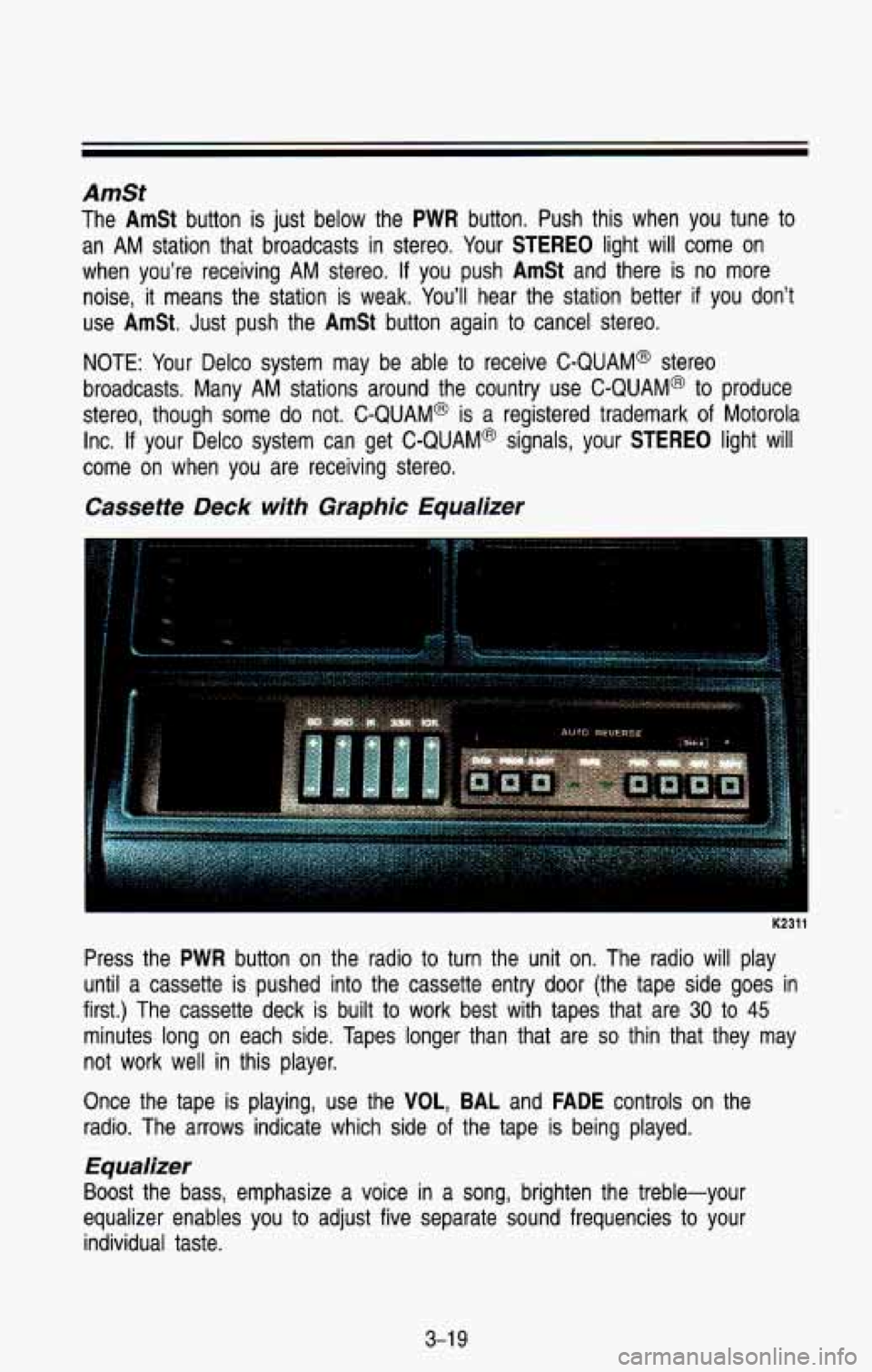
Press the PWR button on the radio to turn the unit on. The radio will play
until a cassette is pushed into the cassette entry door (the tape \
side goes in
first.) The cassette deck is built
to work best with tapes that are 30 to 45
minutes long on each side. Tapes longer than that are so thin that they may
not work well in this player.
Once the tape is playing, use the
VOL, BAL and FADE controls on the
radio. The arrows indicate which side
of the tape is being played.
1
Equalizer
Boost the bass, emphasize a voice in a song, brighten the treble-your
equalizer enables you
to adjust five separate sound frequencies to your
individual taste.
3-1 9
Page 165 of 386

Comfort Controls & Audio Systems
Press (+) to emphasize a frequency, press (-) to de-emphasize it. It’s best
to begin with all the controls in the middle position, then adjust each control
as you like. Observe the
VF display for relative emphasis.
Cr02
This button sets tape bias. When playing high bias chrome or metal tapes,
press
Cr02 (the light in the button will come on). When playing standard
tapes, press the button again (the light will go out).
PROG
To go from one side of the tape to the other, press the PROG button.
Observe the lighted arrows to determine which side of the tape is being
played.
If a tape is inserted with side “1” (or “A”) up, then the up arrow means that
that side is being played. Likewise, a down arrow would indica\
te that side
“2”
(or “By) had been selected. The player will automatically switch to the other
side of the tape when the first side ends.
EJECT
Press EJECT to eject the cassette tape from the player (the radio will t\
hen
play.)
FWD
To rapidly advance the tape, press FWD. The light in the button will be lit
and the tape
will rapidly advance until you press the REV button lightly.
SEEK
To search for the next selection on the tape, forward or back, p\
ress SEEK
(the light in the SEEK button will be lit) and either FWD or REV. For the
seek mode
to stop, there must be at least a 4-second gap between
selections on the tape.
REV
To rapidly reverse the tape, press REV. The light in the button will be lit and
the tape will rapidly reverse until you press the
FWD button lightly.
REPT
Press REPT to repeat the currently playing selection on the tape. For the\
repeat to stop, there must be at least a 4-second gap between selections\
.
3-20
Page 166 of 386
Care of Your Cassette Tape PIayer
A tape player that is not cleaned regularly can cause reduced sound quality,
ruined cassettes, or a damaged mechanism, Cassette tapes should be stored
in their cases away from contaminants, direct sunlight, and extreme\
heat.
If
they aren’t, they may not operate properly or cause failure \
of the tape player.
Your tape player should be cleaned regularly each month or after
15 hours of
use. If you notice a reduction in sound quality, try a known good cassette to
see
if the tape or the player is at fault. If this other cassette has no
improvement in sound quality, clean the tape player.
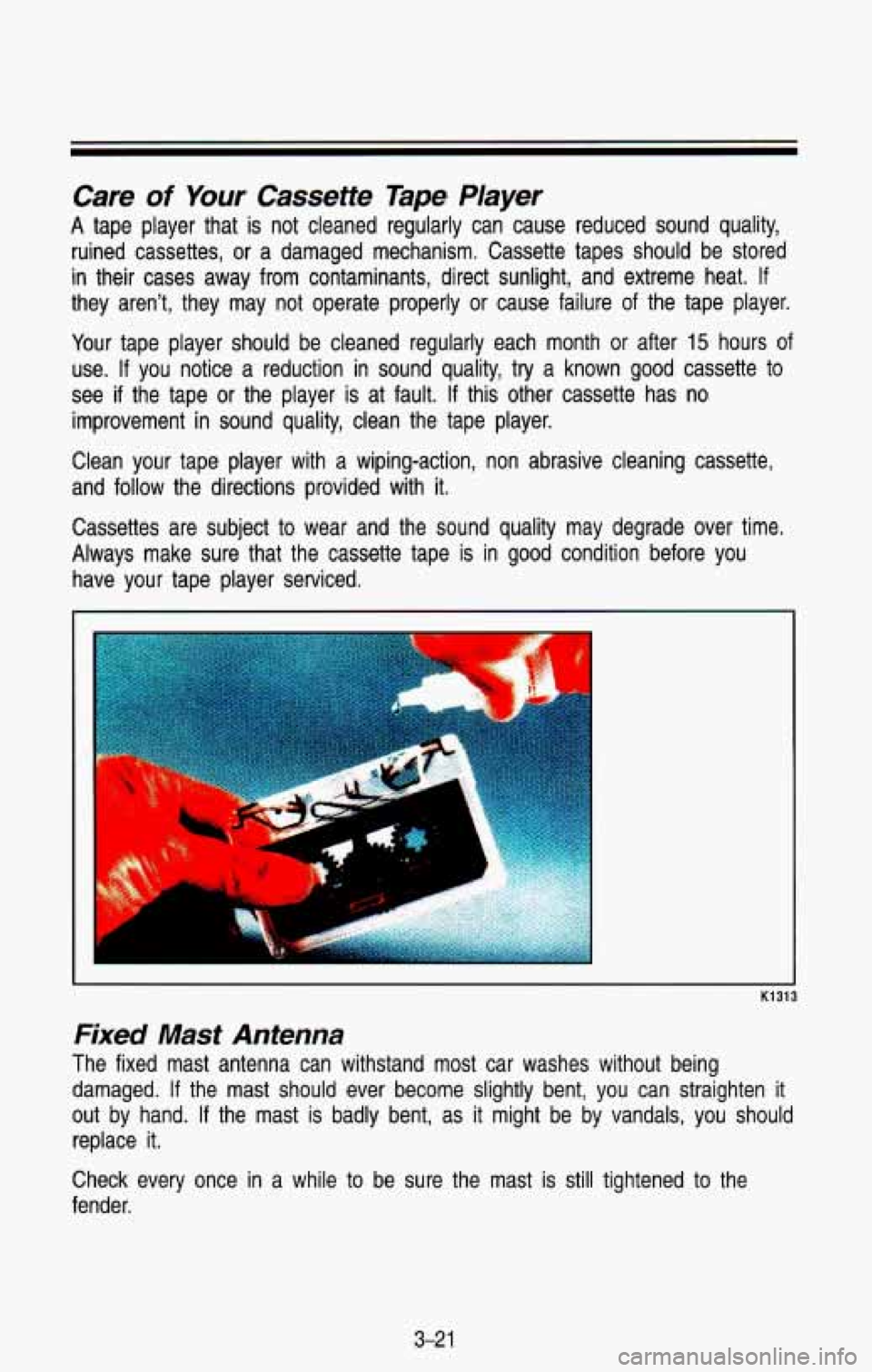
Clean your tape player with a wiping-action, non abrasive clean\
ing cassette,
and follow the directions provided with it.
Cassettes are subject to wear and the sound quality may degrade over time.
Always make sure that the cassette tape is in good condition \
before you have your tape player serviced.
K1313
Fixed Mast Antenna
The fixed mast antenna can withstand most car washes without b\
eing
damaged.
If the mast should ever become slightly bent, you can straighten \
it
out by hand. If the mast
is badly bent, as it might be by vandals, you should
replace it.
Check every once in a while to be sure the mast is still tightened to the
fender.
3-2 1
Page 174 of 386
Traffic Lights
I
I I
AM402014
We’re all familiar with traffic lights or stop lights. Often green arrows\
are
being used in the lights for improved traffic control. On some multilane roads,
green arrows light up, indicating that traffic in one or more lanes can move or
make a turn. Green arrows don’t mean “go no matter what,” You’ll still need
to proceed with caution, yielding the right of way to pedestrians and
sometimes to other vehicles.
Some traffic
lights also use red arrows to signify that you must stop before
turning on red.
REVERSIBLE
LANE
ON
ROADWAY MULTI-LANE
AM402015
Many city roads and expressways, and even bridges, use reversib\
le-lane
traffic control during rush hours.
A red X light above a lane means no driving
in that lane at that time.
A green arrow means you may drive in that lane.
Look for the signs posted to warn drivers what hours and days these
systems are in effect.
4-7
Page 175 of 386
Pavement Markings
NO PASSING ZONE
AM40201 6
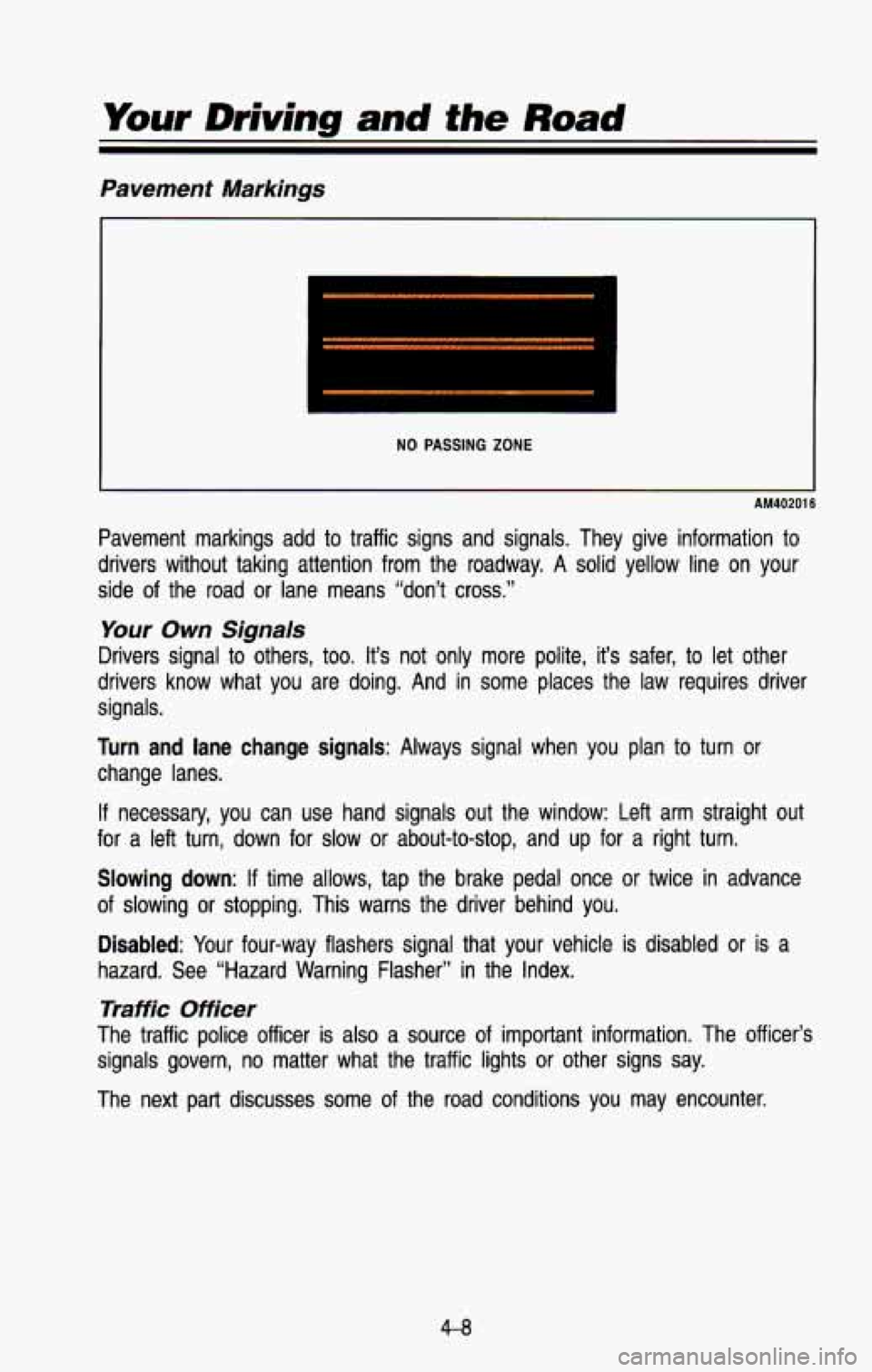
Pavement markings add to traffic signs and signals. They give information to
drivers without taking attention from the roadway. A solid yell\
ow line on your
side of the road or lane means “don’t cross.”
Your Own Signals
Drivers signal to others, too. It’s not only more polite, it’s safer, to let other
drivers know what you are doing. And in some places the law requires driver
signals.
Turn and lane change signals: Always signal when you plan to turn or
change lanes.
If necessary, you can use hand signals out the window: Left arm straight out
for
a left turn, down for slow or about-to-stop, and up for a right\
turn.
Slowing down: If time allows, tap the brake pedal once or twice in advance
of slowing or stopping. This warns the driver behind you.
Disabled: Your four-way flashers signal that your vehicle is disabled or \
is a
hazard. See “Hazard Warning Flasher” in the Index.
Traffic Officer
The traffic police officer is also a source of important information. The officer’s
signals govern, no matter what the traffic lights or other signs say. \
The next part discusses some of the road conditions you may e\
ncounter.
4-8
Page 178 of 386
AM407001
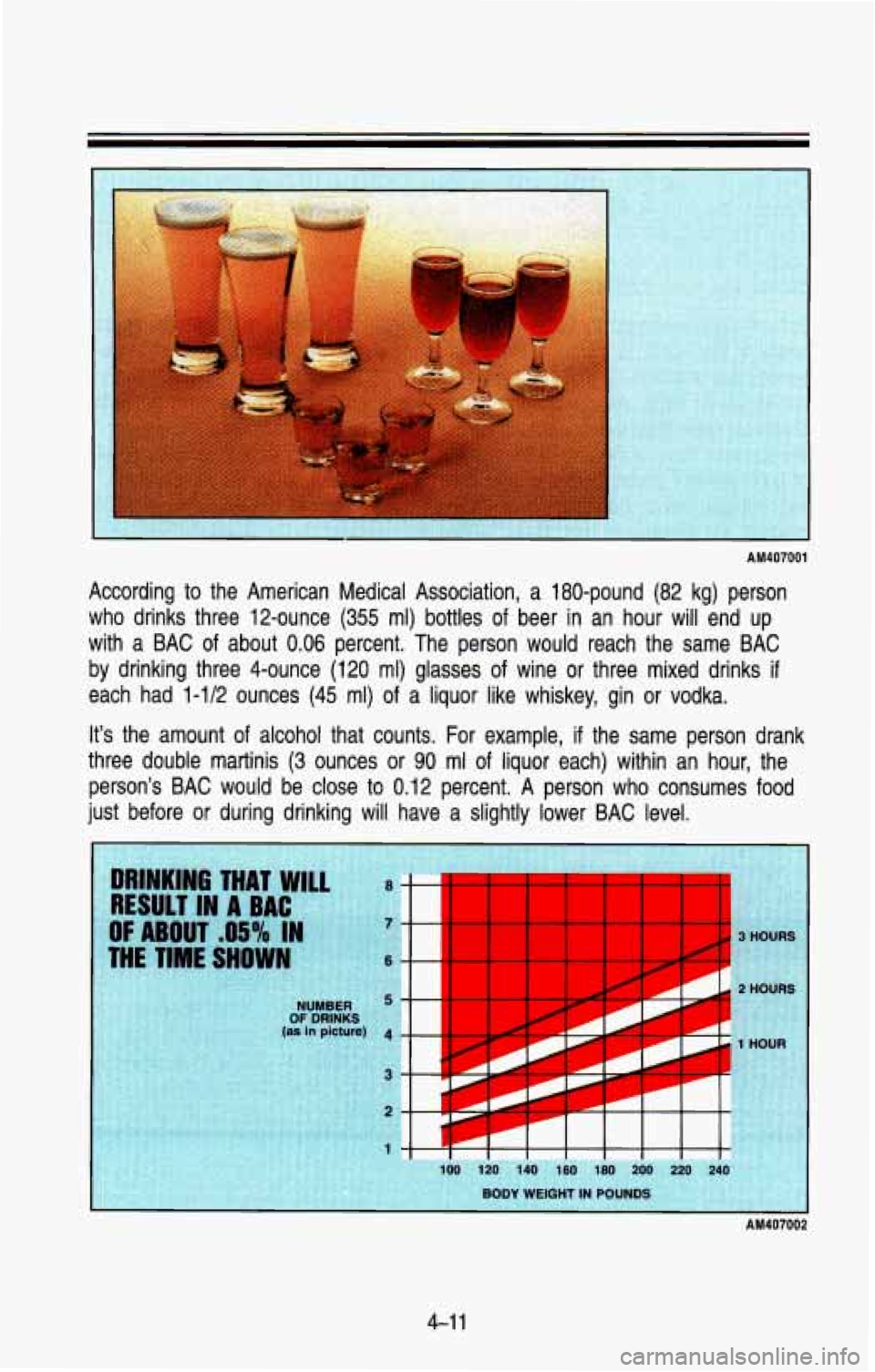
According to the American Medical Association, a 180-pound (82 kg) person
who drinks three 12-ounce
(355 ml) bottles of beer in an hour will end up
with a BAC
of about 0.06 percent. The person would reach the same BAC
by drinking three 4-ounce (120 ml) glasses of wine or three mixed drinks
if
each had 1-1/2 ounces (45 ml) of a liquor like whiskey, gin or vodka.
It’s the amount of alcohol that counts. For example,
if the same person drank
three double martinis
(3 ounces or 90 ml of liquor each) within an hour, the
person’s BAC would be close to 0.12 percent. A person who \
consumes
food
just before or during drinking will have a slightly lower BAC \
level.
HOUR
AM407002
4-1 1
Page 181 of 386

Your Driving and the Road
Most drivers treat their brakes with care. Some, however, overw\
ork the
braking system with poor driving habits.
Avoid needless heavy braking, Some people drive in spurts-heavy \
acceleration followed by heavy braking-rather than keeping pace \
with
traffic. This is a mistake. Your brakes may not have time to
cool
between hard stops. Your brakes will wear out much faster if you do a
lot of heavy braking.
Don’t “ride” the brakes by letting your left foot rest\
lightly on the brake
pedal while driving.
AM410001
“Riding” your brakes can cause them to overheat to the p\
oint that
h they won’t work well. You might not be able to stop your vehicle in
time to avoid an accident.
If you “ride” your brakes, they will get so
hot they will require a lot of pedal force to slow you down. Avoid
“riding” the brakes.
‘Riding” the brakes wears them
out much faster. You would need costly
wake replacement much sooner than normal, and it also reduces fuel
mnomy.
NOTICE
If you keep pace with the traffic and allow realistic following d\
istances, you
will eliminate a
lot of unnecessary braking. That means better braking and
longer brake life.
4-1 4
Page 184 of 386
Brake System Warning Light
K2325
This light appears on your instrument cluster to warn you if your regular
braking system needs service. See “Brake System Warning Light\
”
in the
Index.
Disc Brake Wear lndicators
Disc brake pads have built-in wear indicators that make a high\
-pitched
warning sound when the brake pads are worn and new pads are \
needed.
The sound may come and go or be heard all the time your veh\
icle is moving
(except when you are pushing on the brake pedal firmly).
I
CAUTION
The brake wear warning sound means that sooner or later your \
your
brakes won’t work well. That could lead to an accident. When you
hear the brake wear warning sound, have your vehicle serviced. \
I
NOTICE
Continuing to drive with worn-out brake pads could result in costly brakt
repair.
ome driving conditions
or climates may cause a brake squeal when the
brakes are first applied or lightly applied. This does
not mean something is
wrong with your brakes.
4-1 7