Page 86 of 386
Parking Brake
c
K2221
To set the parking brake:
Hold the regular brake pedal down with your right foot. Push \
down the
parking brake pedal with your left foot.
If the ignition is on, the brake system
warning light will come on.
To release the parking brake:
Hold the regular brake pedal down. Pull the lever marked RELEASE.
If you are on a hill:
See “Parking on Hills’’ in the Index. That part shows how to turn your front
wheels.
If you are towing a trailer and are parking on any hill:
See “Towing a Trailer” in the Index. That part shows what to do first to keep
the trailer from moving.
2-23
Page 88 of 386
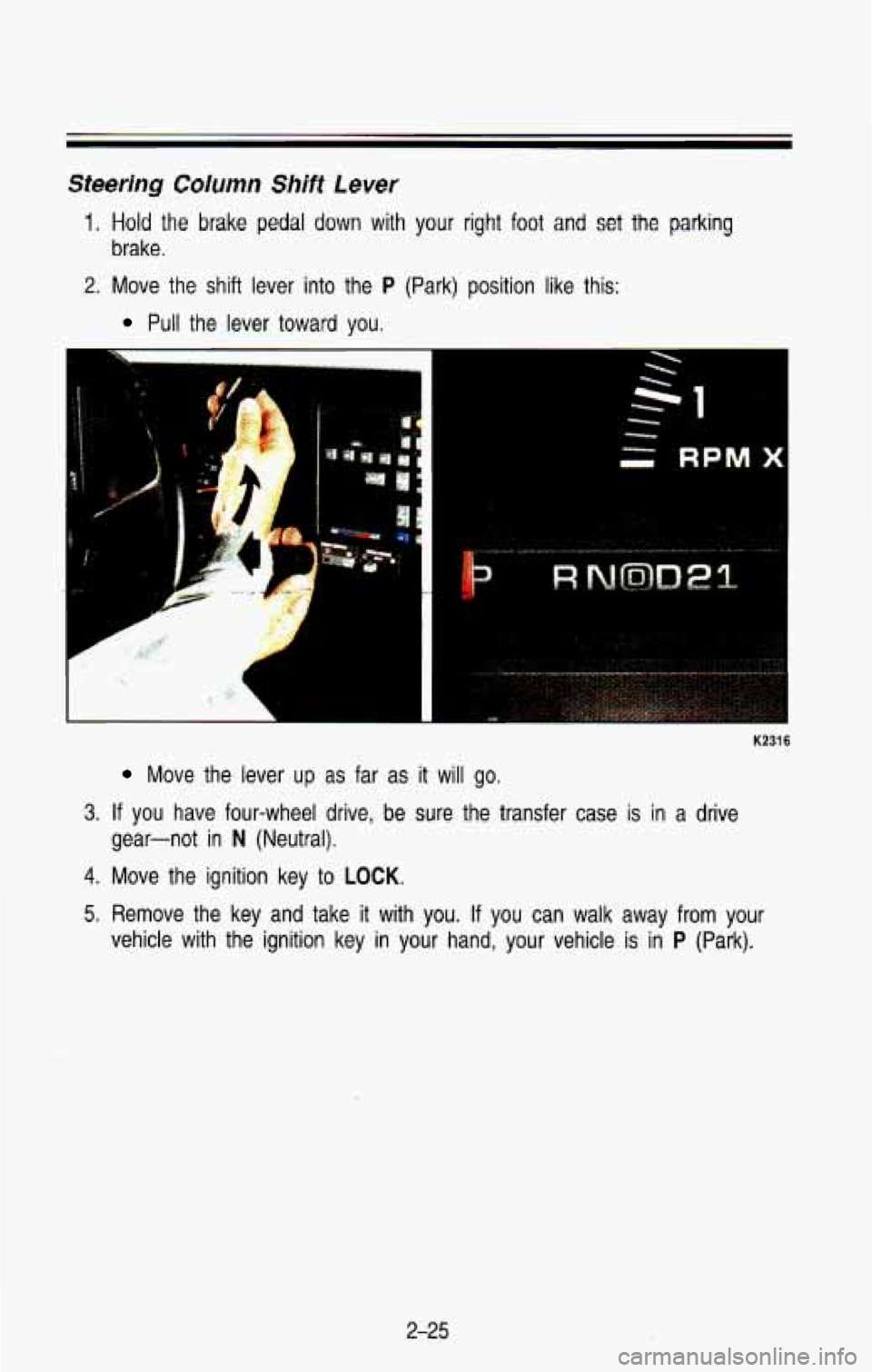
Steering Column Shift Lever
1. Hold the brake pedal down with your right foot and set the parking
brake.
2. Move the shift lever into the P (Park) position like this:
Pull the lever toward you.
K2316
Move the lever up as far as it will go.
3. If you have four-wheel drive, be sure the transfer case is in a drive
gear-not in
N (Neutral).
4. Move the ignition key to LOCK.
5. Remove the key and take it with you. If you can walk away from your
vehicle with the ignition key in your hand, your vehicle is in
P (Park).
2-25
Page 96 of 386
K2364
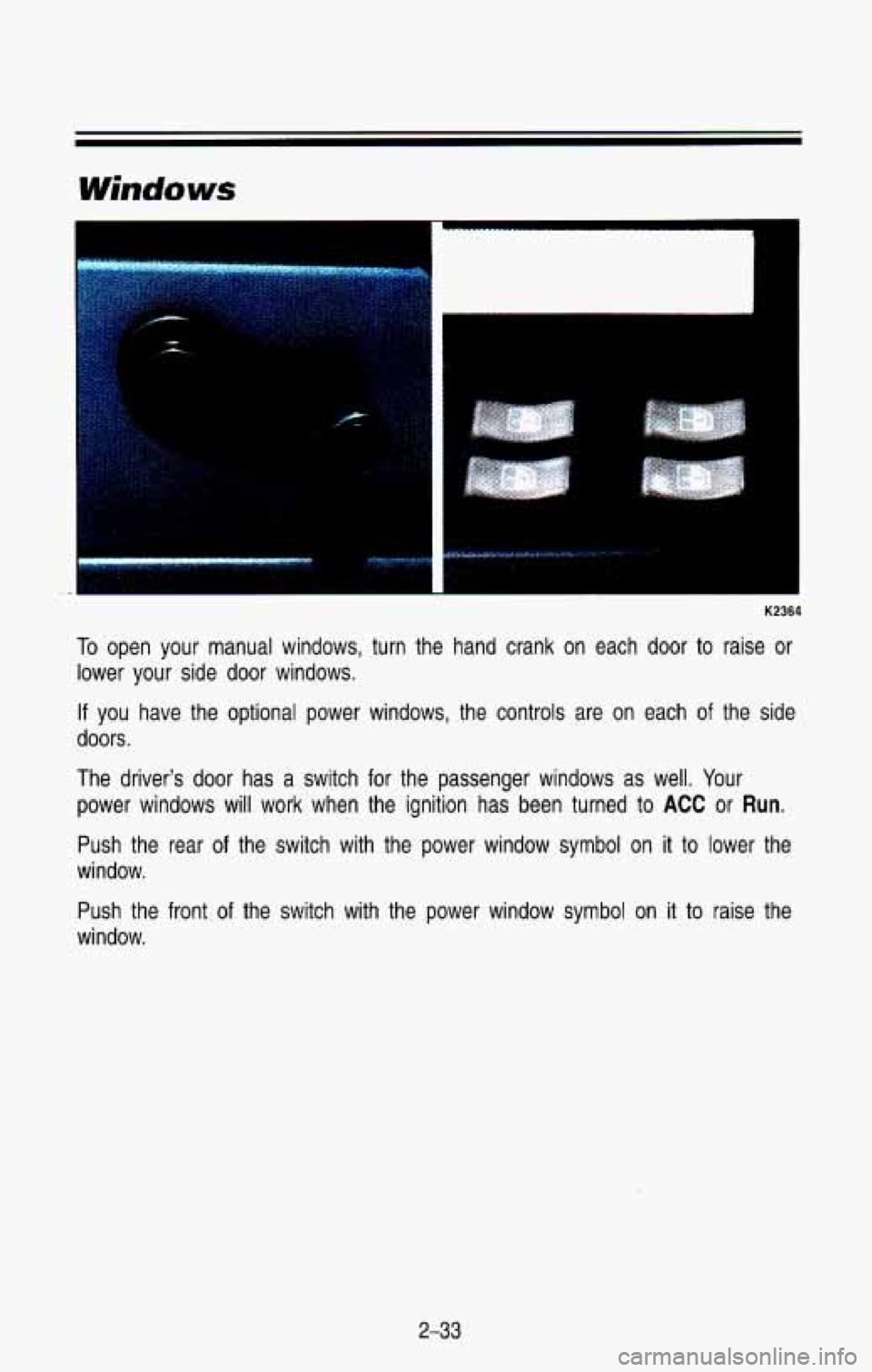
To open your manual windows, turn the hand crank on each door to raise or
lower your side door windows.
If you have the optional power windows, the controls are on each \
of the side
doors
.
The driver's door has a switch for the passenger windows as well. Your
power windows will work when the ignition has been turned
to ACC or Run.
Push the rear of the switch with the power window symbol on it to lower the
window.
Push the front
of the switch with the power window symbol on it to raise the
window.
2-33
Page 108 of 386
2. To slow down in very small amounts, push the button for less than half
a second. Each time you do this, you'll
go about 1 mph (1.6 kmlh)
slower.
Passing Another Vehicle While Using Cruise Control
Use the accelerator pedal to increase your speed. When you take your foot
off the pedal, your vehicle will slow down to the Cruise Control \
speed you set
earlier.
Using Cruise Control on Hills
How well your Cruise Control will work on hills depends upon your speed,
load, and the steepness of the hills. When going up steep hil\
ls, you may
have to step on the accelerator pedal to maintain your speed. When going
downhill, you may have to brake or shift to
a lower gear to keep your speed
down. Of course, applying the brake takes you out of Cruise Control. Many
drivers find this to be
too much trouble and don't use Cruise Control on
steep hills.
To Get Out of Cruise Control
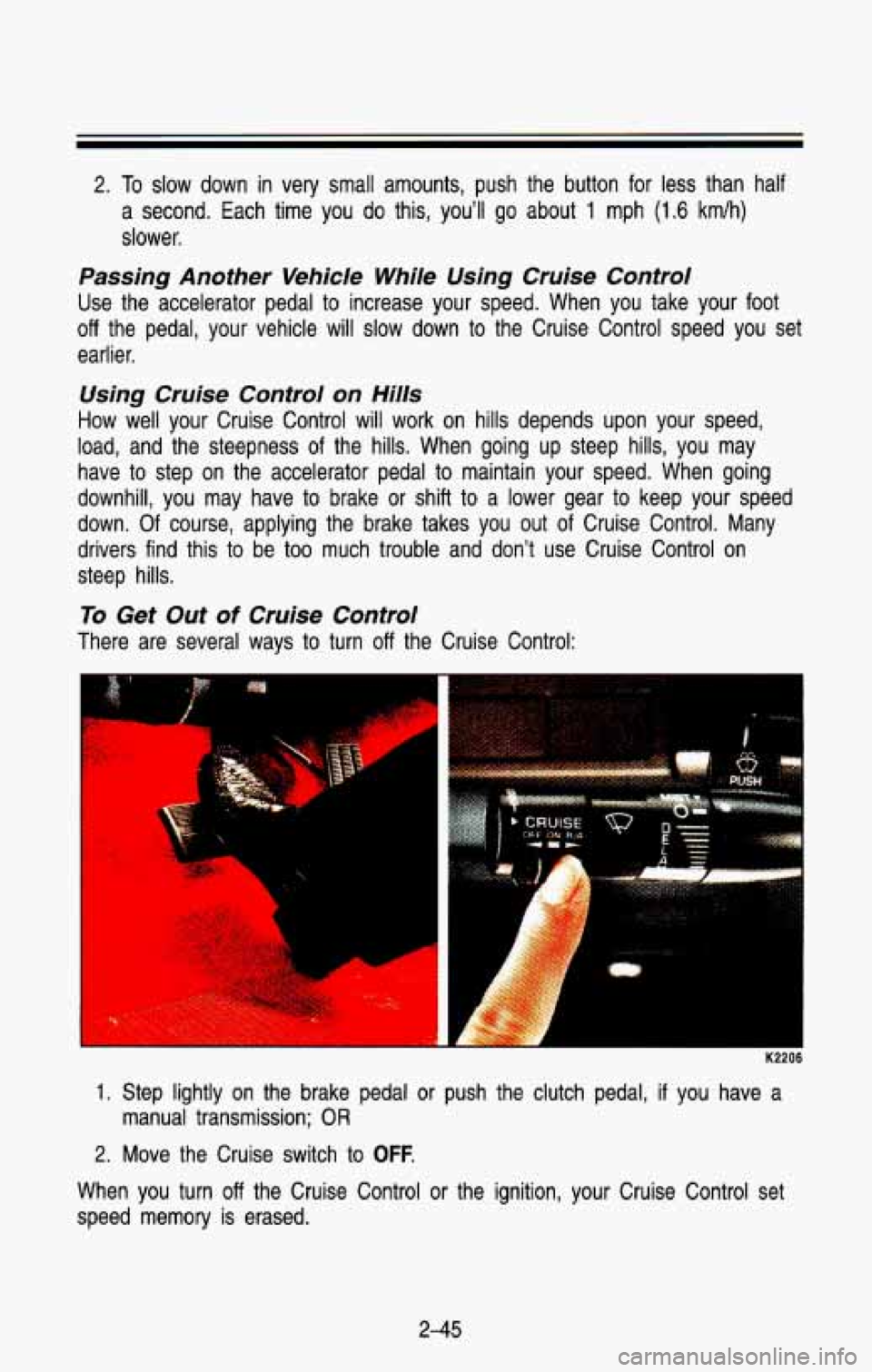
There are several ways to turn off the Cruise Control:
.Y ..
1. Step lightly on the brake pedal or push the clutch pedal, if you have a
manual transmission; OR
2. Move the Cruise switch to OFF.
When you turn off the Cruise Control or the ignition, your Cruise Control set
speed memory is erased.
2-45
Page 110 of 386
Push the right side of the switch with the 0 symbol on it to turn off your
lights.
Turn the dial at the right of the headlight switch
to adjust interior lights.
Turning the dial all the way up turns on the interior lights.
You can switch your headlights from low beam
to high by pulling the
multifunction lever toward you.
To return the headlights to low beam, pull the
lever again.
A circuit breaker protects your headlights from electrical overload\
. If you have
an electrical overload, your headlights will flicker on and
off. If this ever
happens, have your headlight wiring checked right away.
Headlights-On Reminder
A buzzer will sound when your headlights are turned on and your ignition is
in
Off, LOCK or Acc.
Daytime Running Lights (DRL) Indicator Light (Canada Only)
K2318
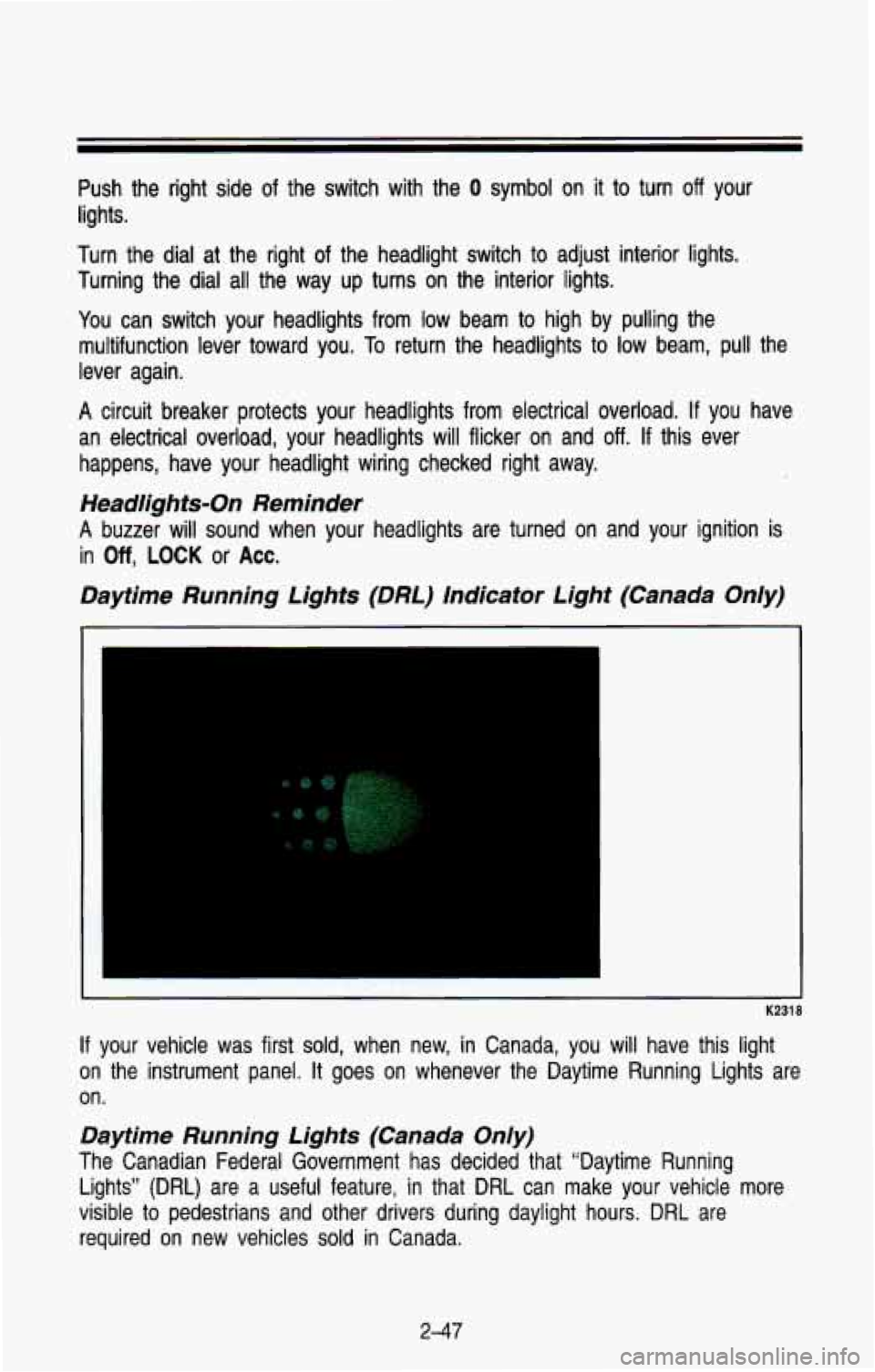
If your vehicle was first sold, when new, in Canada, you will have this light
on the instrument panel.
It goes on whenever the Daytime Running Lights are
on.
Daytime Running Lights (Canada Only)
The Canadian Federal Government has decided that “Daytime Run\
ning
Lights”
(DRL) are a useful feature, in that DRL can make your vehicle more
visible
to pedestrians and other drivers during daylight hours. DRL are
required
on new vehicles sold in Canada.
2-47
Page 111 of 386

Features & Controls
The high beam headlights will come on at reduced brightness in\
Daylight
when:
The ignition is on
The headlight switch is off, and
The parking brake is released
When you turn on your headlights, the DRL will switch
off and the exterior
lights come on. When you turn
off the headlights, the exterior lights will go
out and the high beams
will change to the reduced brightness of DRL again.
The DRL indicator light on the instrument panel will go on wh\
enever the DRL are
on. This light means that only the DRL are on. When you turn on your
exterior lights, this light will go out.
Of course, you may still turn on the
headlights any time you need to.
To idle your vehicle with the DRL
off, set the parking brake. The DRL will
stay off until you release the parking brake.
Dome Lights
The dome lights will come on when you open the doors or tailgate. You can
also turn the dome lights on by turning the interior light dimmer dial on the
headlight switch all the way
up until it clicks.
K2360
You can use the dome lamp switch, located below the headlight swit\
ch, to set
the
dome lamps to come on automatically or remain off. To turn the lights off,
just press the side of the switch marked OFF. To return the lights to
automatic operation, press the side marked
AUTO.
2-48
Page 131 of 386
Features & Controls
Do not operate the engine with the tachometer in the red area, or engine
damage may occur.
Damage
to your engine or vehicle caused by operating the engine in the
red area isn’t covered by your vehicle warranty.
Warning Lights, Gages and lndicafors
This part describes the warning lights and gages that are on \
your vehicle.
The pictures will help you locate them.
Warning lights and gages can signal that something is wrong be\
fore it
becomes serious enough
to cause an expensive repair or replacement. Paying
attention to your warning lights and gages could also save you or others from
injury.
Warning lights go on when there may be or is a problem with one of your
vehicle’s functions.
As you will see in the details on the next few pages,
some warning lights come on briefly when you turn the ignition\
key just
to let
you know they’re working.
If you are familiar with this part, you should not be
alarmed when this happens.
Gages can indicate when there may be
or is a problem with one of your
vehicle’s functions. Often gages and warning lights work together to let you
know when there’s
a problem with your vehicle.
When one of the warning lights comes on and stays on when you are
driving, or when one of the gages shows there may be a problem, check the
part that tells you what to
do about it. Please follow the manual’s advice.
Waiting
to do repairs can be costly-and even dangerous. So please get to
know your warning lights and gages. They’re a big help.
2-68
Page 134 of 386
Charging System Light
1
K2328
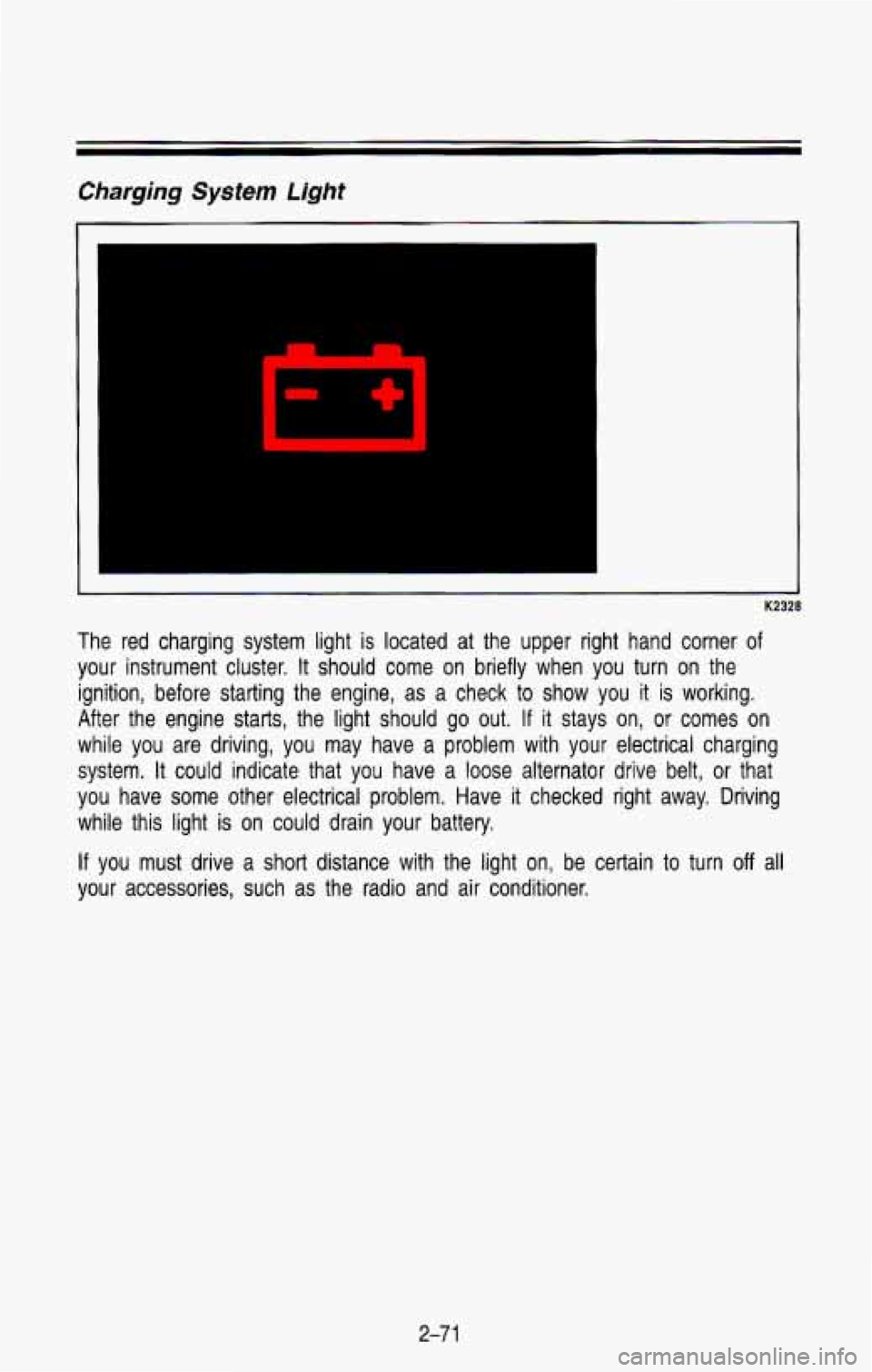
The red charging system light is located at the upper right hand corner of
your instrument cluster. It should come on briefly when you turn on the
ignition, before starting the engine, as a check
to show you it is working.
After the engine starts, the light should go out.
If it stays on, or comes on
while you are driving, you may have a problem with your elect\
rical charging
system. It could indicate that you have a loose alternator drive belt, or that
you have some other electrical problem. Have it checked right away. Driving
while this light is on could drain your battery.
If you must drive a short distance with the light on, be certain to turn off all
your accessories, such as the radio and air conditioner.
2-7 1