Page 145 of 407
Downloaded from www.Manualslib.com manuals search engine while you are driving, the computer is indicating that you have a problem.
You should take your vehicle in for service soon.
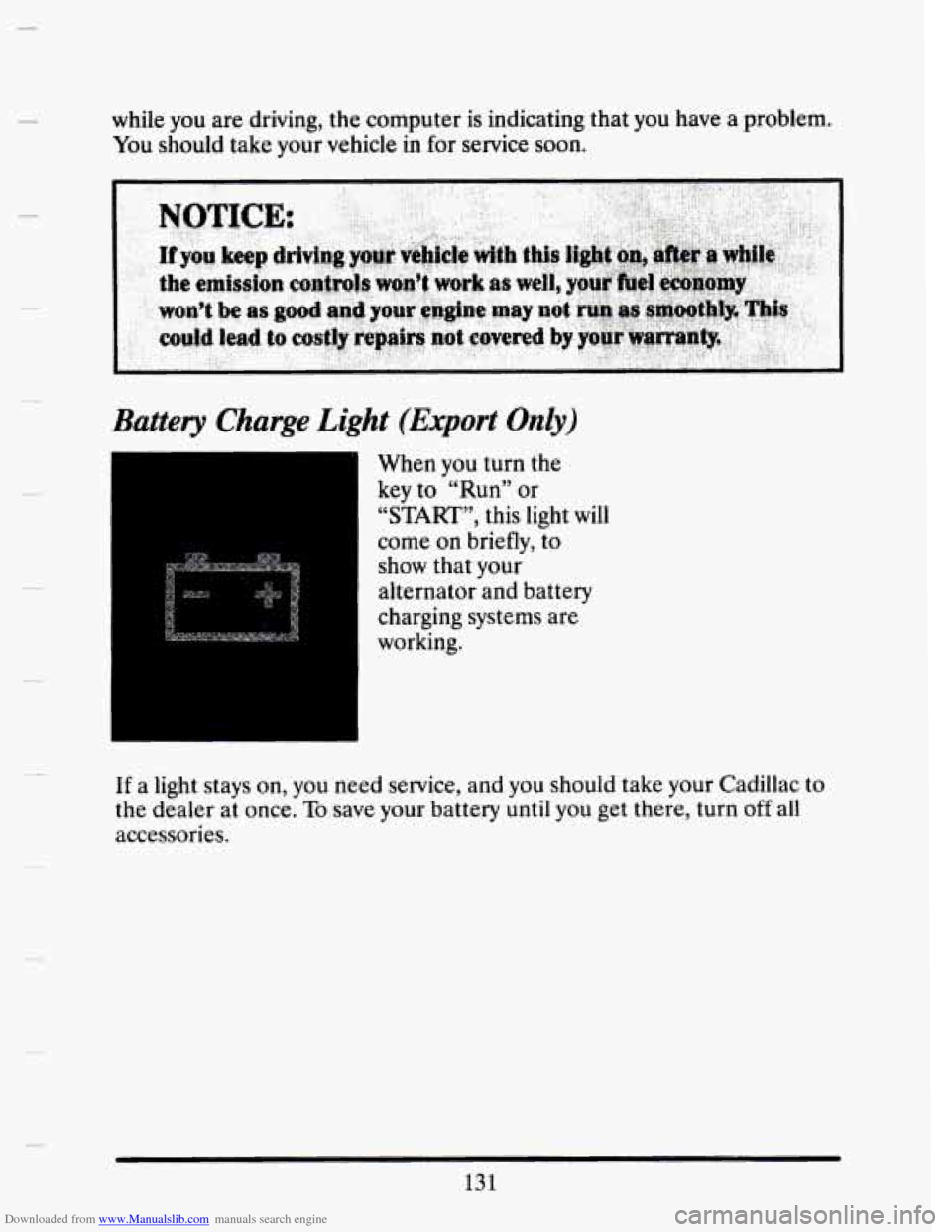
Battery Charge Light (Export Only)
I 1 When you turn the
key to “Run” or
“START”, this light
will
come on briefly, to
show that your
alternator and battery
charging systems are
working.
If a light stays
on, you need service, and you should take your Cadillac to
the dealer at once. To save your battery until you get there, turn off all
accessories.
131
Page 152 of 407
Downloaded from www.Manualslib.com manuals search engine BATTERY VOLTS HIGH
This message shows that the electrical charging system is overcharging,
(more than 16 volts). To avoid being stranded have the electrical system
checked by your Cadillac dealership at your earliest convenience. You can
reduce the charging overload
by using the accessories. Turn on the lights,
radio, set the Climate Control on
“AUTO” and the fan speed on “HI”
and turn the rear window defogger on. You can monitor battery voltage
on the Driver Information Center by toggling the “INFORMATION”
button. When the engine is running, the normal range
is 11.5 to 15.5
volts.
c
BATTERY VOLTS LOW
This message will appear when the electrical system is charging less than
10 volts, or if the battery has been drained. If this message appears
immediately after starting it is possible that the generator can still
recharge the battery. The battery should recharge after driving a few
miles and the message should go out. If this message appears while
driving or after starting your vehicle and stays on, have it checked
immediately to determine the cause
of this problem. To help the
generator recharge the battery quickly,
you can reduce the load on the
electrical system by turning
off your accessories. You can monitor battery
voltage on the Driver Information Center by toggling the
“INFORMATION’’ button. The normal range is
11.5 to 15.5 volts.
CHANGE TRANS FLUID (Northstar Only)
This message will appear when it is time to replace the transaxle fluid.
See your maintenance booklet
for the proper fluid and change intervals.
CHECK BRAKE FLUID
This message is displayed to inform the driver that the brake reservoir
fluid level is low. Check the brake reservoir level and add as needed.
Have the brake system serviced by a Cadillac technician as soon as
possible.
If the brake warning light is on, follow the directions in that
section.
CHECK COOLANT LEVEL (Northstar Only)
This message will appear when there is a low level of engine coolant.
Have the cooling system serviced by a Cadillac technician as soon as
possible.
138
I
. -’
L
c
Page 154 of 407
Downloaded from www.Manualslib.com manuals search engine LOW A/C REFRIGERANT - SERVICE A/C SOON
This message will appear when the A/C refrigerant is so low that it no
longer can cool well. This message shows that some of the refrigerant has
leaked out
of the system, and that the A/C needs recharging. If you do
not have it recharged, the system may not cool at all.
CHECK WASHER FLUID
This message shows that the washer fluid reservoir is nearly empty.
REDUCE ENGINE POWER (Northstar Only)
This message will appear if the engine starts to cut cylinders to reduce
power.
If this message is ever displayed, have your vehicle serviced as
soon as possible.
SERVICE A/C SYSTEM A/C COMPRESSOR OFF
This message appears when the electronic sensors that control the A/C
and heating system are
no longer working. You may notice a drop in
heating and A/C efficiency when this message appears. Have your
Climate Control system serviced
if this message appears.
STARTING DISABLED DUE TO THEFT SYSTEM REMOVE
IGNITION KEY
This message will appear when the Personalized Automotive Security
System (PASS
Key I1 TM ) senses that an improper ignition key is being
used to try to start
the vehicle. Check the ignition key for damage. If it is
damaged,
it may need to be replaced. If you see no damage, clean the
pellet contacts with a soft cloth
or napkin. Remove the ignition key and
wait for
the Driver Information Center to display “WAIT 3 MINUTES”.
The Instrument Panel Cluster will then run a timer and change the
messages to “WAIT 2 MINUTES”, “ WAIT 1 MINUTE”, and then
“START CAR”. When the “START CAR” message is displayed, try again
to start the engine.
d
c
t.
c
U
I
u
SERVICE NOW - REFER TO OWNERS MANUAL
This message appears if you have a problem with the Electronic Control
Module (ECM).
To correct this problem have your vehicle serviced at
your Cadillac dealership.
140