1993 CADILLAC FLEETWOOD Radio
[x] Cancel search: RadioPage 160 of 386
Downloaded from www.Manualslib.com manuals search engine The upper knob
The upper knob does these four things:
It turns the radio on and off.
n
It controls the volume.
Volume level automatically adjusts to compensate for road and wind
noise as your driving your Cadillac. Adjust the volume
to the listening
level you want at any time. Then as you drive the volume
will change
to match the noise present at any particular speed. The volume should
always sound close to the same level to you as you drive.
It lets you see what station you have. (When the radio is on, push the 'k
knob to display the station.)
i9
n
U
r
It tells you the time. (When the ignition is off, push the upper knob to
display the time.)
1. >
Behind the upper knob is a balance control. It moves the sound between
the left and right speakers.
f---
7
u
The lower knob
Turn the lower knob to choose radio stations. Push the knob to switch
from
AM to FM.
The control behind the lower knob moves the sound between your front -
and rear speakers. 'I i
SCAN n I
When you pash this switch either up or down, the SCAN indicator in the
display will light and the radio will find the next station and stay there for
5 to 10 seconds. Then it will go to the next station and pause, and keep
doing that. When you want it to stop, just push either the SCAN switch
2, I
again or the upper knob. I
SEEK
This switch chooses stations, but it doesn't keep moving as SCAN does.
When you push
SEEK up or down, the radio will automatically go to the
next strongest station and stay there.
_a
146
Page 162 of 386
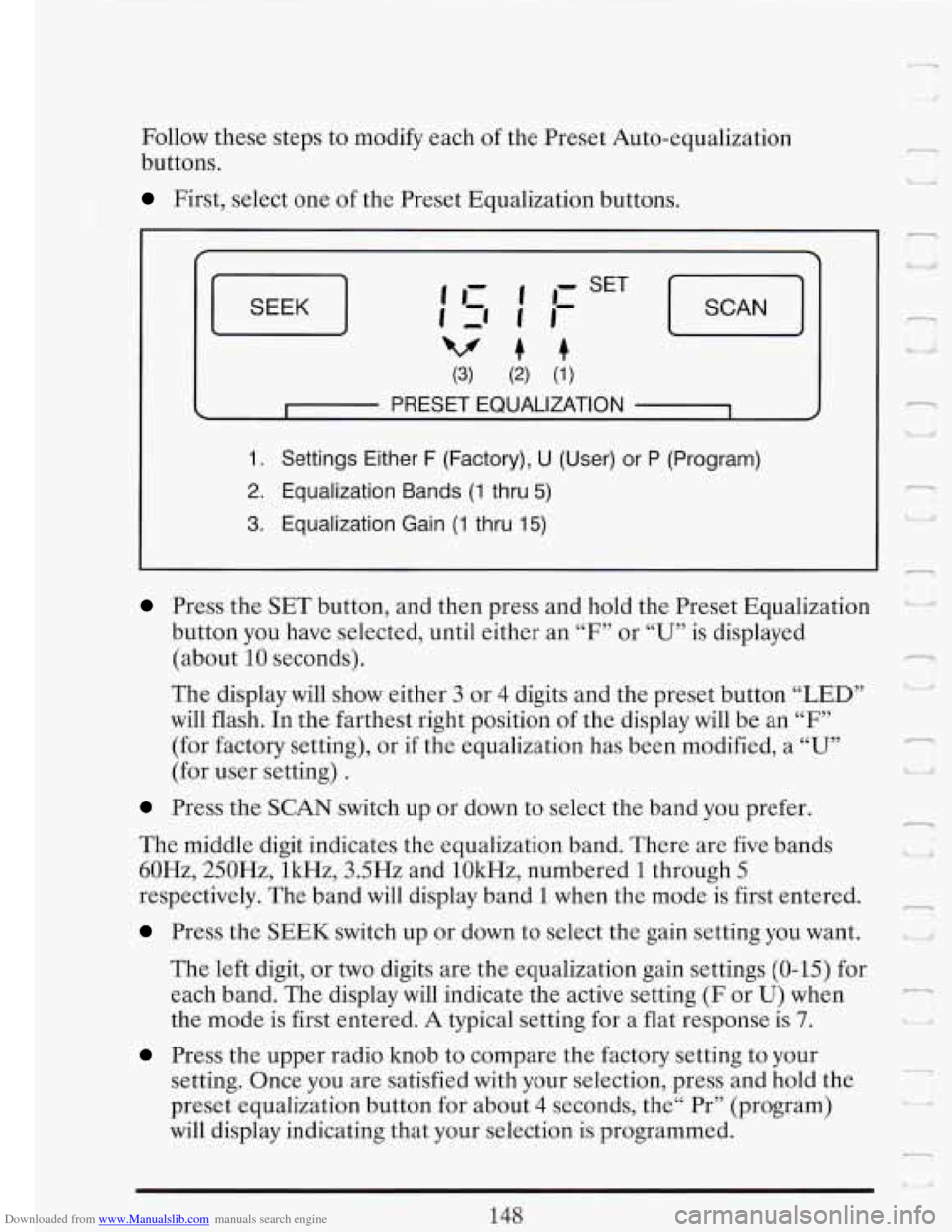
Downloaded from www.Manualslib.com manuals search engine Follow these steps to modify each of the Preset Auto-equalization
buttons.
First, select one of the Preset Equalization buttons.
SEEK J
(3) (2) (1)
c I PRESET EQUALIZATION 1 4
1. Settings Either F (Factory), U (User) or P (Program)
2. Equalization Bands (1 thru 5)
3. Equalization Gain (1 thru 15)
Press the SET button, and then press and hold the Preset Equalization
button you have selected, until either an
“F7’ or “U” is displayed
(about
10 seconds).
The display will show either 3 or 4 digits and the preset button “LED”
will flash. In the farthest right position
of the display will be an “F”
(for factory setting), or if the equalization has been modified, a “U”
(for user setting) .
Press the SCAN switch up or down to select the band you prefer.
The middle digit indicates the equalization band. There are five bands
60Hz, 250Hz, lkHz, 3.5Hz and lOkHz, numbered
1 through 5
respectively. The band will display band 1 when the mode is first entered.
Press the SEEK switch up or down to select the gain setting you want.
The left digit, or two digits are the equalization gain settings (0-15) for
each band. The display
will indicate the active setting (F or U) when
the mode is first entered.
A typical setting for a flat response is 7.
Press the upper radio knob to compare the factory setting to your
setting. Once you are satisfied with your selection, press and hold the
preset equalization button for about
4 seconds, the“ Pr” (program)
will display indicating that your selection is programmed.
148
l n
d
r
Lj Ill
--
.-
I -.
Page 165 of 386
Downloaded from www.Manualslib.com manuals search engine r The tape equalization is automatically sensed and set. Inserting the
cassette also automatically disables
DNR@ * and activates DOLBY @
noise reduction.
DNR@ is the Dynamic Noise Reduction. It helps remove background hiss
noise from the radio.
0
0
0
.-
Once the tape is playing, use the upper and lower knobs to adjust the
volume and balance, just as you do for the radio. Push the upper knob
to change tape direction. The arrows show which direction the tape is
being played.
To go forward rapidly to another part of the tape push FWD. To go
backward, push REV.
To stop the tape, push the same button lightly or
any
of the other buttons. The radid will play during fast forward or
reverse.
To go from one side of the tape to the other, push in the upper knob
on your radio. To remove the tape, push EJECT. The tape can be
ejected when the ignition is turned off.
SCAN
Push the SCAN button up to jump quickly to the next selection or down
to return to the beginning of the selection you just heard. The tape
will
play for approximately 15 seconds to sample a selection before going on
again or the upper knob. If the selection is at the end of the tape, the tape
will reverse directions and begin playing at a normal speed.
- to the next selection. To stop the SCAN function, just press it up or down
.-.
SEEK
Push the SEEK button up to quickly go to the beginning of the next
selection. Push the SEEK button down to go back to the beginning of the
selection you are listening to.
During the SCAN and SEEK functions the radio will not play. -.-
*DNR@ is a registered trademark of National Semiconductor
Corporation.
--
151
Page 166 of 386

Downloaded from www.Manualslib.com manuals search engine ST-PLAY (Stop-Play)
Press ST-PLAY to switch back to the radio without ejecting the tape. In
ST-PLAY function
only the tuning knob can be used for selecting stations.
To Eject A Tape
To remove the tape once it is stopped, push EJECT
The Delco Cassette And Compact Disc Music System
This optional sound system combines an AM/FM stereo radio with a
cassette tape player and a compact disc player in a single unit.
To operate the radio and cassette tape player portion of this music
system, please read the beginning of this section, “How To Operate Your
Sound System” and “Your Cassette Tape Player”.
To Play the Disc Player
Before you begin, please note: don’t use the mini-discs that are called
“singles”
. They won’t eject. Use full-size compact discs only.
Turn the radio on.
2
U a,
Insert a disc (label side up) partway into the slot. The player will pull it in.
Wait a few seconds and the disc will play.
The DNR@ will be disabled and -
I
the display will show Track “ 1 TRKCD” for about 5 seconds, then “CD”
will show in the display.
1F
If the disc comes back out, check to see if
The disc is upside down.
The disc is dirty, scratched, or wet.
There’s too much moisture in the air. (If there is, wait about one hour
and try again).
I
RCLIPROG (RecalllProgram)
Press once to see which track is being played. (It also allows for disc
programming.)
n
-
152
Page 168 of 386
Downloaded from www.Manualslib.com manuals search engine - t
REV (Reverse)
Push and hold REV to return rapidly to a favorite passage. Release it to
play the passage. The elapsed time will be displayed to show the reverse
progress of the
CD.
FWD (Fast Forward)
Press and hold FWD to advance quickly within a track. Release it to
resume playing. Elapsed time will be displayed to show the forward
progress
of the CD.
ST-EJECT (Stop-Eject)
Press ST-EJECT The disc or tape will stop without ejecting it and the
radio will start to play. Press it again and the disc
or tape will eject.
PLAY
Press PLAY to restart the disc or tape. It will begin playing at the point
where it had stopped. If the CD and cassette tape are inserted at the
same time, pressing the play button will switch between CD and the Tape.
COMP (Compression)
r-) U
1 I. L
Pressing COMP makes soft and loud passages more nearly equal in
volume. For example, playing classical or jazz music with very quiet and
very loud passages in the same tune. The COMP display will light as long
as COMP
is on. E
Setting The Clock
Turn the ignition and radio on. Then:
To Set the Hour:
Press SET, and within 5 seconds,
"I Lr/ 'i
Press and hold SEEK up or down. When the clock gets to the correct
hour, let go. -
Page 170 of 386
Downloaded from www.Manualslib.com manuals search engine To Clean the Antenna Mast:
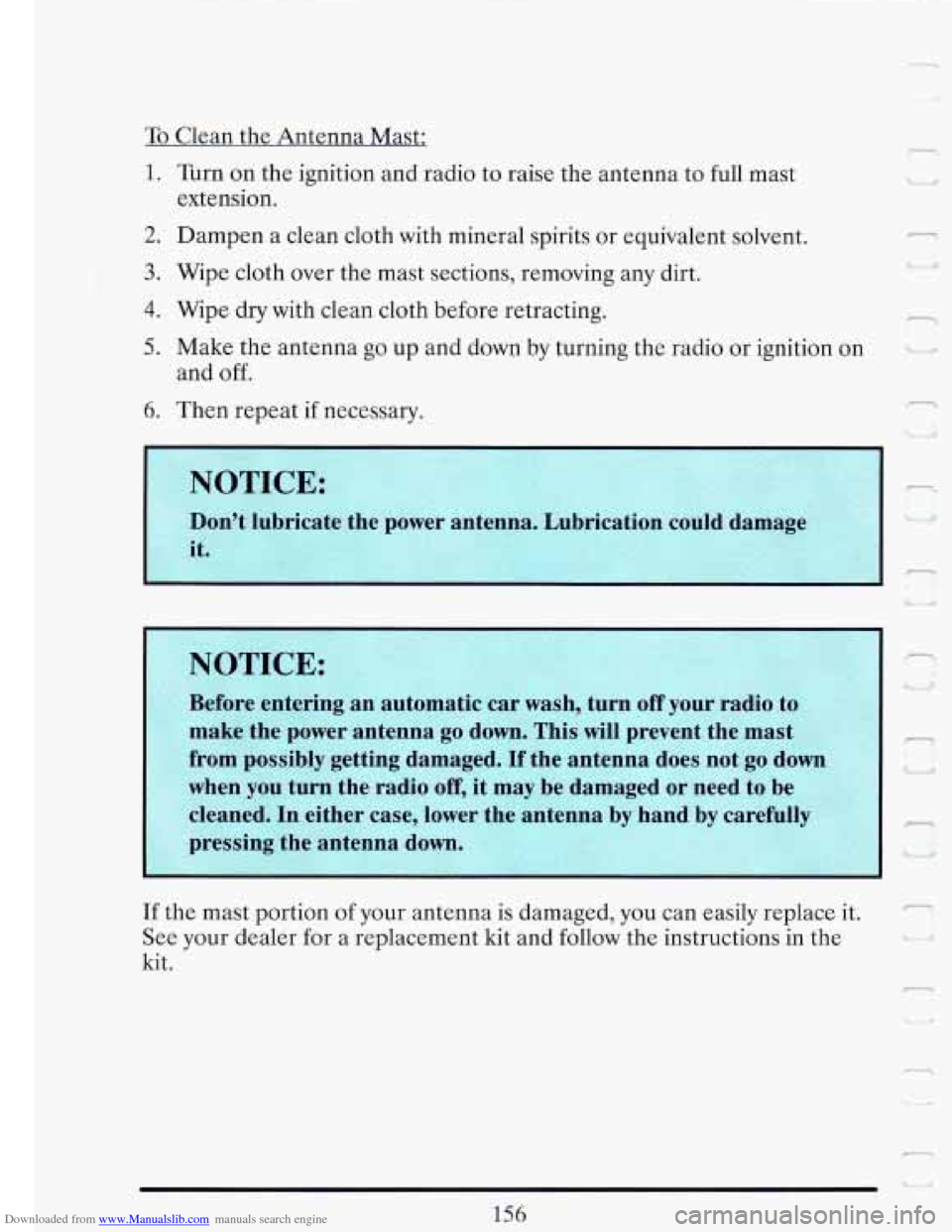
1. Turn on the ignition and radio to raise the antenna to full mast
extension.
2. Dampen a clean cloth with mineral spirits or equivalent solvent.
3. Wipe cloth over the mast sections, removing any dirt.
4. Wipe dry with clean cloth before retracting.
5. Make the antenna go up and down by turning the radio or ignition on
and off.
6. Then repeat if necessary.
-1
v ' I'
NOTICE:
Before enterin
make the power antenna
go down. This will prevent the mast I-
from possibly
when you turn the radio
off, it may be damaged or need to be
cleaned. In either case, lower the antenna by hand by careful1
,-
pressing the antenna down. UI
dl
If the mast portion of your antenna is damaged, you can easily replace it. 3 .
See your dealer for a replacement kit and follow the instructions in the
kit. I
-I
r
LJ
156
Page 233 of 386
Downloaded from www.Manualslib.com manuals search engine - TO JUMP START YOUR CDILLAC:
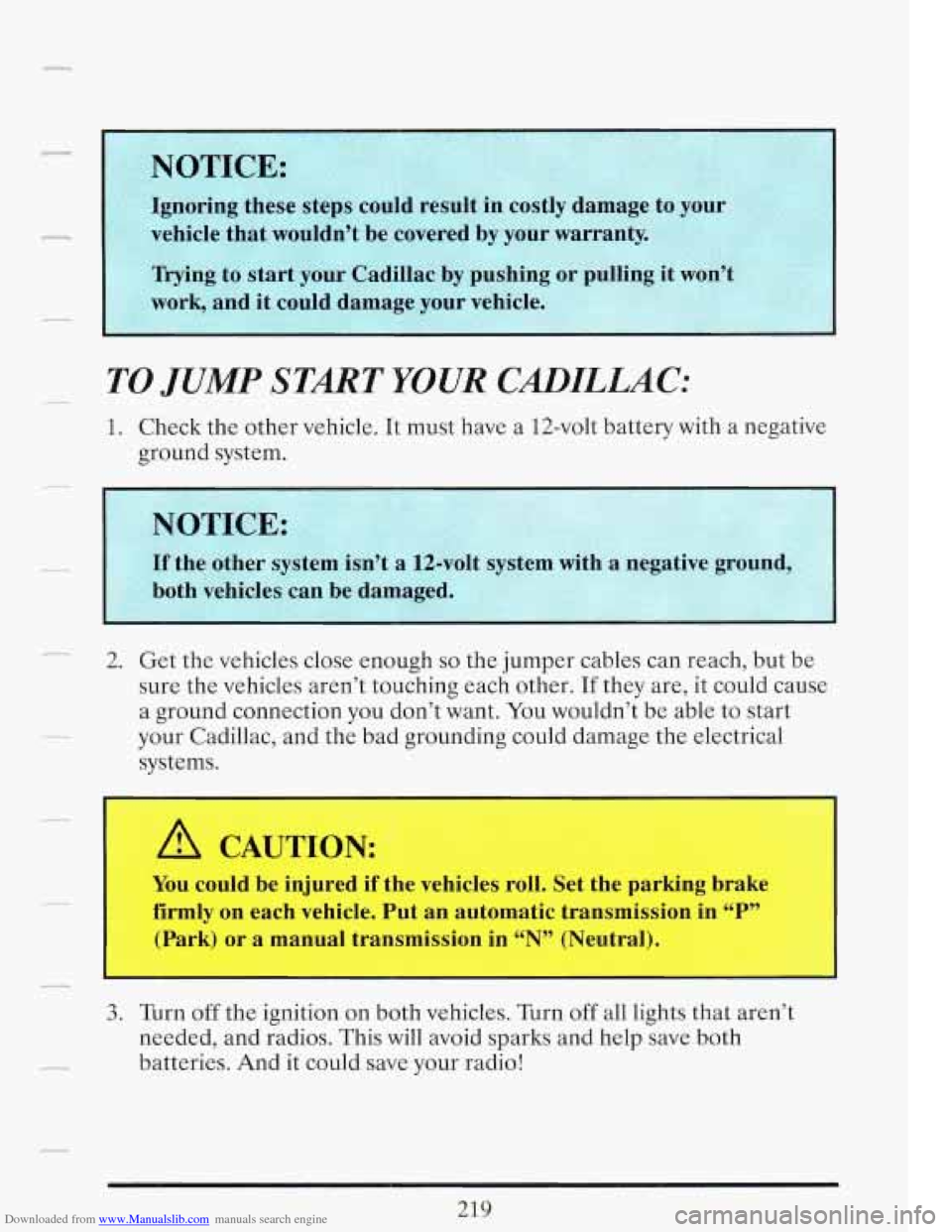
1. Check the other vehicle. It must have a 12-volt battery with a negative
ground system.
- 2. Get the vehicles close enough so the jumper cables can reach, but be
sure the vehicles aren’t touching each other.
If they are, it could cause
a ground connection you don’t want. You wouldn’t be able to start
your Cadillac, and the bad grounding could damage the electrical
systems.
r
A CAUTION:
I You could be injured if the vehicles roll. Set the parking brake
firmly on each vehicle. Put an automatic transmission in
“P”
(Park) or a manual transmission in “N” ‘Ye1 ’ ,alj.
I -
3. Turn off the ignition on both vehicles. Turn off all lights that aren’t
needed, and radios. This will avoid sparks and help save both
batteries. And it could save your radio!
219
Page 327 of 386

Downloaded from www.Manualslib.com manuals search engine ,- FUSES AND CIRCUIT BREAKERS
The wiring circuits in your vehicle are protected from short circuits by a
combination
of Mini Fuses, Circuit Breakers, and Maxi Fuses. This
greatly reduces the chance of fires caused by electrical problems.
If you ever have a problem on the road and don’t have a spare fuse, you
can “borrow” one
of the correct value. Select a feature that you can get
along without that is the same value you need
-- like the radio or cigarette
lighter
-- and use its fuse. Be sure to use a fuse with the same amperage
rating number on it (ie.
lOA, 20A, etc.). Replace it as soon as you can.
.--,
-_ ~.
~. ~
Instrument Panel Fuse Block
__ To gain access to the fuse block.
.-
.-
313