Page 114 of 306
Low Coolant Warning Light
If this light comes on, your
system is low on coolant
and the engine may
overheat.
Malfunction Indicator Lamp (Service Engine Soon Light)
See “Engine Coolant’’ in the Index and have your
vehicle serviced as
soon as you can. A computer monitors operation of your fuel, ignition
and emission control systems. This light should come on when the ignition is on,
but the engine is not running, as
a check
to show you it is working. If it does not come on
at all, have it fixed right away. If
it stays on, or it comes
on while you are driving, the computkr is indicating that
you have a problem. You should take your vehicle in for
service soon.
Page 116 of 306

This gage tells you if there could be a problem with your
engine oil pressure.
If the gage reads in the red band, and stays there, it
means oil isn’t going through your engine properly. You
could be low on oil or you might have some other oil
problem.
Don’t keep driving if the oil pressure is low. If
you do, your engine can become so hot that it
catches fire. You or others could be burned.
Check your oil as soon as possible and hp-
I your vehicle serviced.
“Check Oil” Light
e
The “Check Oil” light is lit
for three seconds as a bulb
check each time the
ignition key
is turned to the
RUN position. If the light
doesn’t come on, have your vehicle serviced.
If ‘the engine oil is more than one quart low, the light
will come on briefly, then
go off for 15 - 25 seconds,
and then come back on for
20 - 40 seconds.
However, under the following conditions, the system
will not register a low engine oil condition.
0 If the vehicle is tilted more than 20°. I problems can be costly and is not covered by
If it has not been more than 8 minutes since the
engine was last shut off.
115
Page 117 of 306
If the “Check Oil” light comes back on, the engine oil
should be brought up to the proper level, see “Engine
j Oil” in the Index.
“Battery” Light
When you turn the key to RUN, this light will come on
briefly, to show that your alternator and battery charging
systems are working.
If the light stays on, you need service, and should take your Buick to the dealer
at
once. To save your battery until
you get there, turn off
all accessories, and set your air system to OFF.
Volts Gage (Option)
This gage shows the voltage in the electrical system.
The normal range is
11 to 15 volts. If the reading stays
outside the normal range, have your Buick dealer check
the electrical system.
Page 122 of 306

BIL (Bi-level) Windshield Defrost
This
setting allows the outside air to flow through your
Buick in two ways. Cooler air is directed to the upper
portion of your body through the vent outlets. Slightly
warmer air
is directed through the heater ducts and
defroster outlets.
Vent
Using vent will allow outside air to flow through the
instrument panel outlets. Set the temperature knob as
desired.
Heater
On days when it’s cold outside, this setting sends heated
air through the heater ducts and
the windshield defroster
outlets. If you have the engine block heater, you can use
it in cold weather (+2OoF/-8 OC or lower) to heat your
vehicle’s passenger area quicker. The engine block
heater warms the engine coolant which
will ultimately
warm the passenger area more efficiently.
( See “Engine
Block Heater” in the Index.)
Blend
This setting divides the air flow equally between the
heater and the defroster outlets. This setting operates the defroster. Most
of the air comes
out near the windshield. Use defrost when you get fog or
ice on the windshield.
Rear Window Defogger (Option)
The lines you see on the
rear window warm
the
glass. Press the button to
start warming your
.window. Pressing the
button again will shut it off.
If you
turn the rear defogger on while driving at or
above
45 mph (72 km/h), it will stay on as long as that
speed is maintained.
You must press the button to shut
it
off.
121
Page 124 of 306
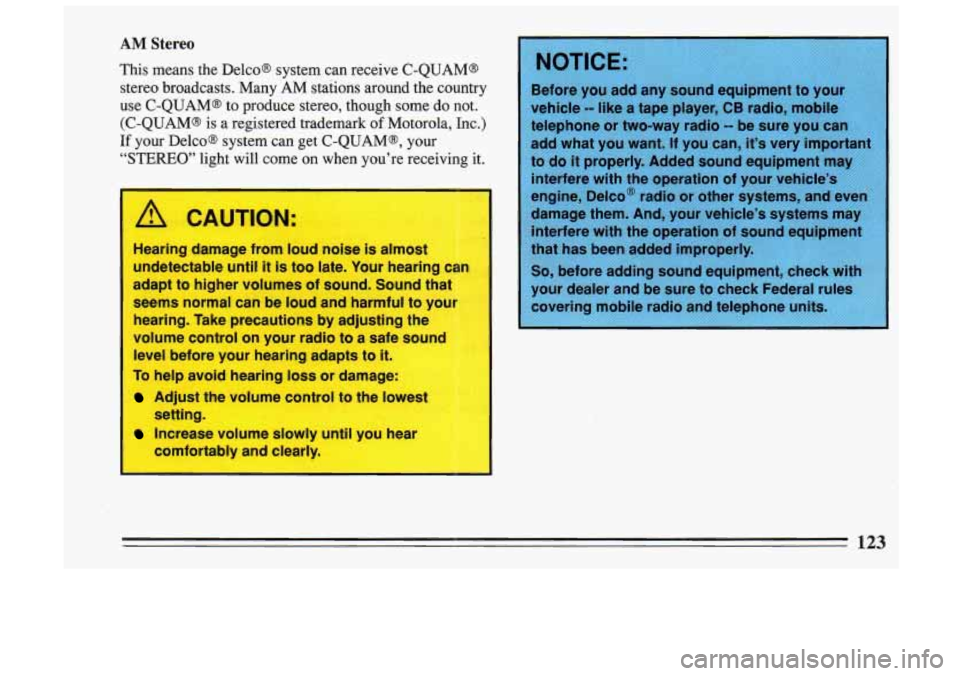
AM Stereo
This means the Delco@ system can receive C-QUAM@
stereo broadcasts. Many AM stations around the country
Before you add any sound equipment to your
use C-QUAM@ to produce stereo, though some do not. vehicle -- like a tape player, CB radio, mobile
(C-QUAM@ is a registered trademark of Motorola, Inc.) telephone or two-way radio -- be sure you can
If your Delco@ system can get C-QUAM@, your add what you want. If you can, it’s very important
“STEREO” light will come on when you’re receiving it. to do it properly. Added sound equipment may
Hearing damage from loua noise is almost
undetectable until
it is too late. Your hearing
adapt to higher volumes of sound. Sound that
seems normal can be
loud and harmful to your
hearing. Take precautions by adjusting the
volume control on your radio to a safe sound
level before your hearing adapts to it.
To help avoid hearing loss or damage:
Adjust the volume control to the lowest
Increase volume slowly until you hear can
I
setting.
comfortably and clearly. interfere
with the operation
of your vehicle’s
engine, Delco@ radio or other systems, and even
123
Page 128 of 306

0 Tune in the station you want.
e Press the SET pushbutton. (SET appears in the
display.)
0 Within 5 seconds, push one of the four pushbuttons
to store the station. Whenever you press that button,
the preset station will return.
Three additional stations may be preset on each band by
pressing two adjoining buttons at the same time.
0 Tune in the desired station.
0 Press the SET pushbutton. (SET appears in the
display.)
0 Within 5 seconds, push any two adjoining
pushbuttons at the same time. (The station will return
when the same two buttons are pressed again.)
Clock
To set the clock:
0 Press the SET button.
0 Within 5 seconds, press and hold SCAN until the
0 Press and hold SEEK until the correct minute
correct hour appears on
the display.
appears on the display.
Treble
Slide the treble lever up to increase the treble response.
If the station is weak or noisy, slide the treble lever
down to reduce the noise.
Bass
Slide the bass lever up to increase the bass response.
Adjust the bass lever to give a pleasing sound to your
ear.
To Play A Cassette
Your tape player is built to work best with tapes that are
30 to 45 minutes long on each side. Tapes longer than
that are
so thin that they may not work well in this
player.
Once the tape
is playing, use the upper and lower knobs
for volume balance and fade just as you do for the radio.
The lighted arrow shows which side
of the tape is being
played.
Forward
To advance the tape, press and the tape will advance
rapidly until you press the STOP-EJECT button lightly.
127
Page 129 of 306
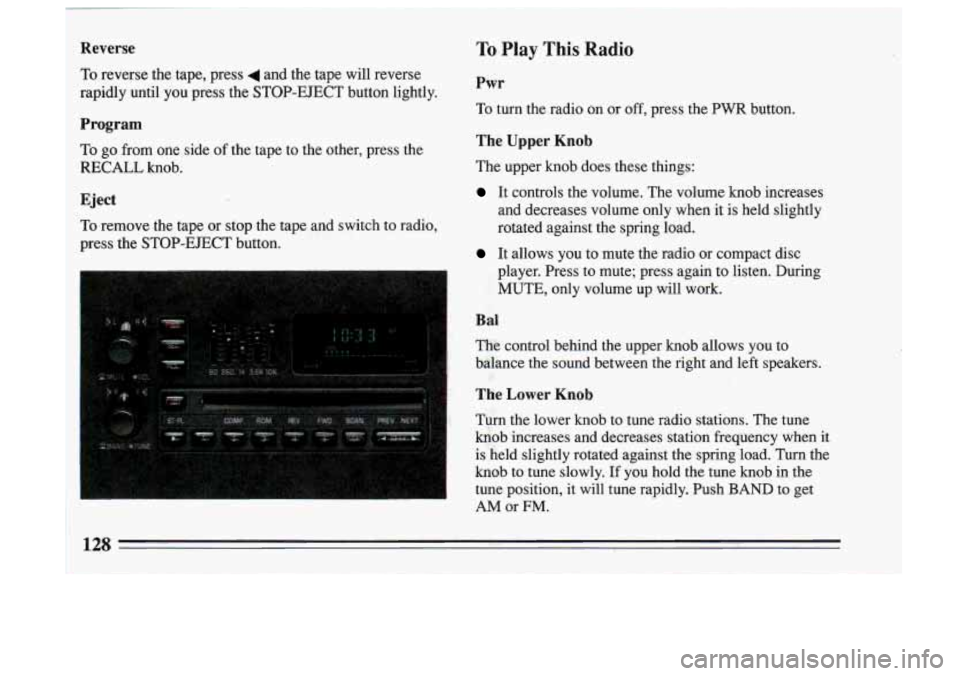
1 Reverse
i To reverse the tape, press 4 and the tape will reverse
rapidly until you press the STOP-EJECT button lightly.
Program
To
go from one side of the tape to the other, press the
RECALL knob.
Eject
To remove the tape or stop the tape and switch to radio,
press the STOP-EJECT button.
To Play This Radio
Pwr
To turn the radio on or off, press the PWR button.
The Upper Knob
The upper knob does these things:
It controls the volume. The volume knob increases
and decreases volume only when it is held slightly
rotated against the spring load.
It allows you to mute the radio or compact disc
player, Press to mute; press again to listen. During
MUTE, only volume up will work.
Bal
The control behind the upper knob allows you to
balance the sound between the right and left speakers.
The Lower Knob
Turn the lower knob to tune radio stations. The tune
knob increases and decreases station frequency when it
is held slightly rotated against the spring load. Turn the
knob to tune slowly. If you hold the tune knob in the
tune position, it will tune rapidly. Push
BAND to get
AM or FM.
3
I 1
- ,,.
Page 134 of 306

back-up code) and the unit is in the UNSECURED
mode. If the display shows"SEC", the disabling
sequence was.unsuccessfu1 and the numbers did not
match either of the codes and the unit will remain in the
SECURED mode.
Care of Your Cassette Tape Player
Your tapes will sound best if you clean your cassette
tape player from time to time. Use a non-abrasive
cleaning cassette instead of a music tape. Follow the
instructions on the cleaning cassette.
Store cassette tapes away from extreme heat or direct
sunlight. Protect the open ends from dirt or damage;
store them in their original cases or other protective
cases. Cassettes eventually wear out and you may need
to replace them if they become noisy.
Care of Your Compact Discs
Handle discs carefully. Store them in their original cases
or other protective cases and away from direct sunlight
and dust.
If the surface of a disc is soiled, dampen a
clean, soft cloth in a mild, neutral detergent solution and
clean it, wiping from the center to the edge.
Be sure never to touch the signal surface when handling
discs. Pick up discs by grasping the outer edges or the
edge of the hole and the outer edee.
133

