2024 CHEVROLET SILVERADO EV pedestrian
[x] Cancel search: pedestrianPage 259 of 429
Chevrolet Silverado EV Owner Manual (GMNA-Localizing-U.S./Canada-
16702912) - 2024 - CRC - 1/17/23
258 Driving and Operating
Follow the instructions in the vehicle’s
infotainment display. Select the option to
supervise the maneuver remotely. When
prompted, check all your belongings and
exit the vehicle. Press and hold the
authorization button on the myChevrolet
app to allow the maneuver to complete. As
the vehicle automatically steers, brakes,
accelerates, and shifts gears into the parking
spot, stay in close proximity of the vehicle,
and check surroundings. Be prepared to
release the authorization button, or cancel
the maneuver, to avoid vehicles, pedestrians,
or objects.
Once automatic parking is finished and the
vehicle has come to a full stop, a message
will be displayed indicating parking is
complete.
How to Activate Remote Unparking
To activate the unparking maneuver
remotely, launch Remote Auto Parking from
the myChevrolet app. A screen will be
displayed for unparking options. Similar to
automatic parking, follow the displayed
instructions, press and hold the
authorization button, check surroundings as
the vehicle unparks.Once automatic unparking is finished and
the vehicle has come to a full stop, a
message will be displayed indicating
unparking is complete. The vehicle is now
positioned such that the path to exit the
parking spot is free of obstructions. Enter
the vehicle to start driving away.
How to Cancel Remote Automatic Parking or
Automatic Unparking
To cancel automatic parking or automatic
unparking at any time, press the cancel
button on the myChevrolet app. Remote
Auto Parking applies the parking brake and
shifts into P (Park) to hold the vehicle.
Reverse Automatic Braking (RAB)
Backing Warning and Reverse Automatic
Braking (RAB)
Vehicles with Adaptive Cruise Control (ACC)
have the Backing Warning System and
Reverse Automatic Braking (RAB) system.
When in R (Reverse), Backing Warning alerts
of rear objects at vehicle speeds greater
than 8 km/h (5 mph), and RAB may
automatically brake hard at speeds between
1-32 km/h (0.5-20 mph).
The Backing Warning System will beep once
from the rear when an object is first
detected, or pulse twice on both sides of the
Safety Alert Seat. When the system detects
a potential crash, beeps will be heard from
the rear, or five pulses will be felt on both
sides of the Safety Alert Seat. There may
also be a brief, sharp application of the
brakes.
{Warning
The Backing Warning System only
operates at speeds greater than 8 km/h
(5 mph). It does not detect children,
pedestrians, bicyclists, animals, or objects
below the bumper or that are too close
or too far from the vehicle. In some
situations, such as at higher backing
speeds, there may not be enough time
for the short, sharp application of the
vehicle brake system to occur. To prevent
injury, death, or vehicle damage, even
with the Backing Warning System, always
check the area around the vehicle and
check all mirrors before backing.
Page 260 of 429
Chevrolet Silverado EV Owner Manual (GMNA-Localizing-U.S./Canada-
16702912) - 2024 - CRC - 1/17/23
Driving and Operating 259
When the vehicle is in R (Reverse), if the
system detects the vehicle is backing too
fast to avoid a crash with a detected object
behind your vehicle in your path, it may
automatically brake hard to a stop to help
avoid or reduce the harm caused by a
backing crash.
{Warning
RAB may not avoid many types of
backing crashes. Do not wait for the
automatic braking to apply. This system
is not designed to replace driver braking
and only works in R (Reverse) when an
object is detected directly behind the
vehicle. It may not brake or stop in time
to avoid a crash. It will not brake for
objects when the vehicle is moving at
very low speeds. It does not detect
children, pedestrians, bicyclists, animals,
or objects below the bumper or that are
too close or too far from the vehicle. To
prevent injury, death, or vehicle damage,
even with RAB, always check the area
around the vehicle before and while
backing.Pressing the brake pedal after the vehicle
comes to a stop will release RAB. If the
brake pedal is not pressed soon after the
stop, the Electric Parking Brake (EPB) may be
set. When it is safe, press the accelerator
pedal firmly at any time to override RAB.
{Warning
There may be instances where
unexpected or undesired automatic
braking occurs. If this happens, either
press the brake pedal or firmly press the
accelerator pedal to release the brakes
from the RAB system. Before releasing
the brakes, check the RVC and check the
area around the vehicle to make sure it is
safe to proceed.
Unexpected braking events are possible with
a static installed accessory, such as a bike
rack or hitch-mounted cargo carrier.
Rear Pedestrian Alert
Under certain conditions, this feature can
provide alerts for a pedestrian within the
system’s range directly behind the vehicle.
This feature only works in R (Reverse) below
12 km/h (8 mph), and detects pedestrians up
to 8 m (26 ft) away during daytime driving.
During nighttime driving, feature
performance is very limited.
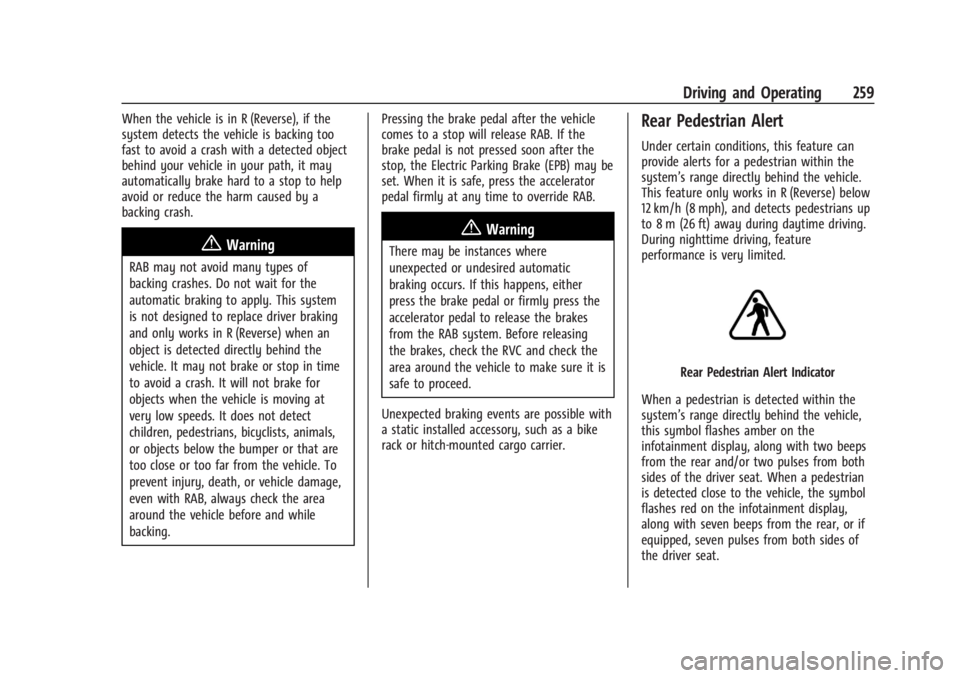
Rear Pedestrian Alert Indicator
When a pedestrian is detected within the
system’s range directly behind the vehicle,
this symbol flashes amber on the
infotainment display, along with two beeps
from the rear and/or two pulses from both
sides of the driver seat. When a pedestrian
is detected close to the vehicle, the symbol
flashes red on the infotainment display,
along with seven beeps from the rear, or if
equipped, seven pulses from both sides of
the driver seat.
Page 261 of 429
Chevrolet Silverado EV Owner Manual (GMNA-Localizing-U.S./Canada-
16702912) - 2024 - CRC - 1/17/23
260 Driving and Operating
{Warning
Rear Pedestrian Alert does not
automatically brake the vehicle. It also
does not provide an alert unless it
detects a pedestrian, and it may not
detect all pedestrians if:
.The pedestrian is not directly behind
the vehicle, fully visible to the Rear
Vision Camera (RVC), or standing
upright.
.The pedestrian is part of a group.
.The pedestrian is a child.
.Visibility is poor, including nighttime
conditions, fog, rain, or snow.
.The RVC is blocked by dirt, snow,
or ice.
.The RVC, taillamps, or back-up lamps
are not cleaned or in proper working
condition.
.The vehicle is not in R (Reverse).
To help avoid death or injury, always
check for pedestrians around the vehicle
before backing up. Be ready to take (Continued)
Warning (Continued)
action and apply the brakes. See
Defensive Driving0183. Keep the RVC,
taillamps, and back-up lamps clean and in
good repair.
Rear Pedestrian Alert can be set to Off or
Alert. To view available settings from the
infotainment screen, touch Settings >
Vehicle > Collision/Detection Systems.
Alerts can be set to beeps or seat pulses. To
view available settings from the
infotainment screen, touch Settings >
Vehicle > Collision/Detection Systems.
Rear Cross Traffic Alert (RCTA)
System
If equipped, Rear Cross Traffic Alert (RCTA)
displays a red warning triangle with a left
or right pointing arrow on the infotainment
display to warn of traffic coming from the
left or right. This system detects objects
coming from up to 20 m (65 ft) from the left
or right side of the vehicle. When an object
is detected, either three beeps sound from
the left or right, or three Safety Alert Seat pulses occur on the left or right side,
depending on the direction of the detected
vehicle.
Use caution while backing up when towing
a trailer, as the RCTA detection zones that
extend out from the back of the vehicle do
not move farther back when a trailer is
attached to the vehicle.
Rear Cross Traffic Braking (RCTB)
If equipped, RCTB displays a red warning
triangle with a left or right pointing arrow
on the infotainment screen to warn of
traffic coming from the left or right. The
system detects objects coming from up to
20 m (65 ft) from the left or right side of
the vehicle. When an object is detected,
three beeps sounds from the left or right,
depending on the direction of the detected
vehicle. RCTB will bring the vehicle to a full
stop if a collision is imminent.
Driving With a Trailer
Use caution while backing up when towing
a trailer. RCTA and RCTB are automatically
disabled when a trailer is attached to the
vehicle.
Page 262 of 429
Chevrolet Silverado EV Owner Manual (GMNA-Localizing-U.S./Canada-
16702912) - 2024 - CRC - 1/17/23
Driving and Operating 261
Turning the Features On or Off
The
Xbutton on the center stack is used
to turn on or off the Front and Rear Park
Assist, and Backing Warning and Reverse
Automatic Braking (RAB) systems at the
same time. The indicator light next to the
button comes on when the features are on
and turns off when the features have been
disabled.
RCTA can be turned on or off using the
infotainment system. To view available
settings from the infotainment screen, touch
Settings > Vehicle > Collision/Detection
Systems.
Assistance Systems for Driving
If equipped, when driving the vehicle in a
forward gear, Forward Collision Alert (FCA),
Lane Departure Warning (LDW), Lane Keep
Assist (LKA), Blind Zone Steering Assist
(BZSA), Lane Change Alert (LCA), Automatic
Emergency Braking (AEB), Intersection
Automatic Emergency Braking (I-AEB), and/or
the Front Pedestrian Braking (FPB) System
can help to avoid a crash or reduce crash
damage.
Forward Collision Alert (FCA)
System
If equipped, the FCA system may help to
avoid or reduce the harm caused by
front-end crashes. When approaching a
vehicle ahead too quickly, FCA provides a
red flashing alert on the windshield and
rapidly beeps or pulses the drivers seat. FCA
also lights an amber visual alert if following
another vehicle much too closely.
FCA detects vehicles within a distance of
approximately 60 m (197 ft) and operates at
speeds above 8 km/h (5 mph).
{Warning
FCA is a warning system and does not
apply the brakes. When approaching a
slower-moving or stopped vehicle ahead
too rapidly, or when following a vehicle
too closely, FCA may not provide a
warning with enough time to help avoid
a crash. It also may not provide any
warning at all. FCA does not warn of
pedestrians, animals, signs, guardrails,
bridges, construction barrels, or other
(Continued)
Warning (Continued)
objects. Be ready to take action and
apply the brakes. SeeDefensive Driving
0 183.
FCA can be disabled. To view available
settings from the infotainment screen, touch
Settings > Vehicle > Collision/Detection
Systems.
Detecting the Vehicle Ahead
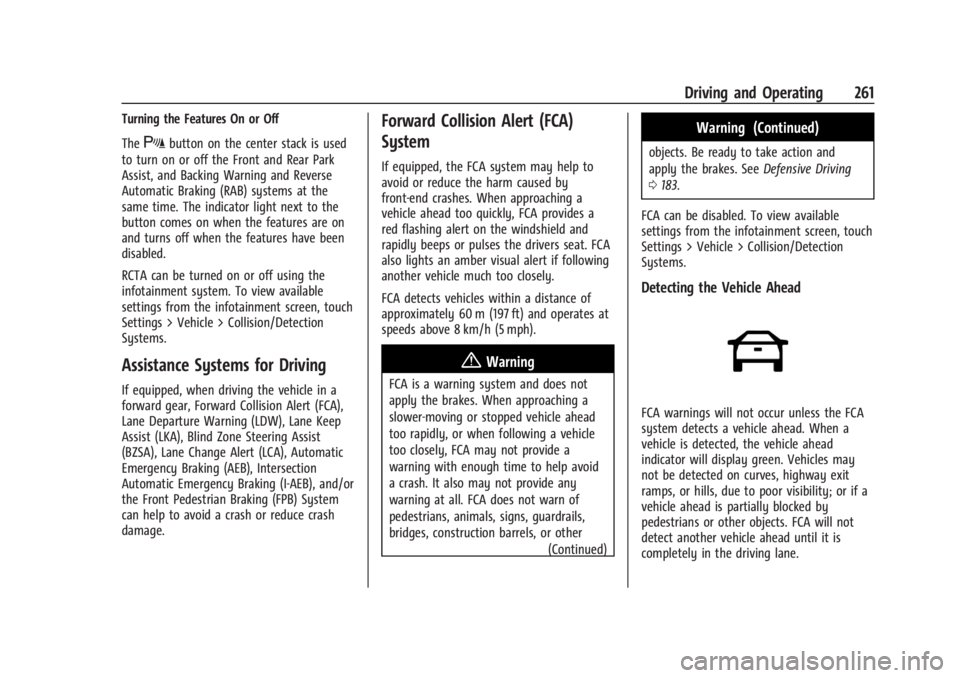
FCA warnings will not occur unless the FCA
system detects a vehicle ahead. When a
vehicle is detected, the vehicle ahead
indicator will display green. Vehicles may
not be detected on curves, highway exit
ramps, or hills, due to poor visibility; or if a
vehicle ahead is partially blocked by
pedestrians or other objects. FCA will not
detect another vehicle ahead until it is
completely in the driving lane.
Page 264 of 429
Chevrolet Silverado EV Owner Manual (GMNA-Localizing-U.S./Canada-
16702912) - 2024 - CRC - 1/17/23
Driving and Operating 263
Following Distance Indicator
If equipped, the following distance to a
moving vehicle ahead in your path is
indicated in following time in seconds on
the Driver Information Center (DIC). See
Driver Information Center (DIC) (Base Level)
0129 or
Driver Information Center (DIC) (Uplevel)
0 130. The minimum following time is
0.5 seconds away.
If there is no vehicle detected ahead, or the
vehicle ahead is out of sensor range, dashes
will be displayed.
Unnecessary Alerts
FCA may provide unnecessary alerts for
turning vehicles, vehicles in other lanes,
objects that are not vehicles, or shadows.
These alerts are normal operation and the
vehicle does not need service.
Cleaning the System
If the FCA system does not seem to operate
properly, this may correct the issue:
.Clean the outside of the windshield in
front of the rearview mirror.
.Clean the entire front of the vehicle.
.Clean the headlamps.
Automatic Emergency
Braking (AEB)
The AEB system may help avoid or reduce
the harm caused by front-end crashes. AEB
also includes Intelligent Brake Assist (IBA).
When the system detects a vehicle ahead in
your path that is traveling in the same
direction that you may be about to crash
into, it can provide a boost to braking or
automatically brake the vehicle. This can
help avoid or lessen the severity of crashes
when driving in a forward gear. Depending
on the situation, the vehicle may
automatically brake moderately or hard.
Always wear a seat belt and ensure that all
passengers are properly restrained. This
automatic emergency braking can only occur
if a vehicle is detected. This is shown by the
FCA vehicle ahead indicator being lit. See
Forward Collision Alert (FCA) System 0261.
The system works when driving in a forward
gear above 4 km/h (2 mph). It can detect
vehicles up to approximately 60 m (197 ft).
{Warning
AEB is an emergency crash preparation
feature and is not designed to avoid
crashes. Do not rely on AEB to brake the
vehicle. AEB will not brake outside of its
operating speed range and only responds
to detected vehicles.
AEB may not:
.Detect a vehicle ahead on winding or
hilly roads.
.Detect all vehicles, especially vehicles
with a trailer, tractors, muddy
vehicles, etc.
.Detect a vehicle when weather limits
visibility, such as in fog, rain, or snow.
.Detect a vehicle ahead if it is partially
blocked by pedestrians or other
objects.
Complete attention is always required
while driving, and you should be ready to
take action and apply the brakes and/or
steer the vehicle to avoid crashes.
Page 266 of 429
Chevrolet Silverado EV Owner Manual (GMNA-Localizing-U.S./Canada-
16702912) - 2024 - CRC - 1/17/23
Driving and Operating 265
Warning (Continued)
.detect a vehicle ahead if it is partially
blocked by pedestrians or other
objects.
Complete attention is always required
while driving, and you should be ready to
take action and apply the brakes and/or
steer the vehicle to avoid crashes.
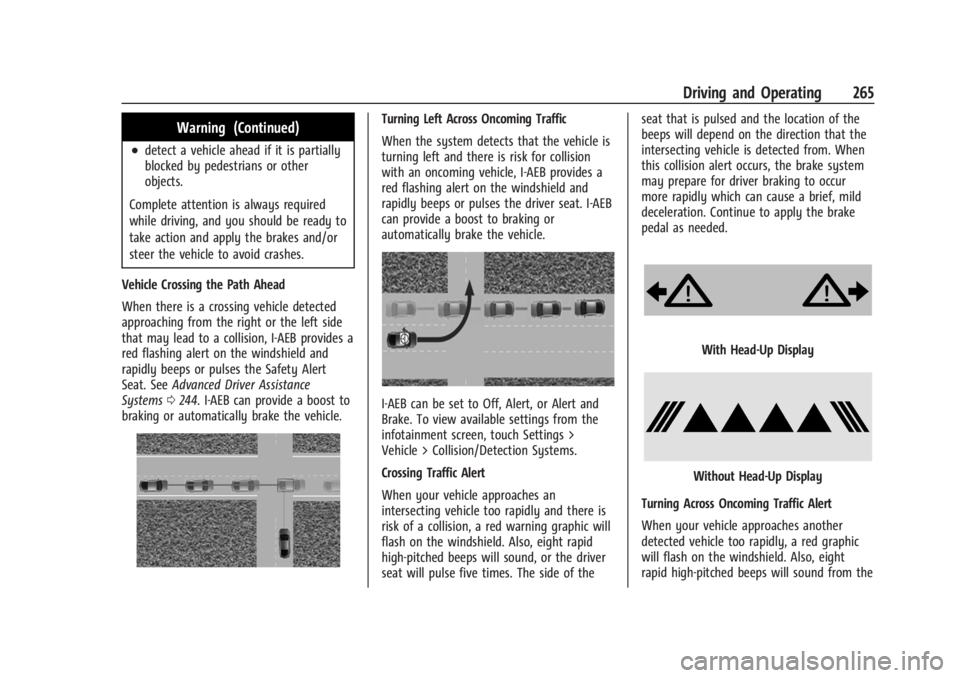
Vehicle Crossing the Path Ahead
When there is a crossing vehicle detected
approaching from the right or the left side
that may lead to a collision, I-AEB provides a
red flashing alert on the windshield and
rapidly beeps or pulses the Safety Alert
Seat. See Advanced Driver Assistance
Systems 0244. I-AEB can provide a boost to
braking or automatically brake the vehicle.
Turning Left Across Oncoming Traffic
When the system detects that the vehicle is
turning left and there is risk for collision
with an oncoming vehicle, I-AEB provides a
red flashing alert on the windshield and
rapidly beeps or pulses the driver seat. I-AEB
can provide a boost to braking or
automatically brake the vehicle.
I-AEB can be set to Off, Alert, or Alert and
Brake. To view available settings from the
infotainment screen, touch Settings >
Vehicle > Collision/Detection Systems.
Crossing Traffic Alert
When your vehicle approaches an
intersecting vehicle too rapidly and there is
risk of a collision, a red warning graphic will
flash on the windshield. Also, eight rapid
high-pitched beeps will sound, or the driver
seat will pulse five times. The side of the seat that is pulsed and the location of the
beeps will depend on the direction that the
intersecting vehicle is detected from. When
this collision alert occurs, the brake system
may prepare for driver braking to occur
more rapidly which can cause a brief, mild
deceleration. Continue to apply the brake
pedal as needed.
With Head-Up Display
Without Head-Up Display
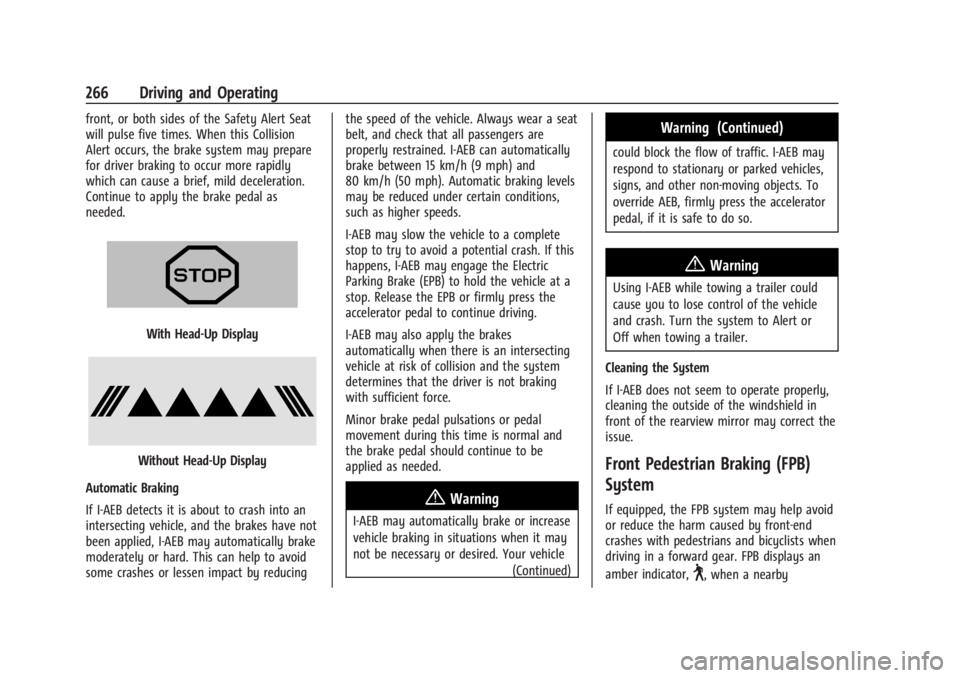
Turning Across Oncoming Traffic Alert
When your vehicle approaches another
detected vehicle too rapidly, a red graphic
will flash on the windshield. Also, eight
rapid high-pitched beeps will sound from the
Page 267 of 429
Chevrolet Silverado EV Owner Manual (GMNA-Localizing-U.S./Canada-
16702912) - 2024 - CRC - 1/17/23
266 Driving and Operating
front, or both sides of the Safety Alert Seat
will pulse five times. When this Collision
Alert occurs, the brake system may prepare
for driver braking to occur more rapidly
which can cause a brief, mild deceleration.
Continue to apply the brake pedal as
needed.
With Head-Up Display
Without Head-Up Display
Automatic Braking
If I-AEB detects it is about to crash into an
intersecting vehicle, and the brakes have not
been applied, I-AEB may automatically brake
moderately or hard. This can help to avoid
some crashes or lessen impact by reducing the speed of the vehicle. Always wear a seat
belt, and check that all passengers are
properly restrained. I-AEB can automatically
brake between 15 km/h (9 mph) and
80 km/h (50 mph). Automatic braking levels
may be reduced under certain conditions,
such as higher speeds.
I-AEB may slow the vehicle to a complete
stop to try to avoid a potential crash. If this
happens, I-AEB may engage the Electric
Parking Brake (EPB) to hold the vehicle at a
stop. Release the EPB or firmly press the
accelerator pedal to continue driving.
I-AEB may also apply the brakes
automatically when there is an intersecting
vehicle at risk of collision and the system
determines that the driver is not braking
with sufficient force.
Minor brake pedal pulsations or pedal
movement during this time is normal and
the brake pedal should continue to be
applied as needed.
{Warning
I-AEB may automatically brake or increase
vehicle braking in situations when it may
not be necessary or desired. Your vehicle
(Continued)
Warning (Continued)
could block the flow of traffic. I-AEB may
respond to stationary or parked vehicles,
signs, and other non-moving objects. To
override AEB, firmly press the accelerator
pedal, if it is safe to do so.
{Warning
Using I-AEB while towing a trailer could
cause you to lose control of the vehicle
and crash. Turn the system to Alert or
Off when towing a trailer.
Cleaning the System
If I-AEB does not seem to operate properly,
cleaning the outside of the windshield in
front of the rearview mirror may correct the
issue.
Front Pedestrian Braking (FPB)
System
If equipped, the FPB system may help avoid
or reduce the harm caused by front-end
crashes with pedestrians and bicyclists when
driving in a forward gear. FPB displays an
amber indicator,
~, when a nearby
Page 268 of 429
Chevrolet Silverado EV Owner Manual (GMNA-Localizing-U.S./Canada-
16702912) - 2024 - CRC - 1/17/23
Driving and Operating 267
pedestrian or bicyclist is detected ahead.
When approaching a detected pedestrian or
bicyclist too quickly, FPB provides a red
flashing alert on the windshield and rapidly
beeps or pulses the driver seat. FPB can
provide a boost to braking or automatically
brake the vehicle. This system includes
Intelligent Brake Assist (IBA), and the
Automatic Emergency Braking (AEB) system
may also respond to pedestrians or
bicyclists. SeeAutomatic Emergency Braking
(AEB) 0263. Always wear a seat belt and
ensure that all passengers are properly
restrained.
The FPB system can detect and alert to
pedestrians or bicyclists in a forward gear at
speeds between 8 km/h (5 mph) and
80 km/h (50 mph). During daytime driving,
the system detects pedestrians or bicyclists
up to a distance of approximately 40 m
(131 ft). During nighttime driving, system
performance is very limited.{Warning
FPB does not provide an alert or
automatically brake the vehicle, unless it
detects a pedestrian or bicyclist. FPB may
not detect pedestrians, including children,
or bicyclists:
.When the pedestrian or bicyclist is not
directly ahead, fully visible,
or standing upright, or when part of a
group.
.Due to poor visibility, including
nighttime conditions, fog, rain,
or snow.
.If the FPB sensor is blocked by dirt,
snow, or ice.
.If the headlamps or windshield are not
cleaned or in proper condition.
Be ready to take action and apply the
brakes. For more information, see
Defensive Driving 0183. Keep the
windshield, headlamps, and FPB sensor
clean and in good repair. FPB can be set to Off, Alert, or Alert and
Brake through vehicle settings. To view
available settings from the infotainment
screen, touch Settings > Vehicle >
Collision/Detection Systems.
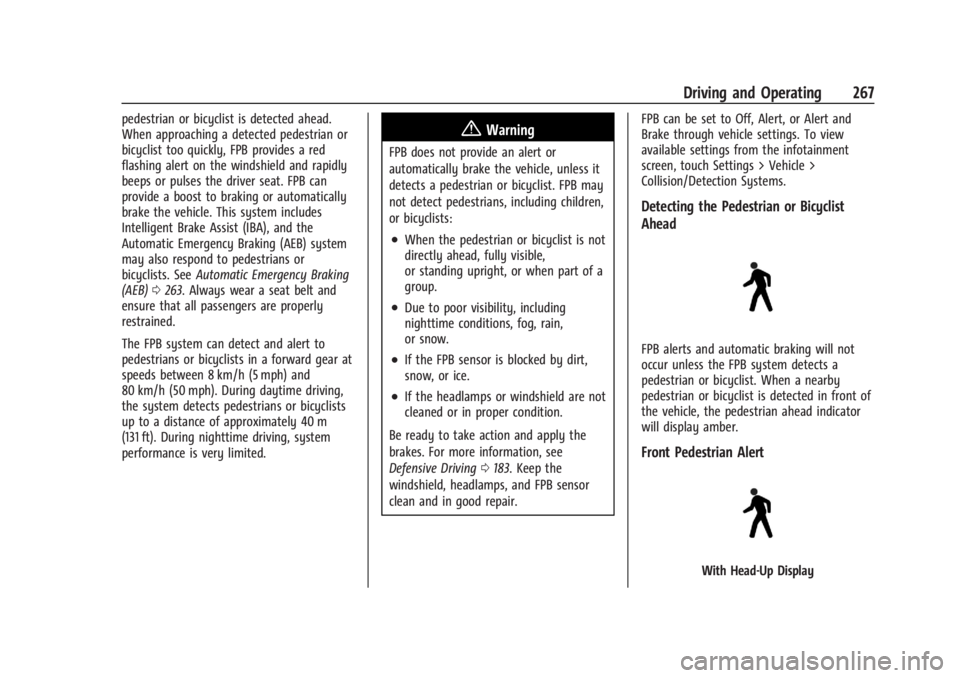
Detecting the Pedestrian or Bicyclist
Ahead
FPB alerts and automatic braking will not
occur unless the FPB system detects a
pedestrian or bicyclist. When a nearby
pedestrian or bicyclist is detected in front of
the vehicle, the pedestrian ahead indicator
will display amber.
Front Pedestrian Alert
With Head-Up Display