Page 125 of 372
1253-1. CONTROLS
3
CONTROLS
press the switch while the
brake is pressed or selector
lever position P is set.
The LED and indicator light go out.
The parking brake is released.
The parking brake is released
automatically when you drive
away.
The LED and indicator light go
out.
In the event of a failure or mal-
function of the parking brake:
Secure the vehicle against roll-
ing away, for instance with a
wheel chock, after existing the
vehicle.
To reestablish parking brake
functionality after a power fail-
ure:
1Switch on standby state.
2 Pull the switch while
stepping on the brake pedal
or selector lever position P is
set and then push.
This process may take a few
seconds. Any sounds associ-
ated with this are normal. When driving and during opera-
tion of the turn signals or hazard
warning system, do not fold in
the exterior mirrors, so that the
signal lights on the exterior mir-
ror are easy to see.
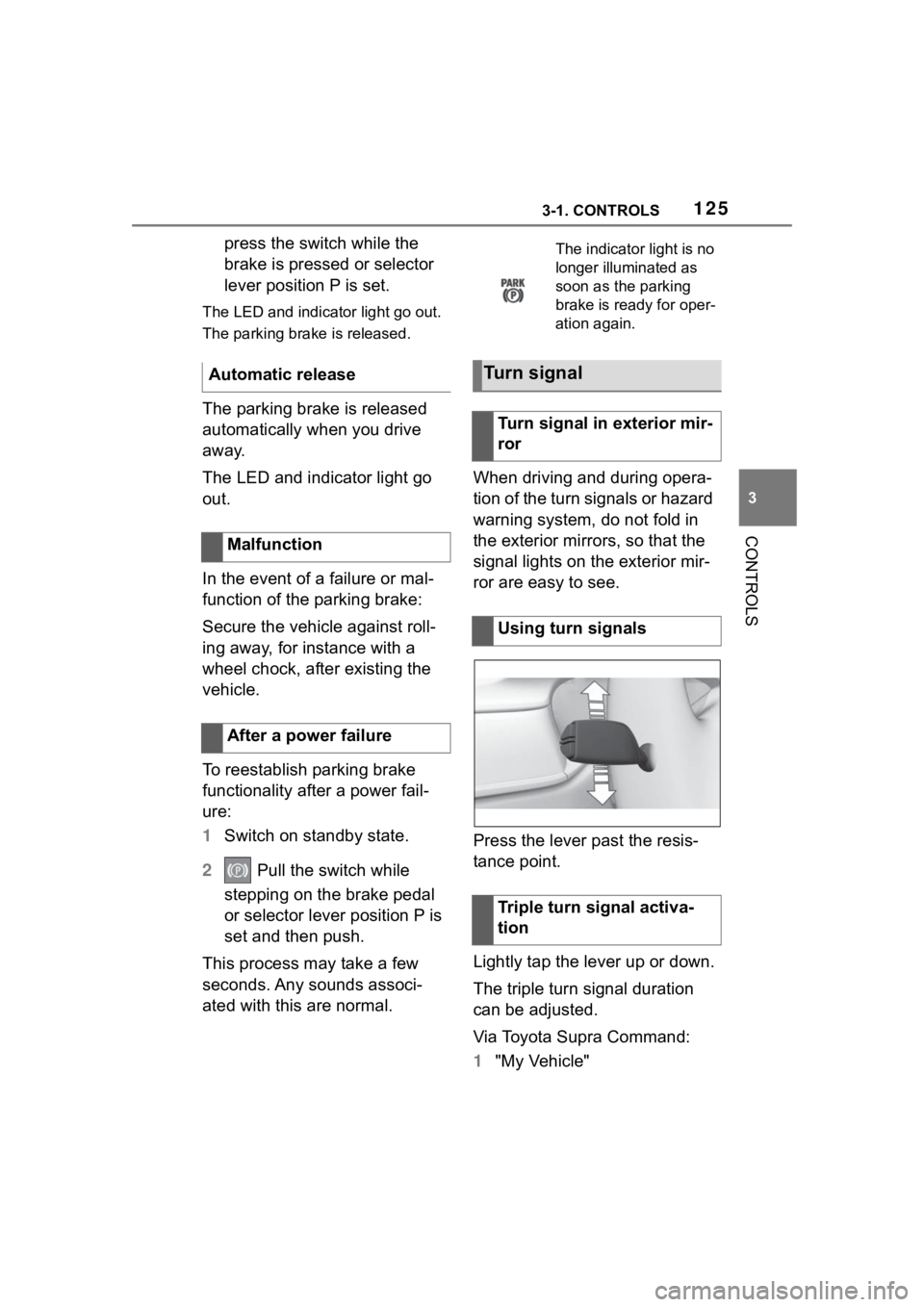
Press the lever past the resis-
tance point.
Lightly tap the lever up or down.
The triple turn signal duration
can be adjusted.
Via Toyota Supra Command:
1
"My Vehicle"
Automatic release
Malfunction
After a power failure
The indicator light is no
longer illuminated as
soon as the parking
brake is ready for oper-
ation again.
Turn signal
Turn signal in exterior mir-
ror
Using turn signals
Triple turn signal activa-
tion
Page 126 of 372
1263-1. CONTROLS
2"Vehicle settings"
3 "Exterior lighting"
4 "One-touch turn signal"
5 Select the desired setting.
Press the lever to the resistance
point and hold it there for as
long as you want the turn signal
to flash.
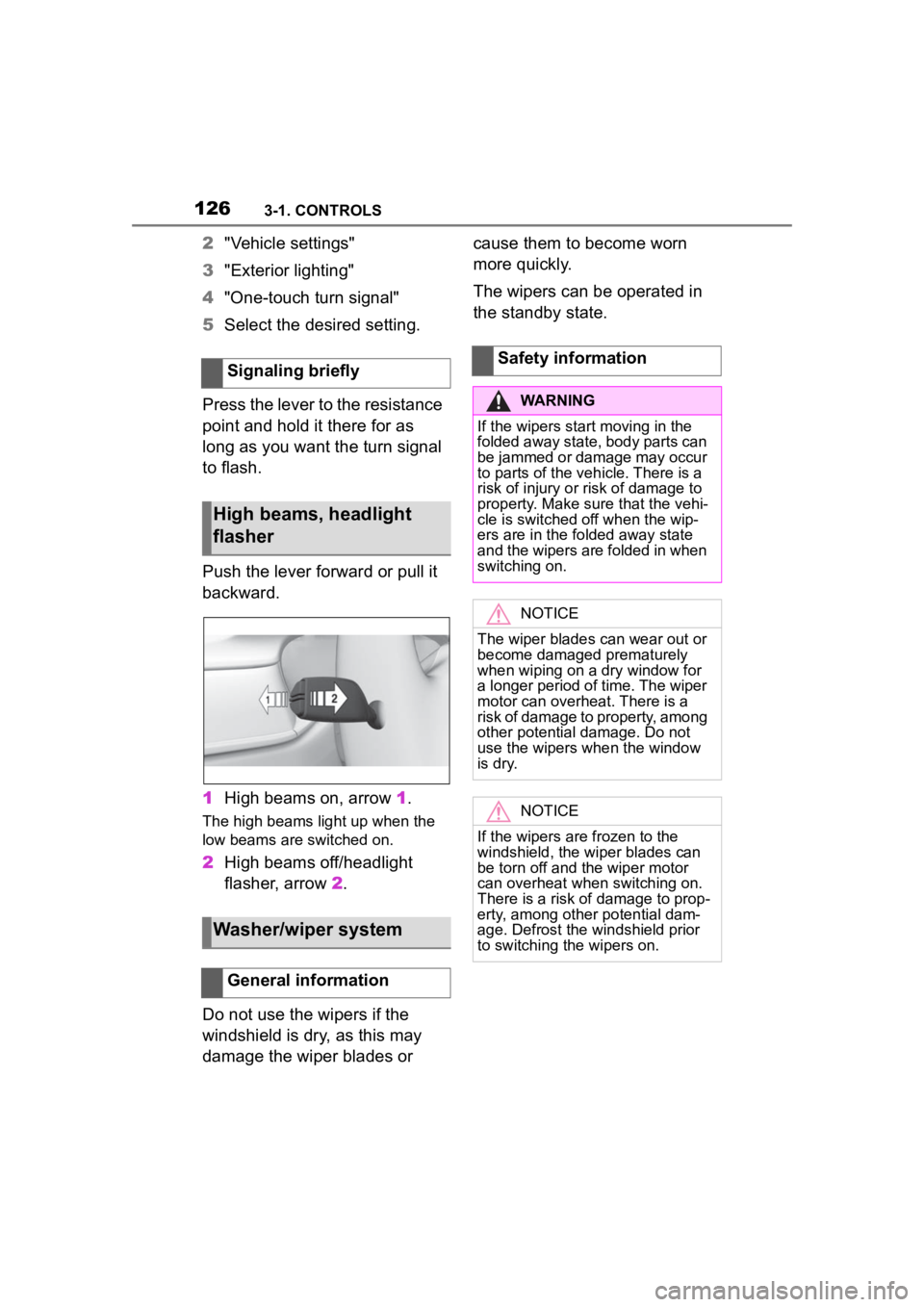
Push the lever forward or pull it
backward.
1 High beams on, arrow 1.
The high beams light up when the
low beams are switched on.
2High beams off/headlight
flasher, arrow 2.
Do not use the wipers if the
windshield is dry, as this may
damage the wiper blades or cause them to become worn
more quickly.
The wipers can be operated in
the standby state.
Signaling briefly
High beams, headlight
flasher
Washer/wiper system
General information
Safety information
WARNING
If the wipers start moving in the
folded away state, body parts can
be jammed or damage may occur
to parts of the veh icle. There is a
risk of injury or risk of damage to
property. Make sure that the vehi-
cle is switched off when the wip-
ers are in the folded away state
and the wipers are folded in when
switching on.
NOTICE
The wiper blades can wear out or
become damaged prematurely
when wiping on a dry window for
a longer period of time. The wiper
motor can overheat. There is a
risk of damage to property, among
other potential damage. Do not
use the wipers when the window
is dry.
NOTICE
If the wipers are frozen to the
windshield, the wiper blades can
be torn off and th e wiper motor
can overheat whe n switching on.
There is a risk of damage to prop-
erty, among other potential dam-
age. Defrost the windshield prior
to switching the wipers on.
Page 139 of 372

1393-1. CONTROLS
3
CONTROLS
In some areas of the instrument
cluster, various assistance sys-
tems, for example the cruise
control, can be displayed. The
displays may vary depending on
the equipment version and
country variant.
The display can be changed for
sport mode.
The driving mode will change to
sport mode.
The vehicle messages system
monitors functions in the vehicle
and notifies you of malfunctions
in the monitored systems.
A vehicle messages message is
displayed as a combination of
indicator or warning lights and SMS text messages in the
instrument cluster and, if appli-
cable, in the Head-up Display.
In addition, an acoustic signal
may sound and an SMS text
message may appear on the
Control Display.
Press and hold the button on the
turn signal lever.
Some vehicle messages are
displayed continuously and are
not cleared until the malfunction
is eliminated. If s
everal malfunc-
tions occur at once, the mes-
sages are displayed
consecutively.
The messages can be hidden
for approx. 8 seconds. After this
time, they are displayed again
automatically.
Some vehicle messages are
hidden automatically after
Variable displays
Sport mode display
Concept
Changing the display
Push the sport mode
switch until SPORT is
displayed.
Vehicle messages
Concept
General information
Hiding vehicle messages
Continuous display
Temporary display
Page 140 of 372
1403-1. CONTROLS
approx. 20 seconds. The vehicle
messages are stored and can
be displayed again later.
Via Toyota Supra Command:
1"My vehicle"
2 "Vehicle status"
3 "Vehicle messages"
4 Select the SMS text mes-
sage.
SMS text messages in combina-
tion with a symbol in the instru-
ment cluster explain a vehicle
message and the meaning of
the indicator/warning lights.
Additional information, such as
the reason for an error or mal-
function or the required action,
can be called up via vehicle
messages.
With urgent messages the added text will be automatically
displayed on the Control Dis-
play.
Depending on the vehicle mes-
sage, further help can be
selected.
Via Toyota Supra Command:
1
"My vehicle"
2 "Vehicle status"
3 "Vehicle messages"
4 Select the desired text mes-
sage.
5 Select desired setting
Certain messages displayed
while driving are displayed
again after drive-ready state is
switched off.
Indicator/warning lights in the
instrument cluster display the
status of some functions in the
vehicle and indicate when a
malfunction is present in the
monitored systems.
The indicator/warning lights can
light up in a variety of combina-
tions and colors.
Displaying stored vehicle
messages
Display
Vehicle messages
At least one vehicle
messages message is
displayed or is stored.
SMS text messages
Supplementary SMS text
messages
Messages after trip comple-
tion
Indicator/warning lights
Concept
General information
Page 141 of 372
1413-1. CONTROLS
3
CONTROLS
Several of the lights are
checked for proper functioning
and light up temporarily when
drive-ready state is switched on.Red lights
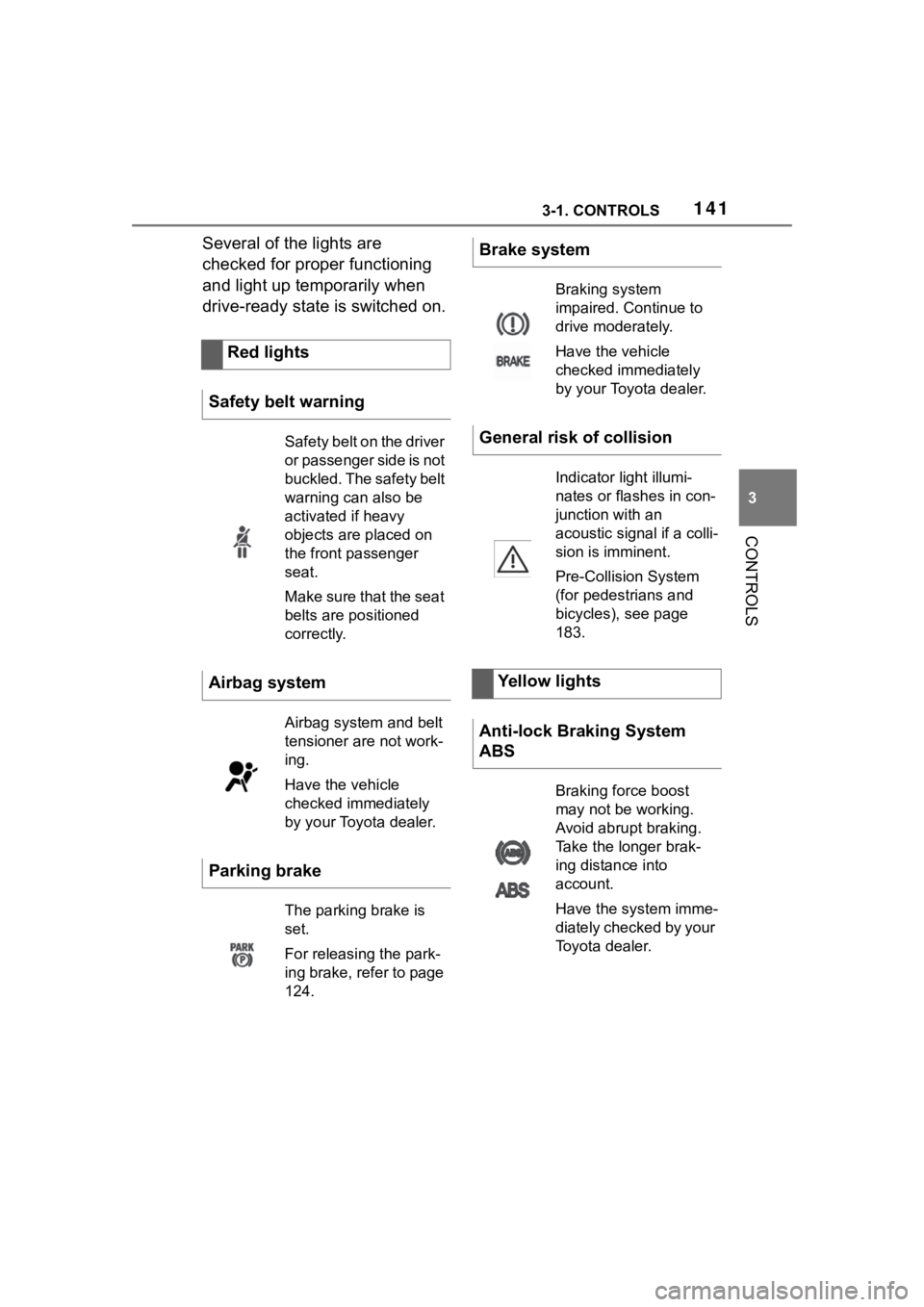
Safety belt warning
Safety belt on the driver
or passenger side is not
buckled. The safety belt
warning can also be
activated if heavy
objects are placed on
the front passenger
seat.
Make sure that the seat
belts are positioned
correctly.
Airbag system
Airbag system and belt
tensioner are not work-
ing.
Have the vehicle
checked immediately
by your Toyota dealer.
Parking brake
The parking brake is
set.
For releasing the park-
ing brake, refer to page
124.
Brake system
Braking system
impaired. Continue to
drive moderately.
Have the vehicle
checked immediately
by your Toyota dealer.
General risk of collision
Indicator light illumi-
nates or flashes in con-
junction with an
acoustic signal if a colli-
sion is imminent.
Pre-Collision System
(for pedestrians and
bicycles), see page
183.
Yellow lights
Anti-lock Braking System
ABS
Braking force boost
may not be working.
Avoid abrupt braking.
Take the longer brak-
ing distance into
account.
Have the system imme-
diately checked by your
Toyota dealer.
Page 143 of 372

1433-1. CONTROLS
3
CONTROLS
Steering system
Steering system may
not be working.
Have the system
checked by your Toyota
dealer.
Emissions
The warning light
lights up:
Emissions are deterio-
rating. Have the vehi-
cle checked as soon
as possible.
The warning light
flashes under certain
circumstances:
This indicates that
there is excessive mis-
firing in the engine.
Reduce the vehicle
speed and have the
system checked imme-
diately; otherwise, seri-
ous engine misfiring
within a brief period
can seriously damage
emission control com-
ponents, in particular
the catalytic converter.
Socket for Onboard
Diagnosis, refer to page
309.
Green lights
Turn signal
Turn signal switched
on.
Unusually rapid flash-
ing of the indicator light
indicates that a turn sig-
nal bulb has failed.
Turn signal, refer to
page 125.
Parking lights
Parking lights are
switched on.
Parking lights/low
beams, refer to page
157.
Low beams
Low beams are
switched on.
Parking lights/low
beams, refer to page
157.
Page 144 of 372
1443-1. CONTROLS
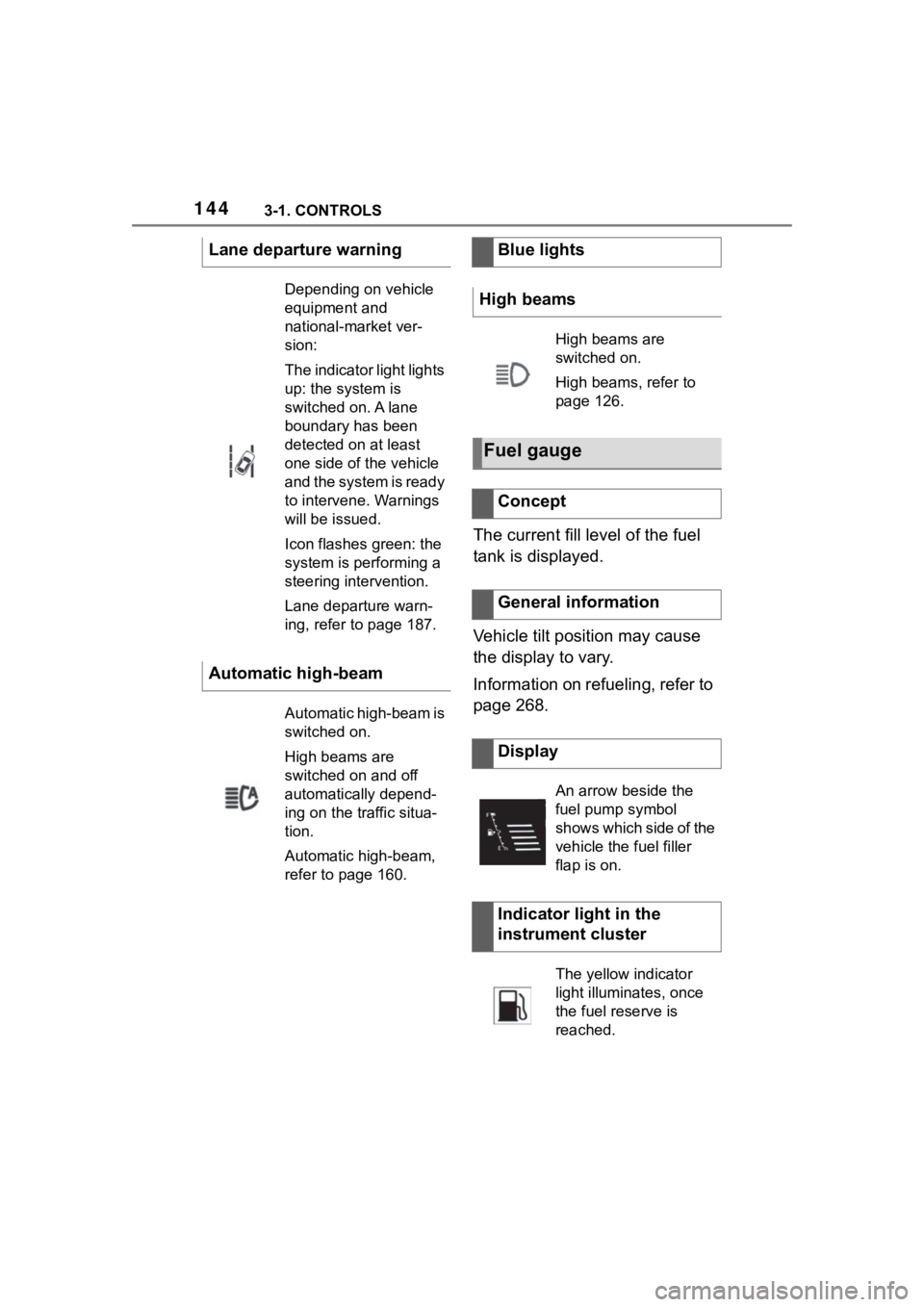
The current fill level of the fuel
tank is displayed.
Vehicle tilt position may cause
the display to vary.
Information on refueling, refer to
page 268.
Lane departure warning
Depending on vehicle
equipment and
national-market ver-
sion:
The indicator light lights
up: the system is
switched on. A lane
boundary has been
detected on at least
one side of the vehicle
and the system is ready
to intervene. Warnings
will be issued.
Icon flashes green: the
system is performing a
steering intervention.
Lane departure warn-
ing, refer to page 187.
Automatic high-beam
Automatic high-beam is
switched on.
High beams are
switched on and off
automatically depend-
ing on the traffic situa-
tion.
Automatic high-beam,
refer to page 160.
Blue lights
High beams
High beams are
switched on.
High beams, refer to
page 126.
Fuel gauge
Concept
General information
Display
An arrow beside the
fuel pump symbol
shows which side of the
vehicle the fuel filler
flap is on.
Indicator light in the
instrument cluster
The yellow indicator
light illuminates, once
the fuel reserve is
reached.
Page 145 of 372

1453-1. CONTROLS
3
CONTROLS
Always avoid engine speeds in
the red warning field. In this
range, the fuel supply is reduced
to protect the engine.
Depending on the vehicle equip-
ment, the shift position indica-
tors on the instrument cluster
indicates the maximum shift
point at which the best possible
acceleration can be achieved.
Depending on the equipment
and nationalmarket version, the
Shift lights are active in the sport
mode of the Automatic transmis-
sion and with manual transmis-
sion.
When the selected driving mode
is sport mode, a shift light will be
displayed.
Automatic transmission:
1Select SPORT using the
sport mode switch.
2 Activate manual mode of the
transmission. • Successive orange illumi-
nated fields indicate the
upcoming shift moment.
• The field lights up red. Do not wait any further to shift.
When the maximum speed is
reached, the entire display
flashes red and the supply of
fuel is interrupted in order to
protect the engine.
For further information, see Idle
state, standby state, and
drive-ready state, refer to page
Tachometer
Shift lights
Concept
General information
Functional requirement
Switching on shift lights
Display
Standby state and
drive-ready state
The lettering OFF in
the instrument cluster
indicates that
drive-ready state is
switched off and
standby state is
switched on.
The lettering READY in
the instrument cluster
indicates that the
drive-ready state is
switched on.