2023 TOYOTA RAV4 parking support brake function
[x] Cancel search: parking support brake functionPage 3 of 574

3TABLE OF CONTENTS
1
2
3
4
5
6
7
8
9
4-1. Before drivingDriving the vehicle......... 179
Cargo and luggage ....... 185
Vehicle load limits ......... 188
Trailer towing ................ 189
Dinghy towing ............... 201
4-2. Driving procedures Engine (ignition) switch (vehicles without smart key
system)........................ 203
Engine (ignition) switch (vehicles with smart key
system)........................ 204
Automatic transmission . 209
Turn signal lever ........... 212
Parking brake ................ 213
Brake Hold .................... 217
4-3. Operating the lights and wipers
Headlight switch ............ 219
AHB (Automatic High Beam) .................................... 222
Fog light switch ............. 226
Windshield wipers and washer......................... 226
Rear window wiper and washer......................... 229
4-4. Refueling Opening the fuel tank cap.................................... 231
4-5. Using the driving support
systems
Toyota Safety Sense 2.5 234PCS (Pre-Collision System)
.................................... 239
LTA (Lane Tracing Assist) .................................... 250
RSA (Road Sign Assist) 261
Dynamic radar cruise control with full-speed range ... 264
BSM (Blind Spot Monitor) .................................... 275
Intuitive parking assist ... 280
RCTA (Rear Cross Traffic Alert) function .............. 289
PKSB (Parking Support Brake) .......................... 294
Parking Support Brake func- tion (static objects) ...... 299
Parking Support Brake func- tion (rear-crossing vehicles)
.................................... 302
Stop & Start system....... 304
Driving mode s elect switch
.................................... 310
Multi-terrain Select (AWD vehicles) ...................... 312
Snow mode switch (AWD vehicles) ...................... 315
Downhill assist control sys- tem .............................. 316
Driving assist systems ... 318
4-6. Driving tips Winter driving tips .......... 325
Utility vehicle precautions .... ...
............................. 328
4Driving
Page 99 of 574

992-1. Instrument cluster
2
Vehicle status information and indicators
centering function.
“Sensitivity”
Select to set the lane departure
alert sensitivity.
“Sway Warning”
Select to enable/disable the vehicle
sway warning.
“Sway Sensitivity”
Select to set the vehicle sway warn-
ing sensitivity.
■ PCS (Pre-Collision Sys-
tem) ( P.239)
Select to set up the following
items.
PCS on/off
Select to enable/disable the pre-
collision system.
“Warning timing”
Select to change t he pre-collision
warning timing.
■ BSM (Blind Spot Moni-
tor) (if equipped) ( P.275)
Select to set up the following
items.
BSM (Blind Spot Monitor)
on/off
Select to enable/disable the BSM
system.
“Brightness”
Select to switch the brightness of
the outside rear view mirror indica-
tors. ( P.276)
“Sensitivity”
Select to change the alert timing for
an approaching vehicle.
■ (Intuitive parking
assist) (if equipped)
( P.280)
Select to set up the following
items.
Intuitive parking assist on/off
Select to enable/d isable the Intui-
tive parking assist.
“Volume”
Select to set the volume of the
buzzer which sounds when the
Intuitive parking assist is operated.
■RCTA (Rear Cross Traffic
Alert) (if equipped)
( P.289)
RCTA (Rear Cross Traffic
Alert) on/off
Select to enable /disable the RCTA
system.
“Volume”
Select to change the RCTA buzzer
volume.
■ PKSB (Parking Sup-
port Brake System) (if
equipped) ( P.294)
Select to enable/disable the
Parking Support Brake function.
■ RSA (Road Sign
Assist) (if equipped)
( P.261)
Select to set up the following
items.
Road Sign Assist on/off
Select to enable /disable the RSA
system.
Page 109 of 574
1092-1. Instrument cluster
2
Vehicle status information and indicators
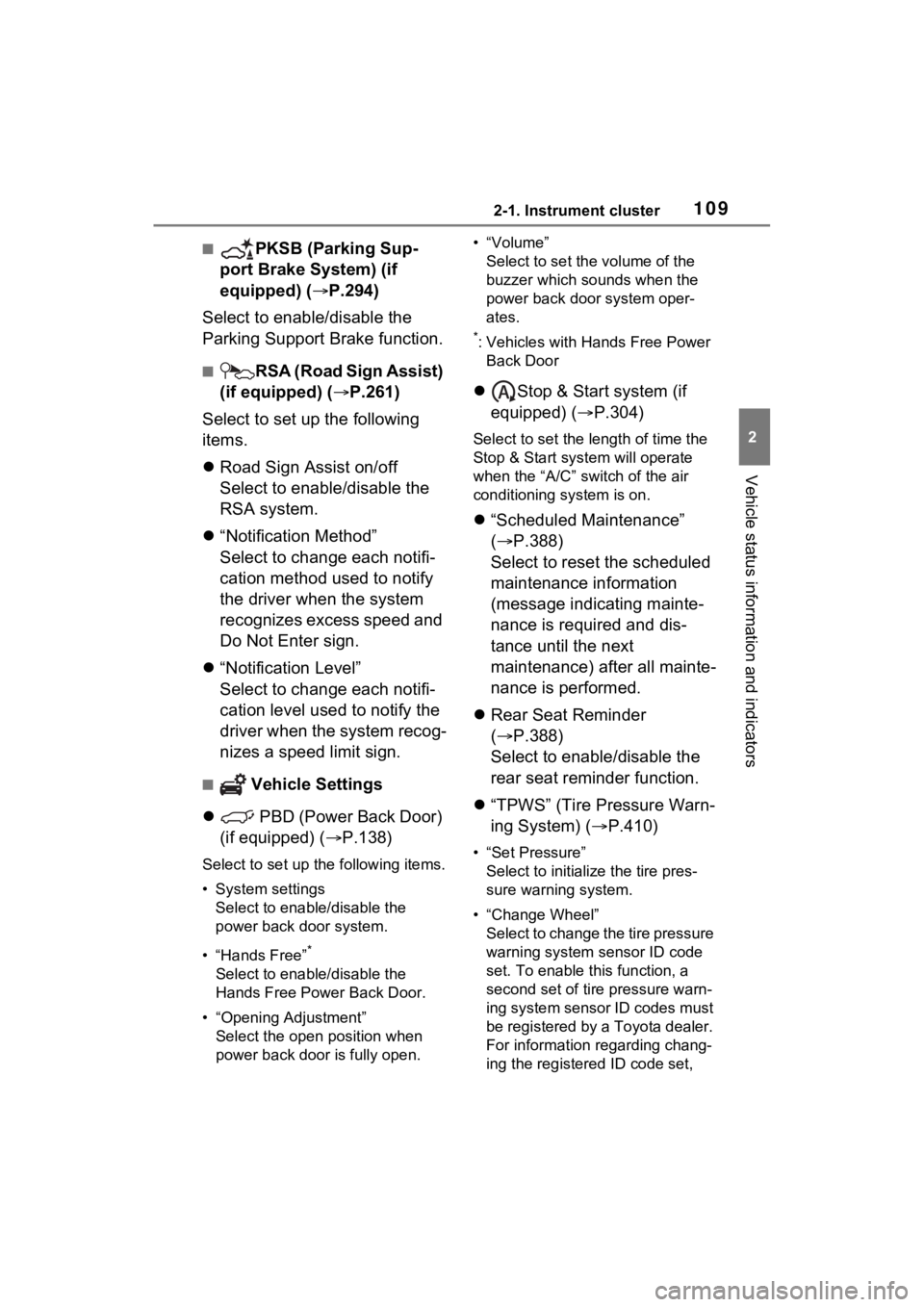
■PKSB (Parking Sup-
port Brake System) (if
equipped) ( P.294)
Select to enable/disable the
Parking Support Brake function.
■RSA (Road Sign Assist)
(if equipped) ( P.261)
Select to set up the following
items.
Road Sign Assist on/off
Select to enable/disable the
RSA system.
“Notification Method”
Select to change each notifi-
cation method used to notify
the driver when the system
recognizes excess speed and
Do Not Enter sign.
“Notification Level”
Select to change each notifi-
cation level used to notify the
driver when the system recog-
nizes a speed limit sign.
■ Vehicle Settings
PBD (Power Back Door)
(if equipped) ( P.138)
Select to set up the following items.
• System settings
Select to enable/disable the
power back door system.
• “Hands Free”
*
Select to enable/disable the
Hands Free Power Back Door.
• “Opening Adjustment” Select the open position when
power back door is fully open. •“Volume”
Select to set the volume of the
buzzer which sounds when the
power back door system oper-
ates.
*: Vehicles with Hands Free Power Back Door
Stop & Start system (if
equipped) ( P.304)
Select to set the length of time the
Stop & Start system will operate
when the “A/C” switch of the air
conditioning system is on.
“Scheduled Maintenance”
( P.388)
Select to reset the scheduled
maintenance information
(message indicating mainte-
nance is required and dis-
tance until the next
maintenance) after all mainte-
nance is performed.
Rear Seat Reminder
( P.388)
Select to enable/disable the
rear seat reminder function.
“TPWS” (Tire Pressure Warn-
ing System) ( P.410)
• “Set Pressure”
Select to initialize the tire pres-
sure warning system.
• “Change Wheel” Select to change the tire pressure
warning system sensor ID code
set. To enable this function, a
second set of tire pressure warn-
ing system sensor ID codes must
be registered by a Toyota dealer.
For information regarding chang-
ing the registered ID code set,
Page 177 of 574
177
4
4
Driving
Driving
4-1. Before drivingDriving the vehicle....... 179
Cargo and luggage ..... 185
Vehicle load limits ....... 188
Trailer towing .............. 189
Dinghy towing ............. 201
4-2. Driving procedures Engine (ignition) switch (vehicles without smart
key system) ............... 203
Engine (ignition) switch (vehicles with smart key
system)...................... 204
Automatic transmission 209
Turn signal lever ......... 212
Parking brake .............. 213
Brake Hold .................. 217
4-3. Operating the lights and wipers
Headlight switch .......... 219
AHB (Automatic High Beam)........................ 222
Fog light switch ........... 226
Windshield wipers and washer....................... 226
Rear window wiper and washer....................... 229
4-4. Refueling Opening the fuel tank cap.................................. 2314-5. Using the dr
iving support
systems
Toyota Safety Sense 2.5 .................................. 234
PCS (Pre-Collision System) .................................. 239
LTA (Lane Tracing Assist) .................................. 250
RSA (Road Sign Assist) .................................. 261
Dynamic radar cruise con- trol with full-speed range
.................................. 264
BSM (Blind Spot Monitor) .................................. 275
Intuitive parking assist . 280
RCTA (Rear Cross Traffic Alert) function ............ 289
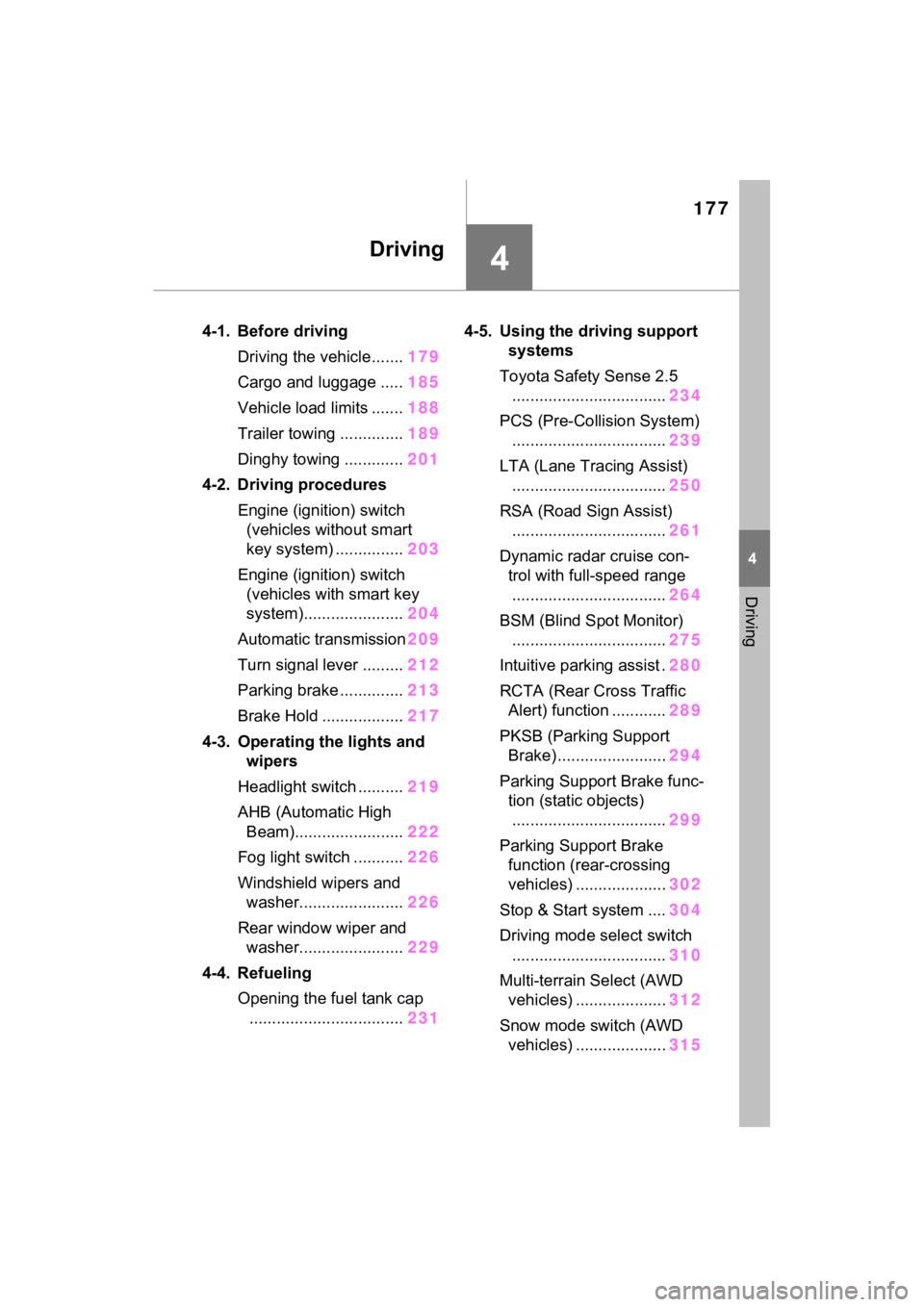
PKSB (Parking Support Brake) ........................ 294
Parking Support Brake func- tion (static objects)
.................................. 299
Parking Support Brake function (rear-crossing
vehicles) .................... 302
Stop & Start system .... 304
Driving mode select switch .................................. 310
Multi-terrain Select (AWD vehicles) .................... 312
Snow mode switch (AWD vehicles) .................... 315
Page 273 of 574

2734-5. Using the driving support systems
4
Driving
when the vehicle speed is approx-
imately 20 mph (30 km/h) or more.
(However, when the vehicle speed
is set while driving at below
approximately 20 mph [30 km/h],
the set speed will be set to
approximately 20 mph [30 km/h].)
■Accelerating after setting the
vehicle speed
The vehicle can accelerate by oper-
ating the accelerator pedal. After
accelerating, the set speed
resumes. However, during vehicle-
to-vehicle distance control mode,
the vehicle spee d may decrease
below the set speed in order to
maintain the distance to the preced-
ing vehicle.
■When the vehicle stops while
follow-up cruising
●Pressing the “+RES” switch while
the vehicle ahead stops will
resume follow-up cruising if the
vehicle ahead starts off within
approximately 3 seconds after the
switch is pressed.
●If the vehicle ahead starts off
within 3 seconds after your vehicle
stops, follow-up cruising will be
resumed.
■Automatic cancelation of vehi-
cle-to-vehicle d istance control
mode
Vehicle-to-vehicle distance control
mode is automatically canceled in
the following situations.
●VSC is activated.
●TRAC is activated for a period of
time.
●When the VSC or TRAC system is
turned off.
●The sensor cannot detect cor-
rectly because i t is covered in
some way.
●When the brake control or output
restriction control of a driving sup-
port system operates.
(For example: Pre-Collision Sys-
tem, Drive-Start Control)
●The parking brake is operated.
●The vehicle is stopped by system
control on a steep incline.
●The following are detected when
the vehicle has been stopped by
system control:
• The driver is not wearing a seat
belt.
• The driver’s door is opened.
• The vehicle has been stopped for about 3 minutes
If vehicle-to-vehicle distance control
mode is automatically canceled for
any reasons other than the above,
there may be a malfunction in the
system. Contact your Toyota dealer.
■Automatic cancelation of con-
stant speed control mode
Constant speed control mode is
automatically cance led in the follow-
ing situations:
●Actual vehicle speed is more than
approximately 10 mph (16 km/h)
below the set vehicle speed.
●Actual vehicle speed falls below
approximately 20 mph (30 km/h).
●VSC is activated.
●TRAC is activated for a period of
time.
●W h en t he V S C o r T RA C sys te m is
turned off.
●When the brake control or output
restriction control of a driving sup-
port system operates.
(For example: Pre-Collision Sys-
tem, Drive-Start Control)
●The parking brake is operated.
If constant speed control mode is
automatically canceled for any rea-
sons other than the above, there
may be a malfunction in the system.
Contact your Toyota dealer.
■Brake operation
A brake operation sound may be
heard and the brake pedal response
may change, but these are not mal-
Page 285 of 574

2854-5. Using the driving support systems
4
Driving
●When driving toward a banner,
flag, low-hanging branch or boom
barrier (such as those used at rail-
road crossings, toll gates and
parking lots).
●When there is a rut or hole in the
surface of the road.
●When driving on a metal cover
(grating), such as those used for
drainage ditches.
●When driving up or down a steep
slope.
●If a sensor is hit by a large amount
of water, such as when driving on
a flooded road.
●There is dirt, snow, water drops or
ice on a sensor. (Cleaning the
sensors will resolve this problem.)
●A sensor is coated with a sheet of
spray or heavy rain.
●When driving in inclement weather
such as fog, snow or a sandstorm.
●When strong winds are blowing.
●When vehicle horns, vehicle
detectors, motorcycle engines, air
brakes of large vehicles, the clear-
ance sonar of other vehicles or
other devices which produce ultra-
sonic waves are near the vehicle.
●If the front of the vehicle is raised
or lowered due to the carried load.
●If the orientation of a sensor has
been changed due to a collision or
other impact.
●The vehicle is approaching a tall
or curved curb.
●Driving close to columns (H-
shaped steel beams, etc.) in multi-
story parking garages, construc-
tion sites, etc.
●If the vehicle cannot be driven in a
stable manner, such as when the
vehicle has been in an accident or
is malfunctioning.
●On an extremely bumpy road, on
an incline, on gravel, or on grass.
●When tire chains, a compact
spare tire or an emergency tire
puncture repai r kit are used.
■Certification (Canada only)
This ISM device complies with
Canadian ICES-001.
Page 294 of 574

2944-5. Using the driving support systems
●When a sensor or the area around
a sensor is extremely hot or cold
●If the suspension has been modi-
fied or tires of a size other than
specified are installed
●If the front of the vehicle is raised
or lowered due to the carried load
*: If equipped
■Parking Support Brake
function (static objects)
P.299
■Parking Support Brake
function (rear-crossing
vehicles)
P.302
PKSB (Parking Sup-
port Brake)*
The Parking Support Brake
system consists of the fol-
lowing functions that oper-
ate when driving at a low
speed or backing up, such
as when parking. When the
system determines that the
possibility of a collision
with a detected object is
high, a warning operates to
urge the driver to take eva-
sive action. If the system
determines that the possi-
bility of a collision with a
detected object is extremely
high, the brakes are auto-
matically applied to help
avoid the collision or help
reduce the impact of the
collision.
PKSB (Parking Support
Brake) system
Page 295 of 574

2954-5. Using the driving support systems
4
Driving
WARNING
■Cautions regarding the use of
the system
Do not overly rely on the system,
as doing so may lead to an acci-
dent.
Always drive while checking the
safety of the surroundings of the
vehicle.
Depending on the vehicle and
road conditions, weather, etc., the
system may not operate.
The detection capa bilities of sen-
sors and radars are limited.
Always drive while checking the
safety of the surroundings of the
vehicle.
●The driver is solely responsible
for safe driving. Always drive
carefully, taking care to observe
your surroundings. The Parking
Support Brake system is
designed to provide support to
lessen the severity of collisions.
However, it may not operate in
some situations.
●The Parking Support Brake sys-
tem is not designed to stop the
vehicle completely. Addition-
ally, even if the system has
stopped the vehicle, it is neces-
sary to depress the brake pedal
immediately as brake control
will be canceled after approxi-
mately 2 seconds.
●It is extremely dangerous to
check the system operations by
intentionally driving the vehicle
into the direction of a wall, etc.
Never attempt such actions.
■When to disable the Parking
Support Brake
In the following situations, disable
the Parking Support Brake as the
system may operate even though
there is no poss ibility of a colli-
sion.
●When inspecting the vehicle
using a chassis roller, chassis
dynamo or free roller.
●When loading the vehicle onto a
boat, truck or other transport
vessel.
●If the suspension has been
modified or tires of a size other
than specified are installed.
●If the front of the vehicle is
raised or lowered due to the
carried load.
●When equipment that may
obstruct a sensor is installed,
such as a towing eyelet, bumper
protector (an additional trim
strip, etc.), bicycle carrier, or
snow plow.
●When using automatic car
washing devices.
●If the vehicle cannot be driven in
a stable manner, such as when
the vehicle has been in an acci-
dent or is malfunctioning.
●When the vehicle is driven in a
sporty manner or off-road.
●When the tires are not properly
inflated.
●When the tires are very worn.
●When tire chains, a compact
spare tire or an emergency tire
puncture repair kit are used.
●When your vehicle is towing a
trailer or during emergency tow-
ing.