Page 99 of 516

972-1. Instrument cluster
RAIZE_OM_General_BZ358E
Instrument cluster
2
WARNING
⬛Caution while driving
For safety reasons, do not operate the display change button or the clock
adjustment switch while driving. Doing so is dangerous and may lead to an
accident such as incorrect op eration of the steering wheel.
Stop the vehicle to operate it. While drivin g, keep the time that you look at the
display to the minimum necessary.
⬛When changing settings
As the engine needs to be running duri ng setting up the display, ensure that
the vehicle is parked in a place with adeq uate ventilation. In a closed area such
as a garage, exhaust gases including harmful carbon monoxide (CO) may col-
lect and enter the vehicle. This may cau se death or a serious health hazard.
NOTICE
⬛Screen display at low temperatures
When the display screen temperature is extremely low, the display changes
may be delayed. Allow the interior of th e vehicle to warm up before using it.
⬛When changing display settings
Make sure that the engine is running, as otherwise the battery may discharge.
⬛About cruising distance
Even if the value indicated for cruising distance seems sufficient, try to fill the
fuel tank when the fuel gauge nears “E”, or the low fuel level warning light
turns on.
RAIZE_OM_General_BZ358E.book 97 ページ 2022年5月17日 火曜日 午後1時59分
Page 103 of 516
1012-1. Instrument cluster
RAIZE_OM_General_BZ358E
Instrument cluster
2
Running information
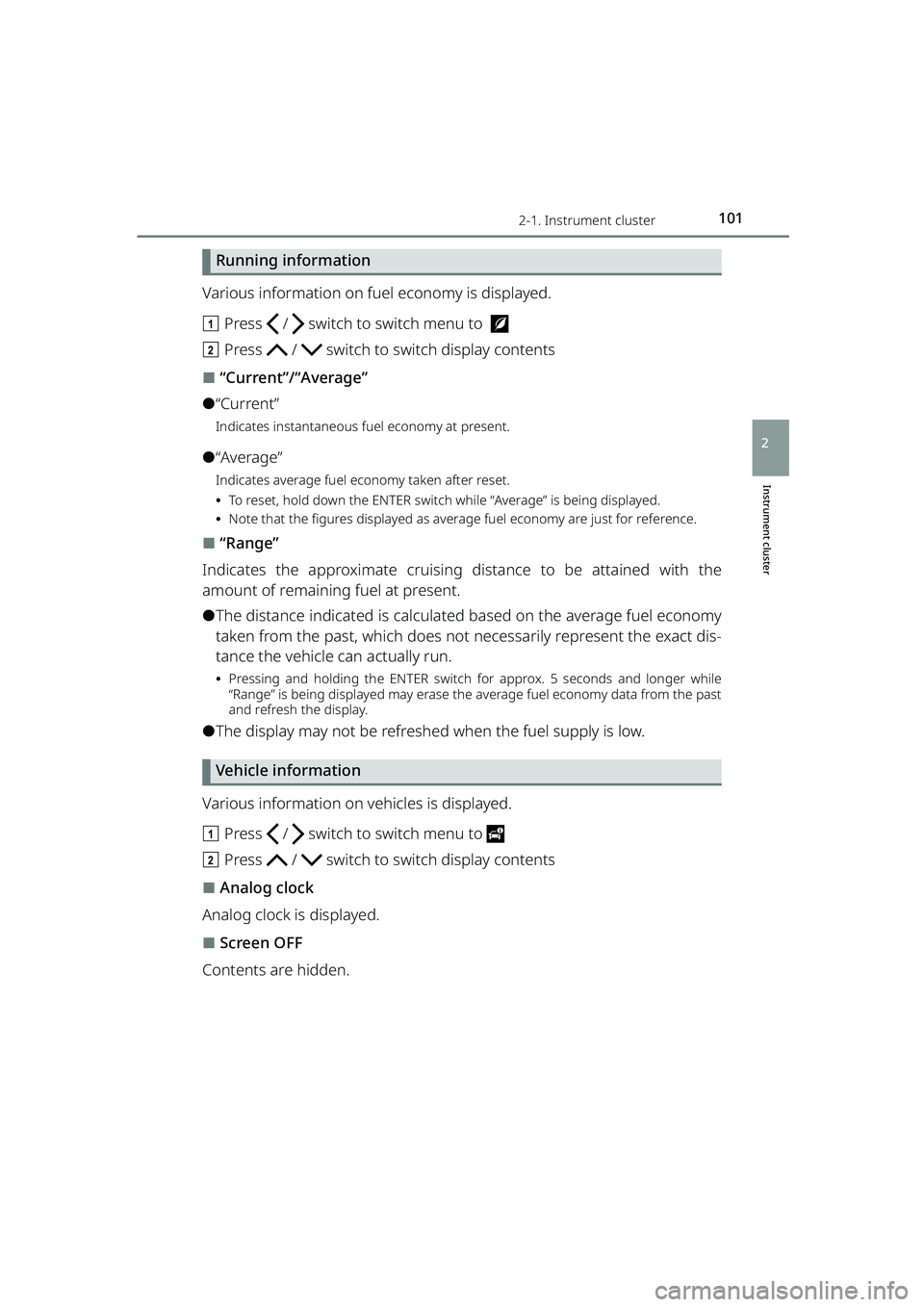
Various information on fuel economy is displayed.
aPress / switch to switch menu to
b Press / switch to switch display contents
⬛“Current”/“Average”
⚫“Current”
Indicates instantaneous fuel economy at present.
⚫“Average”
Indicates average fuel economy taken after reset.
⦁To reset, hold down the ENTER switch while “Average” is being displayed.
⦁ Note that the figures displayed as average fuel economy are just for reference.
⬛“Range”
Indicates the approximate cruising distance to be attained with the
amount of remaining fuel at present.
⚫The distance indicated is calculated based on the average fuel economy
taken from the past, which does not necessarily represent the exact dis-
tance the vehicle can actually run.
⦁ Pressing and holding the ENTER switch for approx. 5 seconds and longer while
“Range” is being displayed may erase the average fuel economy data from the past
and refresh the display.
⚫The display may not be refreshed when the fuel supply is low.
Vehicle information
Various information on vehicles is displayed.
a Press / switch to switch menu to
b Press / switch to switch display contents
⬛Analog clock
Analog clock is displayed.
⬛Screen OFF
Contents are hidden.
RAIZE_OM_General_BZ358E.book 101 ページ 2022年5月17日 火曜日 午後1時59分
Page 105 of 516

1032-1. Instrument cluster
RAIZE_OM_General_BZ358E
Instrument cluster
2
Opening screen
When the engine switch is turned to “ON”, the date and the notification
screen appear for a few seconds, after the presentation screen.
The following notification screens can be displayed.
⚫New year greetings
⚫Birthday
⚫Anniversary
⚫Date of vehicle inspection
⚫Date of inspection
⚫Engine oil replacement
⚫Oil filter replacement
⚫Tire rotation
⚫Distance driven
⬛New year greetings
Displayed on January 1.
⬛Birthday, and Anniversary
Displayed on the specified days.
⬛Date of vehicle inspection , and date of inspection
Displayed when the remaining days till the specified day are less than 1
month, and when once a day after the specified day.
⬛Engine oil replacement, oil filter replacement, and tire rotation
Displayed once a day when the remaining distance to the specified dis-
tance becomes less than 500 km (310 miles) or when it has reached the
specified distance.
Ending screen
When the engine switch is turned “O FF”, the notification screen appears.
⬛Driving record, scores (fuel economy)
When the ending setting is switched to “ECO” ( ➞P. 106), the driving
records, which were taken between a period from turning the engine
switch “ON” to “OFF”, will be displayed, and the score for environment-
friendly level will be displayed as points.
RAIZE_OM_General_BZ358E.book 103 ページ 2022年5月17日 火曜日 午後1時59分
Page 108 of 516
1062-1. Instrument cluster
RAIZE_OM_General_BZ358E
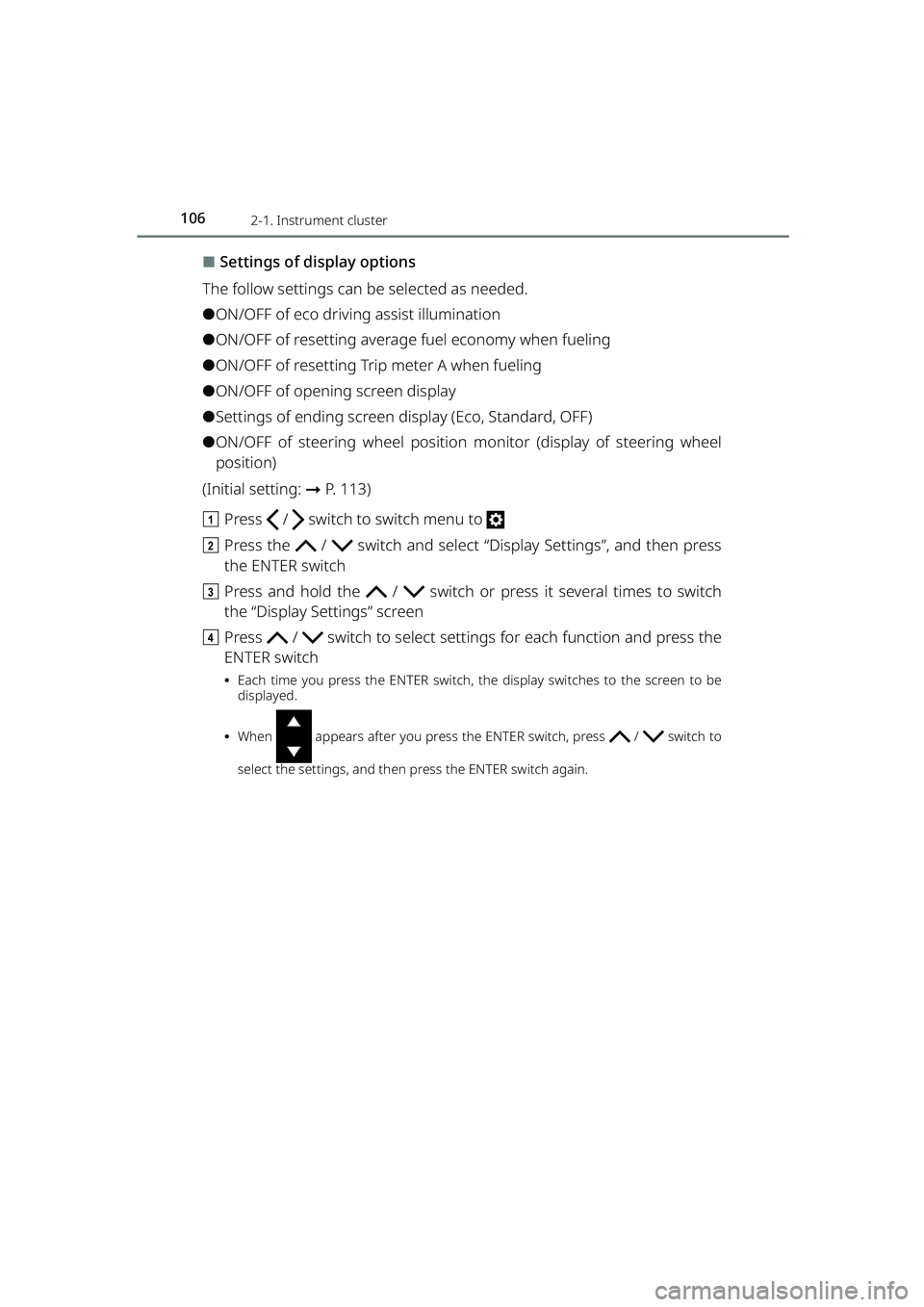
⬛Settings of display options
The follow settings can be selected as needed.
⚫ON/OFF of eco driving assist illumination
⚫ON/OFF of resetting average fuel economy when fueling
⚫ON/OFF of resetting Trip meter A when fueling
⚫ON/OFF of opening screen display
⚫Settings of ending screen display (Eco, Standard, OFF)
⚫ON/OFF of steering wheel position monitor (display of steering wheel
position)
(Initial setting: ➞P. 113)
a Press / switch to switch menu to
b Press the / switch and select “Display Settings”, and then press
the ENTER switch
c Press and hold the / switch or press it several times to switch
the “Display Settings” screen
d Press / switch to select setting s for each function and press the
ENTER switch
⦁ Each time you press the ENTER switch, the display switches to the screen to be
displayed.
⦁ When appears after you press the ENTER switch, press / switch to
select the settings, and then press the ENTER switch again.
RAIZE_OM_General_BZ358E.book 106 ページ 2022年5月17日 火曜日 午後1時59分
Page 115 of 516

1132-1. Instrument cluster
RAIZE_OM_General_BZ358E
Instrument cluster
2
⬛Initialization of display settings
Display settings can be initialized (default setting).
a Press / switch to switch menu to
b Press and hold the / switch or press it several times to switch the
“Settings” screen, select “Reset Settings” and press the ENTER switch
c Press the / switch to select “Y es”, and then press the ENTER switch
Items in the following table are initialized.
ItemInitial setting
“Display Brightness”For day illuminationLevel 8
For night illuminationLevel 6
“Time and Date”“Auto Time ADJ”“ON”
“12H/24H”“24H”
“Designs”“Disp.1”
“Display Settings”
“Eco Indicator Light”“ON”
“AVG Fuel Reset after Refuel”“OFF”
“Trip A Reset after Refuel”“OFF”
“Opening Display”“ON”
“Ending Display Type”“STD”
“Steering Angle”“ON”
“Buzzer”
“Turn Signal Tone Type”“1”
“Opening Sound Volume”“2”
“BSM Buzzer Volume”“2”
“RCTA Buzzer Volume”“2”
“Notification Day
Settings”“Date 1” - “Date 10”“(Not Set)”
“Maintenance Set- tings”“Oil Change Timing Notice”“OFF”
“Oil Filter Change Timing Notice”“OFF”
“Tire Rotation Timing Notice”“OFF”
“Language”“English”
RAIZE_OM_General_BZ358E.book 113 ページ 2022年5月17日 火曜日 午後1時59分
Page 167 of 516

165
4
RAIZE_OM_General_BZ358E
Driving
4-1. Driving the vehicle
Driving the vehicle .....................166
Precautions when loading luggage .....................................177
Trailer towing ..............................179
4-2. Driving procedures
Engine (ignition) switch (vehicles without key-free
system) ......................................180
Engine (ignition) switch (vehicles with key-free
system) ......................................184
Continuously variable transmission .............................189
Driving the manual transmission vehicle ........................................194
Turn signal lever.........................196
Parking brake..............................197
4-3. Operating the lights and windshield wipers
Headlight switch ........................ 198
Fog light switch .......................... 201
Windshield wipers and washer
(front)......................................... 203
Windshield wipers and washer (rear) .......................................... 205
4-4. Refueling
Opening the fuel tank cap....... 207
4-5. Using the driving support systems
BSM (Blind Spot Monitor) ........ 211
Front corner sensors/
Reverse sensors ...................... 221
Rear-view camera ...................... 228
Driving assist systems .............. 232
4-6. Driving tips
Winter driving tips ..................... 238
Eco-friendly driving tips ........... 241
RAIZE_OM_General_BZ358E.book 165 ページ 2022年5月17日 火曜日 午後1時59分
Page 171 of 516

1694-1. Driving the vehicle
RAIZE_OM_General_BZ358E
✽: If equipped
Driving
4
⬛Breaking in your new Toyota
To extend the life of the vehicle, obse rving the following precautions is recom-
mended:
⚫For the first 300 km (186 miles):
Avoid sudden stops.
⚫For the first 1000 km (621 miles):
⦁ Do not drive at extremely high speeds.
⦁ Avoid sudden acceleration.
⦁ Do not drive continuously in low gears.
⦁ Do not drive at a constant speed for extended periods.
⬛Eco-friendly driving
▶Vehicles without TFT color multi-information display
During eco-friendly driving, Eco Driv-
ing Indicator Light turns on.
When the accelerator pedal is
stepped on stronger than necessary
or when the vehicle is stopped, the
light turns off.
In the following cases, Eco Driving
Indicator Light will not be activated.
⚫When the shift lever is set in other
than D (continuousl y variable trans-
mission vehicles)
⚫When the shift lever is set to the 1st
gear, N or R (manual transmission
vehicles)
⚫When the vehicle speed is approx.
110 km/h (68 mph) or greater
⚫When the driving mode is set to
Power mode
✽ ( ➞ P. 190)
On/Off of Eco Driving Indicator Light can be set. ( ➞P. 9 2 )
▶Vehicles with TFT color multi-information display
➞ P. 9 8
⬛Operating your vehicle in a foreign country
Comply with the relevant vehicle regist ration laws and confirm the availability
of the correct fuel. (➞ P. 429)
KBRO410101
KBRO410102E
RAIZE_OM_General_BZ358E.book 169 ページ 2022年5月17日 火曜日 午後1時59分
Page 191 of 516
1894-2. Driving procedures
RAIZE_OM_General_BZ358E✽
: If equipped
Driving
4
Continuously variable transmission✽
Moving the shift lever
: While the engine switch is “ON”, operate the shift lever with its
button pressed and the brake pedal depressed.
: Operate the shift lever with its button pressed.
: Operate the shift lever without pressing its button.
Shift position purpose
*Normally, use the D position to improv e fuel efficiency and reduce noise.
Shift positionPurpose
PParking the vehicle/starting the engine
RReversing
NNeutral (Condition in which the power is not transmitted)
DNormal driving*
SDriving on a slope
MManual mode driving (➞P. 190)
KBRO420301E
Shift
lever
button
RAIZE_OM_General_BZ358E.book 189 ページ 2022年5月17日 火曜日 午後1時59分
