2023 TOYOTA COROLLA CROSS fuel type
[x] Cancel search: fuel typePage 14 of 500

14Pictorial index
Fuel filler door .................................................................... P.188
Refueling method ............................................... .................. P.189
Fuel type/fuel tan k capacity ................................... .............. P.430
Tires.......................................................... ........................... P.351
Tire size/inflation pressure ................................... ................ P.434
Winter tires/tire chains ....................................... .................. P.279
Checking/rotation/tire pressur e warning system ..................P.351
Coping with flat tires......................................... .................... P.405
Hood ........................................................... ......................... P.342
Opening ............................................................................... P.342
Engine oil ..................................................... ........................ P.430
Coping with overheating ...................................................... P.423
Headlights/daytime running lights .............................. ..... P.178
Headlights..................................................... ...................... P.178
Parking lights ................................................. .................... P.178
Front turn signal lights ....................................... ............... P.171
Daytime running lights/parking lights ............................. P.178
Front side marker lights ....................................... ............. P.178
Fog lights
*2............................................................... .......... P.178
Stop lights/rear turn signal lig hts/tail lights/rear side marker
lightsP.171, 178
Tail lights
*2............................................................... ........... P.178
Back-up lights
Shifting the shift position to R ............................... ............... P.168
License plate lights........................................... ................. P.178
Side turn signal lights
*2..................................................... P.171
*1: Vehicles with a smart key system
*2: If equipped
Light bulbs of the exterior lights for driving
(Replacing method: P.374, Watts: P.435)
Page 30 of 500

301-1. For safe use
based on US motor vehicle safety standards (FMVSS208). The air-
bag sensor assembly (ECU) controls airbag deployment based on
information obtained from the sensors, etc., shown in the system
components diagram above. This in formation includes crash sever-
ity and occupant information. As the airbags deploy, a chemical
reaction in the inflators quickly fills the airbags with non-toxic gas to
help restrain the motion of the occupants.
■If the SRS airbags deploy
(inflate)
●Slight abrasions, burns, bruising,
etc., may be sustained from SRS
airbags, due to the extremely high
speed of deployment (inflation) by
hot gases.
●A loud noise and white powder will
be emitted.
●Parts of the airbag module (steer-
ing wheel hub, airbag cover and
inflator) as well as the parts
around the airbags may be hot for
several minutes. T he airbag itself
may also be hot.
●The windshield may crack.
●All of the doors will be unlocked.
( P.105)
●The brakes and st op lights will be
controlled automatically. ( P.275)
●The interior lights will turn on auto-
matically. ( P.303)
●The emergency flashers will turn
on automatically. ( P.382)
●Fuel supply to the engine will be
stopped. (P.390)
●For Safety Connect subscribers, if
any of the followin g situations
occur, the system is designed to
send an emergency call to the
response center, notifying them of
the vehicle’s location (without
needing to push the “SOS” button)
and an agent will attempt to speak
with the occupants to ascertain
the level of emergency and assis-
tance required. If the occupants
are unable to communicate, the
agent automatically treats the call as an emergency and helps to dis-
patch the necessary emergency
services. (
P. 6 4 )
• When an SRS airbag has been
deployed
• When a seat belt pretensioner has operated
• When the vehicle has been involved in a severe rear-end colli-
sion
■The SRS airbags deploy in a
frontal impact when
●The following SRS airbags will
deploy in the event of an impact
that exceeds a th reshold level
(level of force corresponding to an
approximately 12 - 18 mph [20 -
30 km/h] frontal collision with a
fixed wall that does not move or
deform):
• SRS front airbags
• SRS knee airbag
●The threshold level at which the
SRS airbags will deploy will be
higher than normal in the in the
following situations:
• When the vehicle collides with an
object, such as a parked vehicle
or sign pole, which moves or
deforms on impact
• If the vehicle is involved in an underride collision, such as a colli-
sion in which the front of the vehi-
cle “underrides”, or goes under,
the bed of a truck
●Depending on the type of collision,
only the following may deploy:
• Seat belt pretensioners
●The SRS airbags for the front pas-
senger’s seat will not deploy if
there is no passe nger in the front
passenger seat. However, the
Page 67 of 500
671-3. Emergency assistance
1
For safety and security
■Enhanced Roadside Assis-
tance
Enhanced Roadside Assistance
adds GPS data to the already
included warranty-based Toyota
roadside service.
Subscribers can press the
“SOS” button to reach a Safety
Connect response-center agent,
who can help with a wide range
of needs, such as: towing, flat
tire, fuel delivery, etc. For a
description of the Enhanced
Roadside Assistance services
and their limitations, please see
the Safety Connect Terms and
Conditions, which are available
at Toyota.com in the United
States, Toyotapr.com in Puerto
Rico and Toyota.ca in Canada.
Important! Read this informa-
tion before using Safety Con-
nect.
■Exposure to radio fre-
quency signals
The Safety Connect system
installed in your vehicle is a
low-power radio transmitter and
receiver. It receives and also
sends out radio frequency (RF)
signals.
In August 1996, the Federal
Communications Commission
(FCC) adopted RF exposure
guidelines with safety levels for mobile wireless phones. Those
guidelines are consistent with
the safety standards previously
set by the following U.S. and
international standards bodies.
ANSI (American National
Standards Institute) C95.1
[1992]
NCRP (National Council on
Radiation Protection and
Measurement) Report 86
[1986]
ICNIRP (International Com-
mission on Non-Ionizing Radi-
ation Protection) [1996]
Those standards were based on
comprehensive and periodic
evaluations of the relevant sci-
entific literature. Over 120 scien-
tists, engineers, and physicians
from universities, and govern-
ment health agencies and
industries reviewed the avail-
able body of research to
develop the ANSI Standard
(C95.1).
The design of Safety Connect
complies with the FCC guide-
lines in addition to those stan-
dards.
■Free/Open Source Software
Information
This product contains Free/Open
Source Software (FOSS).
The license information and/or the
source code of such FOSS can be
found at the f ollowing URL.
https://opensource.lge.com/osSch/
list?types=ALL&search=TL21BNU
Safety information for
Safety Connect
Page 85 of 500
852-1. Instrument cluster
2
Vehicle status information and indicators
This distance is computed based
on your average fuel consumption.
As a result, the actual distance that
can be driven may differ from that
displayed.
When only a small amount of fuel is
added to the tank, the display may
not be updated.
When refueling, turn the engine
switch off. If the vehicle is refueled
without turning the engine switch
off, the display may not be updated.
■Eco Driving Indicator
Eco Driving Indica tor will not oper-
ate under the following conditions:
●The shift lever is in any position
other than D.
●The vehicle speed is approxi-
mately 80 mph (130 km/h) or
higher.
■Driving support system
information
Select to display the operational
status of the following systems:
LTA (Lane Tracing Assist)
( P.208)
LDA (Lane Departure Alert)
( P.213)
PCS (Pre-Collision System)
( P.198)
Dynamic radar cruise control
( P.220)
RSA (Road Sign Assist) (if
equipped) ( P.218)
■Navigation system-linked
display (if equipped)
Select to display the following
navigation system-linked infor-
mation:
Route guidance to destination
Compass display (head-
ing-up display)
Select to enable selection of an
audio source or track on the
meter using the meter control
switches.
This menu icon can be set to be
displayed/not displayed in .
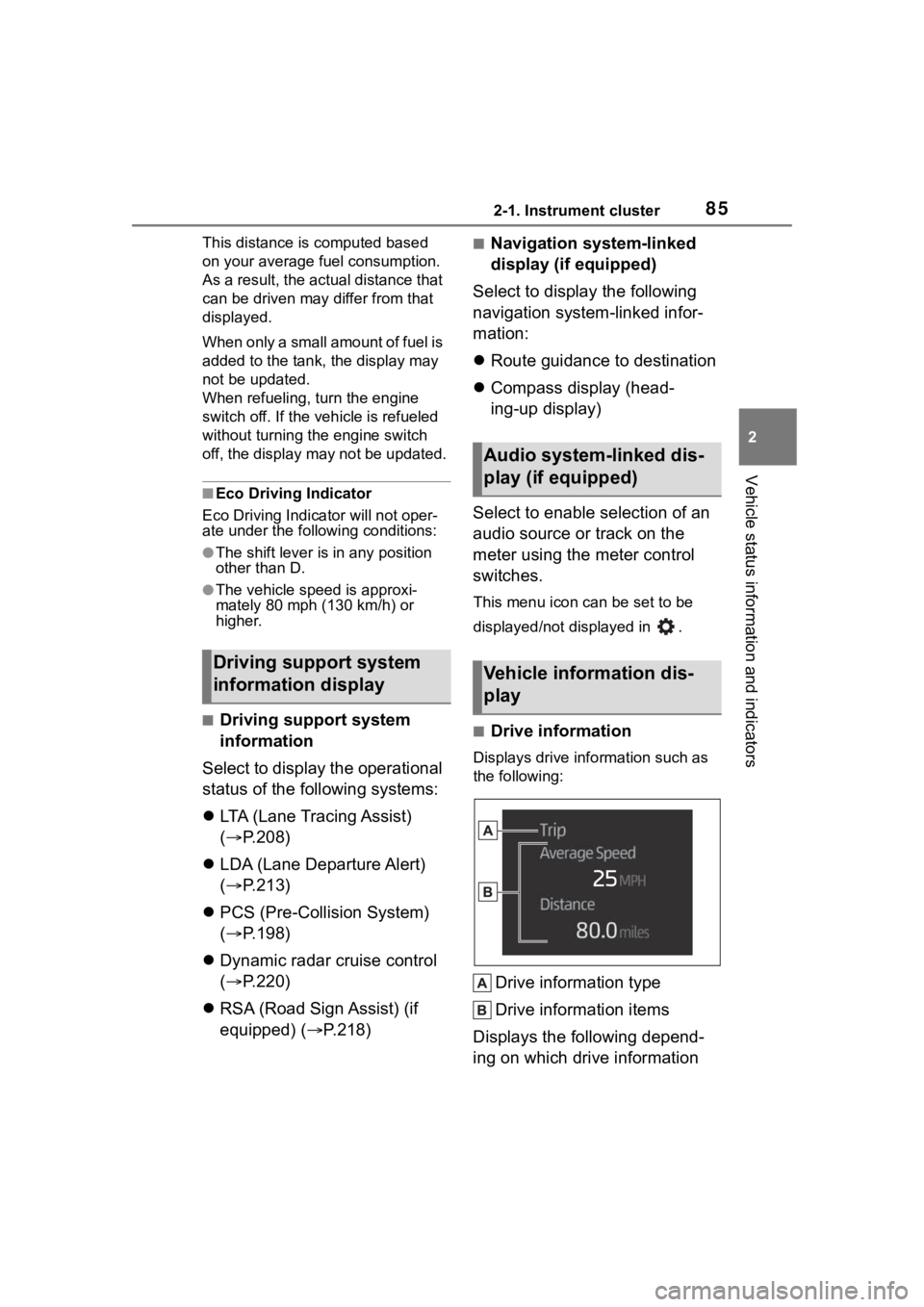
■Drive information
Displays drive info rmation such as
the following:
Drive information type
Drive information items
Displays the following depend-
ing on which drive information
Driving support system
information display
Audio system-linked dis-
play (if equipped)
Vehicle information dis-
play
Page 86 of 500

862-1. Instrument cluster
type and drive information items
were selected in . (P.86)
After start
• Distance: Displays the distance
driven since e ngine start
• Elapsed time: Displays the elapsed time since engine start
• Average vehicle speed: Displays the average vehi cle speed since
engine start
After reset
• Distance: Displays the distance
driven since the display was
reset
*
• Elapsed time: Displays the elapsed time since the display
was reset
*
• Average vehicle speed: Displays the average vehi cle speed since
the display was reset
*
*
: To reset, display the desired item
and press and hold the
meter control switch.
■Tire pressure
P. 3 5 3
■AWD operation status dis-
play (if equipped)
The illustration used is intended as an example, and may differ from the
image that is actually displayed on
the multi-information display.
Torque distribution display
Displays the drive status of each
wheel in 6 steps from 0 to 5.
■Meter display settings that
can be changed
Language
Select to change the language dis-
played.
Units
Select to change the units of mea-
sure displayed.
Eco Driving Indicator Light
Select to enable/disable the Eco
Driving Indi cator Light.
Fuel economy display
Select to change the average fuel
consumption display between after
start/after reset. ( P. 8 3 )
Select to displa y/not display the
audio system linked display.
Select to change the displayed con-
tent of the following:
• Drive information type
Select to change the drive informa-
tion type display between after
start/after reset.
• Drive information items
Settings display
Page 93 of 500
932-1. Instrument cluster
2
Vehicle status information and indicators
■Meter display settings that
can be changed
Language
Select to change the language dis-
played.
Units
Select to change t he units of mea-
sure displayed.
Meter Type
Select to change the meter type.
Dial Type
Select to change the display of the
speedometer or tachometer.
Eco Driving Indicator Light
Select to enable/disable the Eco
Driving Indicator Light.
Fuel economy display
Select to change the average fuel
consumption display to any of the
following: trip ave rage/total aver-
age/tank average. ( P. 9 0 )
Select to display/not display the
audio system linked display.
Select to change the displayed con-
tent of the following:
• Drive information type
Select to change the drive informa-
tion type display between trip infor-
mation/total information.
• Drive information items
Select to set the first and second items of the drive information dis-
play to any of the following: aver-
age vehicle
speed/distance/elapsed time.
Pop-up display
Select to enable/disable pop-up
displays for each relevant system.
Multi-information display off
Select to turn the multi-information
display off.
To turn the multi-information display
on again, press any of the following
meter control switches
//// /.
Default setting
Select to reset the meter display
settings to the default setting.
■Vehicle functions and set-
tings that can be changed
P.449
■Suspension of the settings dis-
play
●Some settings cannot be changed
while driving. When changing set-
tings, park the vehicle in a safe
place.
●If a warning message is displayed,
operation of the settings display
will be suspended.
Settings display
Page 188 of 500
1884-4. Refueling
4-4.Refueling
Turn the engine switch off and
ensure that all the doors and
windows are closed.
Confirm the type of fuel.
■Fuel types
P. 4 3 6
■Fuel tank opening for unleaded
gasoline
To help prevent incorrect fueling,
your vehicle has a fuel tank opening
that only accommodates the spe-
cial nozzle on unle aded fuel pumps.
■If the malfunction indicator
lamp illuminates
The malfunction indicator lamp may
illuminate erroneous ly if refueling is
performed repeatedly when the fuel
tank is nearly full.
Opening the fuel tank
cap
Perform the following steps
to open the fuel tank cap:
Before refueling the vehi-
cle
WARNING
■When refueling the vehicle
Observe the following precautions
while refueling the vehicle. Failure
to do so may result in death or
serious injury.
●After exiting the vehicle and
before opening the fuel door,
touch an unpainted metal sur-
face to discharge any static
electricity. It is important to dis-
charge static electricity before
refueling because sparks result-
ing from static electricity can
cause fuel vapors to ignite while
refueling.
●Always hold the grips on the
fuel tank cap and turn it slowly
to remove it.
A whooshing sound may be
heard when the f uel tank cap is
loosened. Wait until the sound
cannot be heard before fully
removing the cap. In hot
weather, pressurized fuel may
spray out the filler neck and
cause injury.
●Do not allow anyone that has
not discharged static electricity
from their body to come close to
an open fuel tank.
●Do not inhale vaporized fuel.
Fuel contains substances that
are harmful if inhaled.
●Do not smoke while refueling
the vehicle.
Doing so may cause the fuel to
ignite and cause a fire.
●Do not return to the vehicle or
touch any person or object that
is statically charged.
This may cause static electricity
to build up, resulting in a possi-
ble ignition hazard.
■When refueling
Observe the following precautions
to prevent fuel overflowing from
the fuel tank:
●Securely insert the fuel nozzle
into the fuel filler neck.
●Stop filling the tank after the fuel
nozzle automatically clicks off.
Page 430 of 500
![TOYOTA COROLLA CROSS 2023 Owners Manual 4308-1. Specifications
■Oil capacity (Drain and refill
[Reference
*])
*: The engine oil capacity is a refer-ence quantity to be used when
changing the engine oil. Warm up
and turn off the engine,](/manual-img/14/66988/w960_66988-429.png "TOYOTA COROLLA CROSS 2023 Owners Manual 4308-1. Specifications
■Oil capacity (Drain and refill
[Reference
*])
*: The engine oil capacity is a refer-ence quantity to be used when
changing the engine oil. Warm up
and turn off the engine,")
4308-1. Specifications
■Oil capacity (Drain and refill
[Reference
*])
*: The engine oil capacity is a refer-ence quantity to be used when
changing the engine oil. Warm up
and turn off the engine, wait more
than 5 minutes, and check the oil
level on the dipstick.
■Engine oil selection
“Toyota Genuine Motor Oil” is
used in your Toyota vehicle. Use
Toyota approved “Toyota Genu-
ine Motor Oil” or equivalent to
satisfy the following grade and
viscosity.
Oil grade: ILSAC GF-6B multi-
grade engine oil
Recommended viscosity: SAE
0W-16 Outside temperature
SAE 0W-16 is the best choice
for good fuel economy and good
starting in cold weather.
If SAE 0W-16 is not available,
SAE 0W-20 oil may be used.
However, it must be replaced
with SAE 0W-16 at the next oil
change.
Oil viscosity (0W-16 is explained
here as an example):
• The 0W in 0W-16 indicates the characteristic of the oil
which allows cold startability.
Oils with a lower value before
the W allow for easier starting
of the engine in cold weather.
• The 16 in 0W-16 indicates the viscosity characteristic of the
Fuel
Fuel typeUnleaded gasoline only
Octane Rating87 (Research Octane Number 91) or
higher
Fuel tank capacity
(Reference)
2WD models
12.4 gal. (47.0 L, 10.3 Imp. gal.)
AWD models
13.2 gal. (50.0 L, 11.0 Imp. gal.)
Lubrication system
With filter4.4 qt. (4.2 L, 3.7 Imp.
qt.)
Without filter4.1 qt. (3.9 L, 3.4 Imp.
qt.)