2023 NISSAN TITAN headlight aiming
[x] Cancel search: headlight aimingPage 15 of 644
14. Front passenger air bag status light(if so equipped) (P. 1-62)
15. Power outlet (P. 2-67)
16. Climate control seat switch
(if so equipped) (P. 2-54)
Heated front seat switches
(if so equipped) (P. 2-55)
17. Heated steering wheel switch
(if so equipped) (P. 2-57)
Warning systems switch (P. 2-58)
18. USB ports*
19. Hazard warning flasher switch (P. 6-2)
20. Parking Aids system switch (P. 2-63) Vehicle Dynamic Control (VDC) OFF
switch (P. 2-59)
21. Trailer Brake Controller Unit (TBCU)
(if so equipped) (P. 2-65)
22. 4WD shif t switch (if so equipped)
(P. 5-109)
23. Push-button ignition switch (P. 5-12)
24. Driver supplemental knee air bag
(P. 1-79)
25. Tilt and telescopic steering wheel
control (P. 3-28)
26. Parking brake (P. 5-23)
27. Hood release (P. 3-25) 28. Headlight aiming control
(if so equipped) (P. 2-50)
Power inverter switch (if so equipped)
(P. 2-62)
Cargo lamp switch (P. 2-53)
Electronic locking rear differential
(E-Lock) system switch (if so equipped)
(P. 2-61)
Hill descent control system switch
(if so equipped) (P. 2-59)
29. Headlight switch (P. 2-45) Fog light switch (if so equipped) (P. 2-52)
Instrument brightness control
switches (P. 2-51)
Trip reset switch (P. 2-7)
*Refer to the separate NissanConnect®
Owner’s Manual
Refer to the page number indicated in
parenthesis for operating details.
Illustrated table of contents0-7
Page 109 of 644
14. Front passenger air bag status light(if so equipped) (P. 1-62)
15. Power outlet (P. 2-67)
16. Climate control seat switch
(if so equipped) (P. 2-54)
Heated front seat switches
(if so equipped) (P. 2-55)
17. Heated steering wheel switch
(if so equipped) (P. 2-57)
Warning systems switch (P. 2-58)
18. USB ports*
19. Hazard warning flasher switch (P. 6-2)
20. Parking Aids system switch (P. 2-63) Vehicle Dynamic Control (VDC) OFF
switch (P. 2-59)
21. Trailer Brake Controller Unit (TBCU)
(if so equipped) (P. 2-65)
22. 4WD shif t switch (if so equipped)
(P. 5-109)
23. Push-button ignition switch (P. 5-12)
24. Driver supplemental knee air bag
(P. 1-79)
25. Tilt and telescopic steering wheel
control (P. 3-28)
26. Parking brake (P. 5-23)
27. Hood release (P. 3-25) 28. Headlight aiming control
(if so equipped) (P. 2-50)
Power inverter switch (if so equipped)
(P. 2-62)
Cargo lamp switch (P. 2-53)
Electronic locking rear differential
(E-Lock) system switch (if so equipped)
(P. 2-61)
Hill descent control system switch
(if so equipped) (P. 2-59)
29. Headlight switch (P. 2-45) Fog light switch (if so equipped) (P. 2-52)
Instrument brightness control
switches (P. 2-51)
Trip reset switch (P. 2-7)
*Refer to the separate NissanConnect®
Owner’s Manual
Refer to the page number indicated in
parenthesis for operating details.
Instruments and controls2-5
Page 154 of 644

Ambient image sensor maintenance
The ambient image sensorO1for the High
Beam Assist system is located in front of
the inside mirror. To maintain the proper
operation of the high beam assist system
and prevent a system malfunction, be sure
to observe the following:
• Always keep the windshield clean.
• Do not attach a sticker (including trans- parent material) or install an accessory
near the ambient image sensor.
• Do not strike or damage the areas around the ambient image sensor. Do
not touch the sensor lens that is located
on the ambient image sensor. If the ambient image sensor is damaged
due to an accident, it is recommended that
you visit a NISSAN dealer.
Battery saver system
If the ignition switch is placed in the OFF
position while the headlight switch is in the
orposition, the headlights will
turn off af ter a period of time.
Af ter the headlights automatically turn off
with the headlight switch in the
orposition, the headlights will illuminate
again if the headlight switch is moved to
the OFF position and then turned to the
orposition.
CAUTION
Even though the battery saver feature
automatically turns off the headlights
af ter a period of time, you should turn
the headlight switch to the OFF posi-
tion when the engine is not running to
avoid discharging the vehicle battery.
Manual headlight aiming control
(if so equipped)
Depending on the number of occupants in
the vehicle and the load it is carrying, the
headlight axis may be higher than desired.
If the vehicle is traveling on a hilly road, the
headlights may directly hit the rearview
mirror of the vehicle ahead or the wind-
shield of the oncoming vehicle. The light
axis can be lowered with the operation of
the switch.
The larger the number designated on the
switch, the lower the axis.
LSD2712LIC2230
2-50Instruments and controls
Page 359 of 644
–When rain, snow or dirt adheres to
the windshield in front of the
multi-sensing camera unit.
– When the headlights are not
bright, for example, due to dirt on
the lens or if the aiming is not ad-
justed properly.
– When strong light enters the cam-
era unit. (For example, the light di-
rectly shines on the front of the
vehicle at sunrise or sunset.)
– When a sudden change in bright-
ness occurs. (For example, when
the vehicle enters or exits a tunnel
or under a bridge.)
– If there are deviations in relation
to the navigation, for example due
to changes in the road routing.
– When overtaking buses or trucks
with speed stickers.
TURNING THE TRAFFIC SIGN
RECOGNITION (TSR) SYSTEM ON
AND OFF
Perform the following steps to enable or
disable the TSR system.
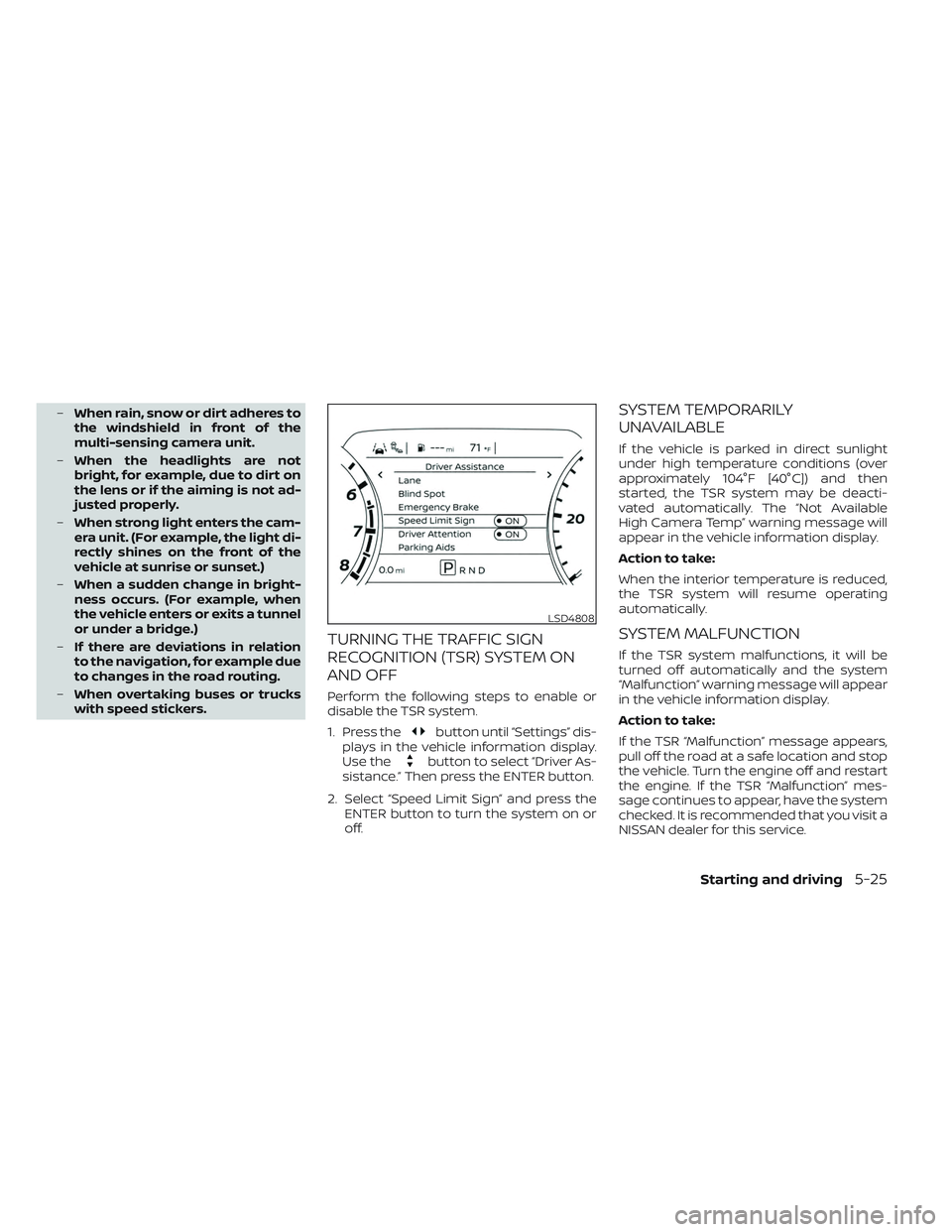
1. Press the
button until “Settings” dis-
plays in the vehicle information display.
Use the
button to select “Driver As-
sistance.” Then press the ENTER button.
2. Select “Speed Limit Sign” and press the ENTER button to turn the system on or
off.
SYSTEM TEMPORARILY
UNAVAILABLE
If the vehicle is parked in direct sunlight
under high temperature conditions (over
approximately 104°F [40°C]) and then
started, the TSR system may be deacti-
vated automatically. The “Not Available
High Camera Temp” warning message will
appear in the vehicle information display.
Action to take:
When the interior temperature is reduced,
the TSR system will resume operating
automatically.
SYSTEM MALFUNCTION
If the TSR system malfunctions, it will be
turned off automatically and the system
“Malfunction” warning message will appear
in the vehicle information display.
Action to take:
If the TSR “Malfunction” message appears,
pull off the road at a safe location and stop
the vehicle. Turn the engine off and restart
the engine. If the TSR “Malfunction” mes-
sage continues to appear, have the system
checked. It is recommended that you visit a
NISSAN dealer for this service.
LSD4808
Starting and driving5-25
Page 363 of 644
LDW SYSTEM LIMITATIONS
WARNING
Listed below are the system limitations
for the LDW system. Failure to follow
the warnings and instructions for
proper use of the LDW system could re-
sult in serious injury or death.
• The system will not operate at
speeds below approximately 37 mph
(60 km/h) or if it cannot detect lane
markers.
• Do not use the LDW system under the
following conditions as it may not
function properly:
– During bad weather (rain, fog,
snow, etc.).
– When driving on slippery roads,
such as on ice or snow.
– When driving on winding or un-
even roads.
– When there is a lane closure due to
road repairs.
– When driving in a makeshif t or
temporary lane.
– When driving on roads where the
lane width is too narrow. –
When driving without normal tire
conditions (for example, tire wear,
low tire pressure, installation of
spare tire, tire chains, nonstan-
dard wheels).
– When the vehicle is equipped with
non-original brake parts or sus-
pension parts.
– When you are towing a trailer or
other vehicle.
• The system may not function prop-
erly under the following conditions:
– On roads where there are multiple
parallel lane markers; lane mark-
ers that are faded or not painted
clearly; yellow painted lane mark-
ers; non-standard lane markers;
or lane markers covered with wa-
ter, dirt, snow, etc.
– On roads where the discontinued
lane markers are still detectable.
– On roads where there are sharp
curves.
–
On roads where there are sharply contrasting objects, such as shad-
ows, snow, water, wheel ruts, seams
or lines remaining af ter road repairs.
(The LDW system could detect these
items as lane markers.)
– On roads where the traveling lane
merges or separates.
– When the vehicle’s traveling direc-
tion does not align with the lane
marker.
– When traveling close to the ve-
hicle in front of you, which ob-
structs the lane camera unit de-
tection range.
– When rain, snow, dirt or an object
adheres to the windshield in front
of the lane camera unit.
– When the headlights are not
bright due to dirt on the lens or if
the aiming is not adjusted
properly.
– When strong light enters the lane
camera unit. (For example, the
light directly shines on the front of
the vehicle at sunrise or sunset.)
– When a sudden change in bright-
ness occurs. (For example, when
the vehicle enters or exits a tunnel
or under a bridge.)
Starting and driving5-29
Page 516 of 644
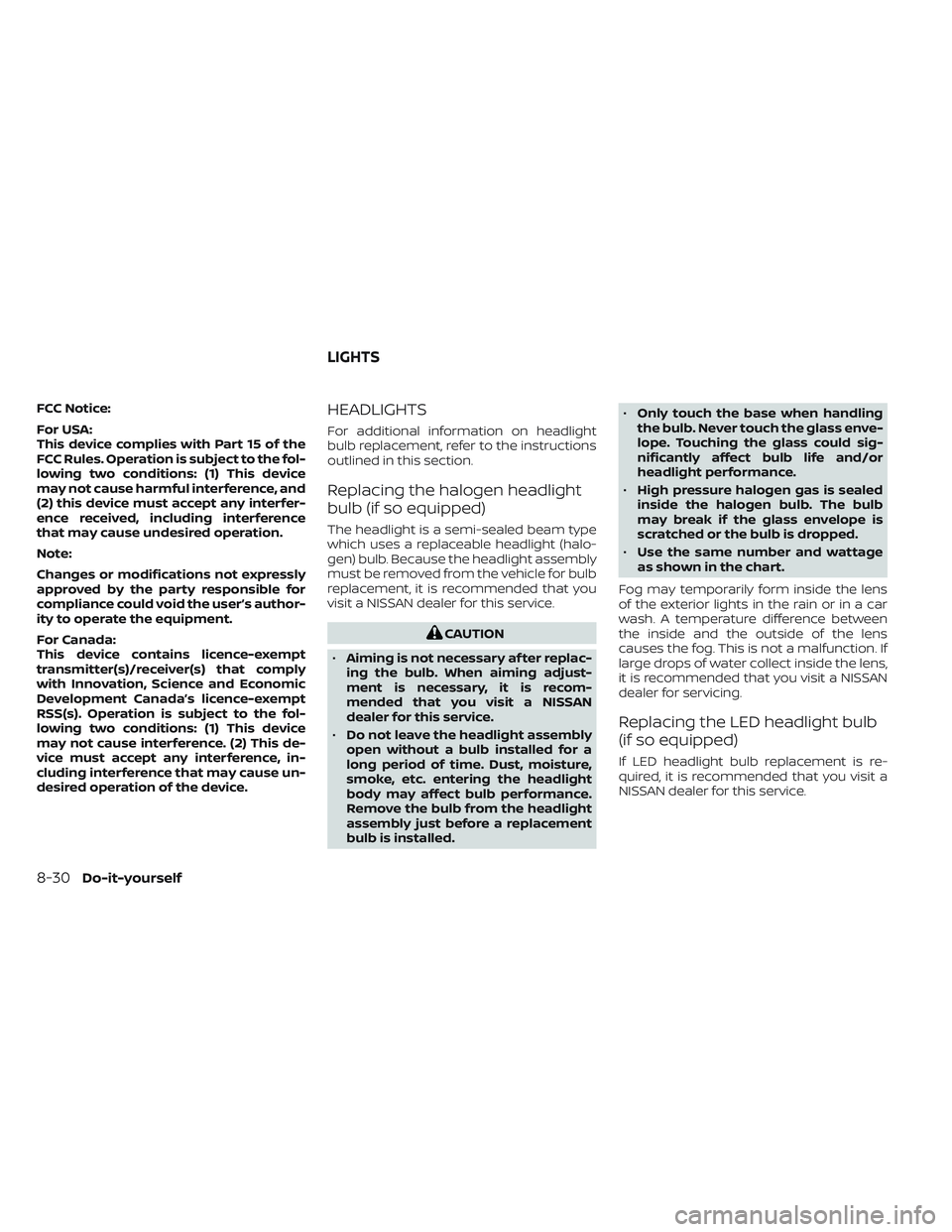
FCC Notice:
For USA:
This device complies with Part 15 of the
FCC Rules. Operation is subject to the fol-
lowing two conditions: (1) This device
may not cause harmful interference, and
(2) this device must accept any interfer-
ence received, including interference
that may cause undesired operation.
Note:
Changes or modifications not expressly
approved by the party responsible for
compliance could void the user’s author-
ity to operate the equipment.
For Canada:
This device contains licence-exempt
transmitter(s)/receiver(s) that comply
with Innovation, Science and Economic
Development Canada’s licence-exempt
RSS(s). Operation is subject to the fol-
lowing two conditions: (1) This device
may not cause interference. (2) This de-
vice must accept any interference, in-
cluding interference that may cause un-
desired operation of the device.HEADLIGHTS
For additional information on headlight
bulb replacement, refer to the instructions
outlined in this section.
Replacing the halogen headlight
bulb (if so equipped)
The headlight is a semi-sealed beam type
which uses a replaceable headlight (halo-
gen) bulb. Because the headlight assembly
must be removed from the vehicle for bulb
replacement, it is recommended that you
visit a NISSAN dealer for this service.
CAUTION
• Aiming is not necessary af ter replac-
ing the bulb. When aiming adjust-
ment is necessary, it is recom-
mended that you visit a NISSAN
dealer for this service.
• Do not leave the headlight assembly
open without a bulb installed for a
long period of time. Dust, moisture,
smoke, etc. entering the headlight
body may affect bulb performance.
Remove the bulb from the headlight
assembly just before a replacement
bulb is installed. •
Only touch the base when handling
the bulb. Never touch the glass enve-
lope. Touching the glass could sig-
nificantly affect bulb life and/or
headlight performance.
• High pressure halogen gas is sealed
inside the halogen bulb. The bulb
may break if the glass envelope is
scratched or the bulb is dropped.
• Use the same number and wattage
as shown in the chart.
Fog may temporarily form inside the lens
of the exterior lights in the rain or in a car
wash. A temperature difference between
the inside and the outside of the lens
causes the fog. This is not a malfunction. If
large drops of water collect inside the lens,
it is recommended that you visit a NISSAN
dealer for servicing.
Replacing the LED headlight bulb
(if so equipped)
If LED headlight bulb replacement is re-
quired, it is recommended that you visit a
NISSAN dealer for this service.
LIGHTS
8-30Do-it-yourself
Page 627 of 644
11 Index
A
Active Brake Limited Slip (ABLS)
system....................5-116Aiming control, headlights.........2-50Air bag (See supplemental restraint
system).....................1-52Air bag system
Front (See supplemental front impact air
bag system)
.............1-59, 1-75Air bag warning labels............1-82Air bag warning light.........1-83, 2-18Air bag warning light,
supplemental..............1-83, 2-18Air cleaner...................8-22Air cleaner housing filter..........8-22Air conditionerAir conditioner operation. . . .4-32, 4-38Air conditioner specification label. .10-18Air conditioner system refrigerant and oil
recommendations............10-8Air conditioner system refrigerant
recommendations............10-8Heater and air conditioner (automatic)
(if so equipped)..............4-37Heater and air conditioner controls.4-38Servicing air conditioner........4-42Air flow charts................4-33Alarm system (See vehicle security
system)................... .2-40Anchor point locations...........1-30
Antenna....................4-42Anti-lock Braking System (ABS)......5-114Antifreeze...................5-126Autolight switch...............2-46Automatic
Automatic power window switch. . .2-86Driving with automatic
transmission................5-18Automatic anti-glare inside
mirror...............3-31, 3-32, 3-33Automatic door locks.............3-8Automatic Emergency Braking (AEB) with
Pedestrian Detection............5-78Automatic transmission fluid temperature
gauge......................2-10
B
Battery.................5- 126, 8-17Charge warning light...........2-16Battery replacement............8-28Key fob...................8-28NISSAN Intelligent Key®.........8-28Before starting the engine.........5-16Belt (See drive belt)..............8-21Blind Spot Warning (BSW)..........5-31Booster seats.................1-48Brake
Anti-lock Braking System (ABS). . . .5-114Brake fluid.................8-15
Brake light (See stop light)........8-31Brake system...............5-114Brake warning light............2-15Brake wear indicators......2-24,8-24Parking brake operation.........5-23Self-adjusting brakes..........8-24Brake Assist.................5-115Brake fluid...................8-15Brake system................5-114Brakes.....................8-24Break-in schedule.............5-103Brightness controlInstrument panel.............2-51Bulb check/instrument panel.......2-15Bulb replacement..............8-31
C
Capacities and recommended
fuel/lubricants................10-2Car phone or CB radio...........4-82Cargo (See vehicle loading
information)................ .10-20Cargo light switch..............2-53Check tire pressure..........2-34, 2-36Child restraints......1-23,1-24,1-26,1-28LATCH (Lower Anchors and Tethers for
CHildren) System.............1-28Precautions on child
restraints........1-33, 1-39, 1-43, 1-48
Page 629 of 644
Engine oil...................8-8Power steering fluid............8-14Windshield-washer fluid.........8-16Fog light switch................2-52Forward Driving Aids
System Temporarily
Unavailable
......2-38, 5-65, 5-85, 5-97Front air bag system (See supplemental
restraint system)............1-59, 1-75Front and rear sonar system.......5-121Front power seat adjustment........1-5Front seats....................1-2Front-door pocket...............2-72FuelCapacities and recommended
fuel/lubricants
...............10-2Fuel economy...............5-105Fuel gauge................. .2-9Fuel octane rating.............10-6Fuel recommendation..........10-4Loose fuel cap warning..........2-34Fuel Cell Vehicle (FCV) System
Tire pressure................8-34Fuel efficient driving tips..........5-104Fuel gauge................... .2-9Fuel-filler door.................3-25Fuses......................8-25Fusible links..................8-26
G
Garage door opener, HomeLink® Universal
Transceiver. . . .2-92, 2-93, 2-95, 2-96, 2-97,
2-100, 2-101
GaugeAutomatic transmission fluid temperature
gauge
.....................2-10Engine coolant temperature gauge. . .2-8Engine oil pressure gauge.....2-10,2-11Fuel gauge................. .2-9Odometer...................2-7Speedometer.................2-7Tachometer.................2-8Trip odometer................2-7Voltmeter..................2-10General maintenance.............9-2Glove box....................2-76Grocery hooks.................2-82
H
Hazard warning flasher switch........6-2Head restraints.................1-10Headlight aiming control..........2-50Headlight and turn signal switch.....2-45Headlight control switch..........2-45Headlights.................. .8-30Headlights, aiming control.........2-50Heated mirrors................3-36Heated rear seats...............2-56Heated seats..................2-55Heated steering wheel switch.......2-57
Heater
Heater and air conditioner (automatic)
(if so equipped)
...............4-37Heater and air conditioner controls. .4-38Heater operation..........4-30, 4-39Heater and air conditioner
(automatic).................. .4-37Hill descent control switch.........2-59Hill descent control system........5-119Hill start assist system...........5-120HomeLink® Universal Transceiver. . . .2-92,
2-93, 2-95, 2-96, 2-97, 2-100, 2-101
Hood.......................3-25Hook Luggage hook...............2-83Horn...................... .2-53
I
Ignition switch
Push-button ignition switch.......5-12Immobilizer system..........2-41, 5-16In-cabin microfilter..............8-22Increasing fuel economy..........5-105Inside automatic anti-glare
mirror...............3-31, 3-32, 3-33Instrument brightness control.......2-51Instrument panel.............0-6, 2-4Instrument panel dimmer switch.....2-51Intelligent Around View® Monitor......4-11Intelligent Cruise Control..........5-50Intelligent Driver Alertness (I-DA).....5-100
11-3