Page 169 of 644
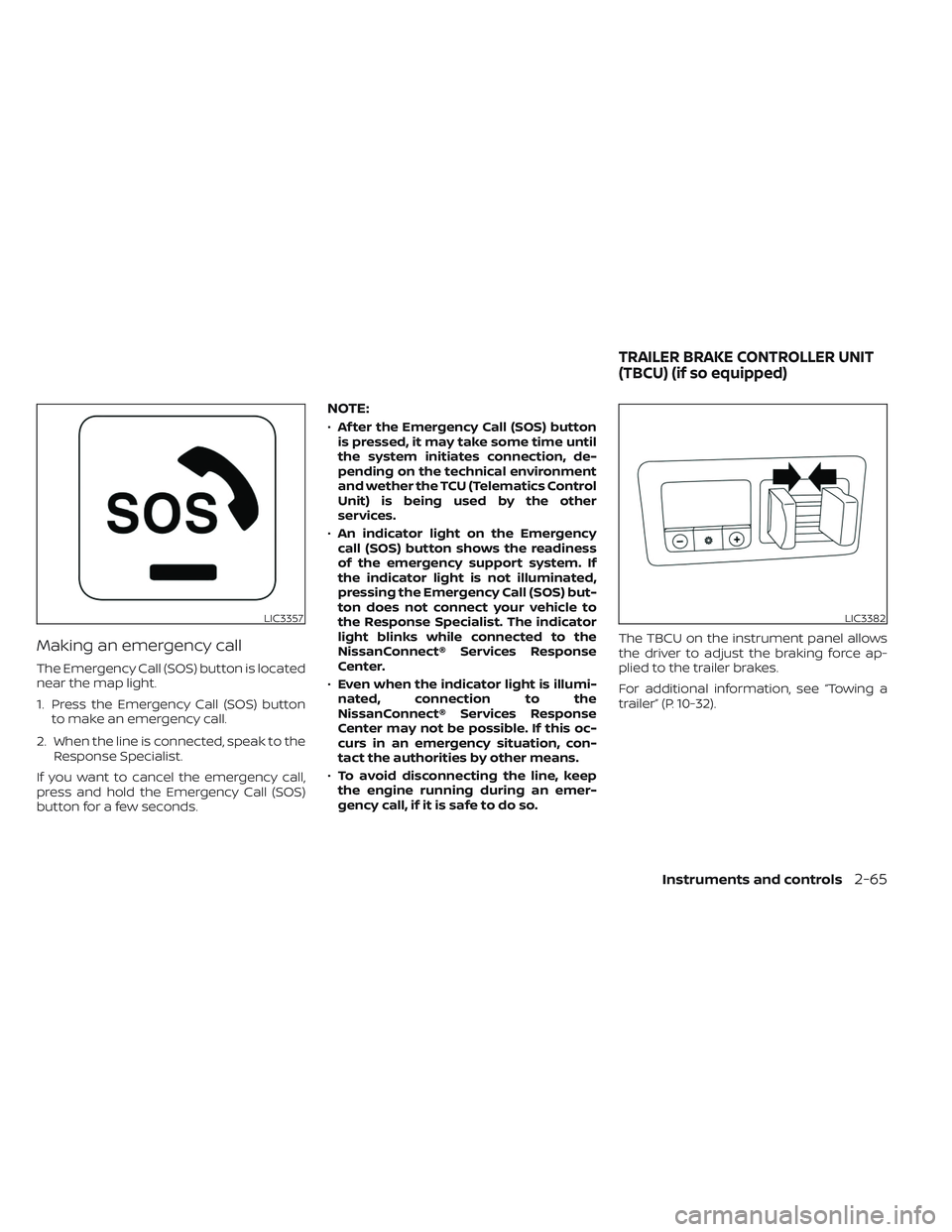
Making an emergency call
The Emergency Call (SOS) button is located
near the map light.
1. Press the Emergency Call (SOS) buttonto make an emergency call.
2. When the line is connected, speak to the Response Specialist.
If you want to cancel the emergency call,
press and hold the Emergency Call (SOS)
button for a few seconds.
NOTE:
• Af ter the Emergency Call (SOS) button
is pressed, it may take some time until
the system initiates connection, de-
pending on the technical environment
and wether the TCU (Telematics Control
Unit) is being used by the other
services.
• An indicator light on the Emergency
call (SOS) button shows the readiness
of the emergency support system. If
the indicator light is not illuminated,
pressing the Emergency Call (SOS) but-
ton does not connect your vehicle to
the Response Specialist. The indicator
light blinks while connected to the
NissanConnect® Services Response
Center.
• Even when the indicator light is illumi-
nated, connection to the
NissanConnect® Services Response
Center may not be possible. If this oc-
curs in an emergency situation, con-
tact the authorities by other means.
• To avoid disconnecting the line, keep
the engine running during an emer-
gency call, if it is safe to do so. The TBCU on the instrument panel allows
the driver to adjust the braking force ap-
plied to the trailer brakes.
For additional information, see “Towing a
trailer” (P. 10-32).
LIC3357LIC3382
TRAILER BRAKE CONTROLLER UNIT
(TBCU) (if so equipped)
Instruments and controls2-65
Page 170 of 644
The Rear Door Alert system functions un-
der certain conditions to indicate there
may be an object or passenger in the rear
seat(s). Check the seat(s) before exiting the
vehicle.
The Rear Door Alert system is initially dis-
abled. The driver can enable the system
using the vehicle information display. For
additional information, see “Vehicle infor-
mation display warnings and indicators”
(P. 2-33).
When the system is enabled:
• The system is activated when a rear dooris opened and closed within 10 minutes of
the vehicle being driven. When the driver’
door is closed and the system is acti-
vated, a visual message appears in the
vehicle information display. For additional
information, see “Rear Door Alert is acti-
vated” (P. 2-35).
• If a rear door is opened and closed but the vehicle is not driven within approxi-
mately 10 minutes, the system will not be
activated. A rear door must be opened
and closed and the car driven within 10
minutes for the system to activate. When the Rear Door Alert system is acti-
vated and a driver exits the vehicle af ter
arriving at a destination:
• When the driver puts the vehicle in the P
(Park) position, a message appears in the
vehicle information display for a driver to
“Dismiss Message” or “Disable Alert” if
desired.
• With the system enabled, when the driver exits the vehicle, an audible alert (horn
sound) will occur unless a rear door is
opened and closed within a short time to
deactivate the alert.
• If the doors are locked before the alert is deactivated by opening a rear door, the
horn will sound.
• If the audible horn alert occurs, a mes- sage will also appear in the vehicle infor-
mation display that states, “Check Rear
Seat for All Articles”.WARNING
• If the driver selects “Disable Alert”, no
audible alert will be provided regard-
less of rear door open/close status.
• There may be times when there is an
object or passenger in the rear seat(s)
but the audible alert does not sound.
For example, this may occur if rear seat
passengers enter or exit the vehicle
during a trip.
• The system does not directly detect
objects or passengers in the rear
seat(s). Instead, it can detect when a
rear door is opened and closed, indicat-
ing that there may be something in the
rear seat(s).
NOTE:
There may be times when the horn
sounds but there are no objects or pas-
sengers in the rear seat(s).
For additional information, see “Rear Door
Alert is activated” (P. 2-35).
REAR DOOR ALERT
2-66Instruments and controls
Page 173 of 644
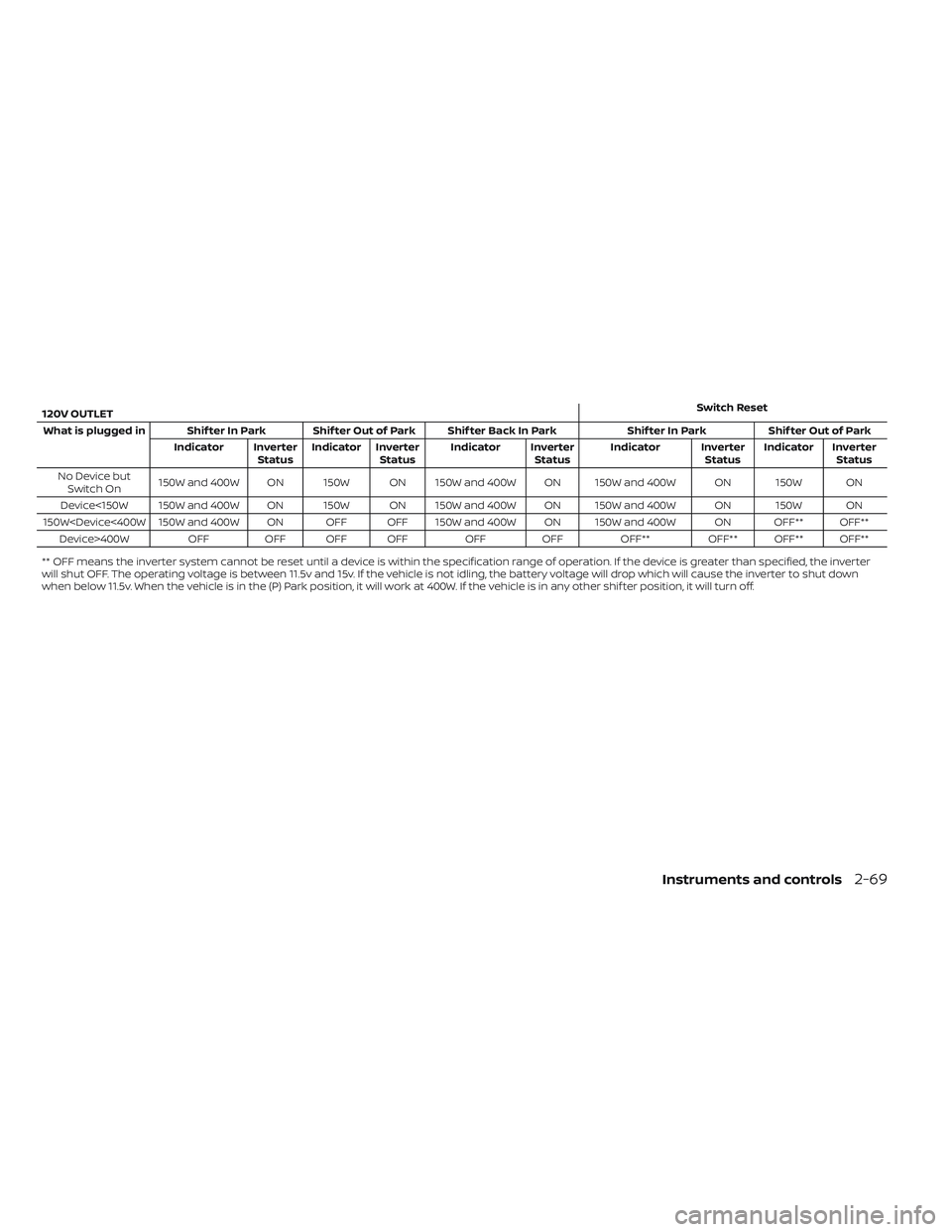
120V OUTLETSwitch Reset
What is plugged in Shif ter In Park Shif ter Out of Park Shif ter Back In Park Shif ter In ParkShif ter Out of Park
Indicator Inverter StatusIndicator Inverter
Status Indicator Inverter
StatusIndicator Inverter
StatusIndicator Inverter
Status
No Device but Switch On 150W and 400W ON 150W ON 150W and 400W ON 150W and 400W ON 150W ON
Device<150W 150W and 400W ON 150W ON 150W and 400W ON 150W and 400W ON 150W ON
150W400W OFFOFF OFF OFF OFFOFF OFF** OFF** OFF** OFF**
** OFF means the inverter system cannot be reset until a device is within the specification range of operation. If the device is greater than specified, the inverter
will shut OFF. The operating voltage is between 11.5v and 15v. If the vehicle is not idling, the battery voltage will drop which will cause the inverter to shut down
when below 11.5v. When the vehicle is in the (P) Park position, it will work at 400W. If the vehicle is in any other shif ter position, it will turn off.
Instruments and controls2-69
Page 175 of 644
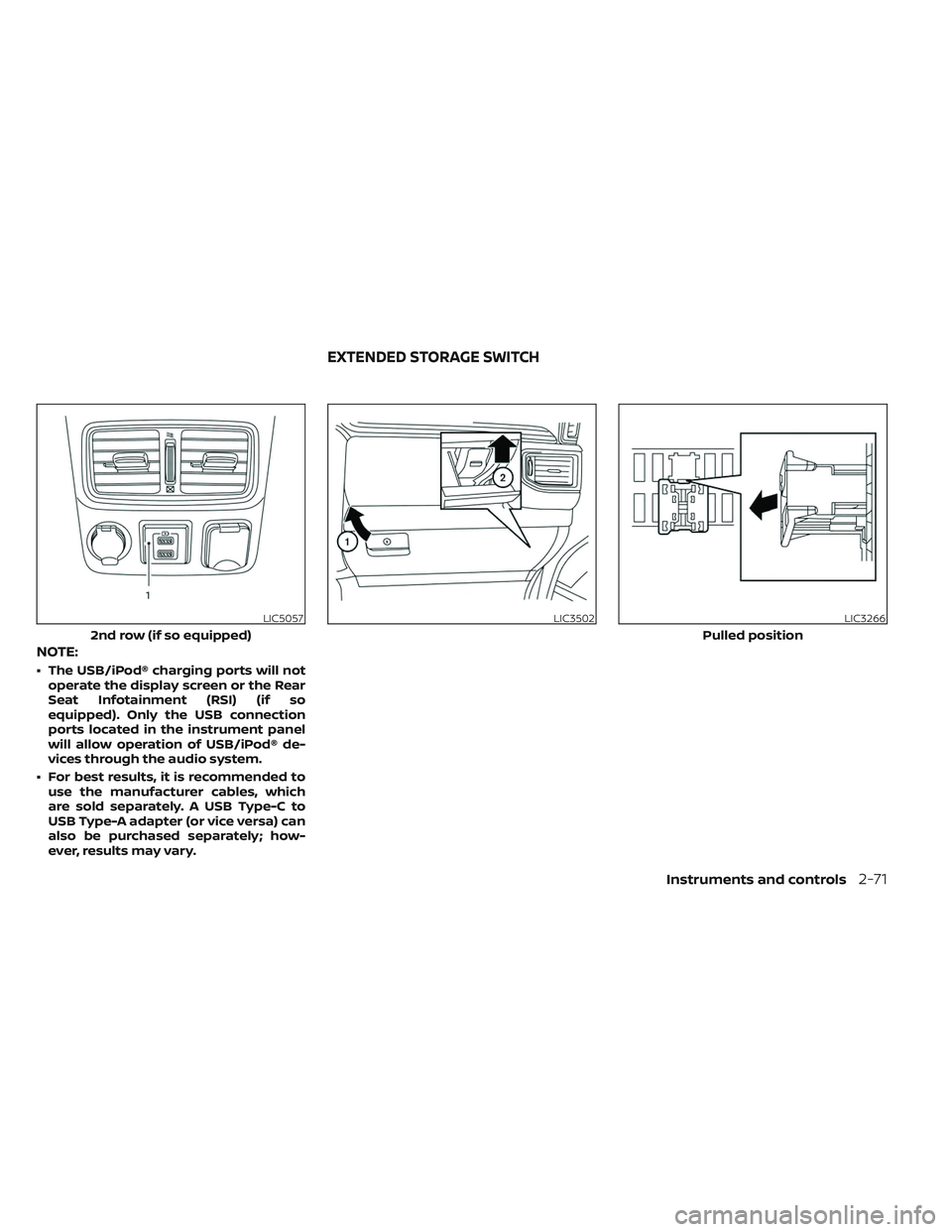
NOTE:
• The USB/iPod® charging ports will notoperate the display screen or the Rear
Seat Infotainment (RSI) (if so
equipped). Only the USB connection
ports located in the instrument panel
will allow operation of USB/iPod® de-
vices through the audio system.
• For best results, it is recommended to use the manufacturer cables, which
are sold separately. A USB Type-C to
USB Type-A adapter (or vice versa) can
also be purchased separately; how-
ever, results may vary.
LIC5057
2nd row (if so equipped)
LIC3502LIC3266
Pulled position
EXTENDED STORAGE SWITCH
Instruments and controls2-71
Page 177 of 644
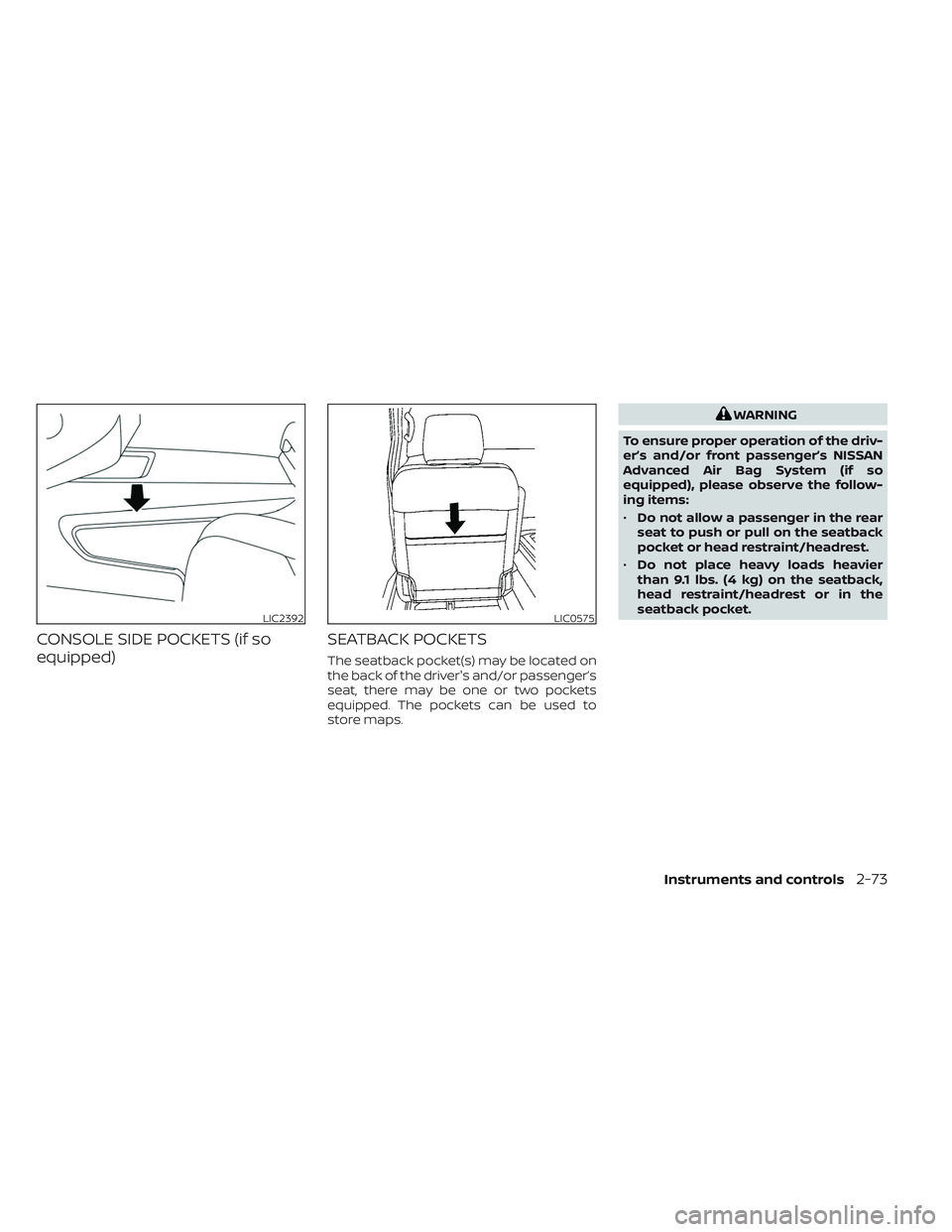
CONSOLE SIDE POCKETS (if so
equipped)SEATBACK POCKETS
The seatback pocket(s) may be located on
the back of the driver's and/or passenger’s
seat, there may be one or two pockets
equipped. The pockets can be used to
store maps.
WARNING
To ensure proper operation of the driv-
er’s and/or front passenger’s NISSAN
Advanced Air Bag System (if so
equipped), please observe the follow-
ing items:
• Do not allow a passenger in the rear
seat to push or pull on the seatback
pocket or head restraint/headrest.
• Do not place heavy loads heavier
than 9.1 lbs. (4 kg) on the seatback,
head restraint/headrest or in the
seatback pocket.
LIC2392LIC0575
Instruments and controls2-73
Page 179 of 644
Both sides of the storage bin, under the
rear seat on the driver’s and passenger’s
sides, operate similarly. They can be ac-
cessed simultaneously or independently of
each other.
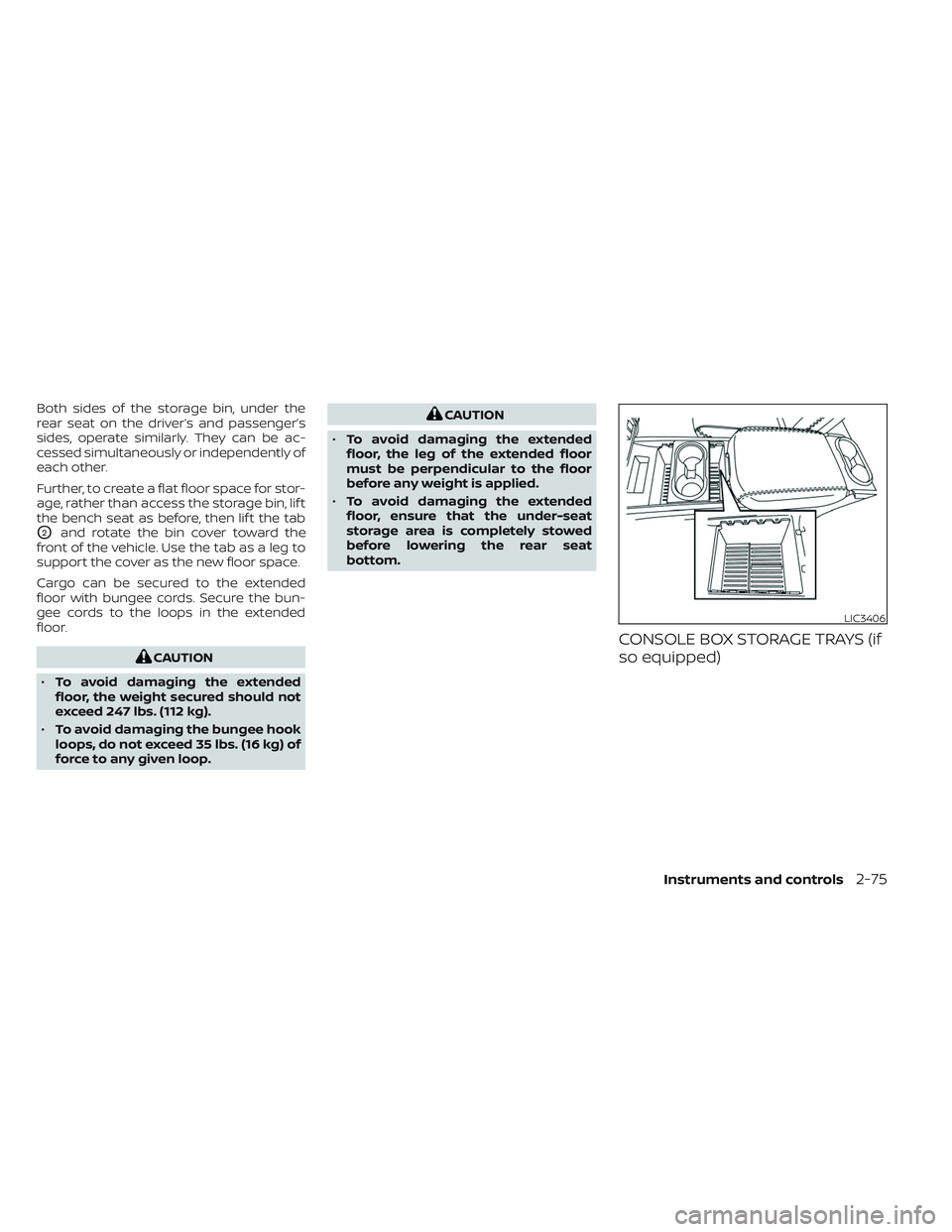
Further, to create a flat floor space for stor-
age, rather than access the storage bin, lif t
the bench seat as before, then lif t the tab
O2and rotate the bin cover toward the
front of the vehicle. Use the tab as a leg to
support the cover as the new floor space.
Cargo can be secured to the extended
floor with bungee cords. Secure the bun-
gee cords to the loops in the extended
floor.
CAUTION
• To avoid damaging the extended
floor, the weight secured should not
exceed 247 lbs. (112 kg).
• To avoid damaging the bungee hook
loops, do not exceed 35 lbs. (16 kg) of
force to any given loop.
CAUTION
• To avoid damaging the extended
floor, the leg of the extended floor
must be perpendicular to the floor
before any weight is applied.
• To avoid damaging the extended
floor, ensure that the under-seat
storage area is completely stowed
before lowering the rear seat
bottom.
CONSOLE BOX STORAGE TRAYS (if
so equipped)
LIC3406
Instruments and controls2-75
Page 180 of 644
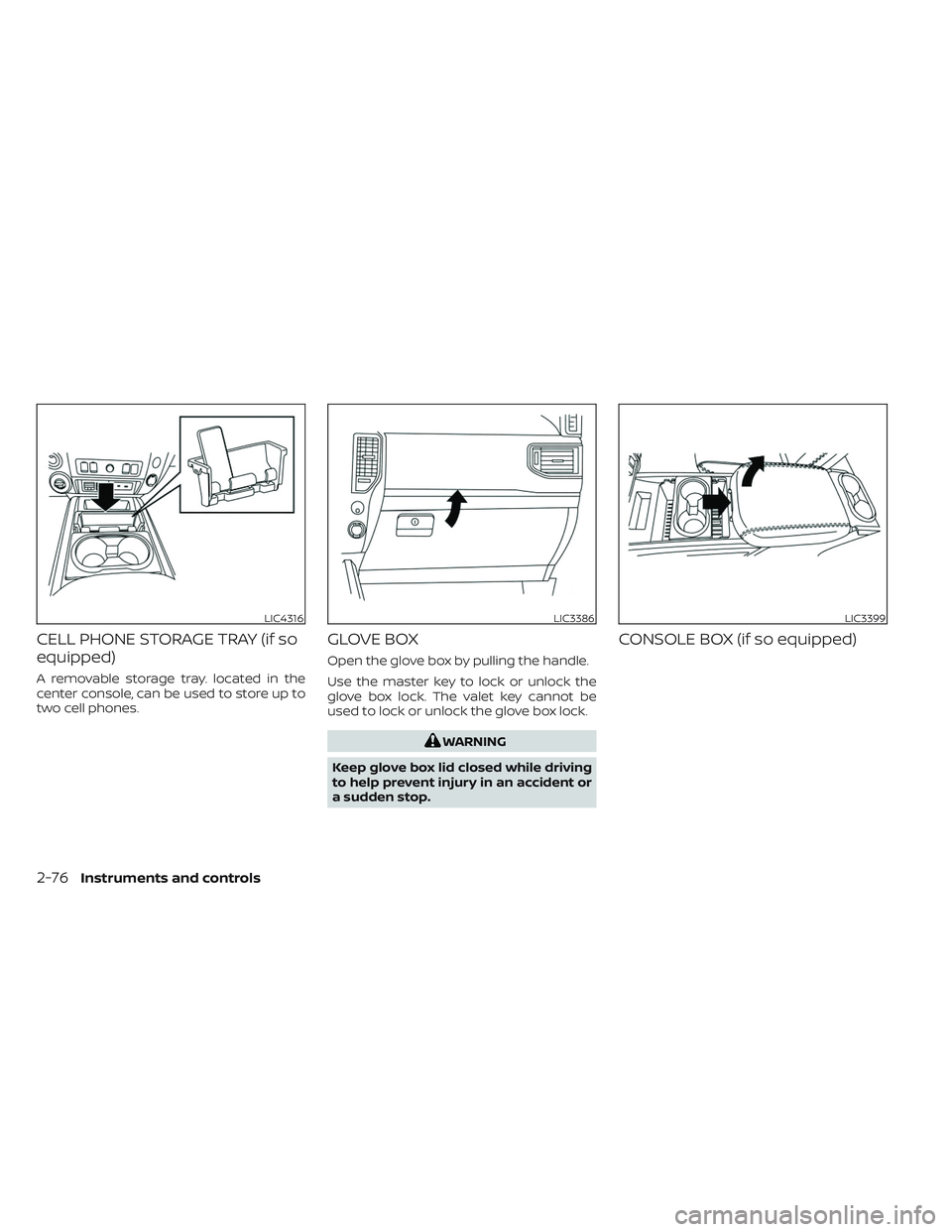
CELL PHONE STORAGE TRAY (if so
equipped)
A removable storage tray. located in the
center console, can be used to store up to
two cell phones.
GLOVE BOX
Open the glove box by pulling the handle.
Use the master key to lock or unlock the
glove box lock. The valet key cannot be
used to lock or unlock the glove box lock.
WARNING
Keep glove box lid closed while driving
to help prevent injury in an accident or
a sudden stop.
CONSOLE BOX (if so equipped)
LIC4316LIC3386LIC3399
2-76Instruments and controls
Page 183 of 644
CAUTION
• Do not use for anything other than
sunglasses.
• Do not leave sunglasses in the sun-
glasses holder while parking in direct
sunlight. The heat may damage the
sunglasses.
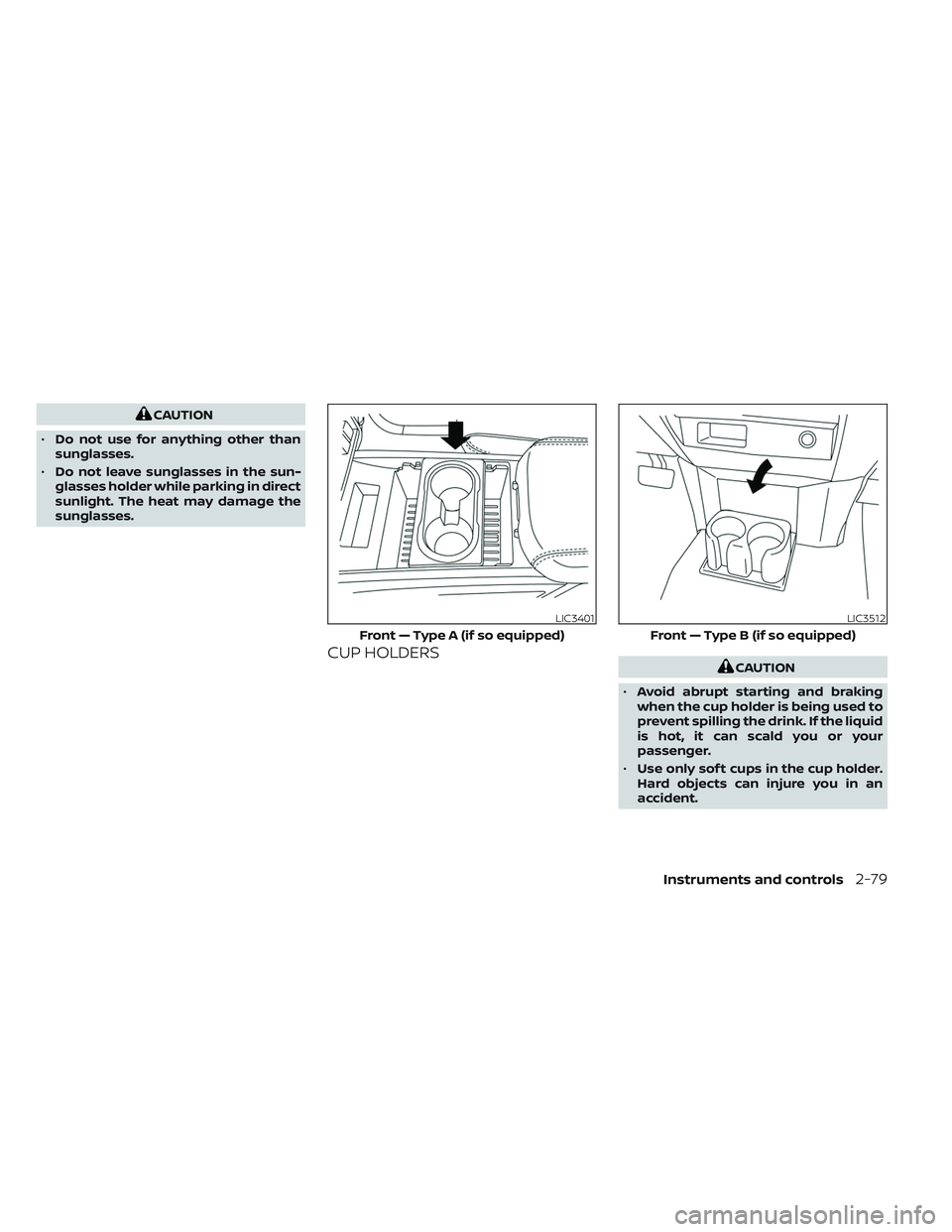
CUP HOLDERSCAUTION
• Avoid abrupt starting and braking
when the cup holder is being used to
prevent spilling the drink. If the liquid
is hot, it can scald you or your
passenger.
• Use only sof t cups in the cup holder.
Hard objects can injure you in an
accident.
LIC3401
Front — Type A (if so equipped)
LIC3512
Front — Type B (if so equipped)
Instruments and controls2-79