2023 NISSAN ALTIMA timing
[x] Cancel search: timingPage 110 of 644
*Warnings will only display if there are any
present. For additional information, see
“Vehicle information display warnings and
indicators” (P. 2-28).
To control what items display in the vehicle
information display, see “How to use the
vehicle information display” (P. 2-19).
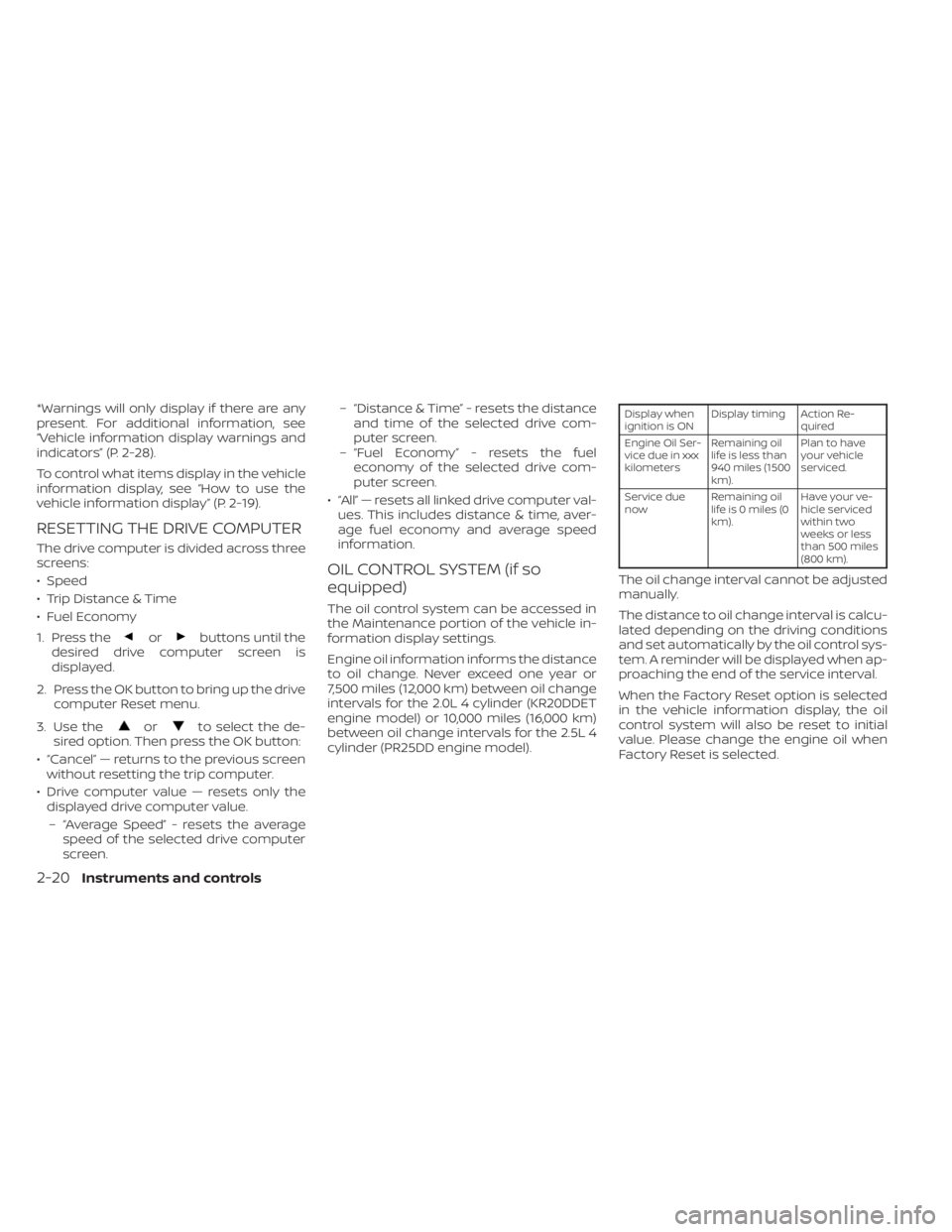
RESETTING THE DRIVE COMPUTER
The drive computer is divided across three
screens:
• Speed
• Trip Distance & Time
• Fuel Economy
1. Press the
orbuttons until the
desired drive computer screen is
displayed.
2. Press the OK button to bring up the drive computer Reset menu.
3. Use the
orto select the de-
sired option. Then press the OK button:
• “Cancel” — returns to the previous screen without resetting the trip computer.
• Drive computer value — resets only the displayed drive computer value.
– “Average Speed” - resets the average speed of the selected drive computer
screen. – “Distance & Time” - resets the distance
and time of the selected drive com-
puter screen.
– “Fuel Economy” - resets the fuel economy of the selected drive com-
puter screen.
• “All” — resets all linked drive computer val- ues. This includes distance & time, aver-
age fuel economy and average speed
information.
OIL CONTROL SYSTEM (if so
equipped)
The oil control system can be accessed in
the Maintenance portion of the vehicle in-
formation display settings.
Engine oil information informs the distance
to oil change. Never exceed one year or
7,500 miles (12,000 km) between oil change
intervals for the 2.0L 4 cylinder (KR20DDET
engine model) or 10,000 miles (16,000 km)
between oil change intervals for the 2.5L 4
cylinder (PR25DD engine model).
Display when
ignition is ON Display timing Action Re-
quired
Engine Oil Ser-
vice due in xxx
kilometers Remaining oil
life is less than
940 miles (1500
km). Plan to have
your vehicle
serviced.
Service due
now Remaining oil
lifeis0miles(0
km). Have your ve-
hicle serviced
within two
weeks or less
than 500 miles
(800 km).
The oil change interval cannot be adjusted
manually.
The distance to oil change interval is calcu-
lated depending on the driving conditions
and set automatically by the oil control sys-
tem. A reminder will be displayed when ap-
proaching the end of the service interval.
When the Factory Reset option is selected
in the vehicle information display, the oil
control system will also be reset to initial
value. Please change the engine oil when
Factory Reset is selected.
2-20Instruments and controls
Page 126 of 644
2. Press and hold the OK button for ap-proximately 1 second to reset the infor-
mation on the currently displayed
screen.
NOTE:
If you wish to reset all drive computer
values at once, press and hold the OK
button for approximately 3 seconds until
a reset menu appears; and follow the
instructions.
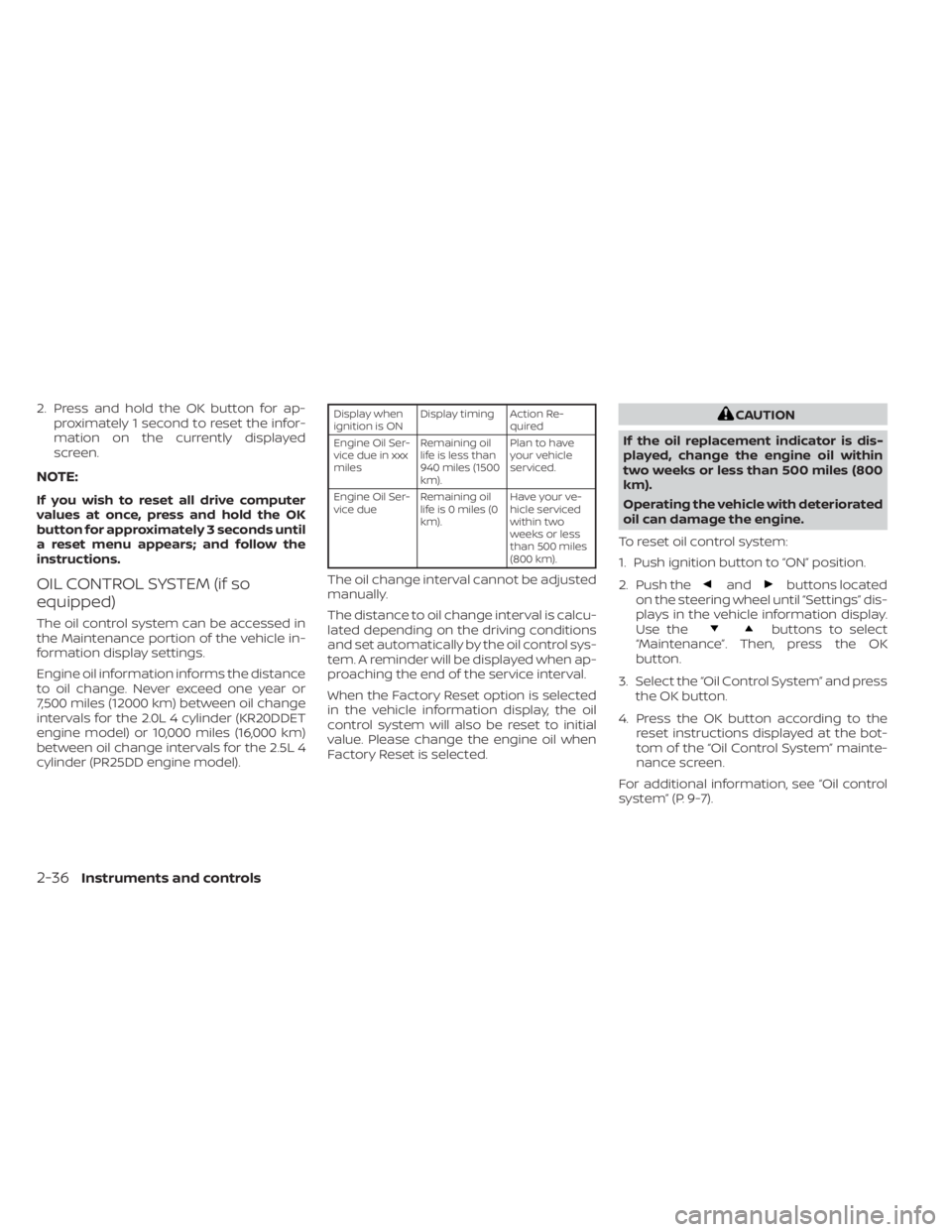
OIL CONTROL SYSTEM (if so
equipped)
The oil control system can be accessed in
the Maintenance portion of the vehicle in-
formation display settings.
Engine oil information informs the distance
to oil change. Never exceed one year or
7,500 miles (12000 km) between oil change
intervals for the 2.0L 4 cylinder (KR20DDET
engine model) or 10,000 miles (16,000 km)
between oil change intervals for the 2.5L 4
cylinder (PR25DD engine model).
Display when
ignition is ON Display timing Action Re-
quired
Engine Oil Ser-
vice due in xxx
miles Remaining oil
life is less than
940 miles (1500
km). Plan to have
your vehicle
serviced.
Engine Oil Ser-
vice due Remaining oil
lifeis0miles(0
km). Have your ve-
hicle serviced
within two
weeks or less
than 500 miles
(800 km).
The oil change interval cannot be adjusted
manually.
The distance to oil change interval is calcu-
lated depending on the driving conditions
and set automatically by the oil control sys-
tem. A reminder will be displayed when ap-
proaching the end of the service interval.
When the Factory Reset option is selected
in the vehicle information display, the oil
control system will also be reset to initial
value. Please change the engine oil when
Factory Reset is selected.
CAUTION
If the oil replacement indicator is dis-
played, change the engine oil within
two weeks or less than 500 miles (800
km).
Operating the vehicle with deteriorated
oil can damage the engine.
To reset oil control system:
1. Push ignition button to “ON” position.
2. Push the
andbuttons located
on the steering wheel until “Settings” dis-
plays in the vehicle information display.
Use the
buttons to select
“Maintenance”. Then, press the OK
button.
3. Select the “Oil Control System” and press the OK button.
4. Press the OK button according to the reset instructions displayed at the bot-
tom of the “Oil Control System” mainte-
nance screen.
For additional information, see “Oil control
system” (P. 9-7).
2-36Instruments and controls
Page 150 of 644
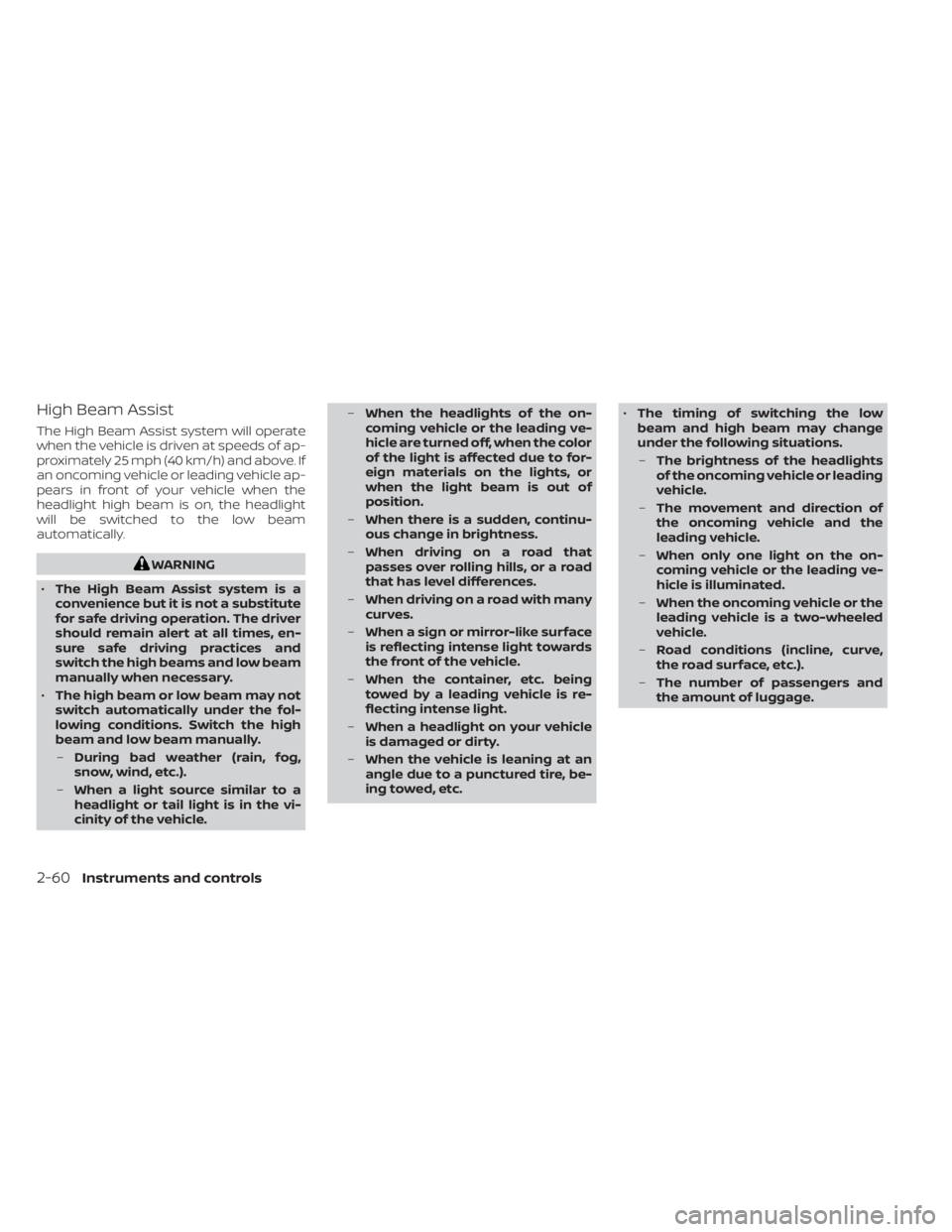
High Beam Assist
The High Beam Assist system will operate
when the vehicle is driven at speeds of ap-
proximately 25 mph (40 km/h) and above. If
an oncoming vehicle or leading vehicle ap-
pears in front of your vehicle when the
headlight high beam is on, the headlight
will be switched to the low beam
automatically.
WARNING
• The High Beam Assist system is a
convenience but it is not a substitute
for safe driving operation. The driver
should remain alert at all times, en-
sure safe driving practices and
switch the high beams and low beam
manually when necessary.
• The high beam or low beam may not
switch automatically under the fol-
lowing conditions. Switch the high
beam and low beam manually.
– During bad weather (rain, fog,
snow, wind, etc.).
– When a light source similar to a
headlight or tail light is in the vi-
cinity of the vehicle. –
When the headlights of the on-
coming vehicle or the leading ve-
hicle are turned off, when the color
of the light is affected due to for-
eign materials on the lights, or
when the light beam is out of
position.
– When there is a sudden, continu-
ous change in brightness.
– When driving on a road that
passes over rolling hills, or a road
that has level differences.
– When driving on a road with many
curves.
– When a sign or mirror-like surface
is reflecting intense light towards
the front of the vehicle.
– When the container, etc. being
towed by a leading vehicle is re-
flecting intense light.
– When a headlight on your vehicle
is damaged or dirty.
– When the vehicle is leaning at an
angle due to a punctured tire, be-
ing towed, etc. •
The timing of switching the low
beam and high beam may change
under the following situations.
– The brightness of the headlights
of the oncoming vehicle or leading
vehicle.
– The movement and direction of
the oncoming vehicle and the
leading vehicle.
– When only one light on the on-
coming vehicle or the leading ve-
hicle is illuminated.
– When the oncoming vehicle or the
leading vehicle is a two-wheeled
vehicle.
– Road conditions (incline, curve,
the road surface, etc.).
– The number of passengers and
the amount of luggage.
2-60Instruments and controls
Page 568 of 644
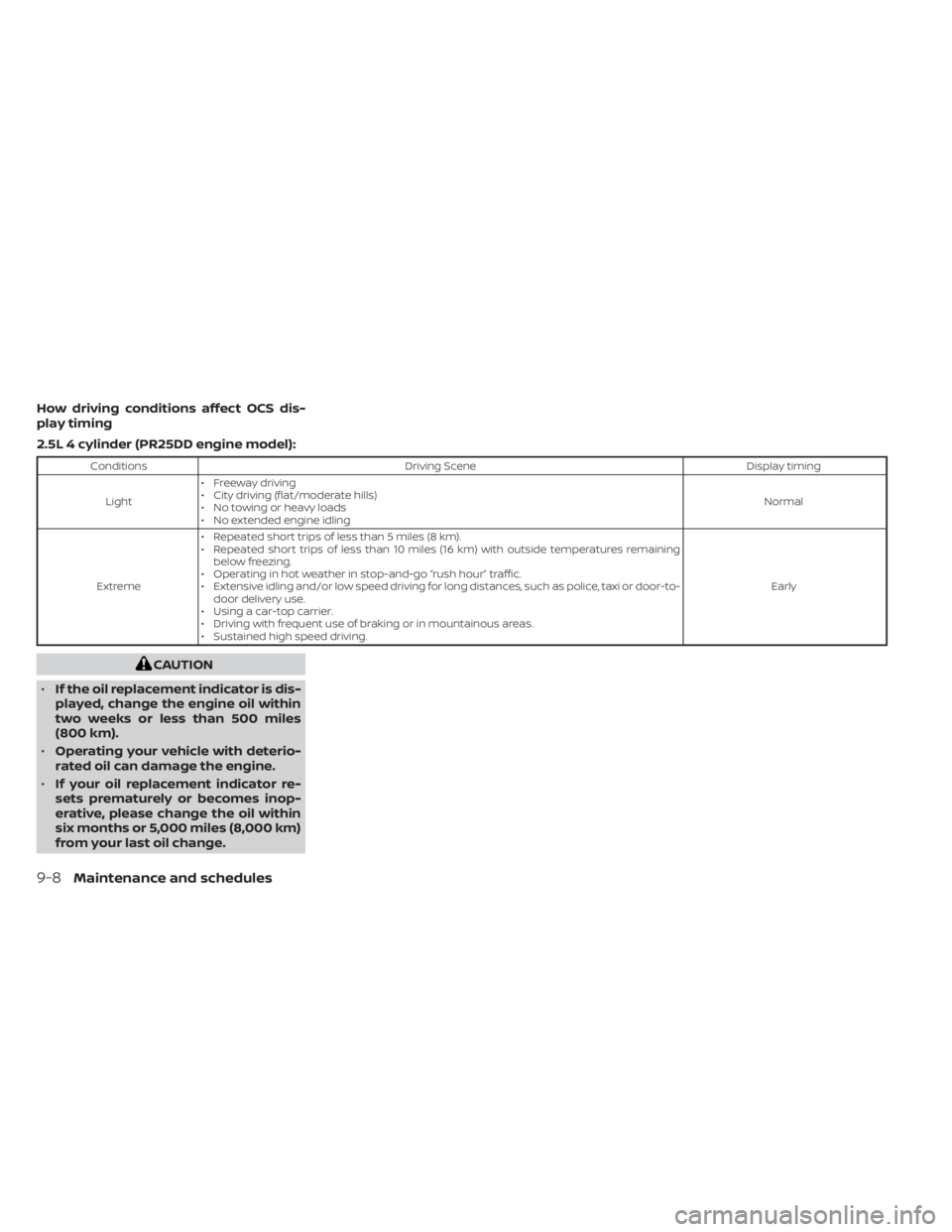
How driving conditions affect OCS dis-
play timing
2.5L 4 cylinder (PR25DD engine model):
ConditionsDriving Scene Display timing
Light • Freeway driving
• City driving (flat/moderate hills)
• No towing or heavy loads
• No extended engine idling Normal
Extreme • Repeated short trips of less than 5 miles (8 km).
• Repeated short trips of less than 10 miles (16 km) with outside temperatures remaining
below freezing.
• Operating in hot weather in stop-and-go “rush hour” traffic.
• Extensive idling and/or low speed driving for long distances, such as police, taxi or door-to- door delivery use.
• Using a car-top carrier.
• Driving with frequent use of braking or in mountainous areas.
• Sustained high speed driving. Early
CAUTION
• If the oil replacement indicator is dis-
played, change the engine oil within
two weeks or less than 500 miles
(800 km).
• Operating your vehicle with deterio-
rated oil can damage the engine.
• If your oil replacement indicator re-
sets prematurely or becomes inop-
erative, please change the oil within
six months or 5,000 miles (8,000 km)
from your last oil change.
9-8Maintenance and schedules
Page 569 of 644
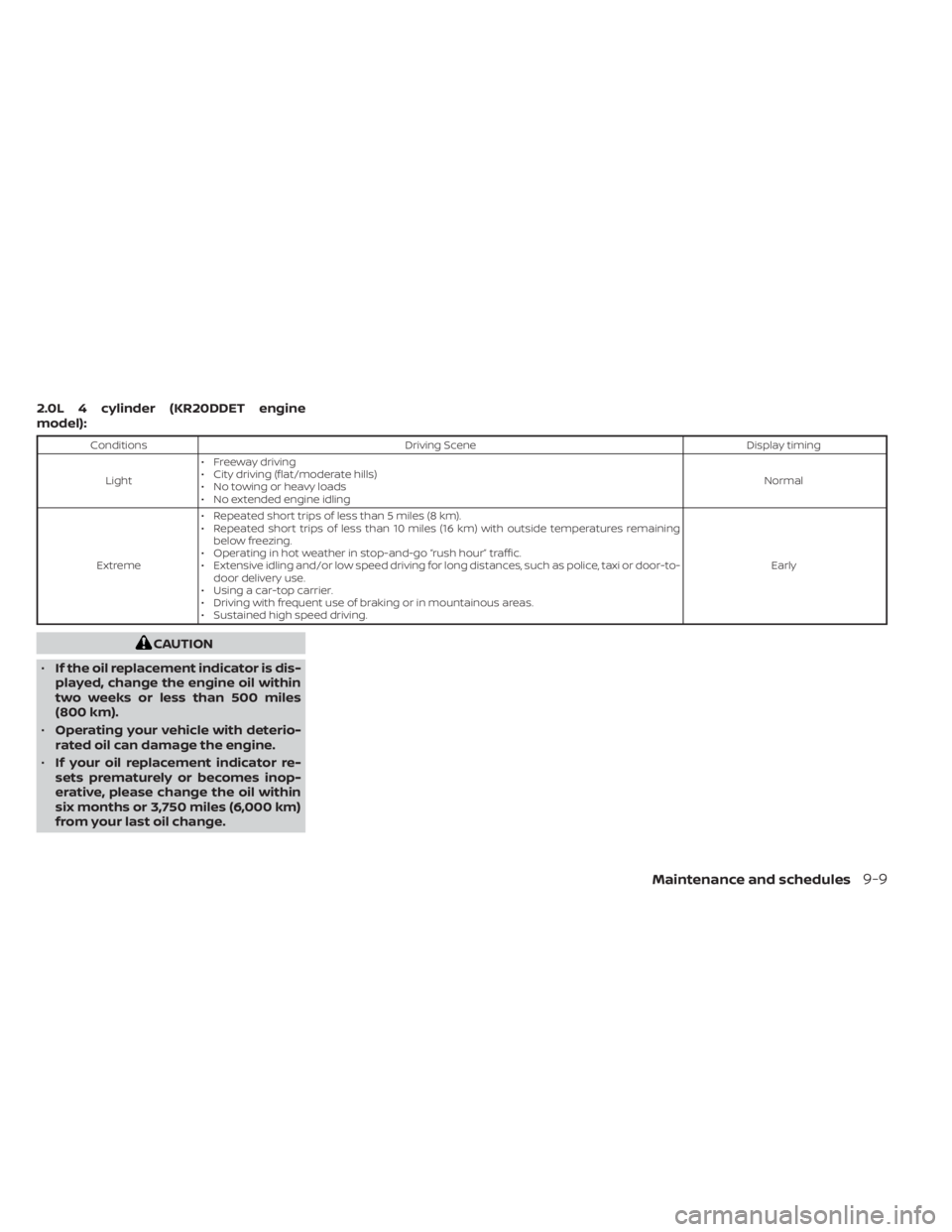
2.0L 4 cylinder (KR20DDET engine
model):
ConditionsDriving Scene Display timing
Light • Freeway driving
• City driving (flat/moderate hills)
• No towing or heavy loads
• No extended engine idling Normal
Extreme • Repeated short trips of less than 5 miles (8 km).
• Repeated short trips of less than 10 miles (16 km) with outside temperatures remaining
below freezing.
• Operating in hot weather in stop-and-go “rush hour” traffic.
• Extensive idling and/or low speed driving for long distances, such as police, taxi or door-to- door delivery use.
• Using a car-top carrier.
• Driving with frequent use of braking or in mountainous areas.
• Sustained high speed driving. Early
CAUTION
• If the oil replacement indicator is dis-
played, change the engine oil within
two weeks or less than 500 miles
(800 km).
• Operating your vehicle with deterio-
rated oil can damage the engine.
• If your oil replacement indicator re-
sets prematurely or becomes inop-
erative, please change the oil within
six months or 3,750 miles (6,000 km)
from your last oil change.
Maintenance and schedules9-9
Page 606 of 644
Fuel containing MMT
MMT, or methylcyclopentadienyl manga-
nese tricarbonyl, is an octane boosting ad-
ditive. NISSAN does not recommend the
use of fuel containing MMT. Such fuel may
adversely affect vehicle performance, in-
cluding the emissions control system. Note
that while some fuel pumps label MMT
content, not all do, so you may have to
consult your gasoline retailer for more
details.
Af termarket fuel additives
NISSAN does not recommend the use of
any af termarket fuel additives (for ex-
ample, fuel injector cleaner, octane
booster, intake valve deposit removers,
etc.) which are sold commercially. Many of
these additives intended for gum, varnish
or deposit removal may contain active sol-
vents or similar ingredients that can be
harmful to the fuel system and engine.
Octane rating tips
Using unleaded gasoline with an octane
rating lower than recommended can
cause persistent, heavy “spark knock.”
(“Spark knock” is a metallic rapping
noise.) If severe, this can lead to engine
damage. If you detect a persistent heavy
spark knock even when using gasoline
of the stated octane rating, or if you hear
steady spark knock while holding a
steady speed on level roads, it is recom-
mended that you have a NISSAN dealer
correct the condition. Failure to correct
the condition is misuse of the vehicle, for
which NISSAN is not responsible.
Incorrect ignition timing may result in
spark knock, af ter-run and/or overheating,
which may cause excessive fuel consump-
tion or engine damage. If any of the above
symptoms are encountered, have your ve-
hicle checked. It is recommended that you
visit a NISSAN dealer for servicing.However, now and then you may notice
light spark knock for a short time while
accelerating or driving up hills. This is not
a cause for concern, because you get the
greatest fuel benefit when there is light
spark knock for a short time under heavy
engine load.
10-6Technical and consumer information
Page 609 of 644
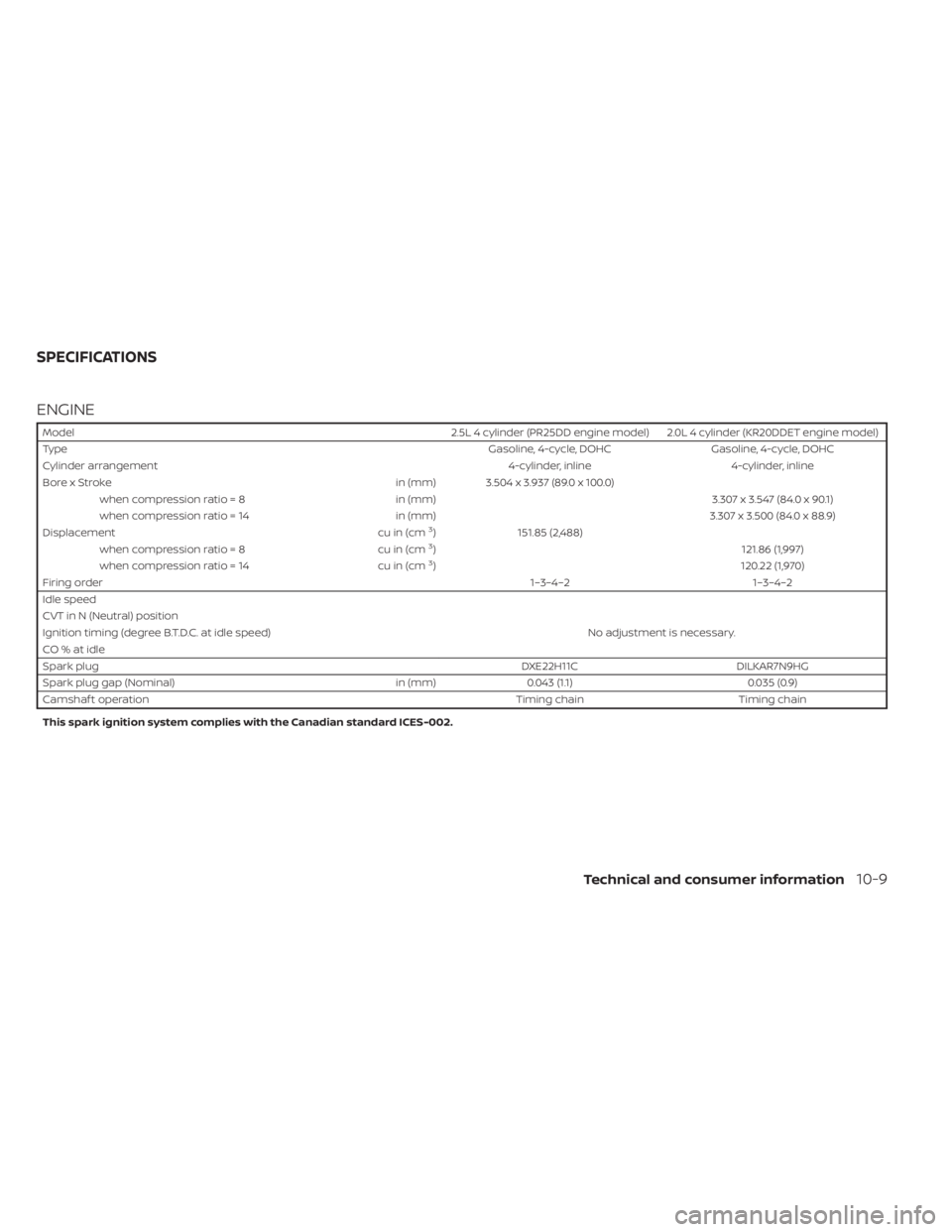
ENGINE
Model2.5L 4 cylinder (PR25DD engine model) 2.0L 4 cylinder (KR20DDET engine model)
Type Gasoline, 4-cycle, DOHCGasoline, 4-cycle, DOHC
Cylinder arrangement 4-cylinder, inline4-cylinder, inline
Bore x Stroke in (mm) 3.504 x 3.937 (89.0 x 100.0)
when compression ratio = 8 in (mm) 3.307 x 3.547 (84.0 x 90.1)
when compression ratio = 14 in (mm) 3.307 x 3.500 (84.0 x 88.9)
Displacement cu in (cm
3)151.85 (2,488)
when compression ratio = 8 cu in (cm3) 121.86 (1,997)
when compression ratio = 14 cu in (cm3) 120.22 (1,970)
Firing order 1–3–4–21–3–4–2
Idle speed
CVT in N (Neutral) position No adjustment is necessary.
Ignition timing (degree B.T.D.C. at idle speed)
CO%atidle
Spark plug DXE22H11CDILKAR7N9HG
Spark plug gap (Nominal) in (mm)0.043 (1.1) 0.035 (0.9)
Camshaf t operation Timing chainTiming chain
This spark ignition system complies with the Canadian standard ICES-002.
SPECIFICATIONS
Technical and consumer information10-9