Page 127 of 814
126
uuGauges and Displays uDriver Information Interface (A-type Meter)
Instrument PanelGauge display
settings
P. 139
Left Selector
Wheel
(home) Button
Roll the left
selector wheel.
No content
P. 138
Speed & time
P. 129
Warnings
P. 139
Range & fuel
P. 127
Settings
*
P. 140 Driver
attention
P. 132
Seat belts
P. 135
Safety
support
P. 136
Maintenance
P. 135
Brightness
P. 138
Tire pressure
P. 135 AWD torque
distribution
*
P. 135 Navigation
*
P. 131 Phone
*
P. 130 Audio
*
P. 130
* Not available on all models
23 PILOT-31T906000_03.book 126 ページ 2022年10月31日 月曜日 午前10時26分
Page 133 of 814
uuGauges and Displays uDriver Information Interface (A-type Meter)
132
Instrument Panel
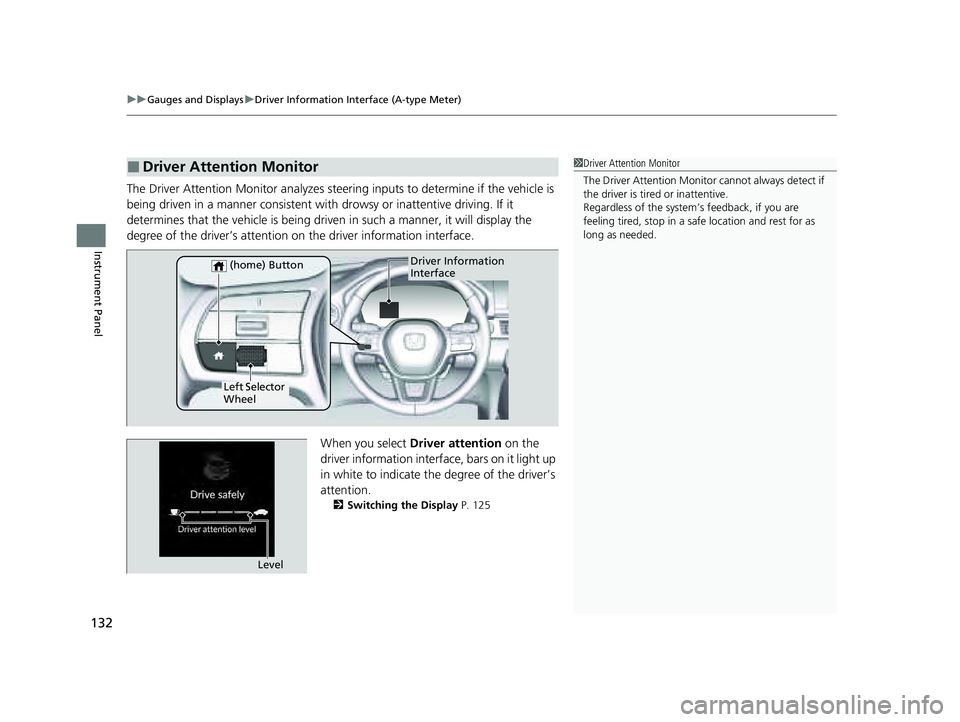
The Driver Attention Monitor analyzes steer ing inputs to determine if the vehicle is
being driven in a manner consistent with drowsy or inattentive driving. If it
determines that the vehicle is being driven in such a manner, it will display the
degree of the driver’s attention on the driver information interface.
When you select Driver attention on the
driver information interface, bars on it light up
in white to indicate the degree of the driver’s
attention.
2 Switching the Display P. 125
■Driver Attention Monitor1Driver Attention Monitor
The Driver Attenti on Monitor cannot always detect if
the driver is tired or inattentive.
Regardless of the system’s feedback, if you are
feeling tired, stop in a safe location and rest for as
long as needed.
Driver Information
Interface
Left Selector
Wheel (home) Button
Level
23 PILOT-31T906000_03.book 132 ページ 2022年10月31日 月曜日 午前10時26分
Page 134 of 814
133
uuGauges and Displays uDriver Information Interface (A-type Meter)
Continued
Instrument Panel
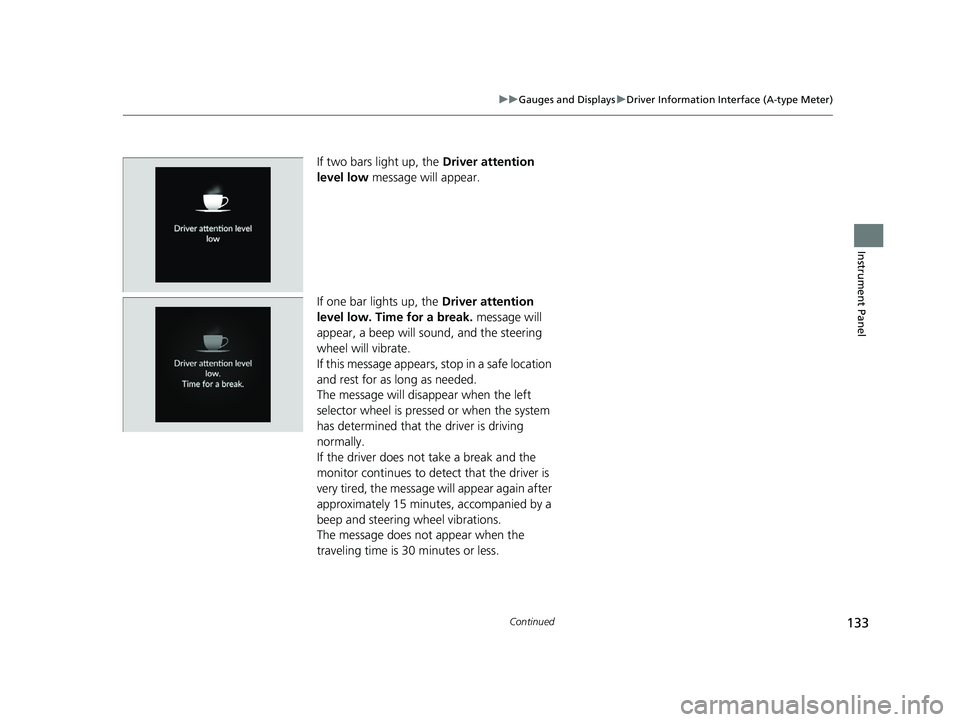
If two bars light up, the Driver attention
level low message will appear.
If one bar lights up, the Driver attention
level low. Time for a break. message will
appear, a beep will sound, and the steering
wheel will vibrate.
If this message appears, stop in a safe location
and rest for as long as needed.
The message will disappear when the left
selector wheel is presse d or when the system
has determined that the driver is driving
normally.
If the driver does not take a break and the
monitor continues to detect that the driver is
very tired, the message will appear again after
approximately 15 minutes, accompanied by a
beep and steering wheel vibrations.
The message does not appear when the
traveling time is 30 minutes or less.
23 PILOT-31T906000_03.book 133 ページ 2022年10月31日 月曜日 午前10時26分
Page 136 of 814
Continued135
uuGauges and Displays uDriver Information Interface (A-type Meter)
Instrument Panel
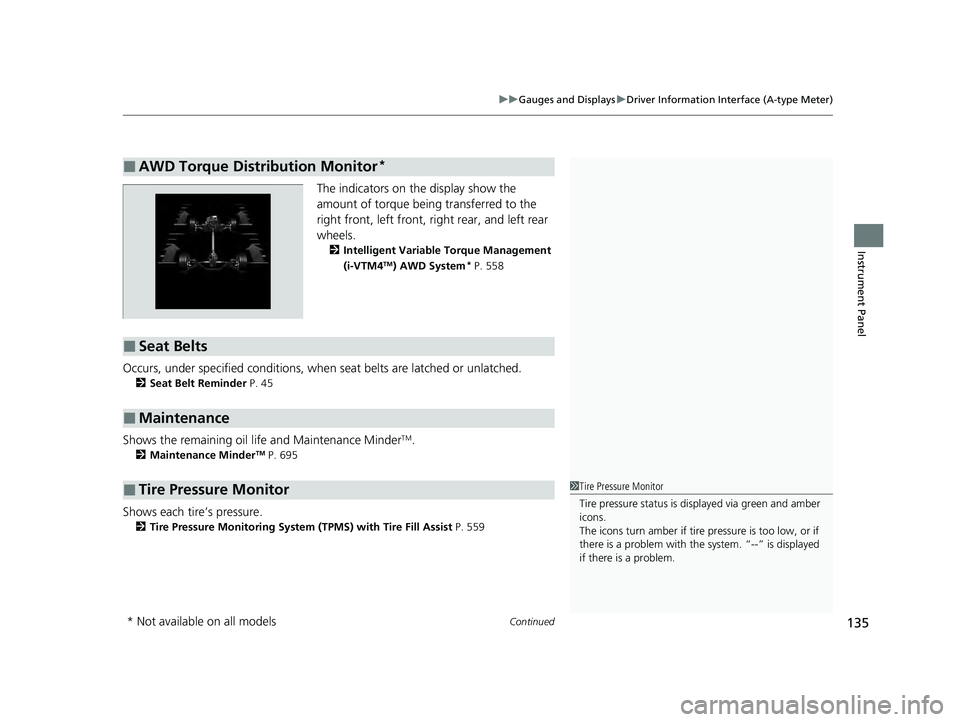
The indicators on the display show the
amount of torque being transferred to the
right front, left front, right rear, and left rear
wheels.
2 Intelligent Variable Torque Management
(i-VTM4TM) AWD System* P. 558
Occurs, under specified conditions, when seat belts are latched or unlatched.
2Seat Belt Reminder P. 45
Shows the remaining oil life and Maintenance MinderTM.
2Maintenance MinderTM P. 695
Shows each tire’s pressure.
2Tire Pressure Monitoring System (TPMS) with Tire Fill Assist P. 559
■AWD Torque Distribution Monitor*
■Seat Belts
■Maintenance
■Tire Pressure Monitor1Tire Pressure Monitor
Tire pressure status is di splayed via green and amber
icons.
The icons turn amber if tire pressure is too low, or if
there is a problem with the system. “--” is displayed
if there is a problem.
* Not available on all models
23 PILOT-31T906000_03.book 135 ページ 2022年10月31日 月曜日 午前10時26分
Page 156 of 814
155
uuGauges and Displays uDriver Information Interface Right Side Area (B-type-Meter)
Continued
Instrument Panel
Right Selector
Wheel Warning
Messages
P. 168
Range/Fuel/
Trip Meter
P. 156
No Content/
Unit Change
P. 166 Driver Attention
Monitor
P. 160
Navigation/
Compass
P. 159
Speed/Time/
Trip Meter
P. 158
Gauge Display
Settings
P. 167 Maintenance
P. 163
Safety Support
P. 164 Seat Belts
P. 163
Head-Up Display
Settings
P. 170 Brightness
P. 166
Tire Pressure
P. 163
AWD torque
distribution
P. 163
23 PILOT-31T906000_03.book 155 ページ 2022年10月31日 月曜日 午前10時26分
Page 161 of 814
uuGauges and Displays uDriver Information Interface Ri ght Side Area (B-type-Meter)
160
Instrument Panel
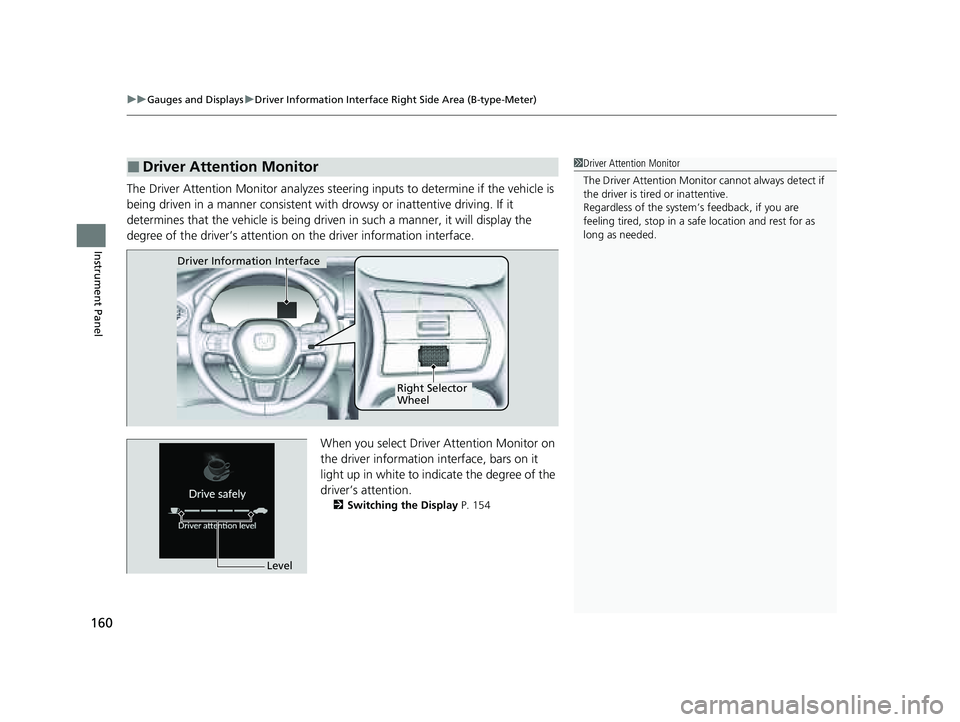
The Driver Attention Monitor analyzes steer ing inputs to determine if the vehicle is
being driven in a manner consistent with drowsy or inattentive driving. If it
determines that the vehicle is being driven in such a manner, it will display the
degree of the driver’s attention on the driver information interface.
When you select Driver Attention Monitor on
the driver information interface, bars on it
light up in white to indicate the degree of the
driver’s attention.
2 Switching the Display P. 154
■Driver Attention Monitor1Driver Attention Monitor
The Driver Attenti on Monitor cannot always detect if
the driver is tired or inattentive.
Regardless of the system’s feedback, if you are
feeling tired, stop in a safe location and rest for as
long as needed.
Driver Information Interface
Right Selector
Wheel
Level
23 PILOT-31T906000_03.book 160 ページ 2022年10月31日 月曜日 午前10時26分
Page 162 of 814
161
uuGauges and Displays uDriver Information Interface Right Side Area (B-type-Meter)
Continued
Instrument Panel
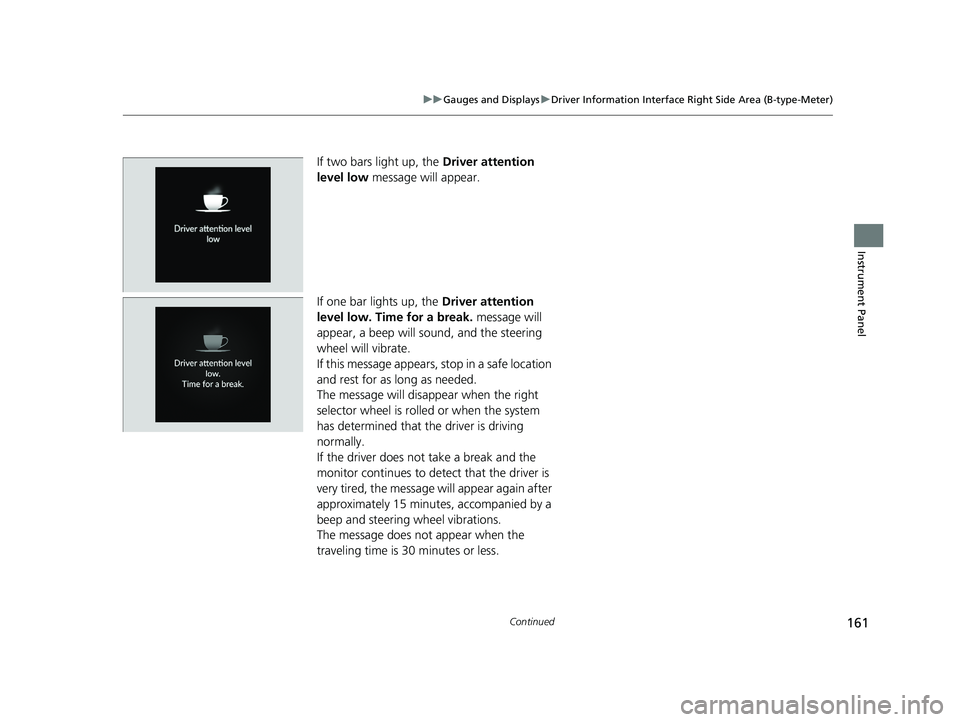
If two bars light up, the Driver attention
level low message will appear.
If one bar lights up, the Driver attention
level low. Time for a break. message will
appear, a beep will sound, and the steering
wheel will vibrate.
If this message appears, stop in a safe location
and rest for as long as needed.
The message will disappear when the right
selector wheel is rolled or when the system
has determined that the driver is driving
normally.
If the driver does not take a break and the
monitor continues to detect that the driver is
very tired, the message will appear again after
approximately 15 minutes, accompanied by a
beep and steering wheel vibrations.
The message does not appear when the
traveling time is 30 minutes or less.
23 PILOT-31T906000_03.book 161 ページ 2022年10月31日 月曜日 午前10時26分
Page 164 of 814

Continued163
uuGauges and Displays uDriver Information Interface Right Side Area (B-type-Meter)
Instrument Panel
The indicators on the display show the
amount of torque being transferred to the
right front, left front, right rear, and left rear
wheels.
2 Intelligent Variable Torque Management
(i-VTM4TM) AWD System* P. 558
Occurs, under specified conditions, when seat belts are latched or unlatched.
2Seat Belt Reminder P. 45
Shows the remaining oil life and Maintenance MinderTM.
2Maintenance MinderTM P. 695
Shows each tire’s pressure.
2Tire Pressure Monitoring System (TPMS) with Tire Fill Assist P. 559
■AWD Torque Distribution Monitor*
■Seat Belts
■Maintenance
■Tire Pressure Monitor1Tire Pressure Monitor
Tire pressure status is di splayed via green and amber
icons.
The icons turn amber if tire pressure is too low, or if
there is a problem with the system. “--” is displayed
if there is a problem.
* Not available on all models
23 PILOT-31T906000_03.book 163 ページ 2022年10月31日 月曜日 午前10時26分