2023 FORD SUPER DUTY ECO mode
[x] Cancel search: ECO modePage 307 of 738

ADAPTIVE CRUISE CONTROL
INDICATORS
Illuminates when you switchadaptive cruise control on. Thecolor of the indicator changes toindicate the system status.
White indicates the system is on butinactive.
Blue indicates that you set the speed andthe system is active.
SWITCHING FROM ADAPTIVE
CRUISE CONTROL TO CRUISE
CONTROL
WARNING: Normal cruise controlwill not brake when your vehicle isapproaching slower vehicles. Always beaware of which mode you have selectedand apply the brakes when necessary.
1.Press Features on the touchscreen.
2.Press Driver Assistance.
3.Press Cruise Control.
4.Press Normal Cruise Control.
The cruise control indicatorreplaces the adaptive cruisecontrol indicator if you selectnormal cruise control. The gap settingdoes not display, and the system does notrespond to lead vehicles. Automaticbraking remains active to maintain setspeed. The system remembers the lastsetting when you start your vehicle.
LANE CENTERING
HOW DOES LANE CENTERINGWORK
Adaptive cruise control with lane centeringuses the vehicle's front radar sensor andfront windshield camera sensor, togetherwith the steering sensor to operate.
Using these sensors, the system appliescontinuous steering assistance towardsdriving in the middle of the lane you chooseon highway roads.
Note:The gap setting for adaptive cruisecontrol with lane centering, operates in thesame way as normal adaptive cruise control.
LANE CENTERING PRECAUTIONS
WARNING: Do not use the systemwhen towing a trailer or when the vehicleis loaded to near or over maximumpayload. Failure to follow this instructioncould result in the loss of control of yourvehicle, personal injury or death.
WARNING: Do not use the systemif any changes or modifications to thesteering, suspension system or wheelsand tires have been made. Any changesor modifications to the steering,suspension system or wheels and tirescould affect the functionality andperformance of the system. Failure tofollow this instruction could result in theloss of control of your vehicle, personalinjury or death.
Adaptive cruise control precautions applyto lane centering unless stated otherwiseor contradicted by a lane centeringprecaution. See Adaptive Cruise ControlPrecautions (page 296).
303
2023 Super Duty (TFH) Canada/United States of America, enUSA, Edition date: 202211, DOMAdaptive Cruise Control (If Equipped)E144529 E332905
Page 310 of 738
•The brake pedal is pressed.
•Adaptive cruise control button isswitched off on the steering wheel.
The lane centering system is momentarilysuppressed when either of the followingactions are performed:
•Turn signal indicator is latched ortapped with added steering input.
•You steer the vehicle out of lane.
LANE CENTERING INDICATORS
Illuminates when you switchlane centering on. The color ofthe indicator changes to indicatethe system status.
Gray status indicates the system is on butin standby mode.
Blue status indicates the system is enabledand applying steering assistance to keepthe vehicle in the center of the lane.
Amber status with an audible tone, thatthen changes to gray status, indicates asystem automatic cancellation.
PREDICTIVE SPEED ASSIST (IF
EQUIPPED)
HOW DOES PREDICTIVE SPEEDASSIST WORK
Predictive Speed Assist works withadaptive cruise control and adjusts thevehicle speed to the road geometry and tothe speed limit detected by the speed signrecognition system. As the systemidentifies curves and highway exits, thevehicle speed temporarily decreases aheadof and during the changing road geometry.When passing new speed signs, the setspeed updates. See Predictive SpeedAssist Precautions (page 306).
There are limitations that affect theaccuracy of the speed sign recognitionsystem and its ability to determine thecurrent speed limit. Predictive speed assistand its ability to determine the currentspeed limit shares these limitations. SeeSpeed Sign Recognition (page 348).
Note:The adaptive cruise control gapsetting operates normally when the featureis enabled.
PREDICTIVE SPEED ASSISTPRECAUTIONS
WARNING: You are responsible forcontrolling your vehicle at all times. Thesystem is designed to be an aid and doesnot relieve you of your responsibility todrive with due care and attention. Failureto follow this instruction could result inthe loss of control of your vehicle,personal injury or death.
WARNING: Pay close attention tochanging road conditions. You may needto override the system by pressing thebrake or accelerator pedal if the adjustedspeed becomes higher or lower thannecessary.
WARNING: The system onlyprovides limited braking. Your vehiclemay not always decelerate quicklyenough to avoid a crash without driverintervention. Apply the brakes whennecessary.
WARNING: The system does notactivate the turn signal.
Adaptive cruise control precautions applyto predictive speed assist unless statedotherwise or contradicted by a predictivespeed assist precaution. See AdaptiveCruise Control Precautions (page 296).
306
2023 Super Duty (TFH) Canada/United States of America, enUSA, Edition date: 202211, DOMAdaptive Cruise Control (If Equipped)E297977
Page 311 of 738
The system only applies limited braking.You can override the system with theaccelerator pedal or cancel the system byapplying the brakes.
The system may adapt to various factorssuch as time of day, lane width. This couldinfluence speed adjustments andaccelerations.
The system may adapt to various drivemodes. See Drive Mode Control (page311).This could influence speedadjustments and accelerations.
Note:The system does not activate theturn signal automatically.
PREDICTIVE SPEED ASSISTLIMITATIONS
WARNING: The system may notalways adjust vehicle speed in certainroad or weather conditions such ascrossing traffic, yield or stop signs, rightof way, traffic lights, speed bumps, rain,snow, fog. You must always apply thebrake or accelerator pedal whennecessary.
The road geometry and speed limitinformation provided by the navigationmap data could be inaccurate or out ofdate.
The system may not detect and readspeed limit signs with conditionalinformation, for example, when a sign isflashing, during specific time ranges, orwhen children are present.
Note:The system does not set the vehiclespeed to speed limits shown with asupplementary traffic sign.
Under certain conditions, the system maynot adjust the vehicle speed until after yourvehicle passes the speed limit.
Detection of road geometry operates onlywhere related information is available.Road geometry information may not beavailable in some areas.
SWITCHING PREDICTIVE SPEEDASSIST MODE ON AND OFF
1.Press Features on the touchscreen.
2.Press Driver Assistance.
3.Press Cruise Control.
4.Press Adaptive Cruise Control.
5.Switch Predictive Speed Assist on oroff.
ADJUSTING THE SET SPEEDTOLERANCE
1.Press Features on the touchscreen.
2.Press Driver Assistance.
3.Press Cruise Control.
4.Press Adaptive Cruise Control.
5.Switch Predictive Speed Assist on.
6.Press Tolerance.
7.Adjust the slider to set the tolerance.
Note:You can set tolerance for vehiclespeed adjustment based on speed signrecognition only.
PREDICTIVE SPEED ASSISTALERTS
If the speed sign recognition systemdetects a speed limit below the minimumadaptive cruise control set speed, a tonesounds and the system returns to standbymode.
307
2023 Super Duty (TFH) Canada/United States of America, enUSA, Edition date: 202211, DOMAdaptive Cruise Control (If Equipped)
Page 313 of 738
ADAPTIVE CRUISE CONTROL
– TROUBLESHOOTING
ADAPTIVE CRUISE CONTROL –INFORMATION MESSAGES -VEHICLES WITH: LANECENTERING
Note:Depending on your vehicle optionsand instrument cluster type, somemessages can appear different or not at all.
ActionMessage
You must return your hands to the steering wheel and providesteering input to cancel the message.Keep Hands on SteeringWheel
Lane centering is currently not available, due to conditionsthat prevent the system from becoming active. To reset thesystem, when the vehicle is stationary, return the gear selectorto park (P) and turn the vehicle off. Then, restart the vehiclewith your foot on the brake pedal.
Lane Centering AssistNot Available
Adaptive cruise control with lane centering is about to cancel.You must immediately take full control of the vehicle.Resume Control
Adaptive cruise control with lane centering is in standby mode.When safe to do so, you can resume adaptive cruise controlwith lane centering by applying pressure on the acceleratorpedal. Alternatively, you can also re-enable adaptive cruisecontrol with lane centering by pressing the resume button onthe steering wheel.
Press Accelerator Pedalto Resume
ADAPTIVE CRUISE CONTROL –INFORMATION MESSAGES -VEHICLES WITH: STOP AND GO
Note:Depending on your vehicle optionsand instrument cluster type, not allmessages display or are available.
Note:The system could abbreviate orshorten certain messages depending uponwhich cluster type you have.
309
2023 Super Duty (TFH) Canada/United States of America, enUSA, Edition date: 202211, DOMAdaptive Cruise Control (If Equipped)
Page 315 of 738
WHAT IS DRIVE MODE
CONTROL
Your vehicle has various drive modes thatyou can select for different drivingconditions. Depending on the drive modethat you select, the system adjusts variousvehicle settings.
HOW DOES DRIVE MODE
CONTROL WORK
Drive mode control adjusts your vehicleconfiguration for each mode you select.
Changing the drive mode adjusts thesteering effort and feel of the steeringsystem.
The stability and traction control assistyour vehicle control in adverse conditionsor high-performance driving.
Throttle control enhances the powertrainresponse, transmission controls becomeoptimized with shift schedules, andfour-wheel drive settings are optimizedand tuned to each mode.
Changing the drive mode can engage ordisengage the electronic lockingdifferentials.
Changing the drive mode changes thefour-wheel drive mode to the defaultsetting for the selected drive mode.
Note:The system has diagnostic checksthat continuously monitor the system forproper operation. If a mode is unavailabledue to a system fault, the drive modesystem defaults to normal. When thesystem defaults to normal, the drivelinesettings remain the same as prior to thesystem fault.
Note:The system reverts to the normalmode each time you start your vehicle. Atstartup the system also displays a prompton the instrument cluster display that givesyou the option to return to the previouslyselected drive mode during the last ignitioncycle. If you select yes, the system returnsto the last selected drive mode and thedefault driveline settings associated withthat mode. If you select no, the systemremains in normal mode and the drivelinesettings remain the same as selected in theprior ignition cycle. If you do not select yesor no, the system stays in normal mode andthe driveline settings remain the same asselected in the prior ignition cycle.
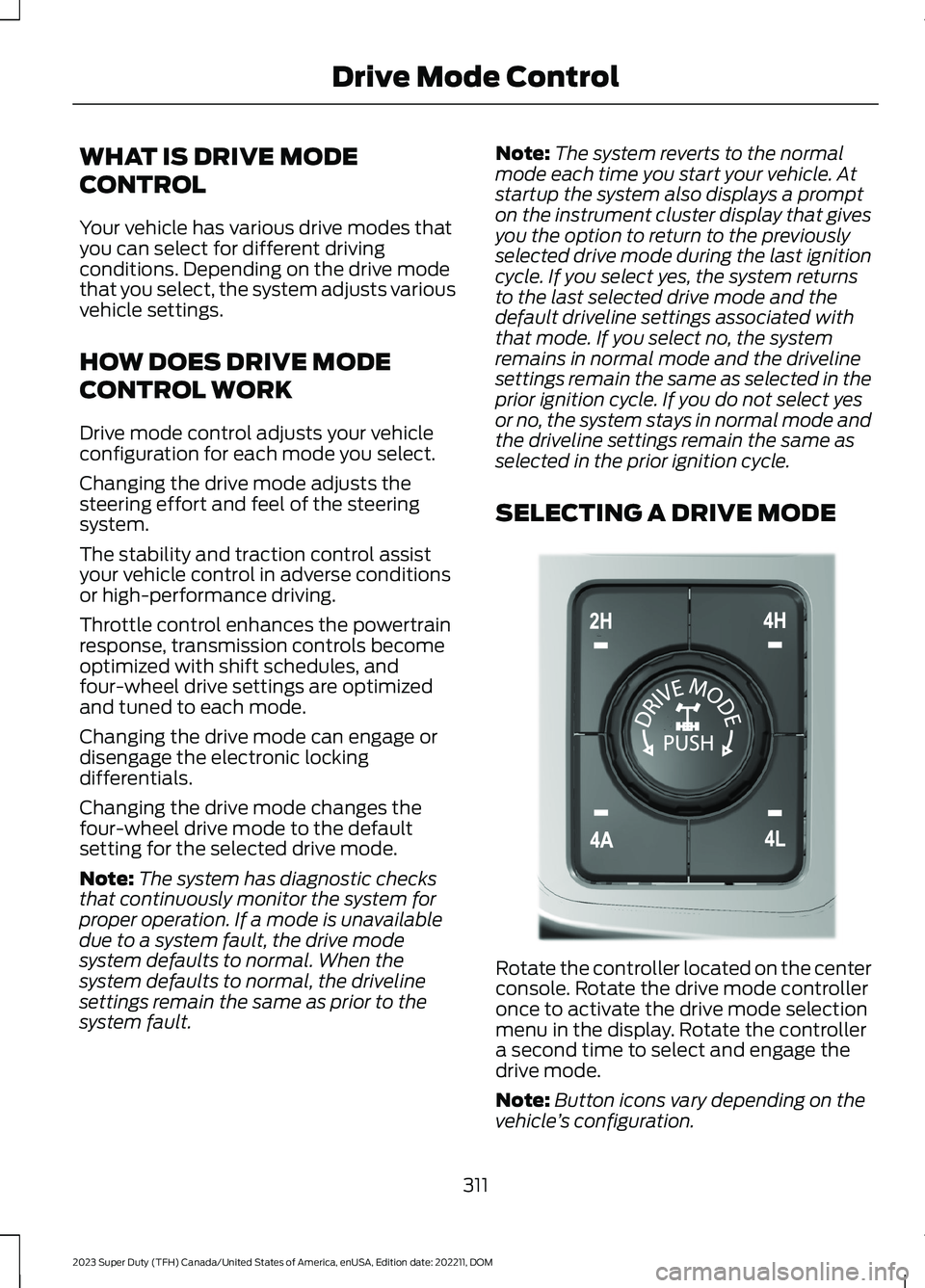
SELECTING A DRIVE MODE
Rotate the controller located on the centerconsole. Rotate the drive mode controlleronce to activate the drive mode selectionmenu in the display. Rotate the controllera second time to select and engage thedrive mode.
Note:Button icons vary depending on thevehicle’s configuration.
311
2023 Super Duty (TFH) Canada/United States of America, enUSA, Edition date: 202211, DOMDrive Mode ControlE308146
Page 316 of 738
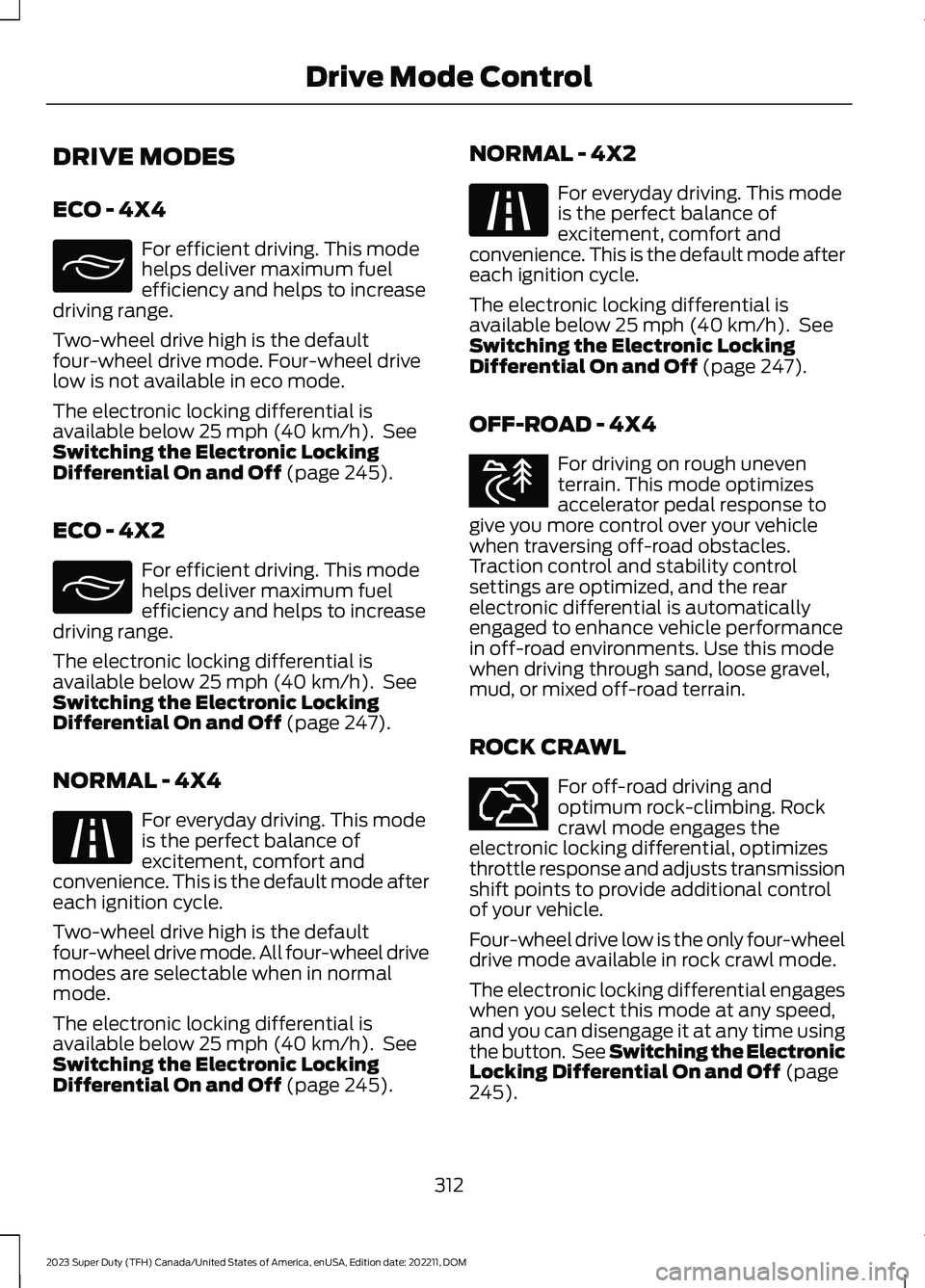
DRIVE MODES
ECO - 4X4
For efficient driving. This modehelps deliver maximum fuelefficiency and helps to increasedriving range.
Two-wheel drive high is the defaultfour-wheel drive mode. Four-wheel drivelow is not available in eco mode.
The electronic locking differential isavailable below 25 mph (40 km/h). SeeSwitching the Electronic LockingDifferential On and Off (page 245).
ECO - 4X2
For efficient driving. This modehelps deliver maximum fuelefficiency and helps to increasedriving range.
The electronic locking differential isavailable below 25 mph (40 km/h). SeeSwitching the Electronic LockingDifferential On and Off (page 247).
NORMAL - 4X4
For everyday driving. This modeis the perfect balance ofexcitement, comfort andconvenience. This is the default mode aftereach ignition cycle.
Two-wheel drive high is the defaultfour-wheel drive mode. All four-wheel drivemodes are selectable when in normalmode.
The electronic locking differential isavailable below 25 mph (40 km/h). SeeSwitching the Electronic LockingDifferential On and Off (page 245).
NORMAL - 4X2
For everyday driving. This modeis the perfect balance ofexcitement, comfort andconvenience. This is the default mode aftereach ignition cycle.
The electronic locking differential isavailable below 25 mph (40 km/h). SeeSwitching the Electronic LockingDifferential On and Off (page 247).
OFF-ROAD - 4X4
For driving on rough uneventerrain. This mode optimizesaccelerator pedal response togive you more control over your vehiclewhen traversing off-road obstacles.Traction control and stability controlsettings are optimized, and the rearelectronic differential is automaticallyengaged to enhance vehicle performancein off-road environments. Use this modewhen driving through sand, loose gravel,mud, or mixed off-road terrain.
ROCK CRAWL
For off-road driving andoptimum rock-climbing. Rockcrawl mode engages theelectronic locking differential, optimizesthrottle response and adjusts transmissionshift points to provide additional controlof your vehicle.
Four-wheel drive low is the only four-wheeldrive mode available in rock crawl mode.
The electronic locking differential engageswhen you select this mode at any speed,and you can disengage it at any time usingthe button. See Switching the ElectronicLocking Differential On and Off (page245).
312
2023 Super Duty (TFH) Canada/United States of America, enUSA, Edition date: 202211, DOMDrive Mode ControlE295413 E295413 E225310 E225310 E372640 E367349
Page 317 of 738
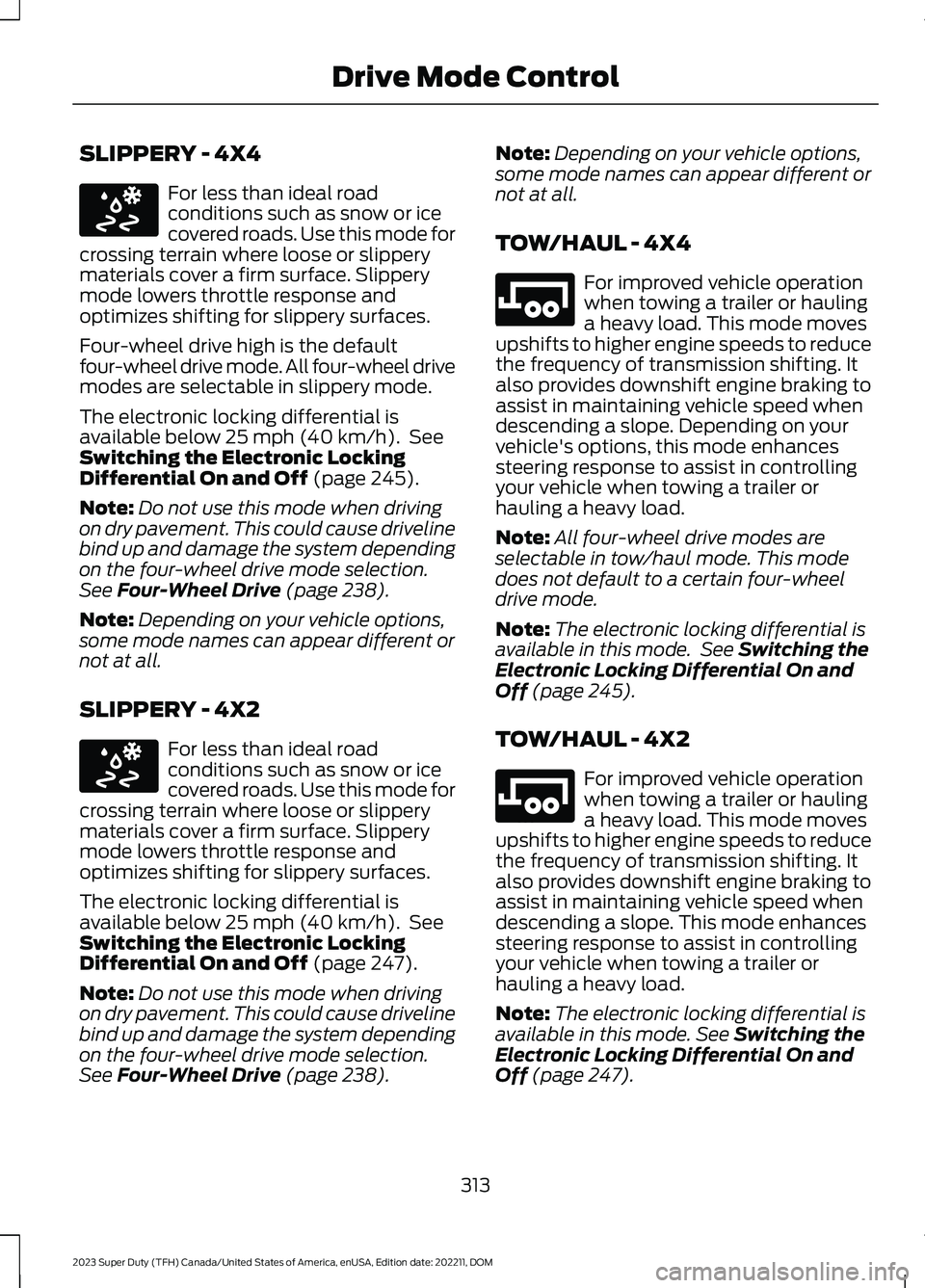
SLIPPERY - 4X4
For less than ideal roadconditions such as snow or icecovered roads. Use this mode forcrossing terrain where loose or slipperymaterials cover a firm surface. Slipperymode lowers throttle response andoptimizes shifting for slippery surfaces.
Four-wheel drive high is the defaultfour-wheel drive mode. All four-wheel drivemodes are selectable in slippery mode.
The electronic locking differential isavailable below 25 mph (40 km/h). SeeSwitching the Electronic LockingDifferential On and Off (page 245).
Note:Do not use this mode when drivingon dry pavement. This could cause drivelinebind up and damage the system dependingon the four-wheel drive mode selection.See Four-Wheel Drive (page 238).
Note:Depending on your vehicle options,some mode names can appear different ornot at all.
SLIPPERY - 4X2
For less than ideal roadconditions such as snow or icecovered roads. Use this mode forcrossing terrain where loose or slipperymaterials cover a firm surface. Slipperymode lowers throttle response andoptimizes shifting for slippery surfaces.
The electronic locking differential isavailable below 25 mph (40 km/h). SeeSwitching the Electronic LockingDifferential On and Off (page 247).
Note:Do not use this mode when drivingon dry pavement. This could cause drivelinebind up and damage the system dependingon the four-wheel drive mode selection.See Four-Wheel Drive (page 238).
Note:Depending on your vehicle options,some mode names can appear different ornot at all.
TOW/HAUL - 4X4
For improved vehicle operationwhen towing a trailer or haulinga heavy load. This mode movesupshifts to higher engine speeds to reducethe frequency of transmission shifting. Italso provides downshift engine braking toassist in maintaining vehicle speed whendescending a slope. Depending on yourvehicle's options, this mode enhancessteering response to assist in controllingyour vehicle when towing a trailer orhauling a heavy load.
Note:All four-wheel drive modes areselectable in tow/haul mode. This modedoes not default to a certain four-wheeldrive mode.
Note:The electronic locking differential isavailable in this mode. See Switching theElectronic Locking Differential On andOff (page 245).
TOW/HAUL - 4X2
For improved vehicle operationwhen towing a trailer or haulinga heavy load. This mode movesupshifts to higher engine speeds to reducethe frequency of transmission shifting. Italso provides downshift engine braking toassist in maintaining vehicle speed whendescending a slope. This mode enhancessteering response to assist in controllingyour vehicle when towing a trailer orhauling a heavy load.
Note:The electronic locking differential isavailable in this mode. See Switching theElectronic Locking Differential On andOff (page 247).
313
2023 Super Duty (TFH) Canada/United States of America, enUSA, Edition date: 202211, DOMDrive Mode ControlE295414 E295414 E246592 E246592
Page 319 of 738
DRIVE MODE CONTROL –FREQUENTLY ASKED QUESTIONS
Why did the system default tonormal mode?
•If a mode is unavailable due to asystem fault, it defaults to normalmode and the driveline settings remainthe same as prior to the system fault.
Can I switch drive modes while Iam driving?
•In most instances, you can switch drivemodes while you are driving (if youmaintain attention on the road), orwhile the vehicle is stationary.However, you should not switch thevehicle into a drive mode intended foroff-road or track use while driving onpaved, public roads. For example, whiledriving on a paved highway, it wouldbe acceptable to switch from normalmode to eco mode, but not to off-roadmode.
How long does it take for thevehicle to switch modes after Imake a selection?
•After switching modes, the new drivemode will activate within severalseconds, if all the appropriatepre-conditions are met.
How should I decide which drivemode to use?
•Selecting a drive mode usuallydepends on the driving experience youwould like to have, and the drivingconditions. For example, if you want tohave a more exciting on-road drivingexperience, you could switch into sportmode. If you find yourself driving onslick roads, you could switch intoslippery mode.
Will drive modes impact myvehicle’s fuel consumption?
•Drive modes can have an impact onyour vehicle’s fuel consumption. Inaddition to the active mode, yourdriving style will also affect the fuelconsumption.
315
2023 Super Duty (TFH) Canada/United States of America, enUSA, Edition date: 202211, DOMDrive Mode Control