2023 FORD EXPEDITION bulb
[x] Cancel search: bulbPage 437 of 658
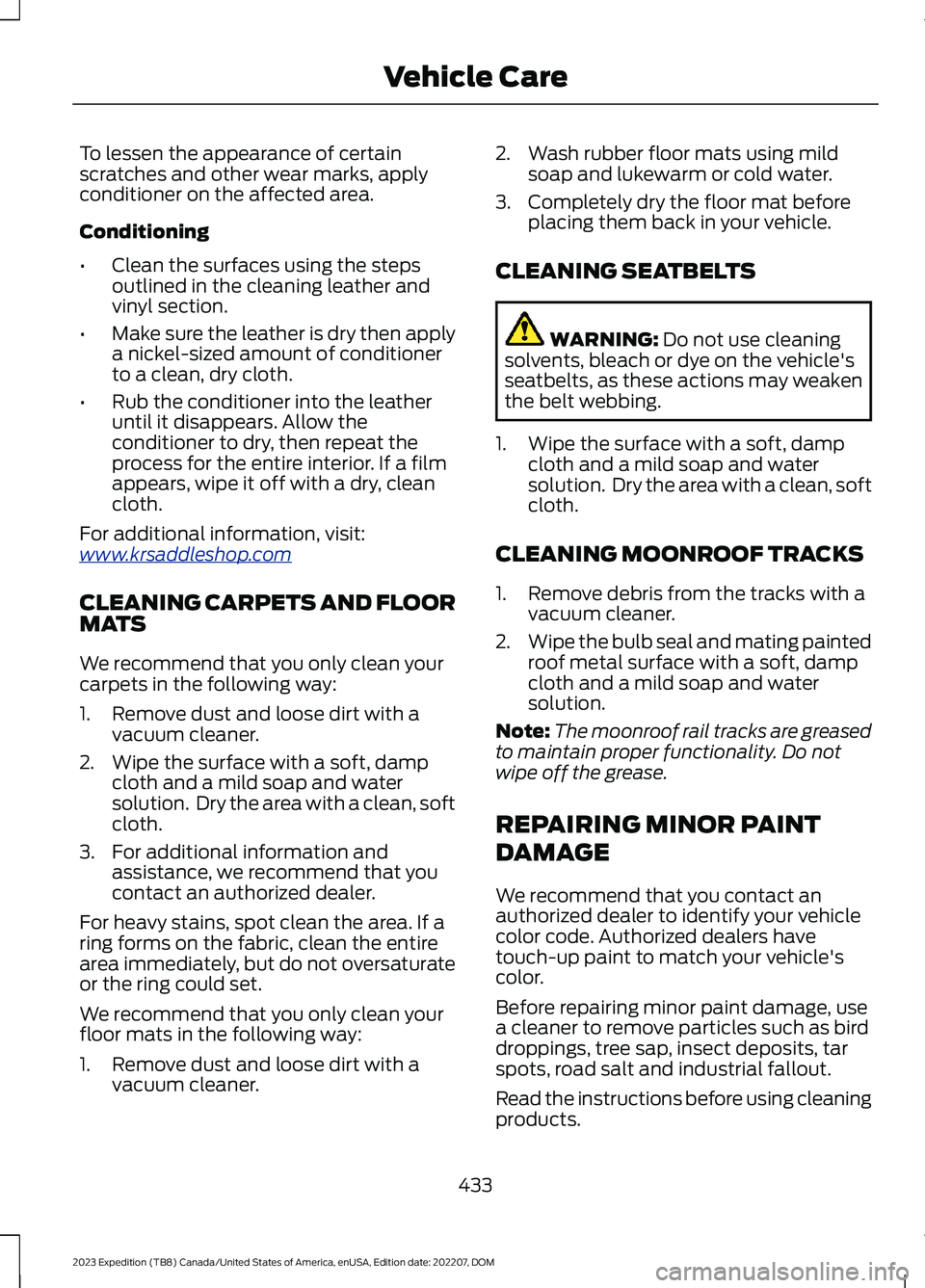
To lessen the appearance of certainscratches and other wear marks, applyconditioner on the affected area.
Conditioning
•Clean the surfaces using the stepsoutlined in the cleaning leather andvinyl section.
•Make sure the leather is dry then applya nickel-sized amount of conditionerto a clean, dry cloth.
•Rub the conditioner into the leatheruntil it disappears. Allow theconditioner to dry, then repeat theprocess for the entire interior. If a filmappears, wipe it off with a dry, cleancloth.
For additional information, visit:www.krsaddleshop.com
CLEANING CARPETS AND FLOORMATS
We recommend that you only clean yourcarpets in the following way:
1.Remove dust and loose dirt with avacuum cleaner.
2.Wipe the surface with a soft, dampcloth and a mild soap and watersolution. Dry the area with a clean, softcloth.
3.For additional information andassistance, we recommend that youcontact an authorized dealer.
For heavy stains, spot clean the area. If aring forms on the fabric, clean the entirearea immediately, but do not oversaturateor the ring could set.
We recommend that you only clean yourfloor mats in the following way:
1.Remove dust and loose dirt with avacuum cleaner.
2.Wash rubber floor mats using mildsoap and lukewarm or cold water.
3.Completely dry the floor mat beforeplacing them back in your vehicle.
CLEANING SEATBELTS
WARNING: Do not use cleaningsolvents, bleach or dye on the vehicle'sseatbelts, as these actions may weakenthe belt webbing.
1.Wipe the surface with a soft, dampcloth and a mild soap and watersolution. Dry the area with a clean, softcloth.
CLEANING MOONROOF TRACKS
1.Remove debris from the tracks with avacuum cleaner.
2.Wipe the bulb seal and mating paintedroof metal surface with a soft, dampcloth and a mild soap and watersolution.
Note:The moonroof rail tracks are greasedto maintain proper functionality. Do notwipe off the grease.
REPAIRING MINOR PAINT
DAMAGE
We recommend that you contact anauthorized dealer to identify your vehiclecolor code. Authorized dealers havetouch-up paint to match your vehicle'scolor.
Before repairing minor paint damage, usea cleaner to remove particles such as birddroppings, tree sap, insect deposits, tarspots, road salt and industrial fallout.
Read the instructions before using cleaningproducts.
433
2023 Expedition (TB8) Canada/United States of America, enUSA, Edition date: 202207, DOMVehicle Care
Page 640 of 658
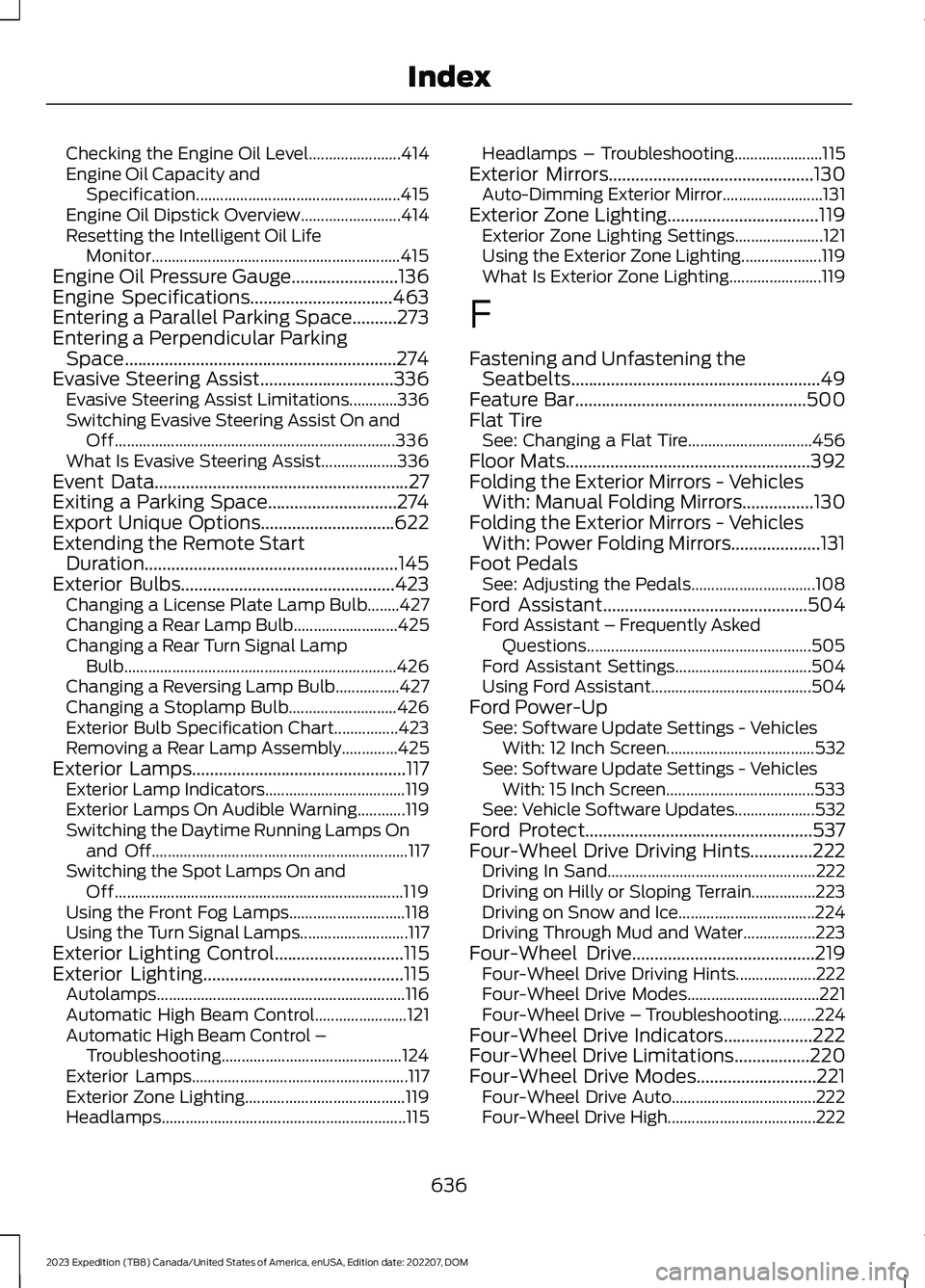
Checking the Engine Oil Level.......................414Engine Oil Capacity andSpecification...................................................415Engine Oil Dipstick Overview.........................414Resetting the Intelligent Oil LifeMonitor..............................................................415Engine Oil Pressure Gauge........................136Engine Specifications................................463Entering a Parallel Parking Space..........273Entering a Perpendicular ParkingSpace.............................................................274Evasive Steering Assist..............................336Evasive Steering Assist Limitations............336Switching Evasive Steering Assist On andOff......................................................................336What Is Evasive Steering Assist...................336Event Data.........................................................27Exiting a Parking Space.............................274Export Unique Options..............................622Extending the Remote StartDuration.........................................................145Exterior Bulbs................................................423Changing a License Plate Lamp Bulb........427Changing a Rear Lamp Bulb..........................425Changing a Rear Turn Signal LampBulb....................................................................426Changing a Reversing Lamp Bulb................427Changing a Stoplamp Bulb...........................426Exterior Bulb Specification Chart................423Removing a Rear Lamp Assembly..............425Exterior Lamps................................................117Exterior Lamp Indicators...................................119Exterior Lamps On Audible Warning............119Switching the Daytime Running Lamps Onand Off................................................................117Switching the Spot Lamps On andOff........................................................................119Using the Front Fog Lamps.............................118Using the Turn Signal Lamps...........................117Exterior Lighting Control.............................115Exterior Lighting.............................................115Autolamps..............................................................116Automatic High Beam Control.......................121Automatic High Beam Control –Troubleshooting.............................................124Exterior Lamps......................................................117Exterior Zone Lighting........................................119Headlamps.............................................................115
Headlamps – Troubleshooting......................115Exterior Mirrors..............................................130Auto-Dimming Exterior Mirror.........................131Exterior Zone Lighting..................................119Exterior Zone Lighting Settings......................121Using the Exterior Zone Lighting....................119What Is Exterior Zone Lighting.......................119
F
Fastening and Unfastening theSeatbelts........................................................49Feature Bar....................................................500Flat TireSee: Changing a Flat Tire...............................456Floor Mats.......................................................392Folding the Exterior Mirrors - VehiclesWith: Manual Folding Mirrors................130Folding the Exterior Mirrors - VehiclesWith: Power Folding Mirrors....................131Foot PedalsSee: Adjusting the Pedals...............................108Ford Assistant..............................................504Ford Assistant – Frequently AskedQuestions........................................................505Ford Assistant Settings..................................504Using Ford Assistant........................................504Ford Power-UpSee: Software Update Settings - VehiclesWith: 12 Inch Screen.....................................532See: Software Update Settings - VehiclesWith: 15 Inch Screen.....................................533See: Vehicle Software Updates....................532Ford Protect...................................................537Four-Wheel Drive Driving Hints..............222Driving In Sand....................................................222Driving on Hilly or Sloping Terrain................223Driving on Snow and Ice..................................224Driving Through Mud and Water..................223Four-Wheel Drive.........................................219Four-Wheel Drive Driving Hints....................222Four-Wheel Drive Modes.................................221Four-Wheel Drive – Troubleshooting.........224Four-Wheel Drive Indicators....................222Four-Wheel Drive Limitations.................220Four-Wheel Drive Modes...........................221Four-Wheel Drive Auto....................................222Four-Wheel Drive High.....................................222
636
2023 Expedition (TB8) Canada/United States of America, enUSA, Edition date: 202207, DOMIndex
Page 643 of 658
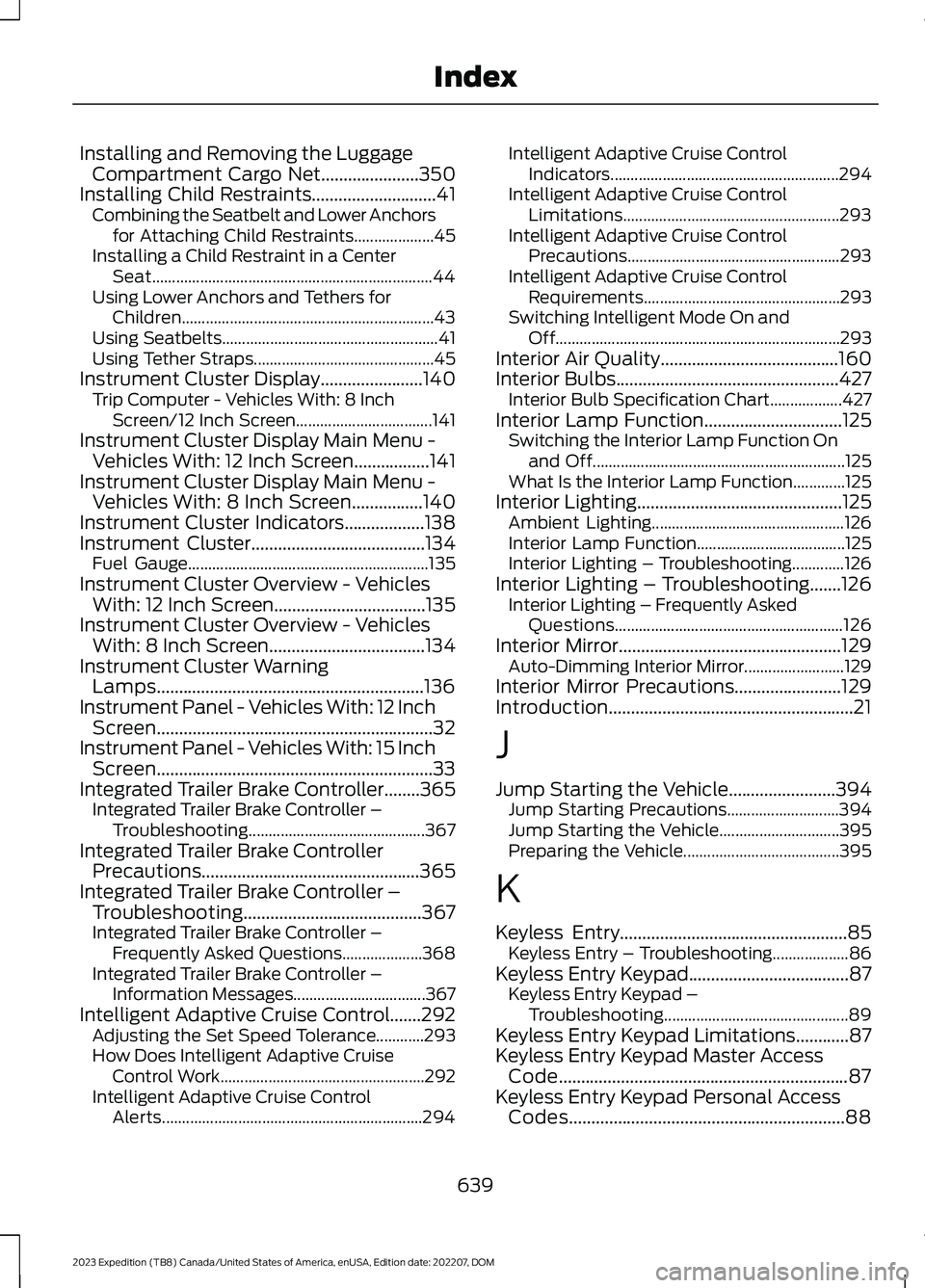
Installing and Removing the LuggageCompartment Cargo Net......................350Installing Child Restraints............................41Combining the Seatbelt and Lower Anchorsfor Attaching Child Restraints....................45Installing a Child Restraint in a CenterSeat......................................................................44Using Lower Anchors and Tethers forChildren...............................................................43Using Seatbelts......................................................41Using Tether Straps.............................................45Instrument Cluster Display.......................140Trip Computer - Vehicles With: 8 InchScreen/12 Inch Screen..................................141Instrument Cluster Display Main Menu -Vehicles With: 12 Inch Screen.................141Instrument Cluster Display Main Menu -Vehicles With: 8 Inch Screen................140Instrument Cluster Indicators..................138Instrument Cluster.......................................134Fuel Gauge............................................................135Instrument Cluster Overview - VehiclesWith: 12 Inch Screen..................................135Instrument Cluster Overview - VehiclesWith: 8 Inch Screen...................................134Instrument Cluster WarningLamps............................................................136Instrument Panel - Vehicles With: 12 InchScreen..............................................................32Instrument Panel - Vehicles With: 15 InchScreen..............................................................33Integrated Trailer Brake Controller........365Integrated Trailer Brake Controller –Troubleshooting............................................367Integrated Trailer Brake ControllerPrecautions.................................................365Integrated Trailer Brake Controller –Troubleshooting........................................367Integrated Trailer Brake Controller –Frequently Asked Questions....................368Integrated Trailer Brake Controller –Information Messages.................................367Intelligent Adaptive Cruise Control.......292Adjusting the Set Speed Tolerance............293How Does Intelligent Adaptive CruiseControl Work...................................................292Intelligent Adaptive Cruise ControlAlerts.................................................................294
Intelligent Adaptive Cruise ControlIndicators.........................................................294Intelligent Adaptive Cruise ControlLimitations......................................................293Intelligent Adaptive Cruise ControlPrecautions.....................................................293Intelligent Adaptive Cruise ControlRequirements.................................................293Switching Intelligent Mode On andOff.......................................................................293Interior Air Quality........................................160Interior Bulbs..................................................427Interior Bulb Specification Chart..................427Interior Lamp Function...............................125Switching the Interior Lamp Function Onand Off...............................................................125What Is the Interior Lamp Function.............125Interior Lighting..............................................125Ambient Lighting................................................126Interior Lamp Function.....................................125Interior Lighting – Troubleshooting.............126Interior Lighting – Troubleshooting.......126Interior Lighting – Frequently AskedQuestions.........................................................126Interior Mirror..................................................129Auto-Dimming Interior Mirror.........................129Interior Mirror Precautions........................129Introduction.......................................................21
J
Jump Starting the Vehicle........................394Jump Starting Precautions............................394Jump Starting the Vehicle..............................395Preparing the Vehicle.......................................395
K
Keyless Entry...................................................85Keyless Entry – Troubleshooting...................86Keyless Entry Keypad....................................87Keyless Entry Keypad –Troubleshooting..............................................89Keyless Entry Keypad Limitations............87Keyless Entry Keypad Master AccessCode.................................................................87Keyless Entry Keypad Personal AccessCodes..............................................................88
639
2023 Expedition (TB8) Canada/United States of America, enUSA, Edition date: 202207, DOMIndex
Page 645 of 658
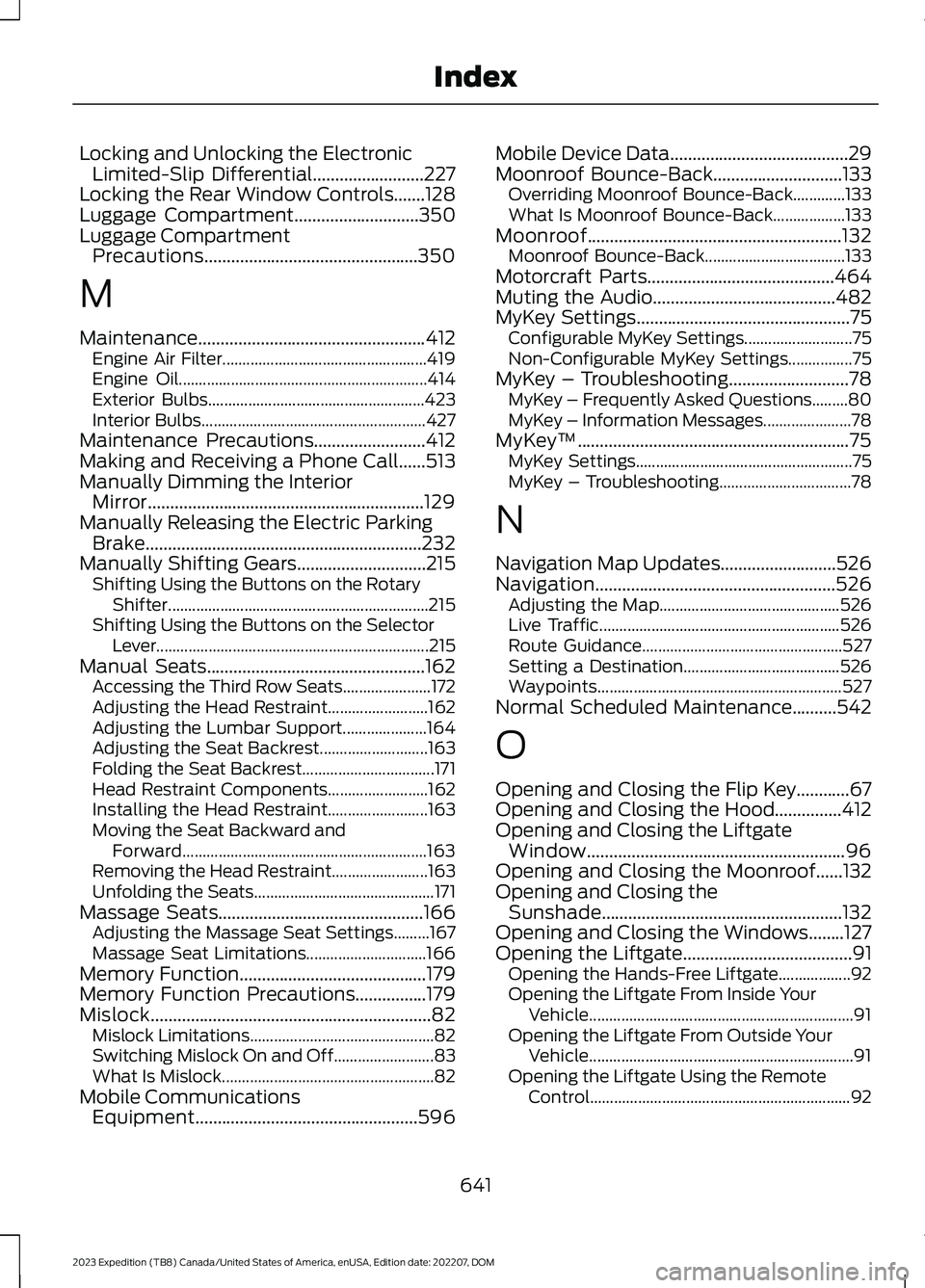
Locking and Unlocking the ElectronicLimited-Slip Differential.........................227Locking the Rear Window Controls.......128Luggage Compartment............................350Luggage CompartmentPrecautions................................................350
M
Maintenance...................................................412Engine Air Filter...................................................419Engine Oil..............................................................414Exterior Bulbs......................................................423Interior Bulbs........................................................427Maintenance Precautions.........................412Making and Receiving a Phone Call......513Manually Dimming the InteriorMirror..............................................................129Manually Releasing the Electric ParkingBrake..............................................................232Manually Shifting Gears.............................215Shifting Using the Buttons on the RotaryShifter.................................................................215Shifting Using the Buttons on the SelectorLever....................................................................215Manual Seats.................................................162Accessing the Third Row Seats......................172Adjusting the Head Restraint.........................162Adjusting the Lumbar Support.....................164Adjusting the Seat Backrest...........................163Folding the Seat Backrest.................................171Head Restraint Components.........................162Installing the Head Restraint.........................163Moving the Seat Backward andForward.............................................................163Removing the Head Restraint........................163Unfolding the Seats.............................................171Massage Seats..............................................166Adjusting the Massage Seat Settings.........167Massage Seat Limitations..............................166Memory Function..........................................179Memory Function Precautions................179Mislock...............................................................82Mislock Limitations..............................................82Switching Mislock On and Off.........................83What Is Mislock.....................................................82Mobile CommunicationsEquipment..................................................596
Mobile Device Data........................................29Moonroof Bounce-Back.............................133Overriding Moonroof Bounce-Back.............133What Is Moonroof Bounce-Back..................133Moonroof.........................................................132Moonroof Bounce-Back...................................133Motorcraft Parts..........................................464Muting the Audio.........................................482MyKey Settings................................................75Configurable MyKey Settings...........................75Non-Configurable MyKey Settings................75MyKey – Troubleshooting...........................78MyKey – Frequently Asked Questions.........80MyKey – Information Messages......................78MyKey™.............................................................75MyKey Settings......................................................75MyKey – Troubleshooting.................................78
N
Navigation Map Updates..........................526Navigation......................................................526Adjusting the Map.............................................526Live Traffic............................................................526Route Guidance..................................................527Setting a Destination.......................................526Waypoints.............................................................527Normal Scheduled Maintenance..........542
O
Opening and Closing the Flip Key............67Opening and Closing the Hood...............412Opening and Closing the LiftgateWindow..........................................................96Opening and Closing the Moonroof......132Opening and Closing theSunshade......................................................132Opening and Closing the Windows........127Opening the Liftgate......................................91Opening the Hands-Free Liftgate..................92Opening the Liftgate From Inside YourVehicle..................................................................91Opening the Liftgate From Outside YourVehicle..................................................................91Opening the Liftgate Using the RemoteControl.................................................................92
641
2023 Expedition (TB8) Canada/United States of America, enUSA, Edition date: 202207, DOMIndex