2023 FORD EDGE trailer
[x] Cancel search: trailerPage 281 of 504

Protected ComponentFuseRatingFuse orRelayNumber
Not used.—64
Front heated seat.20 A65
Not used (spare).15 A66
Body control module 2.50 A67
Heated rear window.40 A68
Anti-lock brake system valves.30 A69
Passenger seat.30 A70
Not used.—71
Not used.—72
Rear heated seats.20 A73
Driver seat module.30 A74Driver seat power.
Wiper motor 1.25 A75
Power liftgate module.30 A76
Climate control seat module.30 A77
Trailer lighting module.40 A78
Blower motor.40 A79
Wiper motor 2.25 A80
110 V inverter.40 A81
Not used.–82
Not used.—83
Starter motor solenoid.30 A84
Not used.—85
Anti-lock brake system pump.60 A87
277
2023 Edge (CDQ) Canada/United States of America, enUSA, Edition date: 202207, DOMFuses
Page 294 of 504

Engine Coolant TemperatureManagement (If Equipped)
WARNING: To reduce the risk ofcrash and injury, be prepared that thevehicle speed may reduce and thevehicle may not be able to acceleratewith full power until the coolanttemperature reduces.
If you tow a trailer with your vehicle, theengine may temporarily reach a highertemperature during severe operatingconditions, for example ascending a longor steep grade in high ambienttemperatures.
At this time, you may notice the coolanttemperature gauge moves toward the redzone and a message may appear in theinformation display.
You may notice a reduction in vehiclespeed caused by reduced engine power inorder to manage the engine coolanttemperature. Your vehicle may enter thismode if certain high-temperature andhigh-load conditions take place. Theamount of speed reduction depends onvehicle loading, grade and ambienttemperature. If this occurs, there is noneed to stop your vehicle. You cancontinue to drive.
The air conditioning may automaticallyturn on and off during severe operatingconditions to protect the engine fromoverheating. When the coolanttemperature decreases to the normaloperating temperature, the air conditioningturns on.
If the coolant temperature gauge movesfully into the red zone, or if the coolanttemperature warning or service enginesoon messages appear in your informationdisplay, do the following:
1.Stop your vehicle as soon as it is safeto do so. Fully apply the parking brake,shift into park (P) or neutral (N).
2.Leave the engine running until thecoolant temperature gauge needlereturns to the normal position. If thetemperature does not drop afterseveral minutes, follow the remainingsteps.
3.Switch the engine off and wait for it tocool. Check the coolant level.
4.If the coolant level is at or below theminimum mark, add prediluted coolantimmediately.
5.If the coolant level is normal, restartthe engine and continue.
ENGINE AIR FILTER
CHANGING THE ENGINE AIRFILTER - 2.0L
WARNING: To reduce the risk ofvehicle damage and personal burninjuries, do not start your engine with theair cleaner removed and do not removeit while the engine is running.
Change the air filter element at the properintervals.
When changing the air filter element, useonly the air filter element listed.
Note:Failure to use the correct air filterelement could result in severe enginedamage that the vehicle warranty may notcover.
Note: When servicing the air filter, do notallow foreign material to enter the airinduction system. The engine is susceptibleto damage from even small particles.
290
2023 Edge (CDQ) Canada/United States of America, enUSA, Edition date: 202207, DOMMaintenance
Page 339 of 504

CHANGING A FLAT TIRE
WARNING: If the tire pressuremonitor sensor becomes damaged itmay not function.
If you get a flat tire while driving, do notapply the brake heavily. Instead, graduallydecrease your speed. Hold the steeringwheel firmly and slowly move to a safeplace on the side of the road.
Have a flat serviced by an authorizeddealer in order to prevent damage to thetire pressure monitoring system sensors.See What Is the Tire PressureMonitoring System (page 331). Replacethe spare tire with a road tire as soon aspossible. During repairing or replacing ofthe flat tire, have an authorized dealerinspect the tire pressure monitoring systemsensor for damage.
Note:The use of tire sealant could damageyour tire pressure monitoring sensor andshould only be used in roadsideemergencies. If you must use a sealant, usethe Tire Mobility Kit sealant. Replace the tirepressure monitoring system sensor andvalve stem on the wheel by an authorizeddealer after use of the sealant.
Note:The tire pressure monitoring systemindicator light will illuminate when the sparetire is in use. To restore the full function ofthe monitoring system, all road wheelsequipped with tire pressure monitoringsensors must be mounted on the vehicle.
Dissimilar Spare Wheel and TireAssembly Information
WARNING: Failure to follow theseguidelines could result in an increasedrisk of loss of vehicle control, injury ordeath.
If you have a dissimilar spare wheel andtire, then it is intended for temporary useonly. This means that if you need to use it,you should replace it as soon as possiblewith a road wheel and tire assembly thatis the same size and type as the road tiresand wheels that were originally providedon your vehicle. If the dissimilar spare tireor wheel is damaged, replace it instead ofrepairing it.
A dissimilar spare wheel and tire assemblyis defined as a spare wheel and tireassembly that is different in brand, size orappearance from the road tires and wheelsand can be one of three types:
1.T-type mini-spare: This spare tirebegins with the letter T for tire size andcould have Temporary Use Only moldedin the sidewall.
2.Full-size dissimilar spare with labelon wheel: This spare tire has a label onthe wheel that states: THIS WHEEL ANDTIRE ASSEMBLY FOR TEMPORARY USEONLY.
When driving with one of the dissimilarspare tires listed above, do not:
•Exceed 50 mph (80 km/h).
•Load the vehicle beyond maximumvehicle load rating listed on the SafetyCompliance Label.
•Tow a trailer.
•Use snow chains on the end of thevehicle with the dissimilar spare tire.
•Use more than one dissimilar spare tireat a time.
•Use commercial car washingequipment.
•Try to repair the dissimilar spare tire.
335
2023 Edge (CDQ) Canada/United States of America, enUSA, Edition date: 202207, DOMChanging a Road Wheel (If Equipped)
Page 340 of 504

Use of one of the dissimilar spare tireslisted above at any one wheel location canlead to impairment of the following:
•Handling, stability and brakingperformance.
•Comfort and noise.
•Ground clearance and parking at curbs.
•Winter weather driving capability.
•Wet weather driving capability.
•All-wheel driving capability, ifapplicable.
3.Full-size dissimilar spare withoutlabel on wheel
When driving with the full-size dissimilarspare wheel and tire assembly, do not:
•Exceed 70 mph (113 km/h).
•Use more than one dissimilar sparewheel and tire assembly at a time.
•Use commercial car washingequipment.
•Use snow chains on the end of thevehicle with the dissimilar spare wheeland tire assembly.
The usage of a full-size dissimilar sparewheel and tire assembly can lead toimpairment of the following:
•Handling, stability and brakingperformance.
•Comfort and noise.
•Ground clearance and parking at curbs.
•Winter weather driving capability.
•Wet weather driving capability.
•All-wheel driving capability.
When driving with the full-size dissimilarspare wheel and tire assembly additionalcaution should be given to:
•Towing a trailer.
•Driving vehicles equipped with acamper body.
•Driving vehicles with a load on thecargo rack.
Drive cautiously when using a full-sizedissimilar spare wheel and tire assemblyand seek service as soon as possible.
Tire Change Procedure
WARNING: The jack supplied withthis vehicle is only intended for changinga flat tire in an emergency. Do notattempt to do any other work on yourvehicle when it is supported by the jack,as your vehicle could slip off the jack.Failure to follow this instruction couldresult in personal injury or death.
WARNING: To help prevent yourvehicle from moving when changing awheel, shift the transmission into park(P), set the parking brake and use anappropriate block or wheel chock tosecure the wheel diagonally opposite tothe wheel being changed. For example,when changing the front left wheel,place an appropriate block or wheelchock on the right rear wheel.
WARNING: Never place anythingbetween the vehicle jack and yourvehicle.
WARNING: Never place anythingbetween the vehicle jack and the ground.
WARNING: Park your vehicle sothat you do not obstruct the flow oftraffic or place yourself in any danger andset up a warning triangle.
336
2023 Edge (CDQ) Canada/United States of America, enUSA, Edition date: 202207, DOMChanging a Road Wheel (If Equipped)
Page 398 of 504

SPECIAL OPERATING
CONDITIONS SCHEDULED
MAINTENANCE
If you operate your vehicle primarily in anyof the following conditions, you need toperform extra maintenance as indicated.If you operate your vehicle occasionallyunder any of these conditions, it is notnecessary to perform the extramaintenance. For specificrecommendations, see your dealershipservice advisor or technician.
Perform the services shown in thefollowing tables when specified or within3,000 mi (4,800 km) of the messageappearing in the information displayprompting you to change your oil.
•Example 1: The message comes on at28,751 mi (46,270 km). Perform the30,000 mi (48,000 km) automatictransmission fluid replacement.
•Example 2: The message has notcome on, but the odometer reads30,000 mi (48,000 km) (for example,the Intelligent Oil-Life Monitor youreset at 25,000 mi (40,000 km)).Perform the engine air filterreplacement.
Towing a Trailer or Using a Car-top Carrier
Change engine oil and filter as indicated by the informationdisplay and perform services listed in the Normal Sched-uled Maintenance chart.
As required
Inspect rear axle and U-joints (All-Wheel Drive only).Inspect frequently, serviceas required
Change automatic transmission fluid.Every 30,000 mi(48,000 km)
Replace spark plugs.Every 60,000 mi(96,000 km)
Extensive Idling or Low-speed Driving for Long Distances, as in Heavy Commercial Use(Such as Delivery, Taxi, Patrol Car or Livery)
Change engine oil and filter as indicated by the informationdisplay and perform services listed in the Normal Sched-uled Maintenance chart.
As required
Replace cabin air filter.Inspect frequently, serviceas requiredReplace engine air filter.
Change automatic transmission fluid.Every 30,000 mi(48,000 km)
Replace spark plugs.Every 60,000 mi(96,000 km)
394
2023 Edge (CDQ) Canada/United States of America, enUSA, Edition date: 202207, DOMScheduled Maintenance
Page 489 of 504
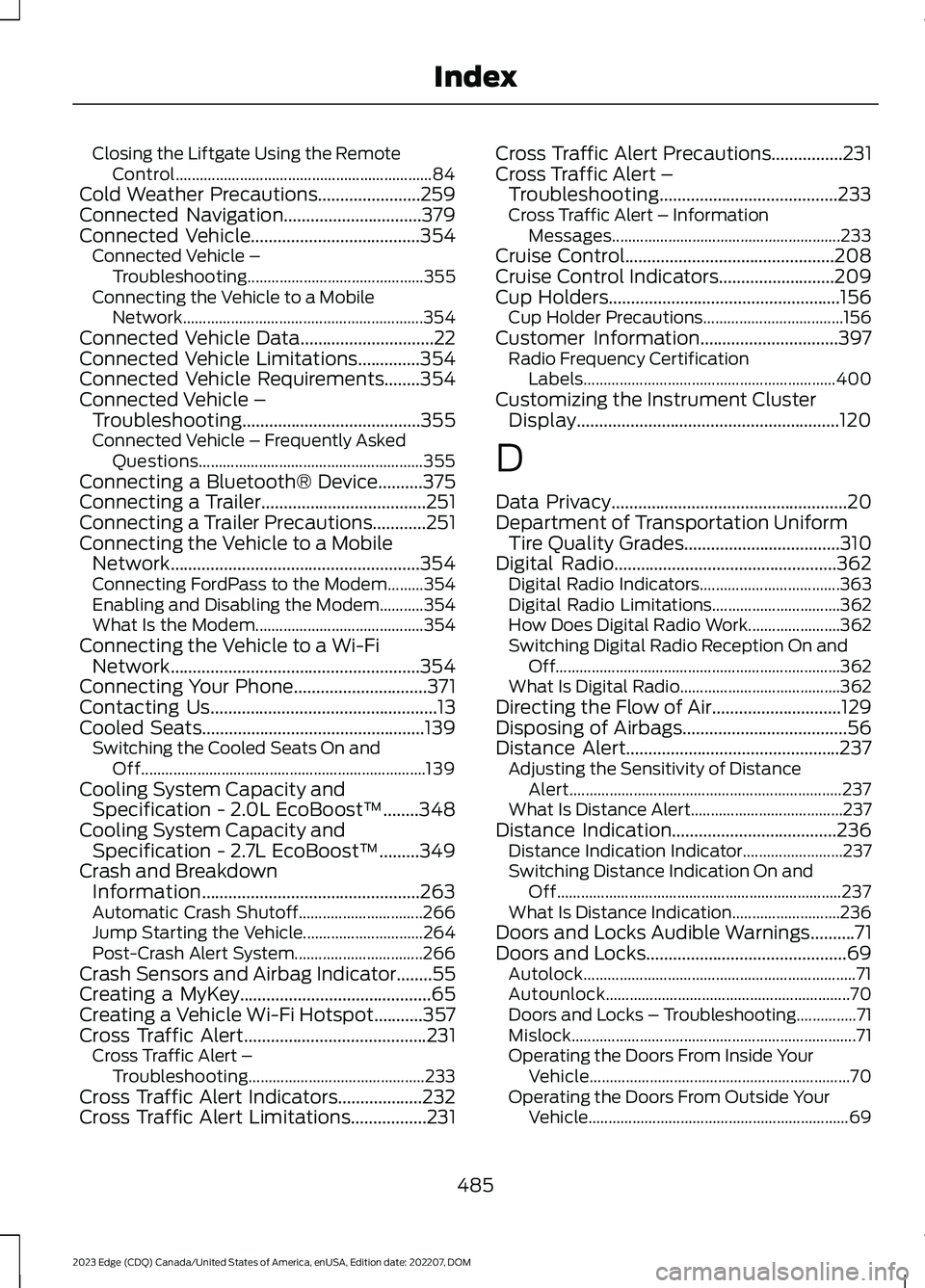
Closing the Liftgate Using the RemoteControl................................................................84Cold Weather Precautions.......................259Connected Navigation...............................379Connected Vehicle......................................354Connected Vehicle –Troubleshooting............................................355Connecting the Vehicle to a MobileNetwork............................................................354Connected Vehicle Data..............................22Connected Vehicle Limitations..............354Connected Vehicle Requirements........354Connected Vehicle –Troubleshooting........................................355Connected Vehicle – Frequently AskedQuestions........................................................355Connecting a Bluetooth® Device..........375Connecting a Trailer.....................................251Connecting a Trailer Precautions............251Connecting the Vehicle to a MobileNetwork........................................................354Connecting FordPass to the Modem.........354Enabling and Disabling the Modem...........354What Is the Modem..........................................354Connecting the Vehicle to a Wi-FiNetwork........................................................354Connecting Your Phone..............................371Contacting Us...................................................13Cooled Seats..................................................139Switching the Cooled Seats On andOff.......................................................................139Cooling System Capacity andSpecification - 2.0L EcoBoost™........348Cooling System Capacity andSpecification - 2.7L EcoBoost™.........349Crash and BreakdownInformation.................................................263Automatic Crash Shutoff...............................266Jump Starting the Vehicle..............................264Post-Crash Alert System................................266Crash Sensors and Airbag Indicator........55Creating a MyKey...........................................65Creating a Vehicle Wi-Fi Hotspot...........357Cross Traffic Alert.........................................231Cross Traffic Alert –Troubleshooting............................................233Cross Traffic Alert Indicators...................232Cross Traffic Alert Limitations.................231
Cross Traffic Alert Precautions................231Cross Traffic Alert –Troubleshooting........................................233Cross Traffic Alert – InformationMessages.........................................................233Cruise Control...............................................208Cruise Control Indicators..........................209Cup Holders....................................................156Cup Holder Precautions...................................156Customer Information...............................397Radio Frequency CertificationLabels...............................................................400Customizing the Instrument ClusterDisplay...........................................................120
D
Data Privacy.....................................................20Department of Transportation UniformTire Quality Grades...................................310Digital Radio..................................................362Digital Radio Indicators...................................363Digital Radio Limitations................................362How Does Digital Radio Work.......................362Switching Digital Radio Reception On andOff.......................................................................362What Is Digital Radio........................................362Directing the Flow of Air.............................129Disposing of Airbags.....................................56Distance Alert................................................237Adjusting the Sensitivity of DistanceAlert....................................................................237What Is Distance Alert......................................237Distance Indication.....................................236Distance Indication Indicator.........................237Switching Distance Indication On andOff.......................................................................237What Is Distance Indication...........................236Doors and Locks Audible Warnings..........71Doors and Locks.............................................69Autolock....................................................................71Autounlock.............................................................70Doors and Locks – Troubleshooting...............71Mislock.......................................................................71Operating the Doors From Inside YourVehicle.................................................................70Operating the Doors From Outside YourVehicle.................................................................69
485
2023 Edge (CDQ) Canada/United States of America, enUSA, Edition date: 202207, DOMIndex
Page 492 of 504

G
Garage Door Opener AdditionalAssistance....................................................150Garage Door Opener....................................147Garage Door Opener Introduction..........147Garage Door Opener Precautions andFrequencies..................................................147General Maintenance Information.......388Glasses Holder..............................................156Locating the Glasses Holder..........................156Global Opening.............................................107Switching Global Opening On andOff.......................................................................108Using Global Opening.......................................107What Is Global Opening...................................107Glossary of Tire Terminology...................316
H
Headlamp AdjustingSee: Adjusting the Headlamps.....................295Headlamps.......................................................98Headlamp Indicators..........................................98Switching Headlamp Exit Delay On andOff.........................................................................98Using the High Beam Headlamps.................98Headlamps – Troubleshooting................99Headlamps – Frequently AskedQuestions...........................................................99Heated Seats.................................................138Heated Seat Precautions................................138Switching the Heated Seats On andOff.......................................................................139HeatingSee: Climate Control.........................................128Hill Start Assist..............................................187Hill Start Assist – Troubleshooting..............187Hill Start Assist Precautions.....................187Hill Start Assist – Troubleshooting........187Hill Start Assist – InformationMessages..........................................................187Hood LockSee: Opening and Closing the Hood..........282Horn.....................................................................93How Does 911 Assist Work..........................57How Does Active Park AssistWork..............................................................204
How Does Adaptive Cruise Control WithStop and Go Work.....................................210How Does All-Wheel Drive Work...........180How Does Auto Hold Work.......................188How Does Blind Spot InformationSystem Work..............................................228How Does Cross Traffic Alert Work........231How Does Driver Alert Work.....................241How Does Easy Entry and Exit Work.......78How Does Hill Start Assist Work.............187How Does Pre-Collision AssistWork...............................................................234How Does Stability Control Work...........191How Does the 180 Degree CameraWork..............................................................202How Does the Lane Keeping SystemWork................................................................221How Does the Memory FunctionWork...............................................................145How Does the Personal Safety SystemWork.................................................................47How Does the Rear Occupant AlertSystem Work...............................................143How Does the Safety Canopy™Work.................................................................49How Does Traction Control Work..........190How Does Trailer Sway ControlWork..............................................................258How Do the Front Airbags Work..............48How Do the Knee Airbags Work...............49How Do the Side Airbags Work................48
I
Identifying Fuse Types................................281Identifying the Audio Unit........................359Inflating the Tires..........................................321Information on the Tire Sidewall.............311Inspecting the Tire for Damage..............322Inspecting the Tire for Wear.....................322Inspecting the Wheel Valve Stems.......323Installing and Removing the LuggageCompartment Cargo Net.......................249Installing and Removing the LuggageCompartment Cover...............................249Installing Child Restraints...........................32Combining the Seatbelt and Lower Anchorsfor Attaching Child Restraints....................36
488
2023 Edge (CDQ) Canada/United States of America, enUSA, Edition date: 202207, DOMIndex
Page 494 of 504

Lane Keeping System –Troubleshooting........................................225Lane Keeping System – Frequently AskedQuestions.........................................................226Lane Keeping System – InformationMessages.........................................................225Launching or Retrieving a Boat orPersonal Watercraft................................255Liftgate...............................................................79Closing the Liftgate..............................................79Liftgate – Troubleshooting...............................86Opening the Liftgate...........................................79Liftgate Obstacle Detection......................86Liftgate Precautions.......................................81Liftgate – Troubleshooting........................86Liftgate – Frequently AskedQuestions...........................................................87Liftgate – Information Messages...................86Liftgate – Warning Lamps................................86Live Traffic......................................................379Switching Live Traffic On and Off................379What Is Live Traffic............................................379Load Carrying................................................243Roof Rack..............................................................247Load Carrying Precautions.......................243Loading Your Trailer....................................254Locating the 180 Degree Cameras........202Locating the Blind Spot InformationSystem Sensors.........................................229Locating the Brake Fluid Reservoir.........181Locating the Cross Traffic AlertSensors.........................................................232Locating the Fuel Filler Funnel................168Locating the Keyless Entry Keypad..........75Locating the Memory FunctionButtons..........................................................145Locating the Power Outlets......................153Locating the Pre-Collision AssistSensors.........................................................236Locating the Rear View Camera.............199Locating the Safety ComplianceCertification Labels..................................244Locating the Tire label................................310Locating the Tire Sealant and InflatorKit....................................................................325Locating the USB Ports...............................151Locating the Wireless AccessoryCharger..........................................................155
Locating Your Vehicle...................................60Locking the Rear WindowControls........................................................108Luggage Compartment.............................249
M
Maintenance..................................................282Engine Air Filter..................................................290Engine Oil..............................................................285Exterior Bulbs......................................................297Interior Bulbs......................................................300Maintenance Precautions........................282Making and Receiving a PhoneCall..................................................................372Manually Dimming the InteriorMirror..............................................................109Manually Releasing the Electric ParkingBrake..............................................................184Manually Shifting Gears.............................175Shifting Using the Paddle Shifters...............175Manual Park Release....................................177Manual Park Release Precautions................177Using Manual Park Release............................178What Is Manual Park Release.........................177Manual Seats.................................................133Adjusting the Head Restraint.........................133Adjusting the Lumbar Support......................135Adjusting the Seat Backrest...........................135Adjusting the Seat Height...............................135Folding the Seat Backrest...............................140Head Restraint Components.........................133Installing the Head Restraint.........................134Moving the Seat Backward andForward.............................................................134Removing the Head Restraint........................134Unfolding the Seat Backrest...........................141Memory Function.........................................145Memory Function Precautions................145Mislock.................................................................71Mislock Limitations...............................................71Switching Mislock On and Off..........................71What Is Mislock......................................................71Mobile CommunicationsEquipment..................................................448Mobile Device Data........................................23Moonroof Bounce-Back..............................112Overriding Moonroof Bounce-Back..............112
490
2023 Edge (CDQ) Canada/United States of America, enUSA, Edition date: 202207, DOMIndex