Page 19 of 416
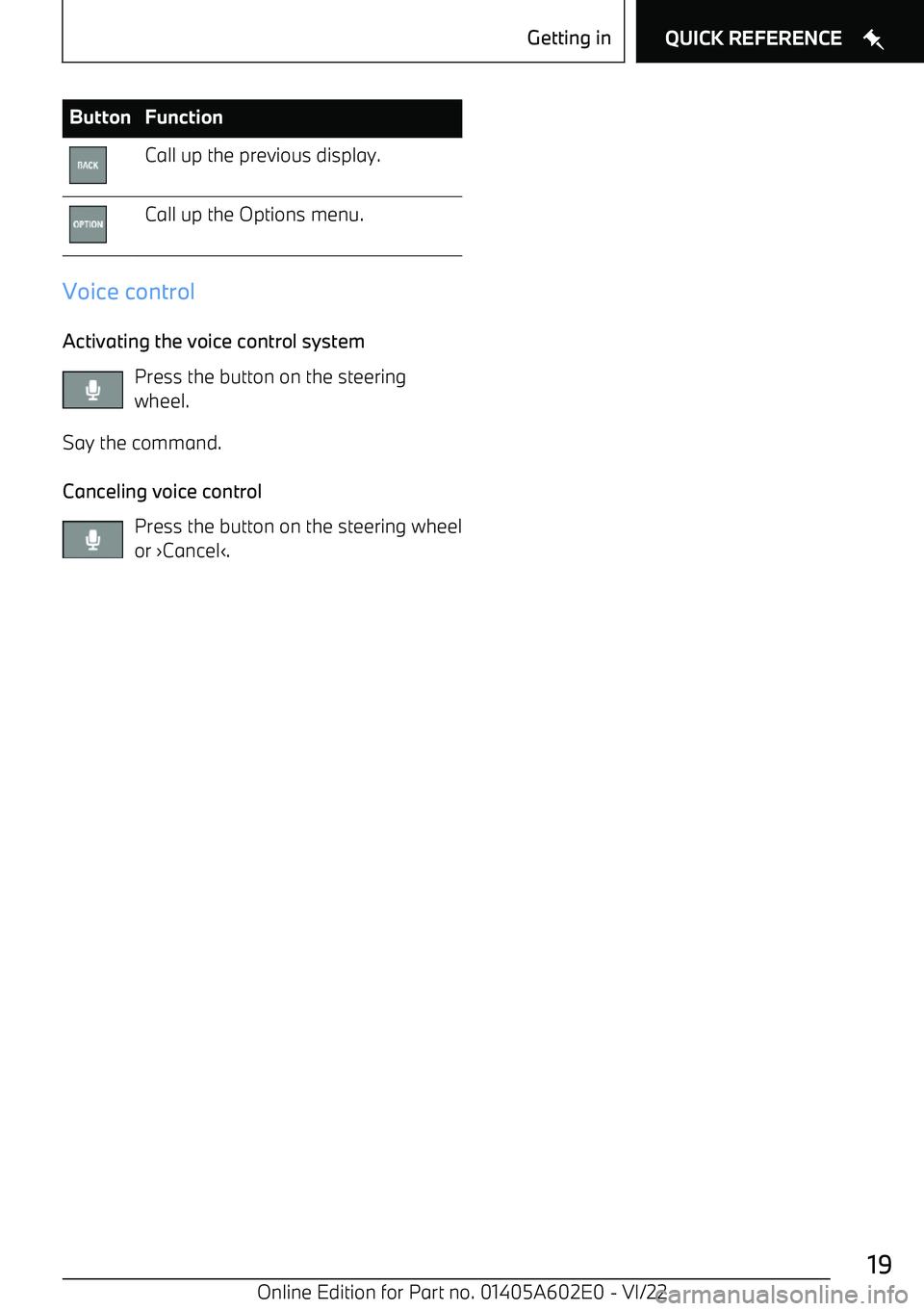
ButtonFunctionCall up the previous display.Call up the Options menu.
Voice control
Activating the voice control system Press the button on the steering
wheel.
Say the command.
Canceling voice control Press the button on the steering wheel
or
Page 51 of 416
ing voice control, depending on where the
activation word was spoken.
Then say the command. The activation word and the command can be spoken without
pause in one sentence. No other commands
may be available. In this case, operate the
function via iDrive.
Button on the steering wheel
1. Press the button on the steering
wheel briefly.2.Say the command.
Activation word
General information
Speaking the activation word
Page 53 of 416

SettingsSetting the voice control
You can set the system to use standard dialog
or a short version.
The short version of the voice control plays
back short messages in abbreviated form.1."CAR"2."Settings"3."General settings"4.If necessary, "Personal assistant"5."Voice control"6."Response length"7.Select the desired setting.
Speaking during voice output
It is possible to answer during inquiries of the voice activation system. The function can be
deactivated if inquiries are often undesirably
canceled, for instance due to background noise
or conversations in the vehicle.
1."CAR"2."Settings"3."General settings"4.If necessary, "Personal assistant"5."Voice control"6."Speaking during voice output"
Online speech processing
Online speech processing improves the quality
of the speech recognition and search results for points of interest. To use the functions,
data is transmitted to a service provider via an
encrypted connection and stored locally there.
1."CAR"2."Settings"3."General settings"4.If necessary, "Personal assistant"5."Voice control"6."Online speech processing"
Adjusting the volume
Turn the volume button during the voice guid