Page 88 of 416
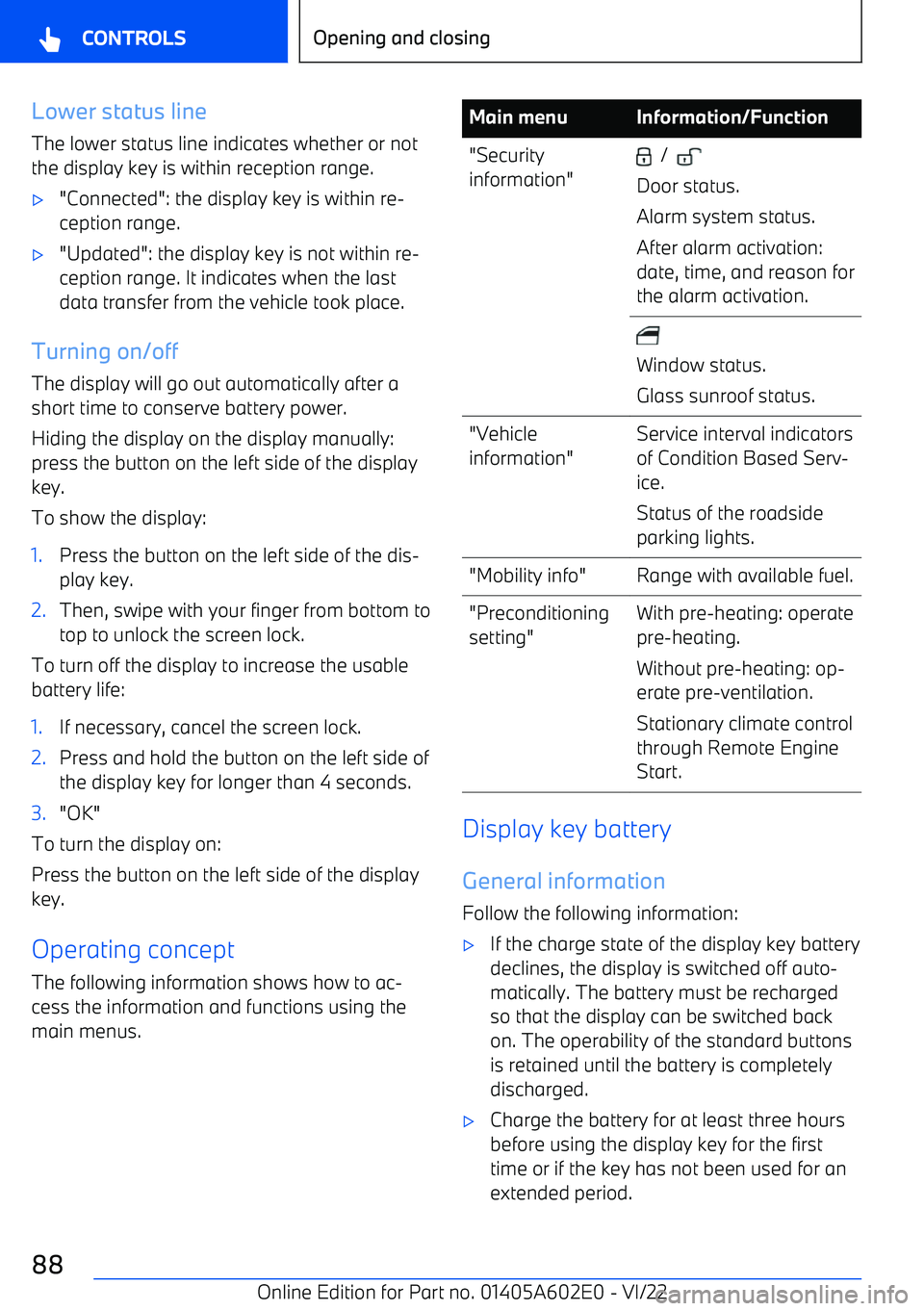
Lower status lineThe lower status line indicates whether or not
the display key is within reception range.
Page 90 of 416
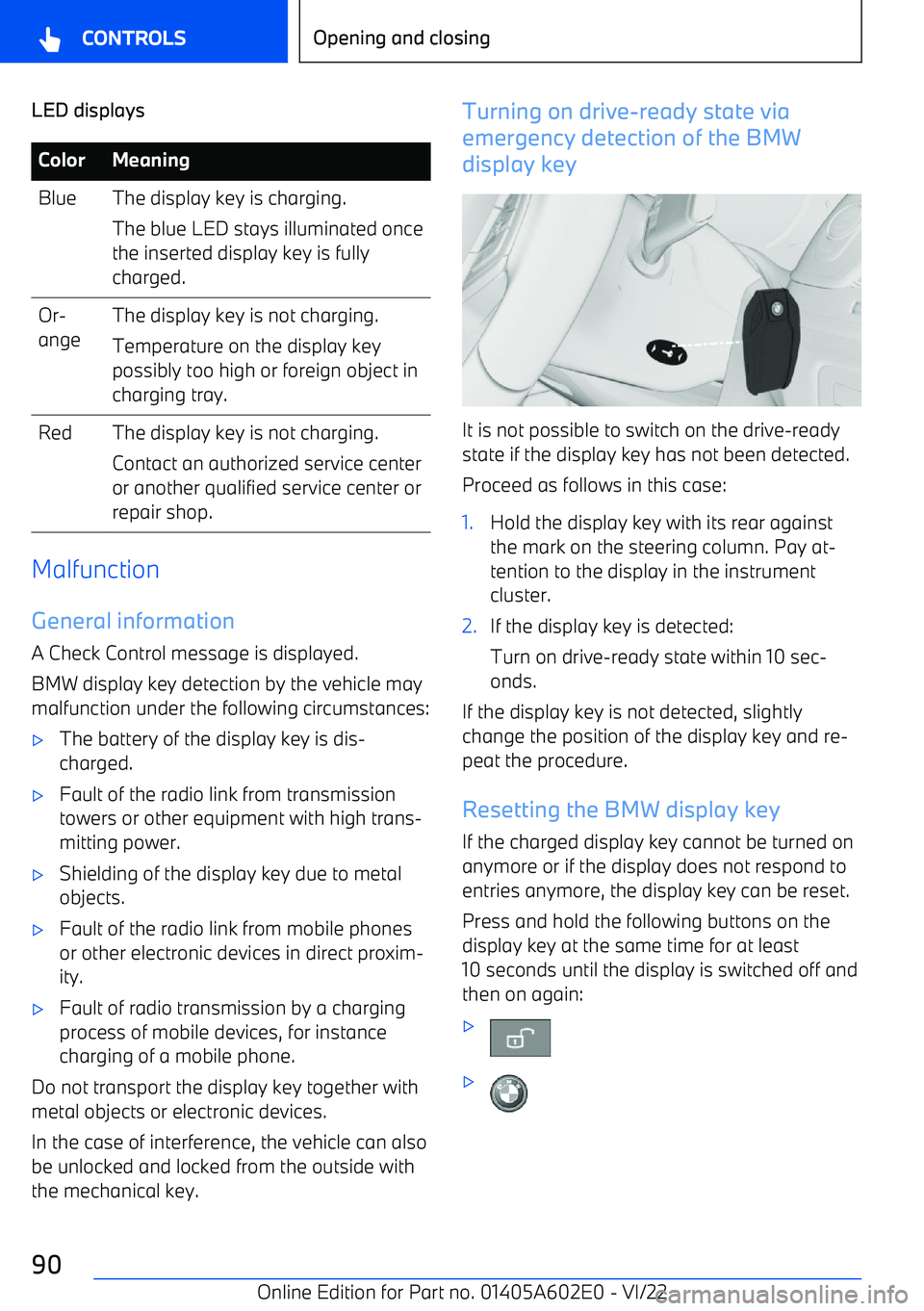
LED displaysColorMeaningBlueThe display key is charging.
The blue LED stays illuminated once
the inserted display key is fully
charged.Or
Page 91 of 416
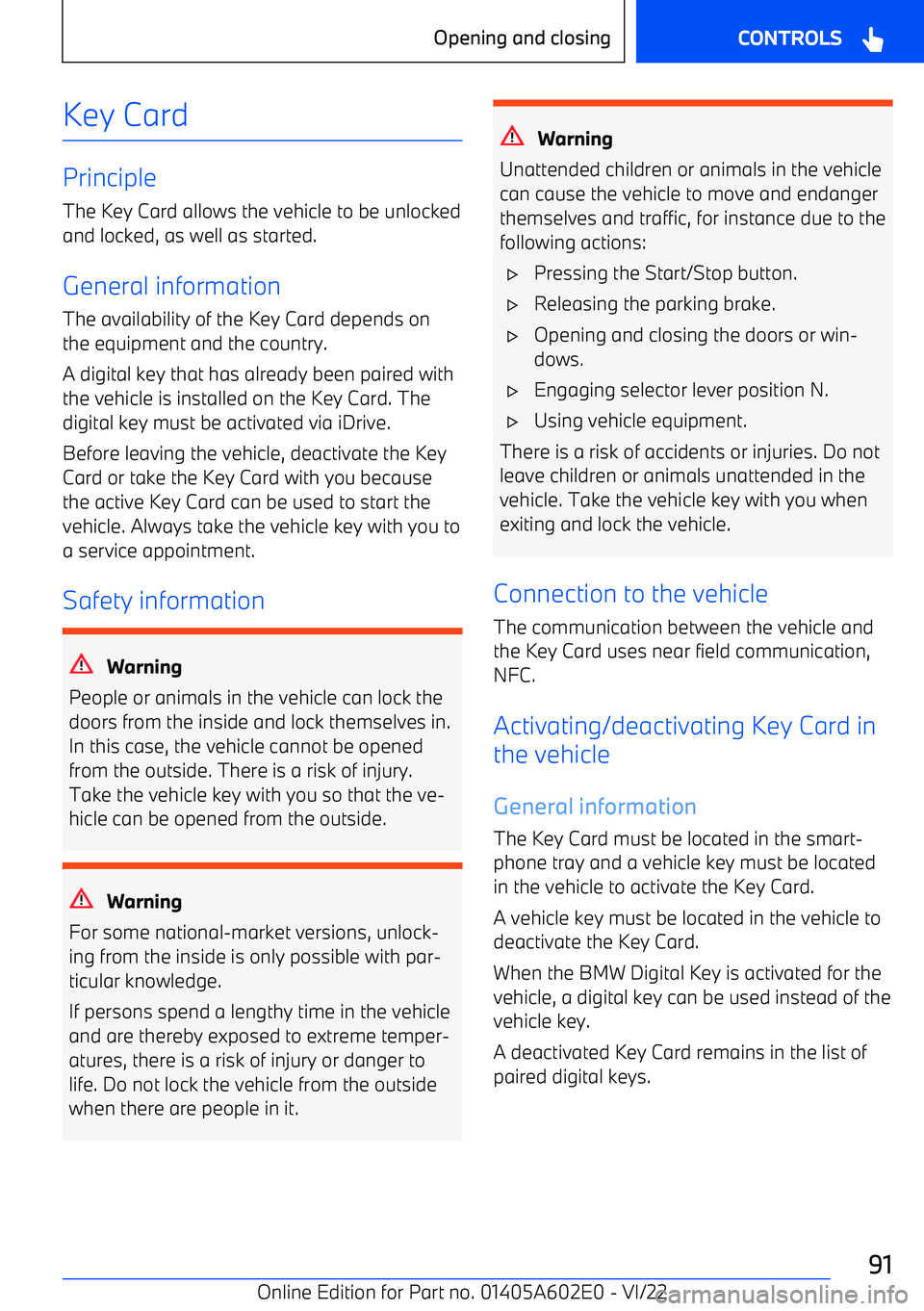
Key Card
Principle
The Key Card allows the vehicle to be unlocked and locked, as well as started.
General information
The availability of the Key Card depends on
the equipment and the country.
A digital key that has already been paired with
the vehicle is installed on the Key Card. The digital key must be activated via iDrive.
Before leaving the vehicle, deactivate the KeyCard or take the Key Card with you becausethe active Key Card can be used to start thevehicle. Always take the vehicle key with you to
a service appointment.
Safety information
Warning
People or animals in the vehicle can lock the doors from the inside and lock themselves in.
In this case, the vehicle cannot be opened
from the outside. There is a risk of injury.
Take the vehicle key with you so that the ve
Page 92 of 416
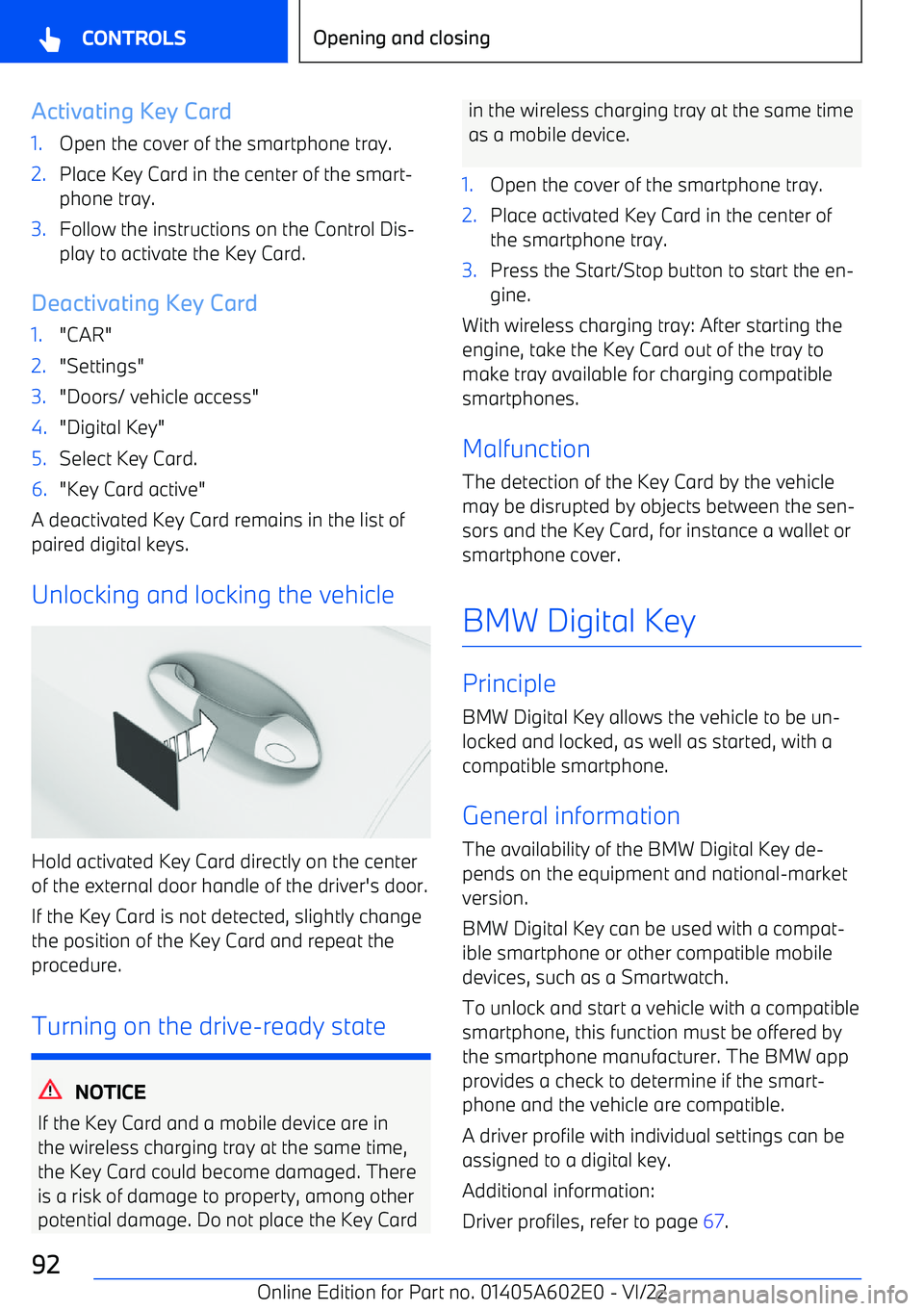
Activating Key Card1.Open the cover of the smartphone tray.2.Place Key Card in the center of the smart
Page 93 of 416
When using a smartphone as a digital key, al
Page 94 of 416
mote control key. This function must be sup
Page 97 of 416
Alarm system
If the vehicle is unlocked with the integrated key via the door lock, the activated alarm sys
Page 298 of 416
integrated key, for instance when the vehicle is
parked by valet parking.
Additional information:
Integrated key, refer to page 95.
Fold