Page 135 of 417
electrical system and to the high-voltage
battery.
Driving with an open boot lid
Driving with an open boot lid is particularly
dangerous. All objects and the open boot lid
must be secured properly and suitable meas-
ures taken.
Driving with an open boot lid increases the
air resistance of the v
ehicle and thus also the
energy consumption of the electric drive.
This considerably reduces the possible range
of the vehicle. Volkswagen does not recom-
mend driving with the boot lid open due to
the resulting reduction in range. NOTICE
The vehicle height, and possibly the length,
are diff
erent when the boot lid is open. Driving through water on
roads
Please f
ollow these rules to help prevent
damage to your vehicle when driving through
water, for example if the road is flooded:
Page 214 of 417
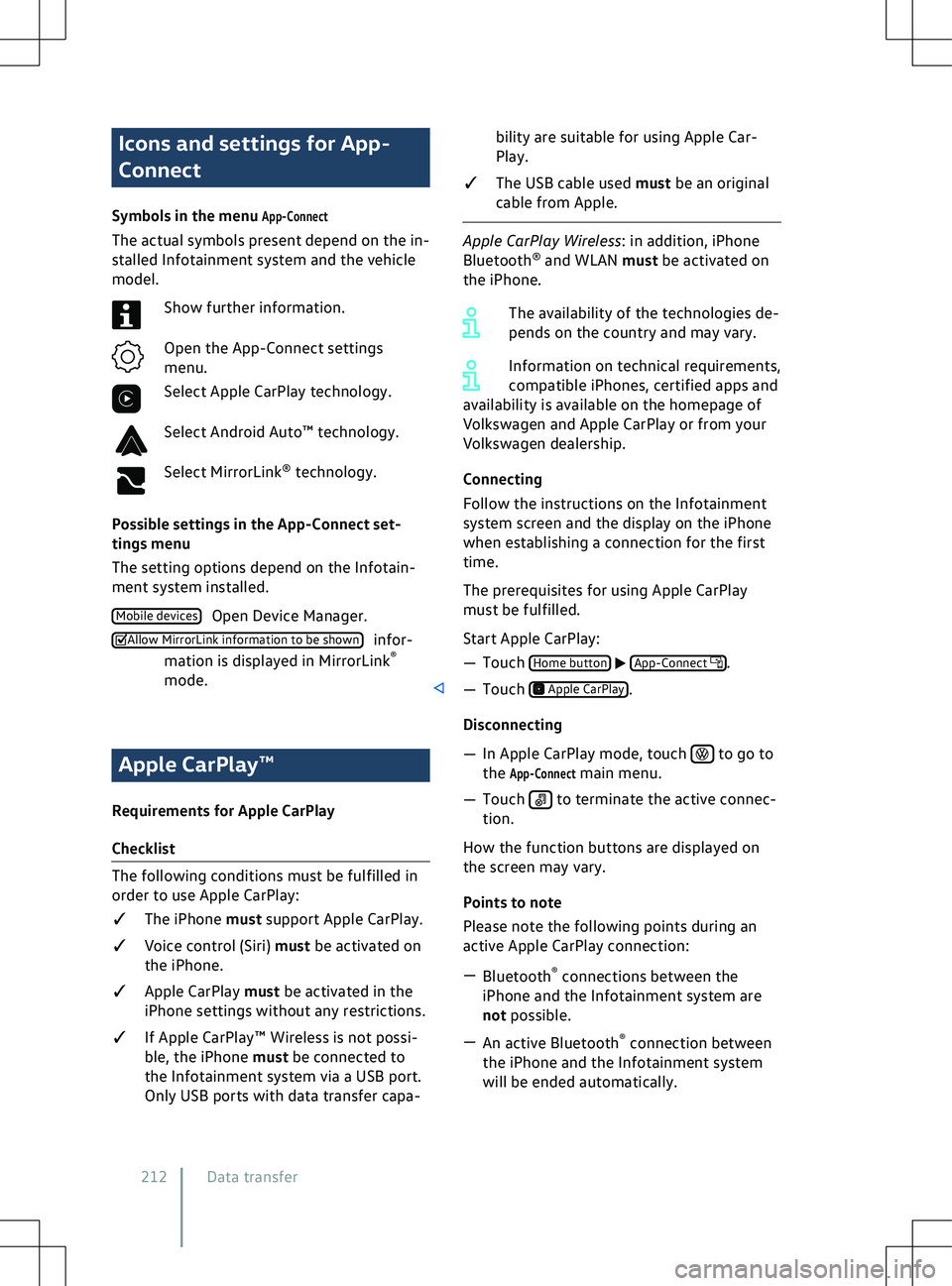
Icons and settings for App-
Connect
Symbols in the menu App-Connect
The actual symbols present depend on the in-
stalled Infotainment system and the vehicle
model. Show further information.
Open the App-Connect settings
menu.
Select Apple CarPlay technology.
Select Android Auto
Page 219 of 417
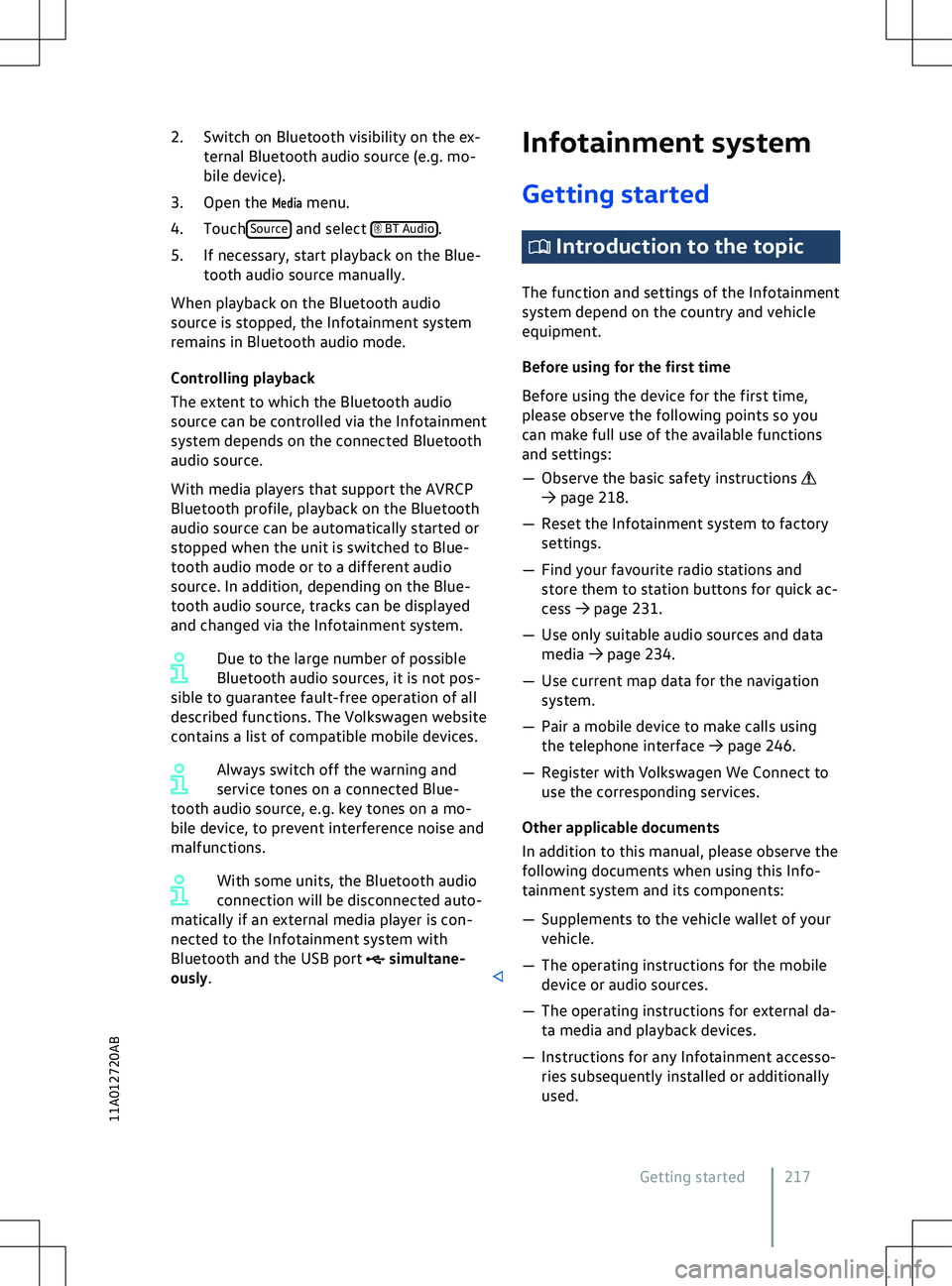
2. Switch on Bluetooth visibility on the ex-
ternal Bluetooth audio source ( e.g. mo-
bile device).
3. Open the
Media menu.
4. Touch Source BT Audio
simultane-
ously. Introduction to the topic
The function and settings of the Inf
otainment
system depend on the country and vehicle
equipment.
Before using for the first time
Before using the device for the first time,
please observe the following points so you
can make full use of the available functions
and settings:
Page 226 of 417
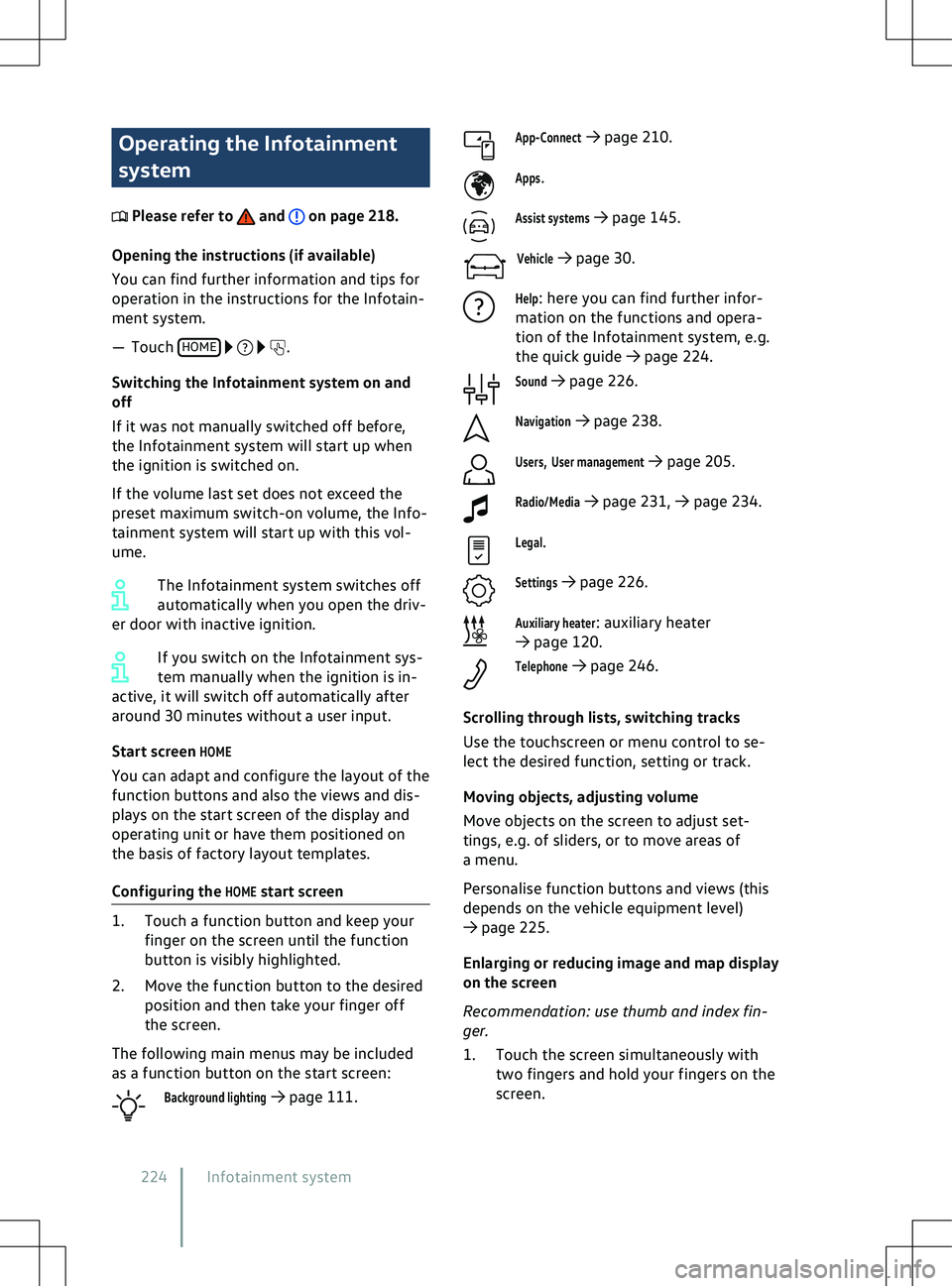
Operating the Infotainment
system
Please refer to and on page 218.
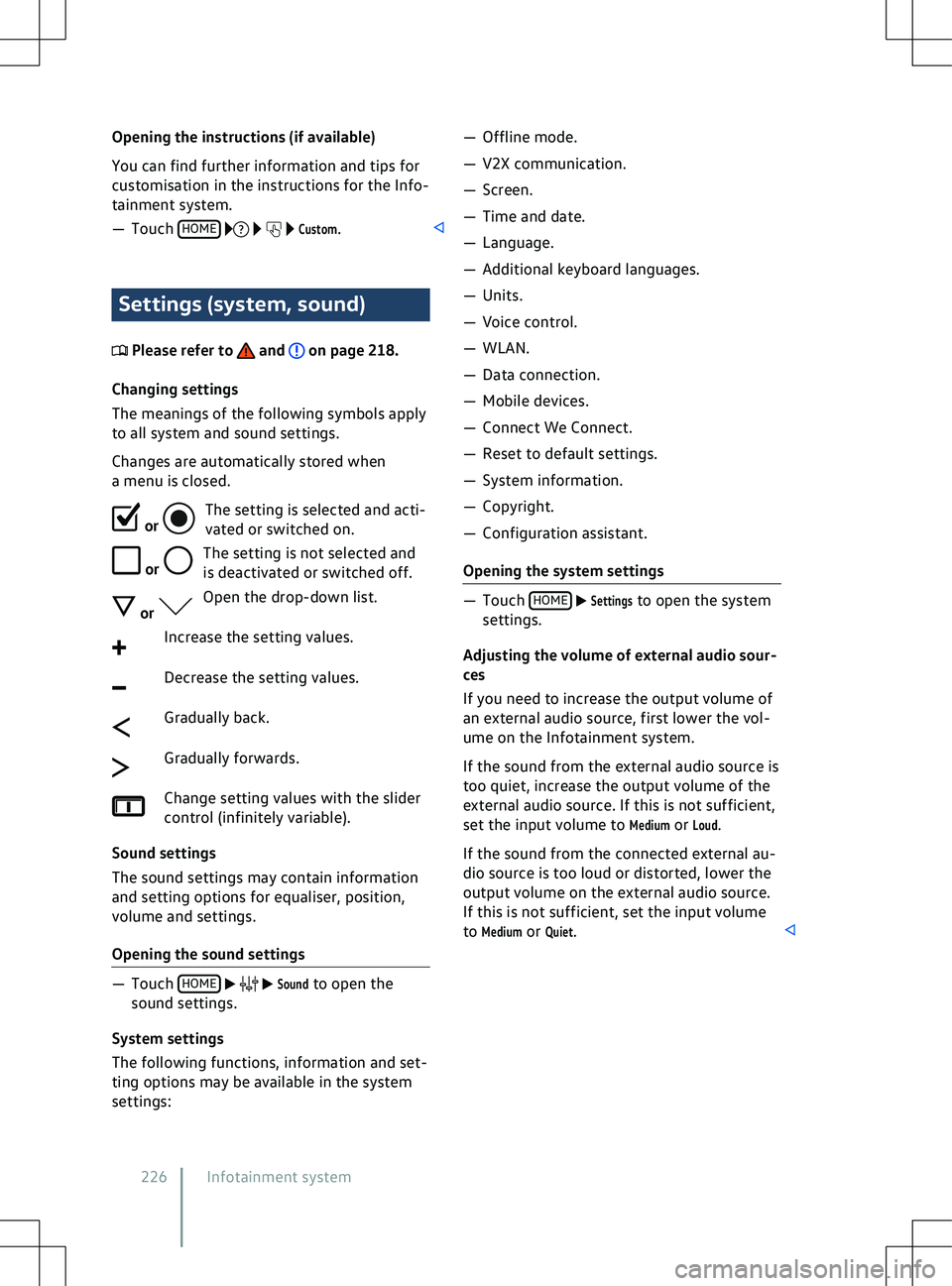
Opening the instructions (if a vailable)
You can find further information and tips for
operation in the instructions for the Infotain-
ment system.
Page 227 of 417
2. To enlarge the display of images and
maps, slowly mo ve your fingers apart.
OR: to reduce the display of images and
maps, slowly move your fingers togeth-
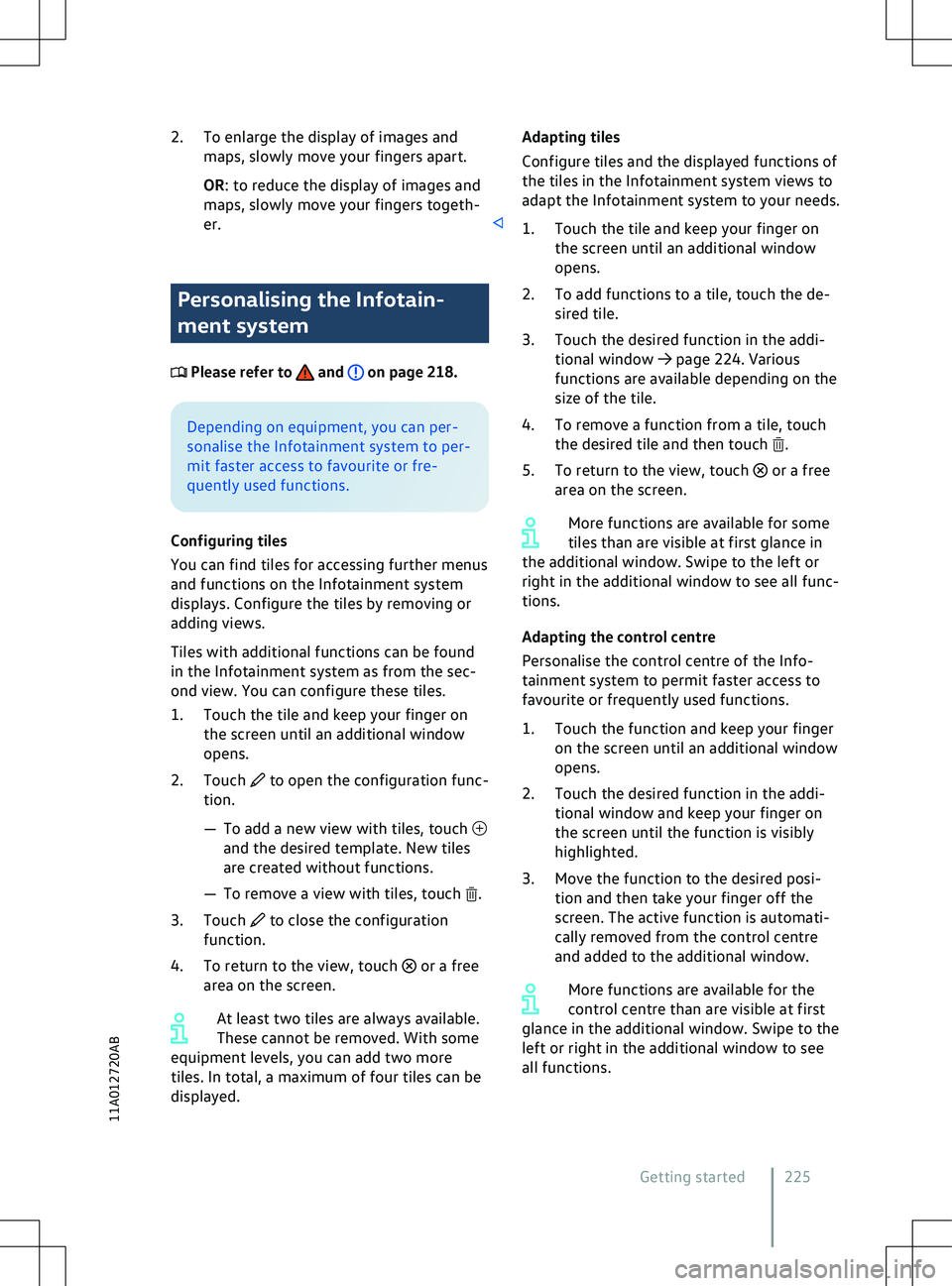
er. Personalising the Infotain-
ment system
Please refer to and on page 218.
Depending on equipment, you can per-
sonalise the Inf
otainment system to per-
mit faster access to favourite or fre-
quently used functions.
Configuring tiles
You can find tiles for accessing further menus
and functions on the Infotainment system
displays. Configure the tiles by removing or
adding views.
Tiles with additional functions can be found
in the Infotainment system as from the sec-
ond view. You can configure these tiles.
1. Touch the tile and keep your finger on the screen until an additional window
opens.
2. Touch to open the configuration func-
tion.
Page 228 of 417
Opening the instructions (if available)
You can find further inf
ormation and tips for
customisation in the instructions for the Info-
tainment system.
Page 233 of 417
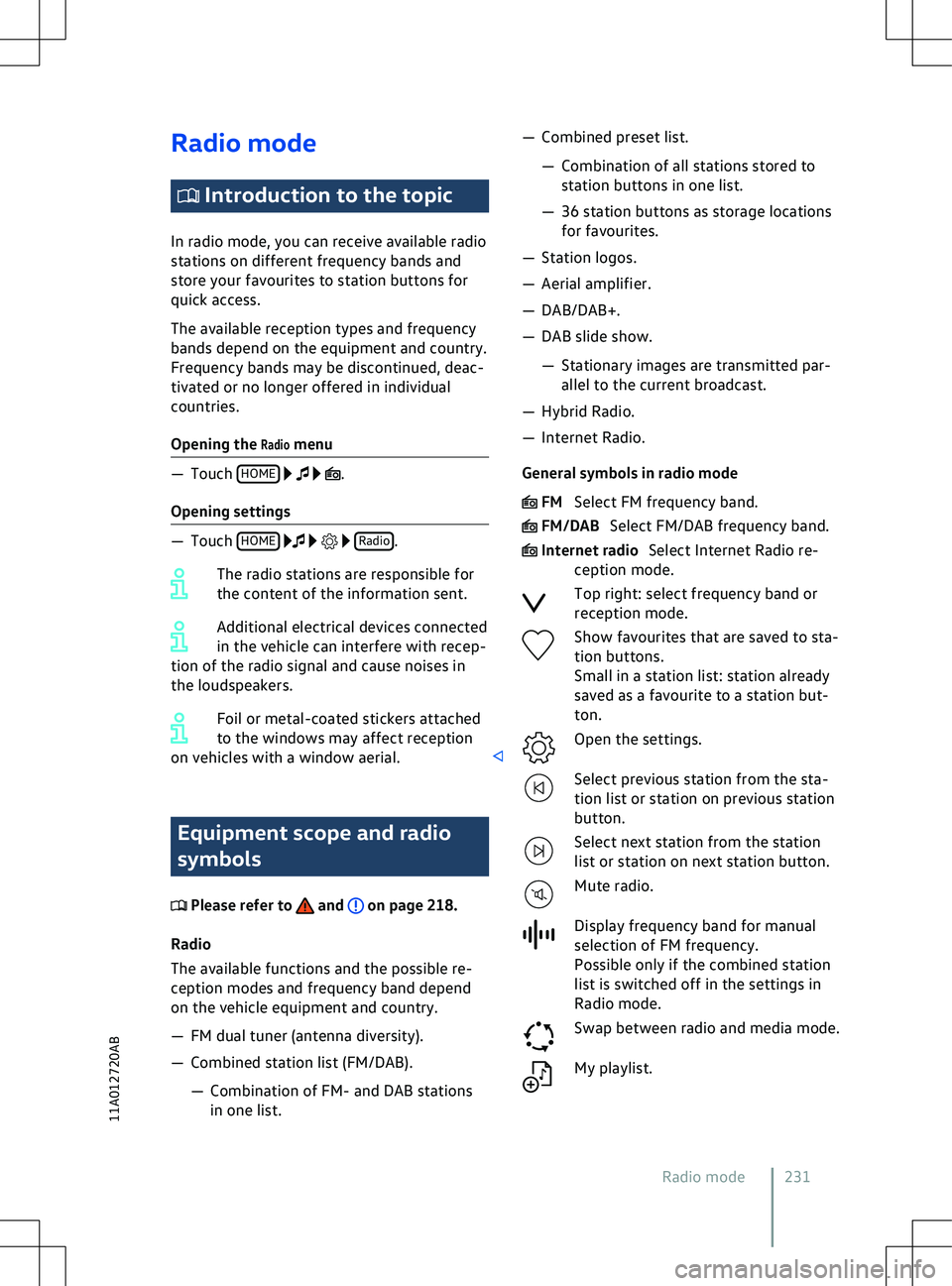
Radio mode
Introduction to the topic
In radio mode, you can receiv e available radio
stations on different frequency bands and
store your favourites to station buttons for
quick access.
The available reception types and frequency
bands depend on the equipment and country.
Frequency bands may be discontinued, deac-
tivated or no longer offered in individual
countries.
Opening the
Radio menu .
Opening settings
Radio Equipment scope and radio
symbols
Please refer to and on page 218.
Radio
The a
vailable functions and the possible re-
ception modes and frequency band depend
on the vehicle equipment and country.
Page 234 of 417
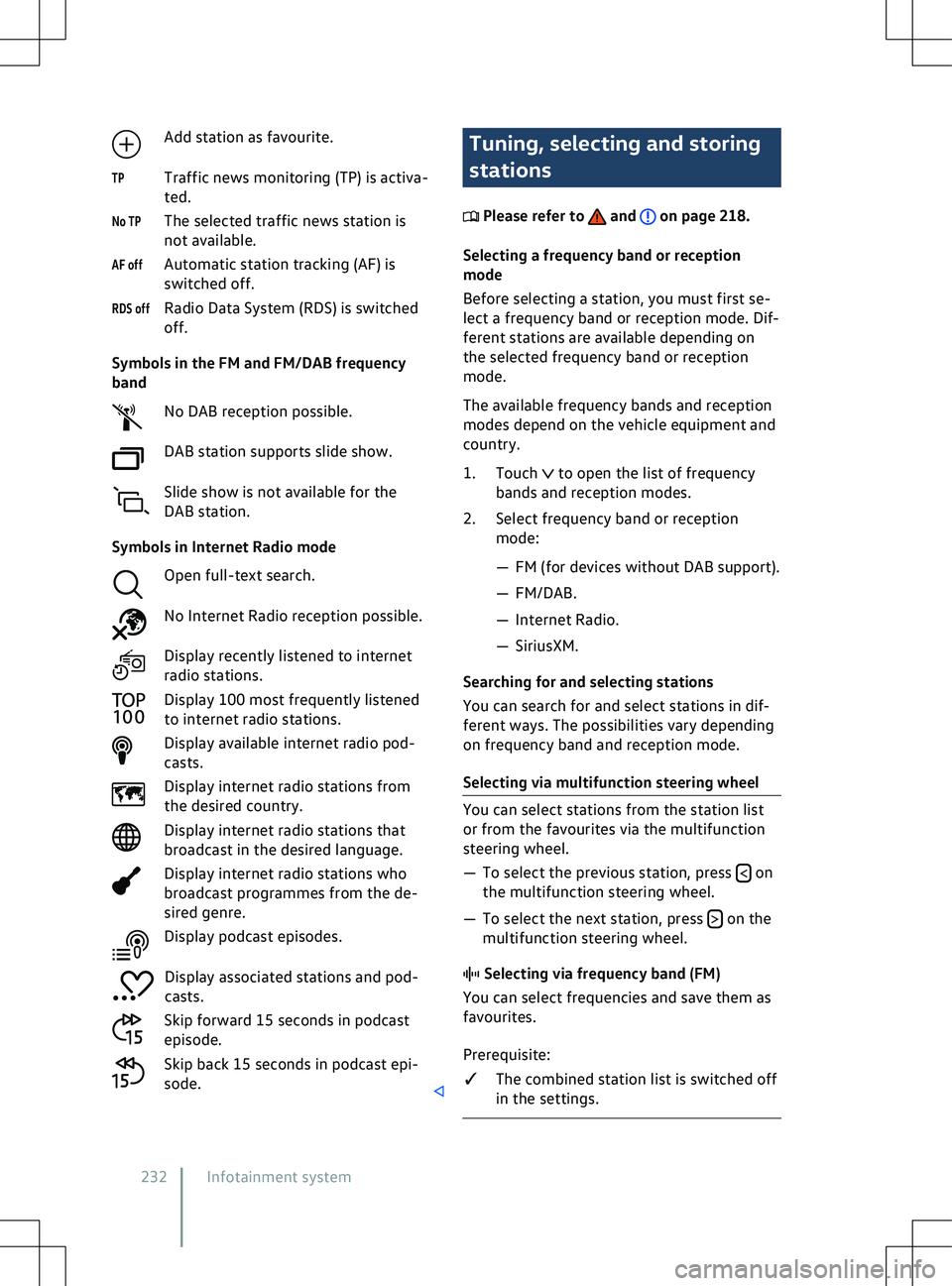
Add station as favourite.
Traffic news monitoring (TP) is activ a-
ted.
The selected traffic news station is
not available.
Automatic station tracking (AF) is
switched off.
Radio Data System (RDS) is switched
off.
Symbols in the FM and FM/DAB frequency
band No DAB reception possible.
DAB station supports slide show.
Slide show is not available for the
DAB station.
Symbols in Internet Radio mode Open full-text search.
No Internet Radio reception possible.
Display recently listened to internet
radio stations.
Display 100 most frequently listened
to internet radio stations.
Display available internet radio pod-
casts.
Display internet radio stations from
the desired country.
Display internet radio stations that
broadcast in the desired language.
Display internet radio stations who
broadcast programmes from the de-
sired genre.
Display podcast episodes.
Display associated stations and pod-
casts.
Skip forward 15 seconds in podcast
episode.
Skip back 15 seconds in podcast epi-
sode. Tuning, selecting and storing
stations
Please refer to and on page 218.
Selecting a frequency band or reception
mode
Bef
ore selecting a station, you must first se-
lect a frequency band or reception mode. Dif-
ferent stations are available depending on
the selected frequency band or reception
mode.
The available frequency bands and reception
modes depend on the vehicle equipment and
country.
1. Touch to open the list of frequency
bands and reception modes.
2.
Select frequency band or reception
mode: