2022 TOYOTA HIGHLANDER maintenance required
[x] Cancel search: maintenance requiredPage 91 of 568
912-1. Instrument cluster
2
Vehicle status information and indicators
Select the open position when
power back door is fully open.
•“Volume”
Select to set the volume of the
buzzer which sounds when the
power back door system operates.
(Stop & Start) (if
equipped) ( P.272)
Select to set the length of time the
Stop & Start system will operate
when the “A/C” switch of the air
conditioning system is on.
“TPWS” (Tire Pressure Warn-
ing System) ( P.420)
• “Set Pressure” (tire pressure
warning system initialization)
Select to initialize the tire pressure
warning system.
• “Change Wheel” (register tire pressure warning system sensor
ID codes)
Select to register the ID codes of
the tire pressure s ensors to the tire
pressure warning system.
“Rear Seat Reminder”
( P. 1 1 9 )
Select to enable/disable the rear
seat reminder.
“Scheduled Maintenance”
( P.401)
Select to reset the scheduled main-
tenance information (maintenance
required message and distance
until maintenance necessary) after
all maintenance is performed.
“Oil Maintenance” ( P.410)
Select to reset the oil maintenance
information (maintenance required
message and distance until mainte- nance necessary) after an oil
change is performed.
■ Meter settings
Press and hold to change
the settings of the following
items:
Language
Select to change the language dis-
played.
Units
Select to change the units of mea-
sure displayed.
Eco Driving Indicator Light
( P.86)
Select to enable/disable the Eco
Driving Indi cator Light.
Fuel economy display
Select to change the average fuel
consumption display between after
start/after reset. ( P. 8 6 )
Select to displa y/not display the
audio system linked display.
Select to change the displayed con-
tent of the following:
• Display contents
Select to displa y/not display the
AWD control (if equipped). ( P.88)
• Drive information type
Select to change the drive informa-
tion type display between after
start/after reset.
• Drive information items
Page 101 of 568

1012-1. Instrument cluster
2
Vehicle status information and indicators
• “Change Wheel” (register tire pressure warning system sensor
ID codes)
Select to register the ID codes of
the tire pressure s ensors to the tire
pressure warning system.
“Rear Seat Reminder”
( P. 1 1 9 )
Select to enable/disable the rear
seat reminder.
“Scheduled Maintenance”
( P.401)
Select to reset the scheduled main-
tenance information (maintenance
required message and distance
until maintenance necessary) after
all maintenance is performed.
“Oil Maintenance” ( P.410)
Select to reset the oil maintenance
information (maintenance required
message and distance until mainte-
nance necessary) after an oil
change is performed.
■ Meter settings
Press and hold to change
the settings of the following
items:
Language
Select to change the language dis-
played.
Units
Select to change t he units of mea-
sure displayed.
Eco Driving Indicator Light
( P. 9 5 )
Select to enable/disable the Eco
Driving Indicator Light.
Speedometer display (digital
speed)
Select to enable/disable the speed-
ometer display.
Gadget content
Select to turn the display of a gad-
get.
Fuel economy type
Select to change the average fuel
consumption display and an item to
be displayed as gadget.
Pop-up display
Select to enable/disable pop-up
displays for each relevant system.
Multi-information display off
Displays a blank screen.
Default setting
Select to reset the meter display
settings to the default setting.
■Vehicle functions and set-
tings that can be changed
P.521
■Background color of the indica-
tor/shift position display area
The background color of the indica-
tor/shift position display area is
changed accordi ng to the driving
mode as follows ( P.311):
●Eco drive mode: Blue
●Sport mode: Red
■Suspension of the settings dis-
play
●Some settings cannot be changed
while driving. When changing set-
tings, park the vehicle in a safe
place.
●If a warning message is displayed,
operation of the settings display
will be suspended.
Page 191 of 568

1914-1. Before driving
4
Driving
●All trailer lights work as required
by law.
●All lights work each time you con-
nect them.
●The trailer ball is set at the proper
height for the coupler on the
trailer.
●The trailer is level when it is
hitched.
Do not drive if the trailer is not
level, and check for improper
tongue weight, overloading, worn
suspension, or other possible
causes.
●The trailer cargo is securely
loaded.
●The rear view mirrors conform to
all applicable federal, state/provin-
cial or local regu lations. If they do
not, install rear view mirrors
appropriate for towing purposes.
■Break-in schedule
If your vehicle is new or equipped
with any new power train compo-
nents (such as an engine, transaxle,
transfer [AWD models], rear differ-
ential [AWD models] or wheel bear-
ing), Toyota recommends that you
do not tow a trailer until the vehicle
has been driven for over 500 miles
(800 km).
After the vehicle has been driven for
over 500 miles (800 km), you can
start towing. However, for the next
500 miles (800 km), drive the vehi-
cle at a speed of less than 50 mph
(80 km/h) when towing a trailer, and
avoid full throttle acceleration.
■Maintenance
●If you tow a trailer, your vehicle
will require more f requent mainte-
nance due to the additional load.
(See “Scheduled Maintenance
Guide” or “Owner’s Manual Sup-
plement”.)
●Retighten the fixing bolts of the
towing ball and bracket after
approximately 600 miles (1000
km) of trailer towing.
■If trailer sway occurs
One or more factors (crosswinds,
passing vehicles, rough roads, etc.)
can adversely affect handling of
your vehicle and trailer, causing
instability.
●If trailer swaying occurs:
• Firmly grip the steering wheel. Steer straight ahead.
Do not try to contr ol trailer sway-
ing by turning the steering wheel.
• Begin releasing the accelerator pedal immediately but very gradu-
ally to reduce speed.
Do not increase speed. Do not
apply vehicle brakes.
If you make no extreme correction
with the steering or brakes, your
vehicle and trailer should stabilize.
(if enabled, Trailer Sway Control can
also help to stabilize the vehicle and
trailer.)
●After the trailer swaying has
stopped:
• Stop in a safe place. Get all occu- pants out of the vehicle.
• Check the tires of the vehicle and the trailer.
• Check the load in the trailer.
Make sure the load has not
shifted.
Make sure the tongue weight is
appropriate, if possible.
• Check the load in the vehicle. Make sure the vehicle is not over-
loaded after occupants get in.
If you cannot find any problems, the
speed at which trailer swaying
occurred is beyond the limit of your
particular vehicle-trailer combina-
tion. Drive at a lower speed to pre-
vent instability. Remember that
swaying of the towing vehicle-trailer
increases as speed increases.
Page 401 of 568
4016-2. Maintenance
6
Maintenance and care
■Resetting the message indicat-
ing maintenance is required
After the required maintenance is
preformed according to the mainte-
nance schedule, please reset the
message.To reset t he message, fol-
low the procedures described
below:
4.2-inch display
1 Press or of the meter
control switch to select .
2 Press or of the meter
control switch, select and
then press and hold .
3 Press or of the meter
control switch, se lect “Scheduled
Maintenance” and then press
.
4 Select “Yes” and press .
5 A message will be displayed on
the multi-information display
when the reset procedure has
been completed.
7-inch display
1 Press or of the meter
control switch to select .
2 Press or of the meter
control switch, select and
then press and hold .
3 Press or of the meter
control switch, se lect “Scheduled
Maintenance” and then press
.
4 Select “Yes” and press .
5 A message will be displayed on
the multi-information display
when the reset procedure has
been completed.
You can perform some mainte-
nance procedures by yourself.
Please be aware that do-it-your-
self maintenance may affect
warranty coverage.
The use of Toyota Repair Manuals
is recommended.
For details about warranty cover-
age, refer to the separate “Owner’s
Warranty Informat ion Booklet” or
“Owner’s Manual Supplement”.
Do-it-yourself mainte-
nance
Page 433 of 568
4336-3. Do-it-yourself maintenance
6
Maintenance and care
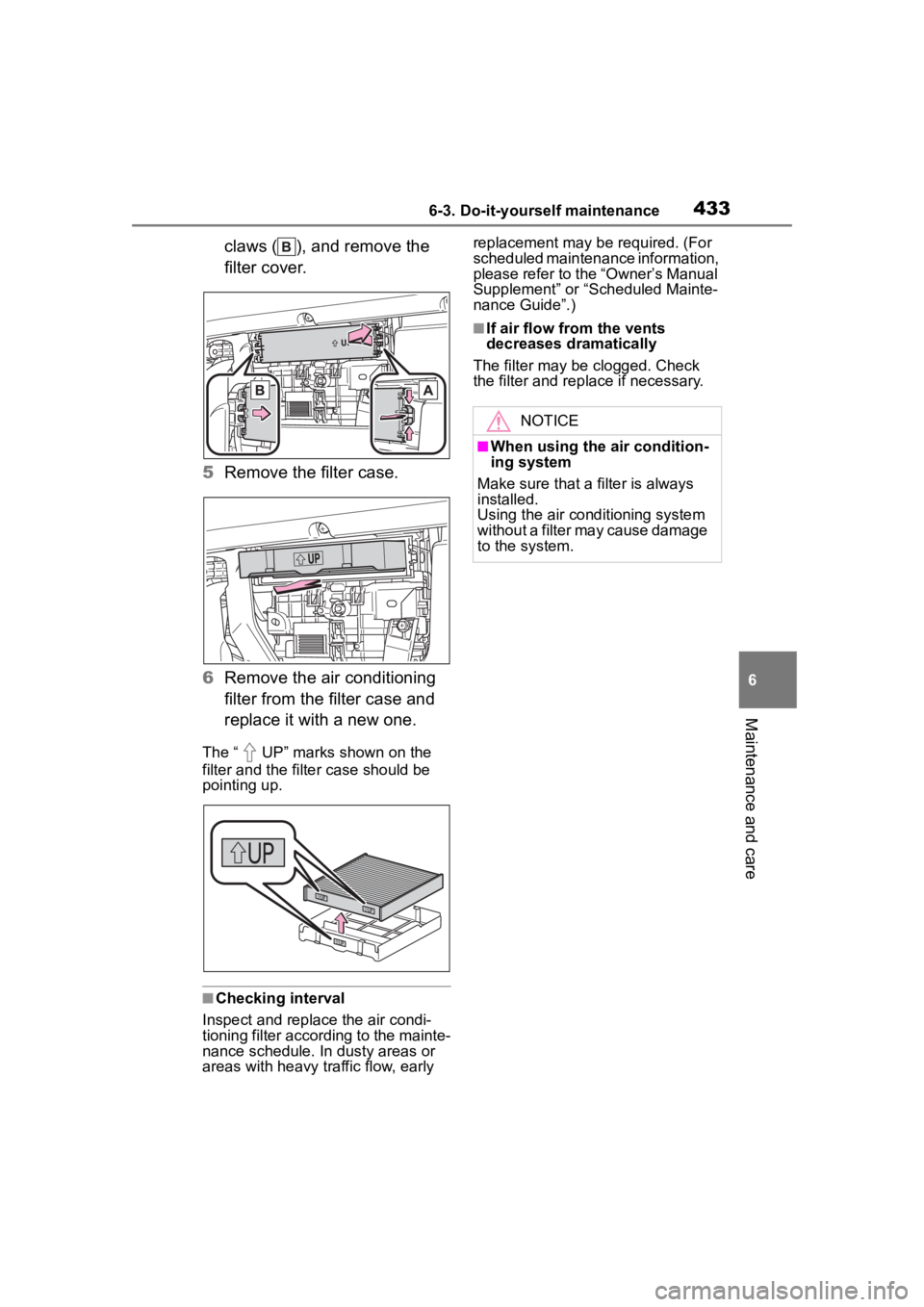
claws ( ), and remove the
filter cover.
5 Remove the filter case.
6 Remove the air conditioning
filter from the filter case and
replace it with a new one.
The “ UP” marks shown on the
filter and the filter case should be
pointing up.
■Checking interval
Inspect and replace the air condi-
tioning filter according to the mainte-
nance schedule. In dusty areas or
areas with heavy traffic flow, early replacement may be required. (For
scheduled maintenance information,
please refer to the “Owner’s Manual
Supplement” or “Scheduled Mainte-
nance Guide”.)
■If air flow from the vents
decreases dramatically
The filter may be clogged. Check
the filter and rep lace if necessary.
NOTICE
■When using the air condition-
ing system
Make sure that a filter is always
installed.
Using the air conditioning system
without a filter may cause damage
to the system.
Page 469 of 568

4697-2. Steps to take in an emergency
7
When trouble arises
■If “Maintenance Required
Soon” is displayed
Indicates that all maintenance
according to the dr iven distance on
the maintenance schedule
* should
be performed soon.
Comes on approximately 4500
miles (7200 km) after the message
has been reset. If necessary, per-
form maintenance. Please reset the
message after the maintenance is
performed. ( P.401)
*: Refer to the separate “Scheduled
Maintenance Guide” or “Owner’s
Manual Supplement” for the main-
tenance interval applicable to your
vehicle.
■If “Maintenance Required Visit
Your Dealer” is displayed
Indicates that all maintenance is
required to correspond to the driven
distance on the maintenance sched-
ule
*.
Comes on approximately 5000
miles (8000 km) after the message
has been reset. (The indicator will
not work properly unless the mes-
sage has been reset.) Perform the
necessary maintenance. Please
reset the message after the mainte-
nance is performed. ( P.401)
*: Refer to the separate “Scheduled
Maintenance Guide” or “Owner’s
Manual Supplement” for the main-
tenance interval applicable to your
vehicle.
■If “Oil Maintenance Required
Soon” is displayed
Indicates that the engine oil should
be scheduled to be changed.
Check the engine oil and change it if
necessary. After changing the
engine oil, make sure to reset the
message. ( P.412)
■If “Oil Maintenance Required” is
displayed
Indicates that the engine oil should
be changed.
Check and change the engine oil,
and oil filter by your Toyota dealer.
After changing the engine oil, make
sure to reset t he message.
( P.412)
■If a message that indicates the
need for visiting your Toyota
dealer is displayed
The system or part shown on the
multi-information di splay is malfunc-
tioning. Have the vehicle inspected
by your Toyota dealer immediately.
■If a message that indicates the
need for referring to Owner’s
Manual is displayed
●If any of the following messages
are shown on the multi-informa-
tion display, it may indicate a mal-
function. Immediately stop the
vehicle and contact your Toyota
dealer.
• “Braking Power Low Stop in a Safe Place See Owner's Manual”
• “Oil Pressure Low Stop in a Safe
Place See Owner's Manual”
• “Charging System Malfunction Stop in a Safe Place See Owner's
Manual”
●If “Smart Key System Malfunction
See Owner's Manual” is shown on
the multi-information display, it
may indicate a malfunction. Have
the vehicle inspected by your Toy-
ota dealer immediately.
●If any of the following messages
are shown on the multi-informa-
tion display, follow the instruc-
tions.
• “Engine Coolant Temp High Stop in a Safe Place See Owner's Man-
ual” ( P.494)
• “High Transmission Fluid Temp See Owner's Manual” ( P.206)
Page 533 of 568
5338-3. Initialization
8
Vehicle specifications
8-3.Initialization
*: If equipped
Items to initialize
The following items must be initialized for normal system
operation after such cases as the battery being reconnected,
or maintenance being performed on the vehicle:
List of items to initialize
ItemWhen to initializeReference
Power back door*• After reconnecting or changing the batteryP. 1 2 9
Intuitive parking
assist
*• After reconnecting or changing the batteryP. 2 8 7
PKSB (Parking
Support Brake)
*• After reconnecting or changing the batteryP. 3 0 6
Message indicat-
ing maintenance is
required (U.S.A.
only)
• After the maintenance is per-formedP. 4 0 1
Oil maintenance• After the maintenance is per-formedP. 4 1 2
Tire pressure warn-
ing system
• When the tire inflation pressure is changed such as when
changing traveling speed
• When the tire inflation pressure is changed such as when the
tire size is changed
• When rotating the tires
• After registering the ID codes
P. 4 2 3
Page 559 of 568

559Alphabetical Index
Power steering (Electric power steering system)................... 318Warning light ........................ 458
Power windows Door lock linked window opera-tion ..................................... 168
Jam protection function ........ 167
Operation ............................. 167
Window lock switch .............. 169
Pre-Collision System (PCS) Function ............................... 235
PCS OFF switch................... 238
Warning light ........................ 462
R
Radar cruise control (dynamic radar cruise control with
full-speed range) .................. 257
Radiator ................................... 414
RCTA Function ............................... 293
Warning message ................ 294
RCTA function......................... 295
Rear automatic air conditioning system ................................... 354
Rear Cross Traffic Alert (RCTA) ............................................... 293
Rear door sunshades ............ 384
Rear fog lights Switch................................... 222
Rear manual air conditioning system ................................... 352
Rear seats ............................... 142 Head restraints ..................... 150
Seat heaters ......................... 358
Rear side marker lights Light switch .......................... 216
Replacing light bulbs ............ 439
Rear turn signal lights Replacing light bulbs ............ 439
Turn signal lever ................... 209 Rear view mirror
Digital Rearview Mirror .........155
Inside rear view mirror ..........154
Outside rear view mirrors .....165
Rear window defogger ..335, 341, 345
Refueling Capacity ...............................501
Fuel types .............................501
If the fuel filler door cannot be opened ...............................487
Opening the fuel tank cap ....227
Replacing Electronic key battery ...........434
Fuses....................................436
Light bulbs ............................439
Tires......................................471
Reporting safety defects for U.S. owners ...................................536
Resetting the message indicat- ing maintenance is required 401
Road Sign Assist ....................269
Rock & Dirt mode ...................312
RSA (Road Sign Assist) .........269
S
Safety Connect .........................65
Seat belt reminder light..........459
Seat belts...................................27 Automatic Locking Retractor ..28
Child restraint sys tem installation
.............................................52
Cleaning and maintaining the seat belt ..............................397
Emergency Locking Retractor 28
How to wear your seat belt .....28
How your child should wear the seat belt ................................28
Pregnant women, proper seat belt use .................................27
Reminder light and buzzer ...459
Seat belt extender ..................28