2022 TOYOTA HIGHLANDER navigation
[x] Cancel search: navigationPage 521 of 568
5218-2. Customization
8
Vehicle specifications
8-2.Customization
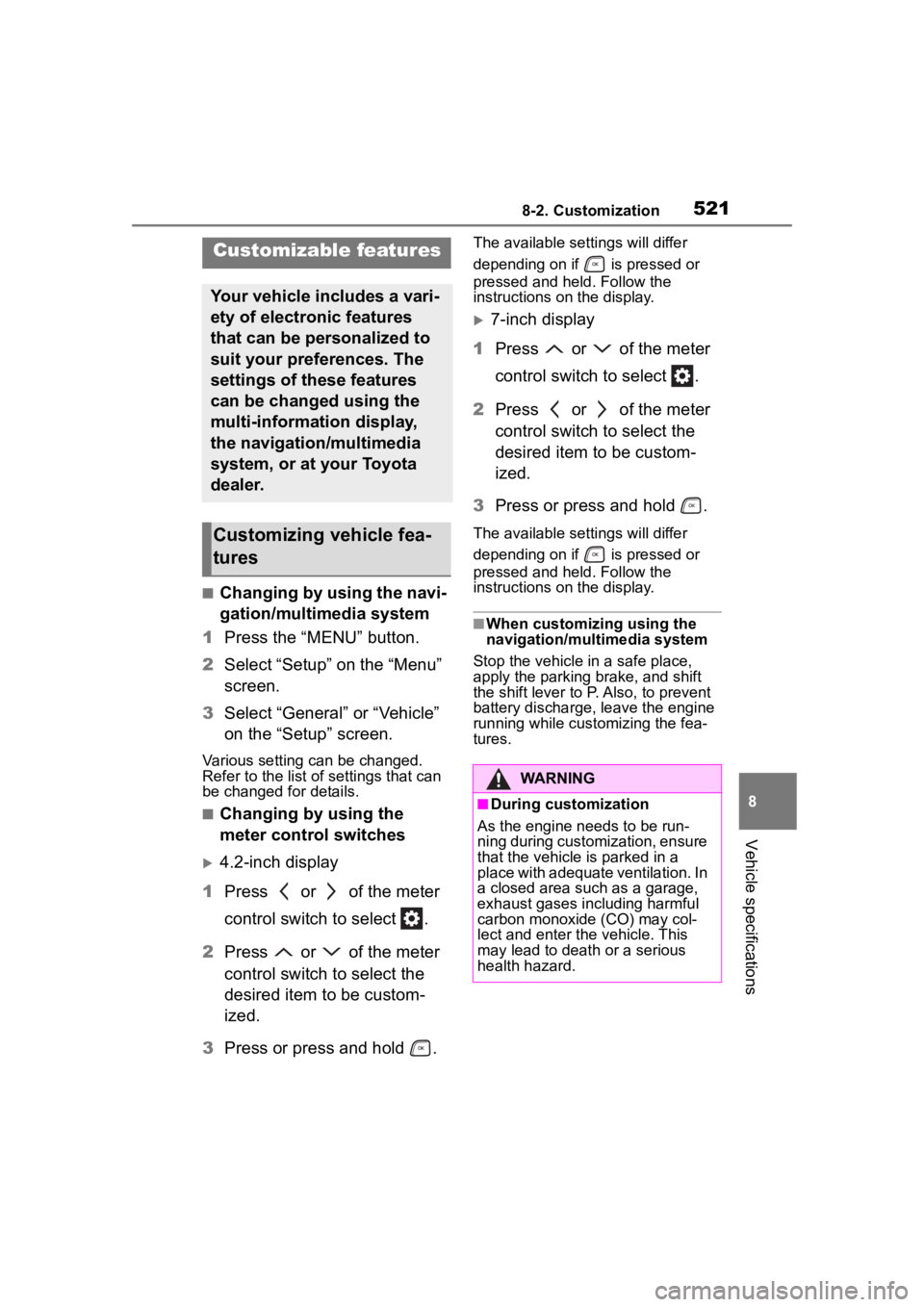
■Changing by using the navi-
gation/multimedia system
1 Press the “MENU” button.
2 Select “Setup” on the “Menu”
screen.
3 Select “General” or “Vehicle”
on the “Setup” screen.
Various setting can be changed.
Refer to the list o f settings that can
be changed for details.
■Changing by using the
meter control switches
4.2-inch display
1 Press or of the meter
control switch to select .
2 Press or of the meter
control switch to select the
desired item to be custom-
ized.
3 Press or press and hold .
The available settings will differ
depending on if is pressed or
pressed and held. Follow the
instructions on the display.
7-inch display
1 Press or of the meter
control switch to select .
2 Press or of the meter
control switch to select the
desired item to be custom-
ized.
3 Press or press and hold .
The available settings will differ
depending on if is pressed or
pressed and held. Follow the
instructions on the display.
■When customizing using the
navigation/multimedia system
Stop the vehicle in a safe place,
apply the parking brake, and shift
the shift lever to P. Also, to prevent
battery discharge, leave the engine
running while customizing the fea-
tures.
Customizable features
Your vehicle includes a vari-
ety of electronic features
that can be personalized to
suit your preferences. The
settings of these features
can be changed using the
multi-information display,
the navigation/multimedia
system, or at your Toyota
dealer.
Customizing vehicle fea-
tures
WARNING
■During customization
As the engine needs to be run-
ning during customization, ensure
that the vehicle is parked in a
place with adequate ventilation. In
a closed area such as a garage,
exhaust gases in cluding harmful
carbon monoxide (CO) may col-
lect and enter the vehicle. This
may lead to death or a serious
health hazard.
Page 522 of 568

5228-2. Customization
Some function settings are changed simultaneously with other func-
tions being customized. Contact y our Toyota dealer for further
details.
Settings that can be changed usi ng the navigation/multimedia
system screen
Settings that can be changed using the meter control switches
Settings that can be changed by your Toyota dealer
Definition of symbols: O = Av ailable, — = Not available
■Gauges, meters and multi-information display ( P.76, 81, 84,
93)
NOTICE
■During customization
To prevent battery discharge,
ensure that the engine is running
while customizing features.
Customizable Features
Function*1Default settingCustomized setting
LanguageEnglishFrenchOO—Spanish
Units*2miles (MPG)
km (km/L)
OO—km (L/100 km)
miles (MPG Impe- rial)
Eco Driving Indicator
LightOnOff—O—
Fuel economy display*3
Total average (Average fuel consumption [after reset])
Trip average (Aver- age fuel consump- tion [after start])
—O—Tank average
(Average fuel con- sumption [after refuel])
Page 555 of 568

555Alphabetical Index
Event data recorder (EDR)......... 8
F
Flat tireTire pressure warning system........................................... 420
Vehicles with a spare tire ..... 471
Floor mats ................................. 24
Fluid Automatic transmission ........ 503
Brake .................................... 504
Washer ................................. 416
Fog lights Switch................................... 222
Footwell light .................... ...... 361
Front passenger occupant clas- sification system .................... 43
Front seats Adjustment ........................... 141
Cleaning ............................... 397
Correct driving posture ........... 25
Driving position memory....... 147
Head restraints ..................... 150
Memory recall function ......... 149
Seat heaters ......................... 358
Seat position memory .......... 147
Seat ventilators .................... 358
Front side marker light Light switch .......................... 216
Front side marker lights Replacing light bulbs ............ 439
Front turn signal lights Replacing light bulbs ............ 439
Turn signal lever ................... 209
Fuel Capacity ............................... 501
Fuel gauge ............................. 81
Fuel pump shut off system ... 455
Information ........................... 509
Refueling .............................. 227
Type ..................................... 501
Warning light ........................ 459 Fuel consumption
Average fuel economy ......86, 94
Current fuel consumption .86, 94
Fuel economy .....................86, 94
Fuel filler door If the fuel filler door cannot be opened ...............................487
Refueling ..............................227
Fuel gauge.................................81
Fuel pump shut off system ....455
Fuses .......................................436
G
Garage door opene r ...............385
Gauges ......................................81
Glove box ................................365
Glove box light........................365
H
Head restraints .......................150
Headlight aim ..........................438
Headlights Adaptive Front-lighting System (AFS) ..................................218
Automatic High Beam system ...........................................219
Light switch...........................216
Replacing light bulbs ............439
Head-up display ......................103 Driving information display area...........................................103
Eco Driving Indicator ............106
Navigation system-linked display ...........................................106
Settings ................................104
Heated steering wheel............358
Heaters Automatic air conditioning sys-tem .....................................339
Heated steering wheel..........358
Page 558 of 568

558Alphabetical Index
Dynamic radar cruise control with full-speed range .......... 257
Eco Driving Indicator ........ 86, 95
Fuel economy................... 86, 94
LTA (Lane Tracing Assist) ..... 252
Menu icons ....................... 84, 93
Meter control switches ..... 85, 94
Navigation system-linked display ....................................... 87, 97
Pop-up display ................. 84, 93
Settings ............................ 89, 98
Suggestion function........ 92, 102
Tire pressure ............ 88, 97, 420
Vehicle information display88, 97
Warning message .. 92, 102, 467
Multi-terrain Select ................. 312
N
Navigation system-linked display ................................... 87, 97, 106
Noise from under vehicle .......... 6
Normal mode .................. 311, 313
O
“ODO TRIP” switch .................. 83
Odometer .................................. 83
Odometer and trip meter display Display items .......................... 83
“ODO TRIP” switch ................ 83
Pop-up display ....................... 83
Oil Engine oil ............................. 502
Rear differential oil ............... 504
Opener Back door ............................. 123
Fuel filler door ...................... 227
Hood..................................... 408
Outer foot lights Replacing light bulbs ............ 439
Outside rear view mirrors Adjustment ........................... 165 BSM (Blind Sport Monitor) ....278
Linked mirror function when
reversing.............................165
Mirror position me mory.........147
Outside rear view mirror defog- gers ....................335, 341, 345
RCTA function.......................293
Outside temperature ................81
Overheating.............................494
P
Panic mode ............................. 116
Panoramic moon roof Jam protection function ........174
Operation..............................173
Parking assist sens ors (intuitive
parking assist) ......................284
Parking brake Operation..............................210
Parking brake engaged warning buzzer.................................212
Warning light.........................463
Warning message.................212
Parking lights Light switch...........................216
Replacing light bulbs ............439
Parking Support Brake function (for rear-crossing vehicles) .310Function................................310
Parking Support Brake function (static objects) ......................307Function................................307
PCS (Pre-Collision System) Function................................235
PCS OFF switch ...................238
Warning light.........................462
Personal lights ........................361
PKSB (Parking Support Brake) ...............................................300Warning message.................305
Power outlets ..........................382
Page 564 of 568

564Alphabetical Index
For information regarding the equipment listed
below, refer to the “NAVI-
GATION AND MULTIME-
DIA SYSTEM OWNER’S
MANUAL”.
· Navigation system
· Audio/visual system
· Rear seat entertainment sys-
tem
· Rear view monitor system
· Toyota parking assist monitor
· Panoramic view monitor