Page 172 of 356
1723-1. CONTROLS
The system generally detects
children seated in a child
restraint system, particularly in
child restraint systems required
by NHTSA at the point in time
when the vehicle was manufac-
tured. After installing a child
restraint system, make sure that
the indicator light for the
front-seat passenger airbags
lights up. This indicates that the
child restraint system has been
detected and the front-seat pas-
senger airbags are not acti-
vated.Toyota Supra Safety enables
central operation of the driver
assistance systems.
Depending on how the vehicle is
equipped, Toyota Supra Safety
consists of one or more systems
that can help prevent an immi-
nent collision.
Pre-Collision System, refer to
page 174.
Pre-Collision System (for
pedestrians and bicycles),
refer to page 179.
Lane departure warning, refer
to page 182.
Blind spot monitor, refer to
page 187.
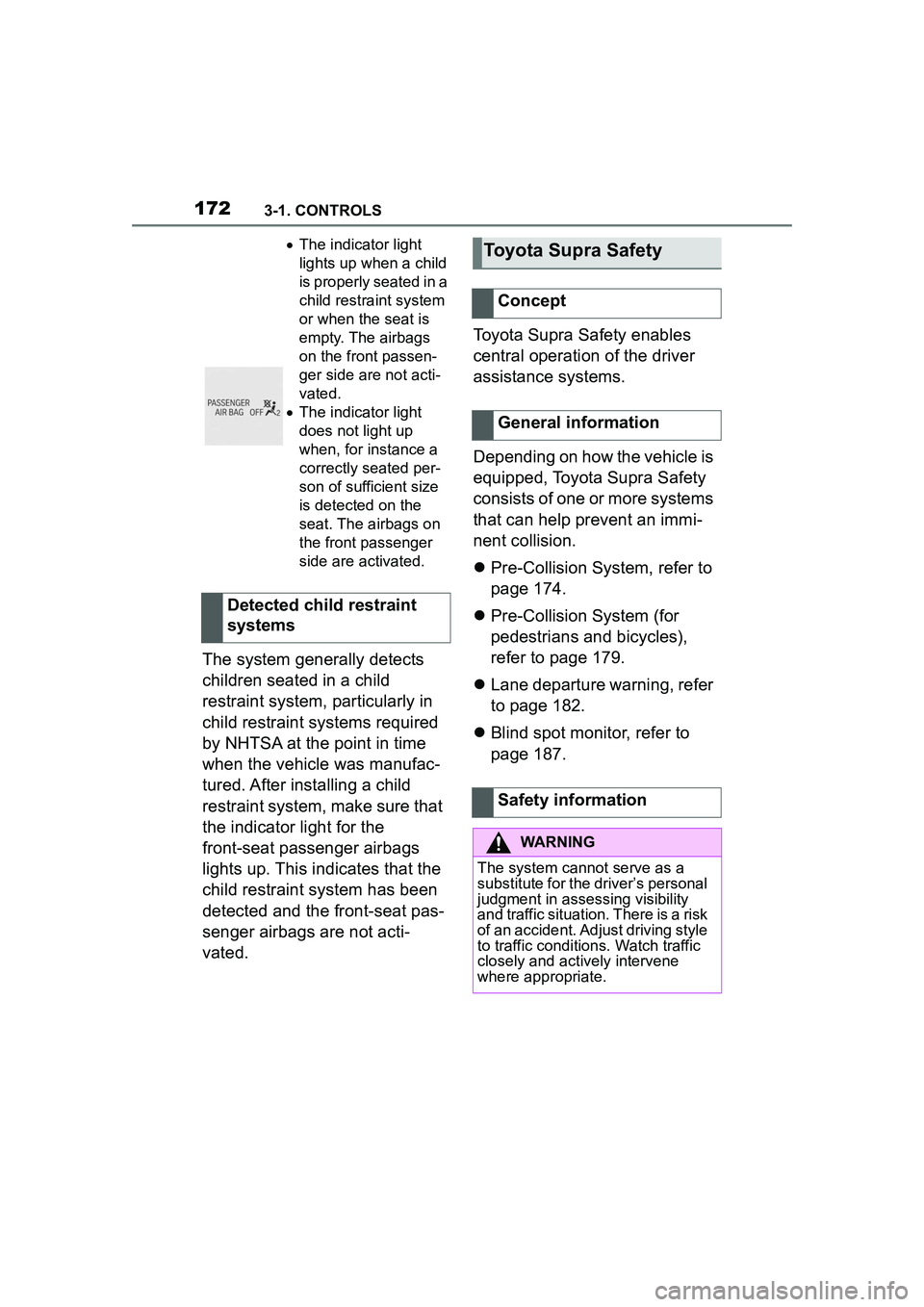
The indicator light
lights up when a child
is properly seated in a
child restraint system
or when the seat is
empty. The airbags
on the front passen-
ger side are not acti-
vated.
The indicator light
does not light up
when, for instance a
correctly seated per-
son of sufficient size
is detected on the
seat. The airbags on
the front passenger
side are activated.
Detected child restraint
systems
Toyota Supra Safety
Concept
General information
Safety information
WARNING
The system cannot serve as a
substitute for the driver’s personal
judgment in assessing visibility
and traffic situation. There is a risk
of an accident. Adjust driving style
to traffic conditions. Watch traffic
closely and actively intervene
where appropriate.
Page 211 of 356
2113-1. CONTROLS
3
CONTROLS
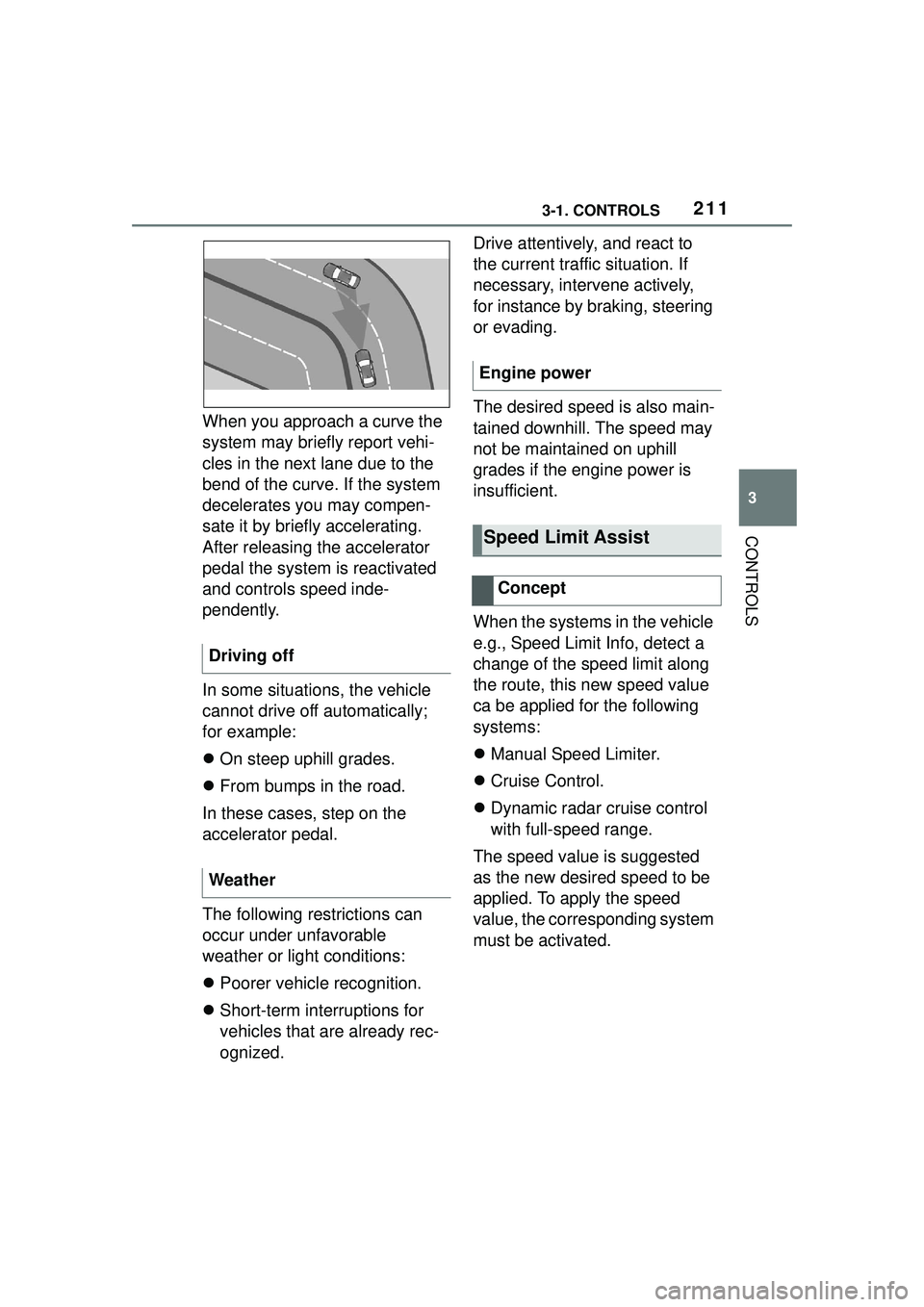
When you approach a curve the
system may briefly report vehi-
cles in the next lane due to the
bend of the curve. If the system
decelerates you may compen-
sate it by briefly accelerating.
After releasing the accelerator
pedal the system is reactivated
and controls speed inde-
pendently.
In some situations, the vehicle
cannot drive off automatically;
for example:
On steep uphill grades.
From bumps in the road.
In these cases, step on the
accelerator pedal.
The following restrictions can
occur under unfavorable
weather or light conditions:
Poorer vehicle recognition.
Short-term interruptions for
vehicles that are already rec-
ognized. Drive attentively, and react to
the current traffic situation. If
necessary, intervene actively,
for instance by braking, steering
or evading.
The desired speed is also main-
tained downhill. The speed may
not be maintained on uphill
grades if the engine power is
insufficient.
When the systems in the vehicle
e.g., Speed Limit Info, detect a
change of the speed limit along
the route, this new speed value
ca be applied for the following
systems:
Manual Speed Limiter.
Cruise Control.
Dynamic radar cruise control
with full-speed range.
The speed value is suggested
as the new desired speed to be
applied. To apply the speed
value, the corresponding system
must be activated.
Driving off
Weather
Engine power
Speed Limit Assist
Concept
Page 218 of 356

2183-1. CONTROLS
Additional information:
• Ultrasonic sensors, refer to page 40.
The detection of objects with
ultrasonic measurements can
run into physical limits, e.g., in
the following situations:
With obstacles and persons at
the edge of the lane.
Low objects already dis-
played, for instance curbs,
can move into the blind area
of the sensors before or after
a continuous tone sounds.
Reaching the system limits can
cause false warnings.
To prevent false alarms, switch
off Automatic Park Sensors
activ. on obstacle detection,
refer to page 219, for instance in
automatic vehicle washes.
A vehicle message is displayed.
Parking Sensor has failed. Have
the system checked by your Toyota dealer.
The rearview camera provides
assistance in parking and
maneuvering backwards. The
area behind the vehicle is
shown on the Control Display.
Additionally, assistance func-
tions can be shown in the dis-
play, e.g., help lines.
System limits of the sensors
Limits of ultrasonic measure-
ment
False warnings
Malfunction
White symbol is displayed,
and the range of the sen-
sors is dimmed on the
Control Display.
Rearview camera
Concept
Safety information
WARNING
The system cannot serve as a
substitute for the driver’s personal
judgment in assessing the traffic
conditions. There is a risk of acci-
dent. Adjust driving style to traffic
conditions. Watch traffic and vehi-
cle surroundings closely and
actively intervene where appropri-
ate.