Page 102 of 559
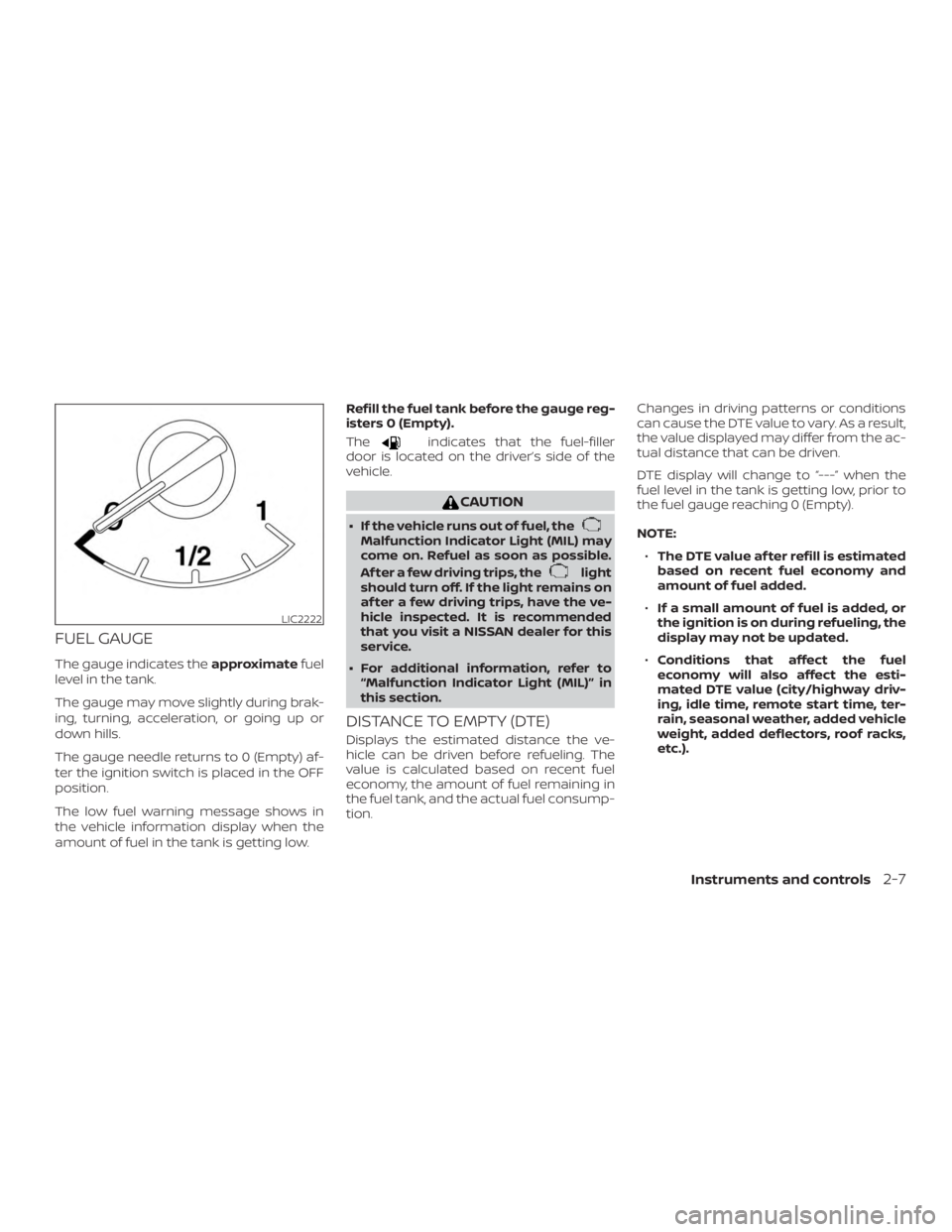
FUEL GAUGE
The gauge indicates theapproximatefuel
level in the tank.
The gauge may move slightly during brak-
ing, turning, acceleration, or going up or
down hills.
The gauge needle returns to 0 (Empty) af-
ter the ignition switch is placed in the OFF
position.
The low fuel warning message shows in
the vehicle information display when the
amount of fuel in the tank is getting low. Refill the fuel tank before the gauge reg-
isters 0 (Empty).
The
Page 103 of 559
VARIABLE COMPRESSION TURBO
(if so equipped)
Your engine is equipped with a variable
compression ratio system called “Variable
Compression Turbo”. This system can vary
the engine compression ratio continu-
ously.
According to driving conditions, the system
applies optimum compression ratio auto-
matically to achieve both high output and
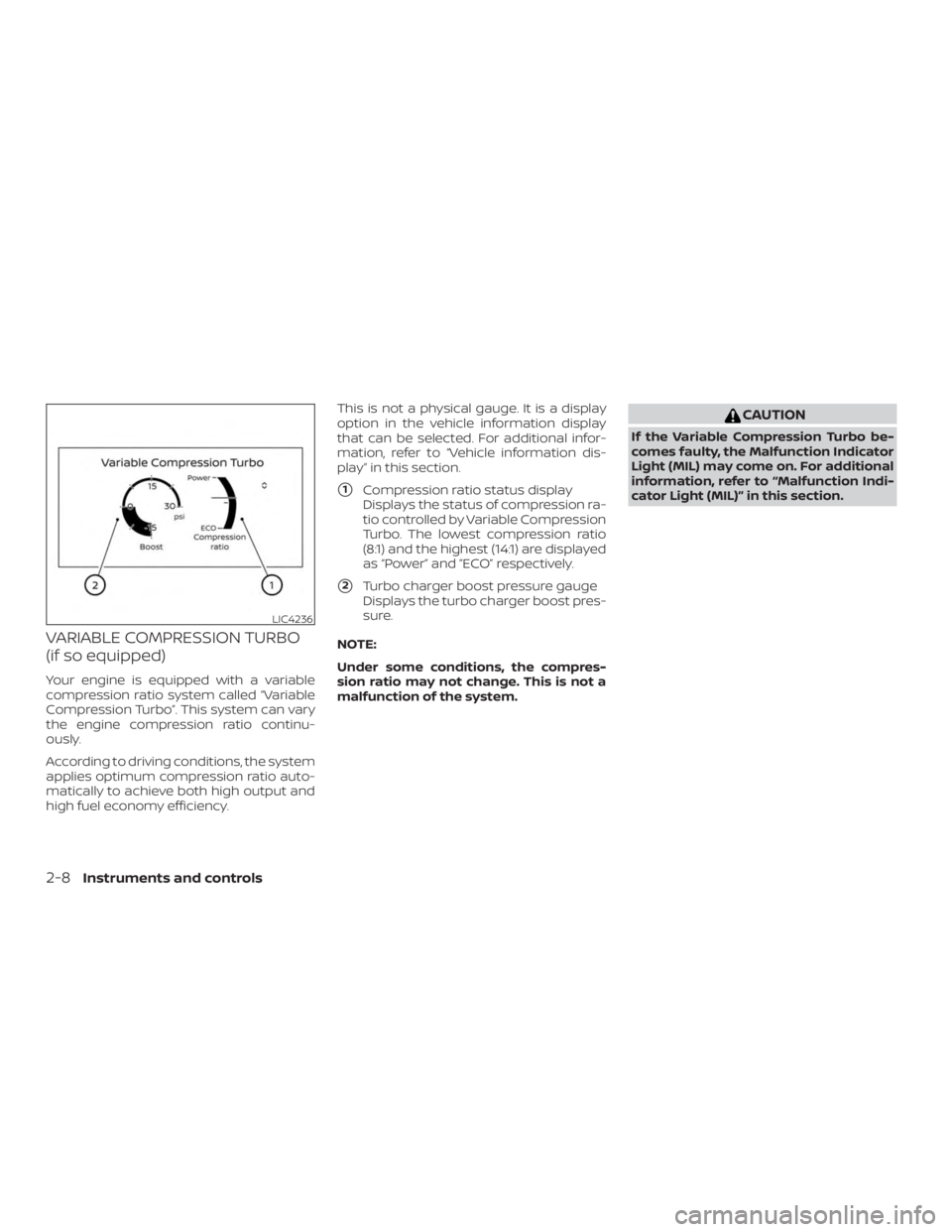
high fuel economy efficiency.This is not a physical gauge. It is a display
option in the vehicle information display
that can be selected. For additional infor-
mation, refer to “Vehicle information dis-
play” in this section.
�1Compression ratio status display
Displays the status of compression ra-
tio controlled by Variable Compression
Turbo. The lowest compression ratio
(8:1) and the highest (14:1) are displayed
as “Power” and ”ECO” respectively.
�2Turbo charger boost pressure gauge
Displays the turbo charger boost pres-
sure.
NOTE:
Under some conditions, the compres-
sion ratio may not change. This is not a
malfunction of the system.
Page 106 of 559
Automatic EmergencyBraking (AEB) with
Pedestrian Detection
system warning light (if so
equipped)
This light comes on when the ignition
switch is placed in the ON position. It turns
off af ter the engine is started.
This light illuminates when the AEB with
Pedestrian Detection system is set to OFF
in the vehicle information display.
If the light illuminates when the AEB with
Pedestrian Detection system is on, it may
indicate that the system is unavailable. For
additional information, refer to “Automatic
Emergency Braking (AEB) with Pedestrian
Detection” and “Intelligent Forward Colli-
sion Warning (I-FCW)” in the “Starting and
driving” section of this manual.
Page 108 of 559

the vehicle must be driven at speeds
above 16 mph (25 km/h) to activate the
TPMS and turn off the low tire pressure
warning light. Use a tire pressure gauge
to check the tire pressure.
The “Tire Pressure Low - Add Air” warning
appears each time the ignition switch is
placed in the ON position as long as the low
tire pressure warning light remains illumi-
nated.
For additional information, refer to “Vehicle
information display” in this section, “Tire
Pressure Monitoring System (TPMS)” in the
“Starting and driving” and “In case of emer-
gency” sections of this manual.
TPMS malfunction
If the TPMS is not functioning properly, the
low tire pressure warning light will flash for
approximately 1 minute when the ignition
switch is placed in the ON position. The
light will remain on af ter 1 minute. Have the
system checked. It is recommended that
you visit a NISSAN dealer for this service.
The "Tire Pressure Low — Add Air" warning
does not appear if the low tire pressure
warning light illuminates to indicate a
TPMS malfunction.For additional information, refer to “Tire
Pressure Monitoring System (TPMS)” in the
“Starting and driving” section and “Tire
pressure” in the “Do-it-yourself ” section of
this manual.
Page 132 of 559
Malfunction (if so equipped)
This warning appears when one or more of
the following systems (if so equipped) is
not functioning properly:∙ Automatic Emergency Braking (AEB)
∙ Automatic Emergency Braking (AEB) with Pedestrian Detection
∙ Intelligent Forward Collision Warning (I- FCW)
If one or more of these warning appears,
have the system checked. It is recom-
mended that you visit a NISSAN dealer for
this service.
For additional information, refer to “Auto-
matic Emergency Braking (AEB)”, “Auto-
matic Emergency Braking (AEB) with Pe-
destrian Detection” or “Intelligent Forward
Collision Warning (I-FCW) in the “Starting
and driving” section of this manual.
Shipping Mode On Push Storage Fuse
This warning may appear if the extended
storage switch is not pushed in. When this
warning appears, push in the extended
storage switch to turn off the warning. For
additional information, refer to “Extended
storage switch” in this section. Not Available Parking Brake On (if so
equipped)
This message may appear when the Intel-
ligent Cruise Control (ICC) (for vehicles with
ProPILOT Assist) is engaged.
Under the following condition, the ICC (for
vehicles with ProPILOT Assist) system is au-
tomatically canceled:
∙ The electronic parking brake is applied.
The above system cannot be used when
the electronic parking is activated.
For additional information, refer to "Intelli-
gent Cruise Control (ICC) (for vehicles with
ProPILOT Assist)” and “Parking brake” in the
“Starting and driving” section of this
manual.
Rear Door Alert is activated
When the system is enabled, this message
appears when the Rear Door Alert system
is active and can remind the driver to check
the back seat. ∙ Using the steering wheel switch, a driver can select “Dismiss Message” to clear
the display for a period of time. If no
selection is made, this message auto-
matically turns off af ter a period of time. ∙ Using the steering wheel switch, a driver
can select “Disable Alert” to disable the
horn alert for the remainder of the cur-
rent trip.
Page 141 of 559
CAUTION
Use the headlights with the engine run-
ning to avoid discharging the vehicle
battery.
Autolight system
The autolight system allows the headlights
to turn on and off automatically. The auto-
light system can:∙ Turn on the headlights, front parking, tail, license plate and instrument panel
lights automatically when it is dark.
∙ Turn off all the lights when it is light.
∙ Keep all the lights on for a period of time af ter you place the ignition switch in the
OFF position and all doors are closed. NOTE:
Autolight activation sensitivity and the
time delay for autolight shutoff can be
adjusted. For additional information, re-
fer to “Vehicle information display ” in
this section.
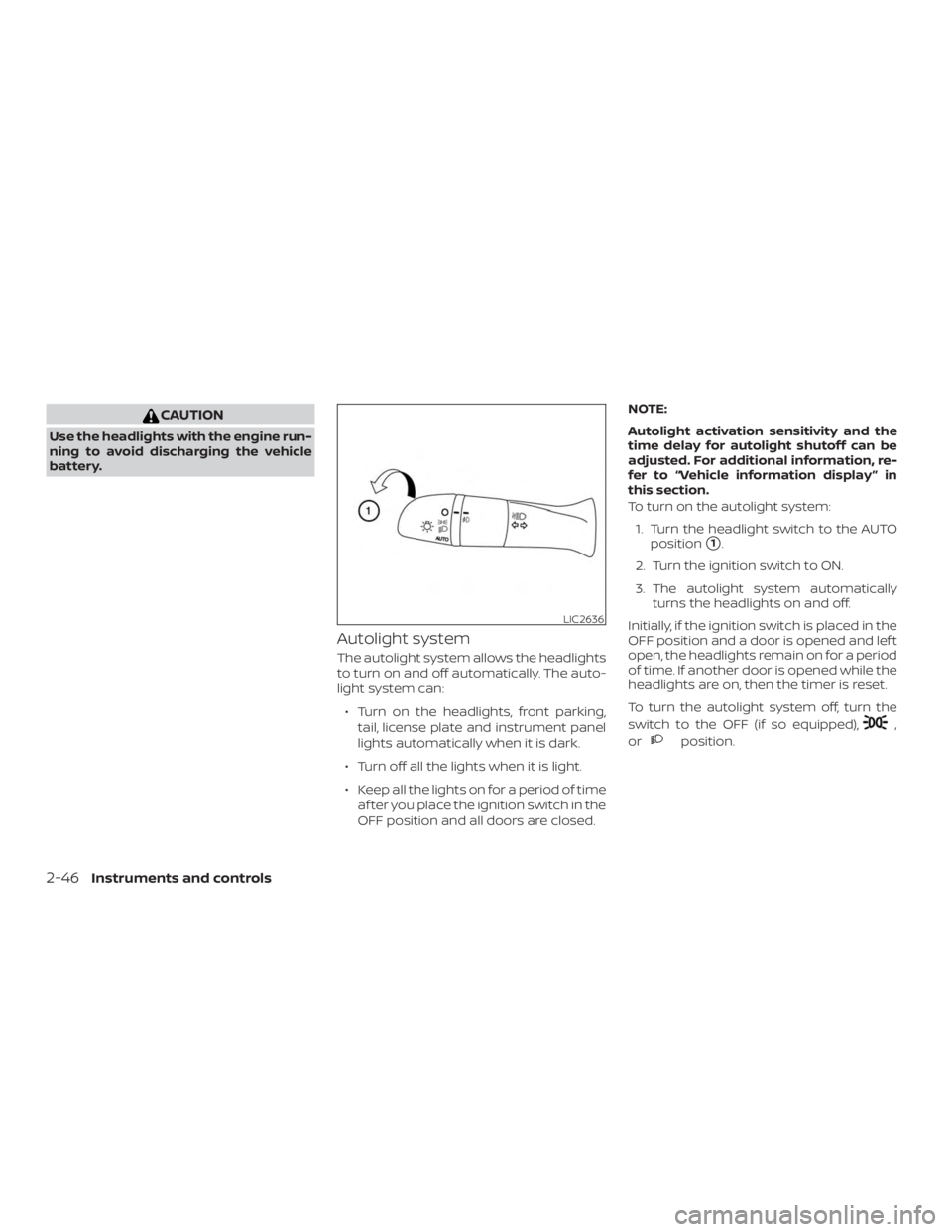
To turn on the autolight system:
1. Turn the headlight switch to the AUTO position
�1.
2. Turn the ignition switch to ON.
3. The autolight system automatically turns the headlights on and off.
Initially, if the ignition switch is placed in the
OFF position and a door is opened and lef t
open, the headlights remain on for a period
of time. If another door is opened while the
headlights are on, then the timer is reset.
To turn the autolight system off, turn the
switch to the OFF (if so equipped),
Page 150 of 559
The Rear Door Alert system functions un-
der certain conditions to indicate there
may be an object or passenger in the rear
seat(s). Check the seat(s) before exiting the
vehicle.
The Rear Door Alert system is initially dis-
abled. The driver can enable the system
using the vehicle information display. For
additional information, refer to “Vehicle in-
formation display warnings and indicators”
in this section.
When the system is enabled:∙ The system is activated when a rear door is opened and closed within
10 minutes of the vehicle being driven.
When the driver door is closed and the
system is activated, a visual message
appears in the vehicle information dis-
play. For additional information, refer to
“Rear Door Alert is activated” in this sec-
tion.
∙ If a rear door is opened and closed but the vehicle is not driven within approxi-
mately 10 minutes, the system will not
be activated. A rear door must be
opened and closed and the car driven
within 10 minutes for the system to ac-
tivate. When the Rear Door Alert system is acti-
vated:
∙ When the driver puts the vehicle in the P (Park) position, a notification message
appears in the vehicle information dis-
play with the options to “Dismiss Mes-
sage” or “Disable Alert” if desired.
∙ Select “Disable Alert” to temporarily disable for that stop.
∙ No selection or ‘Dismiss Message” will keep the alert enabled for that stop.
∙ If the alert is enabled when a driver exits the vehicle, a message will appear in the
vehicle information display that states
“Check Back Seat For All Articles.”
If “Horn & Alert” setting is selected:
∙ An audible horn sound will occur af- ter a short time unless a rear door is
opened and closed within a short
time to deactivate the alert.
∙ If the doors are locked before the alert is deactivated by opening a rear
door, the horn will sound.
∙ If the trunk is opened before a rear door is opened, the horn will be de-
layed until af ter the trunk is closed. NOTE:
If “Alert Only ” setting is selected, the
message alert will still be shown in the
vehicle information display but the horn
will not sound.
Page 175 of 559
∙ When the vehicle is parked near a park-ing meter.
In such cases, correct the operating condi-
tions before using the Intelligent Key func-
tion or use the mechanical key.
Although the life of the battery varies de-
pending on the operating conditions, the
battery’s life is approximately two years. If
the battery is discharged, replace it with a
new one.
When the Intelligent Key battery is low, an
indicator illuminates in the vehicle informa-
tion display. For additional information, re-
fer to “Vehicle information display” in the
“Instruments and controls” section of this
manual.
Since the Intelligent Key is continuously re-
ceiving radio waves, if the key is lef t near
equipment which transmits strong radio
waves, such as signals from a TV and per-
sonal computer, the battery life may be-
come shorter.
For additional information, refer to “Battery
replacement” in the “Do-it-yourself ” section
of this manual. As many as four Intelligent Keys can be
registered and used with one vehicle. For
information about the purchase and use of
additional Intelligent Keys, it is recom-
mended that you visit a NISSAN dealer.