2022 LEXUS RX350 warning
[x] Cancel search: warningPage 194 of 508

1924-3. Operating the lights and wipers
present on the windshield
●If the wiper switch is turned to the
“AUTO” position while the engine switch
is in IGNITION ON mode, the wipers
will operate once to show that AUTO
mode is activated.
●When the sensor sensitivity ring is turned
toward high while in “AUTO” position, the
wipers will operate once to indicate that
the sensor sensitivity is enhanced.
●If the temperature of the raindrop sensor
is 194°F (90°C) or higher, or 5°F (-15°C)
or lower, automatic operation may not
occur. In this case, operate the wipers in
any mode other than AUTO mode.
■If no windshield washer fluid sprays
Check that the washer nozzles are not
blocked, if there is washer fluid in the
washer fluid tank.
■Front door opening linked windshield
wiper stop function
When “AUTO” is selected and the wind-
shield wipers are operatin g, if a front door is
opened, the operation of the windshield
wipers will be stopped to prevent anyone
near the vehicle from being sprayed by
water from the wipers, provided the vehicle
is stopped with the parking brake applied or
the shift lever in P. Wh en the front door is
closed, wiper operation will resume.
■Customization
Some functions can be customized.
( P.449)
When the windshield wipers are not
being used, they retract to below the
hood. To enable the windshield wipers
to be lifted when parking in cold condi-
tions or when replacing a windshield
wiper insert, change the rest position of
the windshield wipers to the service
position using the wiper lever.
WARNING
■Caution regarding the use of wind-
shield wipers in AUTO mode
The windshield wipers may operate
unexpectedly if the se nsor is touched or
the windshield is subj ect to vibration in
AUTO mode. Take care that your fingers,
etc. do not become caught in the wind-
shield wipers.
■Caution regarding the use of washer
fluid
When it is cold, do not use the washer
fluid until the windshield becomes warm.
The fluid may freeze on the windshield
and cause low visibility. This may lead to
an accident, resulting in death or serious
injury.
NOTICE
■When the washer fluid tank is empty
Do not operate the switch continually as
the washer fluid pump may overheat.
■When a nozzle becomes blocked
In this case, contact your Lexus dealer.
Do not try to clear it with a pin or other
object. The nozzle will be damaged.
Changing the windshield wiper
rest position/Lifting the wind-
shield wipers
Page 197 of 508
1954-4. Refueling
4
Driving
4-4.Refueling
Close all the doors and windows,
and turn the engine switch off.
Confirm the type of fuel.
■Fuel types
P.438
■Fuel tank opening for unleaded gasoline
To help prevent incorrect fueling, your vehi-
cle has a fuel tank opening that only accom-
modates the special nozzle on unleaded
fuel pumps.
■If the malfunction indicator lamp illumi-
nates
The malfunction indicator lamp may illumi-
nate erroneously if refueling is performed
repeatedly when the fuel tank is nearly full.
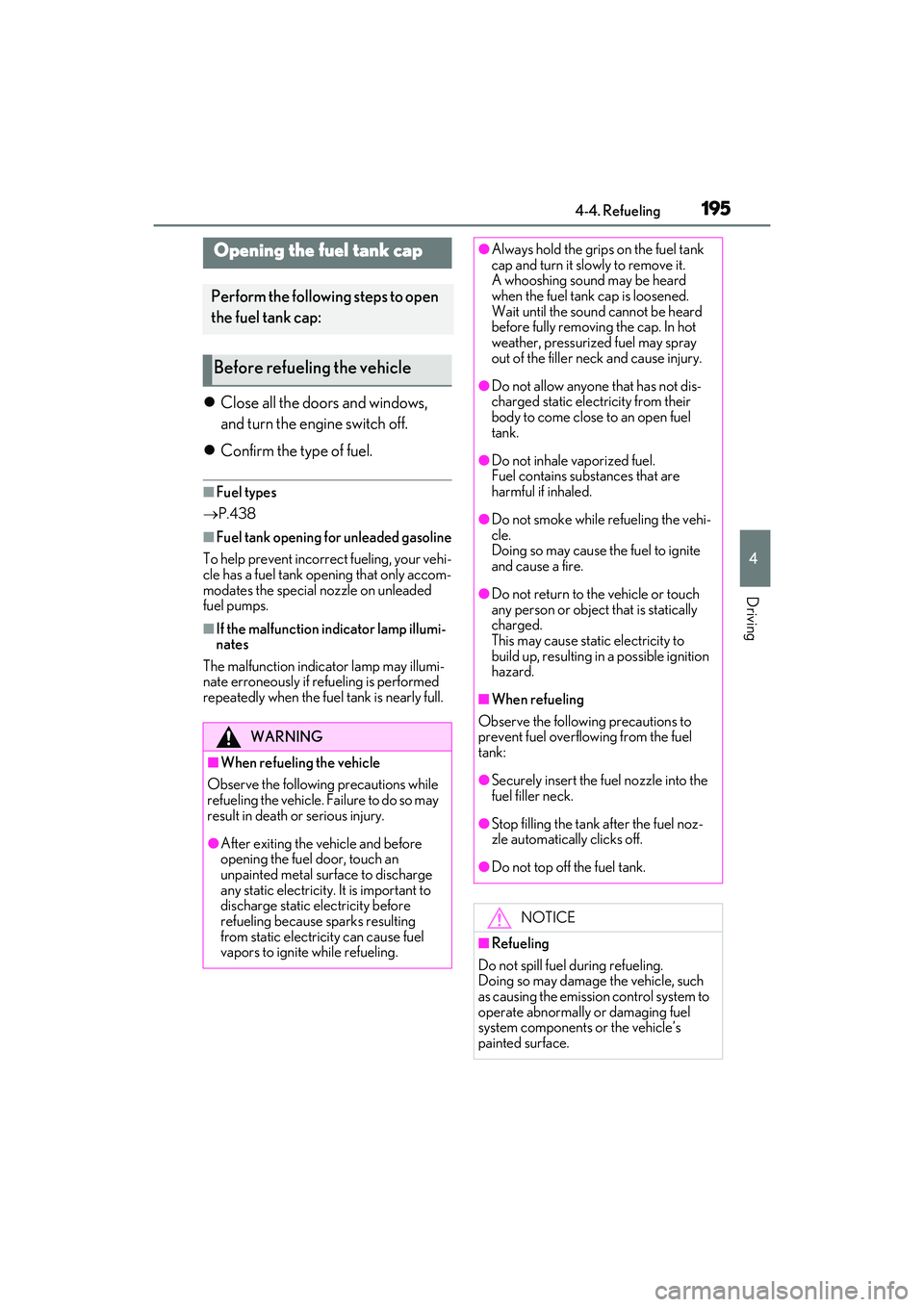
Opening the fuel tank cap
Perform the following steps to open
the fuel tank cap:
Before refueling the vehicle
WARNING
■When refueling the vehicle
Observe the following precautions while
refueling the vehicle. Failure to do so may
result in death or serious injury.
●After exiting the ve hicle and before
opening the fuel door, touch an
unpainted metal surface to discharge
any static electricity. It is important to
discharge static electricity before
refueling because sparks resulting
from static electricity can cause fuel
vapors to ignite while refueling.
●Always hold the grips on the fuel tank
cap and turn it slowly to remove it.
A whooshing sound may be heard
when the fuel tank cap is loosened.
Wait until the sound cannot be heard
before fully removing the cap. In hot
weather, pressurized fuel may spray
out of the filler neck and cause injury.
●Do not allow anyone that has not dis-
charged static electricity from their
body to come close to an open fuel
tank.
●Do not inhale vaporized fuel.
Fuel contains substances that are
harmful if inhaled.
●Do not smoke while refueling the vehi-
cle.
Doing so may cause the fuel to ignite
and cause a fire.
●Do not return to the vehicle or touch
any person or object that is statically
charged.
This may cause static electricity to
build up, resulting in a possible ignition
hazard.
■When refueling
Observe the following precautions to
prevent fuel overflowing from the fuel
tank:
●Securely insert the fuel nozzle into the
fuel filler neck.
●Stop filling the tank after the fuel noz-
zle automatically clicks off.
●Do not top off the fuel tank.
NOTICE
■Refueling
Do not spill fuel during refueling.
Doing so may damage the vehicle, such
as causing the emission control system to
operate abnormally or damaging fuel
system components or the vehicle’s
painted surface.
Page 199 of 508
1974-4. Refueling
4
Driving
WARNING
■When replacing the fuel tank cap
Do not use anything but a genuine Lexus
fuel tank cap designed for your vehicle.
Doing so may cause a fire or other inci-
dent which may result in death or serious
injury.
Page 200 of 508
1984-5. Using the driving support systems
4-5.Using the driving support systems
■PCS (Pre-Collision System)
P.204
■LTA (Lane Tracing Assist)
P.211
■AHB (Automatic High Beam)
P.187
■RSA (Road Sign Assist)*
P.220
*:If equipped
■Dynamic radar cruise control with
full-speed range
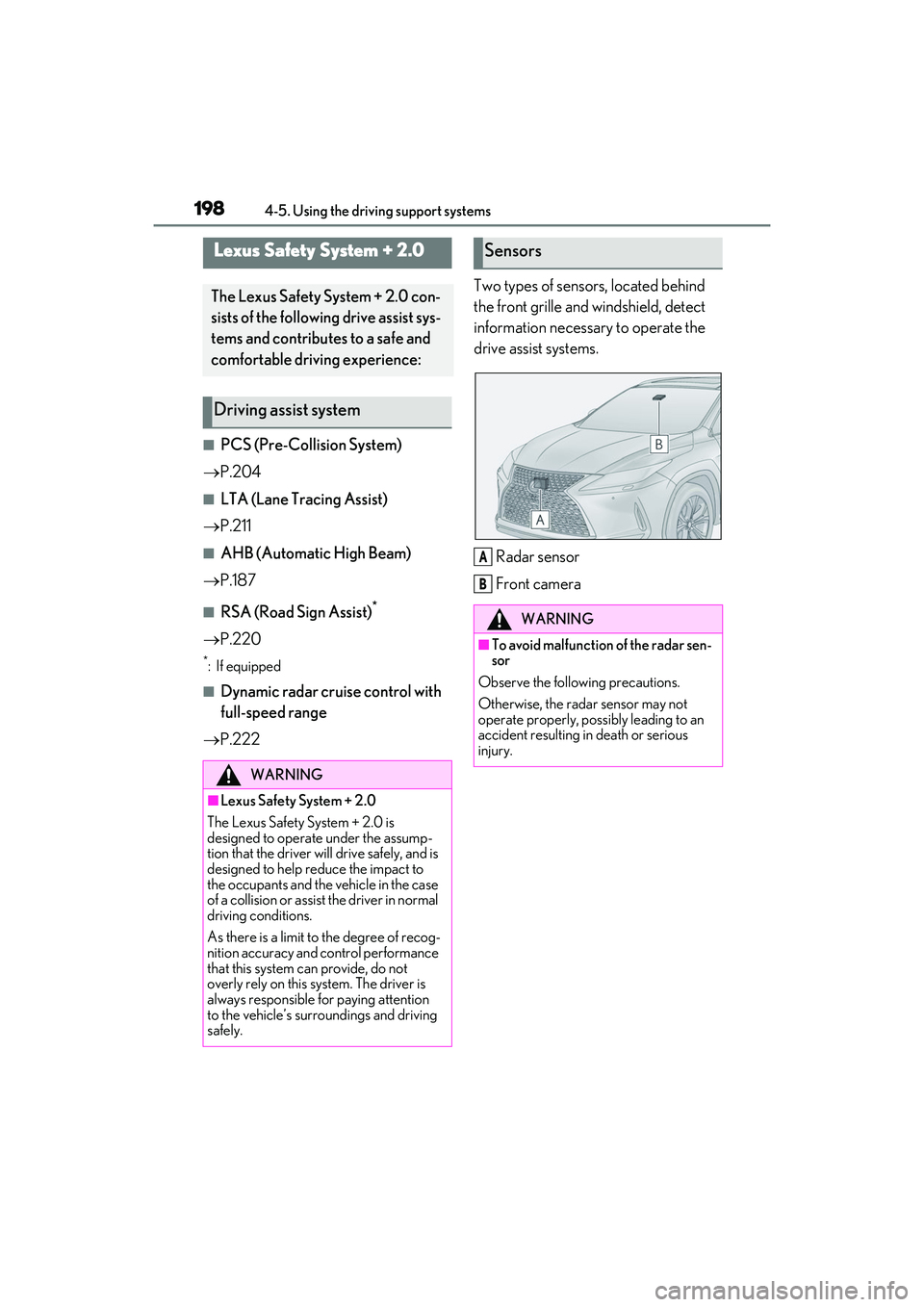
P.222 Two types of sensors, located behind
the front grille and windshield, detect
information necessary to operate the
drive assist systems.
Radar sensor
Front camera
Lexus Safety System + 2.0
The Lexus Safety System + 2.0 con-
sists of the following drive assist sys-
tems and contributes to a safe and
comfortable driving experience:
Driving assist system
WARNING
■Lexus Safety System + 2.0
The Lexus Safety System + 2.0 is
designed to operate under the assump-
tion that the driver wi ll drive safely, and is
designed to help reduce the impact to
the occupants and the vehicle in the case
of a collision or assist the driver in normal
driving conditions.
As there is a limit to the degree of recog-
nition accuracy and control performance
that this system can provide, do not
overly rely on this system. The driver is
always responsible for paying attention
to the vehicle’s surro undings and driving
safely.
Sensors
WARNING
■To avoid malfunction of the radar sen-
sor
Observe the following precautions.
Otherwise, the radar sensor may not
operate properly, possibly leading to an
accident resulting in death or serious
injury.
A
B
Page 201 of 508
1994-5. Using the driving support systems
4
Driving
WARNING
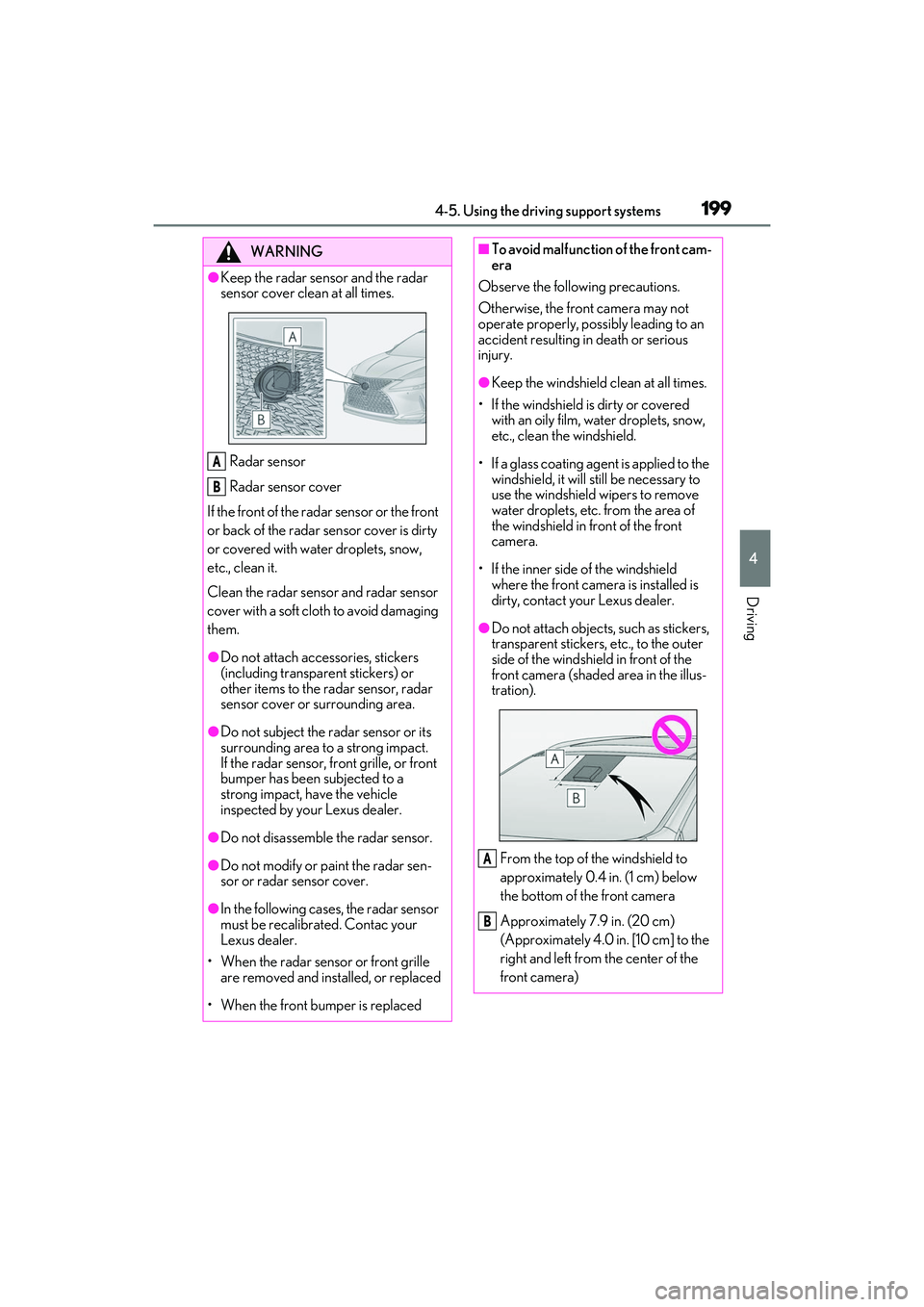
●Keep the radar sensor and the radar
sensor cover clean at all times.
Radar sensor
Radar sensor cover
If the front of the rada r sensor or the front
or back of the radar sensor cover is dirty
or covered with water droplets, snow,
etc., clean it.
Clean the radar sensor and radar sensor
cover with a soft cloth to avoid damaging
them.
●Do not attach accessories, stickers
(including transparent stickers) or
other items to the radar sensor, radar
sensor cover or surrounding area.
●Do not subject the radar sensor or its
surrounding area to a strong impact.
If the radar sensor, front grille, or front
bumper has been subjected to a
strong impact, have the vehicle
inspected by your Lexus dealer.
●Do not disassemble the radar sensor.
●Do not modify or paint the radar sen-
sor or radar sensor cover.
●In the following case s, the radar sensor
must be recalibrated. Contac your
Lexus dealer.
• When the radar sensor or front grille are removed and installed, or replaced
• When the front bumper is replaced
A
B
■To avoid malfunction of the front cam-
era
Observe the following precautions.
Otherwise, the front camera may not
operate properly, possibly leading to an
accident resulting in death or serious
injury.
●Keep the windshield clean at all times.
• If the windshield is dirty or covered with an oily film, water droplets, snow,
etc., clean the windshield.
• If a glass coating agent is applied to the windshield, it will still be necessary to
use the windshield wipers to remove
water droplets, etc. from the area of
the windshield in front of the front
camera.
• If the inner side of the windshield where the front camera is installed is
dirty, contact your Lexus dealer.
●Do not attach objects, such as stickers,
transparent stickers, etc., to the outer
side of the windshield in front of the
front camera (shaded area in the illus-
tration).
From the top of th e windshield to
approximately 0.4 in. (1 cm) below
the bottom of the front camera
Approximately 7.9 in. (20 cm)
(Approximately 4.0 in. [10 cm] to the
right and left from the center of the
front camera)
A
B
Page 202 of 508
2004-5. Using the driving support systems
WARNING
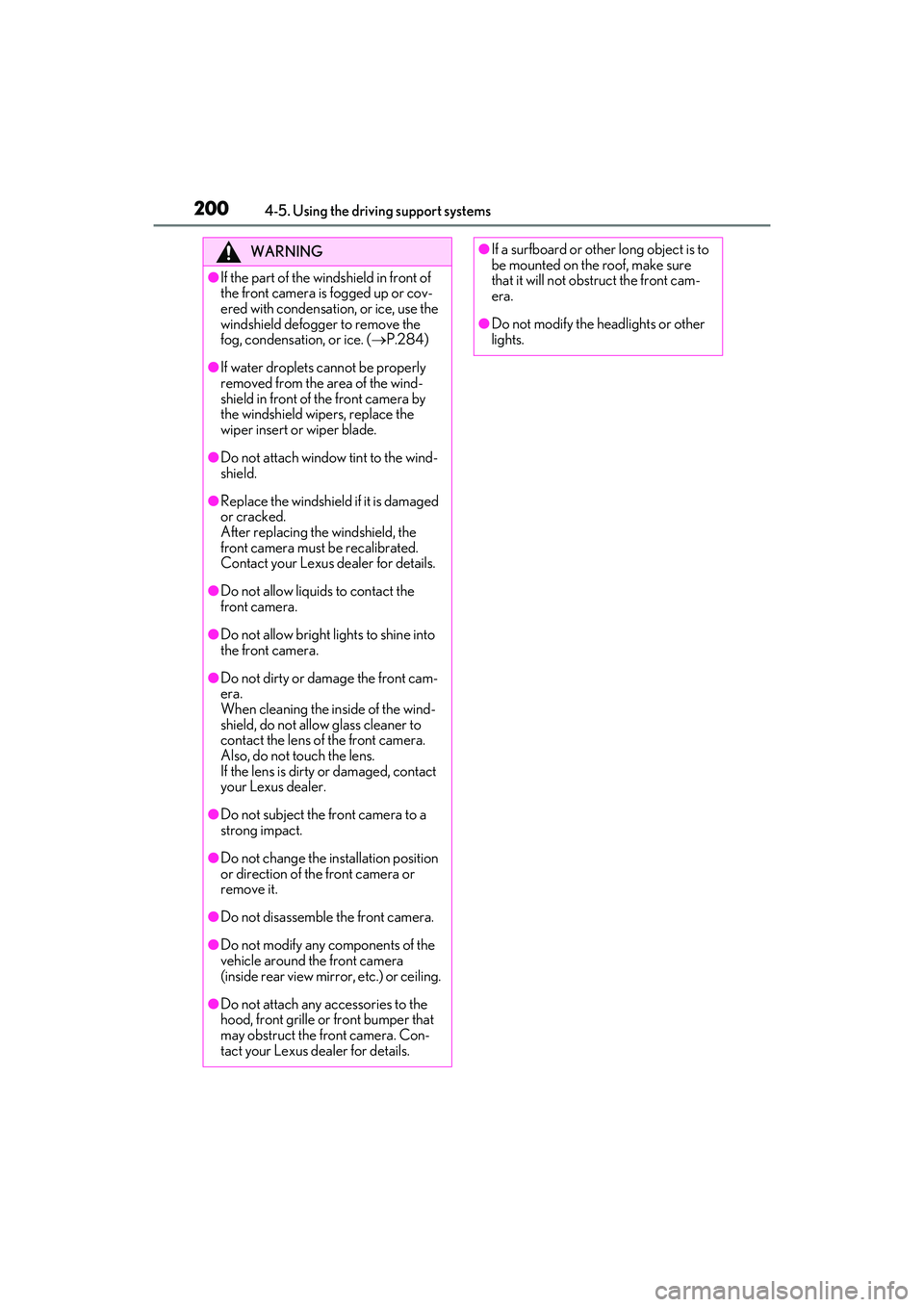
●If the part of the windshield in front of
the front camera is fogged up or cov-
ered with condensation, or ice, use the
windshield defogger to remove the
fog, condensation, or ice. (P.284)
●If water droplets cannot be properly
removed from the area of the wind-
shield in front of the front camera by
the windshield wipers, replace the
wiper insert or wiper blade.
●Do not attach window tint to the wind-
shield.
●Replace the windshield if it is damaged
or cracked.
After replacing the windshield, the
front camera must be recalibrated.
Contact your Lexus dealer for details.
●Do not allow liquids to contact the
front camera.
●Do not allow bright lights to shine into
the front camera.
●Do not dirty or damage the front cam-
era.
When cleaning the inside of the wind-
shield, do not allow glass cleaner to
contact the lens of the front camera.
Also, do not touch the lens.
If the lens is dirty or damaged, contact
your Lexus dealer.
●Do not subject the front camera to a
strong impact.
●Do not change the installation position
or direction of the front camera or
remove it.
●Do not disassemble the front camera.
●Do not modify any components of the
vehicle around the front camera
(inside rear view mirror, etc.) or ceiling.
●Do not attach any accessories to the
hood, front grille or front bumper that
may obstruct the front camera. Con-
tact your Lexus dealer for details.
●If a surfboard or other long object is to
be mounted on the roof, make sure
that it will not obstruct the front cam-
era.
●Do not modify the headlights or other
lights.
Page 204 of 508
2024-5. Using the driving support systems
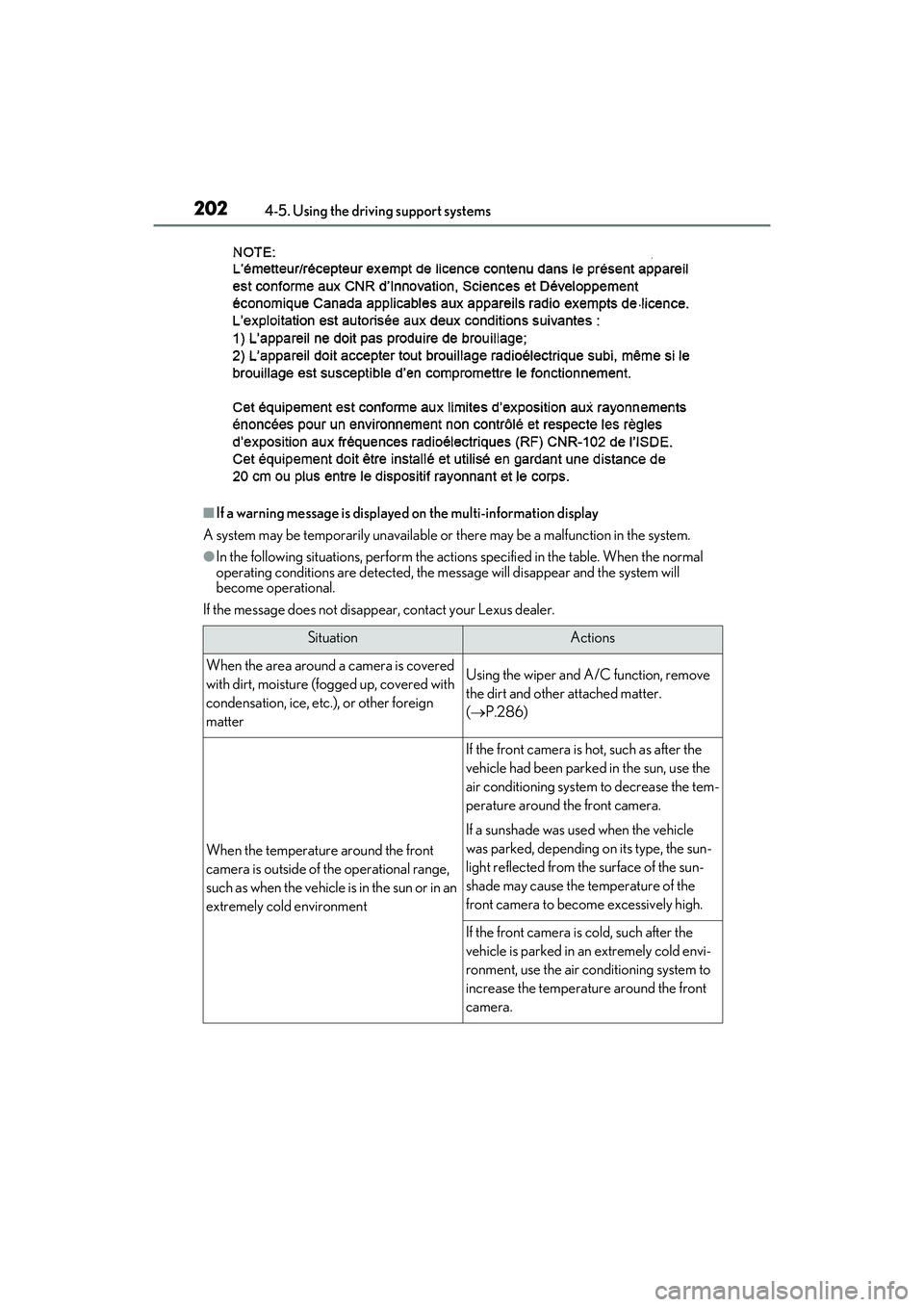
■If a warning message is displayed on the multi-information display
A system may be temporarily unavailable or there may be a malfunction in the system.
●In the following situations, perform the actions specified in the table. When the normal
operating conditions are detected, the message will disappear and the system will
become operational.
If the message does not disappear, contact your Lexus dealer.
SituationActions
When the area around a camera is covered
with dirt, moisture (f ogged up, covered with
condensation, ice, etc. ), or other foreign
matterUsing the wiper and A/C function, remove
the dirt and other attached matter.
( P.286)
When the temperature around the front
camera is outside of the operational range,
such as when the vehicle is in the sun or in an
extremely cold environment
If the front camera is hot, such as after the
vehicle had been parked in the sun, use the
air conditioning system to decrease the tem-
perature around the front camera.
If a sunshade was used when the vehicle
was parked, depending on its type, the sun-
light reflected from the surface of the sun-
shade may cause the temperature of the
front camera to become excessively high.
If the front camera is cold, such after the
vehicle is parked in an extremely cold envi-
ronment, use the air conditioning system to
increase the temperature around the front
camera.
Page 206 of 508
2044-5. Using the driving support systems
The system can detect the following:
Vehicles
Bicyclists
Pedestrians
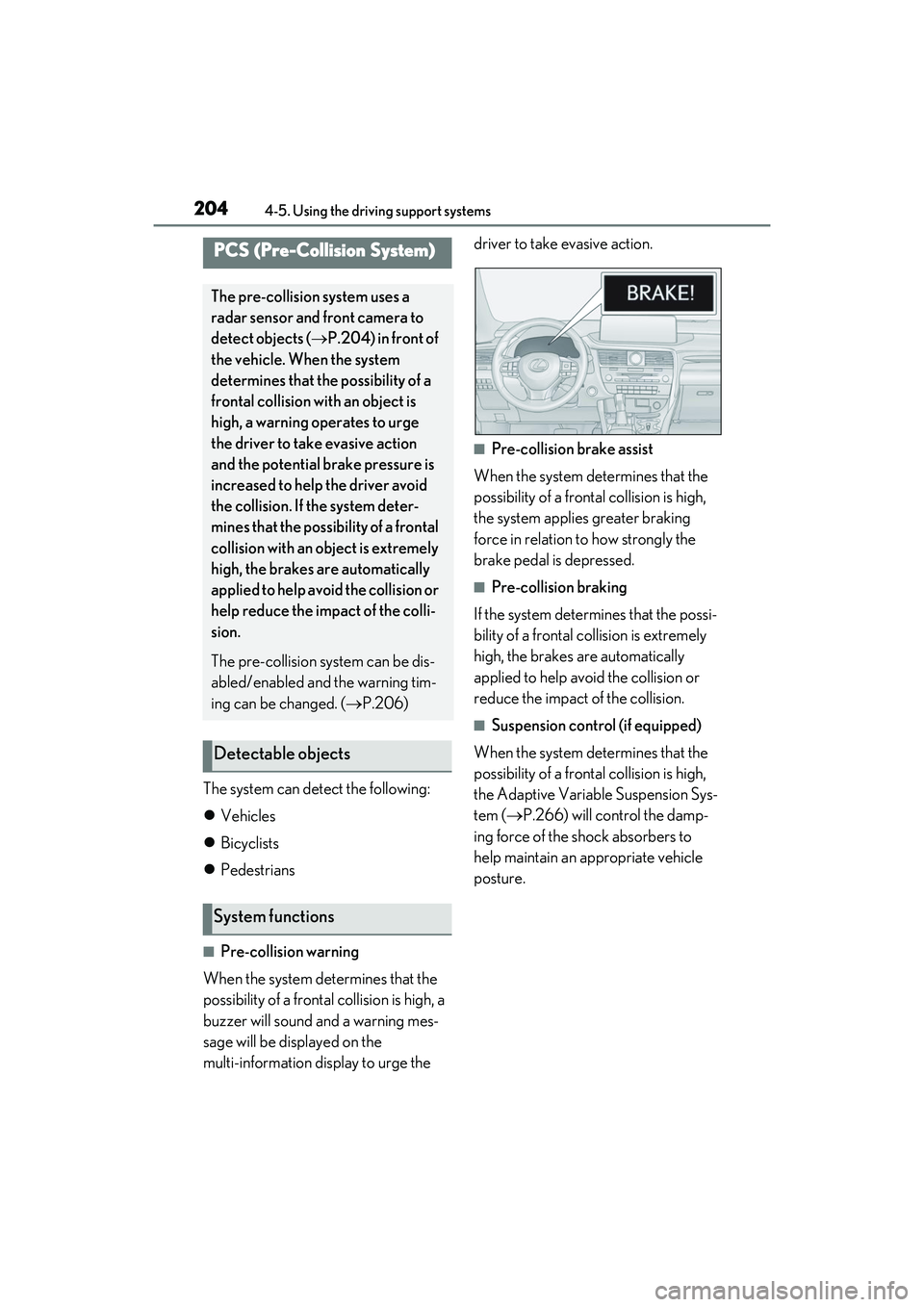
■Pre-collision warning
When the system determines that the
possibility of a frontal collision is high, a
buzzer will sound and a warning mes-
sage will be displayed on the
multi-information display to urge the driver to take evasive action.
■Pre-collision brake assist
When the system determines that the
possibility of a frontal collision is high,
the system applies greater braking
force in relation to how strongly the
brake pedal is depressed.
■Pre-collision braking
If the system determines that the possi-
bility of a frontal collision is extremely
high, the brakes are automatically
applied to help avoid the collision or
reduce the impact of the collision.
■Suspension control (if equipped)
When the system determines that the
possibility of a frontal collision is high,
the Adaptive Variable Suspension Sys-
tem ( P.266) will control the damp-
ing force of the shock absorbers to
help maintain an appropriate vehicle
posture.
PCS (Pre-Collision System)
The pre-collision system uses a
radar sensor and front camera to
detect objects ( P.204) in front of
the vehicle. When the system
determines that the possibility of a
frontal collision with an object is
high, a warning operates to urge
the driver to take evasive action
and the potential brake pressure is
increased to help the driver avoid
the collision. If the system deter-
mines that the possibility of a frontal
collision with an object is extremely
high, the brakes are automatically
applied to help avoid the collision or
help reduce the impact of the colli-
sion.
The pre-collision system can be dis-
abled/enabled and the warning tim-
ing can be changed. ( P.206)
Detectable objects
System functions