Page 262 of 316

9-74
Link UVO Account
You can use various services and convenient management features when linked to the
registered UVO service.0000
A
Subscribe to UVO to check the function.
> See "Subscribing to the service."
Link Bluetooth Devices
You can connect any registered Bluetooth device. > See "Connecting a Bluetooth device."
Configuring the general system settings
(Type1)
You can configure general settings for date, time, language, and the like. You can also check
information of the system.
1 On the All Menus screen, press Setup >
General.
The general settings screen appears.
2 Configure the settings required:
0000
A
Press Menu >
Search for Settings or press and enter a keyword to search for a
setting item. You can also search for a setting item by voice.
SW Info/Update
You can see the versions of system components. You can also update the system to the latest
version.
0000A
For details on how to update the system software: > see "How to Update the Map and
Software for your Infotainment System."
Page 263 of 316
9-75
System Info
You can check the system storage space. You can also use your smartphone to access the
online user's manual of the system, or initialize all system settings to default values.
Storage
You can check the storage space of the system memory where voice memos can be saved.
User's Manual on Web (QR Code)
You can access the online user's manual of the system by scanning the QR code with your
smartphone.
Reset
You can initialize all system settings including general settings and navigation settings.0000
A
You can also initialize all settings of the login profile.
\334\334Caution
\225When initialization is performed, all user data in the system including the location data is
deleted.
\225When phone projection is active, you cannot reset the system settings. To reset the
settings, remove the USB cable from your system.
Page 265 of 316
9-77
GPS Time
After receiving the time from GPS, it sets the system date and time automatically.0000
A
To manually set the date and time, uncheck GPS Time, press the current date and time
below GPS Time, and then set the date and time.
24 Hours
The system time is displayed in the 24-hour format.
Daylight Saving Time
Displays the system time in the format of Daylight Saving Time.
Language
You can set the system display language.
0000
A
Once the language has been changed, it takes a while to apply the new language to the
system. The notification pop-up window appears as soon as the new language is applied
to the system. When you wait a while or press anywhere outside the pop-up window, the
window automatically disappears.
0000
A
When you change the system language, it does not affect the display of other unique
data such as MP3 music file name.
0000
A
Depending on the system language, the Bluetooth phone message view and voice
recognition may not be supported.
Page 267 of 316
9-79
Configuring the general system settings
(Type2)
You can configure general settings for date, time, language, and the like. You can also check
information of the system.
1 On the All Menus screen, press Setup >
General.
The general settings screen appears.
2 Configure the settings required:
0000
A
Press >
Search for Settings or press and enter a keyword to search for a
setting item. You can also search for a setting item by voice.
SW Info/Update
You can see the versions of system components. You can also update the system to the latest
version.
0000A
For details on how to update the system software: > see "How to Update the Map and
Software for your Infotainment System."
System Info
You can check the system storage space. You can also use your smartphone to access the
online user's manual of the system.
Page 268 of 316

9-80
Storage
You can check the storage space of the system memory where voice memos can be saved.
User's Manual on Web (QR Code)
You can access the online user's manual of the system by scanning the QR code with your
smartphone.
My Data
You can import location data from a USB device to the system, or export the data on the
system to a USB device.0000
A
When importing or exporting the location data, you can use only the USB device
formatted in exFAT, FAT16/32 or NTFS.
Import Address Book/Previous Destinations from USB
You can import registered location and destination information, saved on your USB storage
device, to the system.
0000
A
Previous information saved on the system will be deleted.
0000
A
While importing from a navigation system that uses a different coordinate system, the
locations may appear differently.
Export Address Book/Previous Destinations to USB
You can export registered location and destination information, saved on the system, to your
USB storage device.
0000
A
Previous information saved on the USB storage device will be deleted.
Page 269 of 316
9-81
Date/Time
You can set the system date and time automatically or manually. You can also set the time
display mode.
GPS Time
After receiving the time from GPS, it sets the system date and time automatically.0000
A
To manually set the date and time, uncheck GPS Time, press the current date and time
below GPS Time, and then set the date and time.
Time Format
Change the system time display format.
Daylight Saving Time
Displays the system time in the format of Daylight Saving Time.
Page 275 of 316

9-87
Illumination
You can set the system to automatically adjust the display brightness dep\
ending on the
ambient light intensity. You can also set the system to keep the display bright or dark all the
time. You can set to automatically adjust the display brightness depending on t\
he cluster
illumination. You can also set the level of display brightness to use while using the daytime or
night mode.
Mode
\225Automatic: The display brightness is automatically adjusted based on the surrounding
environment.
\225Daylight: It keeps the display always bright regardless of the surrounding environment.
\225Night: It keeps the display always dark regardless of the surrounding environment.
Illumination
\225Link to Cluster Illumination Control: The display brightness is automatically adjusted
based on the cluster illumination.
\225Daylight: You can set the display brightness when Daylight is selected under Mode.
Uncheck
Link to Cluster Illumination Control and then set to the desired brightness.
\225Night: You can set the display brightness when Night is selected under Mode. Uncheck
Link to Cluster Illumination Control and then set to the desired brightness.
0000
A
To reset all screen brightness settings to the default values, press Reset.
Blue Light Filter
Enable blue light filtering to adjust the screen light to reduce the level of eye strain.
Page 280 of 316
9-92
Illumination (if equipped)
\225Link to Cluster Illumination Control: The display brightness is automatically adjusted
based on the cluster illumination.
\225Daylight: You can set the display brightness when Daylight is selected under Mode.
Uncheck
Link to Cluster Illumination Control and then set to the desired brightness.
\225Night: You can set the display brightness when Night is selected under Mode. Uncheck
Link to Cluster Illumination Control and then set to the desired brightness.
0000
A
To reset all screen brightness settings to the default values, press Reset.
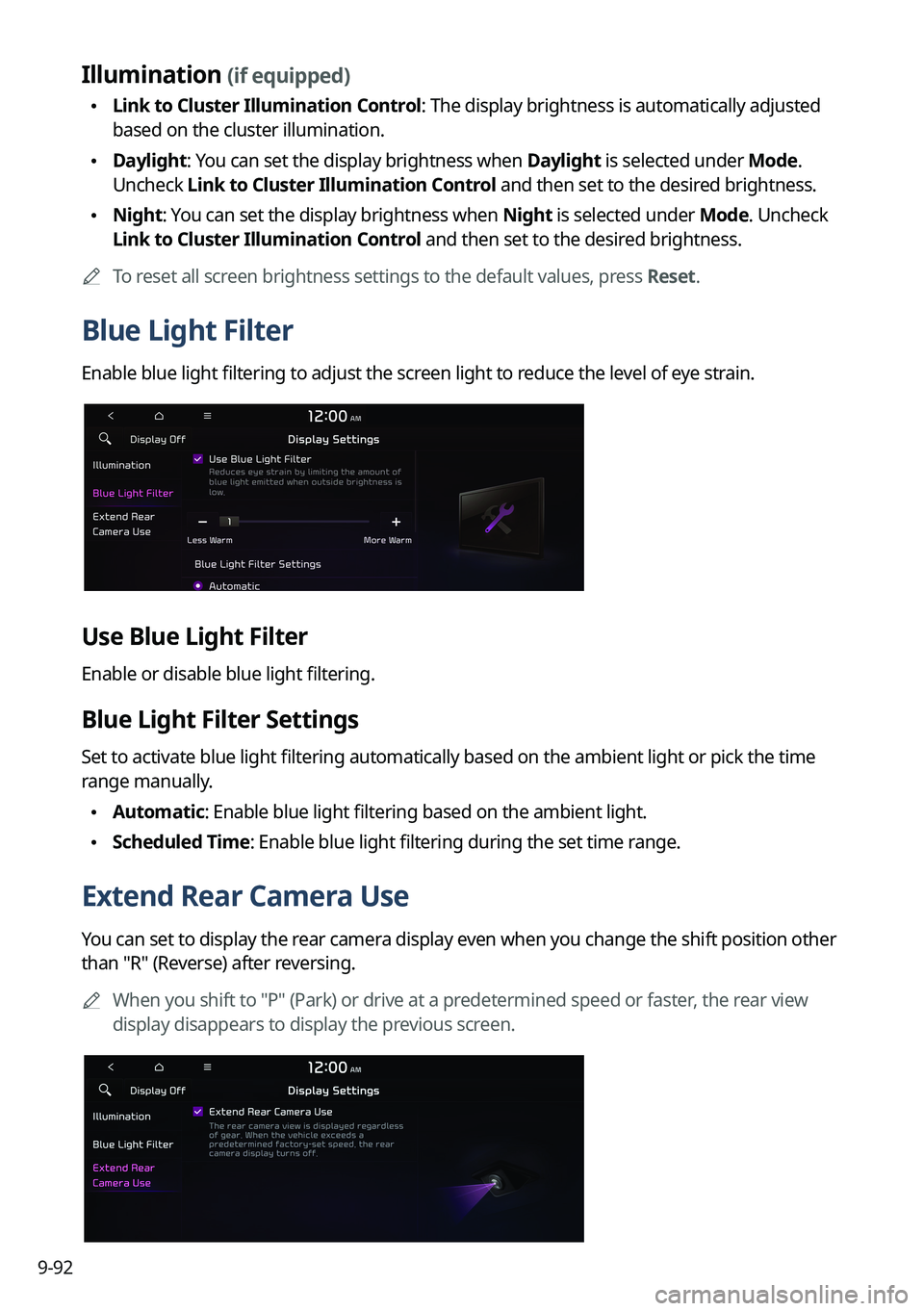
Blue Light Filter
Enable blue light filtering to adjust the screen light to reduce the level of eye strain.
Use Blue Light Filter
Enable or disable blue light filtering.
Blue Light Filter Settings
Set to activate blue light filtering automatically based on the ambient light or pick the time
range manually.
\225Automatic: Enable blue light filtering based on the ambient light.
\225Scheduled Time: Enable blue light filtering during the set time range.
Extend Rear Camera Use
You can set to display the rear camera display even when you change the shift position other
than "R" (Reverse) after reversing.
0000
A
When you shift to "P" (Park) or drive at a predetermined speed or faster, the rear view
display disappears to display the previous screen.


