2022 HYUNDAI SONATA infotainment
[x] Cancel search: infotainmentPage 284 of 546
Convenient Features
5-154
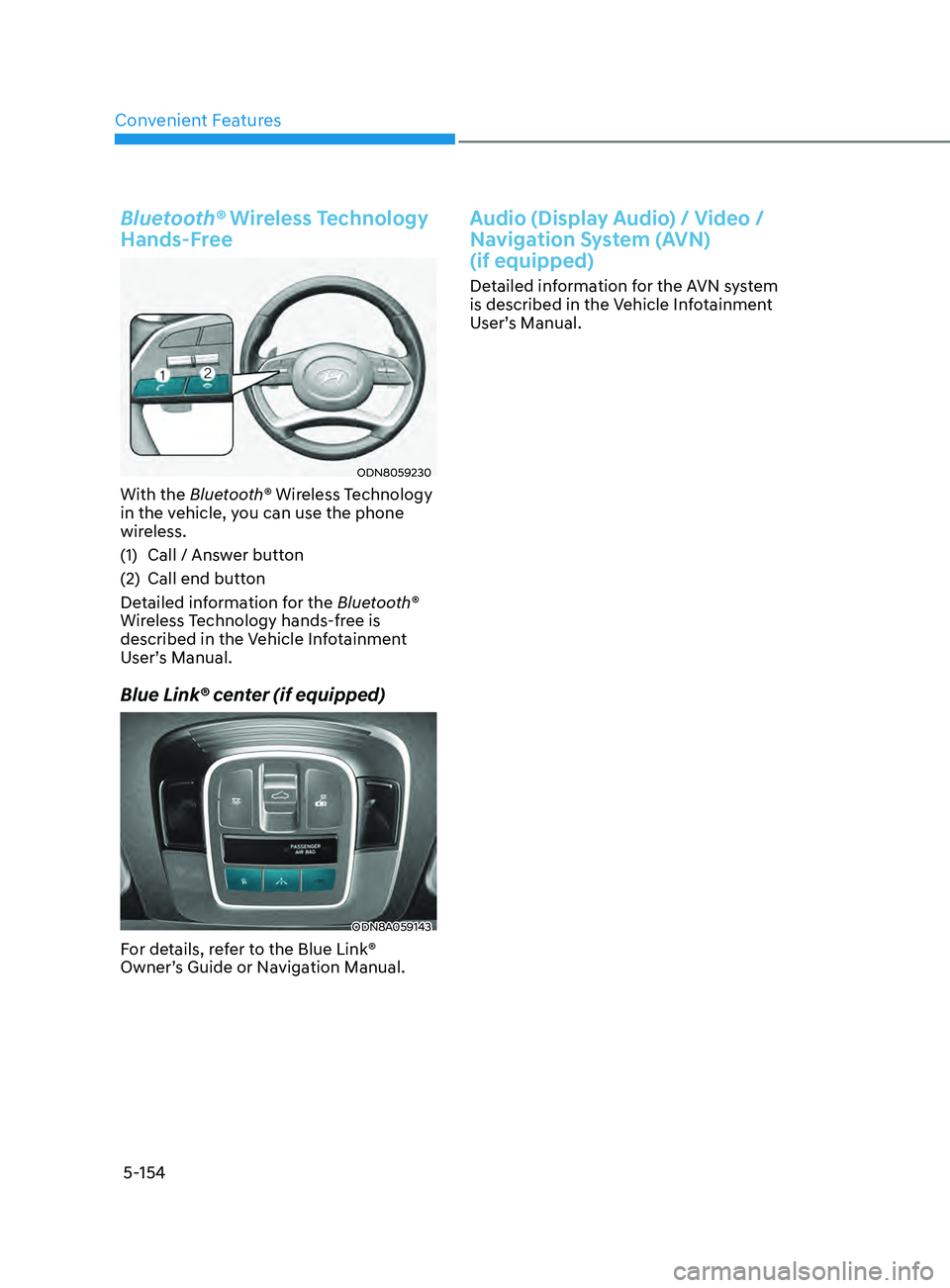
Bluetooth® Wireless Technology
Hands-Free
ODN8059230
With the Bluetooth® Wireless Technology
in the vehicle, you can use the phone
wireless.
(1)
Call / Ans
wer button
(2)
Call end butt
on
Detailed information for the Bluetooth®
Wireless Technology hands-free is
described in the Vehicle Infotainment
User’s Manual.
Blue Link® center (if equipped)
ODN8A059143
For details, refer to the Blue Link®
Owner’s Guide or Navigation Manual.
Audio (Display Audio) / Video /
Navigation System (AVN)
(if equipped)
Detailed information for the AVN system
is described in the Vehicle Infotainment
User’s Manual.
Page 322 of 546
6-38
CUSTOM mode
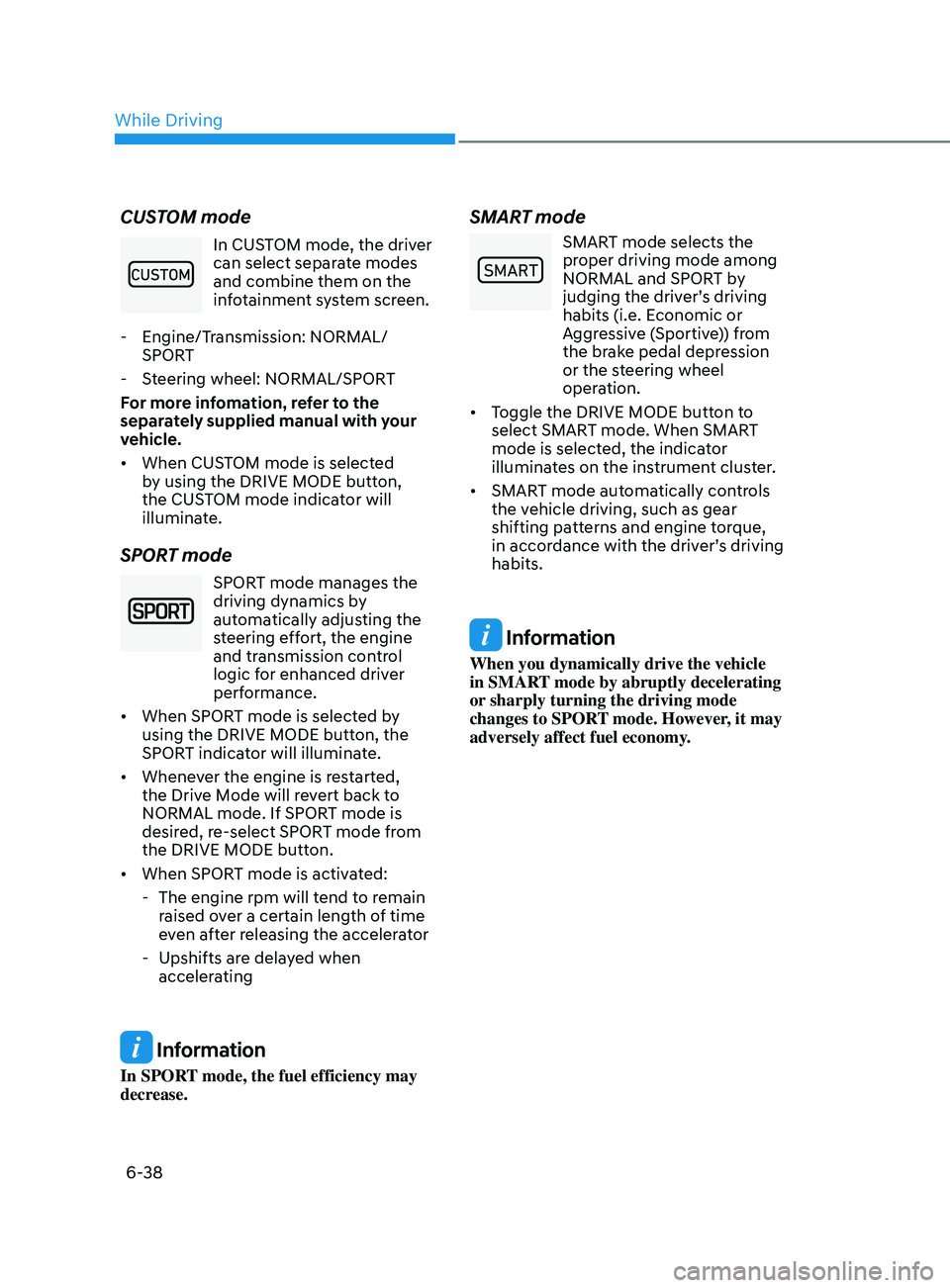
In CUSTOM mode, the driver
can select separate modes
and combine them on the
infotainment system screen.
- E
ngine/Transmission: NORMAL/
SPORT
- S
teering wheel: NORMAL/SPORT
For more infomation, refer to the
separately supplied manual with your
vehicle.
• When CUSTOM mode is selected
by using the DRIVE MODE button,
the CUSTOM mode indicator will
illuminate.
SPORT mode
SPORT mode manages the
driving dynamics by
automatically adjusting the
steering effort, the engine
and transmission control
logic for enhanced driver
performance.
• When SPORT mode is selected by
using the DRIVE MODE button, the
SPORT indicator will illuminate.
• Whenever the engine is restarted,
the Drive Mode will revert back to
NORMAL mode. If SPORT mode is
desired, re-select SPORT mode from
the DRIVE MODE button.
• When SPORT mode is activated:
- The engine rpm will t
end to remain
raised over a certain length of time
even after releasing the accelerator
- Upshifts ar
e delayed when
accelerating
Information
In SPORT mode, the fuel efficiency may
decrease.
SMART mode
00360030002400350037
SMART mode selects the
proper driving mode among
NORMAL and SPORT by
judging the driver’s driving
habits (i.e. Economic or
Aggressive (Sportive)) from
the brake pedal depression
or the steering wheel
operation.
• Toggle the DRIVE MODE button to
select SMART mode. When SMART
mode is selected, the indicator
illuminates on the instrument cluster.
• SMART mode automatically controls
the vehicle driving, such as gear
shifting patterns and engine torque,
in accordance with the driver’s driving
habits.
Information
When you dynamically drive the vehicle
in SMART mode by abruptly decelerating
or sharply turning the driving mode
changes to SPORT mode. However, it may
adversely affect fuel economy.
While Driving
Page 325 of 546
06
6-41
• The warning light illuminates
on the instrument cluster,
when you cancel FCA
system.
The driver can monitor the FCA ON/OFF
status on the LCD display or infotainment
system display (if equipped). Also, the
warning light illuminates when ESC
(Electronic Stability Control) is turned
off. If the warning light remains ON
when FCA is activated, have the vehicle
inspected by an authorized HYUNDAI
dealer.
OTMA058089
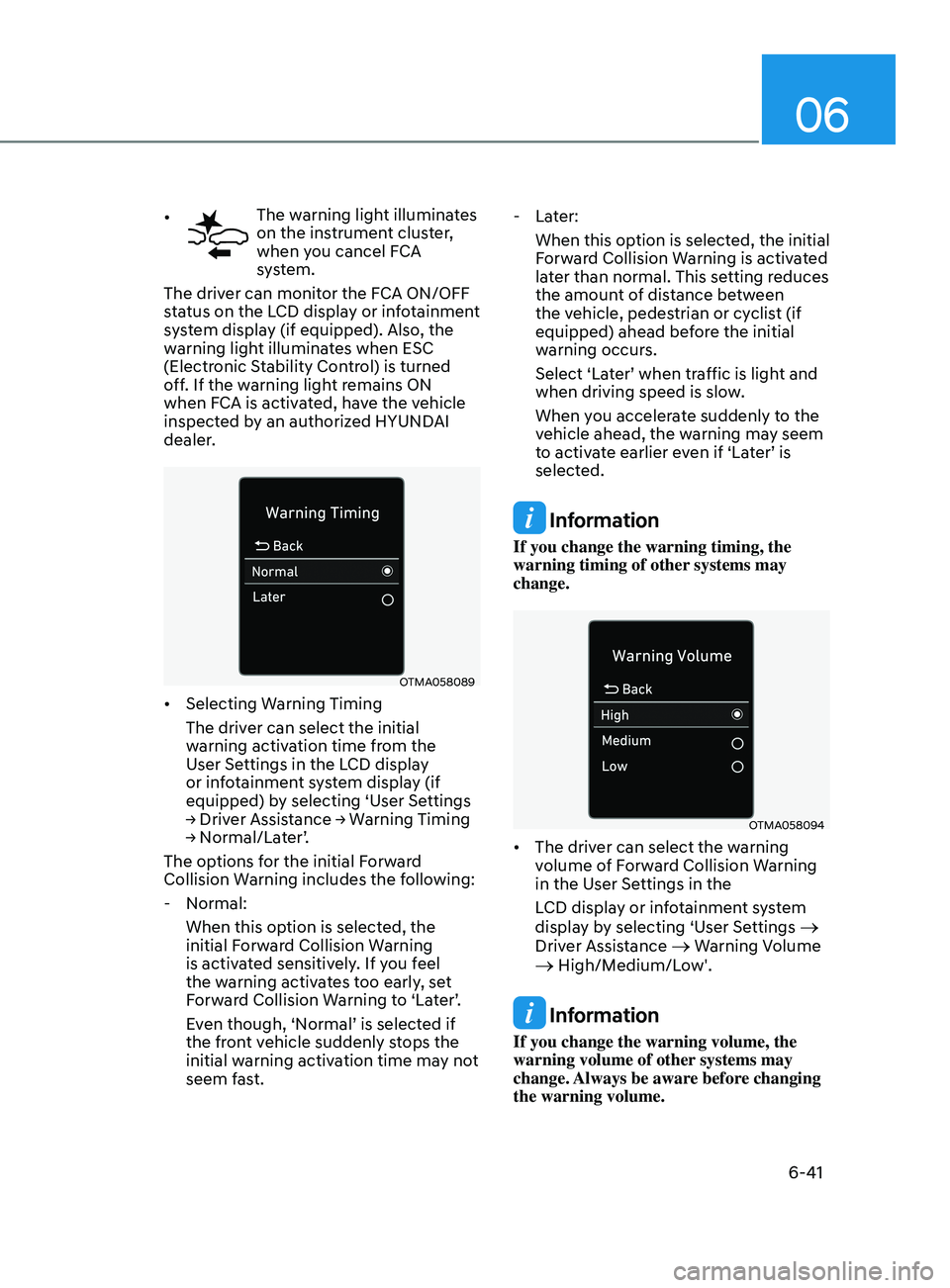
• Selecting Warning Timing
The driver can select the initial
warning activation time from the
User Settings in the LCD display
or infotainment system display (if
equipped) by selecting ‘User Settings
→
Driver Assistance → Warning Timing
→
Normal/Later’.
The options for the initial Forward
Collision Warning includes the following:
- N
ormal:
When this option is selected, the
initial Forward Collision Warning
is activated sensitively. If you feel
the warning activates too early, set
Forward Collision Warning to ‘Later’.
Even though, ‘Normal’ is selected if
the front vehicle suddenly stops the
initial warning activation time may not
seem fast.
- La
ter:
When this option is selected, the initial
Forward Collision Warning is activated
later than normal. This setting reduces
the amount of distance between
the vehicle, pedestrian or cyclist (if
equipped) ahead before the initial
warning occurs.
Select ‘Later’ when traffic is light and
when driving speed is slow.
When you accelerate suddenly to the
vehicle ahead, the warning may seem
to activate earlier even if ‘Later’ is
selected.
Information
If you change the warning timing, the
warning timing of other systems may
change.
OTMA058094
• The driver can select the warning
volume of Forward Collision Warning
in the User Settings in the
LCD display or infotainment system
display by selecting ‘User Settings
→
Driver Assistance → Warning Volume → High/Medium/Low'.
Information
If you change the warning volume, the
warning volume of other systems may
change. Always be aware before changing
the warning volume.
Page 326 of 546
6-42
Prerequisite for activation
FCA gets ready to be activated, when
‘Active Assist’ or ‘Warning Only’ under
Forward Safety is selected in the cluster
LCD display, and when the following
prerequisites are satisfied.
-ESC (Electr
onic Stability Control) is on.
- Vehicle speed is over 6 mph (10 km/h ).
(FCA is only activated within a certain
speed range.)
- The s
ystem detects a pedestrian,
cyclist or a vehicle in front, which may
collide with your vehicle. However,
FCA may not be activated or may only
sound a warning alarm depending on
the driving or vehicle conditions.
FCA may not operate properly according
to the frontal situation, condition of the
vehicle, the direction of pedestrian or
cyclist or speed. If you select "Warning
Only", only warnings occur.
WARNING
To avoid driver distractions, do not
attempt to set or cancel FCA while
driving the vehicle. Always completely
stop the vehicle at a safe place before
setting or canceling the system.
FCA automatically activates upon
placing the ignition switch to the ON
position. The driver can deactivate FCA
by canceling the system setting on the
cluster LCD display or infotainment
system display (if equipped).
FCA automatically deactivates upon
canceling ESC (Electronic Stability
Control). When ESC is canceled, FCA
cannot be activated in the LCD display
or infotainment system display (if
equipped). In this situation, the FCA
warning light will illuminate which is
normal.
FCA Warning Message and Brake
Control
FCA produces warning messages,
warning alarms, and emergency braking
based on the level of risk of a frontal
collision, such as when a vehicle ahead
suddenly brakes, or the system detects
that a collision with a pedestrian or
cyclist is imminent.
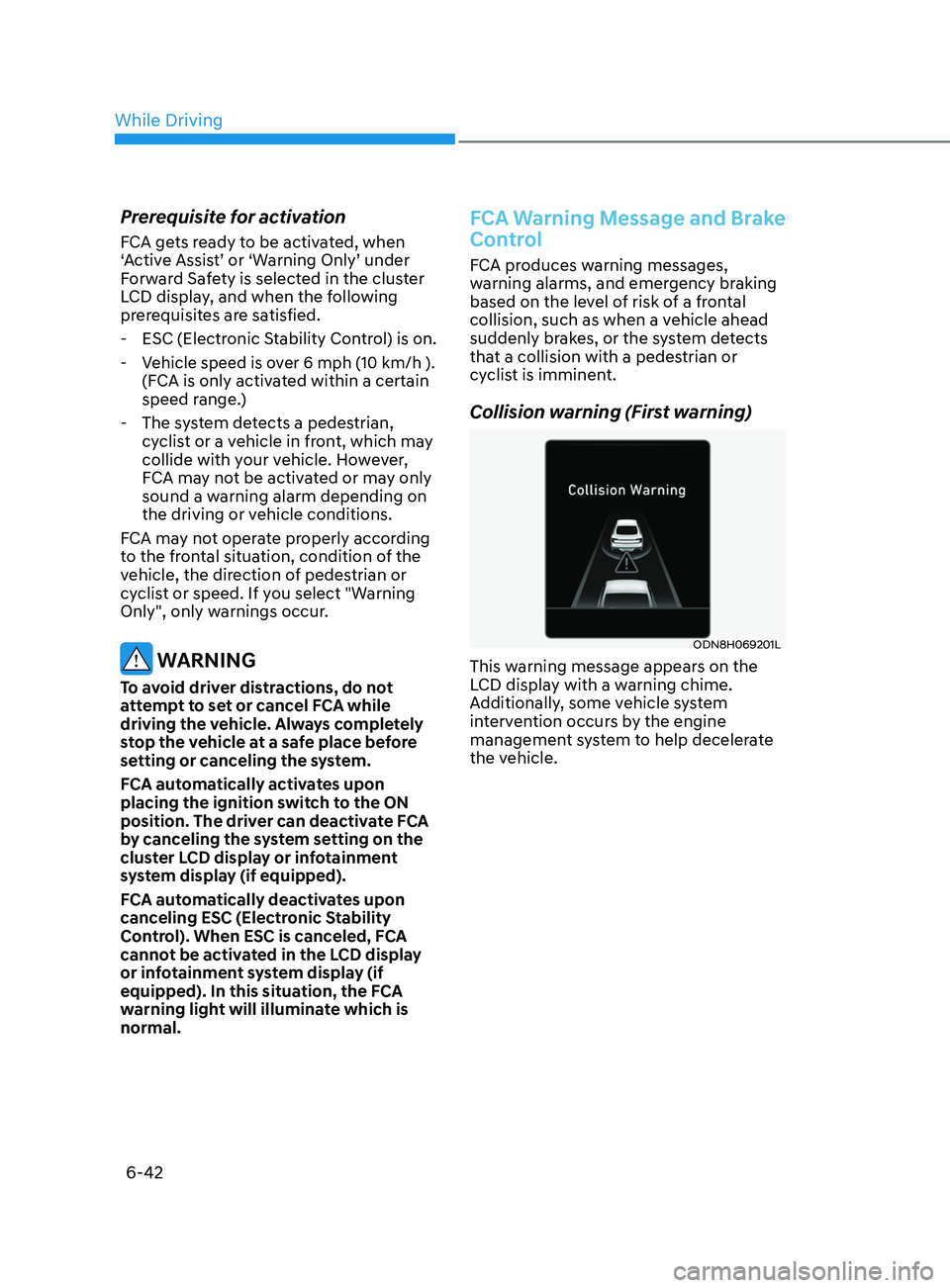
Collision warning (First warning)
ODN8H069201L
This warning message appears on the
LCD display with a warning chime.
Additionally, some vehicle system
intervention occurs by the engine
management system to help decelerate
the vehicle.
While Driving
Page 338 of 546
6-54
• The pedestrian or cyclist is not fully
detected by the camera recognition
system, for example, if the pedestrian
is leaning over or is not fully walking
upright
• The pedestrian or cyclist is moving
very quickly or appears abruptly in the
camera detection area
• The pedestrian or cyclist is wearing
clothing that easily blends into the
background, making it difficult to be
detected by the camera recognition
system
• The outside lighting is too bright (e.g.
when driving in bright sunlight or
in sun glare) or too dark (e.g. when
driving on a dark rural road at night)
• It is difficult to detect and distinguish
the pedestrian or cyclist from other
objects in the surroundings, for
example, when there is a group of
pedestrians, cyclists or a large crowd
• There is an item similar to a person’s
body structure
• The pedestrian or cyclist is small
• The pedestrian has impaired mobility
• The sensor recognition is limited •
The radar sensor or camera is blocked
with a foreign object or debris
• Inclement weather such as heavy rain
or snow obscures the field of view of
the radar sensor or camera
• When light coming from a street light
or an oncoming vehicle is reflected on
a wet road surface such as a puddle in
the road
• The field of view in front is obstructed
by sun glare
• The windshield glass is fogged up; a
clear view of the road is obstructed
• The adverse road conditions cause
excessive vehicle vibrations while
driving
• The sensor recognition changes
suddenly when passing over a speed
bump
• You are on a roundabout
• The pedestrian or cyclist suddenly
interrupts in front of the vehicle
• The cyclist in front is riding intersected
with the driving direction
• There is any other electromagnetic
interference
• The construction area, rail or other
metal object is near the cyclist
• The bicycle material is not reflected
well on the radar
WARNING
Turn off Forward Collision avoidance
Assist system through cluster or
infotainment system before towing
a vehicle. Application of FCA system
while towing may adversely affect the
safety of your vehicle or the towing
vehicle.
Use extreme caution when the vehicle
in front of you has cargo that extends
rearward from the cab, or when the
vehicle in front of you has higher
ground clearance.
While Driving
Page 340 of 546
6-56
Prerequisite for activation
FCA system is on and ready if you select
“Active assist” or “Warning only” on
the infotainment system and when the
following prerequisites are satisfied:
- The s
ystem detects a oncoming
vehicle in front, which may collide
with your vehicle. It may be activated
when the system recognise the
collision risk at a junction in each
situation.
- The ESC (Electr
onic Stability Control)
is on.
- The v
ehicle speed moving toward
your vehicle exceeds approximately 19
mph (30 km/h) or decreases under 44
mph (70 km/h).
- Driving speed e
xceeds approximately
6 mph (10 km/h) or decreases under
19 mph (30 km/h)
- Dir
ection signals turn on.
CAUTION
• FCA system may not work or only
some part of the warning system may
perform according to the condition,
driving direction or speed of the
vehicle moving toward your vehicle.
• If you select “Warning only”, FCA
system activates and produces only
warning alarms.
WARNING
• FCA system may not produce the
warning alarm or be activated too
late due to the unexpected driving
caused by the approaching vehicles.
• While turning left, only when the turn
signal is on along with the driving
direction, FCA system is activated
toward the approaching vehicles.
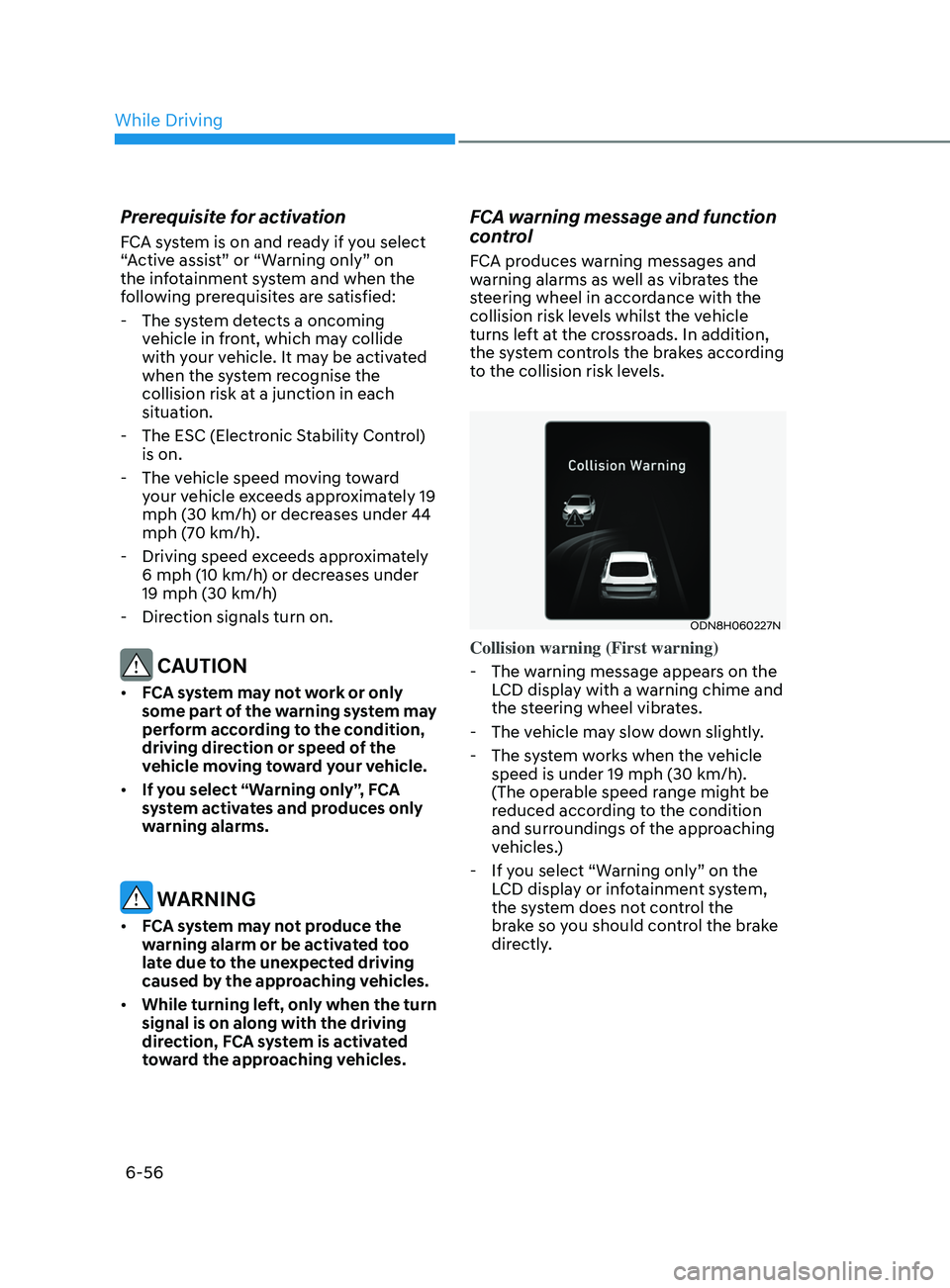
FCA warning message and function
control
FCA produces warning messages and
warning alarms as well as vibrates the
steering wheel in accordance with the
collision risk levels whilst the vehicle
turns left at the crossroads. In addition,
the system controls the brakes according
to the collision risk levels.
ODN8H060227N
Collision warning (First warning)
- The w
arning message appears on the
LCD display with a warning chime and
the steering wheel vibrates.
- The v
ehicle may slow down slightly.
- The s
ystem works when the vehicle
speed is under 19 mph (30 km/h).
(The operable speed range might be
reduced according to the condition
and surroundings of the approaching
vehicles.)
- If y
ou select “Warning only” on the
LCD display or infotainment system,
the system does not control the
brake so you should control the brake
directly.
While Driving
Page 341 of 546
06
6-57
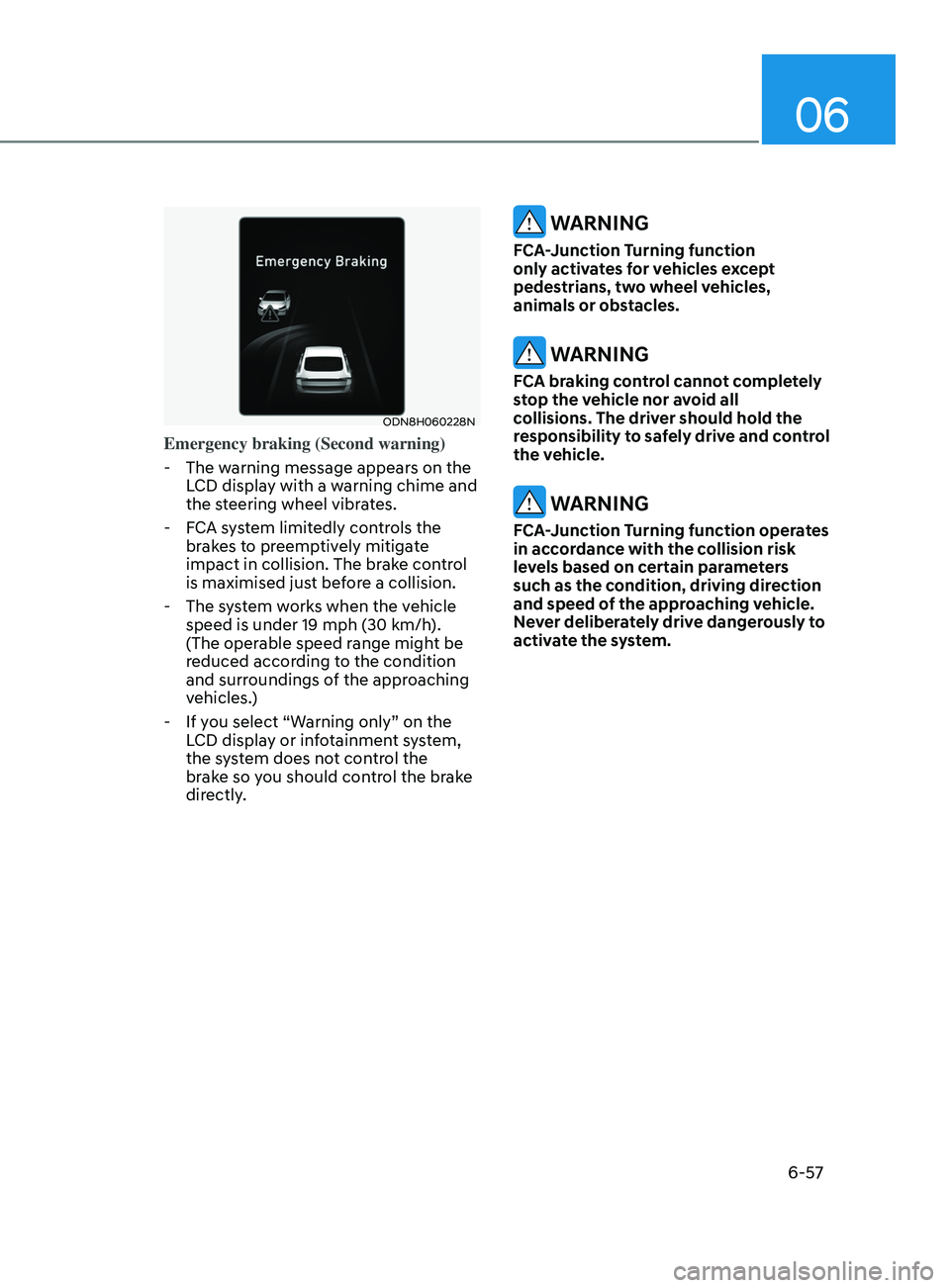
ODN8H060228N
Emergency braking (Second warning)
- The w
arning message appears on the
LCD display with a warning chime and
the steering wheel vibrates.
- F
CA system limitedly controls the
brakes to preemptively mitigate
impact in collision. The brake control
is maximised just before a collision.
- The s
ystem works when the vehicle
speed is under 19 mph (30 km/h).
(The operable speed range might be
reduced according to the condition
and surroundings of the approaching
vehicles.)
- If y
ou select “Warning only” on the
LCD display or infotainment system,
the system does not control the
brake so you should control the brake
directly.
WARNING
FCA-Junction Turning function
only activates for vehicles except
pedestrians, two wheel vehicles,
animals or obstacles.
WARNING
FCA braking control cannot completely
stop the vehicle nor avoid all
collisions. The driver should hold the
responsibility to safely drive and control
the vehicle.
WARNING
FCA-Junction Turning function operates
in accordance with the collision risk
levels based on certain parameters
such as the condition, driving direction
and speed of the approaching vehicle.
Never deliberately drive dangerously to
activate the system.
Page 345 of 546

06
6-61
LKA Operation
ODN8069059
To activate/deactivate LKA system:
With the ignition switch in the ON
position, press LKA system button
located on the instrument panel on the
left hand side of the steering wheel.
The
indicator in the cluster
display will initially illuminate white. This
indicates LKA system is in the READY but
NOT ENABLED state.
Note that the vehicle speed
must be at least approximately
40 mph (64 km/h) to ENABLE
LKA system. The indicator in the
cluster display will illuminate
green.
- Whit
e: Sensor does not detect lane
markers or vehicle speed is under 40
mph (64 km/h).
- Gr
een: Sensor detects lane markers
and the system is able to control
vehicle steering.
Information
If the indicator (white) is activated from
the previous ignition cycle, the system will
turn ON without any additional control.
If you press the LKA button again, the
indicator on the cluster goes off.
LKA System Function Change
The driver can change LKA to
Lane Departure Warning or Lane
Keeping Assist from the LCD display
or infotainment system display(if
equipped).
Go to the ‘User Settings →
Driv
er Assistance → Lane Safety → Lane
K
eeping Assist/Lane Departure Warning/
Off'. The system is automatically set to
Lane Keeping Assist if a function is not
changed.
Lane Keeping Assist
The LKA mode guides the driver to help
keep the vehicle within the lanes. It
rarely controls the steering wheel, when
the vehicle drives well inside the lanes.
However, it starts to control the steering
wheel, when the vehicle is about to
deviate out of the lanes.
Lane Departure Warning
LDW alerts the driver with a visual
warning and a warning alarm when the
system detects the vehicle departing
the lane. The steering wheel will not be
controlled.
LKA system operation
ODN8H069060
To see LKA screen on the LCD display in
the cluster, select Driving Assist mode
(
). For more information, refer to “LCD
Display Modes” section in chapter 4.