2022 HYUNDAI IONIQ ELECTRIC ignition
[x] Cancel search: ignitionPage 373 of 546
5-83
Driving your vehicle
5
Driver Attention Warning system dis-
plays the level of the driver’s fatigue
and inattention, considering the driv-
ing pattern, etc.
System setting and operation
System setting
The Driver Attention Warning canbe activated from the Users Settings mode in the cluster LCD
display by following the procedure
below.
1. Set the ignition switch to the ON position.
2. Select 'User Settings Driver
Assistance Driver Attention
Warning' in the cluster LCD dis-
play. Deselect the setting to turnoff the system.
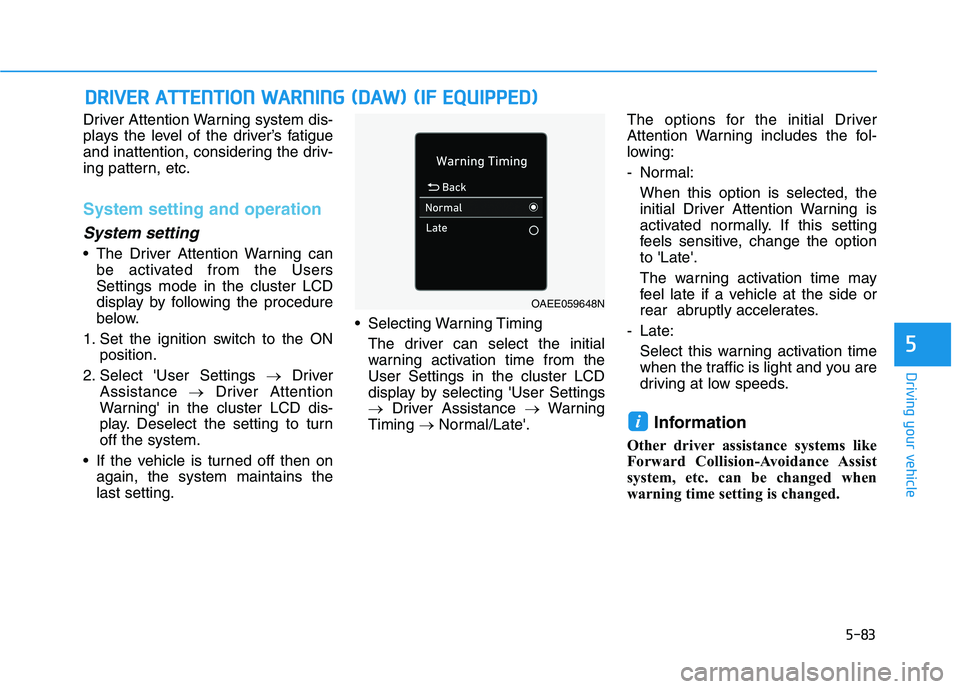
If the vehicle is turned off then on again, the system maintains thelast setting. Selecting Warning Timing
The driver can select the initialwarning activation time from theUser Settings in the cluster LCD
display by selecting 'User Settings
Driver Assistance Warning
Timing Normal/Late'. The options for the initial Driver
Attention Warning includes the fol-
lowing:
- Normal:
When this option is selected, the
initial Driver Attention Warning is
activated normally. If this setting
feels sensitive, change the optionto 'Late'.
The warning activation time may
feel late if a vehicle at the side or
rear abruptly accelerates.
- Late: Select this warning activation time
when the traffic is light and you are
driving at low speeds.
Information
Other driver assistance systems like
Forward Collision-Avoidance Assist
system, etc. can be changed when
warning time setting is changed.
i
DD RRIIVV EERR AA TTTT EENN TTIIOO NN WW AARRNN IINN GG (( DD AA WW )) (( IIFF EE QQ UUIIPP PPEEDD ))
OAEE059648N
Page 379 of 546
5-89
Driving your vehicle
5
Leading Vehicle Departure
Alert (if equipped)
Leading Vehicle Departure Alert
function provides whether the lead-
ing vehicle an alert on while at a
stop.
Function setting and operatingconditions
System setting
Selecting Driver Attention Warning system
The Leading Vehicle Departure
Alert can be activated from UsersSettings mode in the cluster LCD
display by following the procedure
below.
1. Set the ignition switch to the ON position.
2. Select 'User Settings Driving
Assistance Driver Attention
Warning Leading Vehicle
Departure Alert' in cluster LCD
display. Deselect the setting to
turn off the system.
If the vehicle is turned off then on again, the system maintains thelast setting.
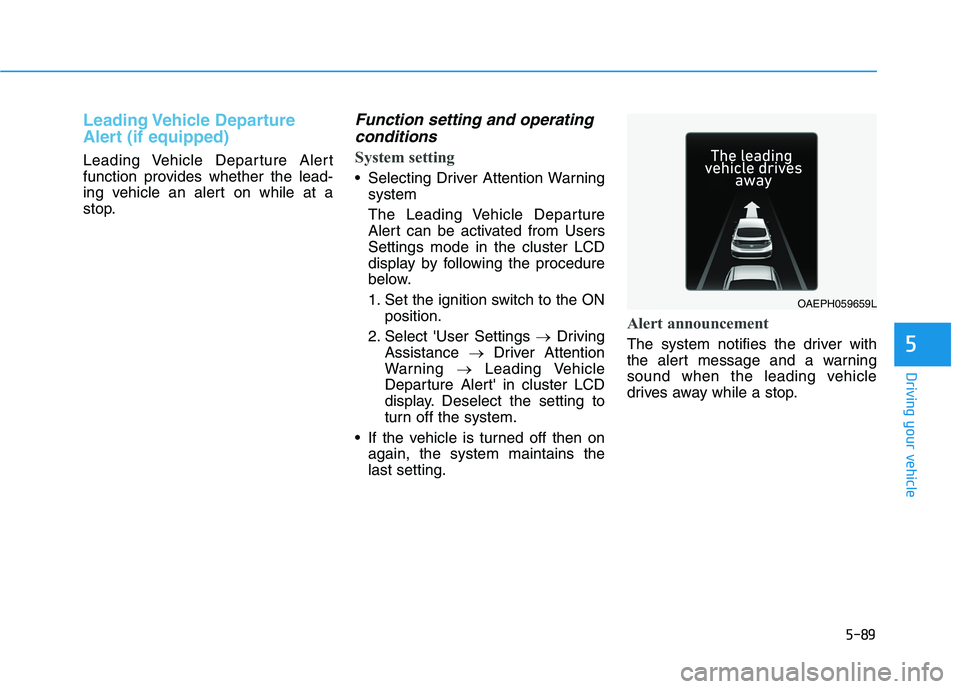
Alert announcement
The system notifies the driver with
the alert message and a warning
sound when the leading vehicle
drives away while a stop.
OAEPH059659L
Page 402 of 546
5-112
Driving your vehicle
LFA operation
System setting
With the ignition switch is in the ONposition, Lane Following Assist can
be activated by selecting 'UserSettings Driver Assistance
Driving Assist Lane Following
Assist' in the cluster LCD display.
Deselect the setting to turn off thesystem.
If the vehicle is turned off then on again, the system maintains thelast setting.
Operating conditions
Select 'Lane Following Assist' fromthe User settings mode in the cluster
LCD display and meet the following
conditions for the system to operate.
- Smart Cruise Control is operating
- Vehicle speed is below 180 km/h(110 mph)
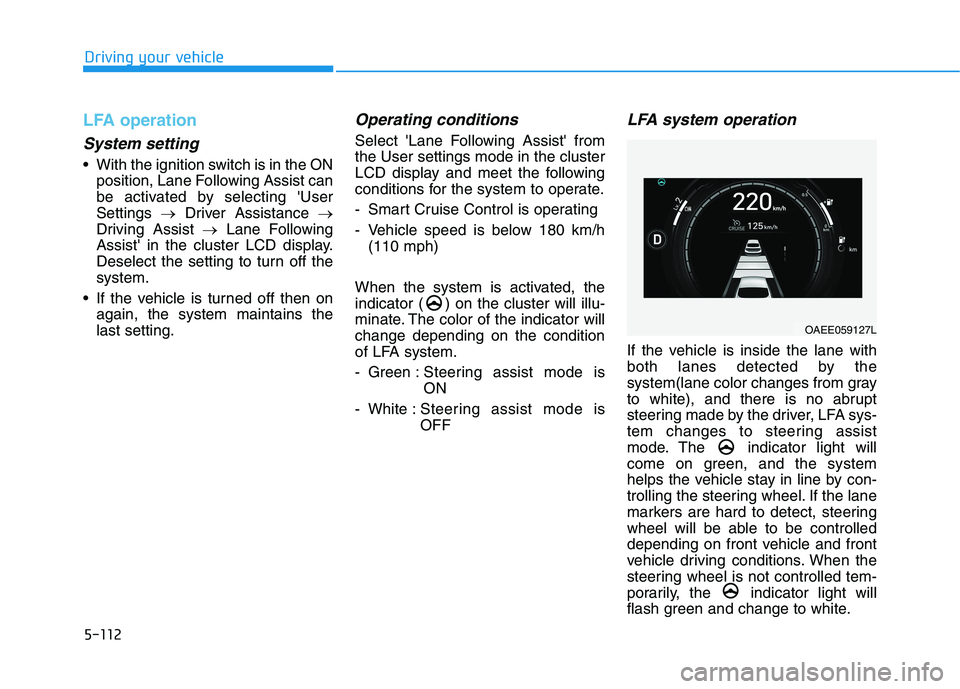
When the system is activated, the
indicator ( ) on the cluster will illu-
minate. The color of the indicator willchange depending on the condition
of LFA system.
- Green : Steering assist mode is
ON
- White : Steering assist mode is OFF
LFA system operation
If the vehicle is inside the lane with
both lanes detected by the
system(lane color changes from gray
to white), and there is no abrupt
steering made by the driver, LFA sys-
tem changes to steering assist
mode. The indicator light will
come on green, and the system
helps the vehicle stay in line by con-
trolling the steering wheel. If the lane
markers are hard to detect, steering
wheel will be able to be controlled
depending on front vehicle and front
vehicle driving conditions. When the
steering wheel is not controlled tem-
porarily, the indicator light will
flash green and change to white.
OAEE059127L
Page 414 of 546
5-124
Driving your vehicle
System description
Rear Cross-Traffic Collision Warning
system uses radar sensors to moni-
tor the approaching cross traffic from
the left and right side of the vehicle
when your vehicle is in reverse.
The blind spot detection range varies
relative to the approaching vehiclespeed.
System setting and operation
System setting
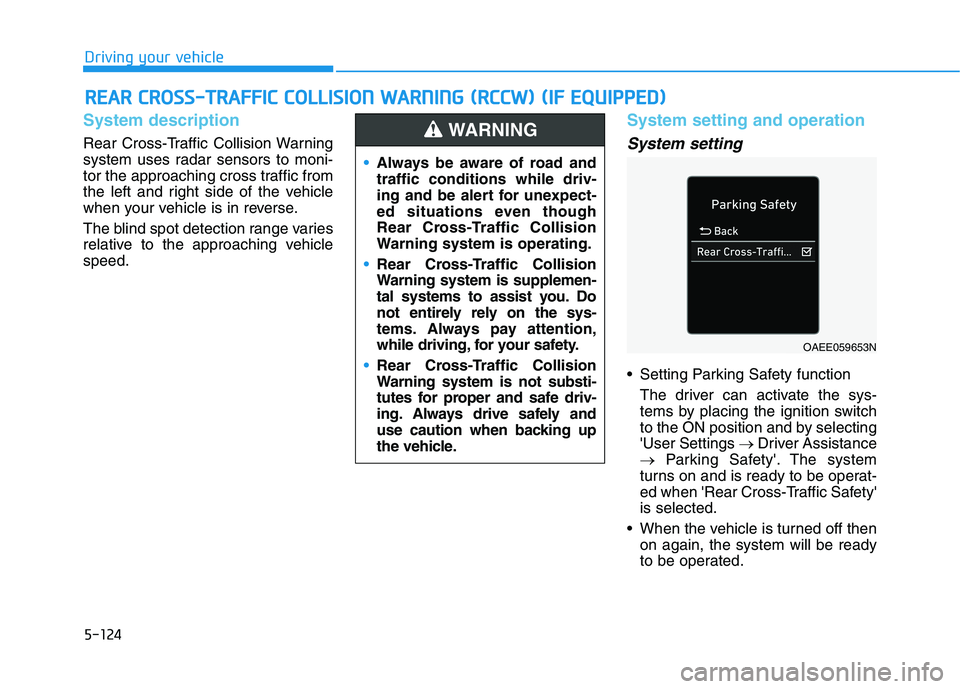
Setting Parking Safety functionThe driver can activate the sys-
tems by placing the ignition switch
to the ON position and by selecting'User Settings Driver Assistance
Parking Safety'. The system
turns on and is ready to be operat-
ed when 'Rear Cross-Traffic Safety'is selected.
When the vehicle is turned off then on again, the system will be ready
to be operated.
RREEAA RR CC RR OO SSSS --TT RR AA FFFF IICC CC OO LLLLIISS IIOO NN WW AARRNN IINN GG (( RR CCCC WW )) (( IIFF EE QQ UUIIPP PPEEDD ))
Always be aware of road and traffic conditions while driv-
ing and be alert for unexpect-
ed situations even though
Rear Cross-Traffic Collision
Warning system is operating.
Rear Cross-Traffic Collision
Warning system is supplemen-
tal systems to assist you. Do
not entirely rely on the sys-
tems. Always pay attention,
while driving, for your safety.
Rear Cross-Traffic Collision
Warning system is not substi-
tutes for proper and safe driv-
ing. Always drive safely and
use caution when backing up
the vehicle.
WARNING
OAEE059653N
Page 439 of 546
6-4
What to do in an emergency
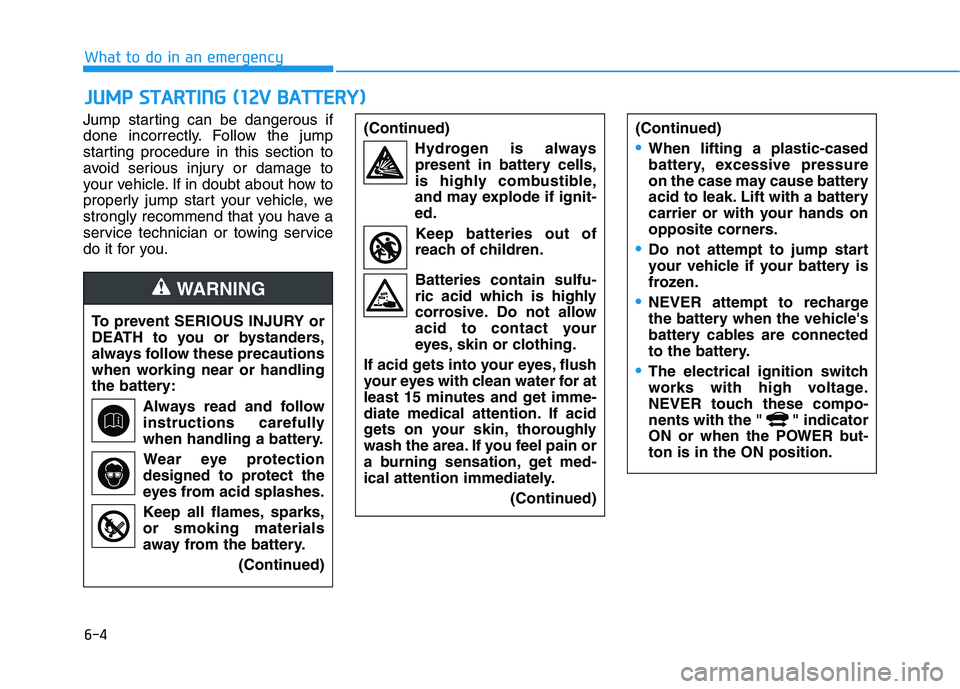
Jump starting can be dangerous if
done incorrectly. Follow the jump
starting procedure in this section to
avoid serious injury or damage to
your vehicle. If in doubt about how to
properly jump start your vehicle, we
strongly recommend that you have a
service technician or towing service
do it for you.
JJUU MM PP SS TT AA RRTTIINN GG (( 11 22 VV BB AA TTTT EERR YY ))
To prevent SERIOUS INJURY or
DEATH to you or bystanders,
always follow these precautions
when working near or handling
the battery:
Always read and follow
instructions carefully
when handling a battery.Wear eye protection
designed to protect the
eyes from acid splashes.
Keep all flames, sparks, or smoking materials
away from the battery.
(Continued)
WARNING
(Continued)Hydrogen is alwayspresent in battery cells,
is highly combustible,
and may explode if ignit-ed.
Keep batteries out of
reach of children. Batteries contain sulfu-
ric acid which is highly
corrosive. Do not allow
acid to contact your
eyes, skin or clothing.
If acid gets into your eyes, flush
your eyes with clean water for at
least 15 minutes and get imme-
diate medical attention. If acid
gets on your skin, thoroughly
wash the area. If you feel pain or
a burning sensation, get med-
ical attention immediately. (Continued)(Continued)
•When lifting a plastic-cased
battery, excessive pressure
on the case may cause battery
acid to leak. Lift with a battery
carrier or with your hands on
opposite corners.
Do not attempt to jump start
your vehicle if your battery is
frozen.
NEVER attempt to recharge
the battery when the vehicle's
battery cables are connected
to the battery.
The electrical ignition switch
works with high voltage.
NEVER touch these compo-
nents with the " " indicator
ON or when the POWER but-ton is in the ON position.
Page 479 of 546
7-20
Maintenance1
1 22VV BB AA TTTTEERR YY
When you do not use the vehicle
for a long time in a low tempera-
ture area, disconnect the battery
and keep it indoors.
Always charge the battery fully to prevent battery case damage
in low temperature areas.
NOTICE
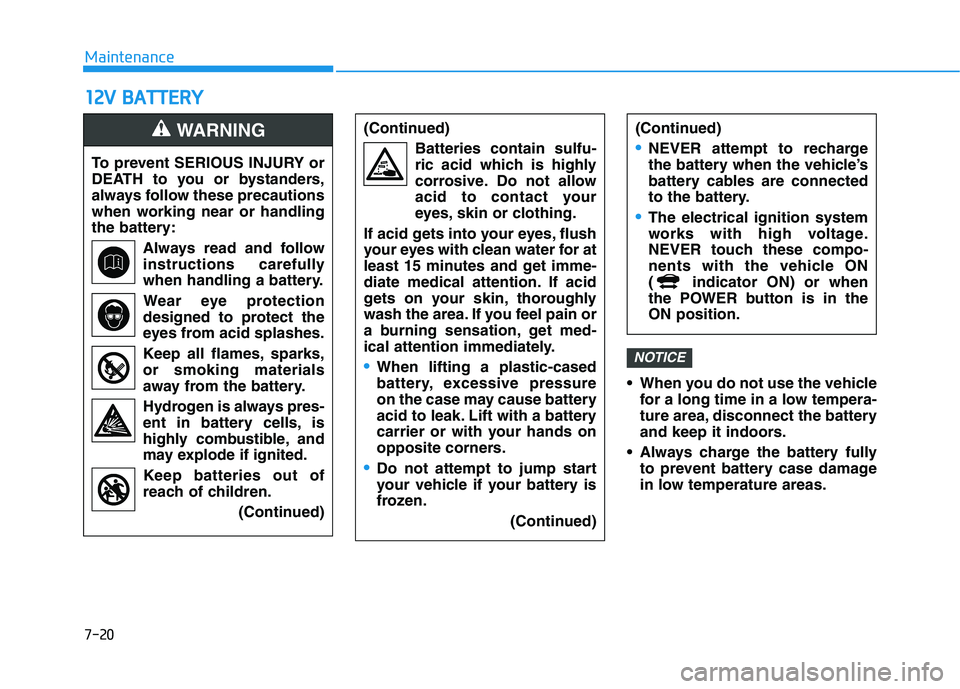
To prevent SERIOUS INJURY or
DEATH to you or bystanders,
always follow these precautions
when working near or handling
the battery:
Always read and follow
instructions carefully
when handling a battery.Wear eye protection
designed to protect the
eyes from acid splashes.
Keep all flames, sparks, or smoking materials
away from the battery.
Hydrogen is always pres- ent in battery cells, is
highly combustible, and
may explode if ignited.
Keep batteries out of
reach of children.
(Continued)
WARNING (Continued)Batteries contain sulfu-
ric acid which is highly
corrosive. Do not allow
acid to contact your
eyes, skin or clothing.
If acid gets into your eyes, flush
your eyes with clean water for at
least 15 minutes and get imme-
diate medical attention. If acid
gets on your skin, thoroughly
wash the area. If you feel pain or
a burning sensation, get med-
ical attention immediately.
When lifting a plastic-cased
battery, excessive pressure
on the case may cause battery
acid to leak. Lift with a battery
carrier or with your hands on
opposite corners.
Do not attempt to jump start
your vehicle if your battery is
frozen.
(Continued)
(Continued)
NEVER attempt to recharge
the battery when the vehicle’s
battery cables are connected
to the battery.
The electrical ignition system
works with high voltage.
NEVER touch these compo-
nents with the vehicle ON
( indicator ON) or when
the POWER button is in theON position.