2022 FORD ESCAPE wipers
[x] Cancel search: wipersPage 101 of 585

HEADLAMPS –
TROUBLESHOOTING
HEADLAMPS – FREQUENTLY
ASKED QUESTIONS
Why is there condensation in the
headlamps?Headlamps have vents to
accommodate normal changes in air
pressure. Condensation can be a
natural by-product of this design.
When moist air enters the lamp
assembly through the vents, there is a
possibility that condensation can
occur when the temperature is cold.
When normal condensation occurs, a
fine mist can form on the interior of the
lens. The fine mist eventually clears
and exits through the vents during
normal operation.
How much condensation is
acceptable? The presence of a fine mist, for
example no streaks, drip marks or
large droplets. A fine mist covers less
than 50% of the lens.
How long may it take for the
acceptable condensation to be
cleared? Clearing time may take as long as 48
hours under dry weather conditions.
How much condensation is
unacceptable? A water puddle inside the lamp.
Streaks, drip marks or large droplets
present on the interior of the lens.
What should I do if unacceptable
condensation is present? Have your vehicle checked as soon as
possible. Why do my headlamps turn off when I
have them switched on when I switch
my vehicle off?
The battery saver turns the headlamps
off after a short period of time after
you switch your vehicle off.AUTOLAMPS
WHAT ARE AUTOLAMPS
WARNING: The system does not
relieve you of your responsibility to drive
with due care and attention. You may
need to override the system if it does not
turn the headlamps on in low visibility
conditions, for example daytime fog.
Autolamps turn the headlamps on in low
light situations or when the windshield
wipers operate.
AUTOLAMP SETTINGS
1. Press Settings on the touchscreen.
2. Press Vehicle Settings .
3. Press Lighting.
4. Press Autolamp Delay.
5. Press a setting.
98
Exterior Lighting
Page 359 of 585

Note:If you intend on parking your vehicle
for an extended period after cleaning the
wheels with a wheel cleaner, drive your
vehicle for a few minutes before doing so to
reduce the risk of increased corrosion of the
brake discs, brake pads and linings.
Tires
• Maintain recommended air pressure.
Note: If you intend on parking your vehicle
for an extended period after cleaning the
wheels with a wheel cleaner, drive your
vehicle for a few minutes before doing so.
This reduces the risk of corrosion of the
brake discs, brake pads and linings.
REMOVING YOUR VEHICLE
FROM STORAGE
When your vehicle is ready to come out of
storage, do the following:
• We recommend that you change the engine oil before you use your vehicle
again.
• Wash your vehicle to remove any dirt or grease film build-up on window
surfaces.
• Check windshield wipers for any deterioration.
• Check under the hood for any foreign material that may have collected
during storage such as mice or squirrel
nests.
• Check the exhaust for any foreign material that may have collected
during storage.
• Check tire pressures and set tire inflation per the Tire Label.
• Check brake pedal operation. Drive your vehicle 15 ft (4.5 m) back and
forth to remove rust build-up. • Check fluid levels (including coolant,
oil and gas) to make sure there are no
leaks, and fluids are at recommended
levels.
• If you remove the battery, clean the battery cable ends and check for
damage.
Contact an authorized dealer if you have
any concerns or issues.
356
Storing Your Vehicle
Page 568 of 585

Automatic High Beam ControlLimitations........................................................101
Automatic High Beam Control Precautions.......................................................101
Automatic High Beam Control Requirements..................................................101
How Does Automatic High Beam Control Work...................................................................100
Overriding Automatic High Beam Control............................................................... 102
Switching Automatic High Beam Control On and Off........................................................101
Automatic High Beam Control –Trouble shooting.........................................102
Automatic High Beam Control –
Information Messages.................................102
Automatic Locking Mode.............................41Disengaging Automatic Locking Mode.........41
Engaging Automatic Locking Mode...............41
What Is Automatic Locking Mode..................41
Automatic Return to Park (P)...................211Automatic Return to Park (P)Limitations........................................................212
How Does Automatic Return to Park (P) Work....................................................................212
What Is Automatic Return to Park (P).........211
Automatic Transmission Audible Warnings.......................................................214
Automatic Transmission..........................209
Automatic Return to Park (P).........................211
Automatic Transmission Positions............209
Automatic Transmission –
Troubleshooting .............................................214
Grade Assist - Hybrid Electric Vehicle (HEV)..................................................................212
Manual Park Release - Gasoline...................212
Temporary Neutral Mode..................................211
Automatic Transmission Position Indicator s...................................................... 210
Automatic Transmission Positions......................................................209
Drive (D).................................................................210
Low (L).................................................................\
..210
Neutral (N)............................................................210
Park (P)...............................................................\
..209
Reverse (R)..........................................................209
Automatic TransmissionPrecautions................................................209 Automatic Transmission –
Troubleshooting .........................................214
Automatic Transmission – Information
Messages..........................................................214
Auto-Start-Stop...........................................184Auto-Start-Stop – Troubleshooting...........185Auto-Start-Stop Indicators......................184
Auto-Start-Stop Precautions..................184
Auto-Start-Stop –Troubleshooting.........................................185
Auto-Start-Stop – Frequently Asked
Questions.........................................................186
Auto-Start-Stop – Information Messages..........................................................185
Autounlock.......................................................70Autounlock Requirements................................70
Switching Autounlock On and Off.................70
What Is Autounlock.............................................70
Autowipers........................................................92Adjusting the Sensitivity of the RainSensor.................................................................93
Autowipers Settings............................................92
What Are Autowipers.........................................92
AW DSee: All-Wheel Drive.........................................216
B
BatterySee: Changing the 12V Battery.....................343Blind Spot Information System.............268Blind Spot Information System – Troubleshooti ng............................................270
Blind Spot Information System
Indicator s.....................................................269
Blind Spot Information System Limitations..................................................268
Blind Spot Information System Precautions................................................268
Blind Spot Information System Requirements............................................268
Blind Spot Information System – Troubleshooting ........................................270
Blind Spot Information System –
Information Messages................................270
Body Control Module Fuse Box..............325Accessing the Body Control Module FuseBox......................................................................325
565
Index
Page 584 of 585

Vehicle Charging Status - Plug-In HybridElectric Vehicle (PHEV)..........................128
Vehicle Identification Number...............404
Locating the Vehicle Identification
Number............................................................ 404
Vehicle Identification Number Overview.........................................................404
Vehicle Identification.................................404Vehicle Identification Number.....................404Vehicle Range Display - Plug-In HybridElectric Vehicle (PHEV)...........................119
Vehicle Wi-Fi Hotspot...............................409
Ventilation
See: Climate Control..........................................137Venting the Moonroof................................109
Viewing the Tire Pressures......................380
W
Washer Fluid Specification......................402
Washer s.............................................................95
Adding Washer Fluid...........................................96
Switching the Courtesy Wipe On and
Off........................................................................\
.95
Using the Rear Window Washer....................95
Using the Windshield Washer.........................95
Washer Fluid Specification..............................96
Washer Precautions............................................95
WashersSee: Wipers and Washers.................................92Waxing Your Vehicle...................................353
What Are the Instrument Cluster Indicators.......................................................121
What Are the Instrument Cluster Warning Lamps...........................................119
What Is 911 Assist...........................................57
What is AC Charging..................................200
What Is Active Park Assist........................238
What is a Hybrid Electric Vehicle............179
What Is Auto-Start-Stop...........................184
What Is Blind Spot Information System.........................................................268
What Is Brake Coach - Hybrid Electric Vehicle (HEV)/Plug-In Hybrid Electric
Vehicle (PHEV)..........................................128
What Is Cross Traffic Alert.........................271
What Is Cruise Control...............................242
What Is Drive Mode Control.....................257 What Is Driver Alert.....................................282
What Is Electric Efficiency - Plug-In
Hybrid Electric Vehicle (PHEV)............128
What Is Ford Protect.................................480
What Is Hill Start Assist.............................223
What Is MyKey................................................64
What Is Pre-Collision Assist.....................274
What Is Remote Start.................................134
What Is Speed Sign Recognition...........284
What Is the Cabin Air Filter........................147
What Is the Catalytic Converter.............198
What Is the Electric Parking Brake........220
What Is the Garage Door Opener...........162
What Is the Gross Axle Weight Rating............................................................288
What Is the Gross Combined Weight Rating............................................................288
What Is the Gross Vehicle Weight Rating............................................................288
What Is the Head Up Display....................131
What Is the High Voltage Battery...........199
What Is the Information Bar......................119
What Is the Lane Keeping System.........261
What Is the Pedestrian Alert System............................................................56
What Is the Personal Safety System............................................................46
What Is the Power Outlet.........................168
What is the Rear Occupant Alert System...........................................................158
What Is the Rear View Camera..............235
What Is the Tire Pressure Monitoring System..........................................................378
What Is the Tire Sealant and Inflator Kit....................................................................372
What Is the Trip Summary - Hybrid Electric Vehicle (HEV)/Plug-In Hybrid
Electric Vehicle (PHEV)..........................128
What Is the Wireless Accessory Charger..........................................................169
Wheel and Tire Information.....................357
Wheel Nuts....................................................386
581
Index
Page 585 of 585
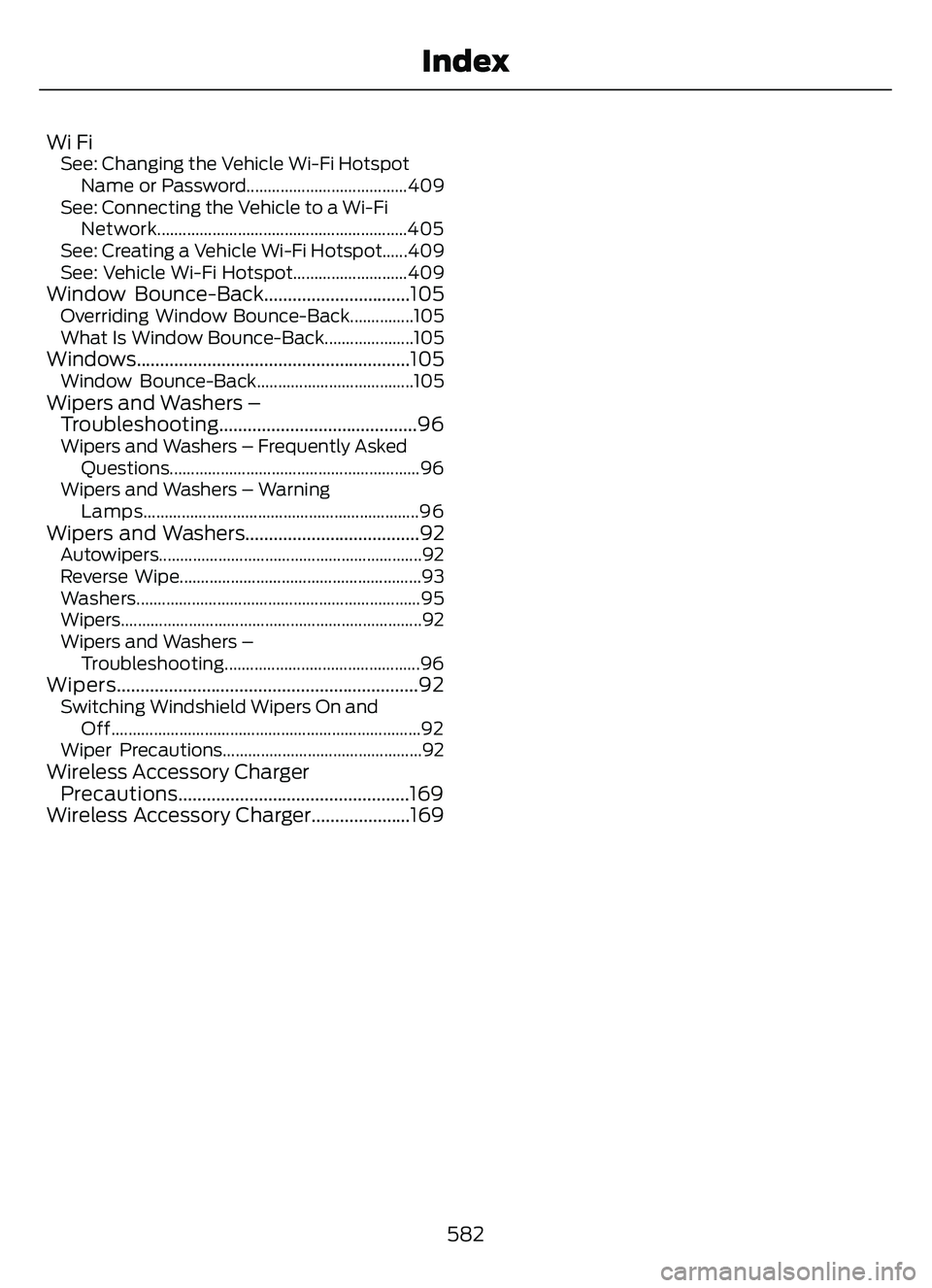
Wi FiSee: Changing the Vehicle Wi-Fi HotspotName or Password......................................409
See: Connecting the Vehicle to a Wi-Fi Network...........................................................405
See: Creating a Vehicle Wi-Fi Hotspot......409
See: Vehicle Wi-Fi Hotspot...........................409
Window Bounce-Back...............................105Overriding Window Bounce-Back...............105
What Is Window Bounce-Back.....................105
Windows..........................................................105Window Bounce-Back.....................................105Wipers and Washers – Troubleshooting..........................................96
Wipers and Washers – Frequently Asked
Questions...........................................................96
Wipers and Washers – Warning Lamps.................................................................96
Wipers and Washers.....................................92Autowipers..............................................................92
Reverse Wipe.........................................................93
Washers...................................................................95
Wipers.......................................................................\
92
Wipers and Washers –Troubleshooting..............................................96
Wipers................................................................92Switching Windshield Wipers On andOff........................................................................\
.92
Wiper Precautions...............................................92
Wireless Accessory Charger Precautions.................................................169
Wireless Accessory Charger.....................169
582
Index