Page 588 of 683
||
MAINTENANCE AND SERVICE
* Option/accessory.
586
NOTE
Data downloading can affect other services such as transfer data, e.g. web radio. If theaffect on other services is experienced asproblematic, the download can be interrup-ted. Alternatively, it may be appropriate toswitch off or cancel other services.
NOTE
An update can be interrupted when the ignition is switched off and the vehicle isleft. However, the update does not have to be completed before the vehicle is left as theupdate is resumed the next time the vehi-cle is used.
Updating all system software–Select Install all at the bottom of the list.
To avoid displaying a list, select
Install all viaSystem updates.
Updating individual system software–Select Install to choose the software you
would like to download.
Canceling software download–Tap the checkbox in the activity indicator that replaced Install when the download
began. Note that only a download can be cancelled. An installation cannot be cancelled once it hasbegun.
Deactivating the background search for software update
Automatic searching for software updates is activated as the default factory setting, but thefunction can be deactivated. 1.
Tap
Settings in the center display's Top
view.
2. Tap
SystemDownload Center.
3. Tap to deselect
Auto Software Update.
Related information
Download Center (p. 585)
Internet-connected vehicle
* (p. 514)
Navigating in the center display's views (p. 119)
Vehicle status The general status of the vehicle can be viewed in the center display.
The Car Status app is started
from the center display's App view and has four tabs:
Messages - status messages
Status – checking engine oil level and
AdBlue level 3
TPMS - tire inflation pressure check
Appointments - appointment information
and vehicle information 4
Related information
Handling messages saved from the instru- ment panel (p. 112)
Checking and filling engine oil (p. 596)
Tire pressure monitoring system
* (p. 543)
Scheduling service and repairs (p. 587)
Sending vehicle information to the work-shop (p. 588)
Navigating in the center display's views(p. 119)
Page 653 of 683
SPECIFICATIONS
}}
651
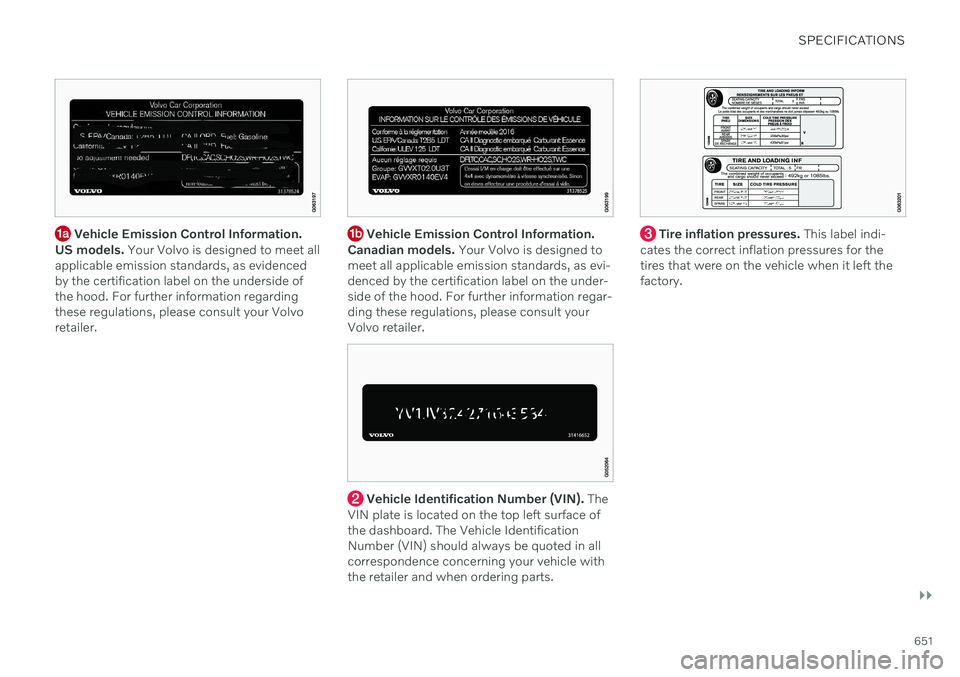
Vehicle Emission Control Information.
US models. Your Volvo is designed to meet all
applicable emission standards, as evidenced by the certification label on the underside ofthe hood. For further information regardingthese regulations, please consult your Volvoretailer. Vehicle Emission Control Information.
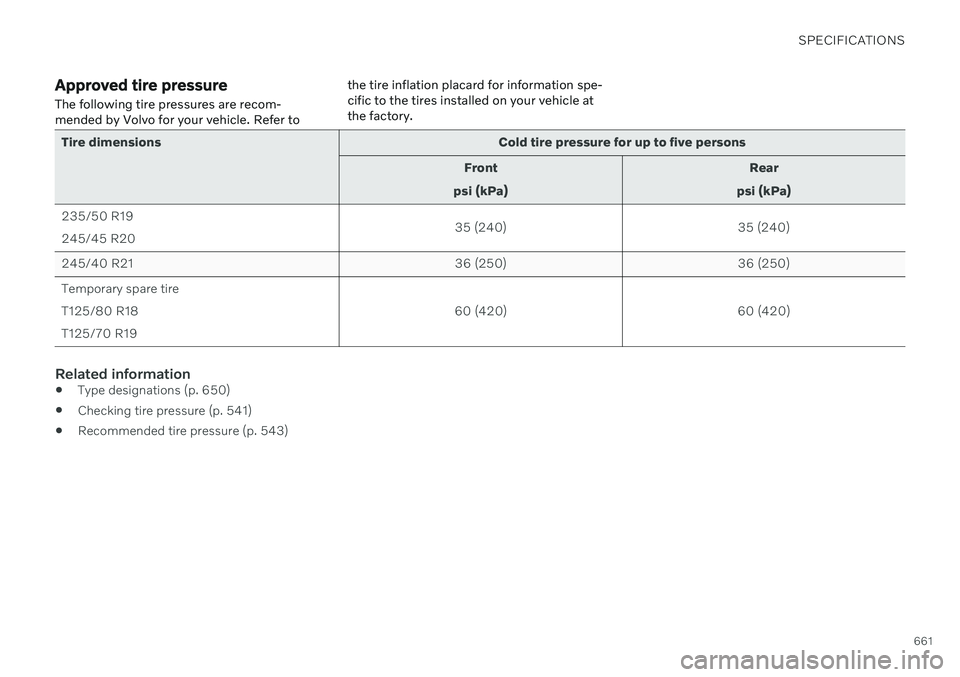
Canadian models. Your Volvo is designed to
meet all applicable emission standards, as evi- denced by the certification label on the under-side of the hood. For further information regar-ding these regulations, please consult yourVolvo retailer.
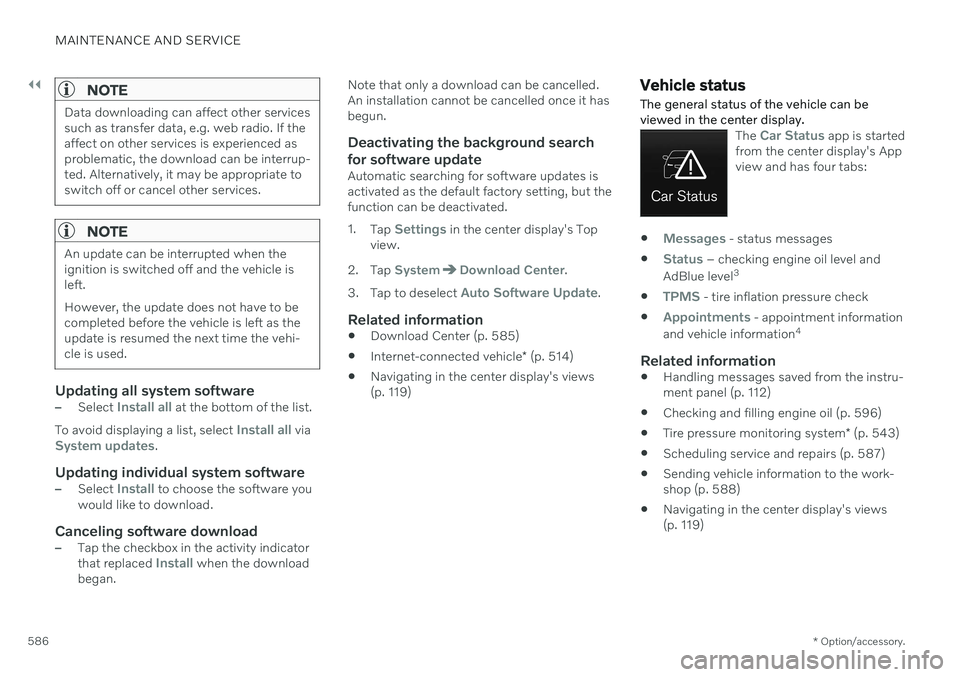
Vehicle Identification Number (VIN). The
VIN plate is located on the top left surface of the dashboard. The Vehicle IdentificationNumber (VIN) should always be quoted in allcorrespondence concerning your vehicle withthe retailer and when ordering parts.
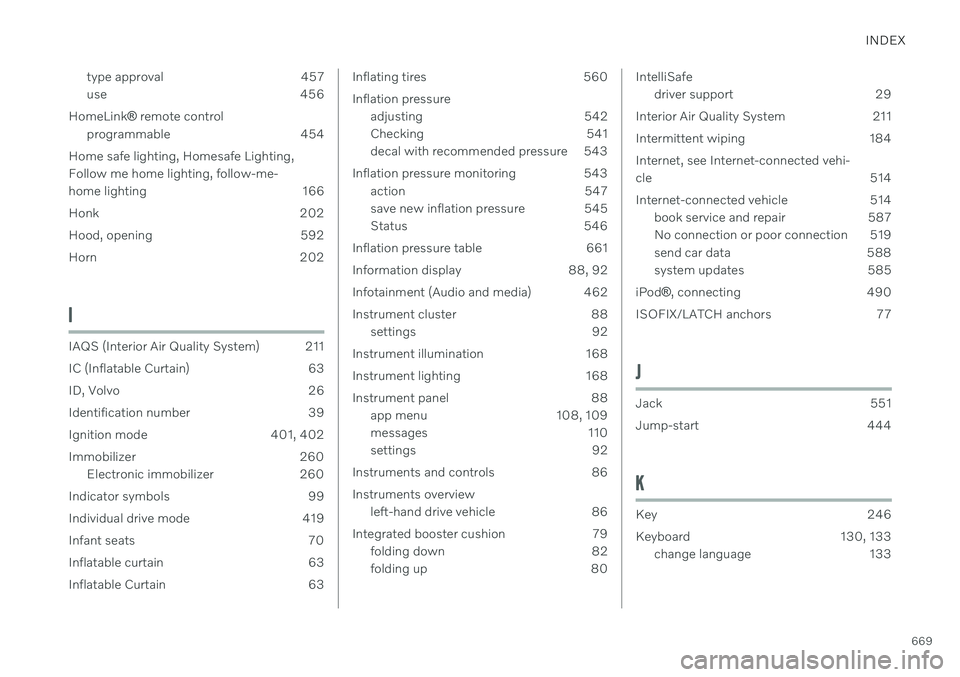
Tire inflation pressures. This label indi-
cates the correct inflation pressures for the tires that were on the vehicle when it left thefactory.
Page 663 of 683
SPECIFICATIONS
661
Approved tire pressure The following tire pressures are recom- mended by Volvo for your vehicle. Refer tothe tire inflation placard for information spe-cific to the tires installed on your vehicle atthe factory.
Tire dimensions
Cold tire pressure for up to five persons
Front
psi (kPa) Rear
psi (kPa)
235/50 R19 245/45 R20 35 (240)
35 (240)
245/40 R21 36 (250)36 (250)
Temporary spare tireT125/80 R18T125/70 R19 60 (420)
60 (420)
Related information
Type designations (p. 650)
Checking tire pressure (p. 541)
Recommended tire pressure (p. 543)
Page 671 of 683
INDEX
669
type approval 457
use 456
HomeLink ® remote control
programmable 454
Home safe lighting, Homesafe Lighting,Follow me home lighting, follow-me-
home lighting 166
Honk 202
Hood, opening 592
Horn 202
I
IAQS (Interior Air Quality System) 211
IC (Inflatable Curtain) 63
ID, Volvo 26
Identification number 39
Ignition mode 401, 402
Immobilizer 260 Electronic immobilizer 260
Indicator symbols 99
Individual drive mode 419
Infant seats 70
Inflatable curtain 63
Inflatable Curtain 63
Inflating tires 560 Inflation pressure adjusting 542
Checking 541
decal with recommended pressure 543
Inflation pressure monitoring 543 action 547
save new inflation pressure 545
Status 546
Inflation pressure table 661
Information display 88, 92
Infotainment (Audio and media) 462
Instrument cluster 88 settings 92
Instrument illumination 168
Instrument lighting 168
Instrument panel 88 app menu 108, 109
messages 110
settings 92
Instruments and controls 86 Instruments overview left-hand drive vehicle 86
Integrated booster cushion 79 folding down 82
folding up 80IntelliSafedriver support 29
Interior Air Quality System 211
Intermittent wiping 184Internet, see Internet-connected vehi- cle 514
Internet-connected vehicle 514 book service and repair 587
No connection or poor connection 519
send car data 588
system updates 585
iPod ®
, connecting 490
ISOFIX/LATCH anchors 77
J
Jack 551
Jump-start 444
K
Key 246
Keyboard 130, 133 change language 133
Page 677 of 683
INDEX
675
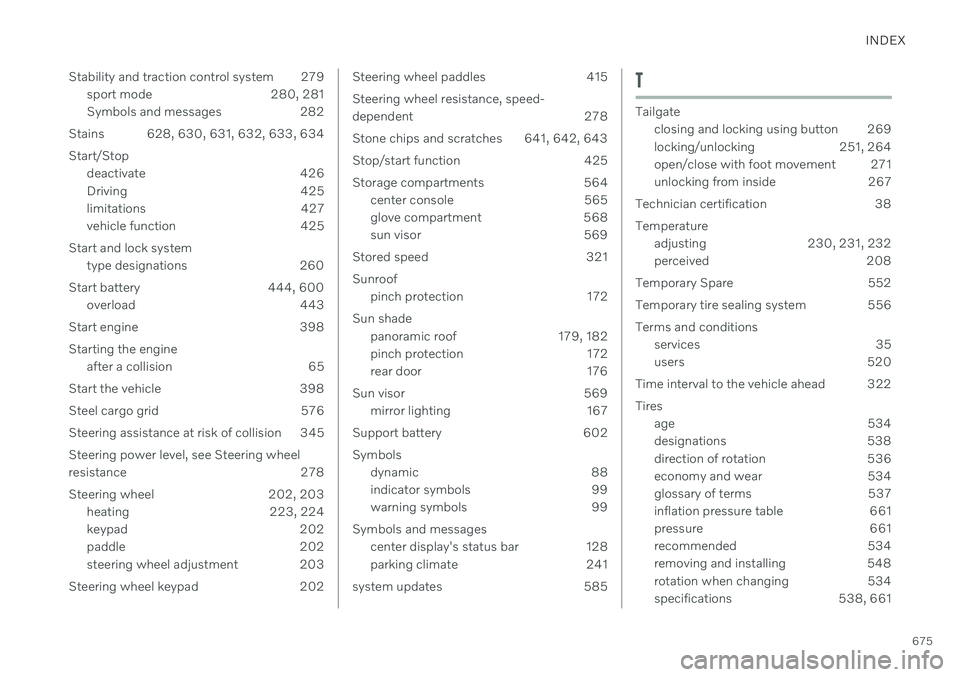
Stability and traction control system 279
sport mode 280, 281
Symbols and messages 282
Stains 628, 630, 631, 632, 633, 634
Start/Stop deactivate 426
Driving 425
limitations 427
vehicle function 425
Start and lock system type designations 260
Start battery 444, 600 overload 443
Start engine 398 Starting the engine after a collision 65
Start the vehicle 398
Steel cargo grid 576
Steering assistance at risk of collision 345 Steering power level, see Steering wheel
resistance 278
Steering wheel 202, 203 heating 223, 224
keypad 202
paddle 202
steering wheel adjustment 203
Steering wheel keypad 202
Steering wheel paddles 415 Steering wheel resistance, speed-
dependent 278
Stone chips and scratches 641, 642, 643
Stop/start function 425
Storage compartments 564 center console 565
glove compartment 568
sun visor 569
Stored speed 321 Sunroof pinch protection 172
Sun shade panoramic roof 179, 182
pinch protection 172
rear door 176
Sun visor 569 mirror lighting 167
Support battery 602 Symbols dynamic 88
indicator symbols 99
warning symbols 99
Symbols and messages center display's status bar 128
parking climate 241
system updates 585T
Tailgate closing and locking using button 269
locking/unlocking 251, 264
open/close with foot movement 271
unlocking from inside 267
Technician certification 38 Temperature adjusting 230, 231, 232
perceived 208
Temporary Spare 552
Temporary tire sealing system 556 Terms and conditions services 35
users 520
Time interval to the vehicle ahead 322 Tires age 534
designations 538
direction of rotation 536
economy and wear 534
glossary of terms 537
inflation pressure table 661
pressure 661
recommended 534
removing and installing 548
rotation when changing 534
specifications 538, 661
Page 678 of 683
INDEX
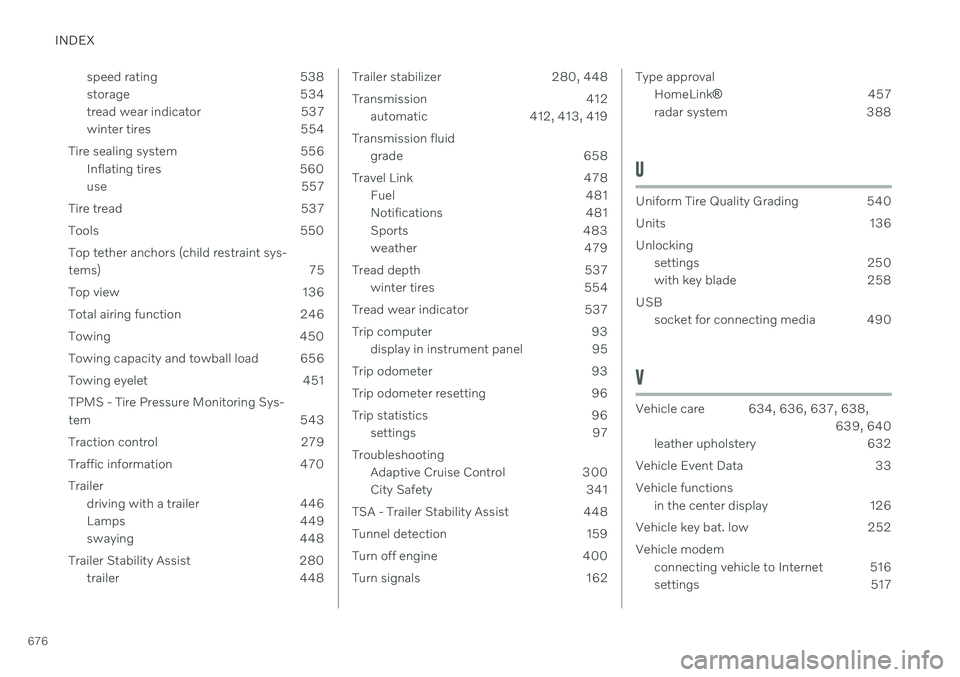
676speed rating 538
storage 534
tread wear indicator 537
winter tires 554
Tire sealing system 556 Inflating tires 560
use 557
Tire tread 537
Tools 550Top tether anchors (child restraint sys-
tems) 75
Top view 136
Total airing function 246
Towing 450
Towing capacity and towball load 656
Towing eyelet 451TPMS - Tire Pressure Monitoring Sys-
tem 543
Traction control 279
Traffic information 470 Trailer driving with a trailer 446
Lamps 449
swaying 448
Trailer Stability Assist 280 trailer 448
Trailer stabilizer 280, 448
Transmission 412automatic 412, 413, 419
Transmission fluid grade 658
Travel Link 478 Fuel 481
Notifications 481
Sports 483
weather 479
Tread depth 537 winter tires 554
Tread wear indicator 537
Trip computer 93 display in instrument panel 95
Trip odometer 93
Trip odometer resetting 96
Trip statistics 96 settings 97
Troubleshooting Adaptive Cruise Control 300
City Safety 341
TSA - Trailer Stability Assist 448
Tunnel detection 159
Turn off engine 400
Turn signals 162Type approval HomeLink ® 457
radar system 388
U
Uniform Tire Quality Grading 540
Units 136Unlocking settings 250
with key blade 258
USB socket for connecting media 490
V
Vehicle care 634, 636, 637, 638,
639, 640
leather upholstery 632
Vehicle Event Data 33 Vehicle functions in the center display 126
Vehicle key bat. low 252 Vehicle modem connecting vehicle to Internet 516
settings 517
Page 679 of 683

INDEX
677
Vehicle recovery 453
Vehicle status 586
inflation pressure 546
Vehicle upholstery 628, 630, 631, 632, 633, 634
Vehicle weight 655
Ventilation 212, 213, 214 Seats 223
Video 488, 490 settings 489
Voice control 149 climate 208
phone 152
radio and media 153
settings 154
use 150, 152, 153, 154
VOL mark 534
Volvo ID 26 create and register 27
W
Warning lights
Adaptive Cruise Control 319
Pilot Assist 319
stability and traction control system 279
Warning sound parking brake 408
warning symbols 99 Warning symbols safety 44
Warranties 582Washer headlights 186
rear window 187, 188
washer fluid, filling 646
Windshield 186
Washer fluid 183, 646
Washer nozzles, heated 183
Waxing 635Weights Curb weight 655
Wheel bolts 551Wheels cleaning 640
removing and installing 548
Snow chains 555
Wheels and tiresLoad index and speed symbol 538
Whiplash protection 48
Whiplash Protection System 48
WHIPS (Whiplash Protection System) 48Wi-Fi connecting vehicle to Internet 515
delete network 519sharing Internet connection, tether-
ing, hotspot 518
technology and security 520
Window sun shade 176
Windows and glass 172 Windshield projected image 146, 148
Windshield washing 186
Windshield wipers 183 rain sensor 184, 185
Winter driving 436 Snow chains 555
winter tires 554
Wiper blade 183 replacing 643, 644
service position 645
Wiper blade and washing fluid 183
WPC 508