2021 TOYOTA RAV4 HYBRID power back door
[x] Cancel search: power back doorPage 2 of 752
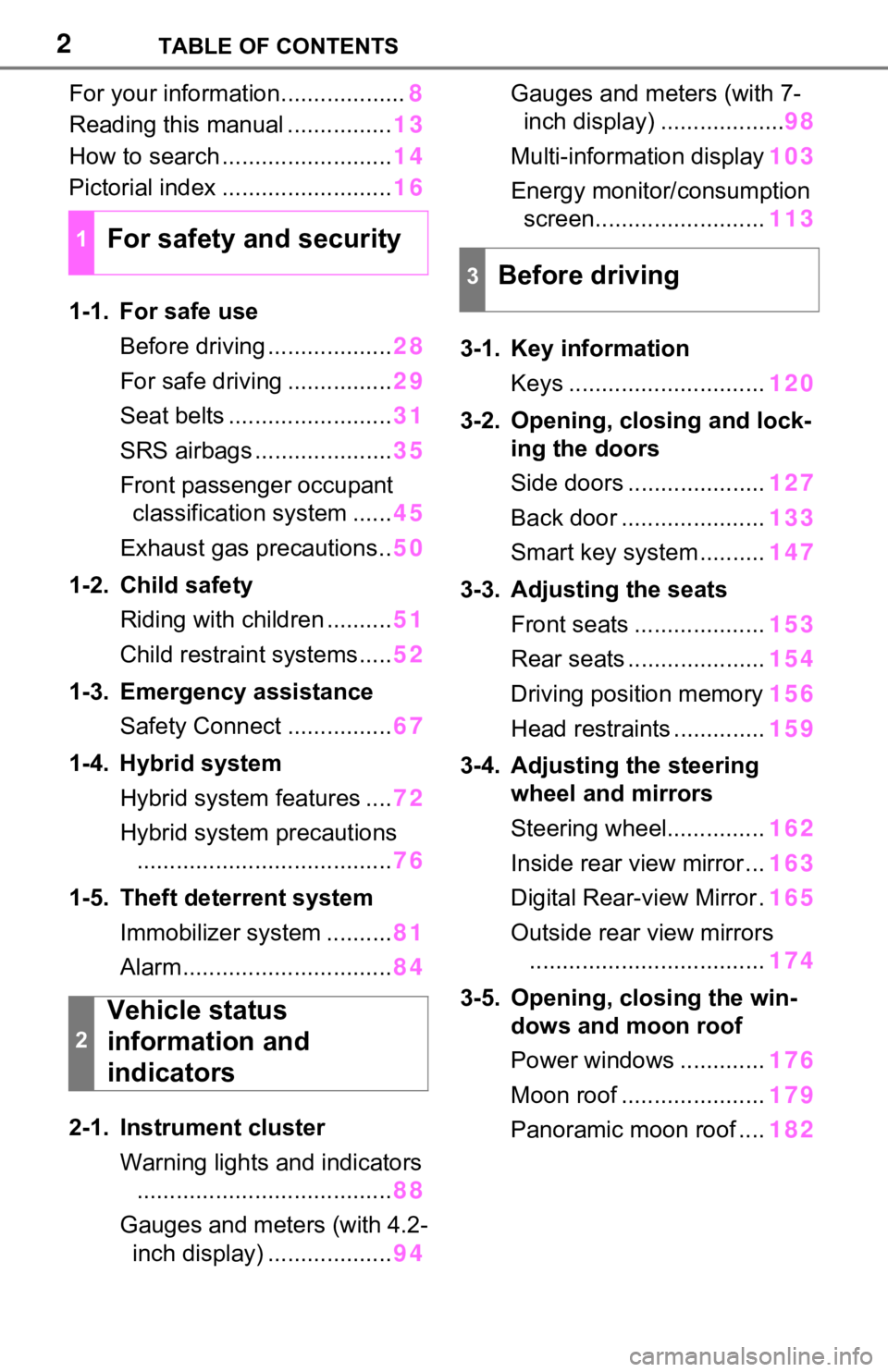
2TABLE OF CONTENTS
For your information...................8
Reading this manual ................ 13
How to search .......................... 14
Pictorial index .......................... 16
1-1. For safe use Before driving ................... 28
For safe driving ................ 29
Seat belts ......................... 31
SRS airbags ..................... 35
Front passenger occupant classification system ...... 45
Exhaust gas precautions.. 50
1-2. Child safety Riding with children .......... 51
Child restraint systems..... 52
1-3. Emergency assistance Safety Connect ................ 67
1-4. Hybrid system Hybrid system features .... 72
Hybrid system precautions ....................................... 76
1-5. Theft deterrent system Immobilizer system .......... 81
Alarm................................ 84
2-1. Instrument cluster Warning lights and indicators....................................... 88
Gauges and meters (with 4.2- inch display) ................... 94Gauges and meters (with 7-
inch display) ................... 98
Multi-information display 103
Energy monitor/ consumption
screen.......................... 113
3-1. Key information Keys .............................. 120
3-2. Opening, closing and lock- ing the doors
Side doors ..................... 127
Back door ...................... 133
Smart key system .......... 147
3-3. Adjusting the seats Front seats .................... 153
Rear seats ..................... 154
Driving position memory 156
Head restraints .............. 159
3-4. Adjusting the steering wheel and mirrors
Steering wheel............... 162
Inside rear view mirror ... 163
Digital Rear-view Mirror . 165
Outside rear view mirrors .................................... 174
3-5. Opening, closing the win- dows and moon roof
Power windows ............. 176
Moon roof ...................... 179
Panoramic moon roof .... 182
1For safety and security
2
Vehicle status
information and
indicators
3Before driving
Page 21 of 752

21Pictorial index
■Switches
Driving position memory switches*.................................P.156
Window lock switch ............................................. ..............P.178
Power window switches ....... .............................................P.176
Door lock switches ............................................................P.131
Outside rear view mirror swi tches ...................................P.174
“ODO TRIP” switch .............................................. ........P.96, 101
Instrument panel light cont rol dial .............................P.96, 102
Automatic High Beam switch ..................................... ......P.232
Windshield wiper de-icer switch
*.....................................P.529
Camera switch
*............................................................... ....P.336
Heated steering wheel switch
*..........................................P.531
Power back door switch
*...................................................P.137
*: If equipped
A
B
C
D
E
F
G
H
I
J
K
L
Page 51 of 752

511-2. Child safety
1
For safety and security
1-2.Child safety
Riding with children
Observe the following pre-
cautions when children are
in the vehicle.
Use a child restraint system
appropriate for the child,
until the child becomes
large enough to properly
wear the vehicle’s seat belt.
It is recommended that chil-
dren sit in the rear seats to
avoid accidental contact
with the shift lever, wiper
switch, etc.
Use the rear door child-pro-
tector lock or the window
lock switch to avoid children
opening the door while driv-
ing or operating the power
window accidentally.
( P.132, 178)
Do not let small children
operate equipment which
may catch or pinch body
parts, such as the power
window, hood, back door,
seats, etc.
WARNING
■When children are in the vehi-
cle
Never leave children unattended
in the vehicle, and never allow
children to have or use the key.
Children may be able to start the
vehicle or shift the vehicle into
neutral. There is also a danger
that children ma y injure them-
selves by playing with the side
windows, the moon roof (if
equipped), the panoramic moon
roof (if equipped) or other features
of the vehicle. In addition, heat
build-up or extremely cold tem-
peratures inside the vehicle can
be fatal to children.
Page 110 of 752

1102-1. Instrument cluster
“Sensitivity”
Select to change the alert timing for
an approaching vehicle.
■ (Intuitive parking
assist) (if equipped)
( P.291)
Select to set up the following
items.
Intuitive parking assist on/off
Select to enable/disable the Intui-
tive parking assist.
“Volume”
Select to set the volume of the
buzzer which sounds when the
Intuitive parking assist is operated.
■RCTA (Rear Cross Traffic
Alert) (if equipped)
(P.282)
RCTA (Rear Cross Traffic
Alert) on/off
Select to enable/disable the RCTA
system.
“Volume”
Select to change t he RCTA buzzer
volume.
■ PKSB (Parking Sup-
port Brake System) (if
equipped) ( P.298)
Select to enable/disable the
Parking Support Brake function.
■ RSA (Road Sign
Assist) (if equipped)
( P.268)
Select to set up the following
items.
Road Sign Assist on/off
Select to enable /disable the RSA
system.
“Notification method”
Select to change each notification
method used to notify the driver
when the system recognizes
excess speed and Do Not Enter
sign.
“Notification Level”
Select to change each notification
level used to notify the driver when
the system recognizes a speed limit
sign.
■ Vehicle Settings
PBD (Power Back Door)
(if equipped) ( P.137)
Select to set up t he following items.
• System settings
Select to enable/disable the power
back door system.
• “Hands Free”
*
Select to enable/d isable the Hands
Free Power Back Door.
• “Opening Adjustment”
Select the open position when
power back door is fully open.
•“Volume”
Select to set the volume of the
buzzer which sounds when the
power back door system operates.
*: Vehicles with Hands Free Power Back Door
“TPWS” (Tire Pressure Warn-
ing System) (if equipped)
( P.593)
• “Set Pressure”
Page 119 of 752

119
3
3
Before driving
Before driving
3-1. Key informationKeys ............................ 120
3-2. Opening, closing and locking the doors
Side doors ................... 127
Back door .................... 133
Smart key system ....... 147
3-3. Adjusting the seats Front seats .................. 153
Rear seats................... 154
Driving position memory .................................. 156
Head restraints............ 159
3-4. Adjusting the steering wheel and mirrors
Steering wheel ............ 162
Inside rear view mirror 163
Digital Rear-view Mirror 165
Outside rear view mirrors .................................. 174
3-5. Opening, closing the win- dows and moon roof
Power windows ........... 176
Moon roof .................... 179
Panoramic moon roof.. 182
Page 123 of 752

1233-1. Key information
3
Before driving
Opens and closes the power
back door
*2 ( P.137)
Sounds the alarm ( P.123)
*1: These settings must be custom-
ized at your Toyota dealer.
*2: If equipped
■Theft deterrent panic mode
Vehicles without smart key system
When is pressed for longer
than about 1 seco nd, an alarm will
sound intermittentl y and the vehicle
lights will flash to deter any person
from trying to break into or damage
your vehicle.
To stop the alarm, press any button
on the key.
Vehicles with smart key system
When is pressed for longer
than about 1 seco nd, an alarm will
sound intermittentl y and the vehicle
lights will flash to deter any person
from trying to break into or damage
your vehicle.
To stop the alarm, press any button
on the electronic key.
■Conditions affecting operation
Vehicles without smart key system
The wireless remote control function
may not operate normally in the fol-
lowing situations.
●When the wireles s key battery is
depleted
●Near a TV tower, electric power
plant, gas station, radio station,
large display, airpo rt or other facil-
ity that generates strong radio
waves or electrical noise
●When carrying a portable radio,
cellular phone or other wireless
communication device
●When the wireless key is in con-
tact with, or is c overed by a metal-
lic object
●When other wireless key (that
emits radio waves) is being used
nearby
●If window tint wit h a metallic con-
tent or metallic objects are
attached to the rear window
Vehicles with smart key system
P.148
D
E
Page 134 of 752

1343-2. Opening, closing and locking the doors
■Using the entry function
(vehicles with smart key
system)
Carry the electronic key to
enable this function.
WARNING
●Vehicles without power back
door: The back door may sud-
denly shut if it is not opened
fully. It is more difficult to open
or close the ba ck door on an
incline than on a level surface,
so beware of the back door
unexpectedly opening or closing
by itself. Make sure that the
back door is fully open and
secure before using the luggage
compartment.
●Vehicles with power back door:
The back door may suddenly
shut if it is not opened fully,
while on a steep incline. Make
sure that the back door is
secured before using the lug-
gage compartment.
●When closing the back door,
take extra care to prevent your
fingers, etc. from being caught.
●Vehicles without power back
door: When closing the back
door, make sure to press it
lightly on its outer surface. If the
back door handle is used to fully
close the back door, it may
result in hands or arms being
caught.
●Do not pull on the back door
damper stay (vehicles without
power back door) ( P.137) or
back door spindle (vehicles with
power back door) ( P.144) to
close the back door, and do not
hang on the back door damper
stay (vehicles without power
back door) or back door spindle
(vehicles with power back door).
Doing so may cause hands to
be caught or the back door
damper stay (vehicles without
power back door) or back door
spindle (vehicles with power
back door) to break, causing an
accident.
●Vehicles without power back
door: If a bicycle carrier or simi-
lar heavy object is attached to
the back door, it may suddenly
shut again after being opened,
causing someone’s hands,
head or neck to be caught and
injured. When installing an
accessory part to the back door,
using a genuine Toyota part is
recommended.
Unlocking and locking the
back door from the out-
side
Page 135 of 752

1353-2. Opening, closing and locking the doors
3
Before driving
1Unlocks all the doors
The doors cannot be unlocked for 3
seconds after the doors are locked.
2Locks all the doors
Check that the door is securely
locked.
■Using the wireless remote
control
P.127
■Operation signals
A buzzer sounds and the emer-
gency flashers flash to indicate that
the doors have been
locked/unlocked using the entry
function (if equipped) or wireless
remote control. (Locked: once;
Unlocked: twice)
■Security feature
Vehicles without smart key system
If a door is not opened within
approximately 60 seconds after the
vehicle is unlocked using the wire-
less remote control, the security fea-
ture automatically locks the vehicle
again.
Vehicles with smart key system
If a door is not opened within
approximately 60 seconds after the
vehicle is unlocked using the entry
function or wireless remote control,
the security featu re automatically
locks the vehicle again. (However,
depending on the location of the electronic key, the key may be
detected as being
in the vehicle. In
this case, vehicle may be unlocked.)
■Using the door lock switch
P.131
■Open
Raise the back door while
pressing up the back door
opener switch.
■Close
Lower the back door using the
back door handle , and make
sure to push the back door
down from the outside to close
it.
Be careful not to pull the back door
sideways when closing the back
door with the handle.
Unlocking and locking the
back door from the inside
Opening/closing the back
door (vehicles without
power back door)
A