Page 327 of 546
3255-5. Using Bluetooth® devices
5
Audio system
AYGO_OM_Europe_OM9A012E
To enter a menu, press the “MENU” knob and navigate menus by
using the knob.
*: Bluetooth is a registered trademark of Bluetooth SIG, Inc.
Menu list of the Bluetooth® audio/phone
First menuSecond menuThird menuOperation details
“Bluetooth*”
“Pairing” -Registering a
Bluetooth® device
“List phone” -Listing the registered
cellular phones
“List audio” -Listing the registered
portable players
“Passkey” -Changing the pass-
key
“BT power” -Setting automatic
connection of the
device on or off
“Bluetooth
* info”“Device name”
“Device address”Displaying the
device status
“Display setting” -Setting the auto-
matic connection
confirmation display
to on or off
“Reset”“Reset all”
“Sound settings”
“Car device info”Initializing the set-
tings
Page 328 of 546
3265-5. Using Bluetooth® devices
AYGO_OM_Europe_OM9A012E
■Bluetooth® audio/phone system functions
Depending on the Bluetooth® device, certain functions may not be available.
First menuSecond menuThird menuOperation details
“TEL”“Phonebook”“Add contacts”Adding a new num-
ber
“Add SD”Registering a speed
dial
“Delete call
history”Deleting a number
stored in the call his-
tory
“Delete contacts”Deleting a number
stored in the phone-
book
“Delete
phonebook”Deleting a phone-
book’s data
“HF sound
setting”“Call volume” Setting call volume
“Ringtone
volume”Setting ring tone vol-
ume
“Ringtone” Setting the ring tone
“Transfer
histories”-Transferring the call
histories
Page 329 of 546
327
5
5-5. Using Bluetooth® devices
Audio system
AYGO_OM_Europe_OM9A012E
Using the steering wheel switches
Vo lu m e
The voice guidance volume
cannot be adjusted using this
button.
Off-hook switch
Turns the hands-free system
on/start a call
On-hook switch
Turns the hands-free system
off/ends a call/refuse a call
: If equipped
The steering wheel switches can be used to operate a connected
cellular phone, or portable digital audio player (portable player).
Operating Bluetooth® phone using the steering wheel switches
1
2
3
Page 330 of 546

3285-5. Using Bluetooth® devices
AYGO_OM_Europe_OM9A012E
Registering a Bluetooth® device
Press the “MENU” knob and select “Bluetooth*” using the knob.
Press the knob and select “Pairing” using the knob.
A passkey will be displayed.
SSP (Secure Simple Pairing) incompatible Bluetooth
® devices:
Input the passkey into the device.
SSP (Secure Simple Pairing) compatible Bluetooth
® devices:
Select “YES” to register the device. Depending on the type of
device, it may register automatically.
If a Bluetooth
® device has both music player and cellular phone func-
tions, both functions will be registered at the same time. When delet-
ing the device, both functions will be deleted at the same time.
If the off-hook switch is pressed and the “TEL” mode is entered when
no phones have been registered, the registration screen will be auto-
matically displayed.
*: Bluetooth is a registered trademark of Bluetooth SIG, Inc.
: If equipped
Before using the Bluetooth® audio/phone, it is necessary to reg-
ister a Bluetooth® device in the system. You can register up to 5
Bluetooth® devices.
How to register a Bluetooth® device
Page 331 of 546

329
5
5-6. “SETUP” menu
Audio system
AYGO_OM_Europe_OM9A012E
Using the “SETUP” menu (“Bluetooth*”
menu)
Select “Pairing” using the “MENU” knob, and perform the procedure
for registering a portable player. (P. 328)
Select “List phone” using the “MENU” knob. The list of registered cel-
lular phones will be displayed.
●Connecting the registered cellular phone to the audio system
Select the name of the cellular phone to be connected using the
“MENU” knob.
Select “Select” using the knob.
●Deleting a registered cellular phone
Select the name of the cellular phone to be deleted using the
“MENU” knob.
Select “Delete” using the knob.
Press (Yes).
●Disconnecting the registered cellular phone from the audio system
Select the name of the cellular phone to be disconnected using
the “MENU” knob.
Select “Disconnect” using the knob.
Press (Yes).
*: Bluetooth is a registered trademark of Bluetooth SIG, Inc.
: If equipped
Registering a Bluetooth® device in the system allows the system
to function. The following functions can be used for registered
devices:
Registering a portable player
Listing the registered cellular phones
Page 335 of 546
333
5
5-6. “SETUP” menu
Audio system
AYGO_OM_Europe_OM9A012E
Using the “SETUP” menu (“TEL” menu)
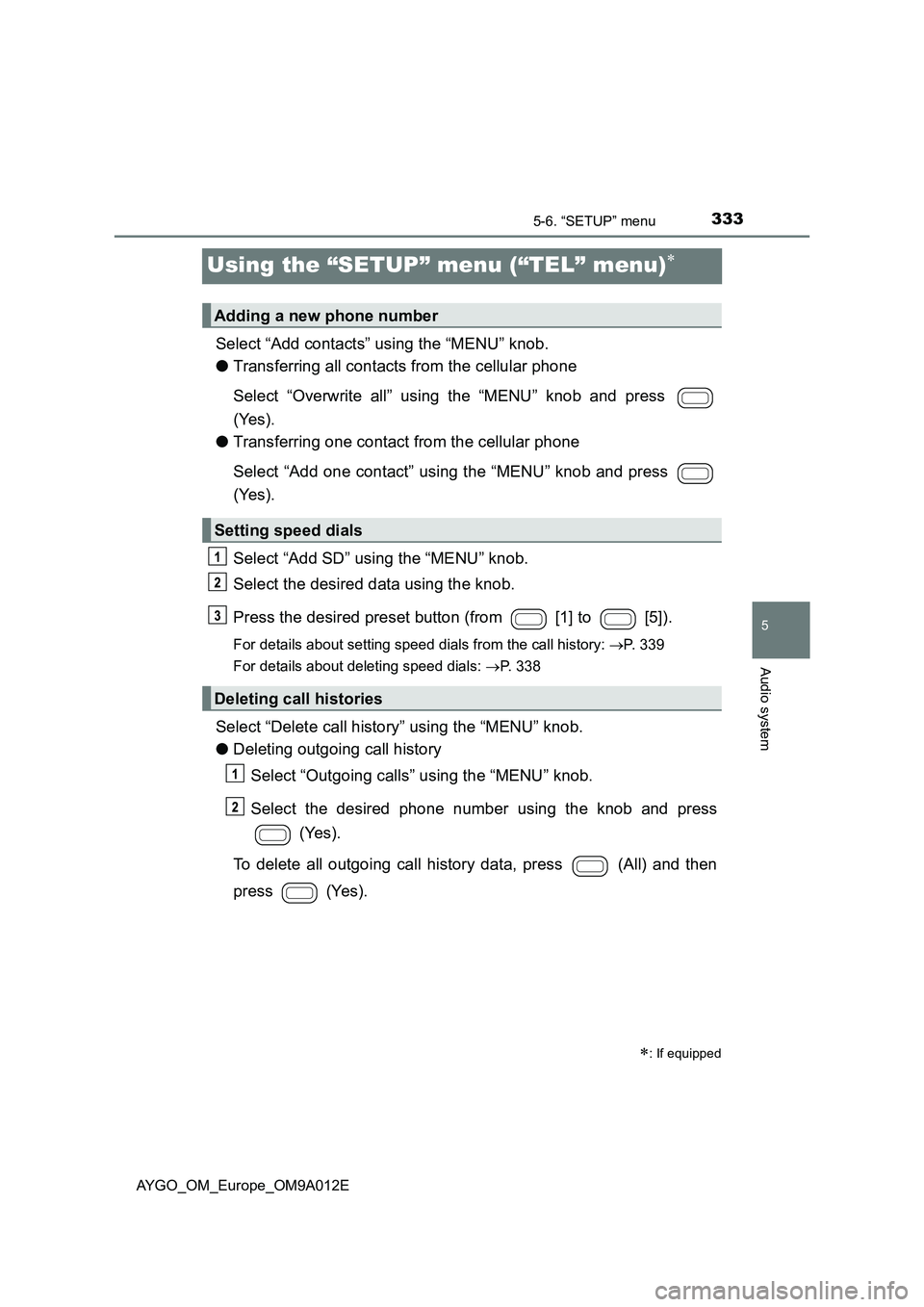
Select “Add contacts” using the “MENU” knob.
●Transferring all contacts from the cellular phone
Select “Overwrite all” using the “MENU” knob and press
(Yes).
●Transferring one contact from the cellular phone
Select “Add one contact” using the “MENU” knob and press
(Yes).
Select “Add SD” using the “MENU” knob.
Select the desired data using the knob.
Press the desired preset button (from [1] to [5]).
For details about setting speed dials from the call history: P. 339
For details about deleting speed dials: P. 338
Select “Delete call history” using the “MENU” knob.
●Deleting outgoing call history
Select “Outgoing calls” using the “MENU” knob.
Select the desired phone number using the knob and press
(Yes).
To delete all outgoing call history data, press (All) and then
press (Yes).
: If equipped
Adding a new phone number
Setting speed dials
Deleting call histories
Page 336 of 546
3345-6. “SETUP” menu
AYGO_OM_Europe_OM9A012E
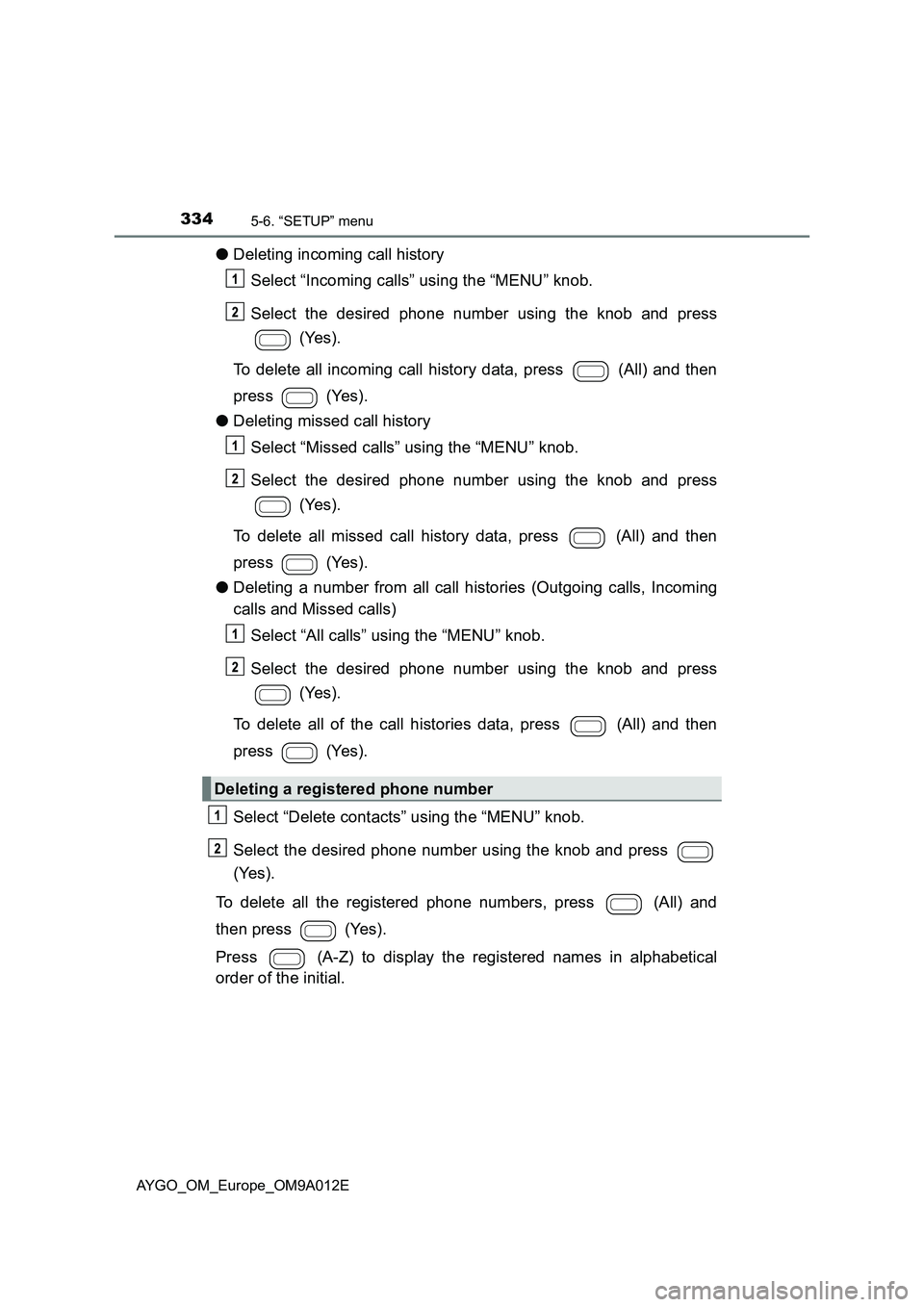
●Deleting incoming call history
Select “Incoming calls” using the “MENU” knob.
Select the desired phone number using the knob and press
(Yes).
To delete all incoming call history data, press (All) and then
press (Yes).
●Deleting missed call history
Select “Missed calls” using the “MENU” knob.
Select the desired phone number using the knob and press
(Yes).
To delete all missed call history data, press (All) and then
press (Yes).
●Deleting a number from all call histories (Outgoing calls, Incoming
calls and Missed calls)
Select “All calls” using the “MENU” knob.
Select the desired phone number using the knob and press
(Yes).
To delete all of the call histories data, press (All) and then
press (Yes).
Select “Delete contacts” using the “MENU” knob.
Select the desired phone number using the knob and press
(Yes).
To delete all the registered phone numbers, press (All) and
then press (Yes).
Press (A-Z) to display the registered names in alphabetical
order of the initial.
Deleting a registered phone number
Page 337 of 546

3355-6. “SETUP” menu
5
Audio system
AYGO_OM_Europe_OM9A012E
Select “Delete phonebook” using the “MENU” knob.
Select the desired phonebook using the knob and press
(Yes).
Select “Call volume” using the “MENU” knob.
Change the call volume.
To decrease the volume: Turn the knob counterclockwise.
To increase the volume: Turn the knob clockwise.
To set the volume, press (Back).
Select “Ringtone volume” using the “MENU” knob.
Change the ring tone volume.
To decrease the volume: Turn the knob counterclockwise.
To increase the volume: Turn the knob clockwise.
To set the volume, press (Back).
Select “Ringtone” using the “MENU” knob.
Using the knob, select a ring tone (1-3). To set the selected ring
tone, press (Back).
Select “Transfer histories” using the “MENU” knob and press
(Yes).
■ Phone number
Up to 1000 names can be stored.
■ Call history
Up to 10 numbers can be stored in each of the outgoing, incoming and
missed call history memories.
■ Limitation of number of digits
A phone number that exceeds 24 digits cannot be registered.
Deleting a phone book’s data
Setting call volume
Setting ring tone volume
Setting ring tone
Transferring call histories