Page 283 of 492

– When a sudden change in bright-ness occurs. (For example, when
the vehicle enters or exits a tunnel
or under a bridge.)
SYSTEM TEMPORARILY
UNAVAILABLE
If the vehicle is parked in direct sunlight
under high temperature conditions (over
approximately 104°F [40°C]) and then
started, the LDW system may be deacti-
vated automatically and the following
message will appear in the vehicle infor-
mation display (if so equipped): “Unavail-
able: High Cabin Temperature.”
When the interior temperature is reduced,
the LDW system will resume operating au-
tomatically.
The LDW system is not designed to warn
under the following conditions:
∙ When you operate the lane change sig- nal and change traveling lanes in the
direction of the signal. (The LDW system
will become operable again approxi-
mately 2 seconds af ter the lane change
signal is turned off.)
∙ When the vehicle speed lowers to less than approximately 37 mph (60 km/h). Af ter the above conditions have finished
and the necessary operating conditions
are satisfied, the LDW functions will resume.
SYSTEM MALFUNCTION
If the LDW system malfunctions, it will can-
cel automatically. The LDW indicator (or-
ange) or LDW indicator light will illuminate
in the instrument panel. If the LDW indicator
(orange) or LDW indicator light illuminates
in the instrument panel, pull off the road to
a safe location and stop the vehicle. Turn
the engine/motor off and restart the
engine/motor. If the LDW indicator (orange)
or LDW indicator light continues to illumi-
nate, have the LDW system checked. It is
recommended that you visit a NISSAN
dealer for this service.
SYSTEM MAINTENANCE
The lane camera unit�Afor the LDW sys-
tem is located above the inside mirror. To
keep the proper operation of the LDW sys-
tem and prevent a system malfunction, be
sure to observe the following:
∙ Always keep the windshield clean.
∙ Do not attach a sticker (including trans- parent material) or install an accessory
near the camera unit.
Page 307 of 492
∙ In the conventional (fixed speed)cruise control mode, a warning chime
will not sound to warn you if you are
too close to the vehicle ahead. Pay
special attention to the distance be-
tween your vehicle and the vehicle
ahead of you or a collision could occur.
The ICC system maintains a selected dis-
tance from the vehicle in front of you within
the speed range of 0 to 90 mph (0 to
144 km/h) up to the set speed. The set
speed can be selected by the driver be-
tween 20 to 90 mph (32 to 144 km/h).
The vehicle travels at a set speed when the
road ahead is clear.
The ICC system can be set to one of two
cruise control modes: ∙ Vehicle-to-vehicle distance control
mode: For maintaining a selected dis-
tance between your vehicle and the ve-
hicle in front of you up to the preset
speed
∙ Conventional (fixed speed) cruise
control mode: For cruising at a preset
speed
Push the ICC switch
�Ato choose the
cruise control mode between the vehicle- to-vehicle distance control mode and the
conventional (fixed speed) cruise control
mode.
Once a control mode is activated, it cannot
be changed to the other cruise control
mode. To change the mode, push the ICC
switch
�Aonce to turn the system off. Then
push the ICC switch
�Aagain to turn the
system back on and select the desired
cruise control mode.
Always confirm the setting in the ICC sys-
tem display.
For the vehicle-to-vehicle distance control
mode, refer to “Vehicle-to-vehicle distance
control mode” in this section.
For the conventional (fixed speed) cruise
control mode, refer to “Conventional (fixed
speed) cruise control mode” in this section.
Starting and driving5-55
Page 326 of 492
– In heavy traffic or in traffic that var-ies in speed
– On winding or hilly roads
– On slippery roads (rain, snow, ice, etc.)
– In very windy areas
∙ Doing so could cause a loss of vehicle control and result in an accident.
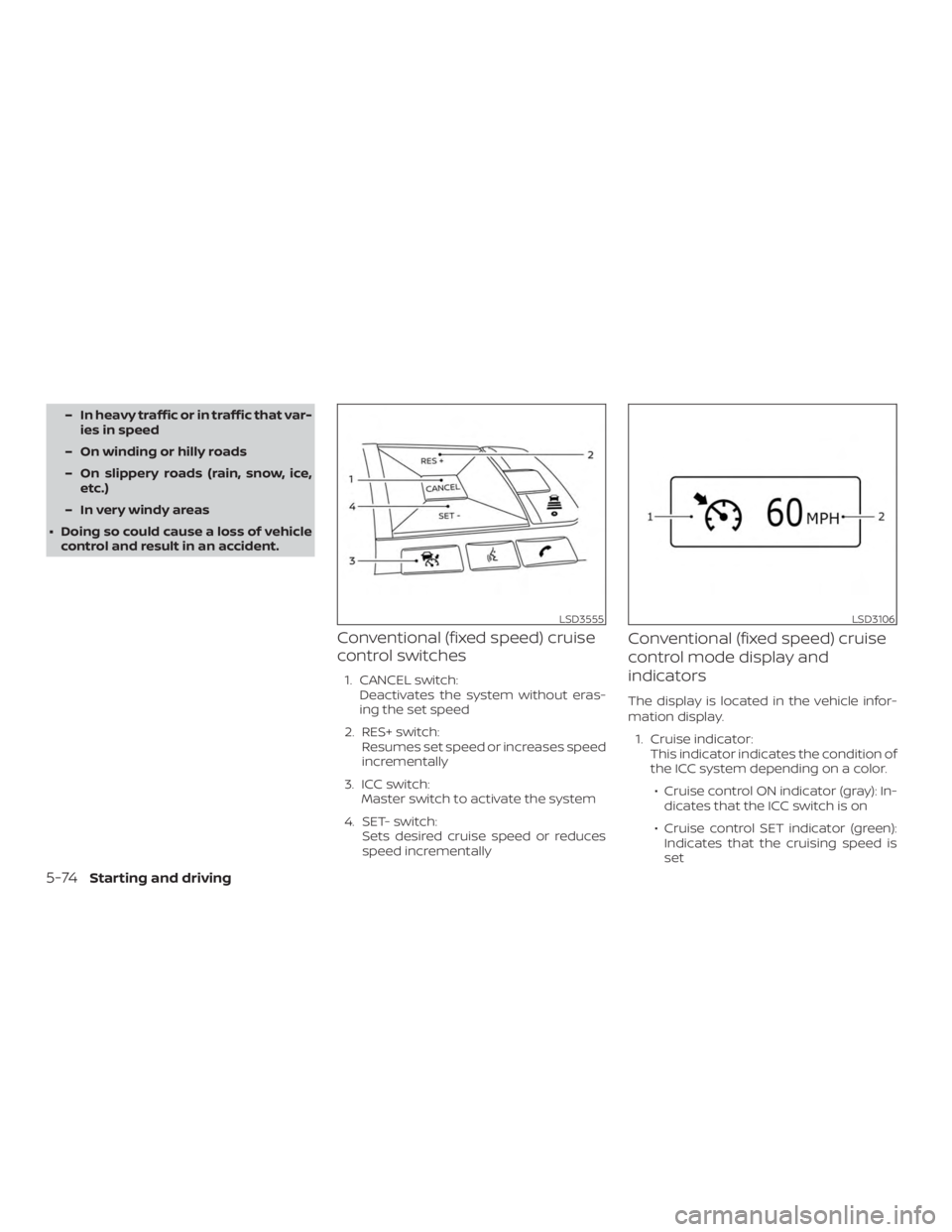
Conventional (fixed speed) cruise
control switches
1. CANCEL switch: Deactivates the system without eras-
ing the set speed
2. RES+ switch: Resumes set speed or increases speed
incrementally
3. ICC switch: Master switch to activate the system
4. SET- switch: Sets desired cruise speed or reduces
speed incrementally
Conventional (fixed speed) cruise
control mode display and
indicators
The display is located in the vehicle infor-
mation display.
1. Cruise indicator: This indicator indicates the condition of
the ICC system depending on a color.
∙ Cruise control ON indicator (gray): In- dicates that the ICC switch is on
∙ Cruise control SET indicator (green): Indicates that the cruising speed is
set
Page 327 of 492
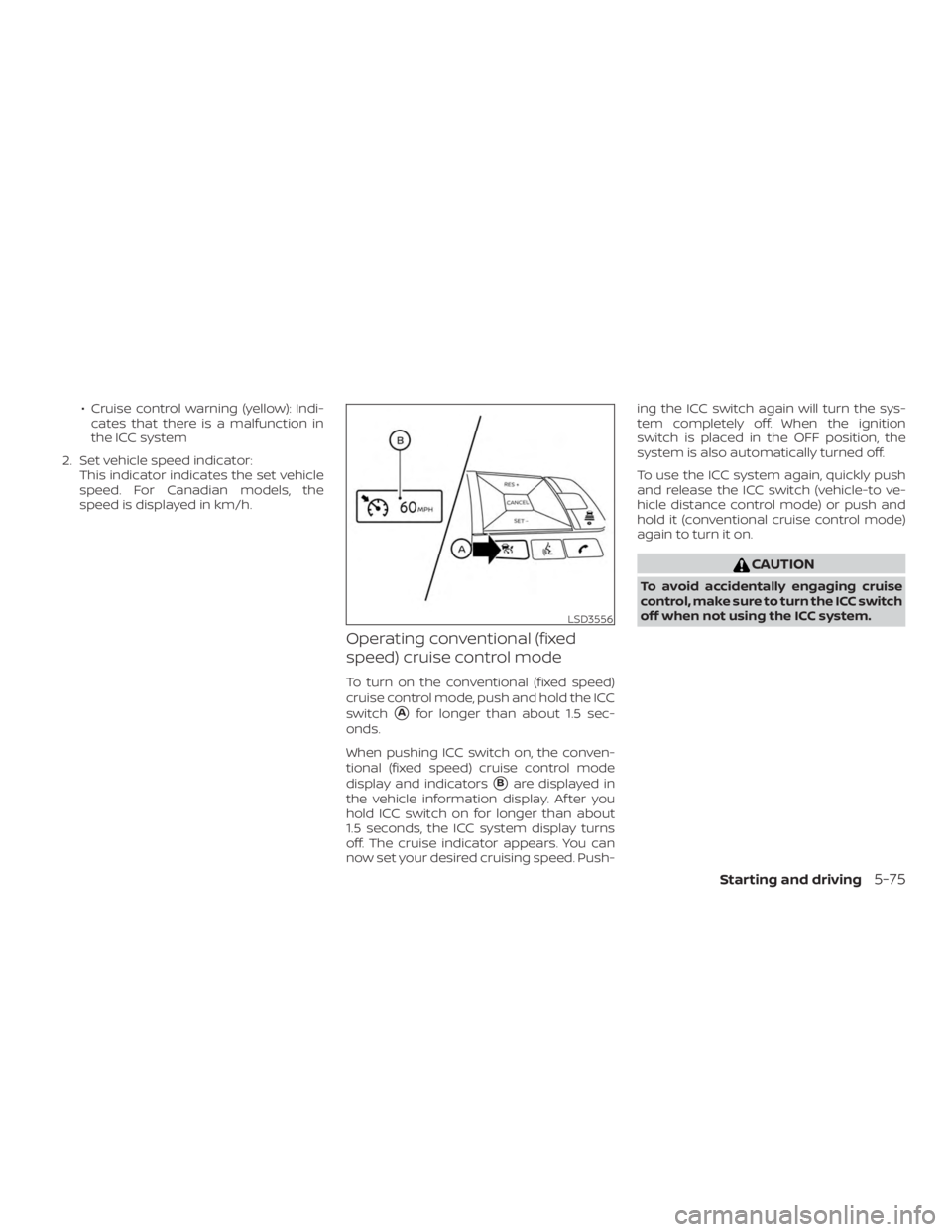
∙ Cruise control warning (yellow): Indi-cates that there is a malfunction in
the ICC system
2. Set vehicle speed indicator: This indicator indicates the set vehicle
speed. For Canadian models, the
speed is displayed in km/h.
Operating conventional (fixed
speed) cruise control mode
To turn on the conventional (fixed speed)
cruise control mode, push and hold the ICC
switch
�Afor longer than about 1.5 sec-
onds.
When pushing ICC switch on, the conven-
tional (fixed speed) cruise control mode
display and indicators
�Bare displayed in
the vehicle information display. Af ter you
hold ICC switch on for longer than about
1.5 seconds, the ICC system display turns
off. The cruise indicator appears. You can
now set your desired cruising speed. Push- ing the ICC switch again will turn the sys-
tem completely off. When the ignition
switch is placed in the OFF position, the
system is also automatically turned off.
To use the ICC system again, quickly push
and release the ICC switch (vehicle-to ve-
hicle distance control mode) or push and
hold it (conventional cruise control mode)
again to turn it on.
Page 334 of 492
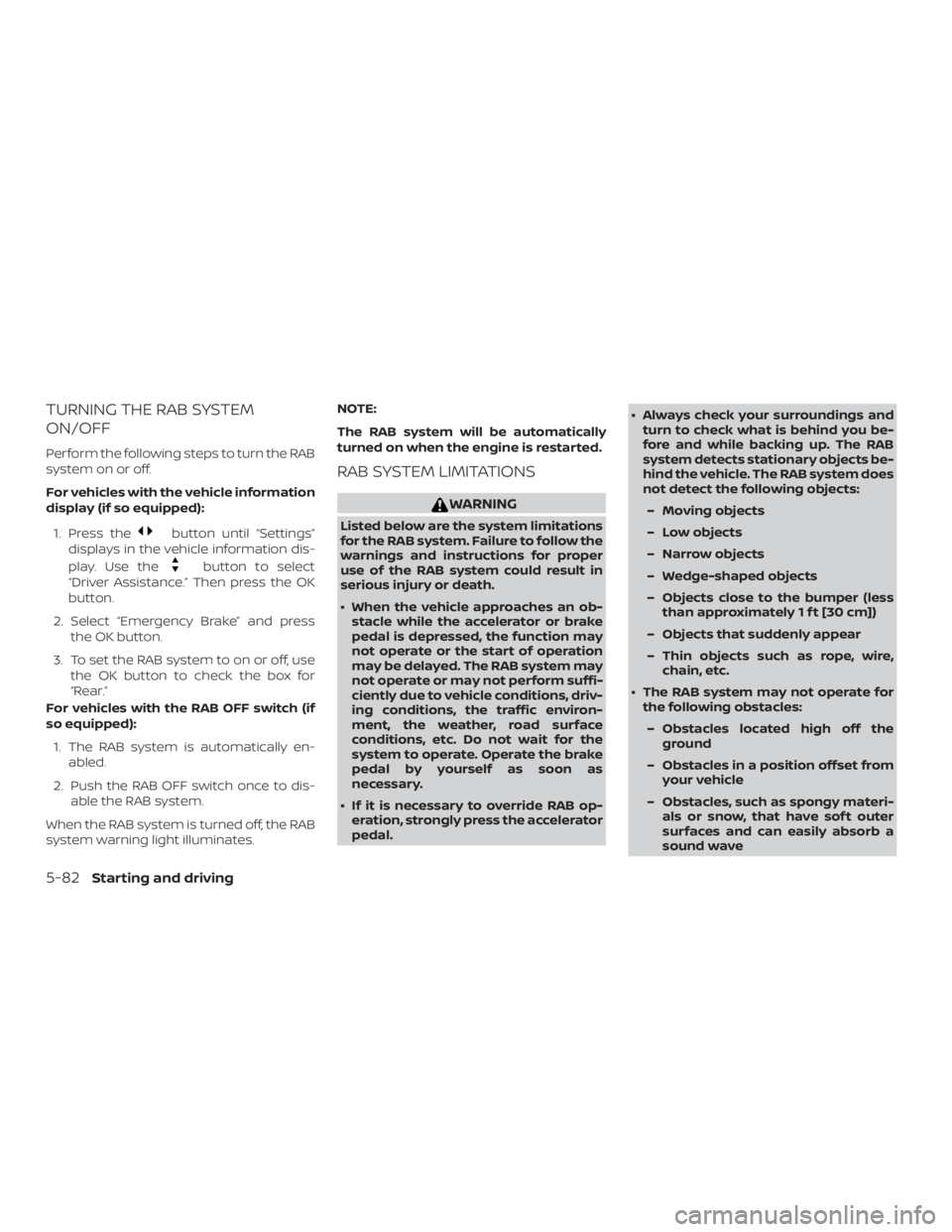
TURNING THE RAB SYSTEM
ON/OFF
Perform the following steps to turn the RAB
system on or off.
For vehicles with the vehicle information
display (if so equipped):1. Press the
Page 341 of 492
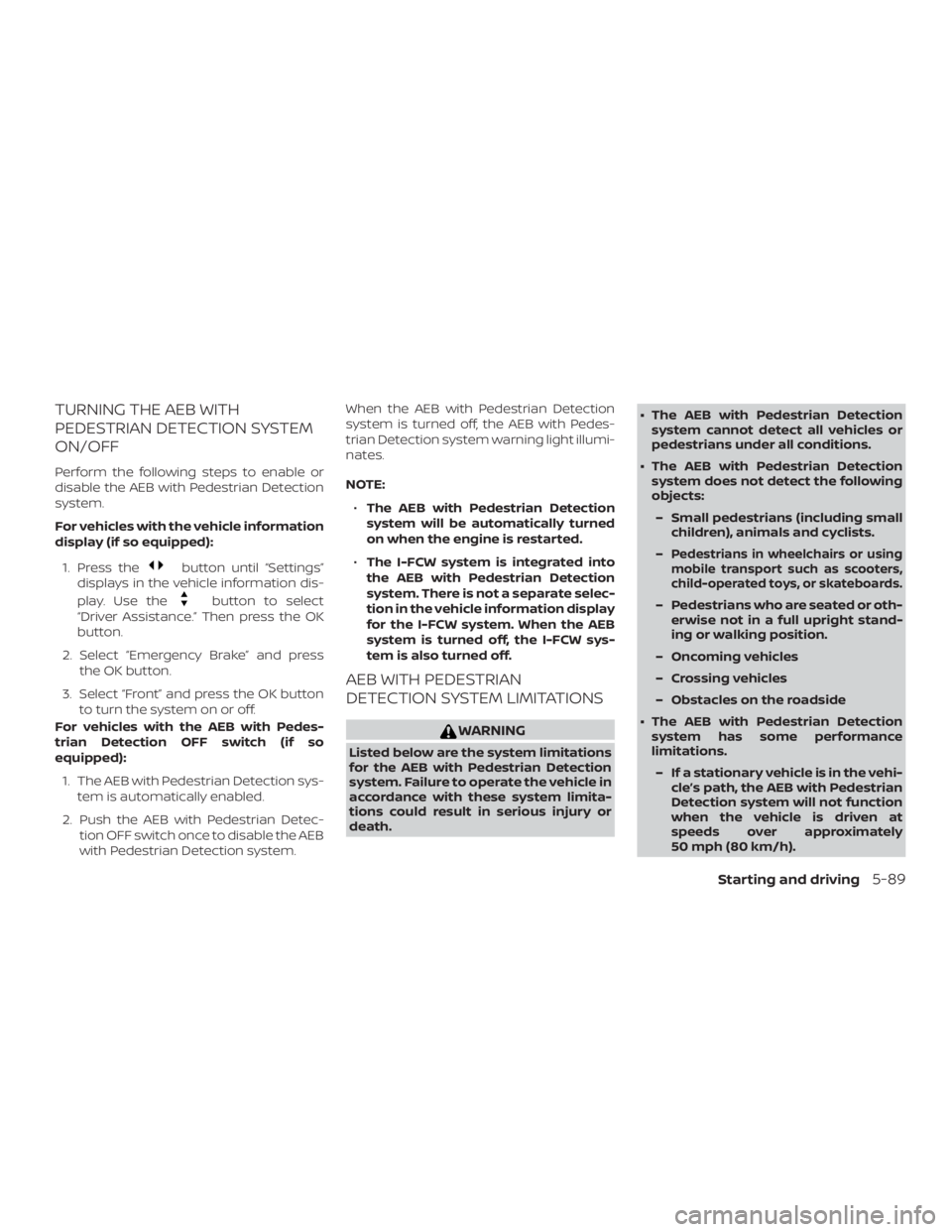
TURNING THE AEB WITH
PEDESTRIAN DETECTION SYSTEM
ON/OFF
Perform the following steps to enable or
disable the AEB with Pedestrian Detection
system.
For vehicles with the vehicle information
display (if so equipped):1. Press the
Page 363 of 492

∙ The I-DA system may not operateproperly and may not provide an alert
in the following conditions:
– Poor road conditions such as an uneven road surface or pot holes.
– Strong side wind.
– If you have adopted a sporty driv- ing style with higher cornering
speeds or higher rates of
acceleration.
– Frequent lane changes or changes to vehicle speed.
∙ The I–DA system will not provide an alert in the following conditions:
– Vehicle speeds lower than 37 mph (60 km/h).
– Short lapses of attention.
– Instantaneous distractions such as dropping an object.
System malfunction
If the Intelligent Driver Alertness system
malfunctions, the system warning mes-
sage will appear in the vehicle information
display and the function will be stopped
automatically.
Action to take
Stop the vehicle in a safe location, place the
vehicle in P (Park) position, turn the engine
off and restart the engine. If the system
warning message continues to appear,
have the system checked. It is recom-
mended that you visit a NISSAN dealer for
this service.
Page 371 of 492
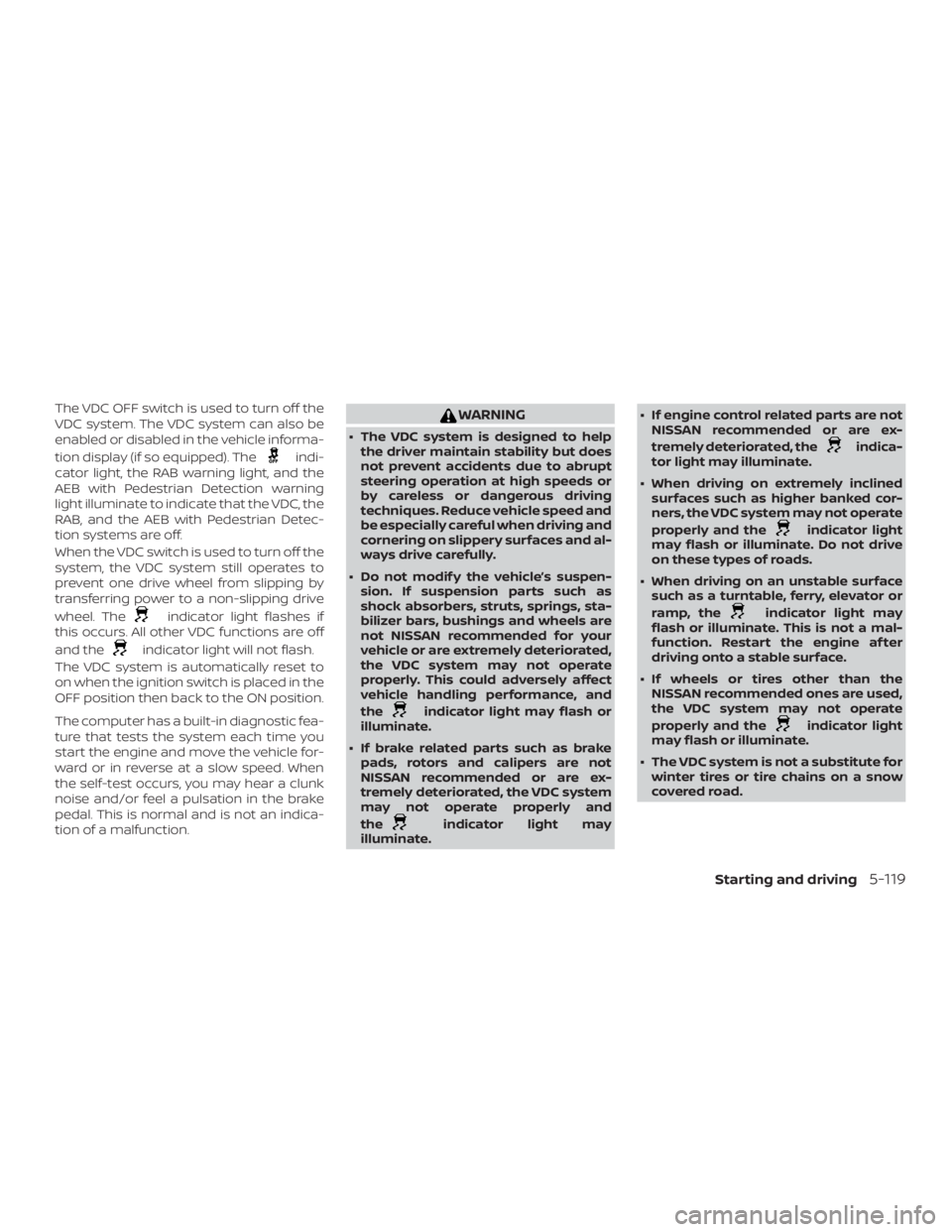
The VDC OFF switch is used to turn off the
VDC system. The VDC system can also be
enabled or disabled in the vehicle informa-
tion display (if so equipped). The