2021 NISSAN LEAF light
[x] Cancel search: lightPage 455 of 602

•Once the automatic brake control
operates, it does not operate again if
the vehicle approaches the same
obstacle.
• The automatic brake control can only
operate for a short period of time.
Therefore, the driver must depress
the brake pedal.
• In the following situations, the RAB
system may not operate properly or
may not function sufficiently:
– The vehicle is driven in bad
weather (rain, fog, snow, etc.).
– The vehicle is driven on a steep
hill.
– The vehicle’s posture is changed
(e.g., when driving over a bump).
– The vehicle is driven on a slippery
road.
– The vehicle is turned sharply by
turning the steering wheel fully.
– Snow chains are used.
– Wheels or tires other than NISSAN
recommended are used.
– The brakes are cold at low ambi-
ent temperatures or immediately
af ter driving has started. –
The braking force becomes poor
due to wet brakes af ter driving
through a puddle or washing the
vehicle.
• Turn the RAB system off in the follow-
ing conditions to prevent the occur-
rence of an unexpected accident re-
sulting from sudden system
operation:
– The vehicle is towed.
– The vehicle is carried on a flatbed
truck.
– The vehicle is on the chassis
dynamometer.
– The vehicle drives on an uneven
road surface.
– Suspension parts other than
those designated as Genuine
NISSAN parts are used. (If the ve-
hicle height or the vehicle body in-
clination is changed, the system
may not detect an obstacle
correctly.)
• Excessive noise (e.g., audio system
volume, an open vehicle window) will
interfere with the chime sound, and it
may not be heard.SYSTEM MALFUNCTION
If the RAB system malfunctions, it will be
turned off automatically, the RAB system
warning light will illuminate, and the “Mal-
function: See Owner’s Manual” warning
message will appear in the vehicle infor-
mation display.
Action to take
If the warning light illuminates, park the ve-
hicle in a safe location, turn the EV system
off, and restart the EV system. If the warn-
ing light continues to illuminate, have the
RAB system checked. It is recommended
that you visit a NISSAN certified LEAF dealer
for this service.
NOTE:
If the RAB system cannot be operated
temporarily, the RAB system warning
light blinks.
5-136Starting and driving
Page 457 of 602

The I-FCW system uses a radar sensorOA
located on the front of the vehicle to mea-
sure distance to the vehicle ahead in the
same lane.
I-FCW SYSTEM OPERATION1. Vehicle ahead detection indicator
2. AEB with Pedestrian Detection systemwarning light
LSD2859
LSD4078
5-138Starting and driving
Page 459 of 602

TURNING THE I-FCW SYSTEM
ON/OFF
Perform the following steps to turn the
I-FCW system on or off:
1. Press the
button until “Settings” dis-
plays in the vehicle information display.
Use the
button to select “Driver As-
sistance.” Then press the OK button.
2. Select “Emergency Brake” and press the OK button.
3. Select “Front” and use the OK button to turn the system on or off.
When the I-FCW system is turned off, the
AEB with Pedestrian Detection system
warning light illuminates.
NOTE:
• The I-FCW system will be automatically turned on when the EV system is
restarted.
• The I-FCW system is integrated into the AEB with Pedestrian Detection system.
There is not a separate selection in the
vehicle information display for the
I-FCW system. When the AEB with Pe-
destrian Detection is turned off, the
I-FCW system is also turned off.
LSD3663
5-140Starting and driving
Page 465 of 602
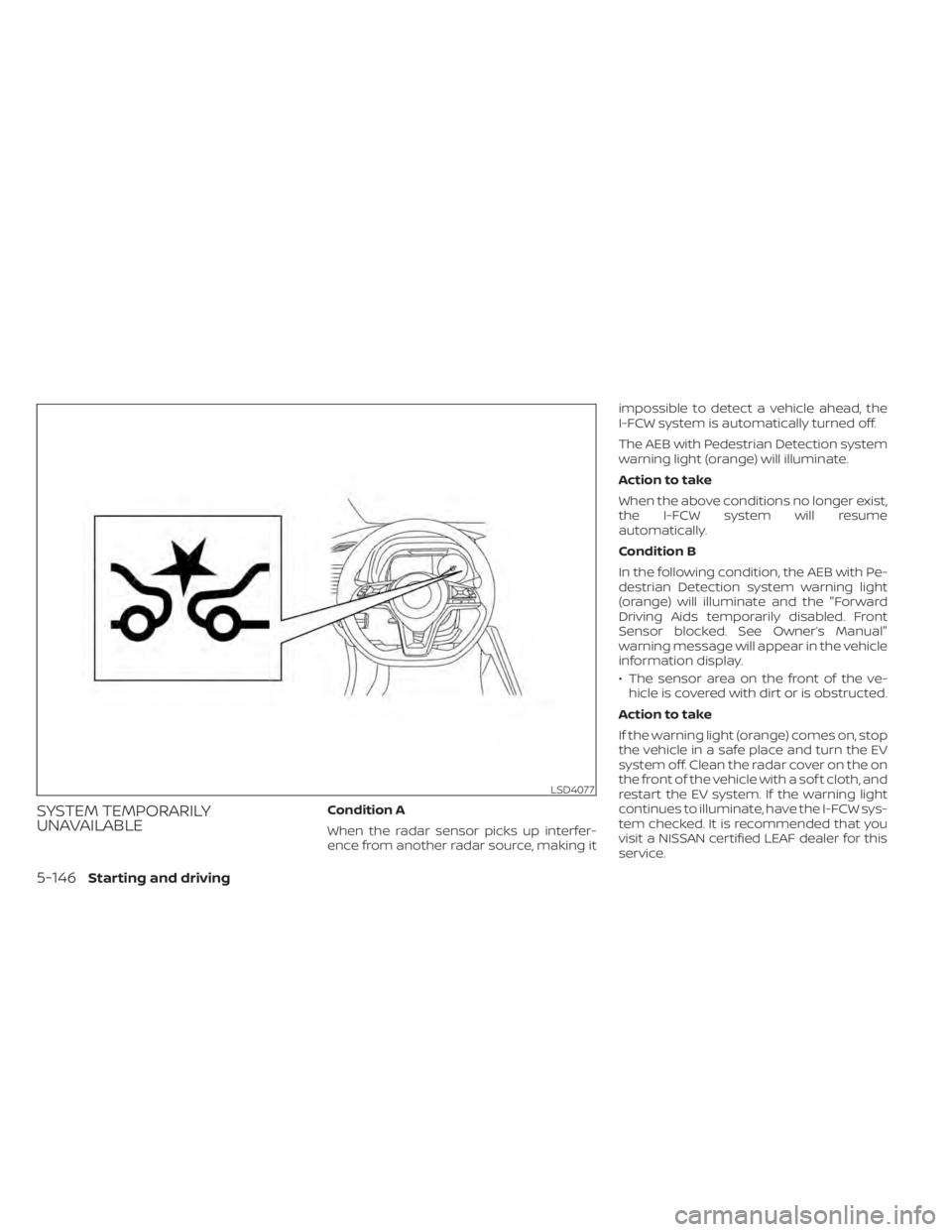
SYSTEM TEMPORARILY
UNAVAILABLECondition A
When the radar sensor picks up interfer-
ence from another radar source, making itimpossible to detect a vehicle ahead, the
I-FCW system is automatically turned off.
The AEB with Pedestrian Detection system
warning light (orange) will illuminate.
Action to take
When the above conditions no longer exist,
the I-FCW system will resume
automatically.
Condition B
In the following condition, the AEB with Pe-
destrian Detection system warning light
(orange) will illuminate and the "Forward
Driving Aids temporarily disabled. Front
Sensor blocked. See Owner’s Manual"
warning message will appear in the vehicle
information display.
• The sensor area on the front of the ve-
hicle is covered with dirt or is obstructed.
Action to take
If the warning light (orange) comes on, stop
the vehicle in a safe place and turn the EV
system off. Clean the radar cover on the on
the front of the vehicle with a sof t cloth, and
restart the EV system. If the warning light
continues to illuminate, have the I-FCW sys-
tem checked. It is recommended that you
visit a NISSAN certified LEAF dealer for this
service.
LSD4077
5-146Starting and driving
Page 466 of 602
• When driving on roads with limited roadstructures or buildings (for example, long
bridges, deserts, snow fields, driving next
to long walls).
Action to take
When the above conditions no longer exist,
the AEB with Pedestrian Detection system
will resume automatically.
NOTE:
If the AEB with Pedestrian Detection sys-
tem stops working, the I-FCW system will
also stop working.
SYSTEM MALFUNCTION
If the I-FCW system malfunctions, it will be
turned off automatically, a chime will
sound, the AEB with Pedestrian Detection
system warning light (orange) will illumi-
nate and the warning message “Malfunc-
tion: See Owner’s Manual” will appear in the
vehicle information display. Action to take:
If the warning light (orange) comes on, stop
the vehicle in a safe location, turn the EV
system off and restart the EV system. If the
warning light continues to illuminate, have
the AEB with Pedestrian Detection system
checked. It is recommended that you visit a
NISSAN certified LEAF dealer for this serviceSYSTEM MAINTENANCE
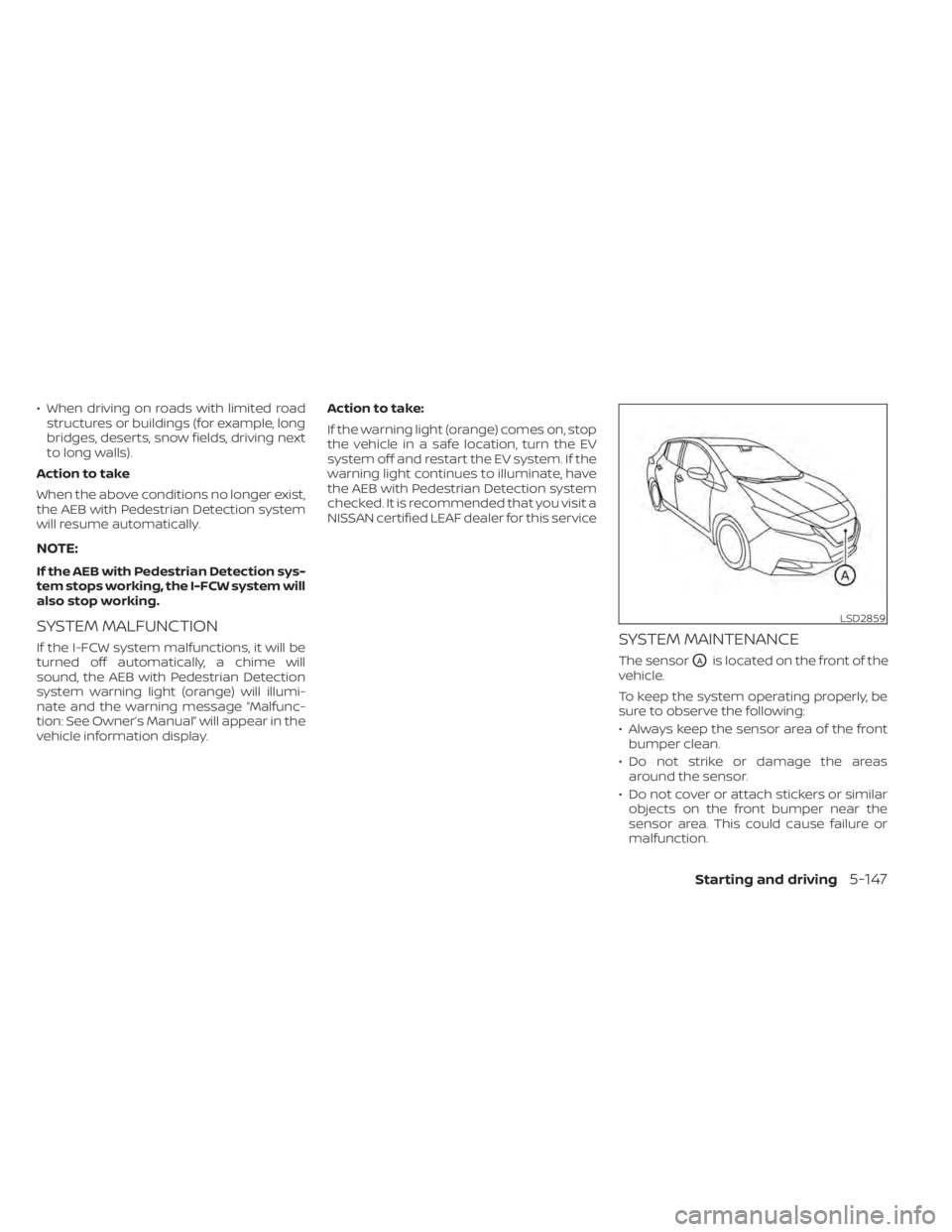
The sensorOAis located on the front of the
vehicle.
To keep the system operating properly, be
sure to observe the following:
• Always keep the sensor area of the front bumper clean.
• Do not strike or damage the areas around the sensor.
• Do not cover or attach stickers or similar objects on the front bumper near the
sensor area. This could cause failure or
malfunction.
LSD2859
Starting and driving5-147
Page 475 of 602
WARNING
• If the READY to drive indicator light is
off while driving, the power assist for
the steering will not work. Steering
will be harder to operate.
• When the power steering warning
light illuminates while the READY to
drive indicator light is on, the power
assist for the steering will cease op-
eration. You will still have control of
the vehicle but the steering will be
harder to operate.
The power steering system is designed to
provide power assistance while driving to
operate the steering wheel with less effort.
When the steering wheel is operated re-
peatedly or continuously while parking or
driving at a very low speed, the power as-
sist for the steering wheel will be reduced.
This is to prevent overheating of the power
steering system and help protect it from
getting damaged. When the power assis-
tance is reduced, steering wheel operation
will become harder. When the temperature
of the power steering system goes down,
the power assistance level will return to
normal. Avoid repeating such steering
wheel operations that could cause the
power steering system to overheat. You may hear a noise when the steering
wheel is operated quickly. However, this is
not a malfunction.
If the power steering warning light
illuminates while the READY to drive indica-
tor light is on, it may indicate the power
steering system is not functioning properly
and may need servicing. Have the power
steering system checked. It is recom-
mended that you visit a NISSAN certified
LEAF dealer for this service. For additional
information, see “Power steering warning
light” (P. 2-23).
The power assist for steering stops operat-
ing when both the power steering warning
light and READY to drive indicator light are
illuminated. You will still have control of the
vehicle. However, greater steering effort is
needed, especially in sharp turns and at
low speeds.
BRAKE PRECAUTIONS
This vehicle is equipped with two braking
systems:
1. Hydraulic brake system
2. Regenerative brake system
Hydraulic brake system
The hydraulic brake system is similar to the
brakes used on conventional vehicles.
The brake system has two separate hy-
draulic circuits. If one circuit malfunctions,
you will still have braking at two wheels.
Regenerative brake system
The primary purpose of the regenerative
brake system is to provide some power to
help recharge the Li-ion battery and ex-
tend driving range. A secondary benefit is
“engine braking” that operates based on
battery conditions.
In the D (Drive) range, when the accelerator
is released, the regenerative brake system
provides some deceleration and gener-
ates power for the Li-ion battery. Power is
also generated when the brake pedal is
applied.
POWER STEERING SYSTEM
BRAKE SYSTEM
5-156Starting and driving
Page 476 of 602
When you put the shif t lever in the B mode
and take your foot off the accelerator
pedal, more regenerative brake is applied
than in the D (Drive) position. However, dur-
ing high-speed driving you may feel that
regenerative brake provides less decelera-
tion than the engine braking in an ordinary
vehicle. This is normal.
Less deceleration is provided by the regen-
erative brake system when the Li-ion bat-
tery is fully charged. Regenerative brake is
automatically reduced when the Li-ion
battery is fully charged to prevent the Li-ion
battery from becoming overcharged. Re-
generative brake is also automatically re-
duced when the battery temperature is
high/low (indicated by the red/blue zones
on the battery temperature gauge) to pre-
vent Li-ion battery damage.
The brake pedal should be used to slow or
stop the vehicle depending on traffic or
road conditions. The vehicle brakes are not
affected by regenerative brake system
operation.NOTE:
• When applying the regenerativebrakes, you may hear a sound coming
from the regenerative brake system.
This is a normal operating characteris-
tic of an EV.
• If the power switch position is in a po- sition other than ON or READY to drive,
you can stop the vehicle by depressing
the brake pedal. However, greater foot
pressure on the brake pedal will be re-
quired to stop the vehicle, and the
stopping distance will be longer.
• When depressing the brake pedal, the brake pedal feel will not be smooth or
may change when the cooperative re-
generative brake system activates.
However, the electronically controlled
brake system is operating normally
and this does not indicate a
malfunction.
Using the brakes
Avoid resting your foot on the brake pedal
while driving. This will cause overheating of
the brakes, wearing out of the brake pads
and shoes faster, and will reduce driving
range. To help reduce brake wear, and to prevent
the brakes from overheating, reduce speed
and select B mode before going down a
slope or long grade. Overheated brakes
may reduce braking performance and
could result in loss of vehicle control.
WARNING
• While driving on a slippery surface,
be careful when braking or accelerat-
ing. Abrupt braking or accelerating
could cause the wheels to skid, which
could result in an accident.
• If the brake pedal is depressed with
the EV system OFF, you may feel an
increased brake pedal effort and a
decreased pedal stroke. If the BRAKE
warning light does not illuminate
and the brake pedal feels like it has
returned to its normal state af ter the
EV system is started, this indicates
that there is no malfunction and the
vehicle can be operated normally.
Starting and driving5-157
Page 477 of 602
Wet brakes
When the vehicle is washed or driven
through water, the brakes may get wet. As
a result, the braking distance will be longer
and the vehicle may pull to one side during
braking.
To dry brakes, drive the vehicle at a safe
speed while lightly tapping the brake pedal
to heat up the brakes. Do this until the
brakes return to normal. Avoid driving the
vehicle at high speeds until the brakes
have dried.
Parking brake break-in
Break in the parking brake shoes whenever
the stopping effect of the parking brake is
weakened or whenever the parking brake
shoes and/or rotors are replaced, in order
to assure the best braking performance.
This procedure is described in the Genuine
NISSAN Service Manual, and it can be per-
formed by a certified repair facility. It is rec-
ommended that you visit a NISSAN certi-
fied LEAF dealer.
ANTI-LOCK BRAKING SYSTEM (ABS)
WARNING
• The ABS is a sophisticated device, but
it cannot prevent accidents resulting
from careless or dangerous driving
techniques. It can help maintain ve-
hicle control during braking on slip-
pery surfaces. Remember that stop-
ping distances on slippery surfaces
will be longer than on normal sur-
faces even with ABS. Stopping dis-
tances may also be longer on rough,
gravel or snow covered roads, or if
you are using tire chains. Always
maintain a safe distance from the ve-
hicle in front of you. Ultimately, the
driver is responsible for safety.
• Tire type and condition may also af-
fect braking effectiveness.
– When replacing tires, install the
specified size of tires on all four
wheels.
– For additional information, see
“Wheels and tires” (P. 8-25). The ABS controls the brakes so the wheels
do not lock during hard braking or when
braking on slippery surfaces. The system
detects the rotation speed at each wheel
and varies the brake fluid pressure to pre-
vent each wheel from locking and sliding.
By preventing each wheel from locking, the
system helps the driver maintain steering
control and helps to minimize swerving
and spinning on slippery surfaces.
Using the system
Depress the brake pedal and hold it down.
Depress the brake pedal with firm steady
pressure, but do not pump the brakes. The
Anti-lock Braking System will operate to
prevent the wheels from locking up. Steer
the vehicle to avoid obstacles.
WARNING
Do not pump the brake pedal. Doing so
may result in increased stopping
distances.
5-158Starting and driving