2021 NISSAN LEAF alarm
[x] Cancel search: alarmPage 219 of 602
NOTE:
• The low battery warning can be set tooff. For additional information, refer to
the NissanConnect® Manual.
• When the battery power level is low, the system automatically obtains
charging station information.
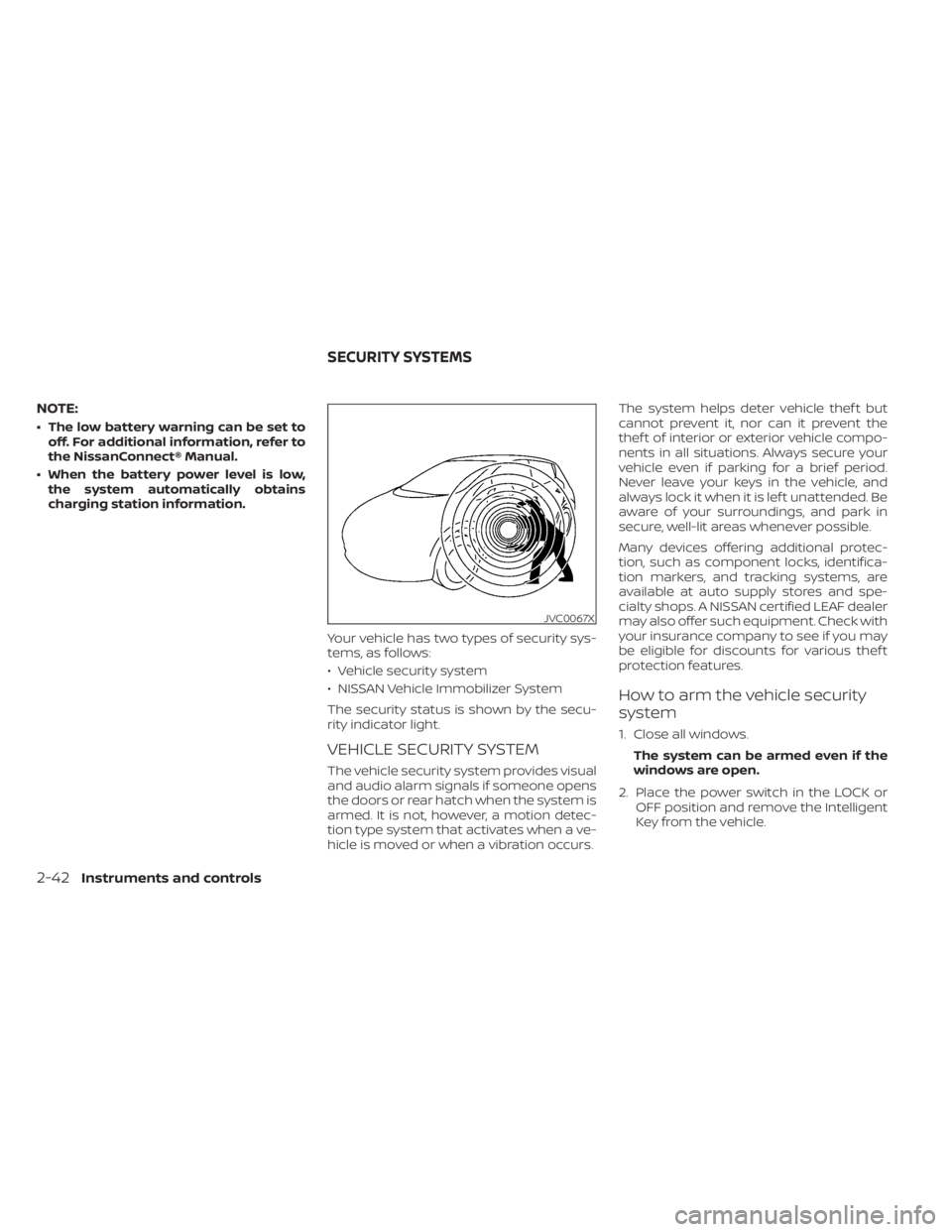
Your vehicle has two types of security sys-
tems, as follows:
• Vehicle security system
• NISSAN Vehicle Immobilizer System
The security status is shown by the secu-
rity indicator light.
VEHICLE SECURITY SYSTEM
The vehicle security system provides visual
and audio alarm signals if someone opens
the doors or rear hatch when the system is
armed. It is not, however, a motion detec-
tion type system that activates when a ve-
hicle is moved or when a vibration occurs. The system helps deter vehicle thef t but
cannot prevent it, nor can it prevent the
thef t of interior or exterior vehicle compo-
nents in all situations. Always secure your
vehicle even if parking for a brief period.
Never leave your keys in the vehicle, and
always lock it when it is lef t unattended. Be
aware of your surroundings, and park in
secure, well-lit areas whenever possible.
Many devices offering additional protec-
tion, such as component locks, identifica-
tion markers, and tracking systems, are
available at auto supply stores and spe-
cialty shops. A NISSAN certified LEAF dealer
may also offer such equipment. Check with
your insurance company to see if you may
be eligible for discounts for various thef t
protection features.
How to arm the vehicle security
system
1. Close all windows.
The system can be armed even if the
windows are open.
2. Place the power switch in the LOCK or OFF position and remove the Intelligent
Key from the vehicle.
JVC0067X
SECURITY SYSTEMS
2-42Instruments and controls
Page 220 of 602
3. Close all doors. Lock all doors. The doorscan be locked with:
• the LOCK
button on the Intelli-
gent Key
• any request switch
• the power door lock switch
4. Confirm that the security indicator light illuminates. The security indicator light
stays on for about 30 seconds. The ve-
hicle security system is now pre-armed.
Af ter about 30 seconds the vehicle se-
curity system automatically shif ts into
the armed phase. The security light be-
gins to flash once every approximately 3
seconds. If, during this 30-second pre-
arm time period, the door is unlocked, or
the power switch is placed in the ACC or
ON position, the system will not arm.
Even when the driver and/or passengers
are in the vehicle, the system will acti-
vate with all doors locked and the power
switch in the OFF position. When placing
the power switch to the ACC or ON posi-
tion, the system will be released.
Vehicle security system activation
The vehicle security system will give the
following alarm:
• The headlights blink and the horn sounds intermittently.
• The alarm automatically turns off af ter approximately 50 seconds. However, the
alarm reactivates if the vehicle is tam-
pered with again.
The alarm is activated by:
• Unlocking the door without using the In- telligent Key or the request switch. (Even if
the door is opened by releasing the door
inside lock knob, the alarm will activate.)
• Opening the hood.
How to stop an activated alarm
The alarm will stop when a door is un-
locked by pushing the UNLOCKbut-
ton on the Intelligent Key, door handle re-
quest switch, or when the power switch is
pushed in the ACC or ON position.
If the system does not operate as de-
scribed above, have it checked. It is rec-
ommended that you visit a NISSAN certi-
fied LEAF dealer for this service.
NISSAN VEHICLE IMMOBILIZER
SYSTEM
The NISSAN Vehicle Immobilizer System
will not allow the power switch to be placed
in the READY to drive position without the
use of the registered key.
If the power switch fails to place the vehicle
into the READY to drive position using the
registered key, it may be due to interfer-
ence caused by another registered key, an
automated toll road device or automated
payment device on the key ring. Restart the
EV system using the following procedure:
1. Leave the power switch in the ON posi- tion for approximately 5 seconds.
2. Place the power switch in the OFF posi- tion and wait approximately 10 seconds.
3. Repeat step 1 and 2 again.
4. Place the power switch in the READY to drive position while holding the device
(which may have caused the interfer-
ence) separate from the registered key.
If this procedure allows the power
switch to be placed in the READY to drive
mode, NISSAN recommends placing the
registered key on a separate key ring to
avoid interference from other devices.
Instruments and controls2-43
Page 265 of 602
Opening charge port lid
The charge port lid may be opened by
pressing and holding thebutton.
For additional information, see "Opening
charge port lid" (P. 3-20).
Using the panic alarm
If you are near your vehicle and feel threat-
ened, you may activate the panic alarm to
call attention by pressing and holding the
button on the Intelligent Key for lon-
ger than 1 second.
The panic alarm and headlights will stay on
for a period of time.
The panic alarm stops when:
• It has run for a period of time.
• Any button is pressed on the Intelligent Key. (Note: The
button must be
pushed for more than 1 second.)
Setting hazard indicator and horn
mode
This vehicle is set in hazard indicator and
horn mode when you first receive the
vehicle.
In hazard indicator and horn mode, when
the
button is pressed, the hazard
indicator flashes twice and the horn chirps
once. When the
button is pressed, the
hazard indicator flashes once.
If horns are not necessary, the system can
be switched to the hazard indicator mode.
In hazard indicator mode, when the
button is pressed, the hazard indicator
flashes twice. When thebutton is
pressed, neither the hazard indicator nor
the horn operates.
3-14Pre-driving checks and adjustments
Page 483 of 602
If your vehicle sustains damage to the rear
bumper fascia, leaving it misaligned or
bent, the sensing zone may be altered
causing inaccurate measurement of ob-
stacles or false alarms.
CAUTION
• Excessive noise (such as audio sys-
tem volume or an open vehicle win-
dow) will interfere with the tone and
it may not be heard.
• Keep the sonar sensors (located on
the bumper fascia) free from snow,
ice and large accumulations of dirt.
Do not clean the sensors with sharp
objects. If the sensors are covered,
the accuracy of the sonar function
will be diminished.
SYSTEM OPERATION
The system informs with a visual and au-
dible alert of rear obstacles when the shif t
lever is in the R (Reverse) position. Sonar Operation Table
RR Sensor
Range Sound Display Px †
Roo
Nx † Dx †
o – Display/Beep when detect
† – Display on camera view
x – No Display and Beep
The system is deactivated at speeds above
6 mph (10 km/h). It is reactivated at lower
speeds.
While the vehicle is moving the audible alert
will stop af ter 3 seconds when an obstacle
is detected by only the corner sensor and
distance does not change. The audible
alert will also stop when the obstacle
moves away from the vehicle. At any time
the lef t side button of the steering wheel (
buttons) is available to cancel the au-
dible alert. When the object is detected, the indicator
(green) appears and blinks and the tone
sounds intermittently. When the vehicle
moves closer to the object, the color of the
indicator turns yellow and the rate of the
blinking increases. When the vehicle is very
close to the object, the indicator stops
blinking and turns red, and the tone
sounds continuously.
5-164Starting and driving
Page 592 of 602
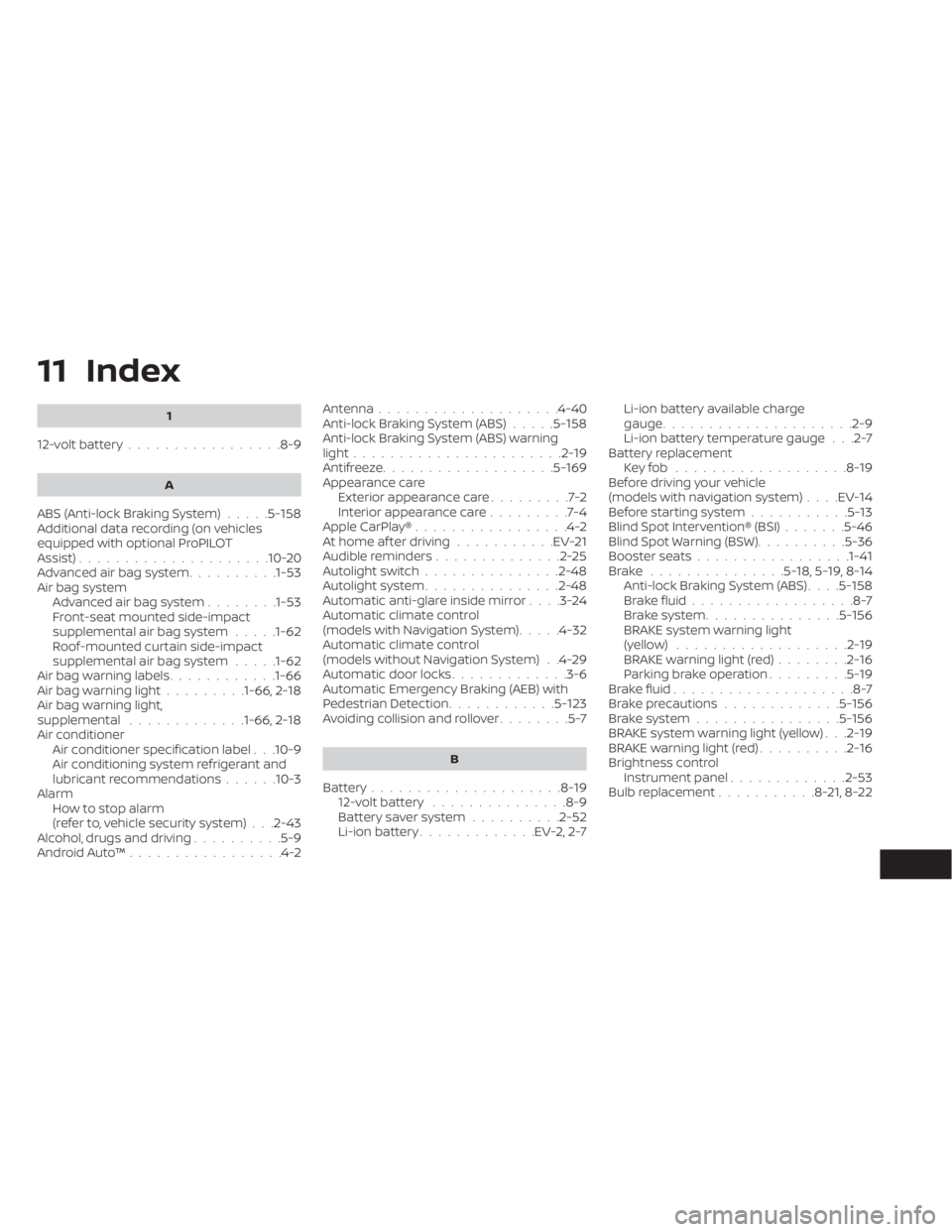
11 Index
1
12-volt battery.................8-9
A
ABS (Anti-lock Braking System).....5-158Additional data recording (on vehicles
equipped with optional ProPILOT
Assist)
.................... .10-20Advanced air bag system..........1-53Air bag system
Advanced air bag system........1-53Front-seat mounted side-impact
supplemental air bag system.....1-62Roof-mounted curtain side-impact
supplemental air bag system.....1-62Air bag warning labels............1-66Air bag warning light.........1-66, 2-18Air bag warning light,
supplemental.............1-66, 2-18Air conditionerAir conditioner specification label. . .10-9Air conditioning system refrigerant and
lubricant recommendations......10-3AlarmHowtostopalarm
(refer to, vehicle security system)
. . .2-43Alcohol, drugs and driving..........5-9Android Auto™.................4-2
Antenna................... .4-40Anti-lock Braking System (ABS).....5-158Anti-lock Braking System (ABS) warning
light.......................2-19Antifreeze...................5-169Appearance care
Exterior appearance care.........7-2Interior appearance care.........7-4Apple CarPlay®.................4-2At home af ter driving...........EV-21Audible reminders..............2-25Autolight switch...............2-48Autolight system...............2-48Automatic anti-glare inside mirror. . . .3-24Automatic climate control
(models with Navigation System).....4-32Automatic climate control
(models without Navigation System). .4-29Automatic door locks.............3-6Automatic Emergency Braking (AEB) with
Pedestrian Detection............5-123Avoiding collision and rollover........5-7
B
Battery.....................8-1912-volt battery...............8-9Battery saver system..........2-52Li-ion battery.............EV-2, 2-7
Li-ion battery available charge
gauge.................... .2-9Li-ion battery temperature gauge. . .2-7Battery replacement
Key fob...................8-19Before driving your vehicle
(models with navigation system). . . .EV-14Before starting system...........5-13Blind Spot Intervention® (BSI).......5-46Blind Spot Warning (BSW)..........5-36Booster seats................ .1-41Brake...............5-18,5-19,8-14Anti-lock Braking System (ABS). . . .5-158Brake fluid..................8-7Brake system...............5-156BRAKE system warning light
(yellow)...................2-19BRAKE warning light (red)........2-16Parking brake operation.........5-19Brake fluid....................8-7Brake precautions.............5-156Brake system................5-156BRAKE system warning light (yellow). . .2-19BRAKE warning light (red)..........2-16Brightness control
Instrument panel.............2-53Bulb replacement...........8-21,8-22