2021 MAZDA MODEL CX-30 brake light
[x] Cancel search: brake lightPage 278 of 594

▼Setting the System
The MRCC with Stop & Go function syst
em operates when all of the following
conditions are met.
Vehicle speed is 0 km/h (0 mph) to 145 km/h (90 mph)The MRCC with Stop & Go function is turned on.The brake pedal is not depressed.The parking brake is released (Electric Parking Brake (EPB) indicator light is turned
off).
There is no problem with the DSC.All the doors are closed.The driver's seat belt is fastened.The selector lever is in the drive (D) position or manual (M) position (manual
mode).
NOTE
In the following cases, the MRCC with Stop & Go function system is canceled
when the vehicle is traveling at 30 km/h (20 mph) or less and “Mazda Radar
Cruise Control Disabled Under 30 km/h” is displayed in the multi-information
display.
The Forward Sensing Camera (FSC) cannot detect target objects (There is
problem with the Forward Sensing Came ra (FSC) or windshield is dirty).
There is a problem with the stop hold control function.There is a problem with the Electric Parking Brake (EPB).It may not be possible to set the MRCC wi th Stop & Go function system directly
after starting the engine, while the DSC operation is being checked.
Turning on the system
1. CANCEL switch
2. RES switch
3. MRCC switch
When Driving
i-ACTIVSENSE
4-132
CX-30_8JP5-EA-20K_Edition1_new 2020-7-22 15:50:09
Page 282 of 594
The Smart Brake Support (SBS) has
operated.
When traveling on a downslope for a
long period of time.
There is a problem with the system.The parking brake is automatically
applied during stop hold control.
The front radar sensor cannot detect
target objects (during rain, fog, snow
or other inclement weather
conditions, or when the radiator
grille is dirty).
The parking brake is applied.Any of the doors is opened.The driver's seat belt is unfastened.The operation frequency of the
braking by the MRCC with Stop &
Go function control is high.
Resuming control
If the MRCC with Stop & Go function
system is canceled, you can resume
control at the previously set speed by
pressing the RES switch and after all of
the operation conditions have been
met.
NOTE
If the set speed is not indicated in the
display, the control does not resume
even if the RES switch is pressed.
Turning off the system
When the MRCC switch is pressed
while the MRCC is operating, the
MRCC turns off.
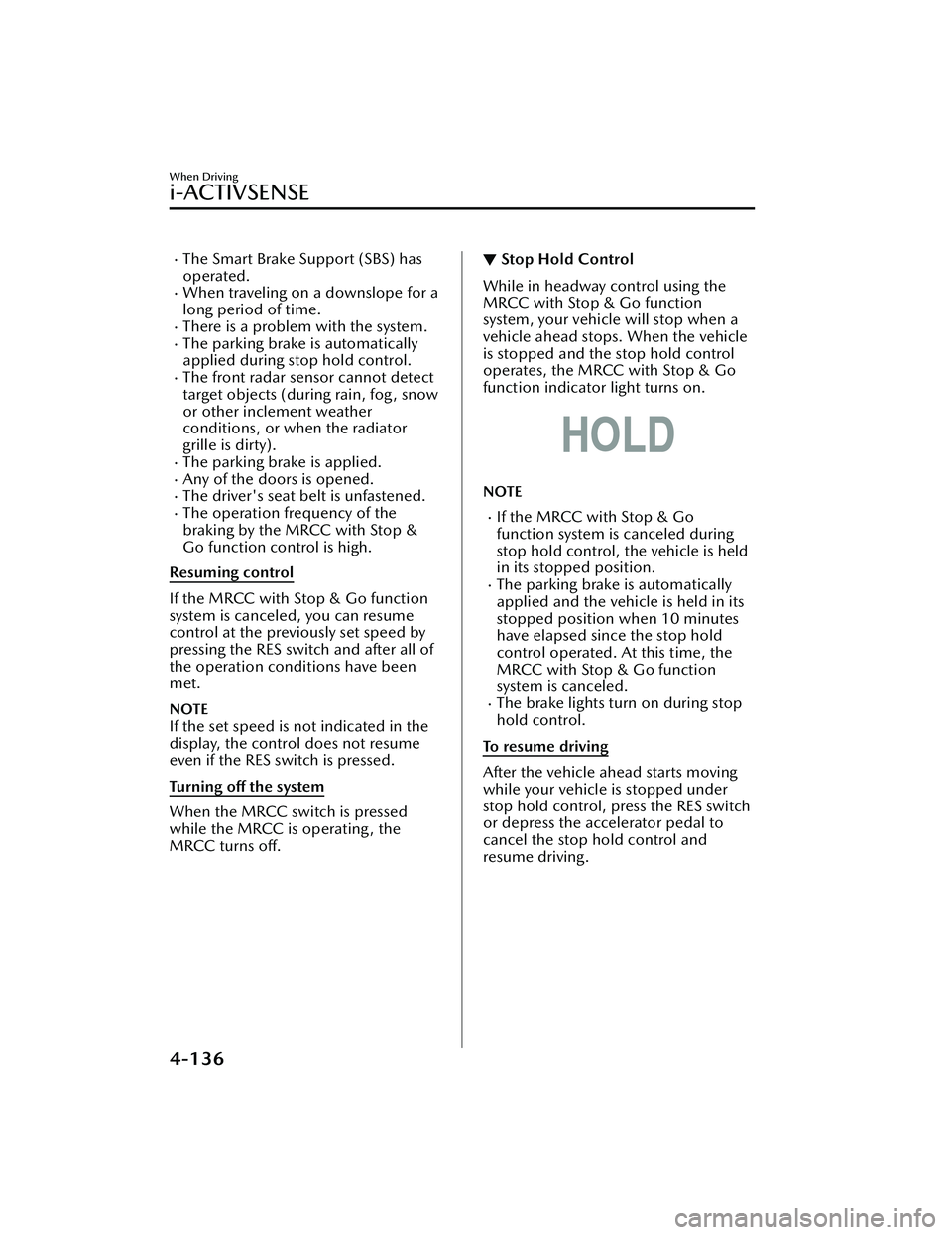
▼ Stop Hold Control
While in headway control using the
MRCC with Stop & Go function
system, your vehicle will stop when a
vehicle ahead stops. When the vehicle
is stopped and the stop hold control
operates, the MRCC with Stop & Go
function indicator light turns on.
NOTE
If the MRCC with Stop & Go
function system is canceled during
stop hold control, the vehicle is held
in its stopped position.
The parking brake is automatically
applied and the vehicle is held in its
stopped position when 10 minutes
have elapsed since the stop hold
control operated. At this time, the
MRCC with Stop & Go function
system is canceled.
The brake lights turn on during stop
hold control.
To resume driving
After the vehicle ahead starts moving
while your vehicle is stopped under
stop hold control, press the RES switch
or depress the accelerator pedal to
cancel the stop hold control and
resume driving.
When Driving
i-ACTIVSENSE
4-136
CX-30_8JP5-EA-20K_Edition1_new 2020-7-22 15:50:09
Page 283 of 594

NOTE
When you resume driving by pressing
the RES switch, your vehicle does not
start moving until the distance
between your vehicle and the vehicle
ahead lengthens to the specified
distance or farther.
If the MRCC with Stop & Go
function is temporarily canceled
during stop hold control, you cannot
resume driving by pressing the RES
switch when there are no vehicles in
front of your vehicle. Depress the
accelerator pedal and resume driving
the vehicle.
If the vehicle ahead starts moving
within 3 seconds after your vehicle is
stopped by the stop hold control,
headway control will resume even if
you do not resume driving your
vehicle, such as by depressing the
accelerator pedal.
Resume driving information
If you do not resume driving within a
few seconds after the vehicle ahead
starts moving , the multi-information
display vehicle-ahead indication
flashes to urge the driver to resume
driving. If you do not resume driving
after the indicator light flashes, a
sound is activated to urge you to
resume driving.
Traffic Jam Assist (TJA)*
▼ Tra ffi c
Jam Assist (TJA)
The TJA is a system which consists of a
headway control function and a
steering assist function for reducing
driver fatigue during traffic jams when
driving on expressways or highways.
This system performs headway control
to maintain a constant distance
between your vehicle and a vehicle
ahead at a preset vehicle speed
without you having to use the
accelerator or brake pedal. Even
further, with the steering assist
function, when vehicle lane lines are
detected, the function assists the driver
in keeping the vehicle within the lane
lines. If lane lines are not detected, the
function provides the driver driving
assistance in keeping the vehicle along
the motion path with the vehicle
ahead.
WARNING
Do not rely completely on TJA:
The TJA is not an automated driving
system. In addition, the functions
have limitations. Do not rely
completely on the system and always
stay on course using the steering
wheel.
Set a vehicle speed within the speed
limit according to the road
conditions and the weather
conditions.
When Driving
i-ACTIVSENSE
*Some models.4-137
CX-30_8JP5-EA-20K_Edition1_new 2020-7-22 15:50:09
Page 285 of 594

The vehicle is driven on roads with
lane lines other than white (yellow)
lines, such as an expressway.
Do not get out of the vehicle while
the stop hold control is operating.
(Automatic transmission vehicle)
Getting out of the vehicle while the
stop hold control is operating is
dangerous as the vehicle may move
unexpectedly and result in an accident.
Before getting out of the vehicle,
switch the TJA off, apply the parking
brake, and then shift the selector lever
to the P position.
CAUTION
Turn the system off when the vehicle is
running on a chassis roller.
Heed the following cautions so that
the TJA can operate normally.
Turn the system off when the vehicle
is running on a chassis roller.
Do not modify the vehicle's
suspensions.
Always use wheels of the specified
size for the front and rear wheels.
Consult an Authorized Mazda Dealer
for tire replacement.
NOTE
The headway control does not detect
the following as physical objects.
Vehicles approaching in the
opposite direction
Pe d e s t r i a n sStationary objects (stopped
vehicles, obstructions)
If a vehicle ahead is traveling at an
extremely low speed, the system may
not detect it correctly.
If there is a structure on the road or
an object (such as a monorail) at a
low height off the ground in front of
the vehicle, the system may operate.
Therefore, do not use the TJA.
Do not use the TJA under conditions
in which close proximity warnings
are frequently activated.
If it is necessary to accelerate for a
lane change or the vehicle ahead
brakes suddenly causing you to close
in on the vehicle rapidly, accelerate
using the accelerator pedal or
decelerate using the brake pedal
depending on the conditions.
While the TJA is in use, any intended
engine braking does not occur even
if you shift the shift lever (manual
transmission) or the selector lever
(automatic transmission). If
deceleration is required, lower the
vehicle speed setting or depress the
brake pedal.
While braking by the TJA control is
operating , you might hear an
operation sound, however, this does
not indicate a problem.
The brake lights turn on while
braking by the TJA control is
operating , however, they may not
turn on while the vehicle is on a
down slope at the set vehicle speed
or traveling at a constant speed and
following a vehicle ahead.
Under the following conditions, the
TJA may not be able to detect white
(yellow) lines or vehicles ahead
correctly and the TJA may not
operate normally.
The forward sensing camera (FSC)
cannot recognize the area in front
of the vehicle due to soiling or fog.
When Driving
i-ACTIVSENSE
4-139
CX-30_8JP5-EA-20K_Edition1_new 2020-7-22 15:50:09
Page 288 of 594

Inactive
Active (vehicle ahead)
Active (lane line)
If there is a problem with the TJA, a
message is displayed on the
multi-information display. Check the
details of the problem on the center
display and then have your vehicle
inspected by an Authorized Mazda
Dealer.
Refer to If a Warning Light Turns On or
Flashes on page 7-22.
▼Close Proximity Warning
If your vehicle rapidly closes in on the
vehicle ahead while you are traveling
under headway control, the warning
sound is activated and the brake
warning is indicated on the display.
Keep a safe distance between your
vehicle and a vehicle ahead.
1. “Depress Brake Pedal” message is
displayed
NOTE
In the following cases, the warnings
and brakes may not operate even if
your vehicle starts closing in on the
vehicle ahead.
You are driving your vehicle at the
same speed as the vehicle ahead.
Directly after the TJA operates.Directly after the accelerator pedal is
released.
Another vehicle cuts into the driving
lane in front of you.
When Driving
i-ACTIVSENSE
4-142
CX-30_8JP5-EA-20K_Edition1_new 2020-7-22 15:50:09
Page 289 of 594

▼Setting the System
Operation conditions
Headway control function
The TJA operates when all of th
e following conditions are met.
(Automatic transmission vehicle)
The vehicle speed is about 0 km/h (0 mph) to 145 km/h (90 mph).The selector lever is in the D or M position (manual mode).(Manual transmission vehicle)
The vehicle speed is about 30 km/h (19 mph) to 145 km/h (90 mph).The shift lever is in a position other than the R or N position.The clutch pedal is not depressed.The TJA is operating.The headway control function of the Mazda Radar Cruise Control (MRCC) or
Mazda Radar Cruise Contro l with Stop & Go function (MRCC with Stop & Go
function) is set to operable (if it was set to inoperable, set it to operable using the
personalization function).
The brake pedal is not depressed.The parking brake is released (Electric Parking Brake (EPB) indicator light is turned
off).
There is no problem with the DSC.All the doors are closed.The driver's seat belt is fastened.
NOTE
(Automatic transmission vehicle)
Under the following conditions, the TJA cannot be used when the vehicle speed is
30 km/h (19 mph) or slower.
There is a problem with the stop hold control function.There is a problem with the Electric Parking Brake (EPB).The TJA may not launch directly after the engine starts.
Steering assist function
The steering assist function operates when all of the following conditions are met.
Your vehicle is moving and less than about 56 km/h (35 mph).White (yellow) lane lines on both sides are detected and you are driving near the
center of the lane, or your vehicle detects a vehicle ahead.
The steering wheel is not turned sharply.The turn signal lever is not operated.The headway control function is operating.
When Driving
i-ACTIVSENSE
4-143
CX-30_8JP5-EA-20K_Edition1_new 2020-7-22 15:50:09
Page 296 of 594

▼Stop Hold Control (Automatic
Transmission)
While in headway control using the
TJA, your vehicle will stop when a
vehicle ahead stops. When the vehicle
is stopped and the stop hold control
operates, the TJA indicator light turns
on.
NOTE
Even if the TJA is temporarily
canceled during stop hold control,
the vehicle is held in its stopped
position.
The parking brake is automatically
applied and the vehicle is held in its
stopped position when 10 minutes
or longer have passed since the stop
hold control operated. When this
occurs, the TJA is temporarily
canceled.
The brake lights turn on during stop
hold control.
To resume driving
After the vehicle ahead starts moving
while your vehicle is stopped under
stop hold control, press the RES switch
or depress the accelerator pedal to
cancel the stop hold control and start
driving.
NOTE
When you resume driving by pressing
the RES switch, your vehicle does not
start moving until the distance
between your vehicle and the vehicle
ahead lengthens to the specified
distance or farther.
If the TJA is temporarily canceled,
depress the accelerator pedal and
start driving the vehicle. If the TJA is
temporarily canceled, you cannot
resume driving by pressing the RES
switch when there are no vehicles in
front of your vehicle.
If the vehicle ahead starts moving
within 3 seconds after your vehicle is
stopped by the stop hold control,
headway control will continue even if
you do not resume driving your
vehicle, such as by depressing the
accelerator pedal.
Vehicle departure information
If you do not resume driving within a
few seconds after the vehicle ahead
starts moving during stop hold control,
the multi-information display
vehicle-ahead indication flashes to
urge the driver to resume driving. If you
do not resume driving after the
indicator light flashes, a sound is
activated to urge you to resume
driving.
When Driving
i-ACTIVSENSE
4-150
CX-30_8JP5-EA-20K_Edition1_new 2020-7-22 15:50:09
Page 299 of 594

NOTE
When the system does not detect a
white (yellow) lane line on one side
only, the system does not operate on
the side that is not being detected.
When temporarily canceling the
system
The LAS goes on standby in the
following cases: The LAS operation is
automatically restored when the
system's operation conditions are met.
The system cannot detect white
(yellow) lane lines.
The vehicle speed is less than about
56 km/h (35 mph).
The turn signal lever is operated.The accelerator pedal is depressed
abruptly.
The TCS/DSC is operating.The TCS is turned off.The steering wheel is operated.The brake pedal is operated.
The function is temporarily stopped.
The LAS stops functioning in the
following cases:
The temperature in the forward
sensing camera (FSC) is too high or
too low.
The windshield around the forward
sensing camera (FSC) is foggy.
The windshield around the forward
sensing camera (FSC) is blocked by
an obstruction, causing poor forward
visibility.
Strong light (such as sunlight, or
headlights (high-beam) of
on-coming vehicles) is directed at
the forward sensing camera (FSC).
System malfunction
If there is a problem with the system,
the i-ACTIVSENSE status symbol
(warning/risk avoidance support
system) (white) and the i-ACTIVSENSE
warning indication/warning light on
the multi-information display turns on
and a message is indicated.
Refer to i-ACTIVSENSE Status Symbol
(Warning/Risk Avoidance Support
System) on page 4-88.
▼ Steering Wheel Operation Assist
When the system determines that the
vehicle might be deviating from its
lane, the steering wheel operation
assist operates.
The system notifies the driver that it
provided steering wheel operation
assistance on the multi-information
display and the active driving display.
Multi-information display (Basic
display)
When Driving
i-ACTIVSENSE
4-153
CX-30_8JP5-EA-20K_Edition1_new
2020-7-22 15:50:09