2021 HYUNDAI KONA EV park assist
[x] Cancel search: park assistPage 141 of 478
3-57
Convenient features of your vehicle
3
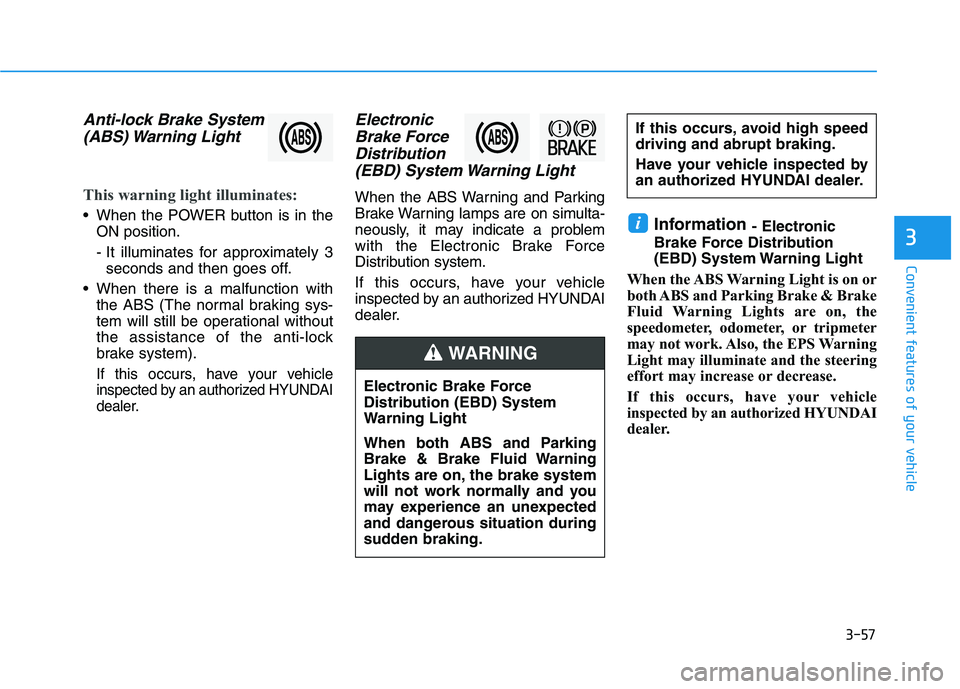
Anti-lock Brake System
(ABS) Warning Light
This warning light illuminates:
When the POWER button is in the
ON position.
- It illuminates for approximately 3
seconds and then goes off.
When there is a malfunction with
the ABS (The normal braking sys-
tem will still be operational without
the assistance of the anti-lock
brake system).
If this occurs, have your vehicle
inspected by an authorized HYUNDAI
dealer.
Electronic
Brake Force
Distribution
(EBD) System Warning Light
When the ABS Warning and Parking
Brake Warning lamps are on simulta-
neously, it may indicate a problem
with the Electronic Brake Force
Distribution system.
If this occurs, have your vehicle
inspected by an authorized HYUNDAI
dealer.
Information - Electronic
Brake Force Distribution
(EBD) System Warning Light
When the ABS Warning Light is on or
both ABS and Parking Brake & Brake
Fluid Warning Lights are on, the
speedometer, odometer, or tripmeter
may not work. Also, the EPS Warning
Light may illuminate and the steering
effort may increase or decrease.
If this occurs, have your vehicle
inspected by an authorized HYUNDAI
dealer.i
Electronic Brake Force
Distribution (EBD) System
Warning Light
When both ABS and Parking
Brake & Brake Fluid Warning
Lights are on, the brake system
will not work normally and you
may experience an unexpected
and dangerous situation during
sudden braking.
If this occurs, avoid high speed
driving and abrupt braking.
Have your vehicle inspected by
an authorized HYUNDAI dealer.
WARNING
Page 147 of 478
3-63
Convenient features of your vehicle
3
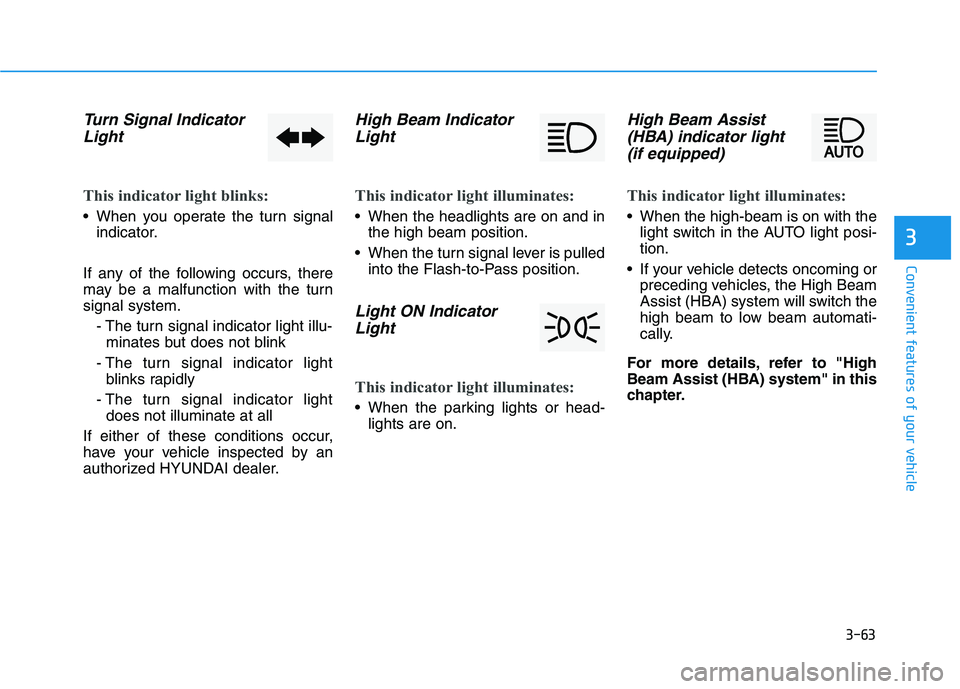
Turn Signal Indicator
Light
This indicator light blinks:
When you operate the turn signal
indicator.
If any of the following occurs, there
may be a malfunction with the turn
signal system.
- The turn signal indicator light illu-
minates but does not blink
- The turn signal indicator light
blinks rapidly
- The turn signal indicator light
does not illuminate at all
If either of these conditions occur,
have your vehicle inspected by an
authorized HYUNDAI dealer.
High Beam Indicator
Light
This indicator light illuminates:
When the headlights are on and in
the high beam position.
When the turn signal lever is pulled
into the Flash-to-Pass position.
Light ON Indicator
Light
This indicator light illuminates:
When the parking lights or head-
lights are on.
High Beam Assist
(HBA) indicator light
(if equipped)
This indicator light illuminates:
When the high-beam is on with the
light switch in the AUTO light posi-
tion.
If your vehicle detects oncoming or
preceding vehicles, the High Beam
Assist (HBA) system will switch the
high beam to low beam automati-
cally.
For more details, refer to "High
Beam Assist (HBA) system" in this
chapter.
Page 166 of 478
3-82
Convenient features of your vehicle
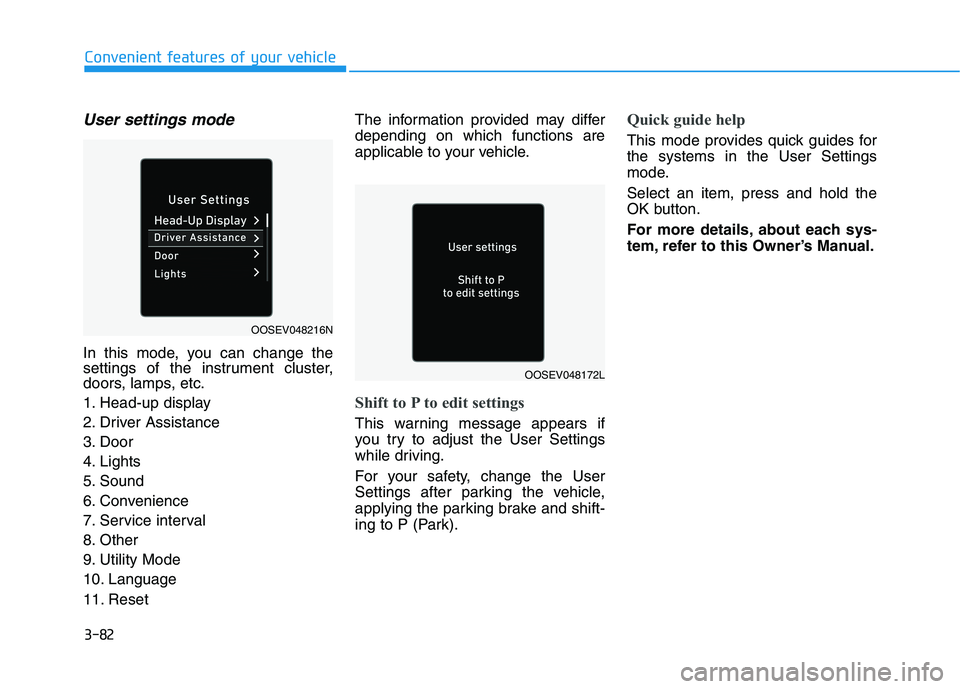
User settings mode
In this mode, you can change the
settings of the instrument cluster,
doors, lamps, etc.
1. Head-up display
2. Driver Assistance
3. Door
4. Lights
5. Sound
6. Convenience
7. Service interval
8. Other
9. Utility Mode
10. Language
11. ResetThe information provided may differ
depending on which functions are
applicable to your vehicle.
Shift to P to edit settings
This warning message appears if
you try to adjust the User Settings
while driving.
For your safety, change the User
Settings after parking the vehicle,
applying the parking brake and shift-
ing to P (Park).
Quick guide help
This mode provides quick guides for
the systems in the User Settings
mode.
Select an item, press and hold the
OK button.
For more details, about each sys-
tem, refer to this Owner’s Manual.
OOSEV048216N
OOSEV048172L
Page 199 of 478
3-115
Convenient features of your vehicle
R RE
EV
VE
ER
RS
SE
E
P
PA
AR
RK
KI
IN
NG
G
D
DI
IS
ST
TA
AN
NC
CE
E
W
WA
AR
RN
NI
IN
NG
G
(
(P
PD
DW
W)
)
(
(I
IF
F
E
EQ
QU
UI
IP
PP
PE
ED
D)
)
3
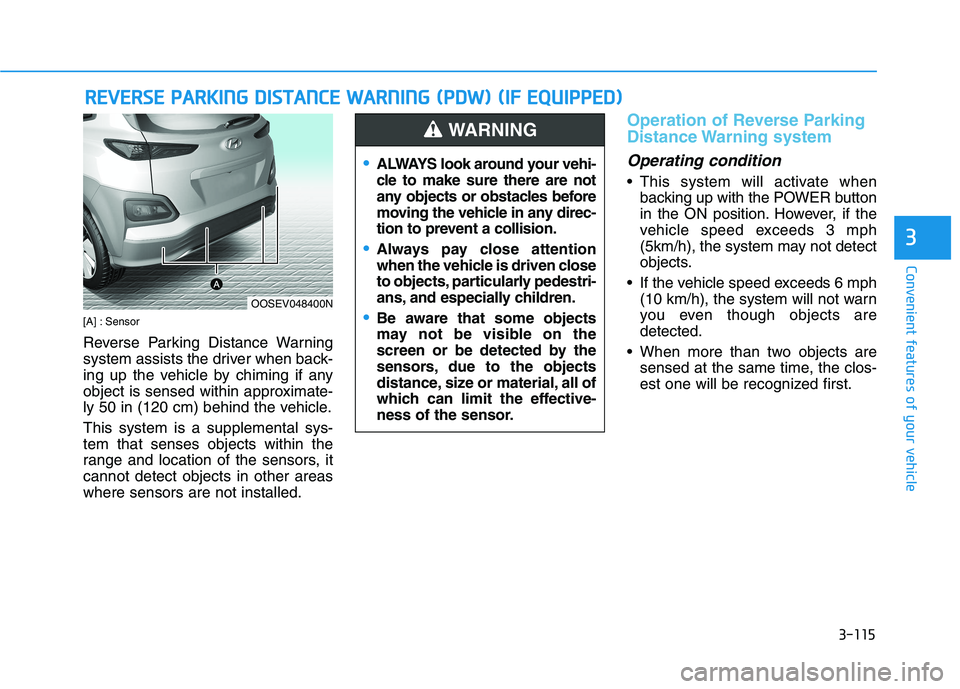
[A] : Sensor
Reverse Parking Distance Warning
system assists the driver when back-
ing up the vehicle by chiming if any
object is sensed within approximate-
ly 50 in (120 cm) behind the vehicle.
This system is a supplemental sys-
tem that senses objects within the
range and location of the sensors, it
cannot detect objects in other areas
where sensors are not installed.
Operation of Reverse Parking
Distance Warning system
Operating condition
This system will activate when
backing up with the POWER button
in the ON position. However, if the
vehicle speed exceeds 3 mph
(5km/h), the system may not detect
objects.
If the vehicle speed exceeds 6 mph
(10 km/h), the system will not warn
you even though objects are
detected.
When more than two objects are
sensed at the same time, the clos-
est one will be recognized first.
OOSEV048400N
ALWAYS look around your vehi-
cle to make sure there are not
any objects or obstacles before
moving the vehicle in any direc-
tion to prevent a collision.
Always pay close attention
when the vehicle is driven close
to objects, particularly pedestri-
ans, and especially children.
Be aware that some objects
may not be visible on the
screen or be detected by the
sensors, due to the objects
distance, size or material, all of
which can limit the effective-
ness of the sensor.
WARNING
Page 202 of 478
3-118
Convenient features of your vehicle
Reverse Parking Distance
Warning system Precautions
The Parking Distance Warning
(Reverse) system may not operate
consistently in some circum-
stances depending on the speed of
the vehicle and the shapes of the
objects detected.
Reverse Parking Distance Warning
system may malfunction if the vehi-
cle bumper height or sensor instal-
lation has been modified or dam-
aged. Any non-factory installed
equipment or accessories may also
interfere with the sensor perform-
ance.
The sensor may not recognize
objects less than 12 in. (30 cm)
from the sensor, or it may sense an
incorrect distance. Use caution.
When the sensor is blocked with
snow, dirt, debris, or ice, the rear
parking assist system may be inop-
erative until the snow or ice melts,
or the debris is removed. Use a
soft cloth to wipe debris away from
the sensor. Do not push, scratch or strike the
sensor with any hard objects that
could damage the surface of the
sensor. Sensor damage could occur.
Do not spray the sensors or its sur-
rounding area directly with a high
pressure washer. Doing so may
cause the sensors to fail to operate
normally.
Extreme caution should always
be taken to avoid accidents or
vehicle injuries. Do not solely
rely on the Parking Distance
Warning (Reverse) system.
Always drive safely and cau-
tiously, especially when back-
ing up in reverse.
WARNING
Page 236 of 478
Driving your vehicle
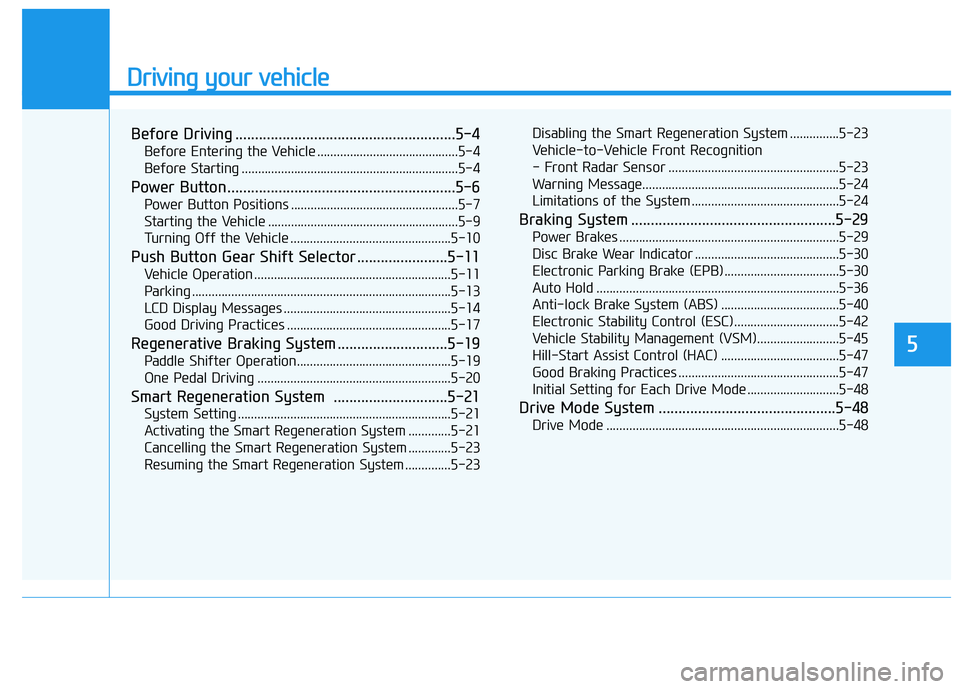
Before Driving ........................................................5-4
Before Entering the Vehicle ...........................................5-4
Before Starting ..................................................................5-4
Power Button..........................................................5-6
Power Button Positions ...................................................5-7
Starting the Vehicle ..........................................................5-9
Turning Off the Vehicle .................................................5-10
Push Button Gear Shift Selector .......................5-11
Vehicle Operation ............................................................5-11
Parking ...............................................................................5-13
LCD Display Messages ...................................................5-14
Good Driving Practices ..................................................5-17
Regenerative Braking System ............................5-19
Paddle Shifter Operation...............................................5-19
One Pedal Driving ...........................................................5-20
Smart Regeneration System .............................5-21
System Setting .................................................................5-21
Activating the Smart Regeneration System .............5-21
Cancelling the Smart Regeneration System .............5-23
Resuming the Smart Regeneration System ..............5-23Disabling the Smart Regeneration System ...............5-23
Vehicle-to-Vehicle Front Recognition
- Front Radar Sensor ....................................................5-23
Warning Message............................................................5-24
Limitations of the System .............................................5-24
Braking System ....................................................5-29
Power Brakes ...................................................................5-29
Disc Brake Wear Indicator ............................................5-30
Electronic Parking Brake (EPB)...................................5-30
Auto Hold ..........................................................................5-36
Anti-lock Brake System (ABS) ....................................5-40
Electronic Stability Control (ESC)................................5-42
Vehicle Stability Management (VSM).........................5-45
Hill-Start Assist Control (HAC) ....................................5-47
Good Braking Practices .................................................5-47
Initial Setting for Each Drive Mode ............................5-48
Drive Mode System .............................................5-48
Drive Mode .......................................................................5-48
5
Page 241 of 478
5-6
Driving your vehicle
P PO
OW
WE
ER
R
B
BU
UT
TT
TO
ON
N
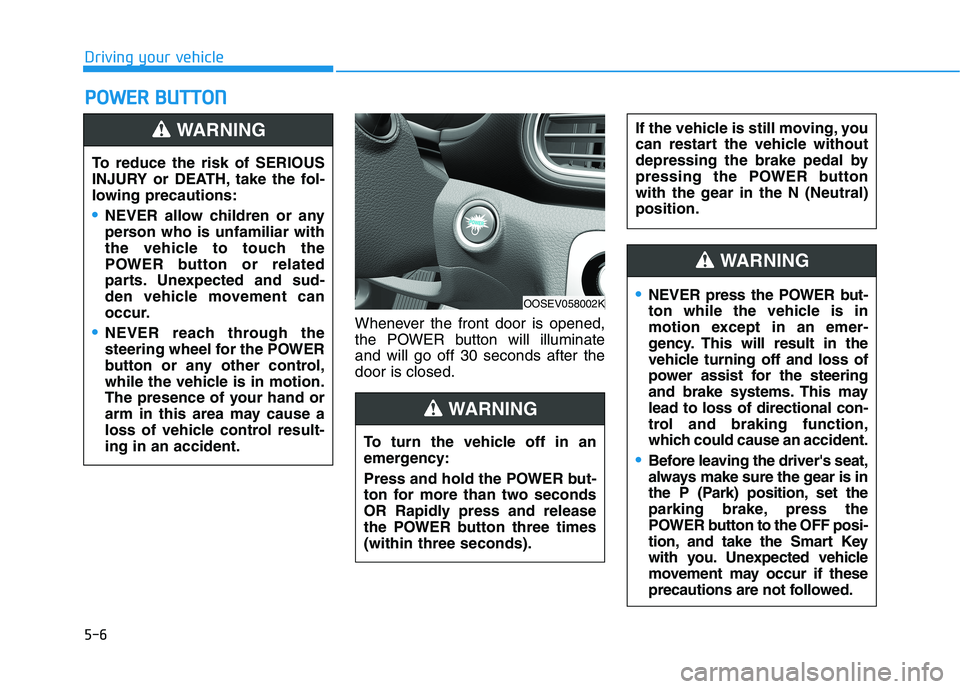
Whenever the front door is opened,
the POWER button will illuminate
and will go off 30 seconds after the
door is closed. To reduce the risk of SERIOUS
INJURY or DEATH, take the fol-
lowing precautions:
NEVER allow children or any
person who is unfamiliar with
the vehicle to touch the
POWER button or related
parts. Unexpected and sud-
den vehicle movement can
occur.
NEVER reach through the
steering wheel for the POWER
button or any other control,
while the vehicle is in motion.
The presence of your hand or
arm in this area may cause a
loss of vehicle control result-
ing in an accident.
WARNING
OOSEV058002K
To turn the vehicle off in an
emergency:
Press and hold the POWER but-
ton for more than two seconds
OR Rapidly press and release
the POWER button three times
(within three seconds).
If the vehicle is still moving, you
can restart the vehicle without
depressing the brake pedal by
pressing the POWER button
with the gear in the N (Neutral)
position.
WARNING
NEVER press the POWER but-
ton while the vehicle is in
motion except in an emer-
gency. This will result in the
vehicle turning off and loss of
power assist for the steering
and brake systems. This may
lead to loss of directional con-
trol and braking function,
which could cause an accident.
Before leaving the driver's seat,
always make sure the gear is in
the P (Park) position, set the
parking brake, press the
POWER button to the OFF posi-
tion, and take the Smart Key
with you. Unexpected vehicle
movement may occur if these
precautions are not followed.
WARNING
Page 256 of 478
5-21
Driving your vehicle
5
The Smart Regeneration System
controls the regenerative braking
automatically according to the road
gradient and driving condition of the
vehicle in front. The system mini-
mizes the unnecessary operation of
the brake and acceleration pedal,
improving the electric energy effi-
ciency and assisting the driver.System Setting
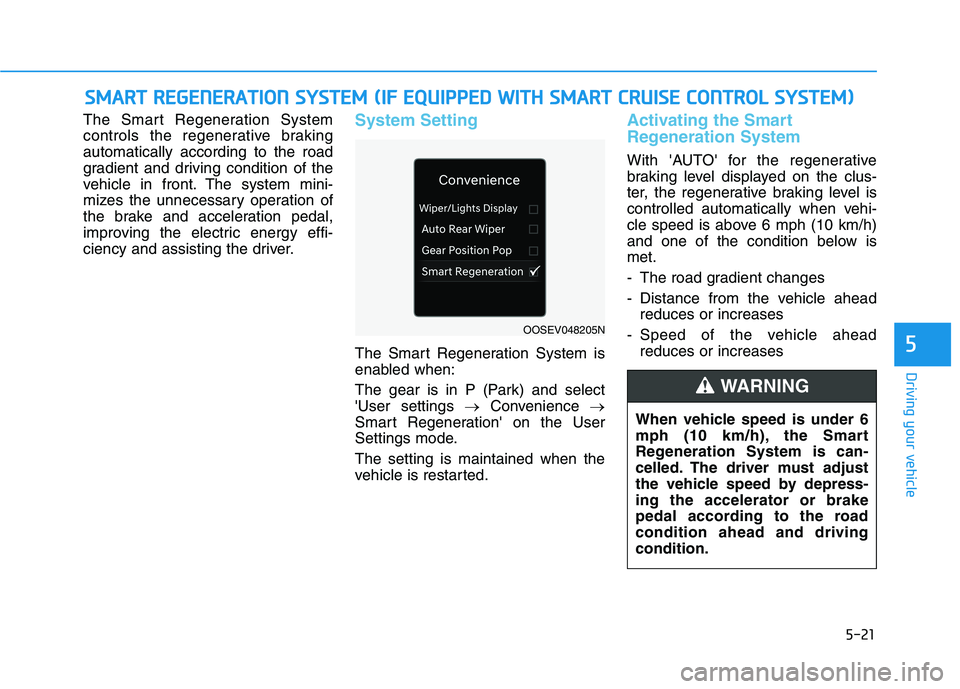
The Smart Regeneration System is
enabled when:
The gear is in P (Park) and select
'User settings →Convenience →
Smart Regeneration' on the User
Settings mode.
The setting is maintained when the
vehicle is restarted.
Activating the Smart
Regeneration System
With 'AUTO' for the regenerative
braking level displayed on the clus-
ter, the regenerative braking level is
controlled automatically when vehi-
cle speed is above 6 mph (10 km/h)
and one of the condition below is
met.
- The road gradient changes
- Distance from the vehicle ahead
reduces or increases
- Speed of the vehicle ahead
reduces or increases
S SM
MA
AR
RT
T
R
RE
EG
GE
EN
NE
ER
RA
AT
TI
IO
ON
N
S
SY
YS
ST
TE
EM
M
(
(I
IF
F
E
EQ
QU
UI
IP
PP
PE
ED
D
W
WI
IT
TH
H
S
SM
MA
AR
RT
T
C
CR
RU
UI
IS
SE
E
C
CO
ON
NT
TR
RO
OL
L
S
SY
YS
ST
TE
EM
M)
)
OOSEV048205N
When vehicle speed is under 6
mph (10 km/h), the Smart
Regeneration System is can-
celled. The driver must adjust
the vehicle speed by depress-
ing the accelerator or brake
pedal according to the road
condition ahead and driving
condition.
WARNING