2021 HYUNDAI ELANTRA HYBRID rear view mirror
[x] Cancel search: rear view mirrorPage 154 of 555

5.Convenient Features
Convenient Features
Accessing Your Vehicle ........................................................................\
..........5-4Remote Key ........................................................................\
.......................................5-4
Smart Key ........................................................................\
...........................................5 -7
Immobilizer System ........................................................................\
........................5-14
Hyundai Digital Key ........................................................................\
.........................5-15
Door Locks ........................................................................\
.............................5-31Operating Door Locks from Outside the Vehicle ..................................................5-31
Operating Door Locks from Inside the Vehicle ....................................................5-33
Automatic Door Lock and Unlock Features ..........................................................5-35
Child-Protector Rear Door Locks ........................................................................\
..5-35
Rear Occupant Alert (ROA) System .......................................................................5-36
Theft –Alarm System ........................................................................\
...........5-37
Driver position memory system
..................................................................5-38Storing memory positions ........................................................................\
.............5-38
Recalling memory positions ........................................................................\
..........5-38
Driver position memory system reset ...................................................................5-39
Easy access function ........................................................................\
......................5-40
Steering Wheel ........................................................................\
......................5-41Electric Power Steering (EPS) ........................................................................\
.........5-41
Tilt Steering / Telescope Steering ........................................................................\
.5-42
Horn ........................................................................\
................................................. 5-43
Mirrors ........................................................................\
..................................5-44Inside Rearview Mirror ........................................................................\
...................5-44
Side View Mirrors ........................................................................\
...........................5-52
Windows ........................................................................\
...............................5-54Power Windows ........................................................................\
..............................5-55
Sunroof ........................................................................\
.................................5-58Sunroof opening and closing ........................................................................\
........5-59
Tilting the sunroof ........................................................................\
..........................5-60
Sunshade ........................................................................\
........................................5-60
Resetting the sunroof ........................................................................\
.....................5-61
Sunroof open warning ........................................................................\
....................5-61
Hood ........................................................................\
.....................................5-62
Trunk
........................................................................\
.....................................5-64Emergency trunk safety release ........................................................................\
....5-65
Smart Trunk release ........................................................................\
.......................5-66
5
Page 197 of 555
Convenient Features5-44
MIRRORS
Inside Rearview Mirror
Before driving your vehicle, check to
see that your inside rearview mirror is
properly positioned. Adjust the rearview
mirror so that the view through the rear
window is properly centered.
WARNING
Make sure your line of sight is not
obstructed. Do not place objects in the
rear seat, cargo area, or behind the rear
head restraints which could interfere
with your vision through the rear
window.
WARNING
To prevent serious injury during an
accident or deployment of the air bag,
do not modify the rearview mirror and
do not install a wide mirror.
WARNING
NEVER adjust the mirror while driving.
This may cause loss of vehicle control
resulting in an accident.
NOTICE
When cleaning the mirror, use a paper
towel or similar material dampened
with glass cleaner. Do not spray glass
cleaner directly on the mirror as this
may cause the liquid cleaner to enter
the mirror housing.
Day/night rearview mirror
(if equipped)
OCN7050017L
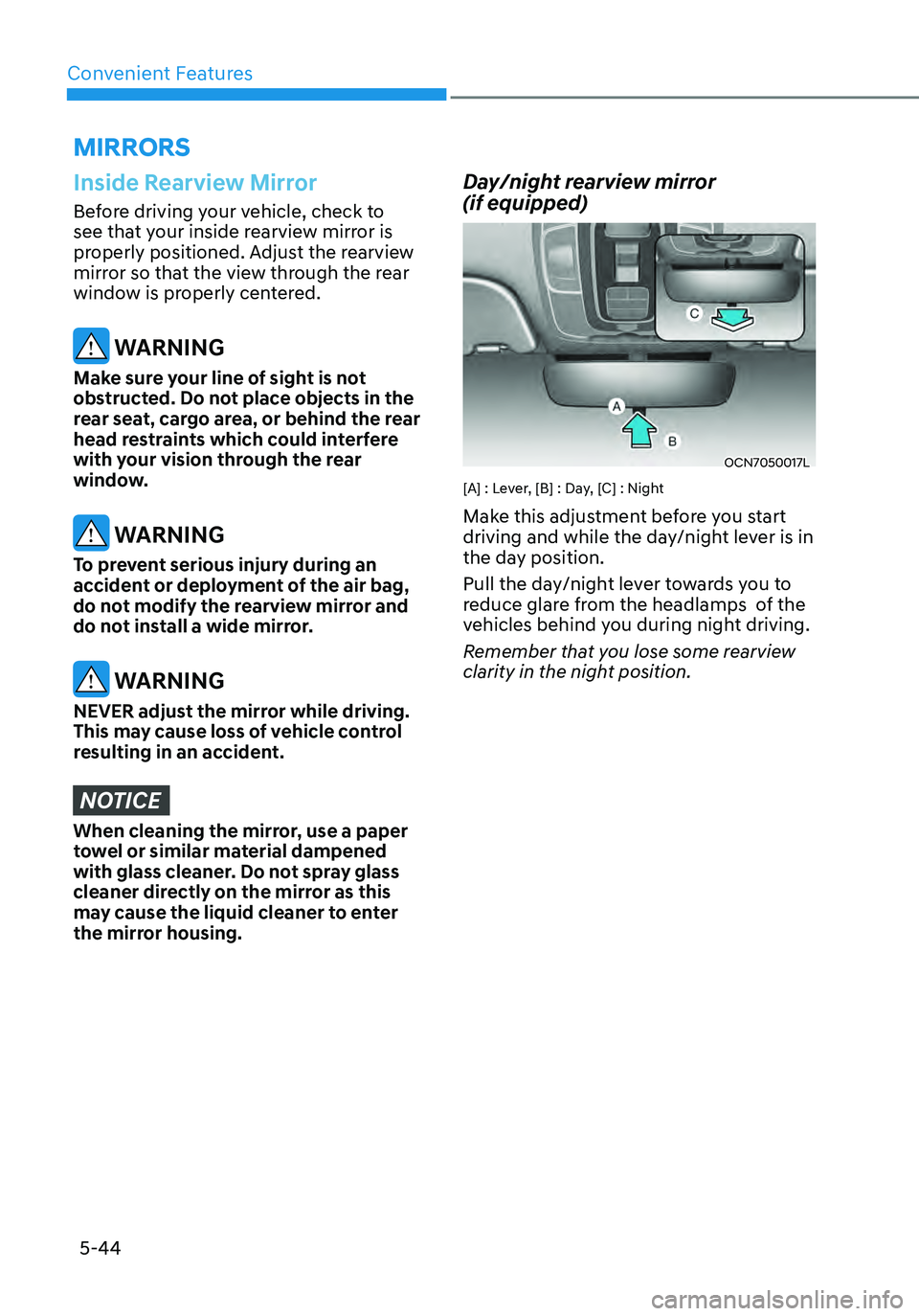
[A] : Lever, [B] : Day, [C] : Night
Make this adjustment before you start
driving and while the day/night lever is in
the day position.
Pull the day/night lever towards you to
reduce glare from the headlamps of the
vehicles behind you during night driving.
Remember that you lose some rearview
clarity in the night position.
Page 198 of 555

05
5-45
Electrochromic mirror (ECM) with
HomeLink® system (if equipped)
OCN7050084N
Your vehicle may be equipped with
a Gentex Automatic-Dimming Mirror
with an Integrated HomeLink® Wireless
Control System.
During nighttime driving, this feature will
automatically detect and help reduce
rearview mirror glare. The HomeLink®
Universal Transceiver allows you to
activate your garage door(s), electric
gate, home lighting, etc.
(1) HomeLink Channel 1
(2) HomeLink Channel 2
(3) HomeLink Channel 3
(4) Garage Door Opener Status Indicator : Closing or Closed
(5) HomeLink Operation Indicator
(6) Garage Door Opener Status Indicator : Opening or Opened
(7) HomeLink User Interface Indicator
Automatic-Dimming Night Vision Safety™
(NVS®) Mirror (if equipped)
The NVS® Mirror automatically helps
reduce glare by monitoring light levels in
the front and the rear of the vehicle. Any
object that obstructs either light sensor
will degrade the automatic dimming
control feature.
For more information regarding NVS®
mirrors and other applications, please
refer to the Gentex website:
www.gentex.com
Your mirror will automatically dim
upon detecting glare from the vehicles
traveling behind you.
The mirror defaults to the ON position
each time the vehicle is started.
Integrated HomeLink
® Wireless Control
System
The HomeLink® Wireless Control System
can replace up to three hand-held
radio-frequency (RF) transmitters with
a single built-in device. This innovative
feature will learn the radio frequency
codes of most current transmitters to
operate devices such as gate operators,
garage door openers, entry door locks,
security systems, even home lighting.
Both standard and rolling code-equipped
transmitters can be programed by
following the outlined procedures.
Additional HomeLink® information can
be found at: www.homelink.com, www.
youtube.com/HomeLinkGentex or by
calling 1-800-355-3515.
Retain the original transmitter of the
RF device you are programing for use
in other vehicles as well as for future
HomeLink® programing. It is also
suggested that upon the sale of the
vehicle, the programed HomeLink®
buttons be erased for security purposes.
Page 205 of 555
Convenient Features
5-52
Side View Mirrors
OCN7050019
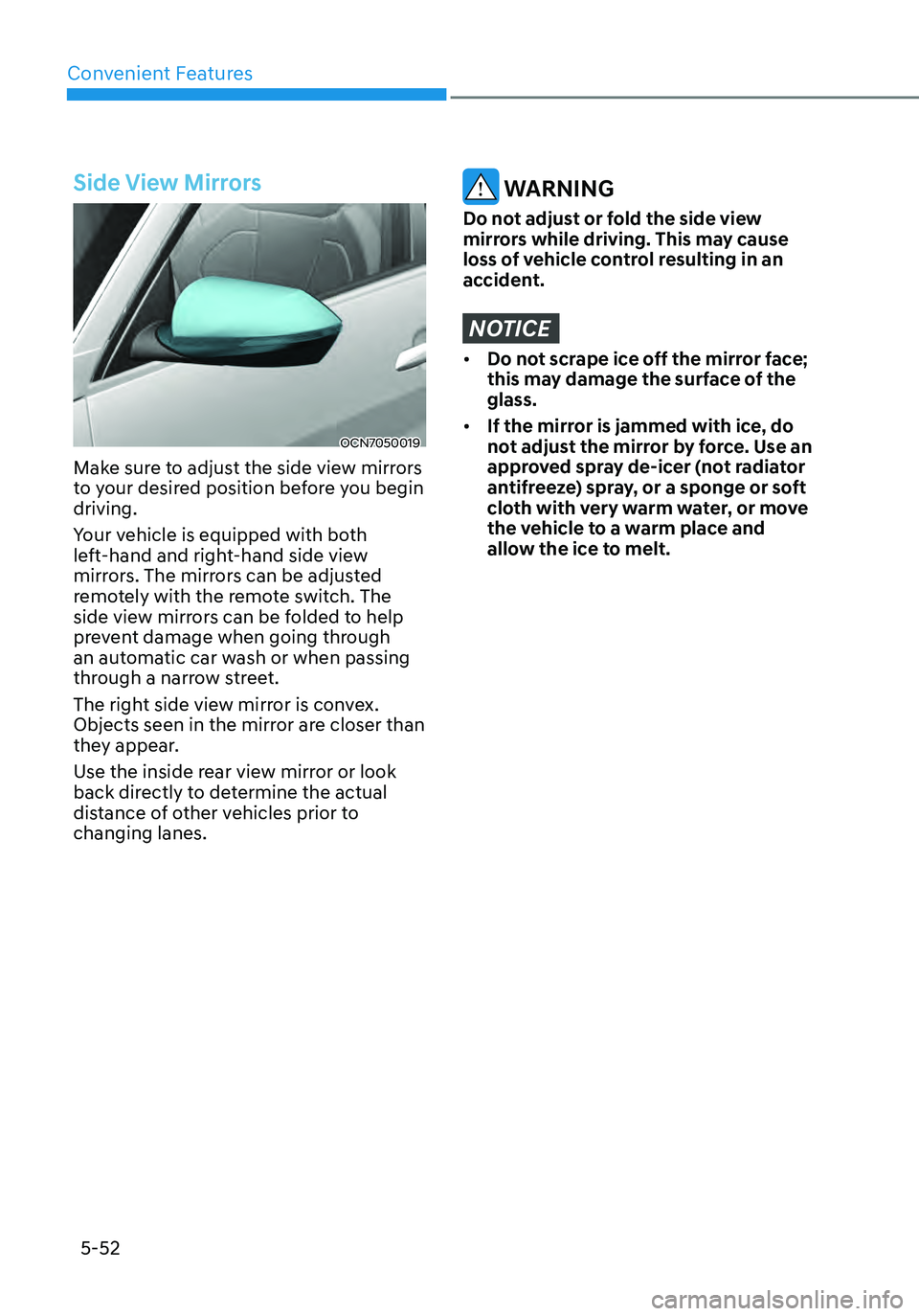
Make sure to adjust the side view mirrors
to your desired position before you begin
driving.
Your vehicle is equipped with both
left-hand and right-hand side view
mirrors. The mirrors can be adjusted
remotely with the remote switch. The
side view mirrors can be folded to help
prevent damage when going through
an automatic car wash or when passing
through a narrow street.
The right side view mirror is convex.
Objects seen in the mirror are closer than
they appear.
Use the inside rear view mirror or look
back directly to determine the actual
distance of other vehicles prior to
changing lanes.
WARNING
Do not adjust or fold the side view
mirrors while driving. This may cause
loss of vehicle control resulting in an
accident.
NOTICE
• Do not scrape ice off the mirror face;
this may damage the surface of the
glass.
• If the mirror is jammed with ice, do
not adjust the mirror by force. Use an
approved spray de-icer (not radiator
antifreeze) spray, or a sponge or soft
cloth with very warm water, or move
the vehicle to a warm place and
allow the ice to melt.
Page 250 of 555
05
5-97
WARNING
Windshield heating
Do not use the
or position during cooling operation in extremely
humid weather. The difference between
the temperature of the outside air and
that of the windshield could cause the
outer surface of the windshield to fog
up, causing loss of visibility. In this case,
set the mode selection knob or button
to the
position and fan speed control knob or button to lower speed.
• For maximum defrost performance,
set the temperature control knob
to the highest temperature setting
(rotated all the way to the right) and
the fan speed control to the highest
setting.
• If warm air to the floor is desired while
defrosting or defogging, set the mode
to the floor-defrost position.
• Before driving, clear all snow and ice
from the windshield, rear window,
side view mirrors, and all side
windows.
• Clear all snow and ice from the
hood and air inlet in the cowl grill
to improve heater and defroster
efficiency and to reduce the
probability of fogging up inside of the
windshield.
Automatic climate control
system
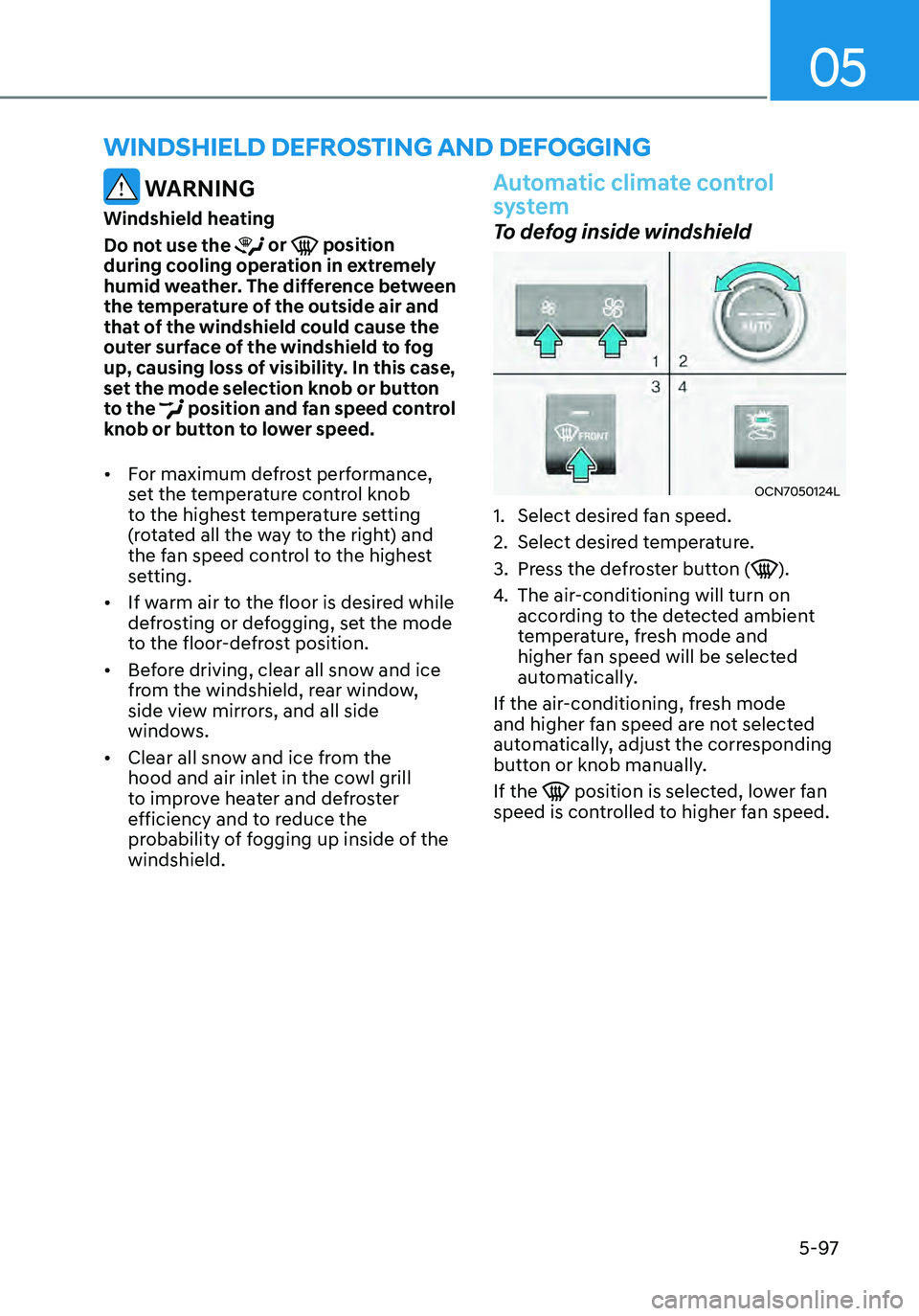
To defog inside windshield
OCN7050124L
1. Select desired fan speed.
2. Select desired temperature.
3. Press the defroster button ().
4. The air-conditioning will turn on
according to the detected ambient
temperature, fresh mode and
higher fan speed will be selected
automatically.
If the air-conditioning, fresh mode
and higher fan speed are not selected
automatically, adjust the corresponding
button or knob manually.
If the
position is selected, lower fan speed is controlled to higher fan speed.
WINDSHIELD DEFROSTING AND DEFOGGING
Page 360 of 555
07
7-39
OTM070097N
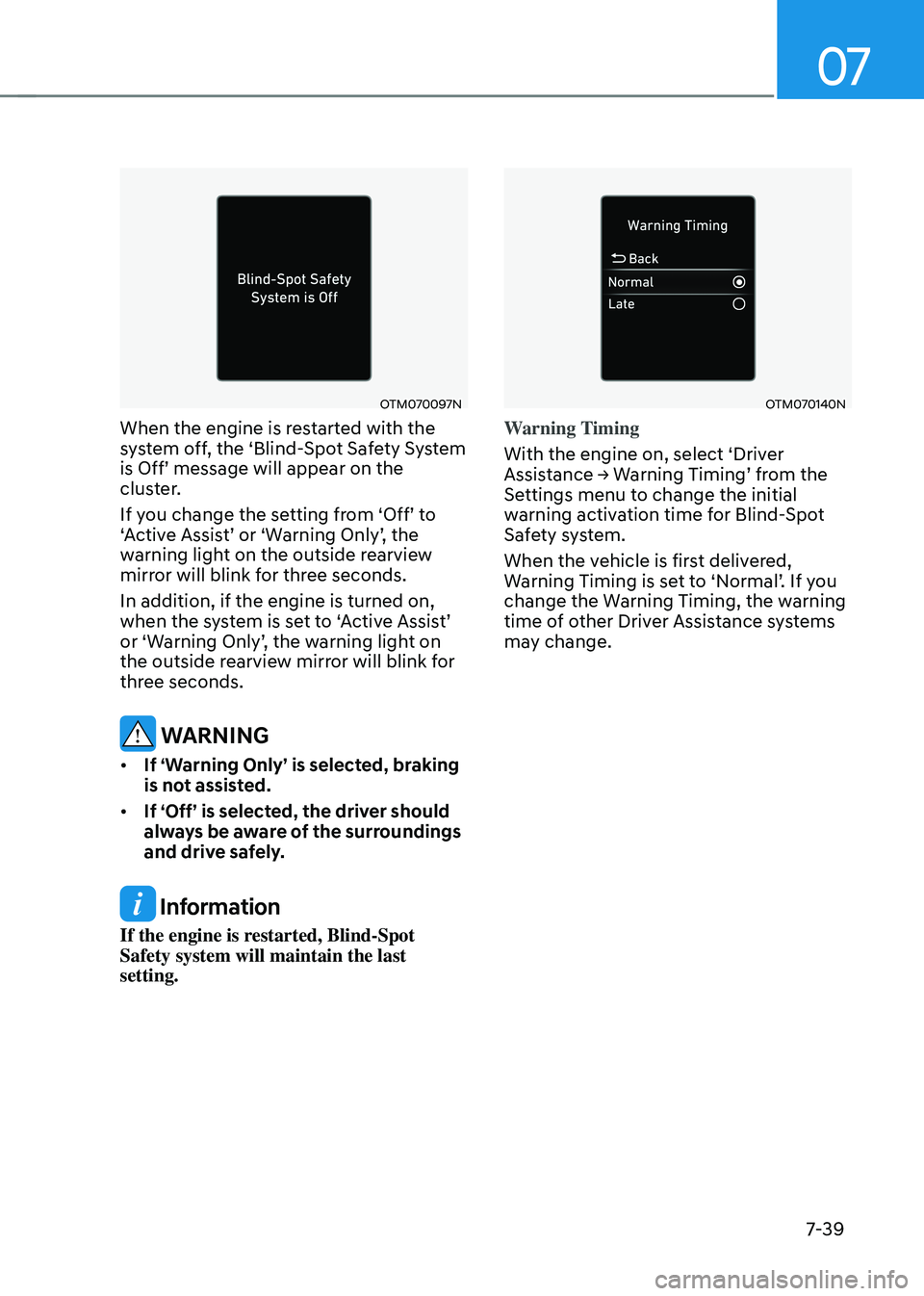
When the engine is restarted with the
system off, the ‘Blind-Spot Safety System
is Off’ message will appear on the cluster.
If you change the setting from ‘Off’ to ‘Active Assist’ or ‘Warning Only’, the warning light on the outside rearview
mirror will blink for three seconds.
In addition, if the engine is turned on,
when the system is set to ‘Active Assist’ or ‘Warning Only’, the warning light on the outside rearview mirror will blink for
three seconds.
WARNING
• If ‘Warning Only’ is selected, braking
is not assisted.
• If ‘Off’ is selected, the driver should
always be aware of the surroundings
and drive safely.
Information
If the engine is restarted, Blind-Spot
Safety system will maintain the last
setting.
OTM070140N
Warning Timing
With the engine on, select ‘Driver
Assistance → Warning Timing’ from the Settings menu to change the initial
warning activation time for Blind-Spot
Safety system.
When the vehicle is first delivered,
Warning Timing is set to ‘Normal’. If you change the Warning Timing, the warning
time of other Driver Assistance systems
may change.
Page 361 of 555
Driver assistance system
7-40
OTM070141N
Warning Volume
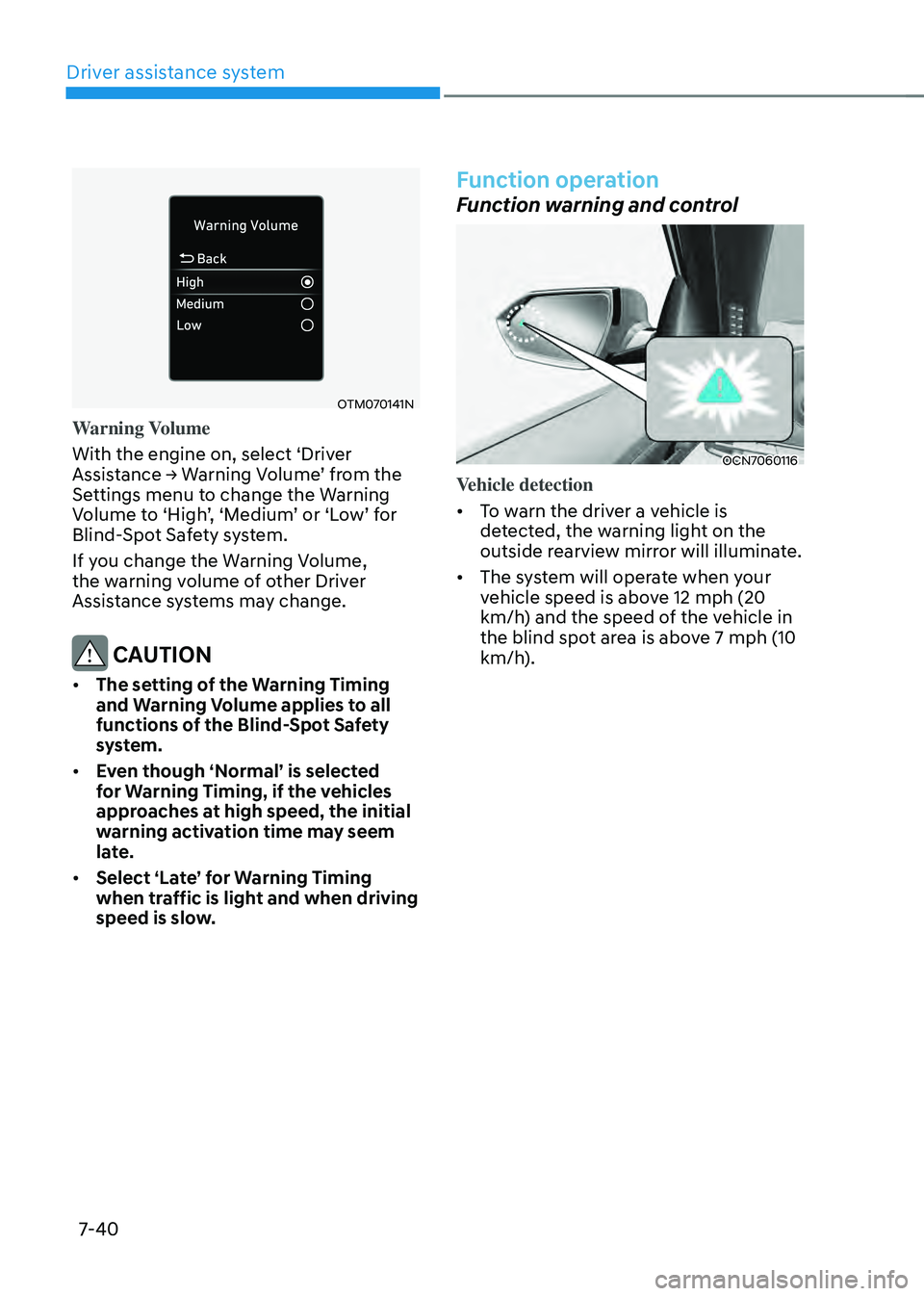
With the engine on, select ‘Driver
Assistance → Warning Volume’ from the Settings menu to change the Warning Volume to ‘High’, ‘Medium’ or ‘Low’ for Blind-Spot Safety system.
If you change the Warning Volume,
the warning volume of other Driver
Assistance systems may change.
CAUTION
• The setting of the Warning Timing
and Warning Volume applies to all
functions of the Blind-Spot Safety
system.
• Even though ‘Normal’ is selected
for Warning Timing, if the vehicles
approaches at high speed, the initial
warning activation time may seem
late.
• Select ‘Late’ for Warning Timing
when traffic is light and when driving
speed is slow.
Function operation
Function warning and control
OCN7060116
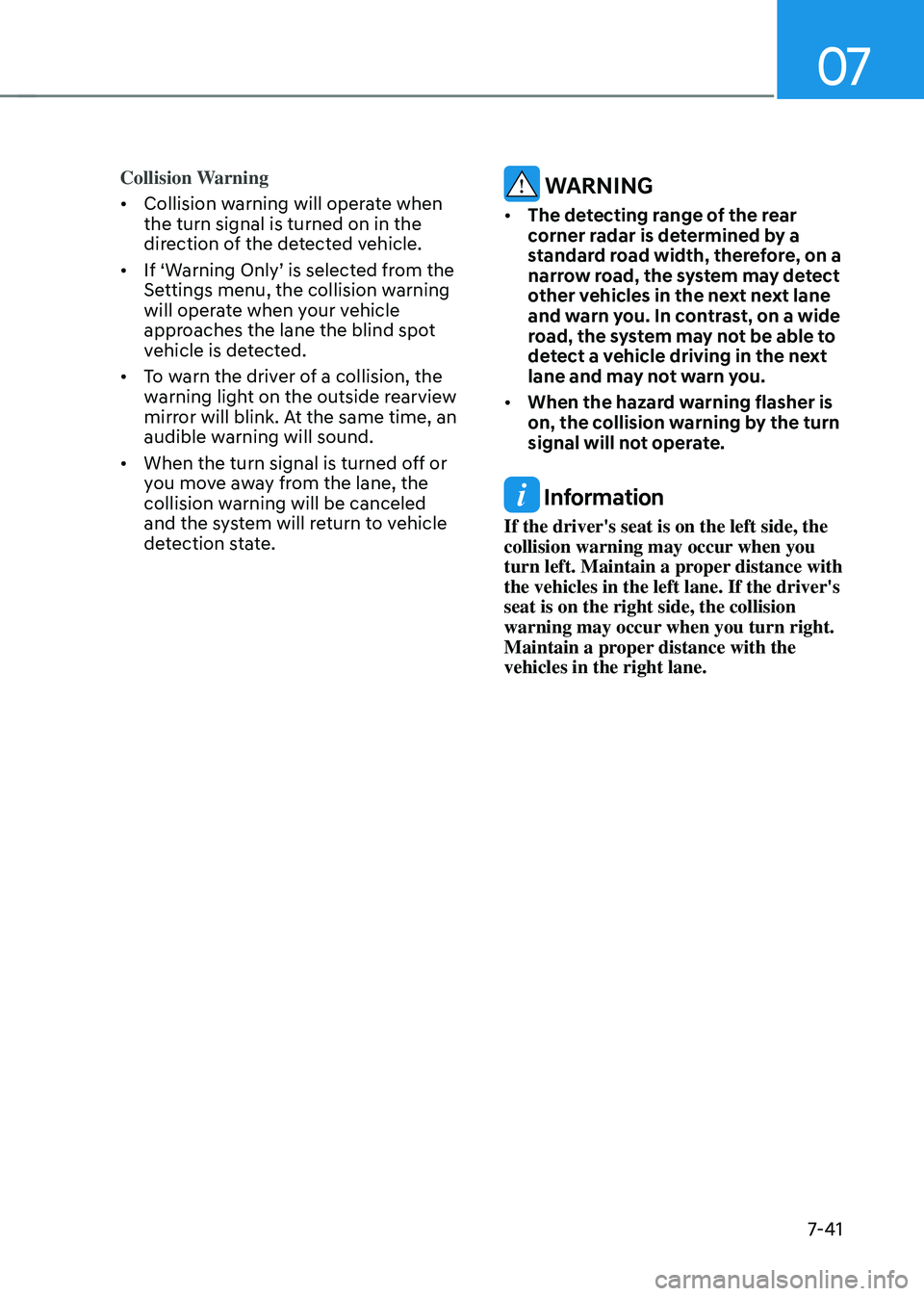
Vehicle detection
• To warn the driver a vehicle is
detected, the warning light on the
outside rearview mirror will illuminate.
• The system will operate when your
vehicle speed is above 12 mph (20
km/h) and the speed of the vehicle in
the blind spot area is above 7 mph (10
km/h).
Page 362 of 555
07
7-41
Collision Warning
• Collision warning will operate when
the turn signal is turned on in the
direction of the detected vehicle.
•
If ‘Warning Only’ is selected from the Settings menu, the collision warning
will operate when your vehicle
approaches the lane the blind spot
vehicle is detected.
• To warn the driver of a collision, the
warning light on the outside rearview
mirror will blink. At the same time, an
audible warning will sound.
• When the turn signal is turned off or
you move away from the lane, the
collision warning will be canceled
and the system will return to vehicle
detection state.
WARNING
• The detecting range of the rear
corner radar is determined by a
standard road width, therefore, on a
narrow road, the system may detect
other vehicles in the next next lane
and warn you. In contrast, on a wide
road, the system may not be able to
detect a vehicle driving in the next
lane and may not warn you.
• When the hazard warning flasher is
on, the collision warning by the turn
signal will not operate.
Information
If the driver's seat is on the left side, the
collision warning may occur when you
turn left. Maintain a proper distance with
the vehicles in the left lane. If the driver's
seat is on the right side, the collision
warning may occur when you turn right.
Maintain a proper distance with the
vehicles in the right lane.