2021 FORD F-150 sound system
[x] Cancel search: sound systemPage 398 of 796

Cross Traffic Alert Limitations
with a Trailer Attached
The system remains on when you attach
a trailer in vehicles with blind spot
information system with trailer tow under
the following conditions:
•
You connect a trailer.
• The trailer is a bike rack or cargo rack
with a maximum length of 3 ft (1 m).
• You set the trailer length to
3 ft (1 m)
in the instrument cluster display.
Note: The system may not correctly operate
when towing a trailer. For vehicles with an
approved trailer tow module and tow bar,
the system turns off when you attach a
trailer. For vehicles with an aftermarket
trailer tow module or tow bar, we
recommend that you switch the system off
when you attach a trailer.
SWITCHING CROSS TRAFFIC
ALERT ON AND OFF
To switch cross traffic alert on or off use
the touchscreen.
1. Press
Features on the touchscreen.
2. Press
Driver Assistance.
3. Switch
Cross Traffic Alert on or off.
Note: The system switches on every time
you switch the ignition on. To permanently
switch the system off, contact an authorized
dealer. LOCATING THE CROSS
TRAFFIC ALERT SENSORS The sensors are inside the brake lamp on
both sides of your vehicle.
Note:
Keep the sensors free from snow, ice
and large accumulations of dirt.
Note: Do not cover the sensors with bumper
stickers, repair compound or other objects.
Note: Blocked sensors may affect system
accuracy.
If something is blocking the sensors, a
message may appear in the information
display when you shift into reverse (R).
Note: Bike and cargo racks could cause
false alerts due to obstruction of the sensor.
We recommend switching the feature off
when using a bike or cargo rack.
CROSS TRAFFIC ALERT
INDICATORS When the cross traffic alert
detects an approaching vehicle,
a tone sounds, a warning lamp
illuminates in the relevant exterior mirror
and arrows appear in the information
display to show which side the vehicle is
approaching from.
394
F-150 (TFD) Canada/United States of America, enUSA, Edition date: 202104, Second-Printing Cross Traffic Alert
(If Equipped)E310325 E268294
Page 400 of 796
WHAT IS PRE-COLLISION
ASSIST
Pre-collision assist detects and warns of
approaching hazards in the roadway. If
your vehicle is rapidly approaching another
stationary vehicle, a vehicle traveling in the
same direction as yours, or a pedestrian
within your driving path, the system
provides multiple levels of assistance to
help avoid a collision.
HOW DOES PRE-COLLISION
ASSIST WORK
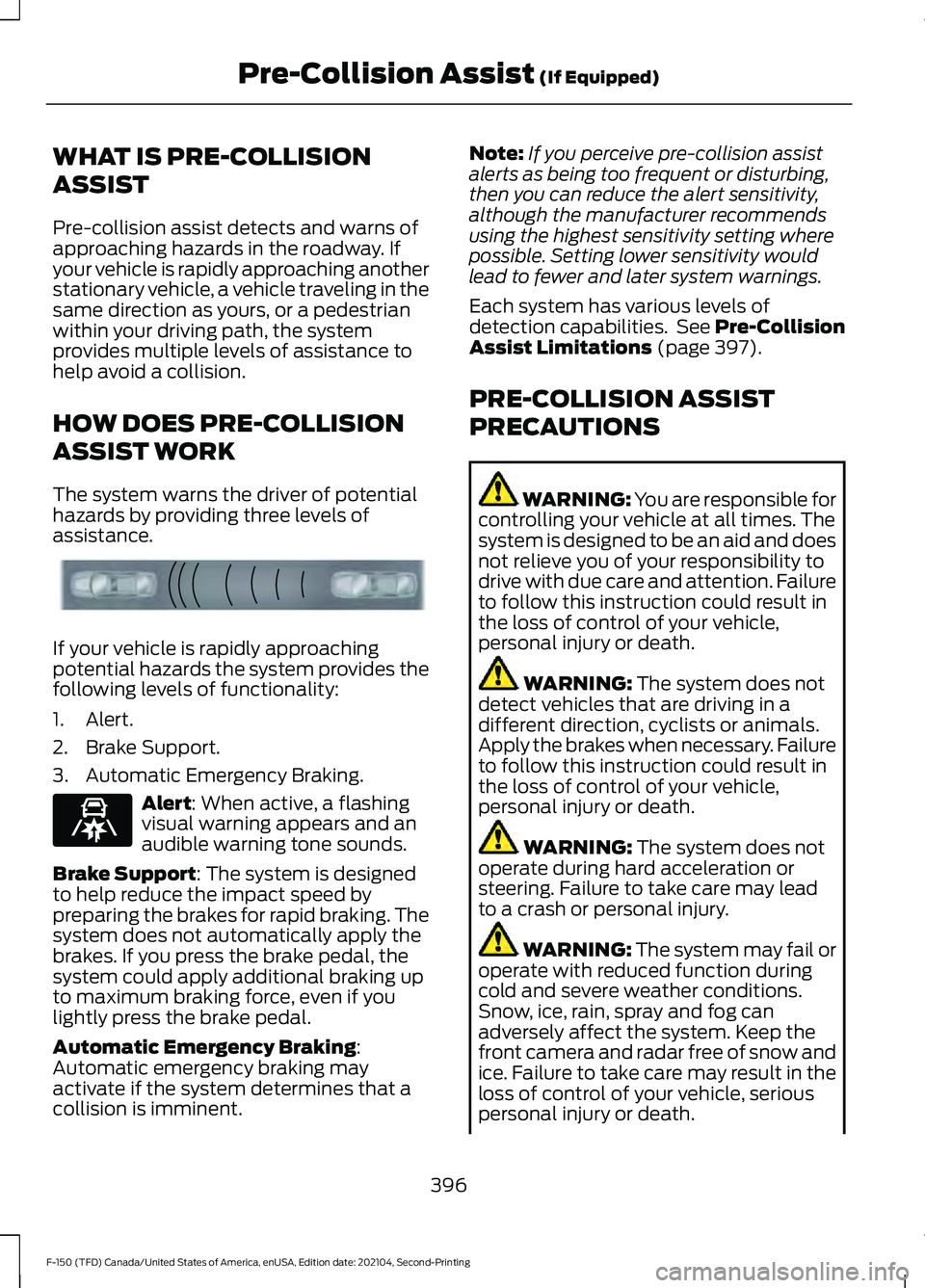
The system warns the driver of potential
hazards by providing three levels of
assistance.
If your vehicle is rapidly approaching
potential hazards the system provides the
following levels of functionality:
1. Alert.
2. Brake Support.
3. Automatic Emergency Braking.
Alert: When active, a flashing
visual warning appears and an
audible warning tone sounds.
Brake Support
: The system is designed
to help reduce the impact speed by
preparing the brakes for rapid braking. The
system does not automatically apply the
brakes. If you press the brake pedal, the
system could apply additional braking up
to maximum braking force, even if you
lightly press the brake pedal.
Automatic Emergency Braking
:
Automatic emergency braking may
activate if the system determines that a
collision is imminent. Note:
If you perceive pre-collision assist
alerts as being too frequent or disturbing,
then you can reduce the alert sensitivity,
although the manufacturer recommends
using the highest sensitivity setting where
possible. Setting lower sensitivity would
lead to fewer and later system warnings.
Each system has various levels of
detection capabilities. See Pre-Collision
Assist Limitations
(page 397).
PRE-COLLISION ASSIST
PRECAUTIONS WARNING: You are responsible for
controlling your vehicle at all times. The
system is designed to be an aid and does
not relieve you of your responsibility to
drive with due care and attention. Failure
to follow this instruction could result in
the loss of control of your vehicle,
personal injury or death. WARNING:
The system does not
detect vehicles that are driving in a
different direction, cyclists or animals.
Apply the brakes when necessary. Failure
to follow this instruction could result in
the loss of control of your vehicle,
personal injury or death. WARNING:
The system does not
operate during hard acceleration or
steering. Failure to take care may lead
to a crash or personal injury. WARNING: The system may fail or
operate with reduced function during
cold and severe weather conditions.
Snow, ice, rain, spray and fog can
adversely affect the system. Keep the
front camera and radar free of snow and
ice. Failure to take care may result in the
loss of control of your vehicle, serious
personal injury or death.
396
F-150 (TFD) Canada/United States of America, enUSA, Edition date: 202104, Second-Printing Pre-Collision Assist
(If Equipped)E156130 E329466
Page 430 of 796
When the trailer disconnects in this state,
the vehicle alarm sounds, and the system
sends an alert to your FordPass app.
Note:
For reliable trailer detection, the
trailer ’s lamps must be SAE certified for
each intended purpose.
Note: If the trailer is not compatible with
the feature, the turn signals flash twice.
Switching the Trailer Connection
Alarm On and Off
1. Press Features on the touchscreen.
2. Press
Towing.
3. Press
Manage trailers.
4. Press the currently active trailer's name.
5. Switch
Trailer Connection
Notification on or off.
Note: The alarm disables by default and if
the system detects a trailer it can be
configurable.
Note: Settings are applicable only for the
selected trailer profile. TRAILER LIGHTING CHECK WARNING:
Never connect any
trailer lamp wiring to the vehicle's tail
lamp wiring; this may damage the
electrical system resulting in fire. Contact
your authorized dealer as soon as
possible for assistance in proper trailer
tow wiring installation. Additional
electrical equipment may be required.
Perform a trailer light illumination
sequence to confirm that all lights are
functioning by using the FordPass app or
the vehicle's touchscreen.
Performing the Trailer Lighting
Check Using the Touchscreen
1. Press
Features on the touchscreen.
2. Press
Towing.
3. Press
Trailer Light Check.
4. Press
Start.
426
F-150 (TFD) Canada/United States of America, enUSA, Edition date: 202104, Second-Printing Connecting a Trailer
Page 491 of 796

Removing the Jumper Cables
Remove the jumper cables in the reverse
order that they were connected.
Note:
Do not switch the headlamps on
when disconnecting the cables. The peak
voltage could blow the bulbs.
POST-CRASH ALERT SYSTEM
WHAT IS THE POST-CRASH
ALERT SYSTEM
The system helps draw attention to your
vehicle in the event of a serious impact.
HOW DOES THE POST-CRASH
ALERT SYSTEM WORK
The system is designed to turn the hazard
flashers on and to intermittently sound the
horn in the event of a serious impact that
deploys an airbag or the seatbelt
pretensioners.
POST-CRASH ALERT SYSTEM
LIMITATIONS
Depending on applicable laws in the
country your vehicle was built for, the horn
does not sound in the event of a serious
impact.
SWITCHING THE POST-CRASH
ALERT SYSTEM OFF
Press the hazard flasher switch or the
unlock button on the remote control to
switch the system off.
Note: The alert turns off when the vehicle
battery runs out of charge. AUTOMATIC CRASH SHUTOFF
WHAT IS AUTOMATIC CRASH
SHUTOFF
The automatic crash shutoff is designed
to stop the fuel going to the engine in the
event of a moderate or severe crash.
Note:
Not every impact causes a shutoff.
AUTOMATIC CRASH SHUTOFF
PRECAUTIONS WARNING: If your vehicle has been
involved in a crash, have the fuel system
checked. Failure to follow this instruction
could result in fire, personal injury or
death.
RE-ENABLING YOUR VEHICLE
1. Switch the ignition off.
2. Attempt to start your vehicle.
3. Switch the ignition off.
4. Attempt to start your vehicle.
Note: If your vehicle does not start after the
third attempt, have your vehicle checked as
soon as possible.
487
F-150 (TFD) Canada/United States of America, enUSA, Edition date: 202104, Second-Printing Crash and Breakdown Information
Page 565 of 796

VIEWING THE TIRE
PRESSURES
Using the information display
arrow keys navigate to the truck
info section where you can view
the tire pressures.
RESETTING TIRE PRESSURE
MONITORING SYSTEM
Tire Pressure Monitoring
System Reset Procedure
WARNING: To determine
the required pressure(s) for your
vehicle, see the Safety
Compliance Certification Label
(on the door hinge pillar,
door-latch post or the door edge
that meets the door-latch post,
next to the driver seat) or the
Tire Label on the B-Pillar or the
edge of the driver door. You must reset the tire pressure
monitoring system after each tire
rotation on vehicles that require
different recommended tire
pressures in the front tires as
compared to the rear tires.
Note:
To reduce the chances of
interference from another vehicle,
perform the system reset
procedure at least three feet, one
meter, away from another vehicle
undergoing the system reset
procedure at the same time.
Note: Do not wait more than two
minutes between resetting each
tire sensor or the system can
time-out and you need to repeat
the entire procedure on all four
wheels.
1. Drive the vehicle above 20 mph
(32 km/h)
for at least two
minutes, then park in a safe
location where you can easily
get to all four tires and have
access to an air pump.
2. Switch the ignition off.
3. Switch the ignition on but do
not start the engine.
4. Switch the hazard flashers on
then off three times.
Note: You must accomplish this
within 10 seconds. If you
successfully enter the reset mode,
the horn sounds once, the system
indicator flashes and a message
shows in the information display.
561
F-150 (TFD) Canada/United States of America, enUSA, Edition date: 202104, Second-Printing Tire Pressure Monitoring SystemE224333
Page 566 of 796

Note:
If the system does not enter
reset mode, try again starting at
Step 2. If after repeated attempts
to enter the reset mode, the horn
does not sound, the system
indicator does not flash and no
message shows in the information
display, contact your authorized
dealer.
5. Remove the valve cap from the
valve stem on the left front tire.
Decrease the air pressure until
the horn sounds.
Note: The single horn tone
confirms that the sensor
identification code has been
learned by the module for this
position. If the horn sounds twice,
the reset procedure was
unsuccessful, and you must repeat
it.
6. Remove the valve cap from the
valve stem on the right front
tire. Decrease the air pressure
until the horn sounds.
7. Repeat the previous step on the right rear tire and then on
the left rear tire.
8. Switch the ignition off.
Note: If the horn sounds twice
again after switching the ignition
off, and repeating the procedure,
contact your authorized dealer and
have your vehicle checked as soon
as possible.
9. Set all four tires to the
recommended air pressure as
indicated on the Safety
Compliance Certification Label. Trailer Tire Pressure
Monitoring System (If Equipped)
Note: Additional equipment may
be required for your vehicle to
support trailer tire pressure and
temperature monitoring. See your
authorized dealer for more
information.
Note: The trailer tire pressure
monitoring system is not a
substitute for proper tire
maintenance. It is your
responsibility to maintain correct
tire pressures at all times.
Note: If a trailer tire is repaired,
replaced or broken down for
service, the screw and valve on the
trailer tire pressure sensor should
be replaced. See your authorized
dealer for details. The trailer tire pressure monitoring
system is an added safety feature
that allows you to view your trailer
tire pressures and temperatures
through the information display.
See
Tire Pressure Monitoring
System – Information
Messages
(page 565). Tire
562
F-150 (TFD) Canada/United States of America, enUSA, Edition date: 202104, Second-Printing Tire Pressure Monitoring SystemE235807
Page 631 of 796
ADJUSTING THE VOLUME
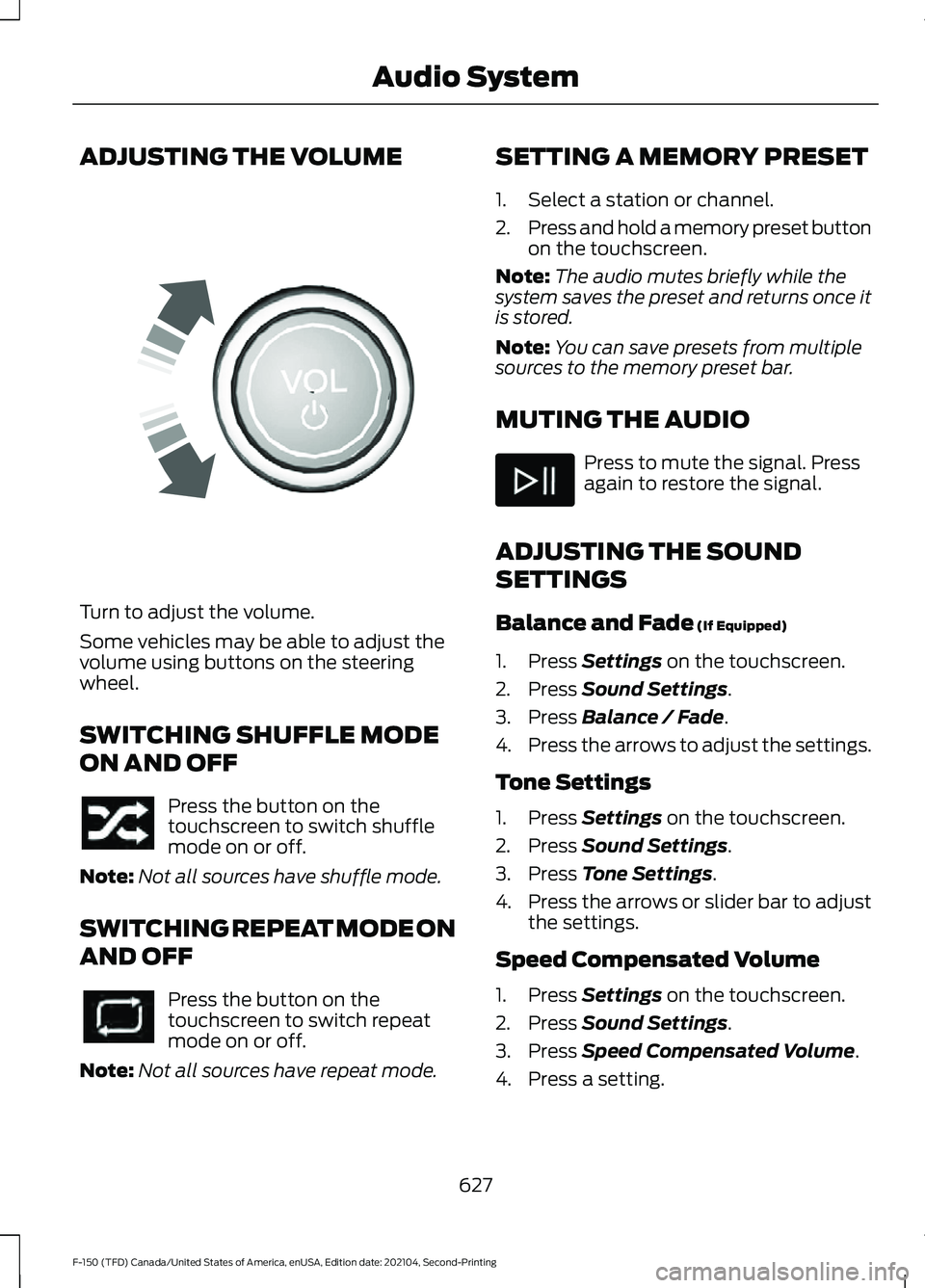
Turn to adjust the volume.
Some vehicles may be able to adjust the
volume using buttons on the steering
wheel.
SWITCHING SHUFFLE MODE
ON AND OFF
Press the button on the
touchscreen to switch shuffle
mode on or off.
Note: Not all sources have shuffle mode.
SWITCHING REPEAT MODE ON
AND OFF Press the button on the
touchscreen to switch repeat
mode on or off.
Note: Not all sources have repeat mode. SETTING A MEMORY PRESET
1. Select a station or channel.
2.
Press and hold a memory preset button
on the touchscreen.
Note: The audio mutes briefly while the
system saves the preset and returns once it
is stored.
Note: You can save presets from multiple
sources to the memory preset bar.
MUTING THE AUDIO Press to mute the signal. Press
again to restore the signal.
ADJUSTING THE SOUND
SETTINGS
Balance and Fade (If Equipped)
1. Press
Settings on the touchscreen.
2. Press
Sound Settings.
3. Press
Balance / Fade.
4. Press the arrows to adjust the settings.
Tone Settings
1. Press
Settings on the touchscreen.
2. Press
Sound Settings.
3. Press
Tone Settings.
4. Press the arrows or slider bar to adjust
the settings.
Speed Compensated Volume
1. Press
Settings on the touchscreen.
2. Press
Sound Settings.
3. Press
Speed Compensated Volume.
4. Press a setting.
627
F-150 (TFD) Canada/United States of America, enUSA, Edition date: 202104, Second-Printing Audio SystemE248939
Page 632 of 796
Occupancy Mode (If Equipped)
1. Press
Settings on the touchscreen.
2. Press
Sound Settings.
3. Press
Occupancy Mode.
4. Press a setting.
Sound Mode
(If Equipped)
1. Press
Settings on the touchscreen.
2. Press
Sound Settings.
3. Press
Sound Mode.
4. Press a setting.
SETTING THE CLOCK AND
DATE
1. Press
Settings on the touchscreen.
2. Press
Clock Settings.
3. Set the time.
Note: The
AM and PM options are not
available if 24-hour mode is on.
Switching Automatic Time
Updates On and Off
1. Press
Settings on the touchscreen.
2. Press
Clock Settings.
3. Switch
Automatic time zone update
on or off.
AM/FM RADIO
AM/FM RADIO LIMITATIONS
The further you travel from an AM or FM
station, the weaker the signal and the
weaker the reception. Hills, mountains, tall buildings, bridges,
tunnels, freeway overpasses, parking
garages, dense tree foliage and
thunderstorms can interfere with the
reception.
When you pass a ground-based broadcast
repeating tower, a stronger signal may
overtake a weaker one and result in the
audio system muting.
SELECTING A RADIO STATION
Manually Selecting a Radio
Station
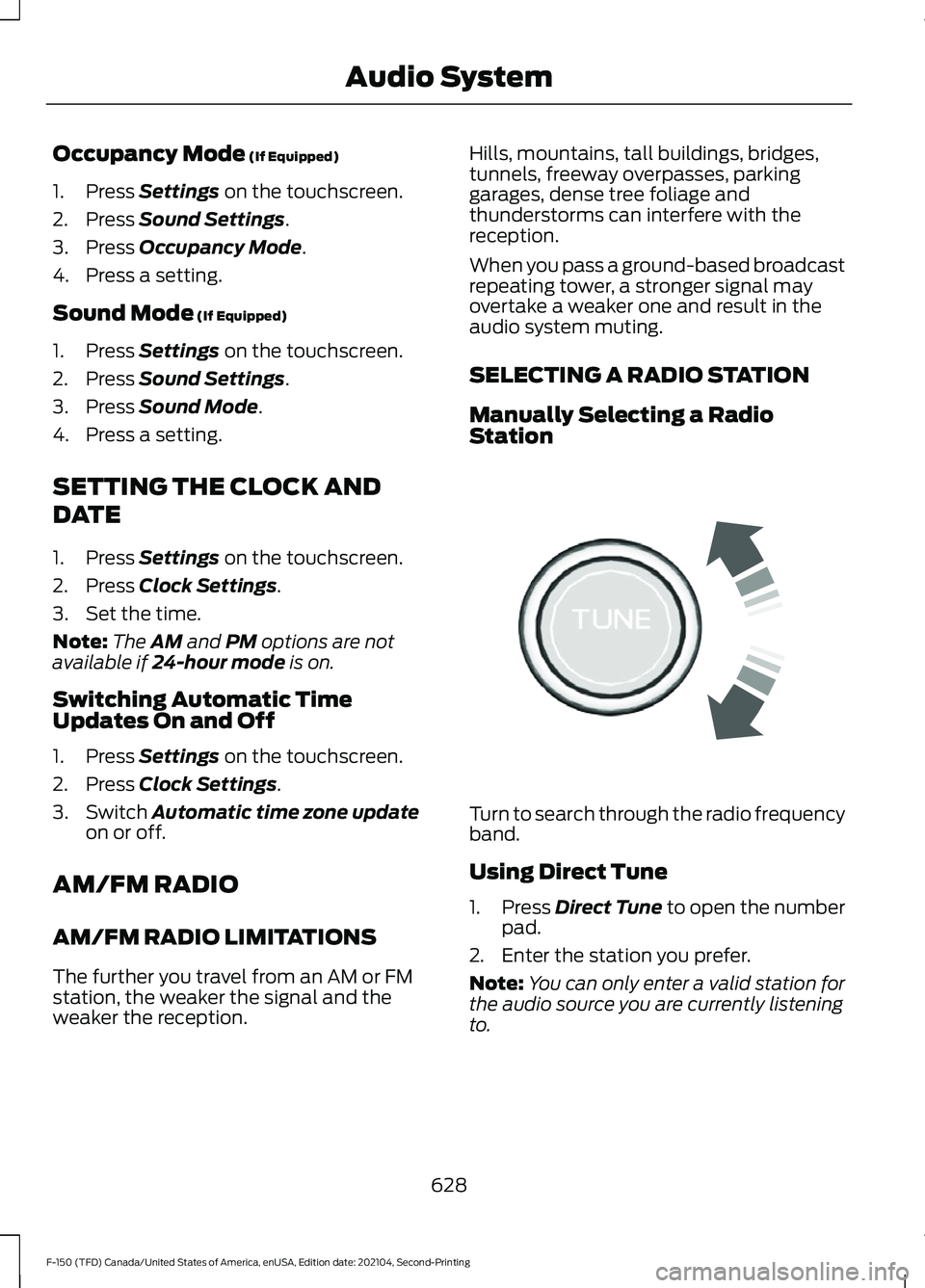
Turn to search through the radio frequency
band.
Using Direct Tune
1.
Press
Direct Tune to open the number
pad.
2. Enter the station you prefer.
Note: You can only enter a valid station for
the audio source you are currently listening
to.
628
F-150 (TFD) Canada/United States of America, enUSA, Edition date: 202104, Second-Printing Audio SystemE270235