2021 FORD EXPLORER sport mode
[x] Cancel search: sport modePage 355 of 577

Utility vehicles and trucks handle
differently than passenger cars in the
various driving conditions that are
encountered on streets, highways and
off-road. Utility vehicles and trucks are not
designed for cornering at speeds as high
as passenger cars any more than low-slung
sports cars are designed to perform
satisfactorily under off-road conditions.
Study your owner's manual and any
supplements for specific information about
equipment features, instructions for safe
driving and additional precautions to
reduce the risk of an accident or serious
injury.
Four-Wheel Drive system (if
equipped)
WARNING: Do not become
overconfident in the ability of four-wheel
drive vehicles. Although a four-wheel
drive vehicle may accelerate better than
a two-wheel drive vehicle in low traction
situations, it won't stop any faster than
two-wheel drive vehicles. Always drive
at a safe speed.
A vehicle equipped with Four-Wheel Drive
has the ability to use all four wheels to
power itself. This increases traction which
may enable you to safely drive over terrain
and road conditions that a conventional
two-wheel drive vehicle cannot. Power is
supplied to all four wheels through a
transfer case. Four-wheel drive vehicles
allow you to select different modes as
necessary. You can find more information
on transfer case operation, drive mode
selection, and transfer case maintenance
in this manual. See
Four-Wheel Drive
(page 207). You should become thoroughly
familiar with this information before you
operate your vehicle. We recommend installing the temporary
spare wheel and tire on the front axle when
possible. This could provide limited 4WD
traction.
Four-wheel drive: Never use a spare tire of
a different size than the one provided with
your vehicle. This could cause the
four-wheel drive system to default to
rear-wheel drive.
How your vehicle differs from
other vehicles
Sport utility vehicles and trucks can differ
from some other vehicles in a few
noticeable ways. Your vehicle may be:
•
Higher - to allow higher load carrying
capacity and to allow it to travel over
rough terrain without getting hung up
or damaging underbody components.
• Shorter - to give it the capability to
approach inclines and drive over the
crest of a hill without getting hung up
or damaging underbody components.
All other things held equal, a shorter
wheelbase may make your vehicle
quicker to respond to steering inputs
than a vehicle with a longer wheelbase.
• Narrower - to provide greater
maneuverability in tight spaces,
particularly in off-road use.
As a result of the above dimensional
differences, sport utility vehicles and trucks
often have a higher center of gravity and a
greater difference in center of gravity
between the loaded and unloaded
condition. These differences that make
your vehicle so versatile also make it
handle differently than an ordinary
passenger car.
352
Explorer (CTW), enUSA, Edition date: 202007, Second-Printing Wheels and Tires
Page 566 of 577
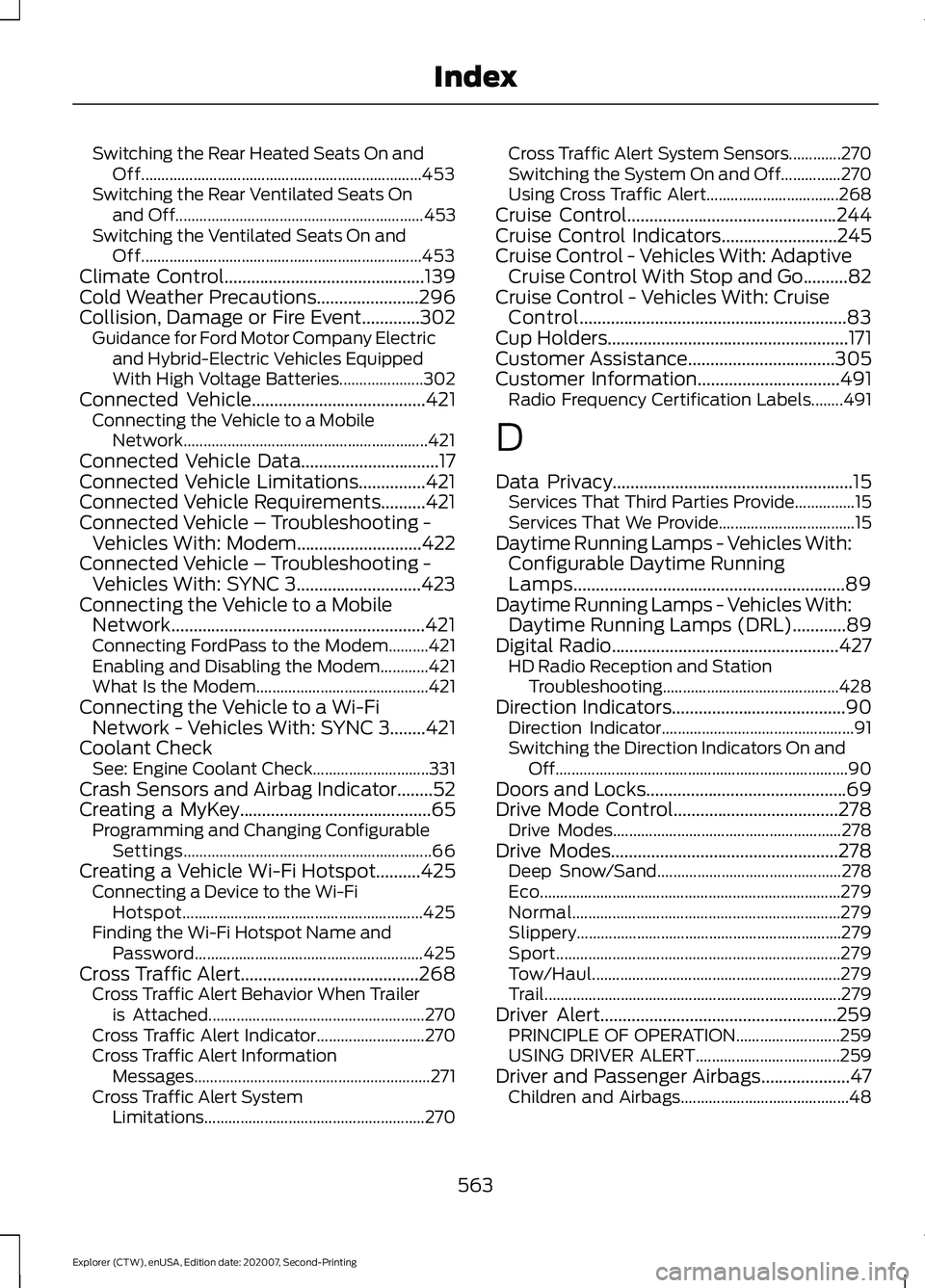
Switching the Rear Heated Seats On and
Off...................................................................... 453
Switching the Rear Ventilated Seats On and Off.............................................................. 453
Switching the Ventilated Seats On and Off...................................................................... 453
Climate Control.............................................139
Cold Weather Precautions.......................296
Collision, Damage or Fire Event.............302 Guidance for Ford Motor Company Electric
and Hybrid-Electric Vehicles Equipped
With High Voltage Batteries..................... 302
Connected Vehicle
.......................................421
Connecting the Vehicle to a Mobile
Network............................................................. 421
Connected Vehicle Data...............................17
Connected Vehicle Limitations...............421
Connected Vehicle Requirements..........421
Connected Vehicle – Troubleshooting - Vehicles With: Modem............................422
Connected Vehicle – Troubleshooting - Vehicles With: SYNC 3............................423
Connecting the Vehicle to a Mobile Network.........................................................421
Connecting FordPass to the Modem..........421
Enabling and Disabling the Modem............421
What Is the Modem........................................... 421
Connecting the Vehicle to a Wi-Fi Network - Vehicles With: SYNC 3
........421
Coolant Check See: Engine Coolant Check............................. 331
Crash Sensors and Airbag Indicator
........52
Creating a MyKey...........................................65
Programming and Changing Configurable
Settings.............................................................. 66
Creating a Vehicle Wi-Fi Hotspot..........425 Connecting a Device to the Wi-Fi
Hotspot............................................................ 425
Finding the Wi-Fi Hotspot Name and Password......................................................... 425
Cross Traffic Alert........................................268 Cross Traffic Alert Behavior When Trailer
is Attached...................................................... 270
Cross Traffic Alert Indicator........................... 270
Cross Traffic Alert Information Messages........................................................... 271
Cross Traffic Alert System Limitations ....................................................... 270Cross Traffic Alert System Sensors.............270
Switching the System On and Off...............270
Using Cross Traffic Alert.................................
268
Cruise Control
...............................................244
Cruise Control Indicators..........................245
Cruise Control - Vehicles With: Adaptive Cruise Control With Stop and Go..........82
Cruise Control - Vehicles With: Cruise Control
............................................................83
Cup Holders......................................................171
Customer Assistance.................................305
Customer Information................................491 Radio Frequency Certification Labels........491
D
Data Privacy
......................................................15
Services That Third Parties Provide...............15
Services That We Provide.................................. 15
Daytime Running Lamps - Vehicles With: Configurable Daytime Running
Lamps.............................................................89
Daytime Running Lamps - Vehicles With: Daytime Running Lamps (DRL)............89
Digital Radio
...................................................427
HD Radio Reception and Station
Troubleshooting............................................ 428
Direction Indicators
.......................................90
Direction Indicator................................................ 91
Switching the Direction Indicators On and Off........................................................................\
. 90
Doors and Locks.............................................69
Drive Mode Control.....................................278 Drive Modes......................................................... 278
Drive Modes...................................................278 Deep Snow/Sand.............................................. 278
Eco........................................................................\
... 279
Normal................................................................... 279
Slippery.................................................................. 279
Sport....................................................................... 279
Tow/Haul.............................................................. 279
Trail........................................................................\
.. 279
Driver Alert.....................................................259 PRINCIPLE OF OPERATION.......................... 259
USING DRIVER ALERT.................................... 259
Driver and Passenger Airbags....................47 Children and Airbags.......................................... 48
563
Explorer (CTW), enUSA, Edition date: 202007, Second-Printing Index
Page 576 of 577
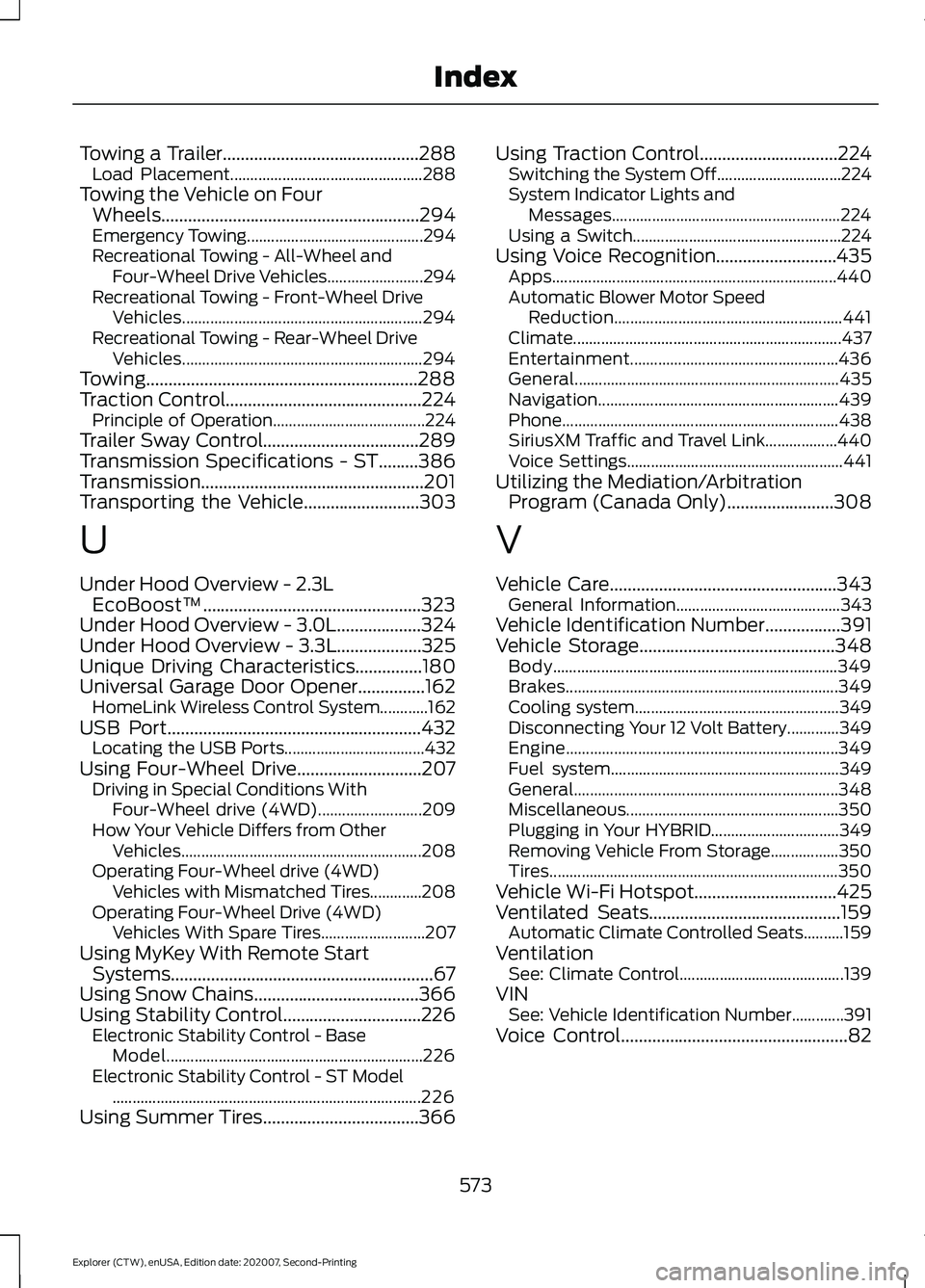
Towing a Trailer............................................288
Load Placement................................................ 288
Towing the Vehicle on Four Wheels..........................................................294
Emergency Towing............................................ 294
Recreational Towing - All-Wheel and Four-Wheel Drive Vehicles........................ 294
Recreational Towing - Front-Wheel Drive Vehicles............................................................ 294
Recreational Towing - Rear-Wheel Drive Vehicles............................................................ 294
Towing.............................................................288
Traction Control............................................224 Principle of Operation...................................... 224
Trailer Sway Control...................................289
Transmission Specifications - ST.........386
Transmission..................................................201
Transporting the Vehicle
..........................303
U
Under Hood Overview - 2.3L EcoBoost™.................................................323
Under Hood Overview - 3.0L...................324
Under Hood Overview - 3.3L...................325
Unique Driving Characteristics...............180
Universal Garage Door Opener...............162 HomeLink Wireless Control System............162
USB Port
.........................................................432
Locating the USB Ports................................... 432
Using Four-Wheel Drive............................207 Driving in Special Conditions With
Four-Wheel drive (4WD).......................... 209
How Your Vehicle Differs from Other Vehicles............................................................ 208
Operating Four-Wheel drive (4WD) Vehicles with Mismatched Tires.............208
Operating Four-Wheel Drive (4WD) Vehicles With Spare Tires.......................... 207
Using MyKey With Remote Start Systems...........................................................67
Using Snow Chains.....................................366
Using Stability Control...............................226 Electronic Stability Control - Base
Model................................................................ 226
Electronic Stability Control - ST Model ........................................................................\
..... 226
Using Summer Tires...................................366 Using Traction Control...............................224
Switching the System Off............................... 224
System Indicator Lights and Messages......................................................... 224
Using a Switch.................................................... 224
Using Voice Recognition...........................435 Apps....................................................................... 440
Automatic Blower Motor Speed Reduction......................................................... 441
Climate................................................................... 437
Entertainment.................................................... 436
General.................................................................. 435
Navigation............................................................ 439
Phone
..................................................................... 438
SiriusXM Traffic and Travel Link.................. 440
Voice Settings...................................................... 441
Utilizing the Mediation/Arbitration Program (Canada Only)........................308
V
Vehicle Care
...................................................343
General Information......................................... 343
Vehicle Identification Number.................391
Vehicle Storage............................................348 Body....................................................................... 349
Brakes.................................................................... 349
Cooling system................................................... 349
Disconnecting Your 12 Volt Battery.............349
Engine.................................................................... 349
Fuel system......................................................... 349
General.................................................................. 348
Miscellaneous..................................................... 350
Plugging in Your HYBRID................................ 349
Removing Vehicle From Storage.................350
Tires........................................................................\
350
Vehicle Wi-Fi Hotspot................................425
Ventilated Seats
...........................................159
Automatic Climate Controlled Seats..........159
Ventilation See: Climate Control......................................... 139
VIN See: Vehicle Identification Number.............391
Voice Control
...................................................82
573
Explorer (CTW), enUSA, Edition date: 202007, Second-Printing Index