104Instruments and controlsFor further information, see
Infotainment manual.
Vehicle personalisation 3 107.
8'' Colour Info Display Selecting menus and settings
There are three options to operate the
display:
● via buttons below the display
● by touching the touchscreen with
the finger
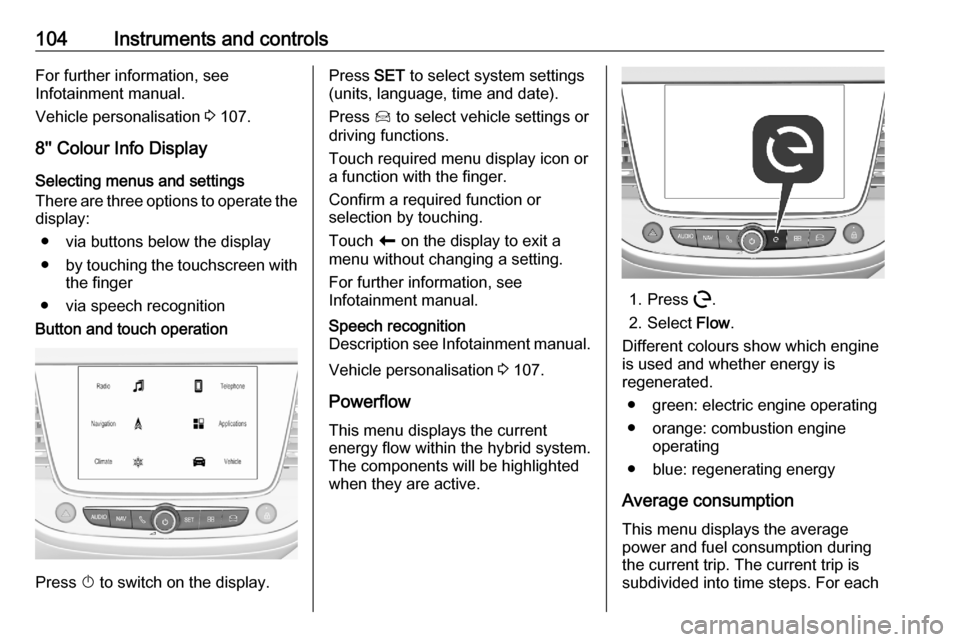
● via speech recognitionButton and touch operation
Press X to switch on the display.
Press SET to select system settings
(units, language, time and date).
Press Í to select vehicle settings or
driving functions.
Touch required menu display icon or
a function with the finger.
Confirm a required function or
selection by touching.
Touch r on the display to exit a
menu without changing a setting.
For further information, see
Infotainment manual.Speech recognition
Description see Infotainment manual.
Vehicle personalisation 3 107.
Powerflow This menu displays the current
energy flow within the hybrid system.
The components will be highlighted
when they are active.
1. Press m.
2. Select Flow.
Different colours show which engine
is used and whether energy is
regenerated.
● green: electric engine operating
● orange: combustion engine operating
● blue: regenerating energy
Average consumption This menu displays the average
power and fuel consumption during
the current trip. The current trip is
subdivided into time steps. For each
Instruments and controls105time step, the average consumption
is displayed. The time steps can be
modified.
1. Press m.
2. Select Statistics.
3. Press + and - to modify the time
steps.
Power consumption
The consumption of electrial power is displayed in kWh/100 miles.
● The green bars show the electric
energy comsumed from the
battery.
● The blue bars show the electric energy generated from the
braking and deceleration phasesof the vehicle. This energy is
partially used to recharge the
battery.Fuel consumption
The orange bars show the average fuel consumption in litre per 100
miles.
eSave function
This function allows to provide
electrical energy of the high voltage
battery for a later use, e.g. for driving
in areas restricted to electrical
vehicles. It is possible to reserve the
complete electrical energy of the
battery or a part of it.
Notice
If the energy requested exceeds the
energy of the high voltage battery,
the combustion engine charges the battery. This results in a loss of
performance and a higher fuel
consumption.
The function can be activated in the
Colour Info Display.
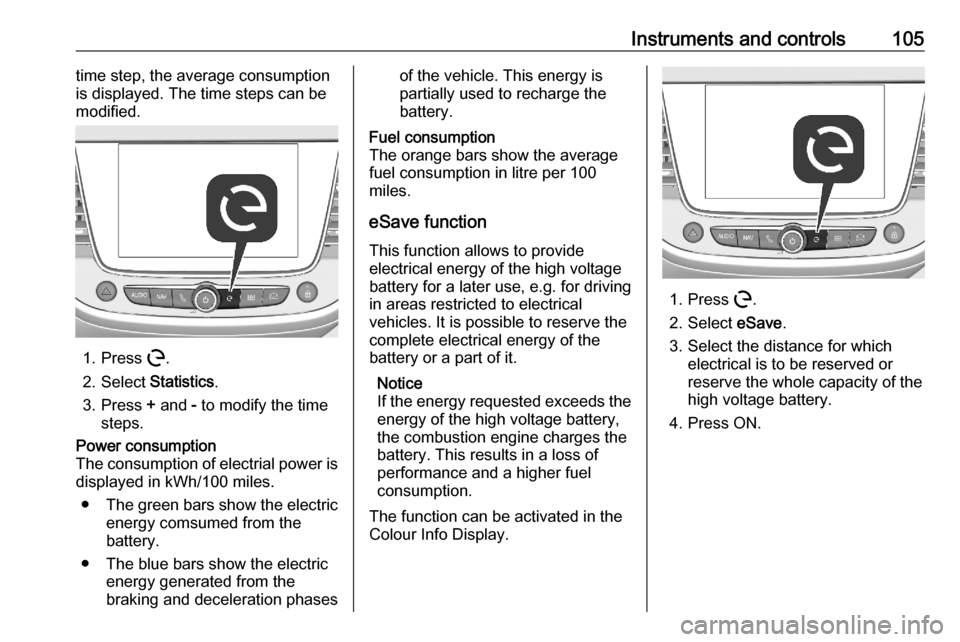
1. Press m.
2. Select eSave.
3. Select the distance for which electrical is to be reserved or
reserve the whole capacity of the
high voltage battery.
4. Press ON.