2020 NISSAN LEAF fog lights
[x] Cancel search: fog lightsPage 314 of 596

Dehumidified heating
1. Press the A/C button to illuminate theA/C indicator light.
2. Press the
HEAT button to illuminate
the HEAT indicator light
NOTE:
Electric power consumption of climate
control increases while A/C button indi-
cator and
HEAT button indicator si-
multaneously illuminate. As a result, the
driving range may be decreased.
Heating (A/C off )
1. Press the
HEAT button to illuminate
the HEAT indicator light.
2. Press the A/C button to turn off the A/C indicator light.
• Do not set temperature lower than the outside air temperature. Doing so may
prevent the temperature from being
controlled properly.
• If the windows fog up, use dehumidi- fied heating instead of the A/C off
heating. Ventilation
Press the
HEAT button and A/C but-
ton if the indicator lights are on so that
both indicator lights turn off.
NOTE:
• The ventilation mode requires a lower power consumption, so cruising dis-
tance will increase.
• In ventilation mode, temperature is not indicated on the navigation monitor or
on the air conditioner display.
Dehumidified defrosting/defogging
Press the
front defroster button (the
indicator light will illuminate).
• To remove moisture or fog on the front window quickly, set the temperature to
the high temperature and the fan speed
to their maximum level.
• Af ter the windshield is cleared, press the
front defroster button again (the in-
dicator light will turn off ).
• When the
front defroster button is
pressed, the air conditioner and heater
will automatically turn on to defog the
windshield. The outside air recirculation
mode will be selected to improve the de-
fogging performance. Fan speed control
Press the
fan speed control button to
manually control the fan speed.
Press the AUTO button to change the fan
speed to the automatic mode.
Air flow control
Press the MODE button to change the air
flow mode.
Air flows from the center and
side ventilators.
Air flows from the center and
side ventilators and foot outlets.
Air flows mainly from the foot
outlets.
Air flows from the defroster out-
lets and foot outlets.
Air flows from the defroster
vents.
Temperature control
Press the temperature control buttons to
set the desired temperature.
Monitor, climate, audio, phone and voice recognition systems4-37
Page 352 of 596

•Do not use the LDW system under the
following conditions as it may not
function properly:
– During bad weather (rain, fog,
snow, etc.).
– When driving on slippery roads,
such as on ice or snow.
– When driving on winding or un-
even roads.
– When there is a lane closure due to
road repairs.
– When driving in a makeshif t or
temporary lane.
– When driving on roads where the
lane width is too narrow.
– When driving without normal tire
conditions (for example, tire wear,
low tire pressure, installation of
spare tire, tire chains, nonstan-
dard wheels).
– When the vehicle is equipped with
non-original brake parts or sus-
pension parts.
– When you are towing a trailer or
other vehicle. •
The system may not function prop-
erly under the following conditions:
– On roads where there are multiple
parallel lane markers; lane mark-
ers that are faded or not painted
clearly; yellow painted lane mark-
ers; non-standard lane markers;
or lane markers covered with wa-
ter, dirt, snow, etc.
– On roads where the discontinued
lane markers are still detectable.
– On roads where there are sharp
curves.
– On roads where there are sharply
contrasting objects, such as shad-
ows, snow, water, wheel ruts,
seams or lines remaining af ter
road repairs. (The LDW system
could detect these items as lane
markers.)
– On roads where the traveling lane
merges or separates.
– When the vehicle’s traveling direc-
tion does not align with the lane
marker.
– When traveling close to the ve-
hicle in front of you, which ob-
structs the lane camera unit de-
tection range. –
When rain, snow, dirt or an object
adheres to the windshield in front
of the lane camera unit.
– When the headlights are not
bright due to dirt on the lens or if
the aiming is not adjusted
properly.
– When strong light enters the lane
camera unit (for example, the light
directly shines on the front of the
vehicle at sunrise or sunset).
– When a sudden change in bright-
ness occurs (for example, when
the vehicle enters or exits a tunnel
or under a bridge).
SYSTEM TEMPORARILY
UNAVAILABLE
If the vehicle is parked in direct sunlight
under high temperature conditions (over
approximately 104°F [40°C]) and then
started, the LDW system may be deacti-
vated automatically and the following
message will appear in the vehicle infor-
mation display: “Unavailable: High Cabin
Temperature.”
When the interior temperature is reduced,
the LDW system will resume operating au-
tomatically
Starting and driving5-29
Page 441 of 596

WARNING
Steering Assist is not a system for
hands-free driving. Always keep your
hands on the steering wheel and drive
your vehicle safely. Failure to do so
could cause a collision resulting in seri-
ous personal injury or death.
NOTE:
If the driver lightly touches (instead of
firmly grips) the steering wheel, the
steering torque sensor may not detect
the driver’s hand(s) on the wheel and a
sequence of warnings may occur. When
the driver holds and operates the steer-
ing wheel again, the warnings turn off.
Steering Assist limitations
WARNING
• In the following situations, the cam-
era may not detect lane markers cor-
rectly or may detect lane markers in-
correctly and the Steering Assist may
not operate properly:
–
When driving on roads where thereare multiple parallel lane markers,
lane markers that are faded or not
painted clearly, nonstandard lane
markers, or lane markers covered
with water, dirt, snow, etc.
– When driving on roads with dis-
continued lane markers
– When driving on roads with a wid-
ening or narrowing lane width
– When driving on roads where
there are multiple lanes or unclear
lane markers due to road
construction
– When driving on roads where
there are sharply contrasting ob-
jects, such as shadows, snow, wa-
ter, wheel ruts, seams, or lines re-
maining af ter road repairs (the
Steering Assist could detect these
items as lane markers) –
When driving on roads where the
traveling lane merges or
separates
• Do not use the Steering Assist under
the following conditions because the
system may not properly detect lane
markers. Doing so could cause a loss
of vehicle control and result in an
accident.
– During bad weather (rain, fog,
snow, dust, etc.)
– When rain, snow, sand, etc., is
thrown up by the wheels of other
vehicles
– When dirt, oil, ice, snow, water, or
another object adheres to the
camera unit
– When the lens of the camera unit
is foggy
– When strong light (for example,
sunlight or high beams from on-
coming vehicles) shines on the
camera
– When the headlights are not
bright due to dirt on the lens or
the headlights are off in tunnels or
in darkness
5-118Starting and driving
Page 520 of 596

8 Maintenance and do-it yourself
Maintenance requirement.......................8-2
Scheduled maintenance .....................8-2
General maintenance ........................8-2
Where to go for service .......................8-2
General maintenance ...........................8-2
Explanation of maintenance items ...........8-2
Maintenance precautions .......................8-5
Motor compartment check locations ...........8-7
Cooling system .................................8-8
Checking coolant level .......................8-9
Changing coolant ............................8-9
Reduction gear fluid ............................ 8-10
Brake fluid ...................................... 8-10
Windshield-washer fluid .........................8-11
12-volt battery .................................. 8-12
Jump starting ............................... 8-14
Windshield wiper blades ........................8-14
Cleaning .................................... 8-14
Replacing ................................... 8-14Rear window wiper blade
...................8-17
Brakes ......................................... 8-17
Brake pad wear warning ....................8-17
Fuses .......................................... 8-18
Motor compartment ........................ 8-18
Passenger compartment ...................8-21
Nissan Intelligent Key® battery replacement ....8-22
Lights .......................................... 8-24
Headlights .................................. 8-25
Fog lights (if so equipped) ...................8-25
Exterior and interior lights ...................8-26
Wheels and tires ............................... 8-28
Tire pressure ................................ 8-28
Tire labeling ................................. 8-33
Types of tires ................................ 8-35
Tire chains .................................. 8-36
Changing wheels and tires ..................8-37
Emergency tire puncture repair kit ..........8-39
Page 544 of 596

1. Headlight assembly
2. Map light
3. Room light
4. High-mounted stop light
5. Rear combination light
6. Door mirror turn signal light (if soequipped)
7. Cargo light
8. License plate light
9. Fog light (if so equipped)
Fog may temporarily form inside the lens
of the exterior lights in the rain or in a car
wash. A temperature difference between
the inside and the outside of the lens
causes the fog. This is not a malfunction. If
large drops of water collect inside the lens,
it is recommended that you visit a NISSAN
certified LEAF dealer for this service.
HEADLIGHTS
If headlight bulb replacement is required, it
is recommended that you visit a NISSAN
certified LEAF dealer for this service.
Replacing the LED headlight bulb
(if so equipped)
If LED headlight bulb replacement is neces-
sary, it is recommended that you visit a
NISSAN certified LEAF dealer for this ser-
vice.
Replacing the halogen headlight
bulb (if so equipped)
The headlight is a semi-sealed beam type
that uses a headlight (halogen) bulb. If bulb
replacement is required, it is recom-
mended that you visit a NISSAN certified
LEAF dealer.
CAUTION
• Do not leave the bulb out of the head-
light reflector for a long period of
time. Dust, moisture, smoke, etc. en-
tering the headlight body may affect
bulb performance
• High-pressure halogen gas is sealed
inside the halogen bulb. The bulb
may break if the glass envelope is
scratched or the bulb is dropped. •
Only touch the base when handling
the bulb. Never touch the glass enve-
lope. Touching the glass envelope
could significantly affect bulb life
and/or headlight performance.
• Aiming is not necessary af ter replac-
ing the bulb. When aiming adjust-
ment is necessary, it is recom-
mended that you visit a NISSAN
certified LEAF dealer for this service.
• Fog may temporarily form inside the
lens of the exterior lights in the rain
or in a car wash. A temperature dif-
ference between the inside and the
outside of the lens causes the fog. If
large drops of water collect inside
the lens, it is recommended that you
visit a NISSAN certified LEAF dealer.
Use the same number and wattage as
originally installed as shown in the chart.
FOG LIGHTS (if so equipped)
For additional information on fog light bulb
replacement, refer to the instruction out-
lined in this section
Maintenance and do-it yourself8-25
Page 545 of 596

Replacing the fog light bulb
If fog light bulb replacement is required, it is
recommended that you visit a NISSAN cer-
tified LEAF dealer for this service.
EXTERIOR AND INTERIOR LIGHTS
ItemWattage ( W ) Bulb No.
Headlight assembly (Type A) (if so equipped)* High* 60HB3
Low* 55H11
Park/Turn signal* 28/87444NA
Side marker* ——
Headlight assembly (Type B) (if so equipped)* High* ——
Low* ——
Daytime running (if so equipped)* ——
Park/Turn signal* 28/87444NA
Side marker* ——
Front fog light (if so equipped)* 35H8
Charge port lid light* ——
Rear combination light Turn signal 21WY21W
Stop/Tail* ——
Back-up 16W16W
Side marker* ——
License plate light* 5W5W
Map light* ——
Door mirror turn signal light (if so equipped)* ——
High-mounted stop light* ——
Vanity mirror light* 1.8—
Glove box light* 1.4—
Room light* 8—
Cargo light 5W5W
* It is recommended that you visit a NISSAN certified LEAF dealer for replacement.
NOTE:
Always check with the Parts Department at a NISSAN certified LEAF dealer for the
latest information about parts.
8-26Maintenance and do-it yourself
Page 586 of 596

EVSE
(Electric Vehicle Supply Equipment). . .CH-11EV system...................EV-2EV unique information...........EV-24Extended storage switch..........8-22
F
Flashers (See hazard warning flasher
switch)......................6-2Flat tire..................... .6-3Flat towing...................9-14Floor mat cleaning...............7-5Fluid
Brake fluid..................8-10Capacities and recommended
fuel/lubricants................9-2Coolant................... .8-8Reduction gear fluid............8-10Windshield-washer fluid..........8-11F.M.V.S.S./C.M.V.S.S. certification label. . . .9-8Fog lights
Bulb replacement.............8-25Fog light switch................2-55Front and rear sonar system.......5-163Front passenger air bag status light. . .1-52Front-seat mounted side-impact
supplemental air bag system.......1-58Fuses.......................8-18Fusible links..................8-20
G
Garage door opener, HomeLink® Universal
Transceiver.........2-71,2-73,2-74,2-75GaugeDriving range................ .2-9Li-ion battery available charge gauge.2-9Li-ion battery temperature gauge. . . .2-7Odometer.................. .2-6Power meter.................2-8Speedometer................2-6General maintenance.............8-2Glove box................... .2-62
H
Hazard warning flasher switch........6-2Headlights...................8-25Bulb replacement.............8-25Headlight switch..............2-49Head restraints
Headrests...................1-7Heated seats................. .2-56Heated seat switches............2-56Heated steering wheel............2-57Heated steering wheel switch.......2-57Heater......................4-28High voltage precautions..........EV-8Hill start....................5-168Hill start assist................5-168Home charge.................CH-9HomeLink® Universal
Transceiver.........2-71,2-73,2-74,2-75
Hood release..................3-18Horn...................... .2-55How to normal charge...........CH-9How to quick charge.......CH-35, CH-38How to trickle charge............CH-11
I
If the Li-ion battery becomes completely
discharged...................6-12Immediate charge.........CH-48, 2-58Immediate charge switch.....CH-48, 2-58Immobilizer system..........2-44, 5-14Indicator lights.................2-22Indicator lights and audible reminders
(See warning/indicator lights and audible
reminders)
...................2-14Indicators for maintenance.........2-38Indicators for operation...........2-33Infants......................1-19Inside automatic anti-glare mirror. . . .3-25Instrument brightness control.......2-54Instrument panel dimmer switch.....2-54Intelligent Around View Monitor (I-AVM). .4-11Intelligent Cruise Control (ICC) (for vehicles
without ProPILOT Assist)...........5-69Intelligent Driver Alertness (I-DA).....5-150Intelligent Forward Collision Warning
(I-FCW).....................5-139Intelligent Key battery............8-22Intelligent Key system
Key operation................3-10Remote keyless entry operation. . . .3-14
Index10-3
Page 587 of 596
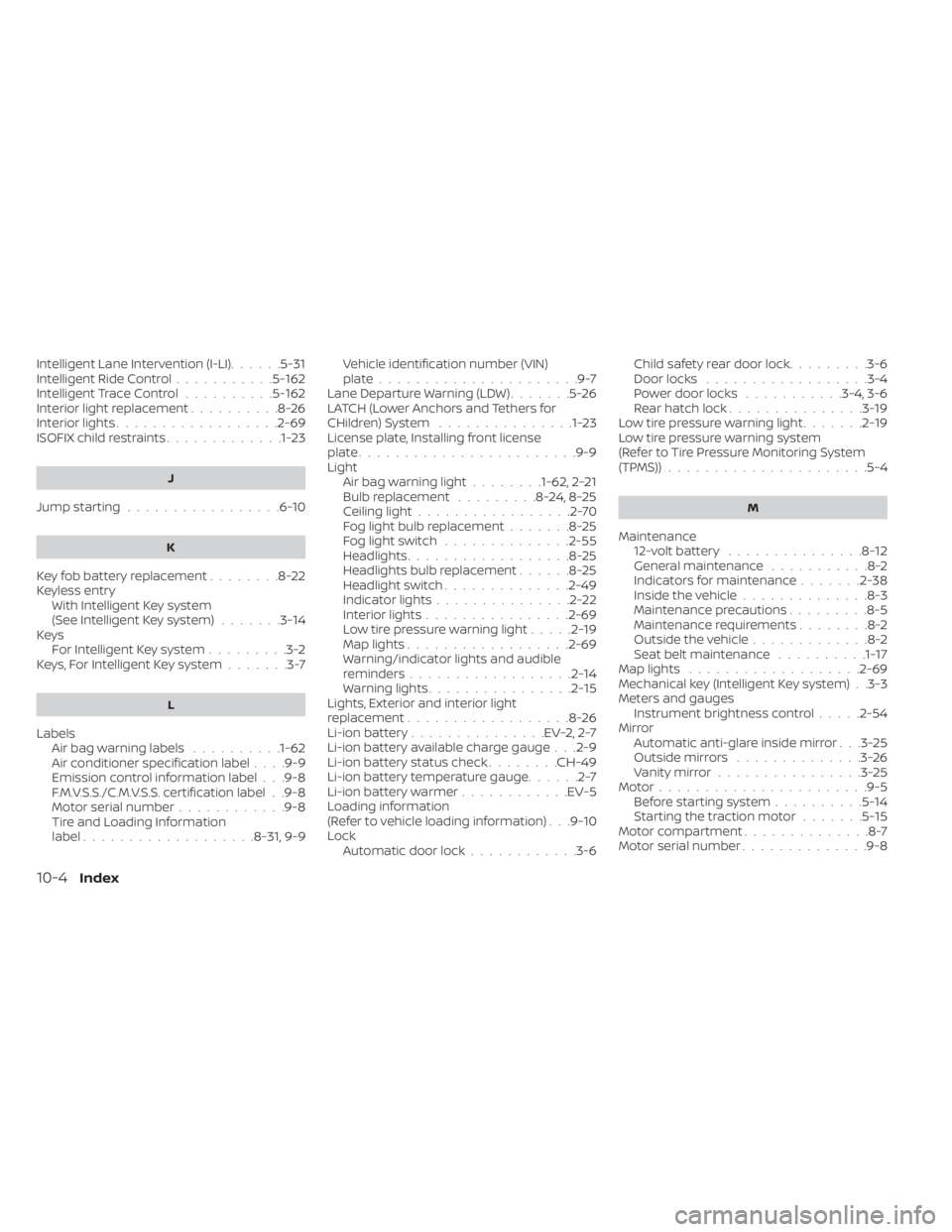
Intelligent Lane Intervention (I-LI)......5-31Intelligent Ride Control...........5-162Intelligent Trace Control..........5-162Interior light replacement..........8-26Interior lights..................2-69ISOFIX child restraints.............1-23
J
Jump starting.................6-10
K
Key fob battery replacement........8-22Keyless entry
With Intelligent Key system
(See Intelligent Key system)
.......3-14KeysFor Intelligent Key system.........3-2Keys, For Intelligent Key system.......3-7
L
LabelsAir bag warning labels..........1-62Air conditioner specification label. . . .9-9Emission control information label. . .9-8F.M.V.S.S./C.M.V.S.S. certification label. .9-8Motor serial number............9-8Tire and Loading Information
label.................. .8-31, 9-9
Vehicle identification number (VIN)
plate......................9-7Lane Departure Warning (LDW).......5-26LATCH (Lower Anchors and Tethers for
CHildren) System...............1-23License plate, Installing front license
plate....................... .9-9Light
Air bag warning light........1-62, 2-21Bulb replacement.........8-24,8-25Ceiling light.................2-70Fog light bulb replacement.......8-25Fog light switch..............2-55Headlights..................8-25Headlights bulb replacement......8-25Headlight switch..............2-49Indicator lights...............2-22Interior lights................2-69Low tire pressure warning light.....2-19Map lights................. .2-69Warning/indicator lights and audible
reminders..................2-14Warning lights................2-15Lights, Exterior and interior light
replacement..................8-26Li-ion battery...............EV-2, 2-7Li-ion battery available charge gauge. . .2-9Li-ion battery status check........CH-49Li-ion battery temperature gauge......2-7Li-ion battery warmer............EV-5Loading information
(Refer to vehicle loading information). . .9-10Lock
Automatic door lock............3-6
Child safety rear door lock.........3-6Door locks................. .3-4Power door locks...........3-4, 3-6Rear hatch lock...............3-19Low tire pressure warning light.......2-19Low tire pressure warning system
(Refer to Tire Pressure Monitoring System
(TPMS))
..................... .5-4
M
Maintenance
12-volt battery...............8-12General maintenance...........8-2Indicators for maintenance.......2-38Inside the vehicle..............8-3Maintenance precautions.........8-5Maintenance requirements........8-2Outside the vehicle.............8-2Seat belt maintenance..........1-17Map lights.................. .2-69Mechanical key (Intelligent Key system). .3-3Meters and gauges
Instrument brightness control.....2-54MirrorAutomatic anti-glare inside mirror. . .3-25Outside mirrors..............3-26Vanity mirror................3-25Motor...................... .9-5Before starting system..........5-14Starting the traction motor.......5-15Motor compartment..............8-7Motor serial number..............9-8
10-4Index