Page 375 of 611
Driving your vehicle
94
5
Smart Cruise Control can-
celled
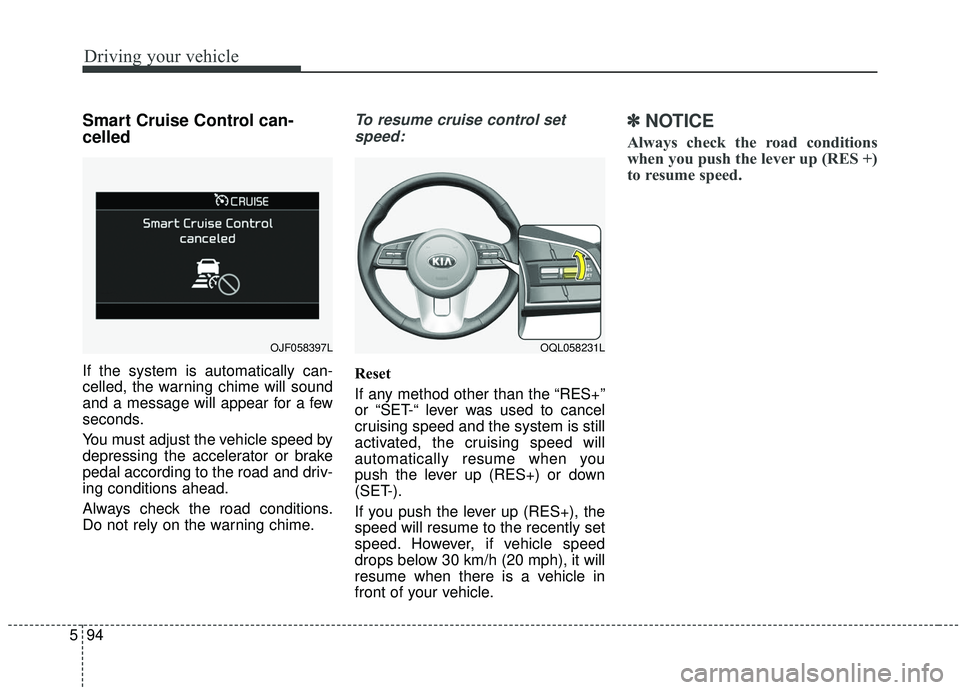
If the system is automatically can-
celled, the warning chime will sound
and a message will appear for a few
seconds.
You must adjust the vehicle speed by
depressing the accelerator or brake
pedal according to the road and driv-
ing conditions ahead.
Always check the road conditions.
Do not rely on the warning chime.
To resume cruise control set
speed:
Reset
If any method other than the “RES+”
or “SET-“ lever was used to cancel
cruising speed and the system is still
activated, the cruising speed will
automatically resume when you
push the lever up (RES+) or down
(SET-).
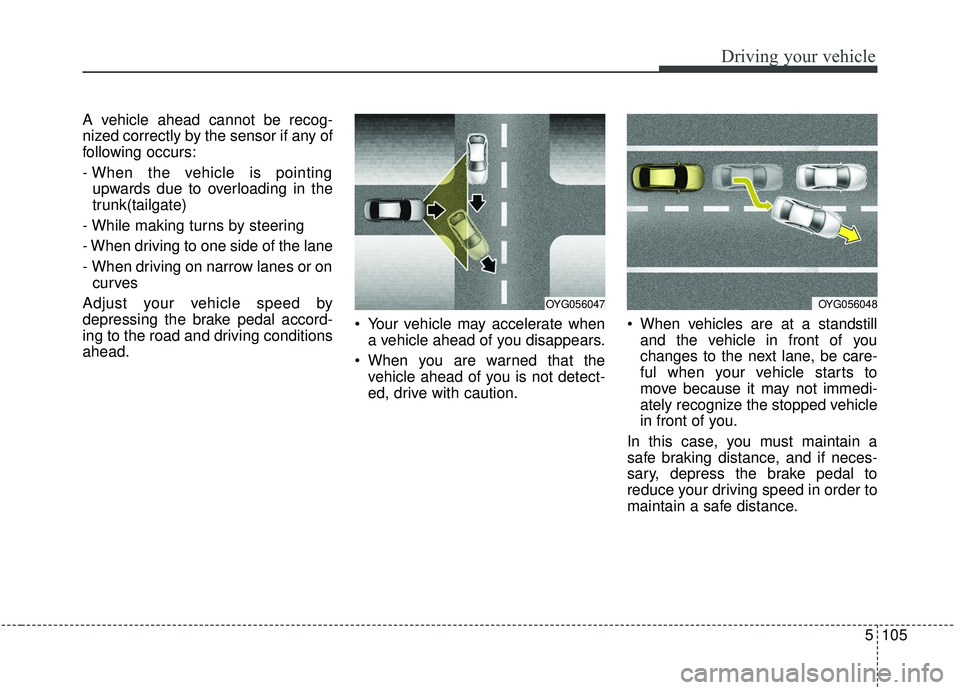
If you push the lever up (RES+), the
speed will resume to the recently set
speed. However, if vehicle speed
drops below 30 km/h (20 mph), it will
resume when there is a vehicle in
front of your vehicle.
✽ ✽ NOTICE
Always check the road conditions
when you push the lever up (RES +)
to resume speed.
OQL058231LOJF058397L
Page 379 of 611
Driving your vehicle
98
5
OQL058200L
WARNING
When using the Smart Cruise
Control System:
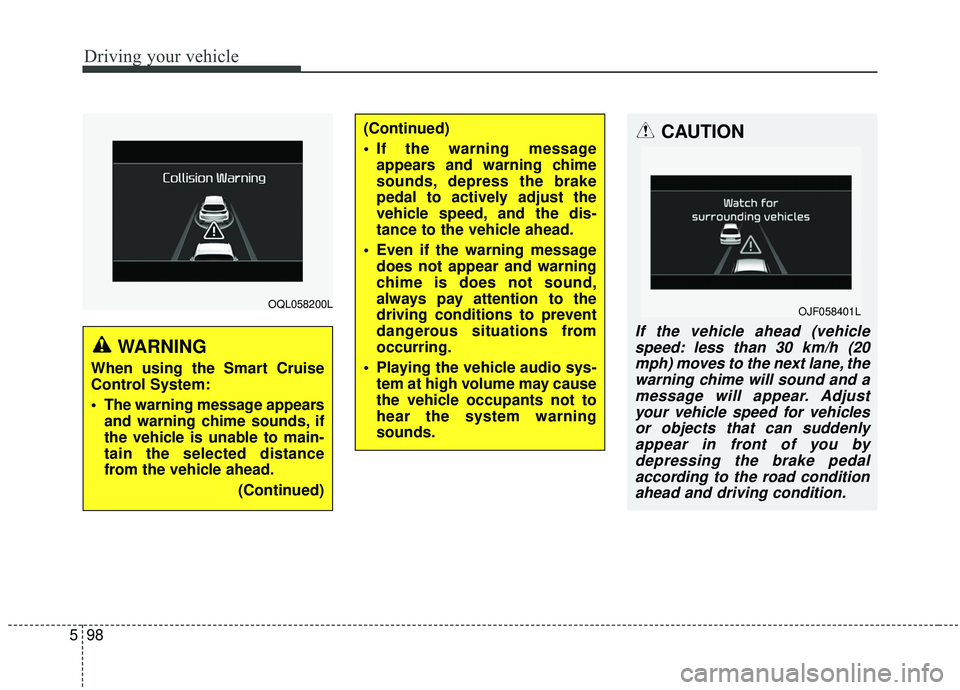
The warning message appears
and warning chime sounds, if
the vehicle is unable to main-
tain the selected distance
from the vehicle ahead.
(Continued)
(Continued)
If the warning messageappears and warning chime
sounds, depress the brake
pedal to actively adjust the
vehicle speed, and the dis-
tance to the vehicle ahead.
Even if the warning message does not appear and warning
chime is does not sound,
always pay attention to the
driving conditions to prevent
dangerous situations from
occurring.
Playing the vehicle audio sys- tem at high volume may cause
the vehicle occupants not to
hear the system warning
sounds.CAUTION
If the vehicle ahead (vehiclespeed: less than 30 km/h (20mph) moves to the next lane, thewarning chime will sound and amessage will appear. Adjustyour vehicle speed for vehiclesor objects that can suddenlyappear in front of you bydepressing the brake pedalaccording to the road conditionahead and driving condition.
OJF058401L
Page 382 of 611
5101
Driving your vehicle
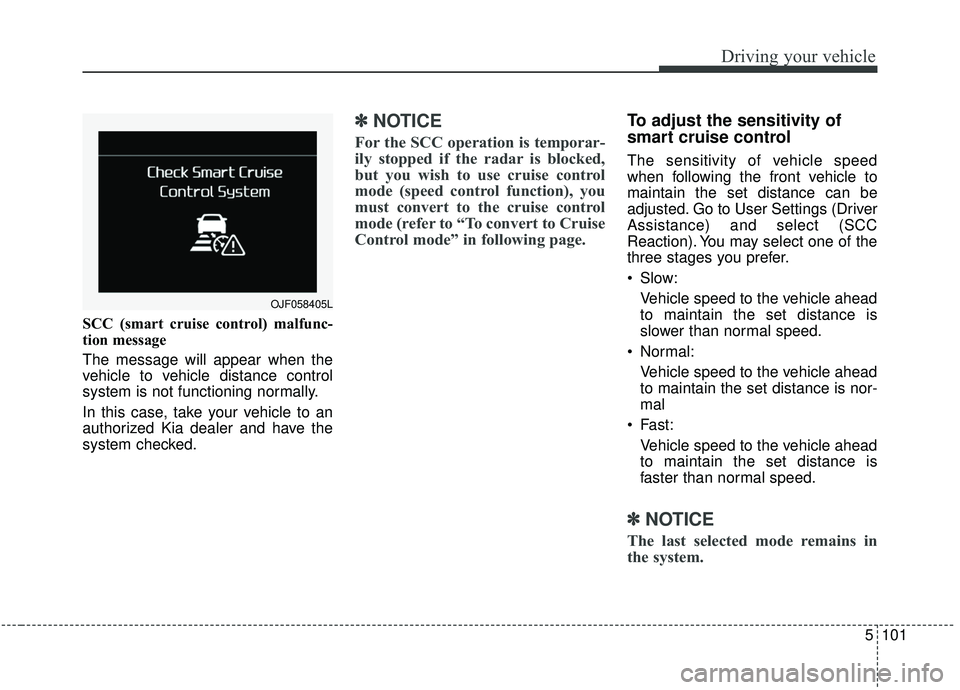
SCC (smart cruise control) malfunc-
tion message
The message will appear when the
vehicle to vehicle distance control
system is not functioning normally.
In this case, take your vehicle to an
authorized Kia dealer and have the
system checked.
✽ ✽NOTICE
For the SCC operation is temporar-
ily stopped if the radar is blocked,
but you wish to use cruise control
mode (speed control function), you
must convert to the cruise control
mode (refer to “To convert to Cruise
Control mode” in following page.
To adjust the sensitivity of
smart cruise control
The sensitivity of vehicle speed
when following the front vehicle to
maintain the set distance can be
adjusted. Go to User Settings (Driver
Assistance) and select (SCC
Reaction). You may select one of the
three stages you prefer.
Slow:
Vehicle speed to the vehicle ahead
to maintain the set distance is
slower than normal speed.
Normal: Vehicle speed to the vehicle ahead
to maintain the set distance is nor-
mal
Fast: Vehicle speed to the vehicle ahead
to maintain the set distance is
faster than normal speed.
✽ ✽ NOTICE
The last selected mode remains in
the system.
OJF058405L
Page 384 of 611
5103
Driving your vehicle
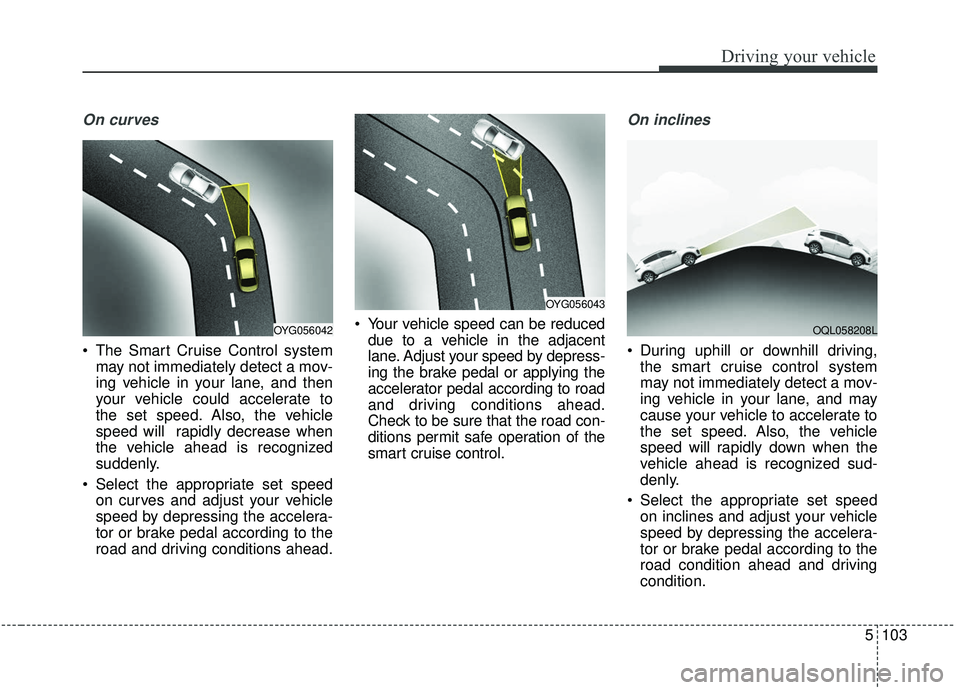
On curves
The Smart Cruise Control systemmay not immediately detect a mov-
ing vehicle in your lane, and then
your vehicle could accelerate to
the set speed. Also, the vehicle
speed will rapidly decrease when
the vehicle ahead is recognized
suddenly.
Select the appropriate set speed on curves and adjust your vehicle
speed by depressing the accelera-
tor or brake pedal according to the
road and driving conditions ahead. Your vehicle speed can be reduced
due to a vehicle in the adjacent
lane. Adjust your speed by depress-
ing the brake pedal or applying the
accelerator pedal according to road
and driving conditions ahead.
Check to be sure that the road con-
ditions permit safe operation of the
smart cruise control.
On inclines
During uphill or downhill driving,the smart cruise control system
may not immediately detect a mov-
ing vehicle in your lane, and may
cause your vehicle to accelerate to
the set speed. Also, the vehicle
speed will rapidly down when the
vehicle ahead is recognized sud-
denly.
Select the appropriate set speed on inclines and adjust your vehicle
speed by depressing the accelera-
tor or brake pedal according to the
road condition ahead and driving
condition.
OYG056043
OYG056042OQL058208L
Page 386 of 611
5105
Driving your vehicle
A vehicle ahead cannot be recog-
nized correctly by the sensor if any of
following occurs:
- When the vehicle is pointingupwards due to overloading in the
trunk(tailgate)
- While making turns by steering
- When driving to one side of the lane
- When driving on narrow lanes or on curves
Adjust your vehicle speed by
depressing the brake pedal accord-
ing to the road and driving conditions
ahead. Your vehicle may accelerate when
a vehicle ahead of you disappears.
When you are warned that the vehicle ahead of you is not detect-
ed, drive with caution. When vehicles are at a standstill
and the vehicle in front of you
changes to the next lane, be care-
ful when your vehicle starts to
move because it may not immedi-
ately recognize the stopped vehicle
in front of you.
In this case, you must maintain a
safe braking distance, and if neces-
sary, depress the brake pedal to
reduce your driving speed in order to
maintain a safe distance.
OYG056047OYG056048
Page 391 of 611
Driving your vehicle
110
5
When Active ECO is activated:
The acceleration may slightly be
reduced even though you depress
the accelerator fully.
The air conditioner performance may be limited
The shift pattern of the automatic transmission may change.
The engine noise may get louder.
The above situations are normal
conditions when the Active Eco
System is activated to improve fuel
efficiency. Limitation of Active ECO opera-
tion:
If the following conditions occur while
Active ECO is operating, the system
operation is limited even though
there is no change in the ECO indi-
cator.
When the coolant temperature is
low:
The system will be limited until
engine performance becomes nor-
mal.
When driving up a hill: The system will be limited to gain
power when driving uphill because
the engine torque is restricted.
When using manual mode: The system will be limited accord-
ing to the shift location.
When the accelerator pedal is deeply depressed for a few sec-
onds:
The system will be limited, judging
that the driver wants to speed up.SPORT mode
SPORT mode focuses on
dynamic driving by auto-
matically adjusting the
steering wheel, engine
and transmission system.
When the DRIVE MODE button is pressed and the SPORT mode is
selected, the SPORT indicator
(yellow) will illuminate.
When the SPORT mode is activat- ed, and the engine start/stop but-
ton is turned off and on it will
change to NORMAL mode. To turn
on the SPORT mode press DRIVE
MODE button again.
- It maintains the gear and RPM for some time even though the accel-
erator pedal is not depressed.
- Up-shifting is delayed.
✽ ✽
NOTICE
In Sport drive mode, the fuel effi-
ciency may decrease.
SPORT
Page 422 of 611
5141
Driving your vehicle
Your vehicle's fuel economy depends
mainly on your style of driving, where
you drive and when you drive.
Each of these factors affects how
many miles (kilometers) you can get
from a gallon (liter) of fuel. To operate
your vehicle as economically as pos-
sible, use the following driving sug-
gestions to help save money in both
fuel and repairs:
Drive smoothly. Accelerate at amoderate rate. Don't make "jack-
rabbit" starts or full-throttle shifts
and maintain a steady cruising
speed. Don't race between stop-
lights. Try to adjust your speed to
the traffic so you don't have to
change speeds unnecessarily.
Avoid heavy traffic whenever pos-
sible. Always maintain a safe dis-
tance from other vehicles so you
can avoid unnecessary braking.
This also reduces brake wear.
Drive at a moderate speed. The faster you drive, the more fuel your
vehicle uses. Driving at a moderate
speed, especially on the highway,
is one of the most effective ways to
reduce fuel consumption. Don't "ride" the brake pedal. This
can increase fuel consumption and
also increase wear on these com-
ponents. In addition, driving with
your foot resting on the brake pedal
may cause the brakes to overheat,
which reduces their effectiveness
and may lead to more serious con-
sequences.
Take care of your tires. Keep them inflated to the recommended pres-
sure. Incorrect inflation, either too
much or too little, results in unnec-
essary tire wear. Check the tire
pressures at least once a month.
Be sure that the wheels are aligned correctly. Improper align-
ment can result from hitting curbs
or driving too fast over irregular
surfaces. Poor alignment causes
faster tire wear and may also result
in other problems as well as
greater fuel consumption. Keep your vehicle in good condi-
tion. For better fuel economy and
reduced maintenance costs, main-
tain your vehicle in accordance
with the maintenance schedule in
chapter 8. If you drive your vehicle
in severe conditions, more frequent
maintenance is required (see
chapter 8 for details).
Keep your vehicle clean. For maxi- mum service, your vehicle should
be kept clean and free of corrosive
materials. It is especially important
that mud, dirt, ice, etc. not be
allowed to accumulate on the
underside of the vehicle. This extra
weight can result in increased fuel
consumption and also contribute to
corrosion.
Travel lightly. Don't carry unneces- sary weight in your vehicle. Weight
reduces fuel economy.
Don't let the engine idle longer than necessary. If you are waiting
(and not in traffic), turn off your
engine and restart only when
you're ready to go.
ECONOMICAL OPERATION
Page 427 of 611
Driving your vehicle
146
5
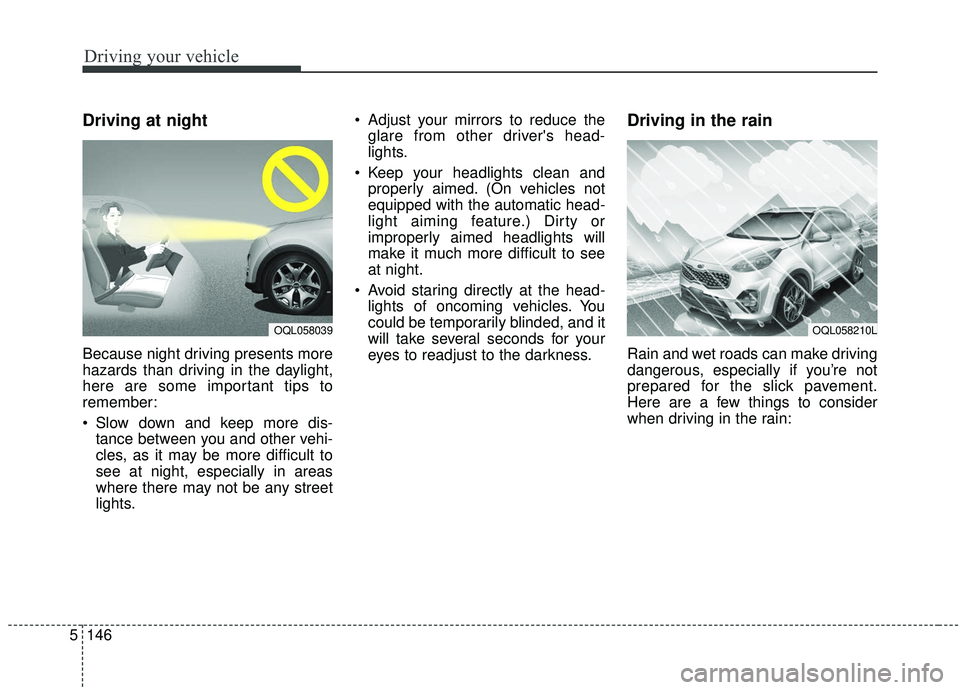
Driving at night
Because night driving presents more
hazards than driving in the daylight,
here are some important tips to
remember:
Slow down and keep more dis-
tance between you and other vehi-
cles, as it may be more difficult to
see at night, especially in areas
where there may not be any street
lights. Adjust your mirrors to reduce the
glare from other driver's head-
lights.
Keep your headlights clean and properly aimed. (On vehicles not
equipped with the automatic head-
light aiming feature.) Dirty or
improperly aimed headlights will
make it much more difficult to see
at night.
Avoid staring directly at the head- lights of oncoming vehicles. You
could be temporarily blinded, and it
will take several seconds for your
eyes to readjust to the darkness.
Driving in the rain
Rain and wet roads can make driving
dangerous, especially if you’re not
prepared for the slick pavement.
Here are a few things to consider
when driving in the rain:
OQL058039OQL058210L