2019 TOYOTA SUPRA stop start
[x] Cancel search: stop startPage 148 of 456
148
Supra Owner's Manual3-1. CONTROLS
Before the transmission lockout is
released, apply the parking brake
to prevent the vehicle from rolling
away.
1Apply the brakes and keep them
applied.
2Press the start/stop button. The
starter must be heard to start
turning. Press and hold the
start/stop button.
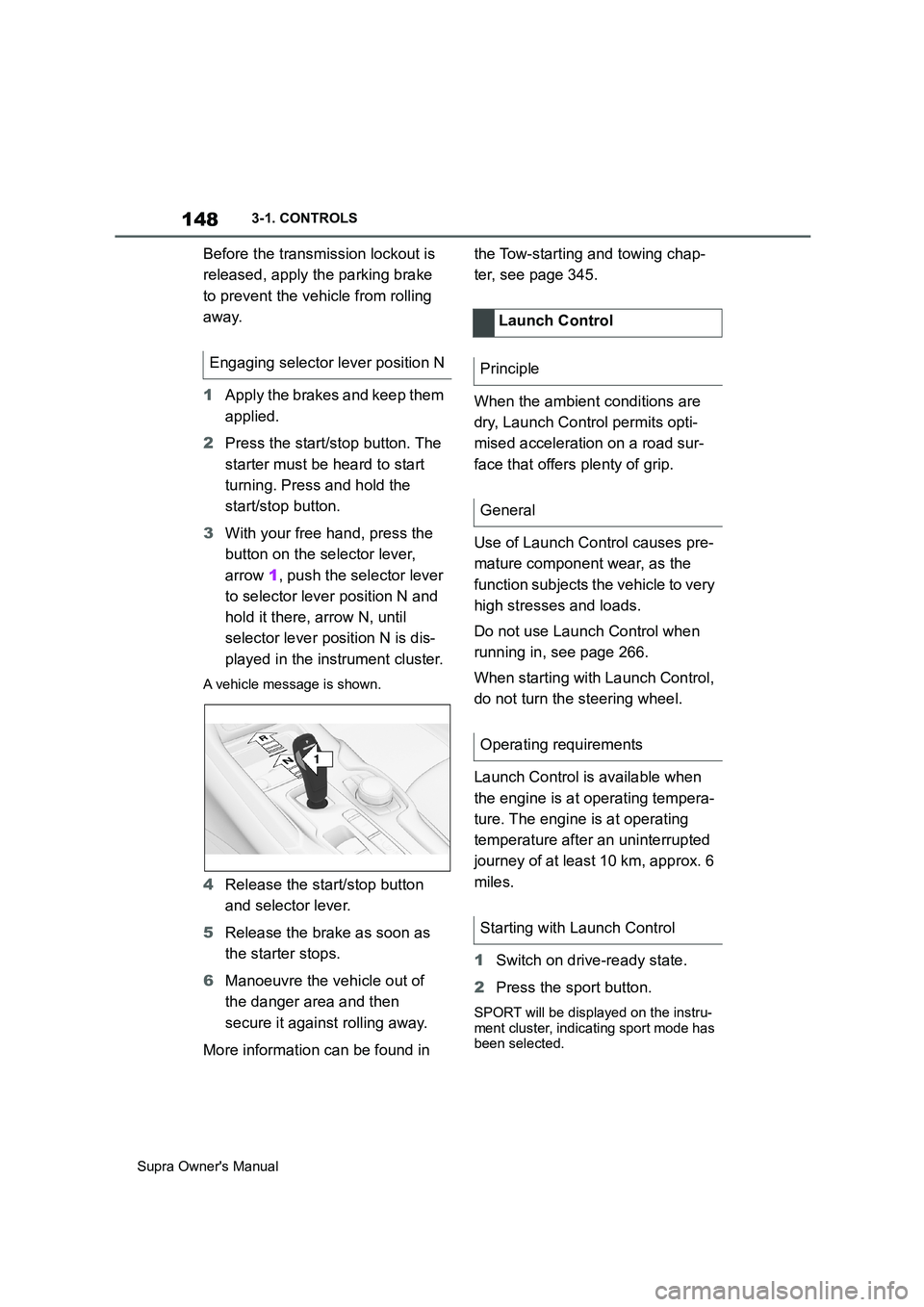
3With your free hand, press the
button on the selector lever,
arrow 1, push the selector lever
to selector lever position N and
hold it there, arrow N, until
selector lever position N is dis-
played in the instrument cluster.
A vehicle message is shown.
4Release the start/stop button
and selector lever.
5Release the brake as soon as
the starter stops.
6Manoeuvre the vehicle out of
the danger area and then
secure it against rolling away.
More information can be found in the Tow-starting and towing chap-
ter, see page 345.
When the ambient conditions are
dry, Launch Control permits opti-
mised acceleration on a road sur-
face that offers plenty of grip.
Use of Launch Control causes pre-
mature component wear, as the
function subjects the vehicle to very
high stresses and loads.
Do not use Launch Control when
running in, see page 266.
When starting with Launch Control,
do not turn the steering wheel.
Launch Control is available when
the engine is at operating tempera-
ture. The engine is at operating
temperature after an uninterrupted
journey of at least 10 km, approx. 6
miles.
1Switch on drive-ready state.
2Press the sport button.
SPORT will be displayed on the instru-
ment cluster, indicating sport mode has
been selected.
Engaging selector lever position N
1
R
N
Launch Control
Principle
General
Operating requirements
Starting with Launch Control
Page 158 of 456
158
Supra Owner's Manual3-1. CONTROLS
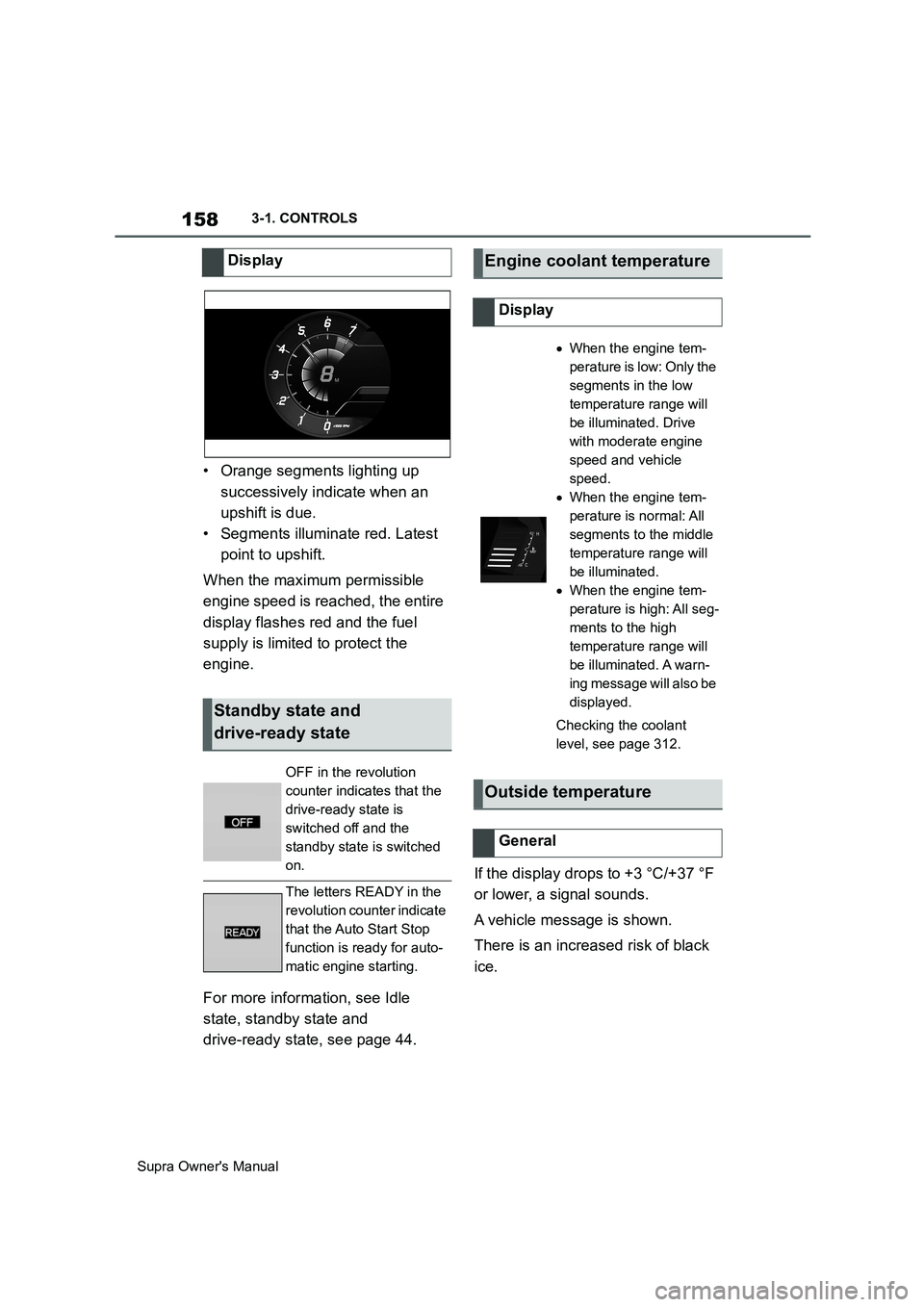
• Orange segments lighting up
successively indicate when an
upshift is due.
• Segments illuminate red. Latest
point to upshift.
When the maximum permissible
engine speed is reached, the entire
display flashes red and the fuel
supply is limited to protect the
engine.
For more information, see Idle
state, standby state and
drive-ready state, see page 44.If the display drops to +3 °C/+37 °F
or lower, a signal sounds.
A vehicle message is shown.
There is an increased risk of black
ice. Display
Standby state and
drive-ready state
OFF in the revolution
counter indicates that the
drive-ready state is
switched off and the
standby state is switched
on.
The letters READY in the
revolution counter indicate
that the Auto Start Stop
function is ready for auto-
matic engine starting.
Engine coolant temperature
Display
When the engine tem-
perature is low: Only the
segments in the low
temperature range will
be illuminated. Drive
with moderate engine
speed and vehicle
speed.
When the engine tem-
perature is normal: All
segments to the middle
temperature range will
be illuminated.
When the engine tem-
perature is high: All seg-
ments to the high
temperature range will
be illuminated. A warn-
ing message will also be
displayed.
Checking the coolant
level, see page 312.
Outside temperature
General
Page 198 of 456
198
Supra Owner's Manual3-1. CONTROLS
appearance.
Two-wheeled vehicles ahead.
At speeds over approx. 250 km/h,
155 mph, the system is temporarily
disabled. As soon as the speed
drops back below this value, the
system responds once again
according to its settings.
The system may have limited func-
tionality in the following situations,
for example:
In thick fog, wet conditions or
snow.
On sharp bends.
When Driving Stability Control
Systems are limited or deacti-
vated, for example VSC OFF.
If the field of view of the camera
or the windscreen in front of the
rear-view mirror is soiled or cov-
ered.
If the camera has overheated
due to excessively high tempera-
tures and has been temporarily
deactivated.
Depending on the equipment
version: if the radar sensors are
soiled or covered.
Up to 10 seconds after starting
the engine using the start/stop
button.
During the camera calibration process immediately after vehi-
cle delivery.
When there is sustained glare
due to oncoming light, for exam-
ple the sun is low in the sky.
The greater the sensitivity of the
warning settings, for example warn-
ing time, the more warnings will be
displayed. As a result, there may be
an increased number of premature
or unjustified warnings and reac-
tions.
The system can help to avoid acci-
dents with pedestrians and cyclists.
If an accident cannot be avoided,
the system helps to reduce the col-
lision speed.
The system warns of the possible
risk of collision in the urban speed
range and brakes automatically, as
necessary.
At speeds above approx. 5 km/h, 3
mph, the system warns of the pos-
sible risk of collision with pedestri-
ans and cyclists.
Pedestrians and cyclists are taken
into account if they are located Upper speed limit
Functional limitations
Sensitivity of the warnings
Person warning with City
light braking function
Principle
General
Page 202 of 456
202
Supra Owner's Manual3-1. CONTROLS
Braking can be discontinued either
by depressing the accelerator pedal
or by actively moving the steering
wheel.
The detection of objects may be
limited. Take into account the
detection range limits and the func-
tional limitations.
The system reacts to pedestrians
and cyclists if your own speed is
below approx. 85 km/h, 53 mph.
The detection ability of the system
is limited.
As a result, the system may fail to
give warnings or may give warnings
late.
It is possible that the following are
not detected, for example:
Partially concealed pedestrians.
Pedestrians who are not detected as such, because of the
viewing angle or outline.
Pedestrians outside the detec-
tion range.
Pedestrians less than approxi-
mately 80 cm, 32 in tall.
The system may have limited func-
tionality in some situations, for
example:
In thick fog, wet conditions or
snow.
On sharp bends.
If vehicle stability control sys-
tems are deactivated, for exam-
ple VSC OFF.
If the field of view of the camera
or the windscreen in front of the
rear-view mirror is soiled or cov-
ered.
If the camera has overheated
due to excessively high tempera-
tures and has been temporarily
deactivated.
Depending on the equipment
version: if the radar sensors are
soiled or covered.
Up to 10 seconds after starting
the engine using the start/stop
button.
During the camera calibration
process immediately after vehi-
cle delivery.
When there is sustained glare
due to oncoming light, for exam- System limits
Safety note
WARNING
The system may not respond at all, or
may respond too late, incorrectly or
without justification due to limits of the
system. There is a danger of acci-
dents or damage to property.
Observe the information on the sys-
tem limits and intervene actively if
necessary.
Upper speed limit
Detection range
Functional limitations
Page 204 of 456
204
Supra Owner's Manual3-1. CONTROLS
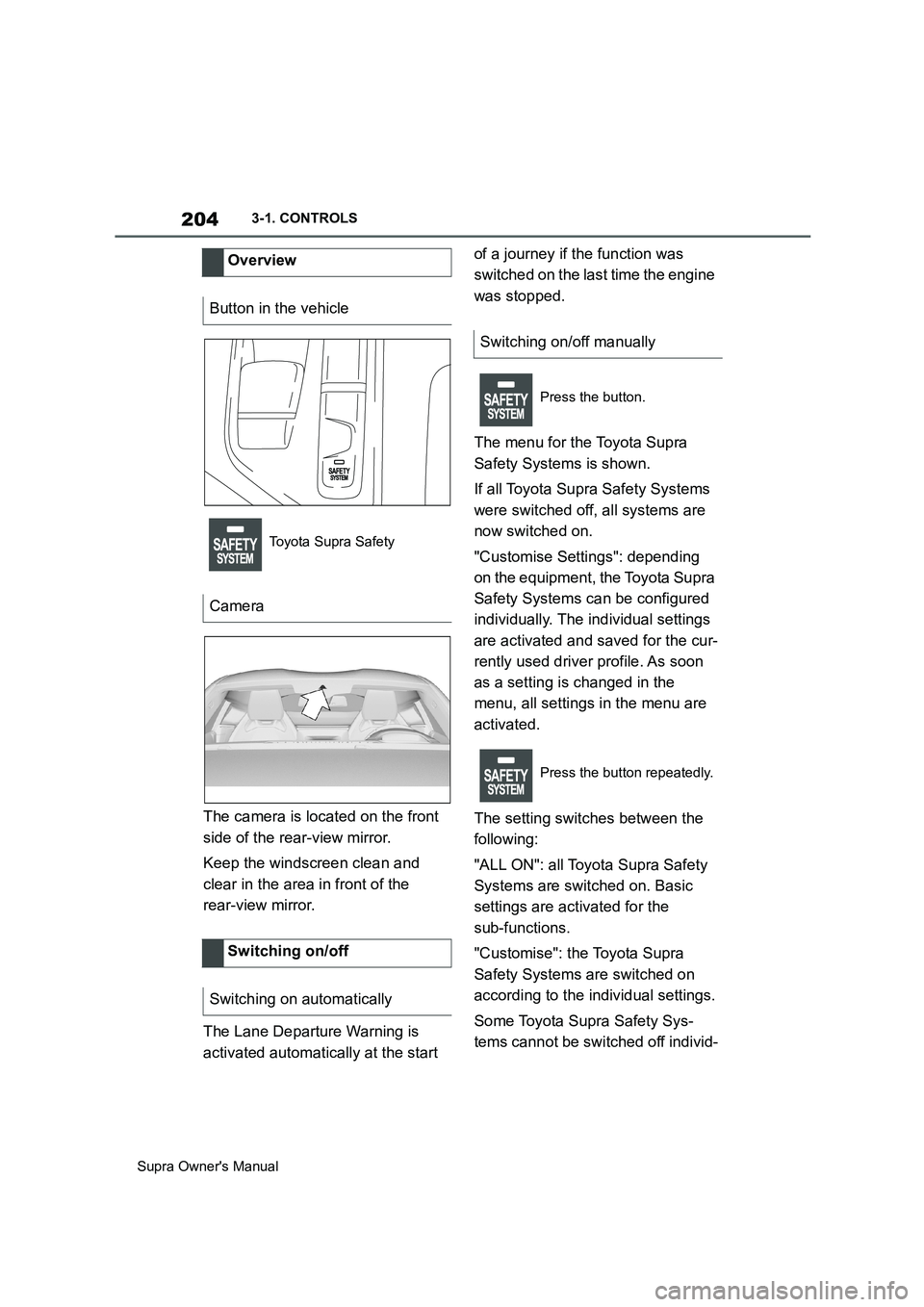
The camera is located on the front
side of the rear-view mirror.
Keep the windscreen clean and
clear in the area in front of the
rear-view mirror.
The Lane Departure Warning is
activated automatically at the start of a journey if the function was
switched on the last time the engine
was stopped.
The menu for the Toyota Supra
Safety Systems is shown.
If all Toyota Supra Safety Systems
were switched off, all systems are
now switched on.
"Customise Settings": depending
on the equipment, the Toyota Supra
Safety Systems can be configured
individually. The individual settings
are activated and saved for the cur-
rently used driver profile. As soon
as a setting is changed in the
menu, all settings in the menu are
activated.
The setting switches between the
following:
"ALL ON": all Toyota Supra Safety
Systems are switched on. Basic
settings are activated for the
sub-functions.
"Customise": the Toyota Supra
Safety Systems are switched on
according to the individual settings.
Some Toyota Supra Safety Sys-
tems cannot be switched off individ- Overview
Button in the vehicle
Toyota Supra Safety
Camera
Switching on/off
Switching on automatically
Switching on/off manually
Press the button.
Press the button repeatedly.
Page 207 of 456
207
3
Supra Owner's Manual3-1. CONTROLS
CONTROLS
The system may have limited func-
tionality in the following situations,
for example:
In thick fog, wet conditions or
snow.
When there are missing, worn,
poorly visible, merging/separat-
ing or ambiguous lane markings;
for example, in areas where
there are roadworks.
If lane markings are covered by
snow, ice, dirt or water.
On sharp bends or narrow roads.
If lane markings are not white.
If lane markings are obscured by
objects.
If the vehicle is too close to the
vehicle ahead.
When there is sustained glare
due to oncoming light, for exam-
ple the sun is low in the sky.
If the field of view of the camera or the windscreen in front of the
rear-view mirror is soiled or cov-
ered.
If the camera has overheated
due to excessively high tempera-
tures and has been temporarily
deactivated.
Up to 10 seconds after starting
the engine using the start/stop
button.
During the camera calibration
process immediately after vehi-
cle delivery.
A vehicle message may be dis-
played in the event of limited func-
tionality.
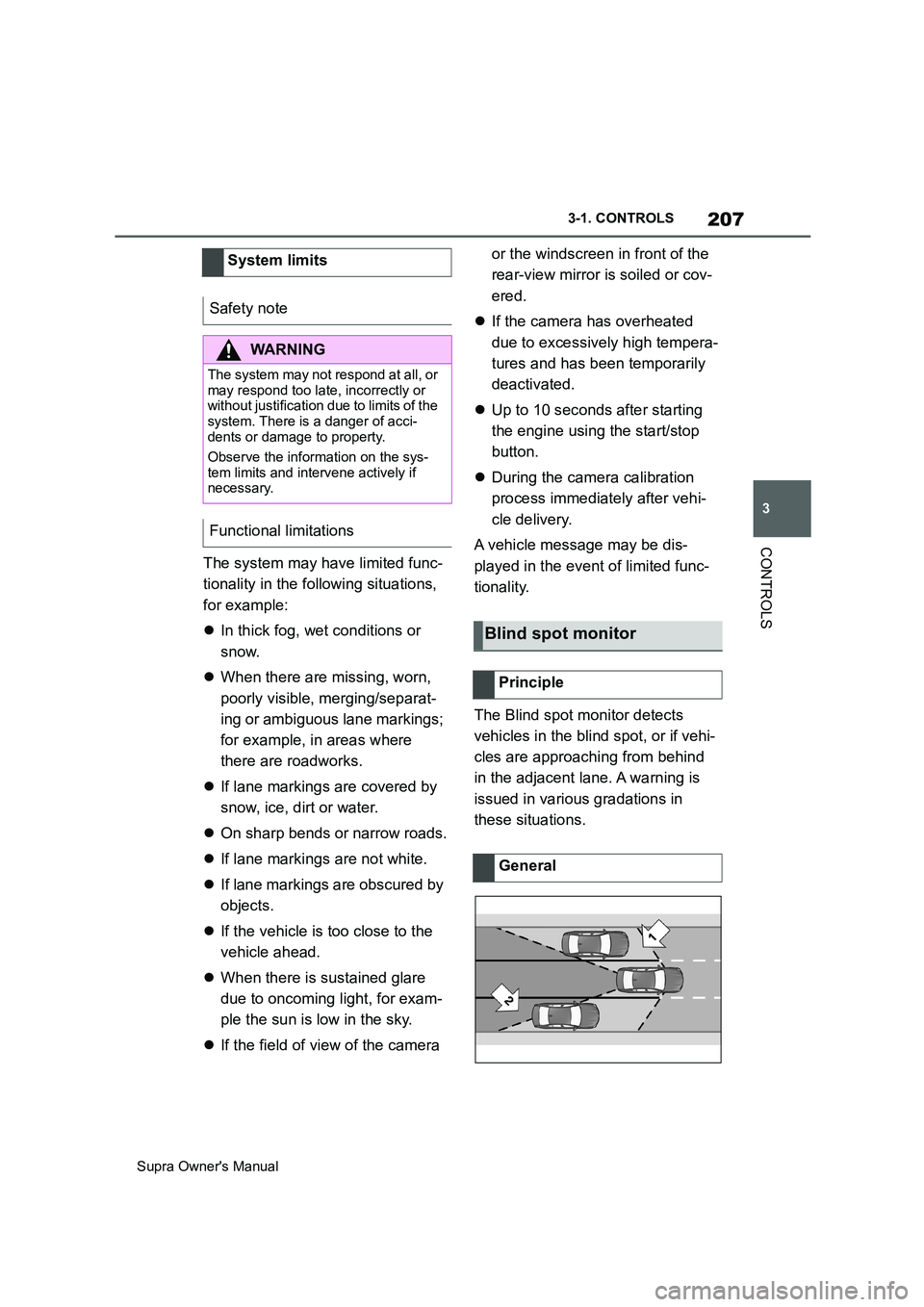
The Blind spot monitor detects
vehicles in the blind spot, or if vehi-
cles are approaching from behind
in the adjacent lane. A warning is
issued in various gradations in
these situations. System limits
Safety note
WARNING
The system may not respond at all, or
may respond too late, incorrectly or
without justification due to limits of the
system. There is a danger of acci-
dents or damage to property.
Observe the information on the sys-
tem limits and intervene actively if
necessary.
Functional limitations
Blind spot monitor
Principle
General
Page 209 of 456
209
3
Supra Owner's Manual3-1. CONTROLS
CONTROLS
the rear bumper.
Keep the bumpers clean and unob-
structed in the area of the radar
sensors.
The Blind spot monitor is reacti-
vated automatically at the start of a
journey if the function was switched
on the last time the engine was
stopped.
The menu for the Toyota Supra
Safety Systems is shown.
If all Toyota Supra Safety Systems
were switched off, all systems are
now switched on.
"Customise Settings": depending
on the equipment, the Toyota Supra
Safety Systems can be configured
individually. The individual settings
are activated and saved for the cur-
rently used driver profile. As soon
as a setting is changed in the
menu, all settings in the menu are
activated.
The setting switches between the following:
"ALL ON": all Toyota Supra Safety
Systems are switched on. Basic
settings are activated for the
sub-functions.
"Customise": the Toyota Supra
Safety Systems are switched on
according to the individual settings.
Some Toyota Supra Safety Sys-
tems cannot be switched off individ-
ually.
All Toyota Supra Safety Systems
are switched off.
Via Toyota Supra Command:
1"My Vehicle"
2"Vehicle settings"
3"Toyota Supra Safety" Switching on/off
Switching on automatically
Switching on/off manually
Press the button.
Press the button repeatedly.
Press and hold the button.
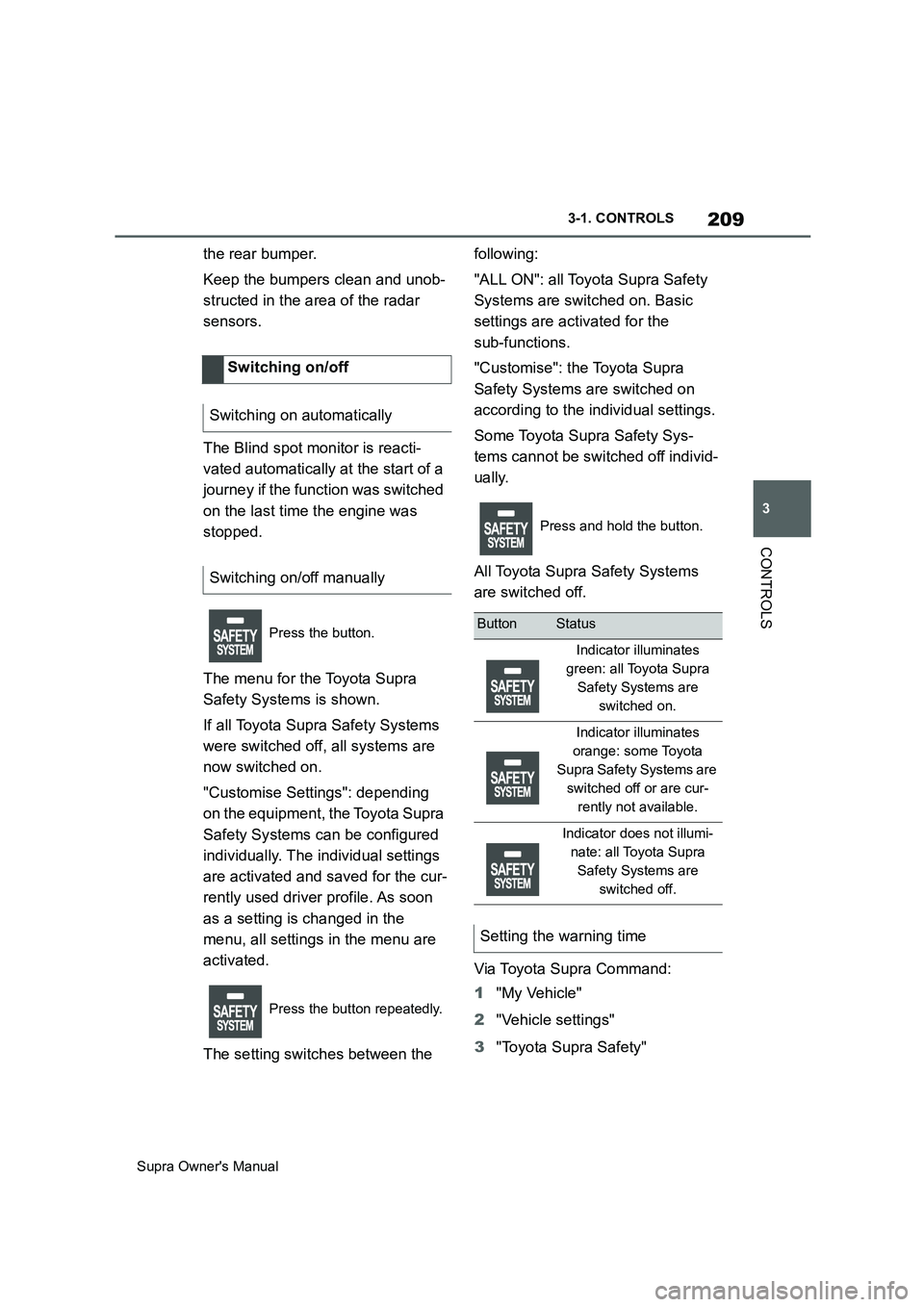
ButtonStatus
Indicator illuminates
green: all Toyota Supra
Safety Systems are
switched on.
Indicator illuminates
orange: some Toyota
Supra Safety Systems are
switched off or are cur-
rently not available.
Indicator does not illumi-
nate: all Toyota Supra
Safety Systems are
switched off.
Setting the warning time
Page 215 of 456
215
3
Supra Owner's Manual3-1. CONTROLS
CONTROLS
mph.
If a sporty driving style is
adopted, for example sharp
acceleration or fast cornering.
In active driving situations, for
example frequent lane changes.
In poor road conditions.
In strong crosswinds.
The system is reset approximately
45 minutes after the vehicle is
stopped, for example when taking a
break during a long motorway jour-
ney.This chapter describes all standard,
country-specific and special equip-
ment available for the model series.
It may therefore describe equip-
ment and functions which are not
installed in your vehicle, for exam-
ple on account of the optional
equipment selected or the country
specification. This also applies to
safety-relevant functions and sys-
tems. Please comply with the rele-
vant laws and regulations when
using the corresponding functions
and systems.
ABS prevents the wheels from lock-
ing when the brakes are applied.
Steering control is retained even in
the event of full braking, thereby
enhancing active road safety.
ABS is ready to operate each time
the engine is started.
Situations which the ABS cannot
operate sufficiently:
When entering a curve at an
excessively high rate of speedDriving Stability Control
Systems
Vehicle equipment
Anti-lock Brake System ABS