2019 TOYOTA PROACE CITY VERSO light
[x] Cancel search: lightPage 200 of 272
200
Consultation call
From the contextual menu, select "Switch" and validate to return to a call left on hold.Confirm with OK.
Directory
To access the directory, press and hold SRC/TEL.Select "Directory" to see the list of contacts.Confirm with OK.
To modify the contacts saved in the system, press MENU then select "Telephone" and confirm.Select "Directory management" and confirm.You can:– "Consult an entry",– "Delete an entry",– "Delete all entries".The system accesses the telephone's
contacts directory, depending on its compatibility, and while it is connected via Bluetooth.With certain telephones connected by Bluetooth you can send a contact to the directory of the audio system.Contacts imported in this way are saved in a permanent directory visible to all, whatever the telephone connected.
The menu for the directory is not accessible if it is empty.
Voice recognition
This function allows you to use your smartphone's voice recognition via the system.To start voice recognition, depending on the type of steering mounted controls:Make a long press on the end of the lighting control lever.ORPress this button.
NOTIC E
Voice recognition requires the use of a compatible smartphone first connected to the vehicle by Bluetooth.
Frequently asked
questions
The following information groups together the answers to the most frequently asked questions concerning your audio system.With the engine off, the audio system switches off after a few minutes of use.When the engine is switched off, the audio system operating time depends on the state of charge of the battery.
The switch-off is normal: the audio system switches to economy mode and switches off to avoid discharging the vehicle's battery.► Start the vehicle’s engine to increase the charge of the battery.The message "the audio system is overheated" is displayed onscreen.To protect the installation if the ambient temperature is too high, the audio system switches to an automatic thermal protection mode, in which the volume may be decreased or the CD player stopped.► Switch the audio system off for a few minutes to allow the system to cool.
Radio
There is a difference in sound quality between the different audio sources (radio, CD, etc.).For optimal listening quality, the audio settings (Volume, Bass, Treble, Ambience and Loudness) can be adjusted to different audio sources, resulting in audible differences when switching
between sources (radio, CD, etc.).► Check that the audio settings (Volume, Bass, Treble, Ambience and Loudness) are appropriate to the sources being listened to. We recommend setting the audio functions (Bass, Treble, Fr-Re balance and Le-Ri balance) to the middle position, setting the musical ambience to "None", setting loudness correction to "Active" in CD mode and "Inactive" in Radio mode.
Page 204 of 272
204
NOTIC E
In the "Settings" menu, it is possible to create a profile for an individual or for a group of people with shared interests, and configure a wide range of settings (radio presets, audio settings, ambiences, etc.). Settings are applied automatically.
NOTIC E
In very hot conditions, the volume may be limited to protect the system. It may enter standby mode (with the screen and sound off) for 5 minutes or more.The system will resume normal operation when the temperature in the passenger compartment has dropped.
Steering mounted controls
Steering mounted controls -
Type 1
Radio:Select the previous/next preset radio station.Select the previous/next item in a menu or a list.Media:Select the previous/next track.Select the previous/next item in a menu or a list.Radio:Short press: display the list of radio stations.Long press: update the list.Media:Short press: display the list of folders.Long press: display the available sorting options.Change audio source (radio; USB; AUX if
equipment connected; CD; streaming).Confirm a selection.
Increase volume.
Decrease volume.
Mute/restore sound by simultaneously pressing the increase and decrease volume buttons.
Steering mounted controls -
Type 2
Voice commands:This control is located on the steering wheel or at the end of the lighting control lever (depending on equipment).Short press, smartphone voice commands via the system.Increase volume.
Decrease volume.Mute by pressing the volume increase and decrease buttons simultaneously (depending on equipment).Restore the sound by pressing one of the two volume buttons.Media (short press): change the multimedia source.Telephone (short press): start telephone call.
Call in progress (short press): access telephone menu.Telephone (long press): reject an incoming call, end call; when no call is in progress, access telephone menu.Radio (rotate): automatic search for the previous/next station.Media (rotate): previous/next track, move in a list.
Page 218 of 272
218
– USB memory stick.– Media player connected via the auxiliary socket (depending on equipment).– Video (depending on equipment).
NOTIC E
In the "Settings" menu, it is possible to create a profile for an individual or for a group of people with shared interests, and configure a wide range of settings (radio presets, audio settings, navigation history, favourite contacts, etc.). Settings are applied automatically.
NOTIC E
In very hot conditions, the volume may be limited to protect the system. It may enter
standby mode (with the screen and sound off) for 5 minutes or more.The system will resume normal operation when the temperature in the passenger compartment has dropped.
Steering mounted controls
Voice control:This control is located on the steering wheel or at the end of the lighting control lever (depending on equipment).Short press, system voice control.Long press, voice control for smartphone or CarPlay®, MirrorLinkTM (availability depending on country), Android Auto via the system.Increase volume.
Decrease volume.Mute by pressing the volume increase and decrease buttons simultaneously (depending on equipment).
Restore the sound by pressing one of the two volume buttons.Media (short press): change the multimedia source.Telephone (short press): start telephone call.Call in progress (short press): access telephone menu.
Telephone (long press): reject an incoming call, end call; when no call is in progress, access telephone menu.Radio (rotate): automatic search for the previous / next station.Media (rotate): previous / next track, move in a list.Short press: confirm a selection; if nothing selected, access to presets.Radio: display the list of stations.Media: display the list of tracks.Radio (press and hold): update the list of stations received.
Menus
Connected navigation
Enter navigation settings and choose a
destination.Use real-time services, depending on equipment.
Page 220 of 272
220
Voice commands
Steering wheel-mounted
controls
Voice commands:Voice commands can be issued from any screen page after a short press on the "Voice commands" button located on the steering wheel or at the end of the lighting control lever (depending on equipment), as long as there is no telephone call in progress.
WARNI NG
To ensure that voice commands are always recognised by the system, please follow these recommendations: – use natural language in a normal tone without breaking up words or raising your voice.– always wait for the "beep" (audible signal) before speaking.– for best results, closing the windows and sunroof is recommended, to avoid extraneous interference (depending on version).– before issuing a voice command, ask any other passengers to refrain from speaking.
First steps
Example of a "voice command" for navigation:
"Navigate to address 11 regent street, London"Example of a "voice command" for the radio and media:"Play artist Madonna"Example of a "voice command" for the telephone:"Call David Miller"
WARNI NG
The voice commands, with a choice of 17 languages (Arabic, Brazilian, Czech, Danish, Dutch, English, Farsi, French, German, Italian, Norwegian, Polish, Portuguese, Russian, Spanish, Swedish, Turkish), are made using the language previously chosen and set in the system.For some voice commands, there are alternative synonyms.Example: Guide to / Navigate to / Go to / ...The voice commands in Arabic for: "Navigate to address" and "Display POI in the city", are not available.
Information - Using the
system
When voice commands are activated, by briefly pressing the button, help is displayed on the touch screen, offering various menus and enabling voice-based interaction with the system.
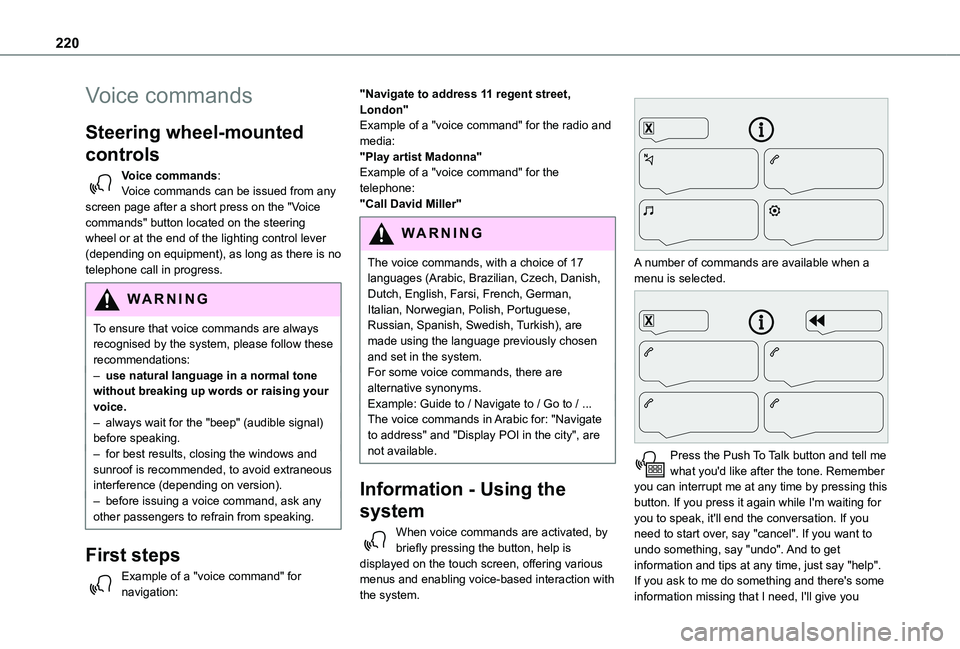
A number of commands are available when a menu is selected.
Press the Push To Talk button and tell me what you'd like after the tone. Remember you can interrupt me at any time by pressing this button. If you press it again while I'm waiting for you to speak, it'll end the conversation. If you need to start over, say "cancel". If you want to undo something, say "undo". And to get information and tips at any time, just say "help". If you ask to me do something and there's some information missing that I need, I'll give you
Page 245 of 272
245
Alphabetical index
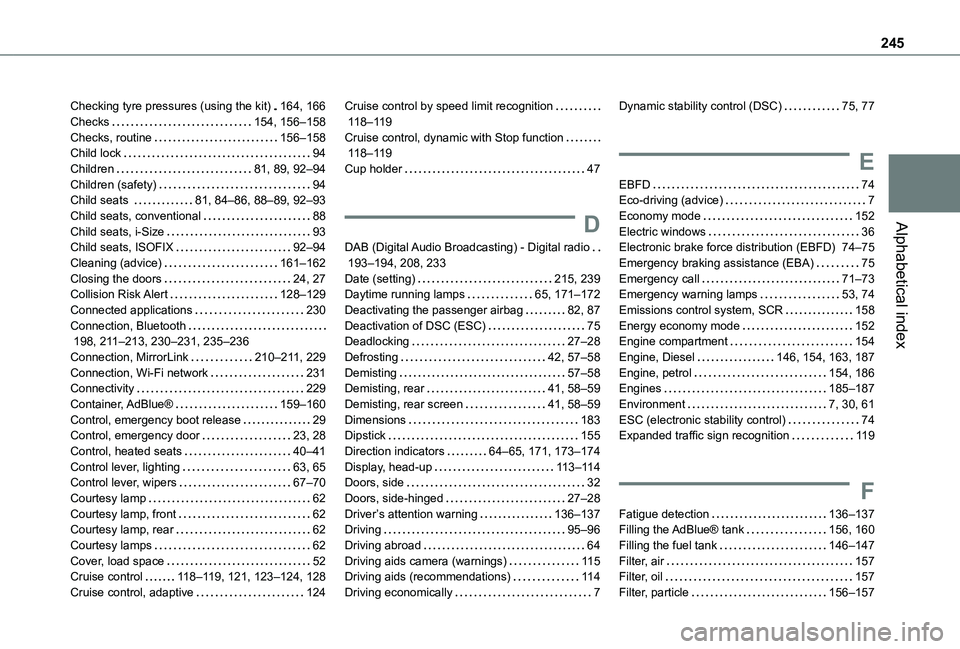
Checking tyre pressures (using the kit) 164, 166Checks 154, 156–158Checks, routine 156–158Child lock 94Children 81, 89, 92–94Children (safety) 94Child seats 81, 84–86, 88–89, 92–93Child seats, conventional 88Child seats, i-Size 93Child seats, ISOFIX 92–94Cleaning (advice) 161–162Closing the doors 24, 27Collision Risk Alert 128–129Connected applications 230Connection, Bluetooth 198, 2 11–213, 230–231, 235–236Connection, MirrorLink 210–2 11, 229Connection, Wi-Fi network 231Connectivity 229Container, AdBlue® 159–160Control, emergency boot release 29Control, emergency door 23, 28
Control, heated seats 40–41Control lever, lighting 63, 65Control lever, wipers 67–70Courtesy lamp 62Courtesy lamp, front 62Courtesy lamp, rear 62Courtesy lamps 62Cover, load space 52Cruise control 11 8–11 9, 121, 123–124, 128Cruise control, adaptive 124
Cruise control by speed limit recognition 11 8–11 9Cruise control, dynamic with Stop function 11 8–11 9Cup holder 47
D
DAB (Digital Audio Broadcasting) - Digital radio 193–194, 208, 233Date (setting) 215, 239Daytime running lamps 65, 171–172Deactivating the passenger airbag 82, 87Deactivation of DSC (ESC) 75Deadlocking 27–28Defrosting 42, 57–58Demisting 57–58Demisting, rear 41, 58–59Demisting, rear screen 41, 58–59Dimensions 183Dipstick 155
Direction indicators 64–65, 171, 173–174Display, head-up 11 3–11 4Doors, side 32Doors, side-hinged 27–28Driver’s attention warning 136–137Driving 95–96Driving abroad 64Driving aids camera (warnings) 11 5Driving aids (recommendations) 11 4Driving economically 7
Dynamic stability control (DSC) 75, 77
E
EBFD 74Eco-driving (advice) 7Economy mode 152Electric windows 36Electronic brake force distribution (EBFD) 74–75Emergency braking assistance (EBA) 75Emergency call 71–73Emergency warning lamps 53, 74Emissions control system, SCR 158Energy economy mode 152Engine compartment 154Engine, Diesel 146, 154, 163, 187Engine, petrol 154, 186Engines 185–187Environment 7, 30, 61ESC (electronic stability control) 74Expanded traffic sign recognition 11 9
F
Fatigue detection 136–137Filling the AdBlue® tank 156, 160Filling the fuel tank 146–147Filter, air 157Filter, oil 157Filter, particle 156–157
Page 247 of 272
247
Alphabetical index
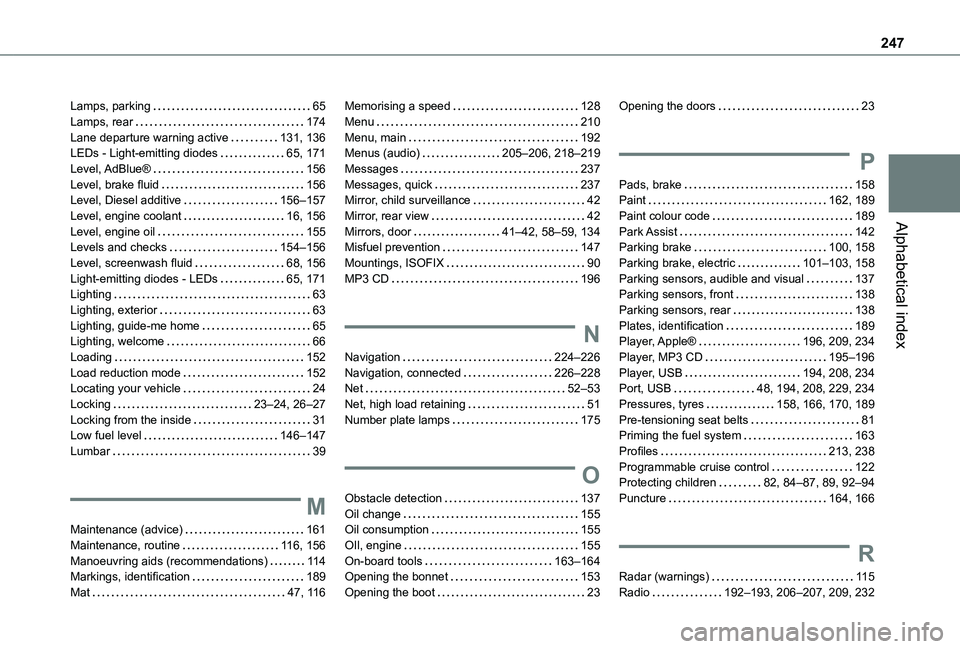
Lamps, parking 65Lamps, rear 174Lane departure warning active 131, 136LEDs - Light-emitting diodes 65, 171Level, AdBlue® 156Level, brake fluid 156Level, Diesel additive 156–157Level, engine coolant 16, 156Level, engine oil 155Levels and checks 154–156Level, screenwash fluid 68, 156Light-emitting diodes - LEDs 65, 171Lighting 63Lighting, exterior 63Lighting, guide-me home 65Lighting, welcome 66Loading 152Load reduction mode 152Locating your vehicle 24Locking 23–24, 26–27Locking from the inside 31Low fuel level 146–147
Lumbar 39
M
Maintenance (advice) 161Maintenance, routine 11 6, 156Manoeuvring aids (recommendations) 11 4Markings, identification 189Mat 47, 11 6
Memorising a speed 128Menu 210Menu, main 192Menus (audio) 205–206, 218–219Messages 237Messages, quick 237Mirror, child surveillance 42Mirror, rear view 42Mirrors, door 41–42, 58–59, 134Misfuel prevention 147Mountings, ISOFIX 90MP3 CD 196
N
Navigation 224–226Navigation, connected 226–228Net 52–53Net, high load retaining 51Number plate lamps 175
O
Obstacle detection 137Oil change 155Oil consumption 155OIl, engine 155On-board tools 163–164Opening the bonnet 153Opening the boot 23
Opening the doors 23
P
Pads, brake 158Paint 162, 189Paint colour code 189Park Assist 142Parking brake 100, 158Parking brake, electric 101–103, 158Parking sensors, audible and visual 137Parking sensors, front 138Parking sensors, rear 138Plates, identification 189Player, Apple® 196, 209, 234Player, MP3 CD 195–196Player, USB 194, 208, 234Port, USB 48, 194, 208, 229, 234Pressures, tyres 158, 166, 170, 189Pre-tensioning seat belts 81Priming the fuel system 163
Profiles 213, 238Programmable cruise control 122Protecting children 82, 84–87, 89, 92–94Puncture 164, 166
R
Radar (warnings) 11 5Radio 192–193, 206–207, 209, 232
Page 248 of 272
248
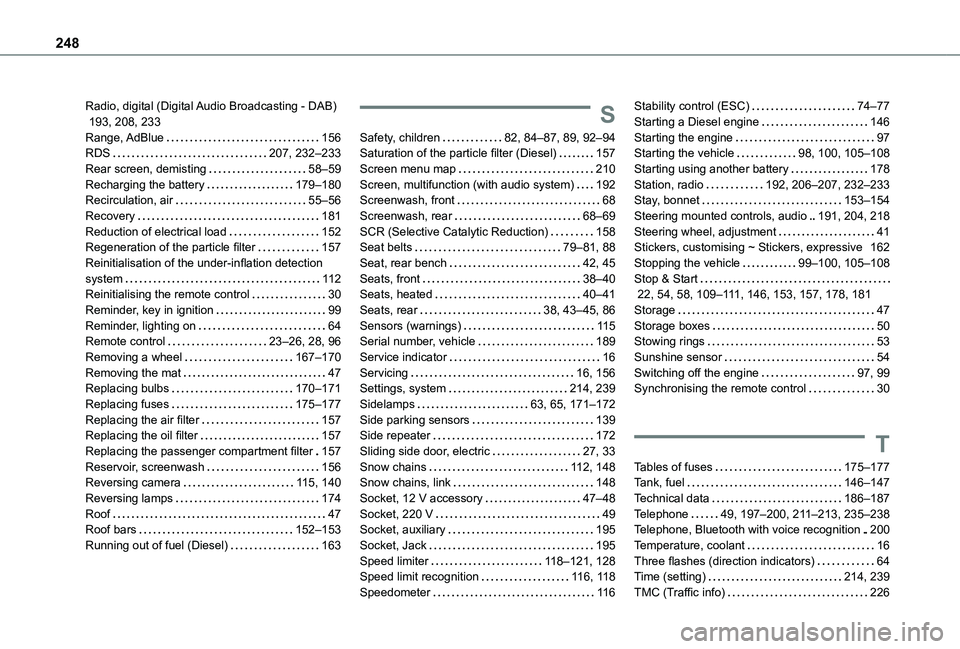
Radio, digital (Digital Audio Broadcasting - DAB) 193, 208, 233Range, AdBlue 156RDS 207, 232–233Rear screen, demisting 58–59Recharging the battery 179–180Recirculation, air 55–56Recovery 181Reduction of electrical load 152Regeneration of the particle filter 157Reinitialisation of the under-inflation detection system 11 2Reinitialising the remote control 30Reminder, key in ignition 99Reminder, lighting on 64Remote control 23–26, 28, 96Removing a wheel 167–170Removing the mat 47Replacing bulbs 170–171Replacing fuses 175–177Replacing the air filter 157Replacing the oil filter 157
Replacing the passenger compartment filter 157Reservoir, screenwash 156Reversing camera 11 5, 140Reversing lamps 174Roof 47Roof bars 152–153Running out of fuel (Diesel) 163
S
Safety, children 82, 84–87, 89, 92–94Saturation of the particle filter (Diesel) 157Screen menu map 210Screen, multifunction (with audio system) 192Screenwash, front 68Screenwash, rear 68–69SCR (Selective Catalytic Reduction) 158Seat belts 79–81, 88Seat, rear bench 42, 45Seats, front 38–40Seats, heated 40–41Seats, rear 38, 43–45, 86Sensors (warnings) 11 5Serial number, vehicle 189Service indicator 16Servicing 16, 156Settings, system 214, 239Sidelamps 63, 65, 171–172Side parking sensors 139Side repeater 172
Sliding side door, electric 27, 33Snow chains 11 2, 148Snow chains, link 148Socket, 12 V accessory 47–48Socket, 220 V 49Socket, auxiliary 195Socket, Jack 195Speed limiter 11 8–121, 128Speed limit recognition 11 6, 11 8Speedometer 11 6
Stability control (ESC) 74–77Starting a Diesel engine 146Starting the engine 97Starting the vehicle 98, 100, 105–108Starting using another battery 178Station, radio 192, 206–207, 232–233Stay, bonnet 153–154Steering mounted controls, audio 191, 204, 218Steering wheel, adjustment 41Stickers, customising ~ Stickers, expressive 162Stopping the vehicle 99–100, 105–108Stop & Start 22, 54, 58, 109–111, 146, 153, 157, 178, 181Storage 47Storage boxes 50Stowing rings 53Sunshine sensor 54Switching off the engine 97, 99Synchronising the remote control 30
T
Tables of fuses 175–177Tank, fuel 146–147Technical data 186–187Telephone 49, 197–200, 2 11–213, 235–238Telephone, Bluetooth with voice recognition 200Temperature, coolant 16Three flashes (direction indicators) 64Time (setting) 214, 239TMC (Traffic info) 226
Page 249 of 272
249
Alphabetical index
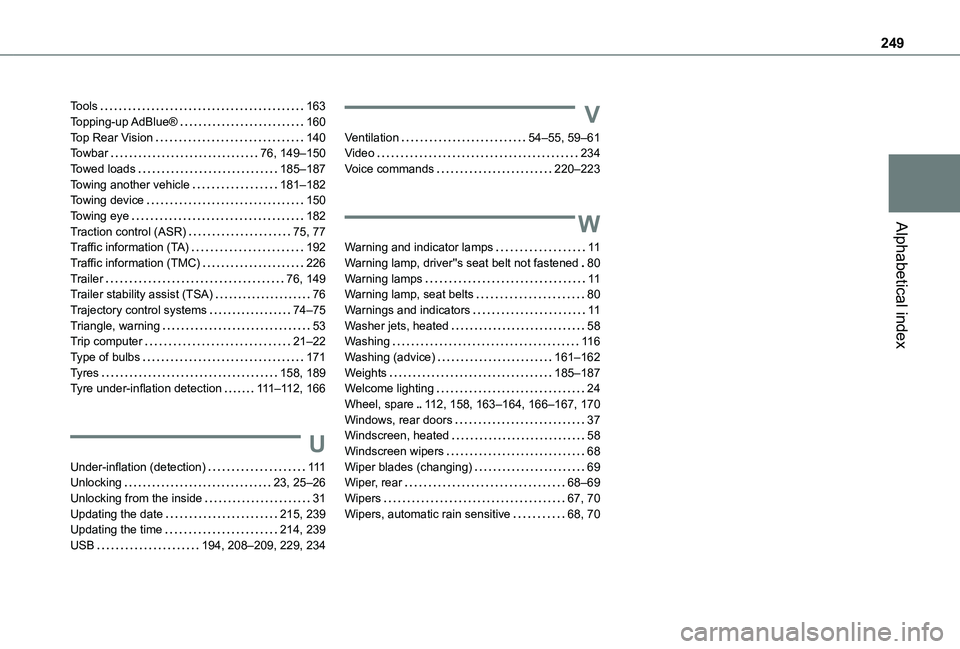
Tools 163Topping-up AdBlue® 160Top Rear Vision 140Towbar 76, 149–150Towed loads 185–187Towing another vehicle 181–182Towing device 150Towing eye 182Traction control (ASR) 75, 77Traffic information (TA) 192Traffic information (TMC) 226Trailer 76, 149Trailer stability assist (TSA) 76Trajectory control systems 74–75Triangle, warning 53Trip computer 21–22Type of bulbs 171Tyres 158, 189Tyre under-inflation detection 111–11 2, 166
U
Under-inflation (detection) 111Unlocking 23, 25–26Unlocking from the inside 31Updating the date 215, 239Updating the time 214, 239USB 194, 208–209, 229, 234
V
Ventilation 54–55, 59–61Video 234Voice commands 220–223
W
Warning and indicator lamps 11Warning lamp, driver''s seat belt not fastened 80Warning lamps 11Warning lamp, seat belts 80Warnings and indicators 11Washer jets, heated 58Washing 11 6Washing (advice) 161–162Weights 185–187Welcome lighting 24Wheel, spare 11 2, 158, 163–164, 166–167, 170Windows, rear doors 37Windscreen, heated 58
Windscreen wipers 68Wiper blades (changing) 69Wiper, rear 68–69Wipers 67, 70Wipers, automatic rain sensitive 68, 70