Page 121 of 185
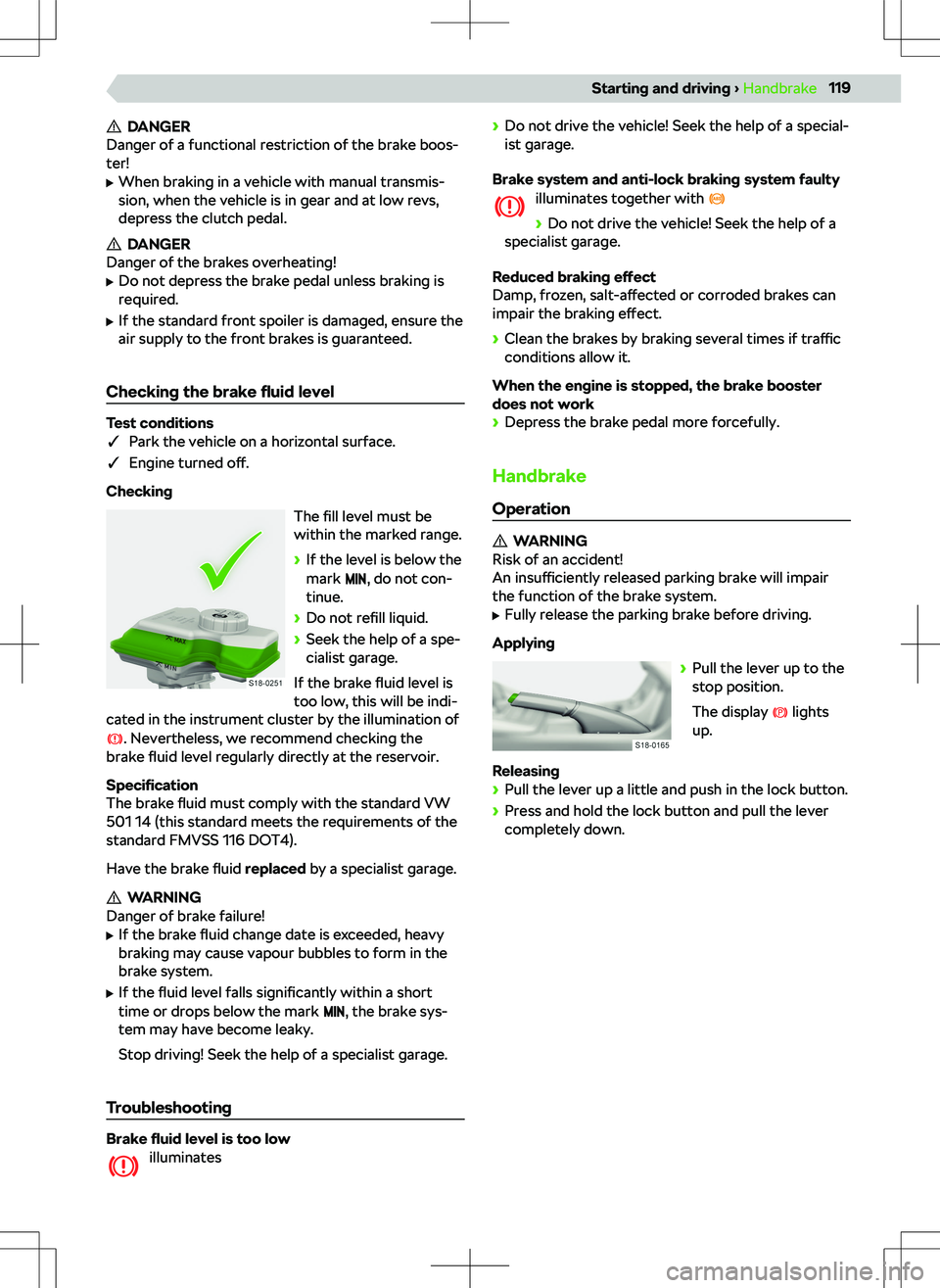
DANGER
Danger of a functional restriction of the brake boos-
ter!
Page 122 of 185
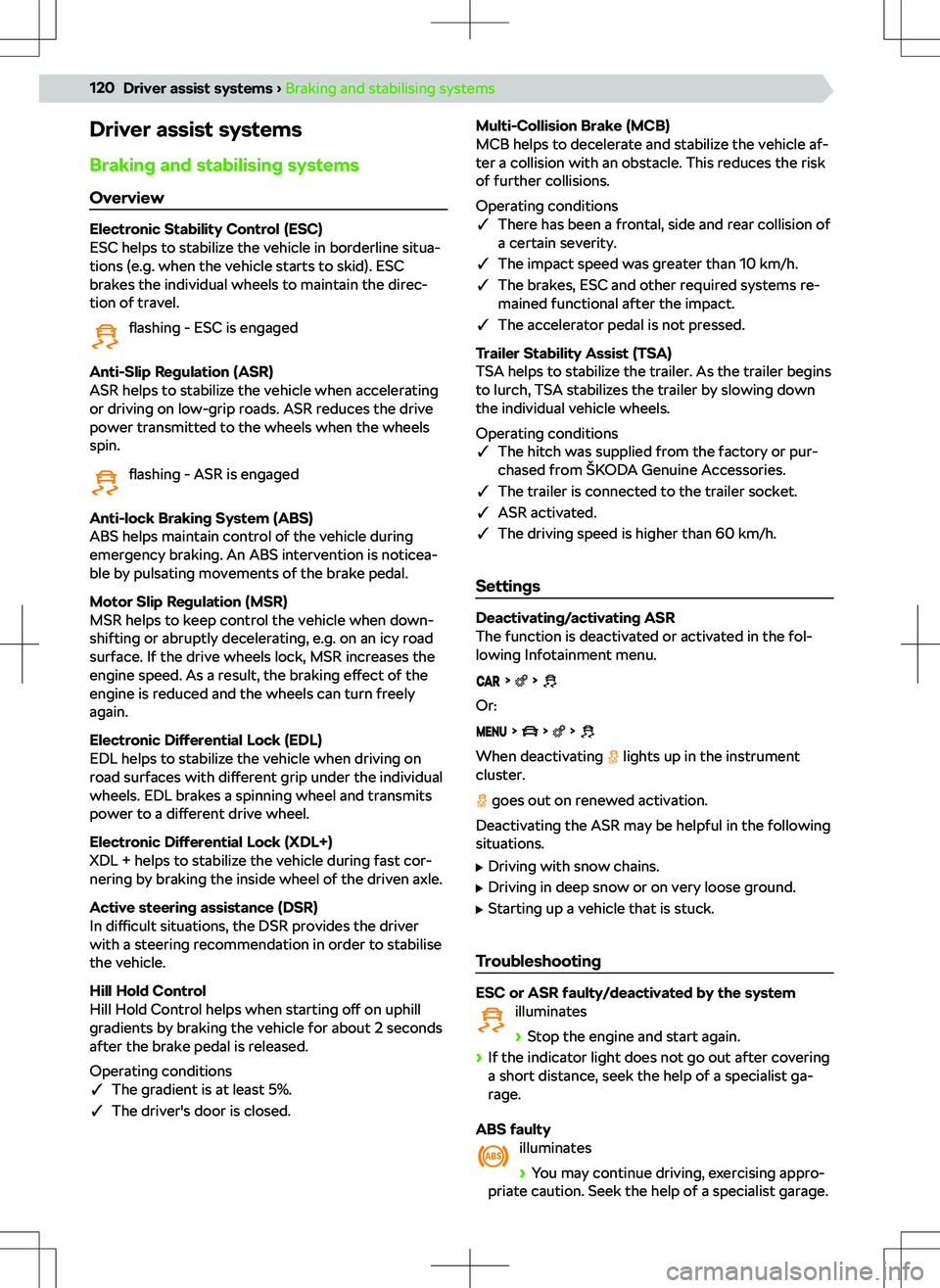
Driver assist systems
Braking and stabilising systems Overview
Electronic Stability Control (ESC)
ESC helps to stabilize the vehicle in borderline situa-
tions (e.g. when the vehicle starts to skid). ESC
brakes the individual wheels to maintain the direc-
tion of travel.
flashing - ESC is engaged
Anti-Slip Regulation (ASR)
ASR helps to stabilize the vehicle when accelerating
or driving on low-grip roads. ASR reduces the drive
power transmitted to the wheels when the wheels
spin.
flashing - ASR is engaged
Anti-lock Braking System (ABS)
ABS helps maintain control of the vehicle during
emergency braking. An ABS intervention is noticea-
ble by pulsating movements of the brake pedal.
Motor Slip Regulation (MSR)
MSR helps to keep control the vehicle when down-
shifting or abruptly decelerating, e.g. on an icy road
surface. If the drive wheels lock, MSR increases the
engine speed. As a result, the braking e
Page 123 of 185
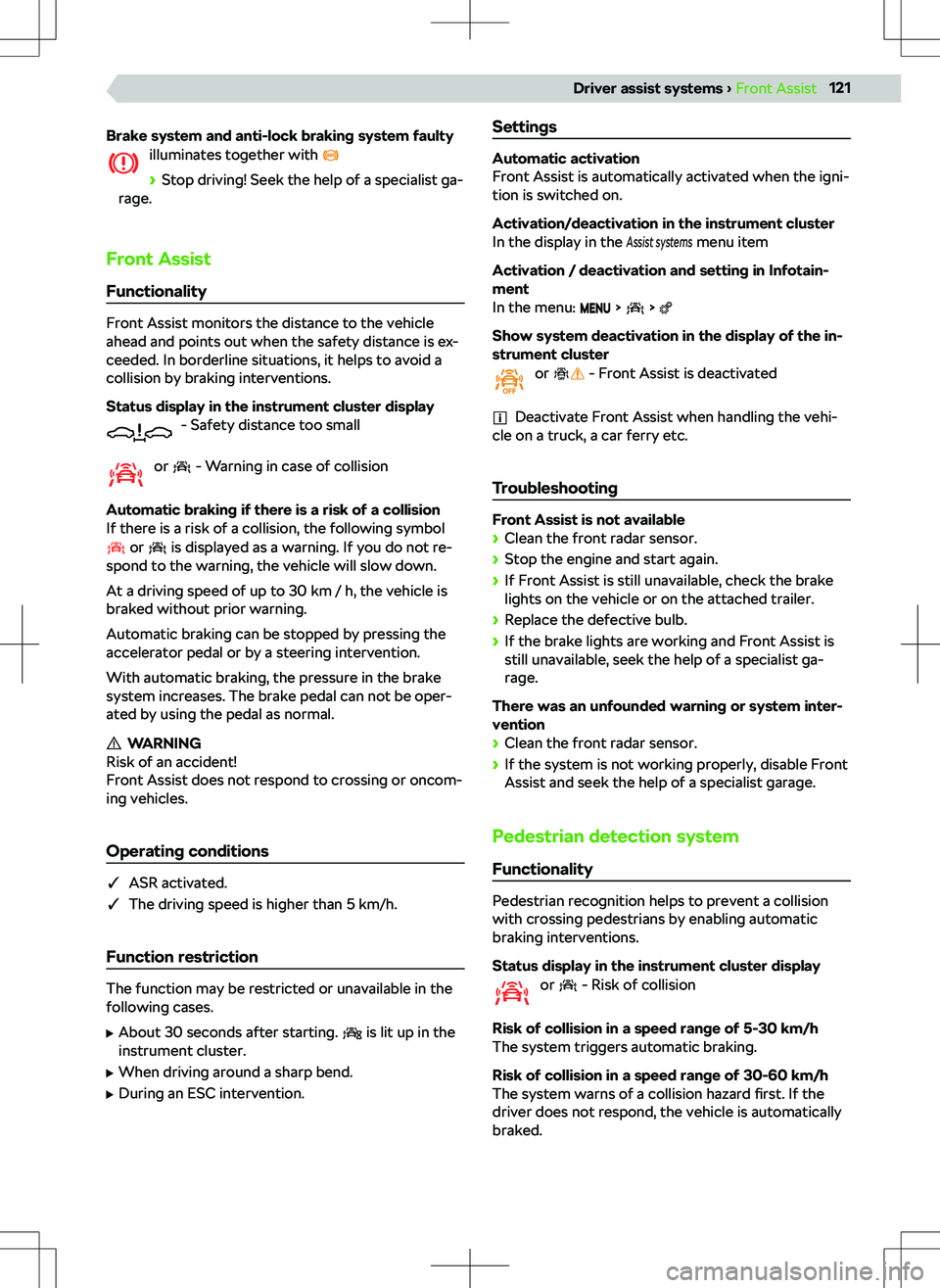
Brake system and anti-lock braking system faultyilluminates together with
Page 124 of 185

Operating conditions
�qFront Assist activated.
�q Driving speed between 5-60 km/h.
Speed limiter Functionality
The speed limiter controls the maximum driving
speed according to the set speed limit.
If the limit is exceeded when driving downhill, brake
the vehicle with the brake pedal.
Status display in the instrument cluster display - Speed limiter is activated
When the control starts,
is highlighted and the
set limit is displayed.
illuminated - Control is active
flashing - the set limit is exceeded
Operating conditions
�q The driving speed is higher than 30 km/h.
Operation
Variant without GRA
A Activate limiter (control inactive)
Deactivate limiter
Interrupt control (sprung position)
B Resume control 1)
/Increase limitC Start control with current speed/Reduce
limitVariant with GRAA Activate GRA (condition for the subsequent
activation of the limiter).
To activate the speed limiter , press button D
or
E
.
Deactivate limiter
Interrupt control (sprung position)
B Resume control1)
/Increase limitC Start control with current speed/Reduce
limitDDepending on the equipment:
Switch between GRA and speed limiter
Or:
Show menu of assist systems - Possibility of
switching between GRA and speed limiter
Switching to GRA interrupts the control.
EShow menu of assist systems - Possibility of
switching between GRA and speed limiter
Switching to GRA interrupts the control.
Adjusting the speed limit with the buttons
B
and
C
By pressing in steps of 1 km/h.
By holding in steps of 10 km/h.
1)
If no speed limit is set, the current speed is set as the speed limit.
122Driver assist systems
Page 173 of 185

Bluetoothsee electronic version of the manual5
Bonnet132
Boot151
12 volt socket151
Double-sided floor covering153
Fasteners151
Hitch switch151
Rigid cover154
Storage compartments151
Transporting objects safely16
Variable loading floor154
Boot cover154
Boot lid Automatic locking
26
electrical operation26
manual operation26
Boot storage see boot compartment lid
26
Brake fluid119
Checking119
Indicator light119
Safety14
Specification119
Brakes118
Brake fluid119
Hand brake119
Troubleshooting119
What you should be mindful of118
Braking systems120
Breakdown call Infotainment Amundsen
105
Infotainment Bolero83
Infotainment Swing67
Breakdown kit Conditions
148
Overview147
Purpose148
Restriction148
Bulbs42
Rear turn signal - Replacing42
Reversing light - Replacing43
Safety42
C Car adaptations Recommendations
161
Car wash Outside
163
Cargo elements151
Central locking19
Central locking system Button
20
Fault20
Functionality19
Operation20
SAFE function19
Setting20
Centre console9
Changing gear Manually changing gear with the selector lever
114
manually changing gear with the shift paddles on the steering wheel
114
Changing gear with a
manual gearbox
113
Changing gears with an automatic gearbox
114
Changing the protective door strip
23
Charging your phone wirelessly156
Check the vehicle before your journey14
Child lock23
Child seat33
Child seat fastened with a belt35
Grouping34
i-Size35
Installation36
ISOFIX35, 36
Keyword child seat33
On the passenger seat33
Recommended child seats34
Safety15
Securing children properly15
TOP TETHER36
What you should be mindful of33
Cigarette lighter157
Cleaning the vehicle Outside
162
Climatronic Automatic mode
47
Climatronic Display47
Operating conditions for the cooling system47
Operation47
Recirculated air mode47
Setting47
Setting the blower speed47
Troubleshooting48
What you should be mindful of47
COMING HOME41
functionality41
Operating conditions41
Setting41
Compartments155
Con
Page 178 of 185

Title playback including subfolders59
Traffic news59
what you should be mindful of58
Mirror see exterior mirror
31
MirrorLink Infotainment Amundsen
103
Infotainment Bolero81
Infotainment Swing65
see electronic version of the manual5
Mirrors Set functions
31
Troubleshooting32
Mobile device management - Infotainment
Amundsen
Connect a mobile device to Infotainment
98
Connect Infotainment to a non-paired mobile device
98
Connect Infotainment to a previously connected mobile device
98
Mobile Device Management - Infotainment
Amundsen Applications in mobile devices
98
Mobile device Bluetooth compatibility98
Mobile device compatibility98
Overview97
Show main menu97
SmartLink connection98
Mobile device management - Infotainment Bolero Applications in mobile devices
77
Bluetooth compatibility of mobile devices77
Compatibility of mobile devices77
Connect a mobile device to Infotainment78
Connect Infotainment to a non-paired mobile device
78
Connect Infotainment to a previously connected mobile device
78
Mobile Device Management - Infotainment Bolero Display main menu
77
Overview77
SmartLink connection78
Mobile device management - Infotainment Swing Connect a mobile device to Infotainment
62
Connect Infotainment to a non-paired mobile device
62
Connect Infotainment to a previously connected mobile device
62
Mobile Device Management - Infotainment Swing Applications in mobile devices
61
Mobile device Bluetooth compatibility61
Mobile device compatibility61
Overview61
Show main menu61
SmartLink connection62
Motor Slip Regulation see MSR
120
MSR120
Multi-Collision Brake see MCB
120
Multimedia holder157
N
Navigation - infotainment Amundsen Fuel warning
110
Navigation - Infotainment Amundsen Automatic update
111
Business address110
Change route destinations106
Delete the recommended destination106
Demo mode110
Destination information110
Driving with a trailer110
Enter destination via the address106
Find destination106
Home address110
Information on driving time110
List of stored destinations106
Map overview106
Navigation announcements106
Navigation database version111
POI categories110
Recommended destinations106
Route calculation106
Route summary106
Select destination in the map106
Select destination you are looking for106
Select the stored destination106
Set navigation announcements110
Settings110
Show main menu106
Speed limit warning110
Speed limits110
Starting point of demo mode110
Touch operation109
Traffic density106
Traffic obstruction110
Traffic sign display110
Update the navigation database111
Net partition153
Nets in the luggage compartment152
O
Oil see engine oil
133
Online services - Infotainment Amundsen Breakdown call
105
Connection status106
Delete users106
Information call105
Registration and activation of online services106
Registration and activation of online services in Infotainment
106
Rights and obligations105
Set the level of protection for personal data106
Settings106