Page 107 of 232
Air conditioning
Air conditioning
Heating, v entil
ation and
cooling
Introduction The Climatr
onic
cools and dehumidifies the
air. Its optimum performance is achieved with
the windows closed.
To switch a specific function on, press the ap-
propriate button. Press the button again to
switch off the function.
The LED on each control lights up to indicate
that the respective function of a control has
been switched on.
Dust and pollen filter
The dust and pollen filter with its activated
charcoal cartridge serves as a barrier
against impurities in the air taken into the ve-
hicle interior.
The dust and pollen filter must be changed
regularly so that air conditioner performance
is not adversely affected.
If the filter loses efficiency prematurely due to
use in areas with very high levels of air pollu-
tion, the filter must be changed more fre-
quently than stated in the Service Schedule. WARNING
Reduced visibility through the windows in-
cr eases the risk of serious accidents.
�
Page 114 of 232
Infotainment System
Infotainment System
Intr oduction
Saf
ety warnings
Safety instructions relating to the
Infotainment system Only operate the infotainment system and its
v
arious functions when the tr
affic situation
really permits this. WARNING
�
Page 131 of 232
Operating modes
You may still need to manually start playback
on the Bluet ooth®
sour
ce. When playback on
the Bluetooth ®
audio source is stopped, the
Infotainment system remains in Bluetooth ®
Audio mode.
Controlling playback
The extent to which the Bluetooth ®
audio
source can be controlled via the Infotainment
system depends on the connected Blue-
tooth ®
audio source.
With media players that support the AVRCP
Bluetooth ®
profile, playback on the Blue-
tooth ®
audio source can be automatically
started or stopped when the unit is switched
to Bluetooth ®
Audio mode or to a different au-
dio source. In addition, it is possible to view or
change the track via the Infotainment system. WARNING
Do not perform the pairing and connection
pr ocess whil
e driving. This may cause an
accident! Note
�
Page 133 of 232
Operating modes
WARNING
General, mandatory, legal and country-
specific instructions and l aws f
or the use of
mobile phones inside the vehicle must al-
ways be considered. Note
�
Page 143 of 232
Drive system and driving
display. Additionally, a warning acoustic sig-
nal may sound.
The purpose of the w arning is t
o remember to
switch off the ignition before leaving the vehi-
cle. WARNING
If the vehicle keys are used negligently or
without pr oper att
ention, accidents and se-
rious injuries can occur.
�
Page 145 of 232
Drive system and driving
rear lid and the bonnet are completely
cl
osed and l
ocked. WARNING
Never disconnect the drive system when
the v ehicl
e is in motion. This could cause
loss of control of the vehicle, accidents and
serious injury.
�
Page 146 of 232
Driving
A short sequence of acoustic signals indi-
cat es that the driv
e system has been recon-
nected.
If 30 seconds elapse without the drive system
being reconnected, the drive system can be
reconnected manually as described in
››› page 141. In this case, bear in mind the
messages shown on the instrument panel
display. WARNING
If the vehicle is left unattended with the
driv e syst
em connected, accidents and se-
rious injuries can occur.
�
Page 152 of 232
Driving
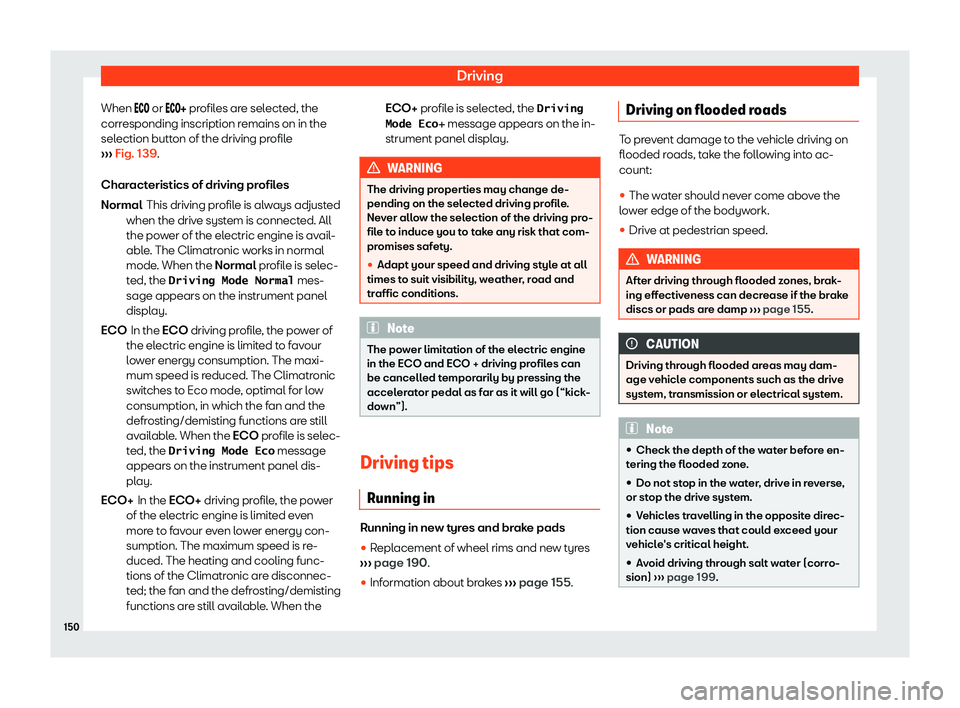
When or profiles are selected, the
corr esponding inscription remains on in the
selection button of the driving profile
››› Fig. 139.
Characteristics of driving profiles This driving profile is always adjusted
when the drive system is connected. All
the power of the electric engine is avail-
able. The Climatronic works in normal
mode. When the Normal profile is selec-
ted, the Driving Mode Normal mes-
sage appears on the instrument panel
display.
In the ECO driving profile, the power of
the electric engine is limited to favour
lower energy consumption. The maxi-
mum speed is reduced. The Climatronic
switches to Eco mode, optimal for low
consumption, in which the fan and the
defrosting/demisting functions are still
available. When the ECO profile is selec-
ted, the Driving Mode Eco message
appears on the instrument panel dis-
play.
In the ECO+ driving profile, the power
of the electric engine is limited even
more to favour even lower energy con-
sumption. The maximum speed is re-
duced. The heating and cooling func-
tions of the Climatronic are disconnec-
ted; the fan and the defrosting/demisting
functions are still available. When the
Normal
ECO
ECO+
ECO+ profile is selected, the Driving
Mode Eco� message appears on the in-
strument panel displ
ay. WARNING
The driving properties may change de-
pending on the sel ect
ed driving profile.
Never allow the selection of the driving pro-
file to induce you to take any risk that com-
promises safety.
�