Page 139 of 698

NOTE:RamBox will not open when the pushbutton is
pushed if the RamBox is locked.CAUTION!
Leaving the lid open for extended periods of time
could cause the vehicle battery to discharge. If the lid
is required to stay open for extended periods of time, it
is recommended that the bin lights be turned off
manually using the on/off switch.
The interior of the RamBox will automatically illuminate
when the lid is opened. The timing can be adjusted through
your touchscreen.
Refer to “Uconnect Settings” in “Multimedia” for further
information.
Cargo bins feature two removable drain plugs (to allow
water to drain from bins). To remove plug, pull up on the
edge. To install push plug downward into drain hole.
If equipped, a power inverter can be found inside the
RamBox.
Refer to “Electrical Power Outlets” in “Getting To Know
Your Vehicle” for further information.
NOTE: Provisions are provided in the bins for cargo
dividers. These accessories (in addition to other RamBox
accessories) are available from Mopar.
RamBox Push Button And Keyhole Lock
1 — Keyhole Lock
2 — Push Button
3
GETTING TO KNOW YOUR VEHICLE 137
Page 149 of 698
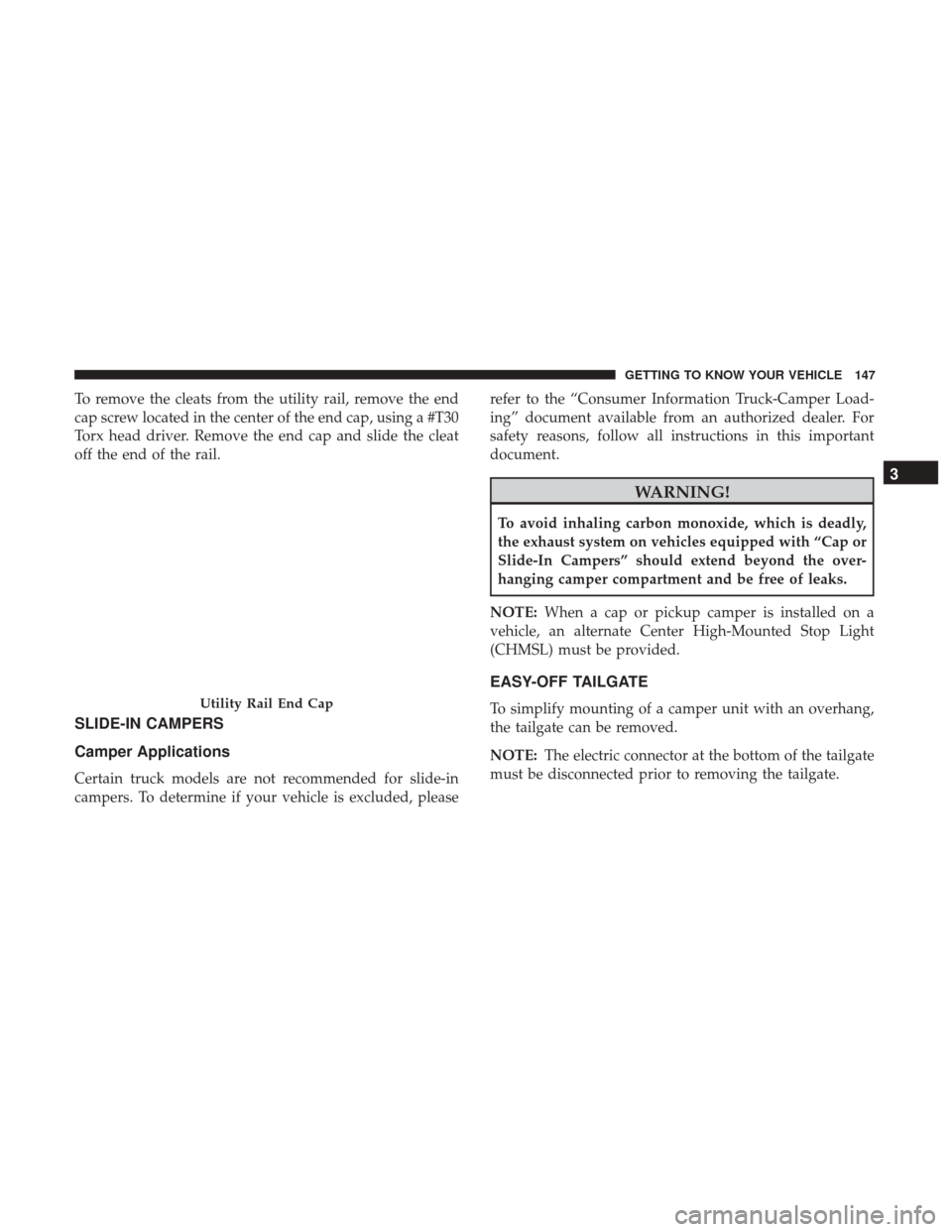
To remove the cleats from the utility rail, remove the end
cap screw located in the center of the end cap, using a #T30
Torx head driver. Remove the end cap and slide the cleat
off the end of the rail.
SLIDE-IN CAMPERS
Camper Applications
Certain truck models are not recommended for slide-in
campers. To determine if your vehicle is excluded, pleaserefer to the “Consumer Information Truck-Camper Load-
ing” document available from an authorized dealer. For
safety reasons, follow all instructions in this important
document.
WARNING!
To avoid inhaling carbon monoxide, which is deadly,
the exhaust system on vehicles equipped with “Cap or
Slide-In Campers” should extend beyond the over-
hanging camper compartment and be free of leaks.
NOTE: When a cap or pickup camper is installed on a
vehicle, an alternate Center High-Mounted Stop Light
(CHMSL) must be provided.
EASY-OFF TAILGATE
To simplify mounting of a camper unit with an overhang,
the tailgate can be removed.
NOTE: The electric connector at the bottom of the tailgate
must be disconnected prior to removing the tailgate.Utility Rail End Cap
3
GETTING TO KNOW YOUR VEHICLE 147
Page 150 of 698
Disconnecting The Rear Camera And Remote
Keyless Entry
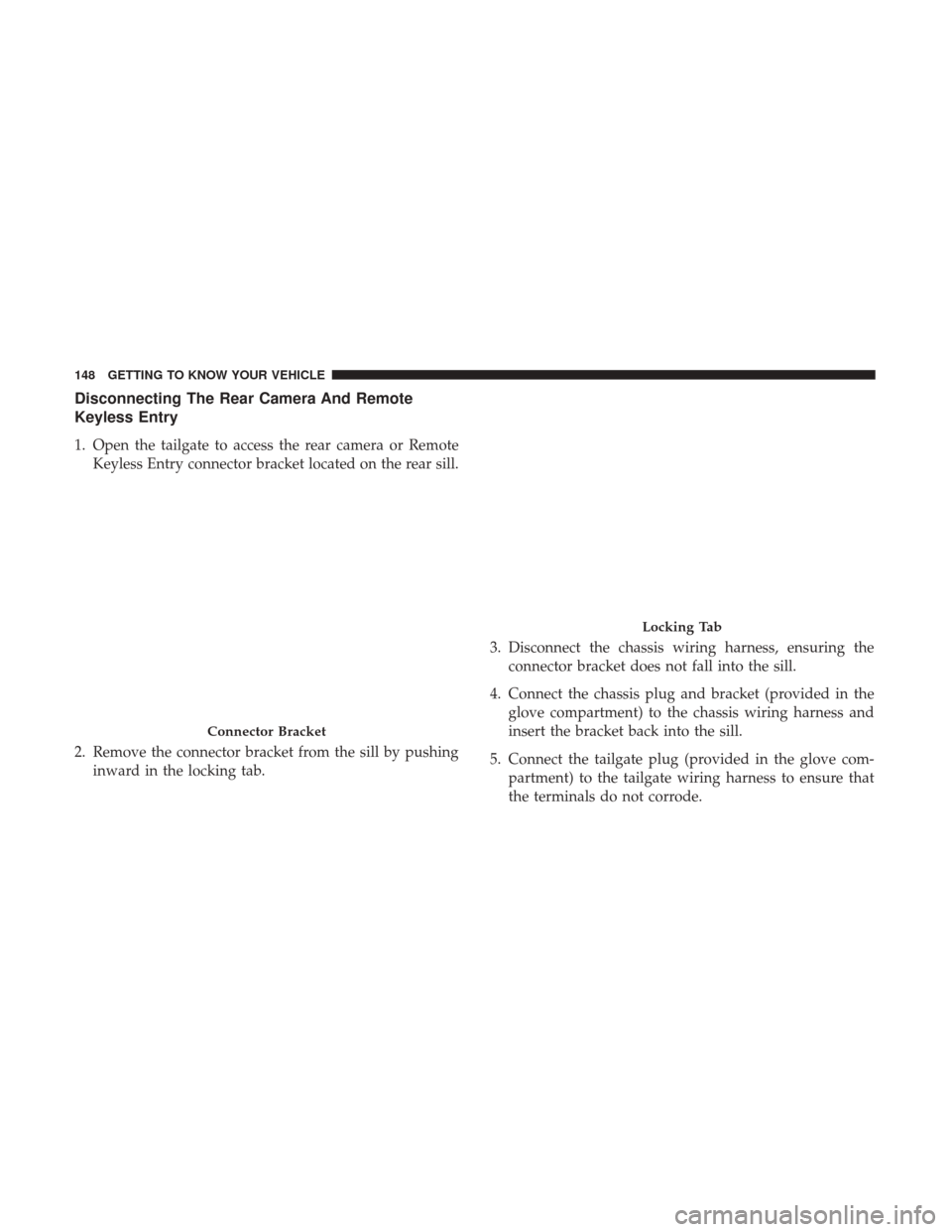
1. Open the tailgate to access the rear camera or RemoteKeyless Entry connector bracket located on the rear sill.
2. Remove the connector bracket from the sill by pushing inward in the locking tab. 3. Disconnect the chassis wiring harness, ensuring the
connector bracket does not fall into the sill.
4. Connect the chassis plug and bracket (provided in the glove compartment) to the chassis wiring harness and
insert the bracket back into the sill.
5. Connect the tailgate plug (provided in the glove com- partment) to the tailgate wiring harness to ensure that
the terminals do not corrode.
Connector Bracket
Locking Tab
148 GETTING TO KNOW YOUR VEHICLE
Page 151 of 698
6. Tape the tailgate harness and bracket against theforward-facing surface of the tailgate. This will prevent
damaging the connector and bracket when storing or
reinstalling the tailgate.
Removing The Tailgate
1. Disconnect the wiring harness for the rear camera andor power locks (if equipped).
NOTE: Refer to “Disconnecting The Rear Camera And
Remote Keyless Entry” in this section.
2. Unlatch the tailgate and remove the support cables by releasing the lock tang from the pivot.
NOTE: Make sure tailgate is supported when removing
support cables. 3. Position the tailgate on a 45 degree angle.
4. Raise the right side of the tailgate until the right side
pivot clears the hanger bracket.
5. Slide the entire tailgate to the right to free the left side pivot.
6. Remove the tailgate from the vehicle.
NOTE: Do not carry the tailgate loose in the truck pickup
box.
Locking Tang
3
GETTING TO KNOW YOUR VEHICLE 149
Page 170 of 698
The instrument cluster display menu items may consist of
the following:
•Speedometer
• Vehicle Info
• Driver Assist
• Fuel Economy Info
• Trip •
Stop/Start
• Trailer Tow
• Audio
• Stored Messages
• Screen Setup
• Vehicle Settings (Not Equipped with a Uconnect touch-
screen radio)
The system allows the driver to select information by
pushing the following instrument cluster display control
buttons located on the left side of the steering wheel:
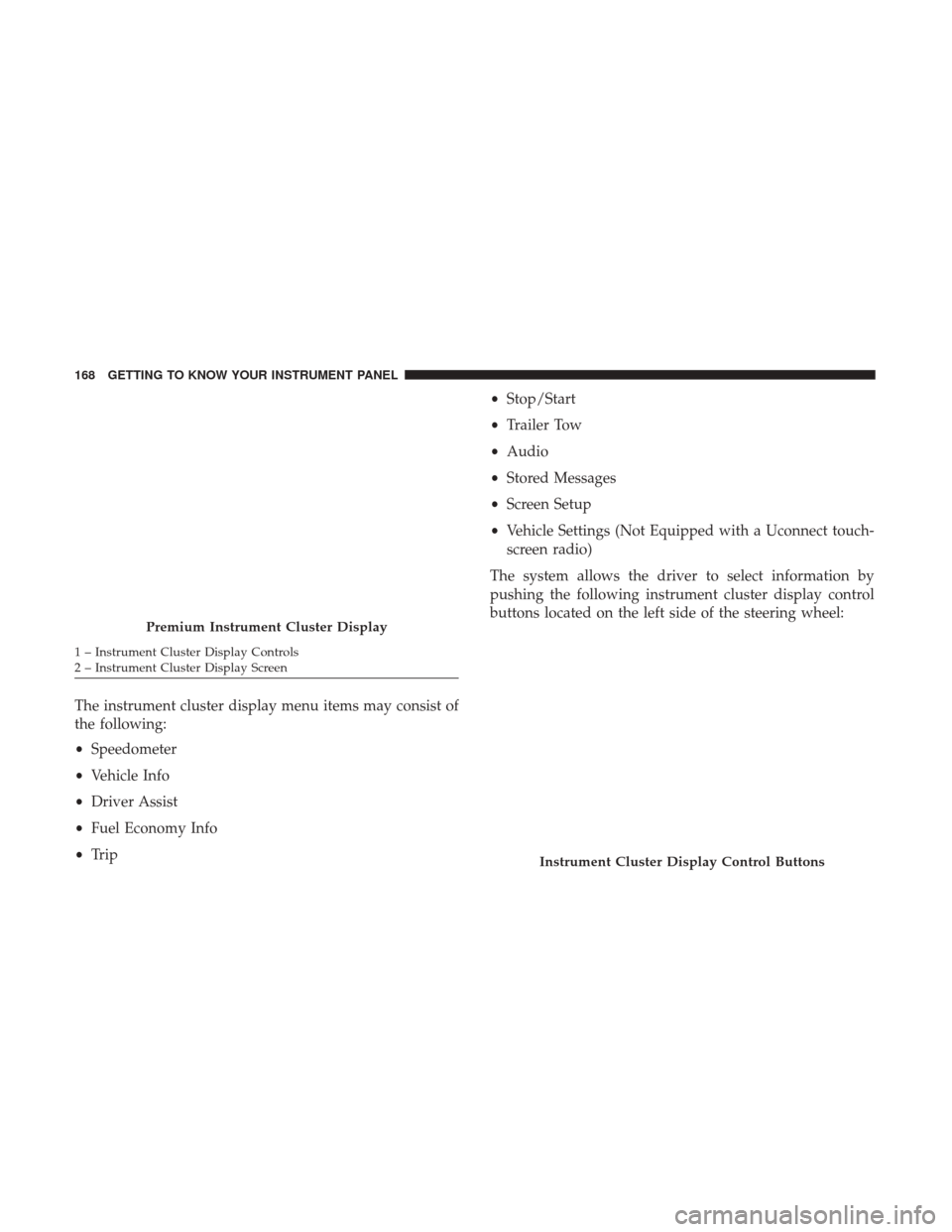
Premium Instrument Cluster Display
1 – Instrument Cluster Display Controls
2 – Instrument Cluster Display Screen
Instrument Cluster Display Control Buttons
168 GETTING TO KNOW YOUR INSTRUMENT PANEL
Page 185 of 698

— Swing Gate Open Warning Light — If
Equipped
This indicator will turn when the swing gate is open.
NOTE: If the vehicle is moving, there will also be a single
chime.
— Tailgate Open Warning Light
This warning light will illuminate when the tailgate is
open.
NOTE: If the vehicle is moving, there will also be a single
chime.
— Trailer Brake Disconnected Warning Light
This warning light will illuminate when the Trailer Brake
has been disconnected.
— Transmission Temperature Warning Light — If
Equipped
This warning light will illuminate to warn of a high
transmission fluid temperature. This may occur with
strenuous usage such as trailer towing. If this light turns
on, stop the vehicle and run the engine at idle or slightly
faster, with the transmission in PARK or NEUTRAL, until the light turns off. Once the light turns off, you may
continue to drive normally.
WARNING!
If you continue operating the vehicle when the Trans-
mission Temperature Warning Light is illuminated you
could cause the fluid to boil over, come in contact with
hot engine or exhaust components and cause a fire.
CAUTION!
Continuous driving with the Transmission Tempera-
ture Warning Light illuminated will eventually cause
severe transmission damage or transmission failure.
— Door Open Warning Light
This indicator will illuminate when a door is ajar/open and
not fully closed.
NOTE:
If the vehicle is moving there will also be a single
chime.
4
GETTING TO KNOW YOUR INSTRUMENT PANEL 183
Page 196 of 698

ONBOARD DIAGNOSTIC SYSTEM — OBD II
Your vehicle is equipped with a sophisticated Onboard
Diagnostic system called OBD II. This system monitors the
performance of the emissions, engine, and transmission
control systems. When these systems are operating prop-
erly, your vehicle will provide excellent performance and
fuel economy, as well as engine emissions well within
current government regulations.
If any of these systems require service, the OBD II system
will turn on the Malfunction Indicator Light (MIL). It will
also store diagnostic codes and other information to assist
your service technician in making repairs. Although your
vehicle will usually be drivable and not need towing, see
an authorized dealer for service as soon as possible.
CAUTION!
•Prolonged driving with the MIL on could cause
further damage to the emission control system. It
could also affect fuel economy and driveability. The
vehicle must be serviced before any emissions tests
can be performed.
(Continued)
CAUTION! (Continued)
•If the MIL is flashing while the vehicle is running,
severe catalytic converter damage and power loss
will soon occur. Immediate service is required.
Onboard Diagnostic System (OBD II) Cybersecurity
Your vehicle is required to have an Onboard Diagnostic
system (OBD II) and a connection port to allow access to
information related to the performance of your emissions
controls. Authorized service technicians may need to ac-
cess this information to assist with the diagnosis and
service of your vehicle and emissions system.
WARNING!
• ONLY an authorized service technician should con-
nect equipment to the OBD II connection port in
order to read the VIN, diagnose, or service your
vehicle.
(Continued)
194 GETTING TO KNOW YOUR INSTRUMENT PANEL
Page 197 of 698

WARNING!(Continued)
•If unauthorized equipment is connected to the OBD
II connection port, such as a driver-behavior tracking
device, it may:
• Be possible that vehicle systems, including safety
related systems, could be impaired or a loss of
vehicle control could occur that may result in an
accident involving serious injury or death.
• Access, or allow others to access, information
stored in your vehicle systems, including personal
information.
For further information, refer to “Cybersecurity” in “Mul-
timedia”.
EMISSIONS INSPECTION AND MAINTENANCE
PROGRAMS
In some localities, it may be a legal requirement to pass an
inspection of your vehicle’s emissions control system.
Failure to pass could prevent vehicle registration. For states that require an Inspection and Main-
tenance (I/M), this check verifies the “Malfunc-
tion Indicator Light (MIL)” is functioning and is
not on when the engine is running, and that the
OBD II system is ready for testing.
Normally, the OBD II system will be ready. The OBD II
system may notbe ready if your vehicle was recently
serviced, recently had a dead battery or a battery replace-
ment. If the OBD II system should be determined not ready
for the I/M test, your vehicle may fail the test.
4
GETTING TO KNOW YOUR INSTRUMENT PANEL 195