2019 Peugeot Expert phone
[x] Cancel search: phonePage 277 of 324
5
First steps
Example of a "voice command" for
navigation:
"Navigate to address 11 regent
street, London"
Example of a "voice command" for
the radio and media:
"Play ar tist Madonna"
Example of a "voice command" for
the telephone:
"Call David Miller'' "
The voice commands, with a choice of
17 languages (Arabic, Brazilian, Czech,
Danish, Dutch, English, Farsi, French,
German, Italian, Norwegian, Polish,
Portuguese, Russian, Spanish, Swedish,
Turkish), are made using the language
previously chosen and set in the system.
For some voice commands, there are
alternative synonyms.
Example: Guide to / Navigate to / Go to
/ ...
The voice commands in Arabic for:
"Navigate to address" and "Display POI in
the city", are not available.
Information - Using the
system
Press the Push To Talk button
and tell me what you'd like
after the tone. Remember you
can interrupt me at any time
by pressing this button. If you
press it again while I'm waiting
for you to speak, it'll end the
conversation. If you need to
start over, say "cancel". If you
want to undo something, say
"undo". And to get information
and tips at any time, just say
"help". If you ask to me do
something and there's some
information missing that I need,
I'll give you some examples
or take you through it step by
step. There's more information
available in "novice" mode.
You can set the dialogue mode
to "expert" when you feel
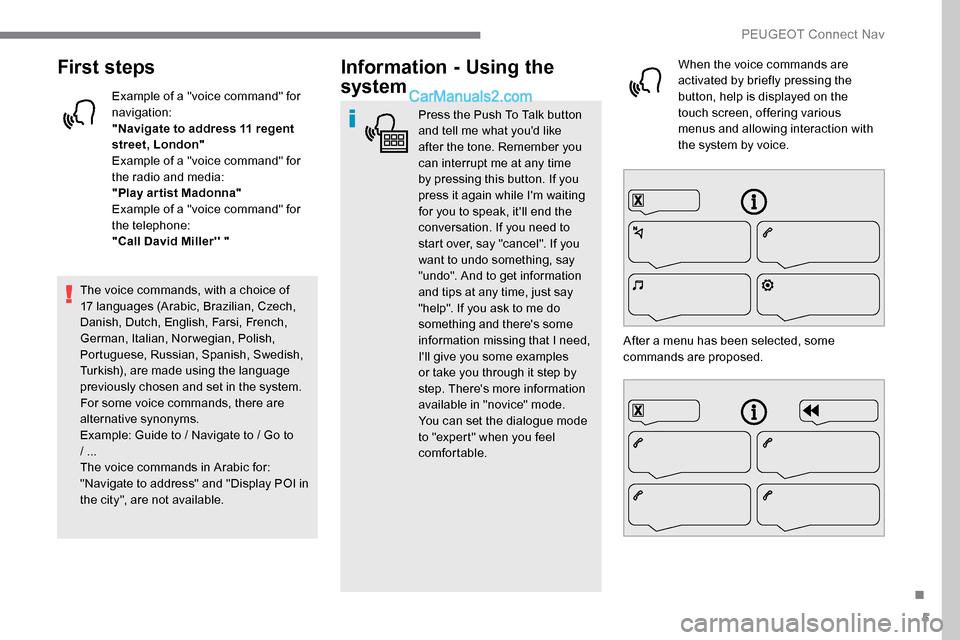
comfortable. When the voice commands are
activated by briefly pressing the
button, help is displayed on the
touch screen, offering various
menus and allowing interaction with
the system by voice.
After a menu has been selected, some
commands are proposed.
.
PEUGEOT Connect Nav
Page 278 of 324
6
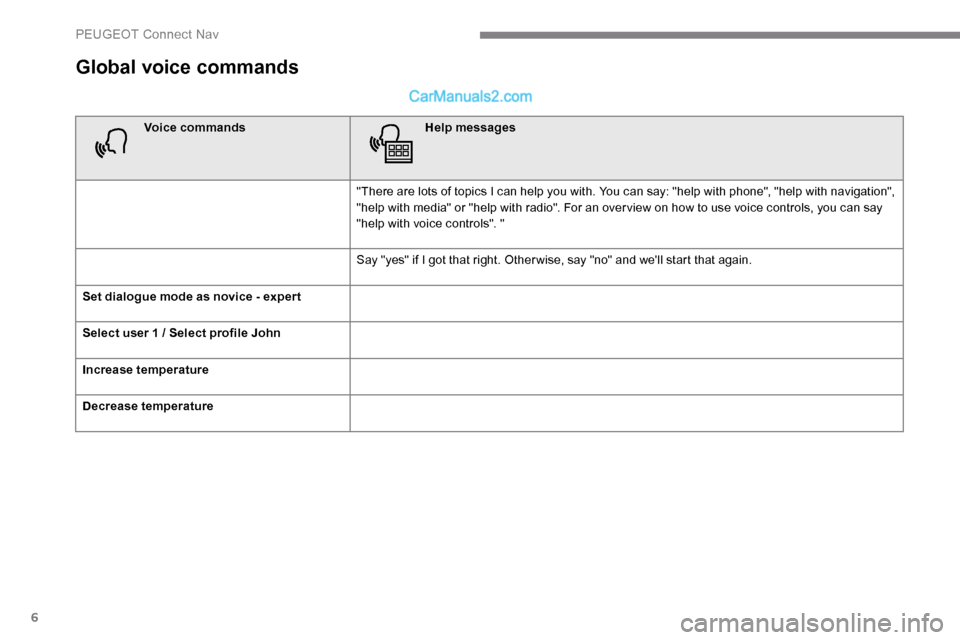
Global voice commands
Voice commandsHelp messages
"There are lots of topics I can help you with. You can say: "help with phone", "help with navigation",
"help with media" or "help with radio". For an over view on how to use voice controls, you can say
"help with voice controls". "
Say "yes" if I got that right. Other wise, say "no" and we'll start that again.
Set dialogue mode as novice - exper t
Select user 1 / Select profile John
Increase temperature
Decrease temperature
PEUGEOT Connect Nav
Page 282 of 324
10
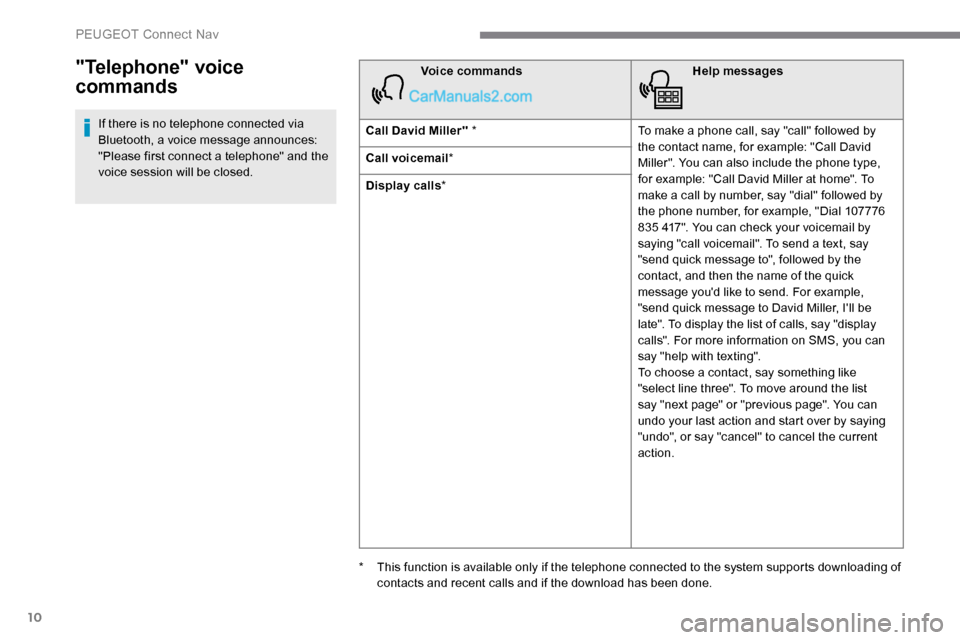
"Telephone" voice
commands
If there is no telephone connected via
Bluetooth, a voice message announces:
"Please first connect a telephone" and the
voice session will be closed.Voice commands
Help messages
Call David Miller'' * To make a phone call, say "call" followed by
the contact name, for example: "Call David
Miller". You can also include the phone type,
for example: "Call David Miller at home". To
make a call by number, say "dial" followed by
the phone number, for example, "Dial 107776
835 417". You can check your voicemail by
saying "call voicemail". To send a text, say
"send quick message to", followed by the
contact, and then the name of the quick
message you'd like to send. For example,
"send quick message to David Miller, I'll be
late". To display the list of calls, say "display
calls". For more information on SMS, you can
say "help with texting".
To choose a contact, say something like
"select line three". To move around the list
say "next page" or "previous page". You can
undo your last action and start over by saying
"undo", or say "cancel" to cancel the current
action.
Call voicemail
*
Display calls *
*
T
his function is available only if the telephone connected to the system supports downloading of
contacts and recent calls and if the download has been done.
PEUGEOT Connect Nav
Page 283 of 324
11
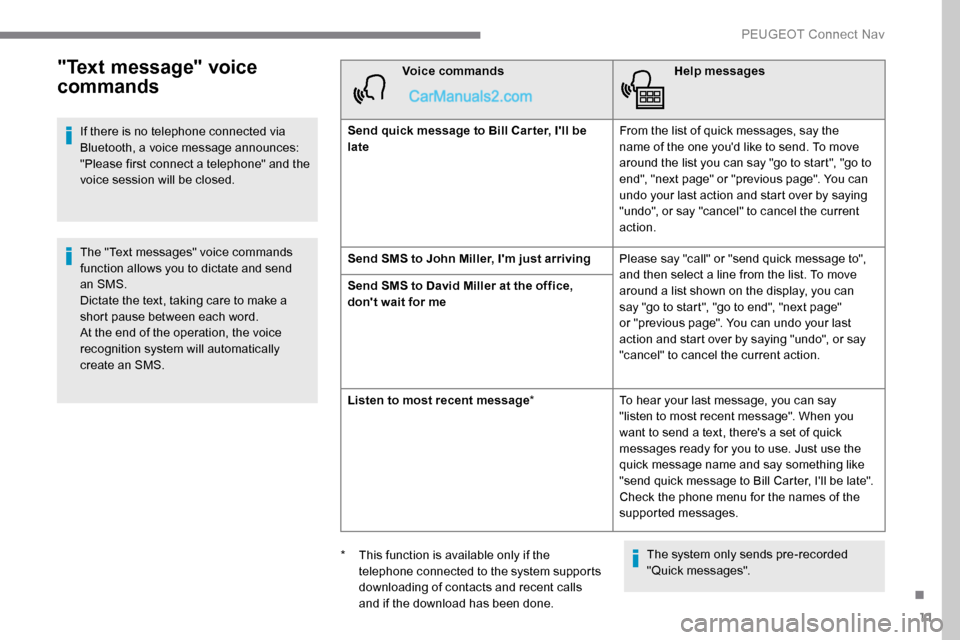
"Text message" voice
commands
If there is no telephone connected via
Bluetooth, a voice message announces:
"Please first connect a telephone" and the
voice session will be closed.
The "Text messages" voice commands
function allows you to dictate and send
an SMS.
Dictate the text, taking care to make a
short pause between each word.
At the end of the operation, the voice
recognition system will automatically
create an SMS.Voice commands
Help messages
Send quick message to Bill Car ter, I'll be
late From the list of quick messages, say the
name of the one you'd like to send. To move
around the list you can say "go to start", "go to
end", "next page" or "previous page". You can
undo your last action and start over by saying
"undo", or say "cancel" to cancel the current
action.
Send SMS to John Miller, I'm just arriving Please say "call" or "send quick message to",
and then select a line from the list. To move
around a list shown on the display, you can
say "go to start", "go to end", "next page"
or "previous page". You can undo your last
action and start over by saying "undo", or say
"cancel" to cancel the current action.
Send SMS to David Miller at the office,
don't wait for me
Listen to most recent message
*To hear your last message, you can say
"listen to most recent message". When you
want to send a text, there's a set of quick
messages ready for you to use. Just use the
quick message name and say something like
"send quick message to Bill Carter, I'll be late".
Check the phone menu for the names of the
supported messages.
The system only sends pre-recorded
"Quick messages".
*
T
his function is available only if the
telephone connected to the system supports
downloading of contacts and recent calls
and if the download has been done.
.
PEUGEOT Connect Nav
Page 286 of 324
14
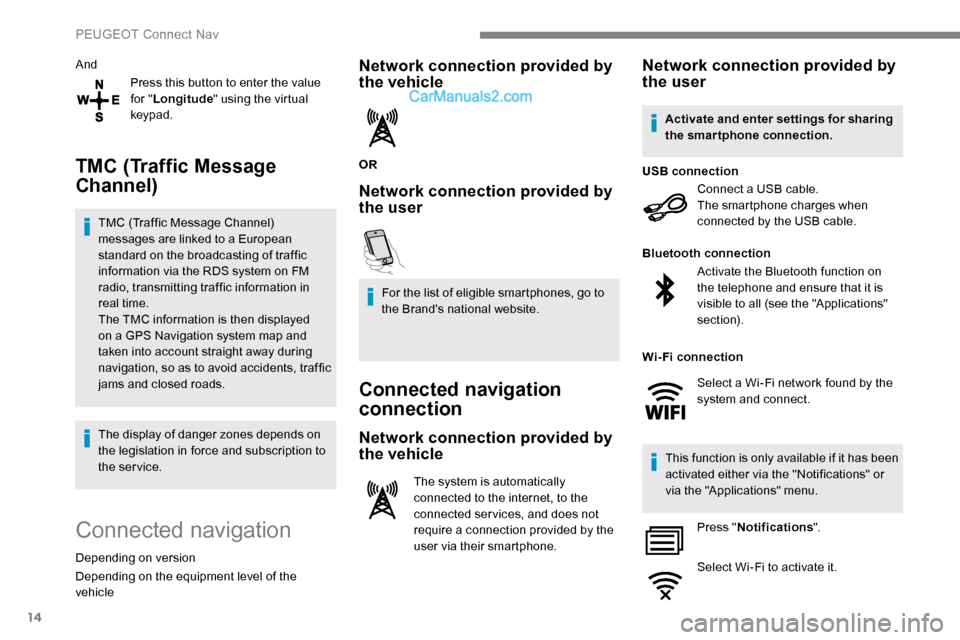
AndPress this button to enter the value
for "Longitude " using the virtual
keypad.
TMC (Traffic Message
Channel)
TMC (Traffic Message Channel)
messages are linked to a European
standard on the broadcasting of traffic
information via the RDS system on FM
radio, transmitting traffic information in
real time.
The TMC information is then displayed
on a GPS Navigation system map and
taken into account straight away during
navigation, so as to avoid accidents, traffic
jams and closed roads.
The display of danger zones depends on
the legislation in force and subscription to
the service.
Connected navigation
Depending on version
Depending on the equipment level of the
vehicle
Network connection provided by
the vehicle
OR
Network connection provided by
the user
For the list of eligible smartphones, go to
the Brand's national website.
Connected navigation
connection
Network connection provided by
the vehicle
The system is automatically
connected to the internet, to the
connected ser vices, and does not
require a connection provided by the
user via their smartphone.
Network connection provided by
the user
Connect a USB cable.
The smartphone charges when
connected by the USB cable.
USB connection
Activate the Bluetooth function on
the telephone and ensure that it is
visible to all (see the "Applications"
section).
Bluetooth connection
This function is only available if it has been
activated either via the "Notifications" or
via the "Applications" menu. Press " Notifications ".
Select Wi-Fi to activate it.
Activate and enter settings for sharing
the smartphone connection.
Wi-Fi connection Select a Wi-Fi network found by the
system and connect.
PEUGEOT Connect Nav
Page 287 of 324
15
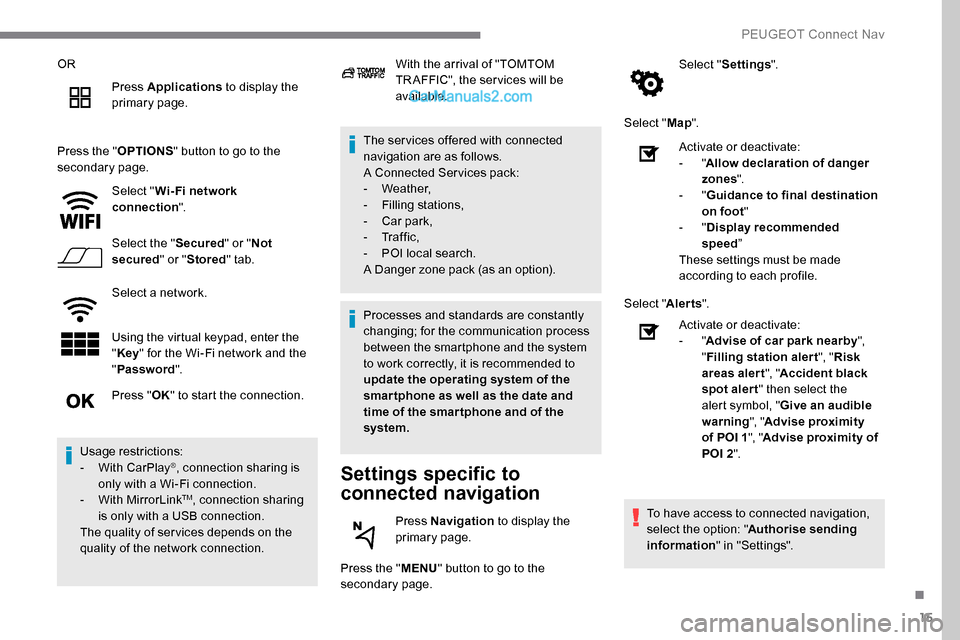
ORPress Applications to display the
primary page.
Press the " OPTIONS" button to go to the
secondary page.
Select "Wi- Fi network
connection ".
Select the " Secured" or "Not
secured " or "Stored " tab.
Select a network.
Using the virtual keypad, enter the
" Key " for the Wi-Fi network and the
" Password ". The ser vices offered with connected
navigation are as follows.
A Connected Services pack:
-
Weather,
-
F
illing stations,
-
C
ar park,
-
Tr a f f i c ,
-
P
OI local search.
A Danger zone pack (as an option).
Settings specific to
connected navigation
Press the " MENU" button to go to the
secondary page. Select "
Settings ".
Select " Map".
Press " OK" to start the connection.
Usage restrictions:
-
W
ith CarPlay
®, connection sharing is
only with a Wi-Fi connection.
-
W
ith MirrorLink
TM, connection sharing
is only with a USB connection.
The quality of ser vices depends on the
quality of the network connection. With the arrival of "TOMTOM
TR AFFIC", the ser vices will be
available.
Processes and standards are constantly
changing; for the communication process
between the smartphone and the system
to work correctly, it is recommended to
update the operating system of the
smar tphone as well as the date and
time of the smar tphone and of the
system. Press Navigation to display the
primary page. Activate or deactivate:
-
"
Allow declaration of danger
zones ".
- "
Guidance to final destination
on foot "
- "
Display recommended
speed ”
These settings must be made
according to each profile.
Select " Alerts".
Activate or deactivate:
- "
Advise of car park nearby ",
" Filling station alert ", "Risk
areas alert ", "Accident black
spot alert " then select the
alert symbol, " Give an audible
warning ", "Advise proximity
of POI 1 ", "Advise proximity of
POI 2 ".
To have access to connected navigation,
select the option: " Authorise sending
information " in "Settings".
.
PEUGEOT Connect Nav
Page 289 of 324
17
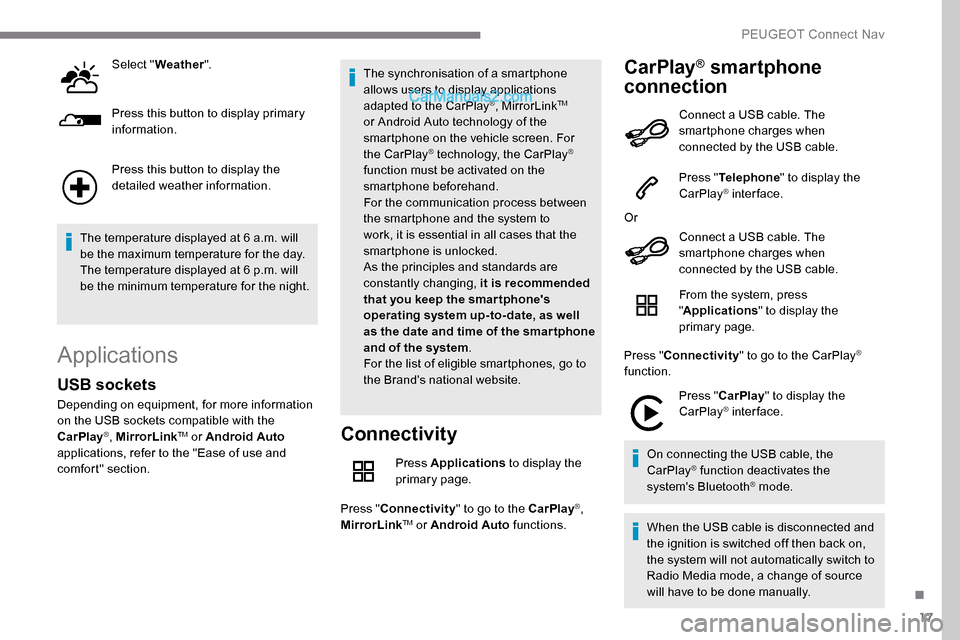
Select "Weather ".
Press this button to display primary
information.
Press this button to display the
detailed weather information.
The temperature displayed at 6 a.m. will
be the maximum temperature for the day.
The temperature displayed at 6 p.m. will
be the minimum temperature for the night.
Applications
Connectivity
Press Applications to display the
primary page.
Press " Connectivity " to go to the CarPlay
®,
MirrorLinkTM or Android Auto functions.
CarPlay® smartphone
connection
USB sockets
Depending on equipment, for more information
on the USB sockets compatible with the
CarPlay
®, MirrorLinkTM or Android Auto
applications, refer to the "Ease of use and
comfort" section. The synchronisation of a smartphone
allows users to display applications
adapted to the CarPlay
®, MirrorLinkTM
or Android Auto
technology of the
smartphone on the vehicle screen. For
the CarPlay
® technology, the CarPlay®
function must be activated on the
smartphone beforehand.
For the communication process between
the smartphone and the system to
work, it is essential in all cases that the
smartphone is unlocked.
As the principles and standards are
constantly changing, it is recommended
that you keep the smar tphone's
operating system up-to- date, as well
as the date and time of the smar tphone
and of the system .
For the list of eligible smartphones, go to
the Brand's national website. Connect a USB cable. The
smartphone charges when
connected by the USB cable.
Press "
Telephone " to display the
CarPlay
® inter face.
Or Connect a USB cable. The
smartphone charges when
connected by the USB cable.
From the system, press
"Applications " to display the
primary page.
Press " Connectivity " to go to the CarPlay
®
function.
Press "CarPlay " to display the
CarPlay
® inter face.
On connecting the USB cable, the
CarPlay
® function deactivates the
system's Bluetooth® mode.
When the USB cable is disconnected and
the ignition is switched off then back on,
the system will not automatically switch to
Radio Media mode, a change of source
will have to be done manually.
.
PEUGEOT Connect Nav
Page 290 of 324

18
MirrorLinkTM smartphone
connection
The " MirrorLinkTM" function requires
the use of a compatible smartphone and
compatible applications.
From the system, press
"Applications " to display the
primary page.
Press " Connectivity " to go to the MirrorLink
TM
function.
Press "MirrorLink
TM" to start the
application in the system.
Depending on the smartphone, it may be
necessary to activate the " MirrorLink
TM"
function.
During the procedure, several
screen pages relating to certain
functions are displayed.
Accept to start and complete the
connection. Once the connection is established, a page
is displayed with the applications already
downloaded to the smartphone and compatible
with the MirrorLink
TM technology.
Access to the different audio sources remains
available in the margin of the MirrorLink
TM
display, using the touch buttons located in the
u p p e r b a r.
Access to the menus for the system is possible
at any time using the dedicated buttons.
There may be a wait for the availability of
applications, depending on the quality of
the network.
Android Auto smartphone
connection
The " Android Auto " function requires
the use of a compatible smartphone and
applications. During the procedure, several
screen pages relating to certain
functions are displayed.
Accept to start and complete the
connection.
Different audio sources remain accessible in
the margin of the Android Auto display, using
touch buttons in the upper bar.
Access to the menus for the system is possible
at any time using the dedicated buttons.
In Android Auto mode, the function to
display the menus by pressing the screen
briefly with three fingers is deactivated.
There may be a wait for the availability of
applications, depending on the quality of
the network.
When connecting a smartphone
to the system, it is recommended
that Bluetooth
® be started on the
smartphone.
Connect a USB cable. The
smartphone charges when
connected by the USB cable.
Connect a USB cable. The
smartphone charges when
connected by the USB cable.
Vehicle apps
Press Applications to display the
primary page.
Press " Vehicle apps " to display the
applications home page.
From the system, press
"
Applications " to display the
primary page.
Press " Connectivity " to go to the "Android
Auto" function. Press "
Android Auto " to start the
application in the system.
PEUGEOT Connect Nav